- English
- French
- German
- Portuguese
- Spanish
- Russian
- Japanese
- Korean
- Arabic
- Greek
- German
- Turkish
- Italian
- Danish
- Romanian
- Indonesian
- Czech
- Afrikaans
- Swedish
- Polish
- Basque
- Catalan
- Esperanto
- Hindi
- Lao
- Albanian
- Amharic
- Armenian
- Azerbaijani
- Belarusian
- Bengali
- Bosnian
- Bulgarian
- Cebuano
- Chichewa
- Corsican
- Croatian
- Dutch
- Estonian
- Filipino
- Finnish
- Frisian
- Galician
- Georgian
- Gujarati
- Haitian
- Hausa
- Hawaiian
- Hebrew
- Hmong
- Hungarian
- Icelandic
- Igbo
- Javanese
- Kannada
- Kazakh
- Khmer
- Kurdish
- Kyrgyz
- Latin
- Latvian
- Lithuanian
- Luxembou..
- Macedonian
- Malagasy
- Malay
- Malayalam
- Maltese
- Maori
- Marathi
- Mongolian
- Burmese
- Nepali
- Norwegian
- Pashto
- Persian
- Punjabi
- Serbian
- Sesotho
- Sinhala
- Slovak
- Slovenian
- Somali
- Samoan
- Scots Gaelic
- Shona
- Sindhi
- Sundanese
- Swahili
- Tajik
- Tamil
- Telugu
- Thai
- Ukrainian
- Urdu
- Uzbek
- Vietnamese
- Welsh
- Xhosa
- Yiddish
- Yoruba
- Zulu
Why is the ESP32 development board display Popular Among Developers?
The ESP32 development board display is a popular choice among engineers and product designers since it has powerful dual-core processing, wireless connection, and a display all built into one module. This combination gets rid of the need to wire up different parts and provides solid performance for IoT, industrial automation, and smart home uses. Developers like being able to work with different code environments, such as Arduino IDE and ESP-IDF, and to have access to a large group of users and low-cost expansion options. These modules are essential for projects that need to finish quickly and provide both smart connectivity and visible feedback. They let you quickly test interactive interfaces without having to do a lot of low-level coding.

Understanding the Popularity of ESP32 Development Board Displays
The giant increase in ESP32 development board display options shows a big change in how we build interfaces between people and machines. Engineers no longer want to spend weeks figuring out how to make communication methods between microcontrollers and different display drivers work. They need options that are ready to use right away.
Versatile Display Technology Compatibility
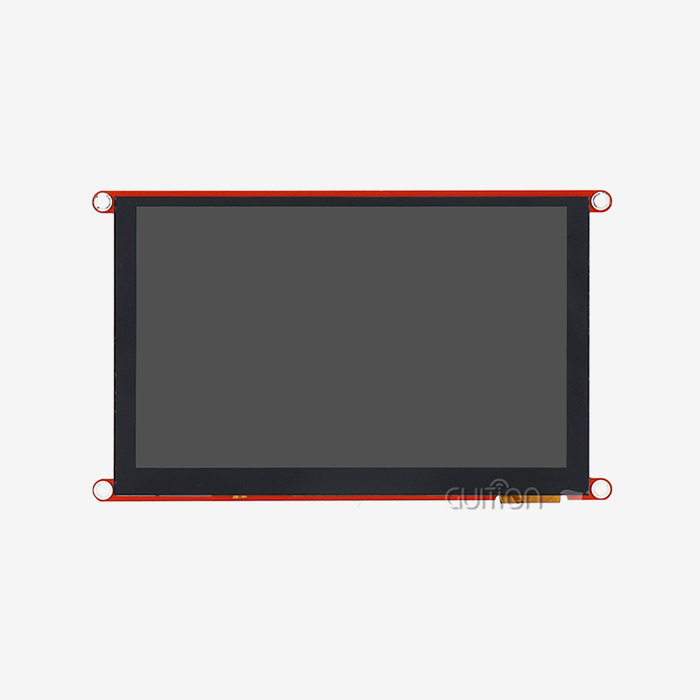
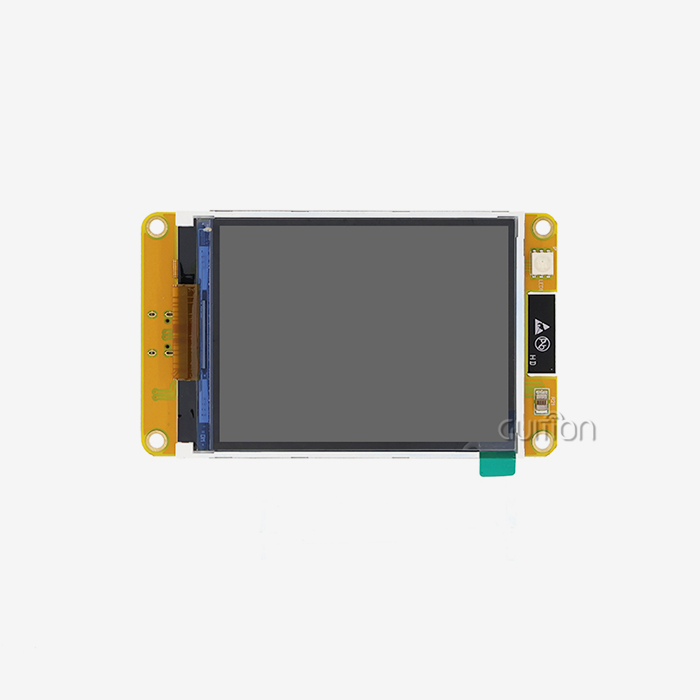
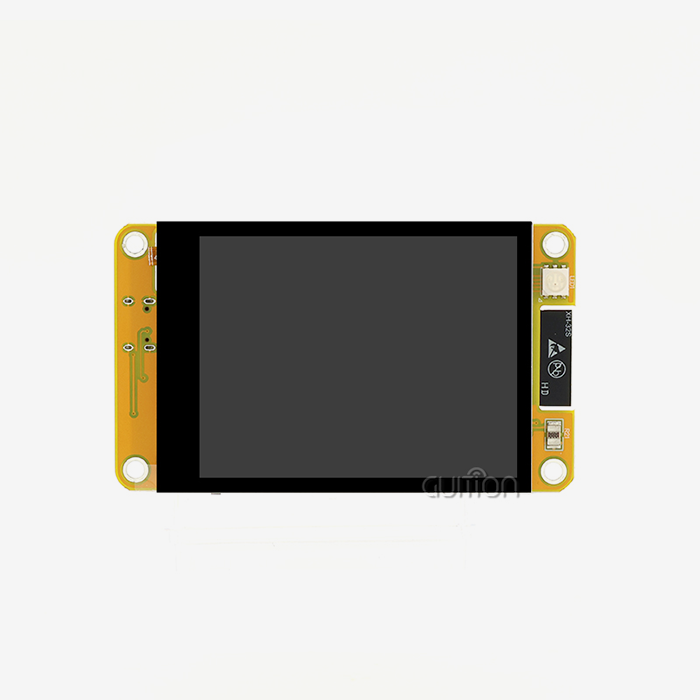
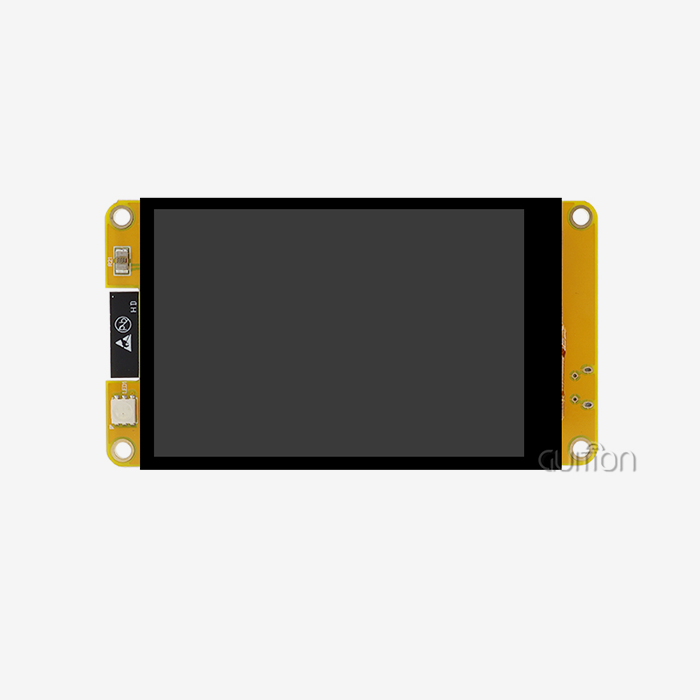
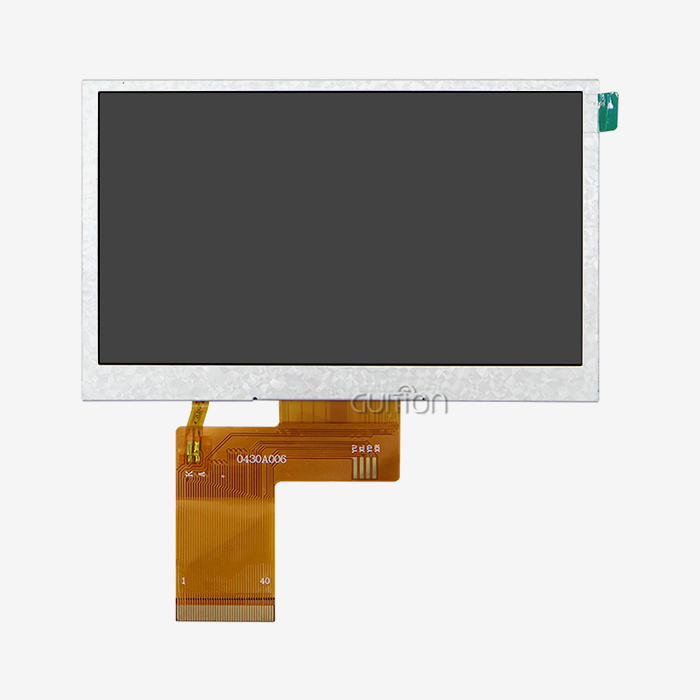
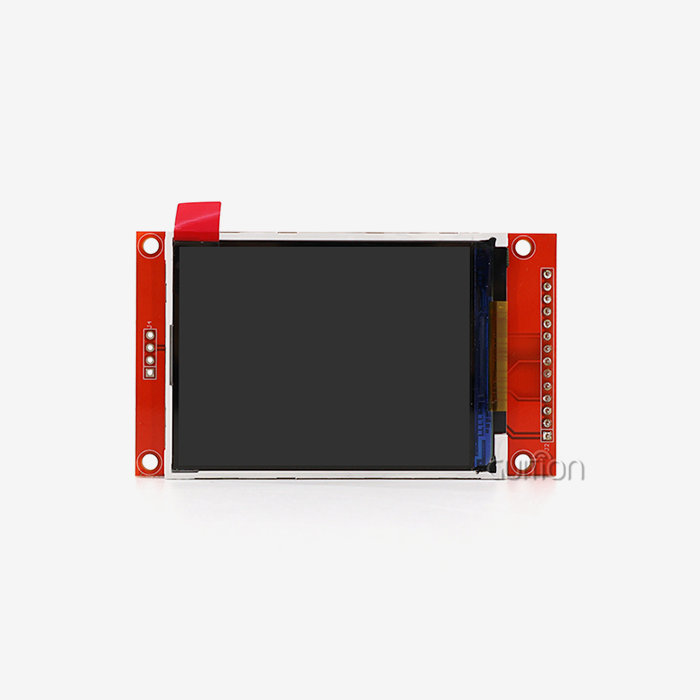
ESP32 development board displays can work with several different display technologies, such as TFT LCD, OLED, and e-Paper screens. Because of these features, project teams can choose the best visual result based on the needs of the application. With a resolution of 240x320, TFT screens like the ones in Guiton's ESP32-2432S024R can show bright colours, which makes them good for dynamic control panels. OLED versions have better colour ratios and use less power in battery-powered gadgets. E-ink displays are ideal for places where they need to be read outside and use very little power, like farm tracking sites.
The technical freedom isn't limited to types of displays. Different communication methods, such as SPI, I2C, and parallel RGB links, let you send and receive data in a variety of ways. High-speed SPI connections can go as fast as 40MHz or more, which is needed for industrial HMI apps that require smooth animations and responsive touch interactions.
Cost-Effectiveness Meets Programming Flexibility
Many choices about what to buy are based on budget, especially for small and medium-sized businesses. ESP32 development board display modules are very cheap because they have the microprocessor, wireless radios, and display driver circuits all on one PCB. When compared to buying separate parts, this merging cuts down on bill-of-materials costs and makes managing the supply chain easier.
Programming freedom strengthens this value offer. The ESP32 environment includes the Arduino IDE for quick prototypes, the ESP-IDF library for advanced features that need direct hardware access, MicroPython for script-based development, and unique tools such as Guition's UI maker. This range works for teams with different levels of skill and project deadlines.
Strong Community and Ecosystem Support
Open-source tools like LVGL (Light and Versatile Graphics Library), Adafruit GFX, and TFT_eSPI have made a lot of progress. These tools hide the complexity of low-level display drivers, allowing writers to focus on designing the user experience rather than writing code at the register level. Active groups and GitHub repositories offer help with resolving problems and code examples that cover common ways to apply things.
Manufacturers such as Guition, M5Stack, and LilyGO provide pre-built modules with standard pin layouts and hardware setups that they have tested. This level of ecosystem growth lowers the risk of integration for procurement managers who are looking at providers for large-scale projects.
Technical Features and Performance Advantages of ESP32 Displays
To choose the right monitor technology, you need to know how the different specs affect how well it works in real life. If you make the wrong choice, you may end up wasting time and money on redesigns.
Display Technology Comparison
Interactive programs that need full-colour graphics and touch feedback mostly use TFT LCD screens. With its 240 MHz dual-core processor, 2.4-inch sensitive touchscreen, and lighting control circuit, the Guition ESP32-2432S024R is a great example of this type of chip. Even when people wear gloves, resistive touch technology still works correctly, which is critical in industry settings. The 4MB flash memory stores graphics and application code, and the 520KB SRAM buffers the user interface so that it runs smoothly.
When showing mostly dark interfaces, OLED screens use less power than backlit LCDs. This makes them a particularly suitable choice for personal tech and sensor nodes that run on batteries. Because they self-emit light, they don't need lighting circuits, which cuts down on the number of parts needed.
E-Paper displays only need power when the screen is updated, so small batteries can last for months. This feature works well for things like workplace inventory tags and public signs where the text doesn't change frequently.
Connectivity Options and Integration Simplicity
SPI connections are fast and straightforward to wire because they only need four or five data lines (MOSI, MISO, SCK, CS, and DC). This makes testing on a breadboard straightforward and makes custom PCB trace designs simpler. I2C only has two lines (SDA and SCL), but it has a lower bandwidth, making it suitable for small black-and-white screens that don't need to update often.
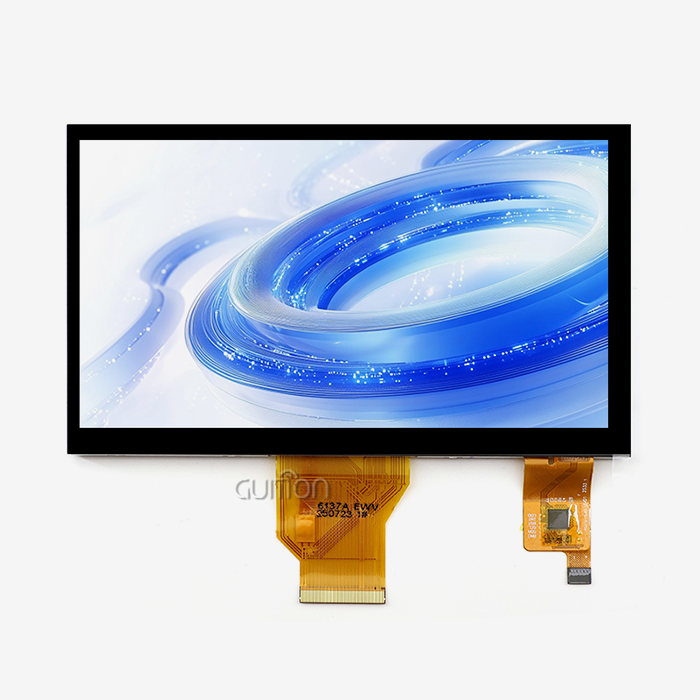
Parallel RGB connections let the most data pass through for screens 5 inches or bigger, where rapid update rates are important. The Guition ESP32-2432S024R has a TF card interface, GPIO expansion, serial communication, and DHT11 sensor input, so it can be used as a full development platform without any extra breakout boards.
Power Efficiency in IoT Deployments
For battery-powered gadgets, power consumption has a direct effect on how well a product works. The ESP32's deep sleep mode lowers the amount of power it uses to microamps. It wakes up every so often to change the content on the screen or check sensor readings. When makers use low-power display technologies and PWM lighting dimming together, they can create devices that last months instead of days.
With the dual-core design, one processor core can communicate with the network, and the second can update the display and handle touch input. This separation prevents network delay from freezing the user interface, a common issue with single-core versions.
Decision-Making Guide: Choosing the Best Display for Your ESP32 Project
You can avoid mismatches between skills and needs by matching display specs to application requirements. During the choosing process, engineers have to think about several things that are all connected.
Application-Specific Requirements
E-Paper screens that update every hour can be used for static data dashboards for environmental tracking. This saves battery life. For HVAC systems with interactive control panels, you need TFT touchscreens that are responsive, have smooth animations, and give you instant visual feedback. The Guition ESP32-2432S024R meets this need, as it has sound drivers and RGB LED control circuits built in, so it can send both audio and video alerts for important events.
For medical devices, you often need certain certifications and long-term promises of part supply. For industrial control systems to work effectively near heavy machinery, they need to be able to handle a wide range of temperatures (-20°C to +70°C) and not be affected by electromagnetic interference (EMI).
Supplier Reliability and Support Considerations
Procurement teams rate manufacturers based on how well they record their products, how quickly they respond to technical help requests, and how stable their supply chains are. Guition offers a wide range of tools for developers, such as sample code for the Arduino IDE, ESP-IDF, MicroPython, and Mixly platforms. The company's own Guition software accelerates UI development by letting you create interfaces by dragging and dropping elements and placing controls with just one click.
For gadgets that last more than one year, long-term product supply is important. When manufacturers commit to stable product lines, they lower the risk of having to rethink products because parts become obsolete. Being able to buy in bulk and having clear price structures makes budgeting easier for production amounts ranging from a few hundred to tens of thousands of units.
Cost-Benefit Analysis
Total cost of ownership includes development time, fixing work, and maintenance needs after the sale. Initial unit cost is important. Integrated modules like the ESP32-2432S024R come pre-programmed with test programs, which let you check their capabilities right away. When engineers have to put together and fix separate parts, this pre-configuration saves them hours of work.
Because the module supports remote over-the-air (OTA) firmware changes, bug fixes and new features can be added to installed devices without having to physically access them. This lowers the cost of field service. This feature is very useful for setups that are spread out physically, like energy management networks and agricultural automation systems.
Practical Implementation and Example Applications
Theoretical powers don't mean much if you don't know how to turn tools into goods that work. In the real world, integration requires certain connecting methods, initialisation processes, and ways to resolve problems.
Hardware Integration Best Practices
Because it's all-in-one, the Guition ESP32-2432S024R makes initial setup easier. For testing, developers can power the gadget via USB. They can also add a lithium battery for portable use. External power control hardware is not needed because the charging circuit and safety features are built in.
Touch tuning steps make sure that the input is correct all over the screen. Through SPI transmission, the resistive touchscreen driver sends coordinate data, and the application code maps it to UI elements. In sample projects, you can see how to use buttons, slider controls, and multi-page navigation techniques that are popular in HMI apps.
Real-World Application Examples
Smart home central control screens can join Wi-Fi networks and see information about the security system, lights, and thermostat settings on the display. The built-in photosensitive circuit changes the brightness of the flash automatically based on the lights around it. This makes it easier to see while saving power.
These units are used as local HMI interfaces for PLCs and SCADA systems in industrial tracking systems. Through Modbus RTU or MQTT protocols, the ESP32 asks sensors for data and shows real-time values and warning conditions on the TFT screen. Engineers set up level alerts that turn on the speaker driver and the RGB LED to inform the operator immediately.
Portable environmental tracking equipment uses the TF card interface to keep track of measures of temperature, humidity, and air quality. The DHT11 sensor interface doesn't need any extra hardware to connect straight to suitable probes. When Wi-Fi access is restored, data that has been logged is synced with cloud storage, which allows for remote analysis.
Customisation for OEM Requirements
To make a product stand out, it's common for it to need custom splash screens, unique UI themes, and control layouts that are special to the application. WYSIWYG (what you see is what you get) writing in the Guition development tools allows you to make quick changes to the user interface. Engineers change the places, sizes, and types of controls without changing the code that runs the display driver.
With UTF-8 encoding and support for multiple languages, a single software image can serve customers all over the world. Users can choose the language they want to use from a menu, and writing titles and prompts changes on the fly. This freedom makes it easier to keep track of supplies for goods that are sold around the world.
Future Trends and Opportunities in ESP32 Display Integration
The world of display technology is always changing, giving creative product makers new ways to use it. Teams can stay ahead of the competition by staying up to date on new skills.
Emerging Display Technologies
With flexible OLED screens, shapes that are curved and foldable were not possible with stiff glass surfaces in the past. These screens can be used on personal tech and in the insides of cars, where flat panels wouldn't work because of design limitations. Transparent displays put information on top of real items, which can be useful for augmented reality uses in systems that help with picking things up in a warehouse or guiding repair workers.
When you have a screen with 480x480 or 800x480 pixels, the words and images are clearer and more detailed. This rise in pixel density makes it easier to read at farther distances, which makes a wider range of screen sizes possible for ESP32 development board display systems.
Ultra-Low Power Solutions for Extensive Deployments
With changes to e-ink technology, full-screen updates can now have frame rates that are closer to one second. Colour e-Paper options offer four to seven different colours while still using very little power, which means they can run for years on a single charge. Because of these improvements, e-ink can now be used for electronic store labels and public signs, which LCD technology used to be the only option for.
Each new version of the ESP32 chip has better power management features that make sleep mode last longer and use less active current. When combined with energy-gathering methods like solar panels or RF power recycling, these improvements make it possible for sensor nodes and display ends that don't need to be maintained.
Strategic Recommendations for Development Teams
Hardware teams can switch between types of displays without having to rethink whole PCB plans when they use a modular design. Standardising on standard interface connections (like FPC ribbon cables) and software abstraction layers (like LVGL) makes it easier to adapt to changes in the market or in the supply of parts.
Building ties with suppliers that offer engineering help and customisation services speeds up the process of fixing problems during development. The expert team at Guition helps with things like improving interfaces, figuring out how much power they use, and giving certification advice for medical and commercial uses. This joint method lowers the pressure to get a product to market faster and raises the quality of the end product.
Conclusion
The reason the ESP32 development board displays are so common is that they can quickly solve real engineering problems. These solutions get rid of integration problems by putting processing power, wireless connection, and visual output into pieces that work well together. This also cuts down on costs and development times. The mature environment of software packages, development tools, and community resources makes it easier for teams with different levels of technical knowledge to work together. As display technologies get better and the power economy rises, ESP32 development board display HMI solutions will continue to grow into new areas of use, such as flexible wearables and IoT monitors that don't need to be charged.
FAQ
What display type suits battery-powered ESP32 projects?
Because they don't need any power to keep the picture, e-paper screens have the longest battery life. They only restart information when something changes, using very little power in the time between refreshes. OLED screens are in the middle, and they use little power when showing mostly dark surfaces. Because they have steady backlighting, TFT LCDs use the most power, but they have the best responsiveness and colour reproduction for engaging apps.
Are display libraries compatible across different ESP32 modules?
Most libraries need small changes to the way the pins are set up to work with certain hardware setups. Configuration files let coders choose which GPIO pins connect to display control signals. This is how popular tools like LVGL and TFT_eSPI work. The Guition ESP32-2432S024R comes with example projects that already have pin maps set up for the Arduino IDE, ESP-IDF, and MicroPython. This means that you don't have to go through the hassle of setting it up by trial and error.
Where can procurement teams source reliable bulk orders?
When you work directly with a maker, you can often get the best prices and help for large production runs. Guition sells ESP32 development board display units that are reliable enough for use in factories and come with a lot of technical information. For volume prices, customisation choices, and to talk about a supply deal, email david@guition.com. Another option is to buy from known distributors that specialise in embedded systems components, but this may cost more than buying directly from the maker.
Partner with Guition for Your ESP32 Development Board Display Needs
Guition specialises in providing complete HMI solutions that shorten the time it takes to make a product. Dual-core processing and a fast 2.4-inch touchscreen are built into our ESP32-2432S024R, which makes it perfect for industrial controls, smart home devices, and Internet of Things (IoT) uses. We help companies that make industrial equipment, medical devices, and system designers find solid ESP32 development board display options. Our own Guition software lets you make UIs quickly without having to learn complicated code, and support for Arduino IDE, ESP-IDF, and MicroPython lets your team keep working the way they're used to. With detailed technical documents, the ability to update over-the-air (OTA) from a distance, and support for multiple languages, development costs and after-sales complexity are cut down. Email david@guition.com to talk to our engineering team about your project needs and find out how our experience as an ESP32 development board display maker can help you with your next HMI launch.
References
1. Espressif Systems. (2023). "ESP32 Series Datasheet: Technical Reference Manual for Dual-Core Wi-Fi and Bluetooth SoC."
2. Monk, S. (2021). "Programming the ESP32: Getting Started with MicroPython and ArduIDE. IDE." McGraw-Hill Education.
3. LVGL Development Team. (2023). "Light and Versatile Graphics Library Documentation: Embedded GUI Framework for Microcontrollers."
4. Kurniawan, A. (2022). "ESP32 Display Programming: Practical Guide to TFT, OLED, and E-Paper Integration." Apress Publishing.
5. IoT Analytics Research. (2023). "Global HMI Market Analysis: Embedded Display Solutions for Industrial and Consumer Applications."
6. Barrett, S. (2022). "Embedded Systems Design with ESP32: Real-World Projects for IoT and Automation." Packt Publishing.
Learn about our latest products and discounts through SMS or email