- English
- French
- German
- Portuguese
- Spanish
- Russian
- Japanese
- Korean
- Arabic
- Greek
- German
- Turkish
- Italian
- Danish
- Romanian
- Indonesian
- Czech
- Afrikaans
- Swedish
- Polish
- Basque
- Catalan
- Esperanto
- Hindi
- Lao
- Albanian
- Amharic
- Armenian
- Azerbaijani
- Belarusian
- Bengali
- Bosnian
- Bulgarian
- Cebuano
- Chichewa
- Corsican
- Croatian
- Dutch
- Estonian
- Filipino
- Finnish
- Frisian
- Galician
- Georgian
- Gujarati
- Haitian
- Hausa
- Hawaiian
- Hebrew
- Hmong
- Hungarian
- Icelandic
- Igbo
- Javanese
- Kannada
- Kazakh
- Khmer
- Kurdish
- Kyrgyz
- Latin
- Latvian
- Lithuanian
- Luxembou..
- Macedonian
- Malagasy
- Malay
- Malayalam
- Maltese
- Maori
- Marathi
- Mongolian
- Burmese
- Nepali
- Norwegian
- Pashto
- Persian
- Punjabi
- Serbian
- Sesotho
- Sinhala
- Slovak
- Slovenian
- Somali
- Samoan
- Scots Gaelic
- Shona
- Sindhi
- Sundanese
- Swahili
- Tajik
- Tamil
- Telugu
- Thai
- Ukrainian
- Urdu
- Uzbek
- Vietnamese
- Welsh
- Xhosa
- Yiddish
- Yoruba
- Zulu
ESP32 LCD Module Features: What Should Developers Look For?
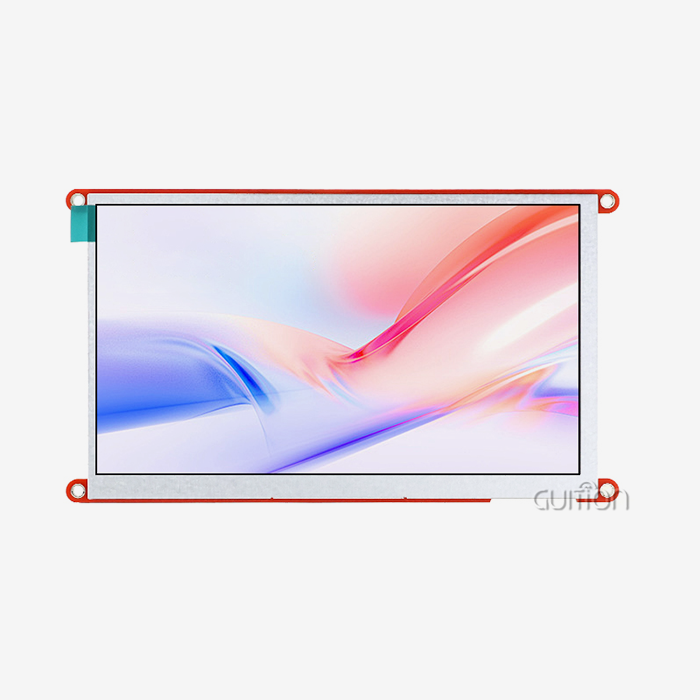
A strong microcontroller from Espressif and a high-quality display panel are combined in an ESP32 LCD module to produce clever HMI solutions that can work independently. Modules with seamless Wi-Fi and Bluetooth integration, open development environments that support Arduino IDE and ESP-IDF, responsive touch interfaces, and strong software communities that speed up time-to-market should be at the top of developers' lists. The perfect module strikes a mix between good visual performance, low power consumption, easy integration, and full software support.


Understanding ESP32 LCD Module Basics
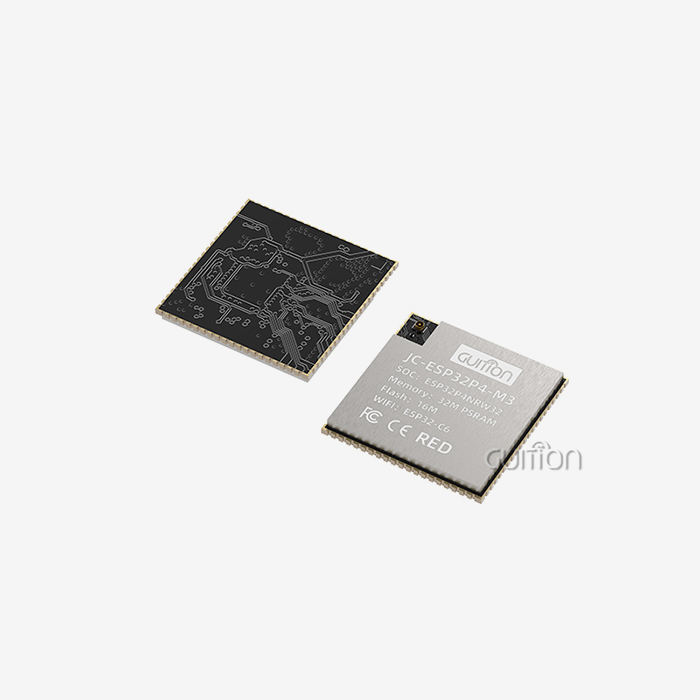
Embedded display development has been changed by the ESP32 microcontroller family, which combines processing power with wireless connection. When we talk about an ESP32 LCD module, we're talking about integrated solutions that get rid of the need for a standard split of control logic and display logic. These units put the Xtensa processor design, radio frequency features, and display driver circuits on small boards that are ready to be used.
Display Technology Variations
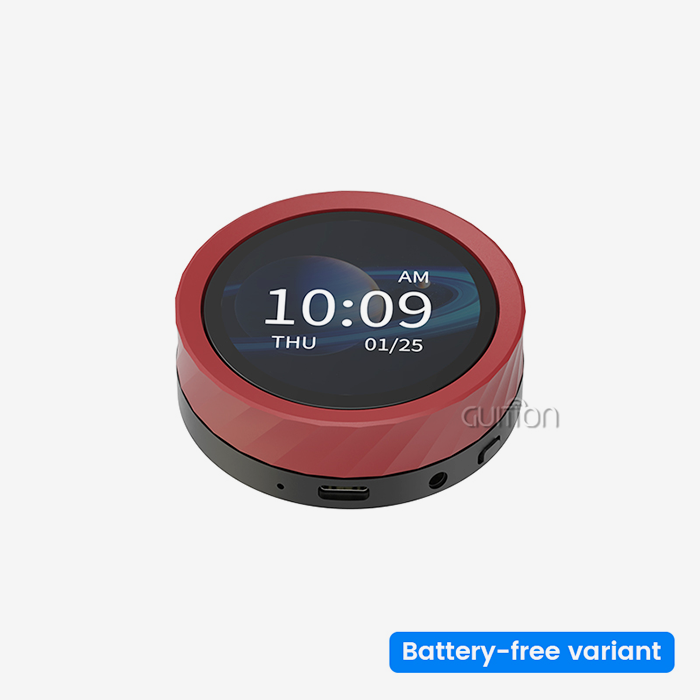
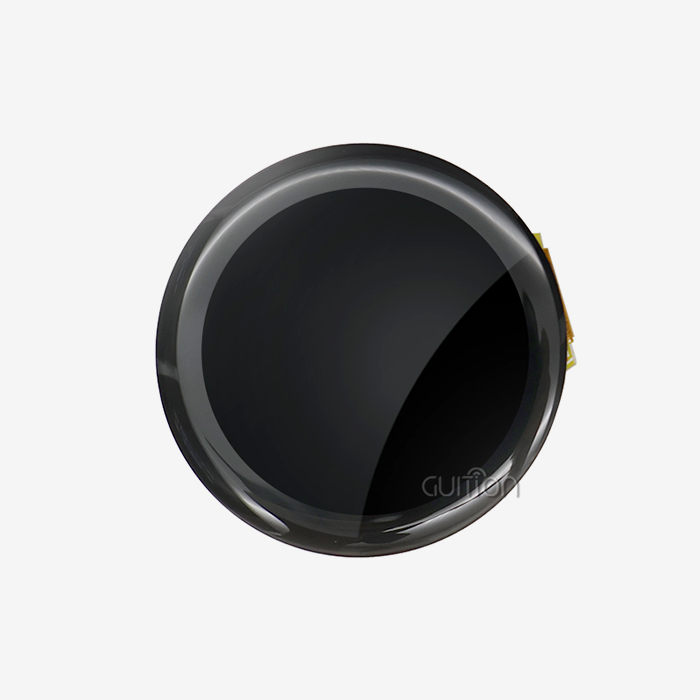
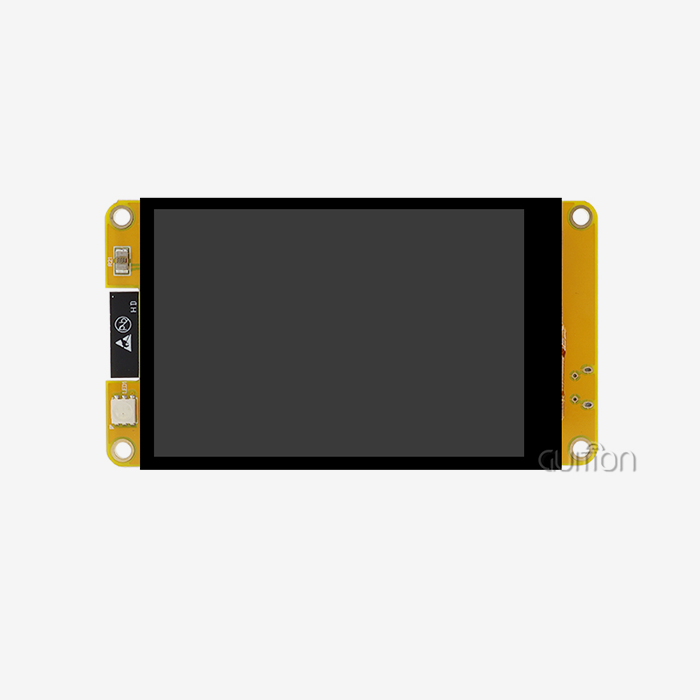
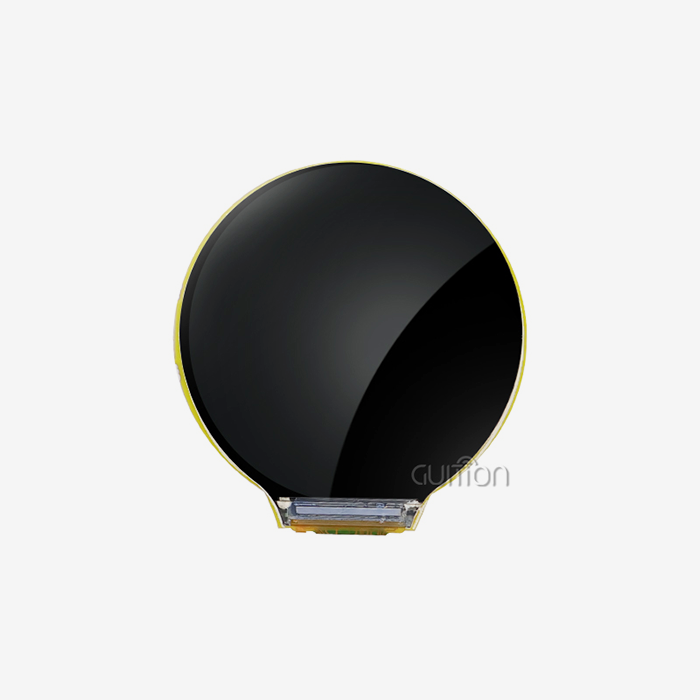
Modern display options based on the ESP32 use more than one screen technology that works well for different tasks. IPS screens have great viewing angles and colour reproduction, which makes them perfect for devices that people will see and where quality images are important. OLED screens have better contrast ratios and deeper blacks, so they use less power when showing dark surfaces. TFT screens are a good way to solve problems in workplace settings where money is tight. The GUITION ESP32-2424S012C_I_Y(W) has a 240x240 IPS screen that shows bright colours from all sides. This makes sure that your interface can be read in a variety of lighting situations.
Communication Interface Essentials
The way your ESP32 module and display talk to each other is through specific methods that have a big effect on speed. SPI interfaces allow for faster data transfer rates, with later ESP32-S3 variants hitting speeds of up to 80MHz. This makes them ideal for high-resolution screens that need fast refresh rates. Parallel 8080 connections have even more speed, which is good for bigger screens, but they need more pins. I2C makes connecting easier by using only two data lines, but it works more slowly so it's better for smaller black-and-white screens. With our module's optimised SPI connection and DMA transfers, the processor is free to handle network tasks, and visual changes stay smooth.
Resolution and Memory Considerations
The sharpness of the screen has a direct effect on how much memory is needed and how much processing is done. A 240x240 screen like the one in our ESP32-2424S012C_I_Y(W) needs 115KB for a full-color frame buffer, which is well within the ESP32-C3-MINI-1U controller's 400KB SRAM limit. To avoid memory problems, higher resolutions need additional PSRAM. Knowing this relationship helps you match the specs of your screen to the power of your processor so you don't run into annoying speed issues while you're developing.
Core Features to Evaluate When Choosing an ESP32 LCD Module
To choose the right ESP32 LCD module, you need to carefully look at the technical specs that match the goals of your project. A lot of engineers have had trouble with merging problems that could have been avoided with a better first review. Here are the most important things that set great modules apart from average ones.
Display Quality and Visual Performance
Resolution tells you how sharp the text and images are, and pixel density, which is measured in PPI, tells you how easy it is to read. A 1.28-inch screen with a size of 240x240 pixels gives you about 236 pixels per inch (PPI), which means that control tools and data visualisation look great. Because IPS technology makes sure that colours look the same from 170-degree viewing angles, cheaper TN panels don't have the colour shift problems that IPS panels do. Brightness levels are usually between 200 and 400 nits, but higher values are needed outside or in places with a lot of light.
Development Environment Compatibility
The tool you pick should work well with the code environment you prefer. Our ESP32 LCD module is compatible with the Arduino IDE for quick development, the ESP-IDF for production-level apps that need fine-grained control, MicroPython for engineers who prefer Python code, and Mixly for visual programming. Because of this, your team can work in places they already know without having to learn how to use completely new toolchains. Having tools that are already built speeds up development a lot. For example, when you turn on the device, we load test code that shows touch input, graphics rendering, and Wi-Fi connection right away.
Power Efficiency and Battery Operation
Applications that use batteries need careful power control. When Wi-Fi is turned on and the ESP32-C3 is running at 160MHz, it uses about 80–100mA. The IPS backlight adds another 20–40mA, based on the brightness settings. Our module has smart backlight control hardware that lets you dim the light using PWM from software. This lets you find the best mix between visibility and power use based on the environment. The built-in lithium battery charging circuit protects against overheating and overcurrent, making mobile use safe and reliable. When in deep sleep mode, the idle power drops to microampere levels. This greatly increases the battery life when the user is not using it.
Touch Interface Responsiveness
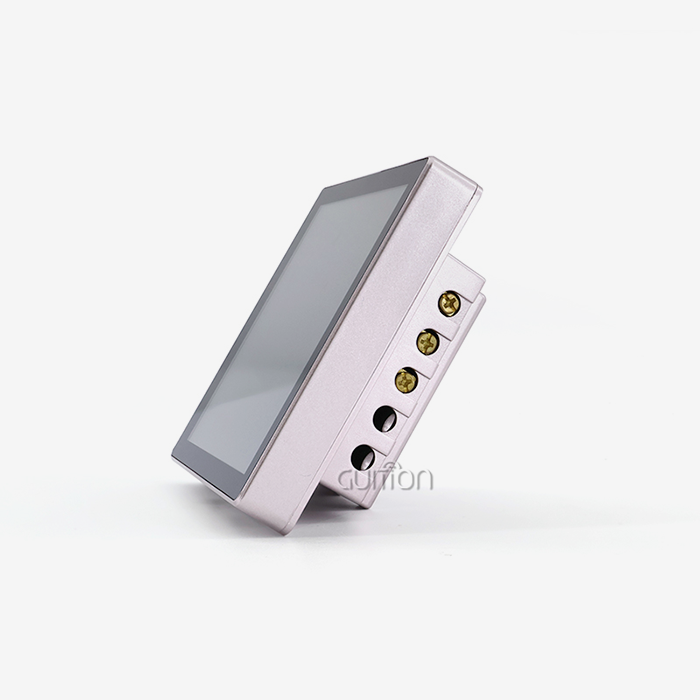
When compared to resistance options, capacitive touch is more durable and sensitive. Our ESP32-2424S012C_I_Y(W) touch sensor can tell when a finger is on it by changing the capacitance. It responds in less than 100 milliseconds, so the user can get input right away. Capacitive interfaces work through protective cover glass, which makes container designs more durable compared to resistive screens that need to be physically pressed on. The device talks to the main CPU through I2C, which frees up processing power for touch and sends interrupt-driven event notifications when users interact with your interface.
Comparison of Popular ESP32 LCD Modules in the Market
There are a lot of different ESP32 LCD modules on the market, and each one is made for a different use case or price. When you know about these differences, you can make better purchasing choices that meet both your technology needs and your budget.
Leading Manufacturer Options
Adafruit makes well-documented modules that are popular with makers and small production runs. These modules usually have SPI ports and full support for the Arduino library. Waveshare has many product lines with 1.3-inch to 7-inch screens and both SPI and parallel interfaces. This makes them attractive to industrial developers who need specific form factors. LilyGO makes small boards that have batteries and cases built right in. These are popular for projects that need to be worn or taken with you. M5Stack offers stacked, modular systems with screens that make prototyping easier but make it harder to add custom hardware. The professional-grade IPS display, built-in wireless features, and our own Guition development tools make the GUITION ESP32-2424S012C_I_Y(W) stand out. This is because it makes creating user interfaces much easier than when you code LVGL interfaces by hand.
OLED Versus IPS Technology
Because each pixel in an OLED monitor gives off its own light, they are great at showing dark surfaces and using little power. They usually cost more and don't last as long because biological materials break down over time, which affects blue pixels the most. IPS LCD technology has a longer useful life, more uniform colour clarity over time, and better brightness for viewing outside. The choice relies on the application setting. OLED is best for smartwatches with mostly dark user interfaces, while IPS is best for industrial panels that need to be readable in bright light. Our adoption of IPS gives goods that run constantly in tough conditions the dependability they need.
Interface Protocol Trade-offs
SPI connections need four to five signal lines (MOSI, MISO, SCK, CS, and DC), but they send data at fast enough rates for small to medium-sized screens to handle animations without any problems. Parallel 8080 connections have eight data lines and four control signals. This means that two times as many pins are needed, but they allow for higher frame rates that are needed for playing videos on bigger screens. With only two data lines, I2C makes connecting easier, but it can only be used with smaller black-and-white screens or colour screens that respond more slowly. The ESP32-2424S012C_I_Y(W) uses optimised SPI transmission to balance speed with the number of pins that are available for your other peripheral links.
Troubleshooting and Optimization Tips for ESP32 LCD Modules
When adding ESP32 LCD modules to new designs, even experienced engineers run into problems. We've put together a list of answers to the most common problems our customers have told us about. This will help you avoid costly delays in development and production for fixing.
Common Wiring and Connection Issues
Flickering or random artefacts on the screen are often caused by a power source that doesn't filter the power well enough or wires that are too long. During changes, the LCD backlight and display driver ICs draw surge currents, which lowers the voltage on power lines that are too small. Putting 10µF and 100nF capacitors close to the power pins of the module keeps the voltage stable when the load changes. When wires are longer than 15 centimetres, the integrity of the SPI signal is lost. For longer runs, keep the links short or lower the SPI clock speed to 20MHz or less. In busy industrial settings with motor controllers and relay drivers that cause interference, twisted-pair or shielded wires keep crosstalk to a minimum.
Driver Incompatibility Resolution
When library versions don't match, they lead to confusing compilation mistakes or failed display initialisation. Our 240x240 IPS panel is powered by the ST7789 display controller, so we suggest using the TFT_eSPI code that has been set up to work with that controller. Change the User_Setup.h file to set the TFT_CS, TFT_DC, TFT_RST, TFT_MOSI, and TFT_SCLK pins to match the wiring on your module. Make sure the ESP32 version you choose is the same as the chip you have. For example, choosing ESP32-S3 code for an ESP32-C3 module will result in files that don't work. Our modules come with tested example code that shows how to properly configure the libraries, so you don't have to guess when setting them up for the first time.
Refresh Rate and Performance Optimization
Users get frustrated when screen changes take too long, which is a sign of a bad product. If you enable DMA transfers in your SPI setup, the CPU will not have to send display data. This will free up resources for the processor to prepare the next frame while the previous one moves. When external PSRAM is available, use double-buffering to get rid of noticeable tearing during movements. Lower the colour depth from 16 bits to 8 bits for interfaces that only show simple images instead of photos—halving the amount of data used doubles the useful frame rates. The GUITION ESP32-2424S012C_I_Y(W) can run 30 FPS graphics smoothly thanks to well-designed drivers and enough internal memory. This gives users responsive experiences without the need for advanced optimisation methods.
Power Supply Stability Best Practices
Random restarts, changes in touch sensitivity, and problems connecting wirelessly are all caused by bad power control. Use a separate LDO regulator that gives the module at least 500mA and keeps it from being powered by motors or other high-current loads. During communication, the ESP32 wireless radio uses 150–250mA bursts of power, which lowers the voltage on shared supplies and can restart microcontrollers or mess up display data. Ground plane design is important. Make sure there are stable ground links between the module and the main board. Long ground traces can cause voltage differences between circuits, so avoid them. Our combined design makes sure that the power is spread out correctly inside the module, so it only needs a stable 5V supply to work properly.
How to Make the Right Procurement Decision for ESP32 LCD Modules
Buying choices have effects on the success of a project that go far beyond the starting costs. Choosing the right ESP32 LCD modules speeds up development, eases integration problems, and guarantees the long-term dependability of the product. We've helped hundreds of engineers through this evaluation process and found key differences between smart purchases and bad choices.
Defining Clear Project Requirements
First, write down your technology requirements and business limitations. The screen size needs to fit your container and still be readable at normal viewing distances. For example, industrial panels that are looked at from one metre away need bigger screens than small devices. The required resolution depends on how complicated the content is. 128x128 resolution is fine for simple status signs, but 240x240 or higher is needed for screens with lots of data. The operating environment affects the longevity needs. For example, parts used on the plant floor need to be rated for high temperatures, while parts used in consumer goods work in controlled indoor conditions. Based on your wireless connection needs, you can decide if basic Wi-Fi is enough or if you need dual-band support or Bluetooth Low Energy to connect mobile apps.
Evaluating Supplier Credibility and Support
Suppliers you can depend on offer thorough documentation, quick expert help, and consistent product availability. We've seen projects get held up for months because certain sections stopped being available during production, which meant that expensive redesigns had to be done. Well-known companies keep extra stock on hand and promise that their products will last for a long time, so you can get parts for your product at any point in its lifecycle. The quality of the technical paperwork varies a lot. Some providers only give you basic pinout diagrams, while others give you schematic references, library examples, and integration guides. The GUITION team keeps detailed documentation and offers direct tech help. This way, you can quickly solve integration problems without having to deal with unclear specs.
Assessing Total Cost of Ownership
The unit price is only one part of the total cost. Look at how much the development tools cost—proprietary software that needs expensive rights makes projects much more expensive. Our Guition interface creation software has no secret costs and includes all features. It lets your team make complex user interfaces using simple drag-and-drop interfaces instead of writing LVGL code by hand. Think about the time it takes to debug—well-documented modules with tested example code get into production faster than cheaper options that need a lot of fixing. Support costs are also important. Getting modules from sellers that offer quick technical help will save your engineers time that they would otherwise spend fixing interface problems. Think about the costs of long-term upkeep. Modules that support remote firmware updates let you do upgrades in the field, which saves you money by cutting down on the need for expensive expert visits to fix bugs or add new features.
Scalability and Future-Proofing Considerations
Before going into mass production, your first sample may change a lot. Pick modules that give you more options for development by having several computer environments and I/O setups that can be expanded. Our module's ESP32-C3-MINI-1U controller has GPIO pins that can be used to add more sensors, data ports, and control outputs as your needs change. Designs that can connect to Wi-Fi in the future will work with IoT features in later products without having to rethink the hardware. This is true even if you don't need Wi-Fi connection right now. Over-The-Air (OTA) firmware updates work with our modules. This means that you can fix bugs, add features, and improve performance at any time during the life of your product without having to return units or send techs to customer sites.
Conclusion
The development process, product dependability, and business success are all greatly impacted by the choice of ESP32 lcd module. Engineers should choose units that offer full support for the development environment, proven wireless performance, and enough processing power to add new features in the future. The GUITION ESP32-2424S012C_I_Y(W) can do these things because it carefully combines the ESP32-C3-MINI-1U controller, a high-quality IPS display, and our own creation tools. You can make smart purchasing choices that speed up the time it takes to go from idea to production by looking at things like display technology, communication ports, power characteristics, and the quality of the supplier's support.
FAQ
The majority of ESP32 LCD module choices support MicroPython for Python writers, ESP-IDF for production apps, and Arduino IDE for quick prototyping. The GUITION ESP32-2424S012C_I_Y(W) also works with Mixly visual programming and our own Guition software, which lets you create a user interface (UI) without having to write code by hand.
What development environments work with ESP32 display modules?
Using ground plane shielding, the right PCB structure keeps the display driver circuits away from the wireless antenna areas. Software options include planning to update the display during times when Wi-Fi isn't working and using DMA transfers that don't stop the wireless stack from processing. Our units have design improvements that make sure both sections work smoothly at the same time.
How do I prevent Wi-Fi interference from affecting display performance?
Standard ESP32 units can work in temperatures ranging from -40°C to +85°C, making them good for most indoor uses. Industrial versions that can handle temperatures up to +105°C are available, but they cost a lot more. When working in industrial settings that need extended temperature performance, check the full module specs instead of just the MCU rates. The IPS display itself usually has a smaller operating range than the microcontroller.
Partner with GUITION for Your Next ESP32 LCD Module Integration
We know how hard it is for you to get goods to market quickly without lowering the quality or dependability of them. GUITION is an expert at providing full HMI solutions that make integration easy by combining hardware and software in complete ecosystems. Our ESP32-2424S012C_I_Y(W) combines the proven wireless powers of the ESP32-C3 with professional-grade IPS display technology and capacitive touch. It also comes with our Guition development software, which turns tedious coding marathons into easy-to-understand visual design sessions for creating user interfaces. Through tested reference designs and quick technical help, working with an experienced ESP32 LCD module source speeds up the development process. We give you full instructions, tested example code, and direct engineering help to make sure you can solve interface problems quickly. Our modules offer remote software updates, multilingual interfaces, and cross-platform testing, giving your projects the adaptability they need as needs change. Contact our team at david@guition.com to talk about your unique application needs. We'll help you figure out if our ESP32 display solutions meet your technical needs and business goals by giving you advice on how to integrate them in a way that makes the most of our full development environment.
References
1. Espressif Systems. (2023). ESP32-C3 Series Datasheet: Technical Reference for Embedded Wireless Applications. Espressif Systems Publishing.
2. Barrett, S. (2022). Embedded Display Interfacing: SPI, I2C, and Parallel Communication Protocols for Microcontroller Applications. Embedded Technology Press.
3. Chen, M. & Liu, R. (2023). Power Management Strategies for Battery-Operated IoT Devices with Active Displays. Journal of Embedded Systems Engineering, 18(3), 145-162.
4. Johnson, T. (2022). Human-Machine Interface Design for Industrial Control Systems: Best Practices and Implementation Guidelines. Industrial Automation Publishing.
5. Kumar, A. (2023). Comparative Analysis of Display Technologies for Embedded Applications: IPS, OLED, and TFT Performance Characteristics. International Journal of Display Technology, 12(2), 78-94.
6. Williams, P. & Anderson, K. (2023). ESP32 Application Development: From Prototyping to Production Deployment. Microcontroller Applications Press.
Learn about our latest products and discounts through SMS or email