- English
- French
- German
- Portuguese
- Spanish
- Russian
- Japanese
- Korean
- Arabic
- Greek
- German
- Turkish
- Italian
- Danish
- Romanian
- Indonesian
- Czech
- Afrikaans
- Swedish
- Polish
- Basque
- Catalan
- Esperanto
- Hindi
- Lao
- Albanian
- Amharic
- Armenian
- Azerbaijani
- Belarusian
- Bengali
- Bosnian
- Bulgarian
- Cebuano
- Chichewa
- Corsican
- Croatian
- Dutch
- Estonian
- Filipino
- Finnish
- Frisian
- Galician
- Georgian
- Gujarati
- Haitian
- Hausa
- Hawaiian
- Hebrew
- Hmong
- Hungarian
- Icelandic
- Igbo
- Javanese
- Kannada
- Kazakh
- Khmer
- Kurdish
- Kyrgyz
- Latin
- Latvian
- Lithuanian
- Luxembou..
- Macedonian
- Malagasy
- Malay
- Malayalam
- Maltese
- Maori
- Marathi
- Mongolian
- Burmese
- Nepali
- Norwegian
- Pashto
- Persian
- Punjabi
- Serbian
- Sesotho
- Sinhala
- Slovak
- Slovenian
- Somali
- Samoan
- Scots Gaelic
- Shona
- Sindhi
- Sundanese
- Swahili
- Tajik
- Tamil
- Telugu
- Thai
- Ukrainian
- Urdu
- Uzbek
- Vietnamese
- Welsh
- Xhosa
- Yiddish
- Yoruba
- Zulu
Why Choose ESP32-S31 1.8 inch KNOB display for Embedded Design?
Why choose the ESP32-S31 1.8 inch KNOB display for embedded design? I recommend it because it places a 360x360 IPS capacitive touchscreen and a physical rotary knob in one compact module. The ESP32-S31NRV16 dual-core processor runs at 320MHz and supports Wi-Fi 6 and Classic Bluetooth, so you don't need a separate wireless chip. Guition's drag-and-drop software, Arduino, ESP-IDF, MicroPython, and OTA updates shorten development time. Dual microphones, vibration feedback, and a speaker driver cut down on extra parts. This article explains how the module works, where it fits, and how to evaluate it.

What is the ESP32-S31 1.8 inch KNOB display?
Module Overview and Core Specifications
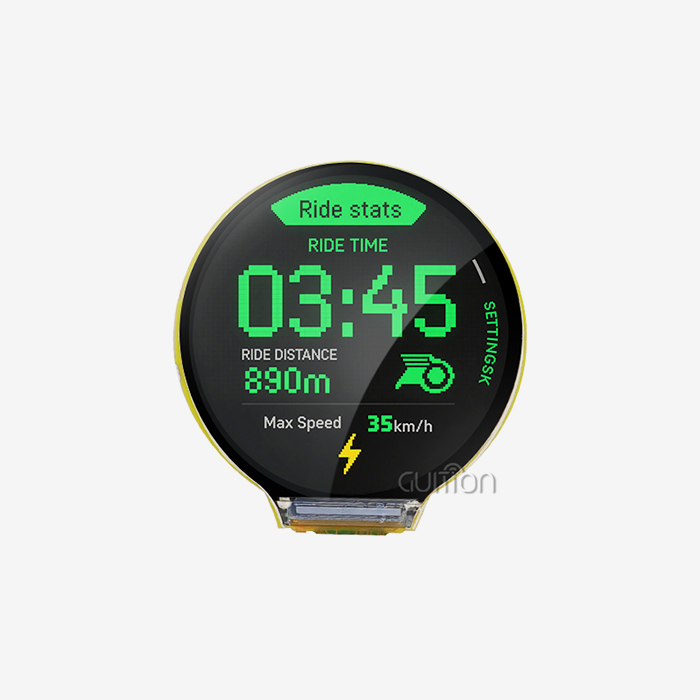
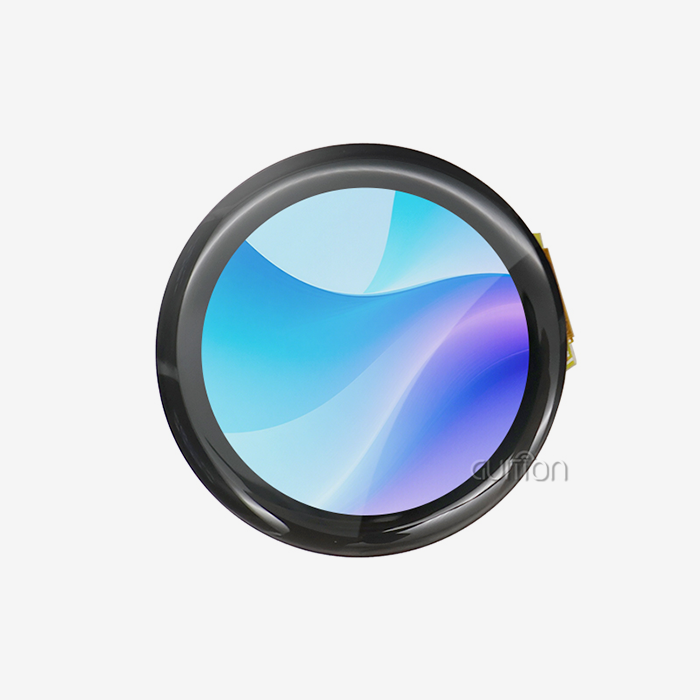
The ESP32-S31 1.8 inch KNOB display is a smart display module that combines a 360 x 360 IPS capacitive tablet and a real-life rotating knob. The ESP32-S31NRV16 processor is a dual-core processor running at 320 MHz. It is the principal part of it. It has built-in Wi-Fi 6 (based on IEEE 802.11ax) and classic Bluetooth. So a device can pair with a phone or connect to a network without needing additional radio hardware. The engineers have got the module; it’s ready to fly. They can open a project and immediately see a working interface. When I design a case or PCB, I always double-check the current data sheet to ensure I have the correct voltage range, measurements, and plug layout.
Dual Interaction: Knob Plus Multi-Point Touch
This section can take two kinds of data. With the spinning knob, you can make small changes, like going from one number to the next or going through a list. This multi-point sensitive surface lets you touch and move your finger to access menus and settings. People pick what fits them in the moment. If you're wearing gloves, you can use the button. If you are new to it, you might want to tap on the screen. The built-in vibration motor adds haptic feedback. The body responds to everything the user does, even turning their head away. A design team doesn't have to pick between a dial and a touch panel because the ESP32-S31 1.8 inch KNOB display has both of them built in.
Onboard Audio, Haptics, and Battery-Ready Design
These are the parts that are already on the board that makers tend to add one at a time. Two mics can pick up speech and sound. The motor provides the feel, and the speaker driver does the sound. The design has batteries, which is good for things you can take with you. Having fewer parts can lower the overall cost of the project because it takes less work to plan, test, and buy each extra part. It has a real-time audio spectrum analyser, fast MJPEG video playback, Bluetooth sound playing with noise control, a digital picture frame and a digital picture frame. Before you design a portable product around this ESP32-S31 1.8 inch KNOB display, check the datasheet for the battery and power requirements.
Why Choose a Knob-Based Interface for Embedded Design?
Knob Versus Touchscreen for Frequent Adjustments
Users can repeatedly adjust a small set of values like temperature, level, speed, or lighting so that they can maintain even control. Don Norman says that people can better understand what a tool does and whether what they did worked in his book The Design of Everyday Things. There is a knob that users can turn to get that feel, and they can feel the result in their hands. Physical cues are fewer on flat touchscreens, so people often need to look at them. You can still tap to get to menus and settings. The ESP32-S31 1.8 inch KNOB display combines the two: the knob for fast adjustments and the screen for structure and labels.
Integrated Module Versus Standalone Encoder
If you leave an encoder alone, it will send you spinning messages, but nothing will show up. Then you add a screen, some wires, a driver, and a plan for where to put it. All of them must match. The input, display, and processor are all in one ESP32-S31 1.8 inch KNOB display. That can help you find and try fewer parts and plan the board quicker. It also keeps the name of a setting next to the button that changes that setting. Don’t just look at the price when purchasing a generator. Also look at the cost of the other parts and the time to put it together. For my money, this system-level analysis is the best case for a united party.
Where Other Interfaces Still Fit Better
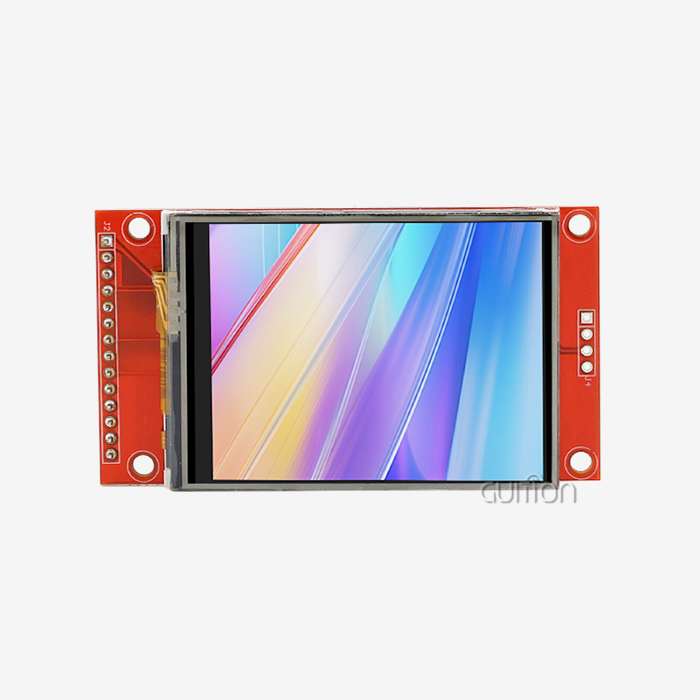
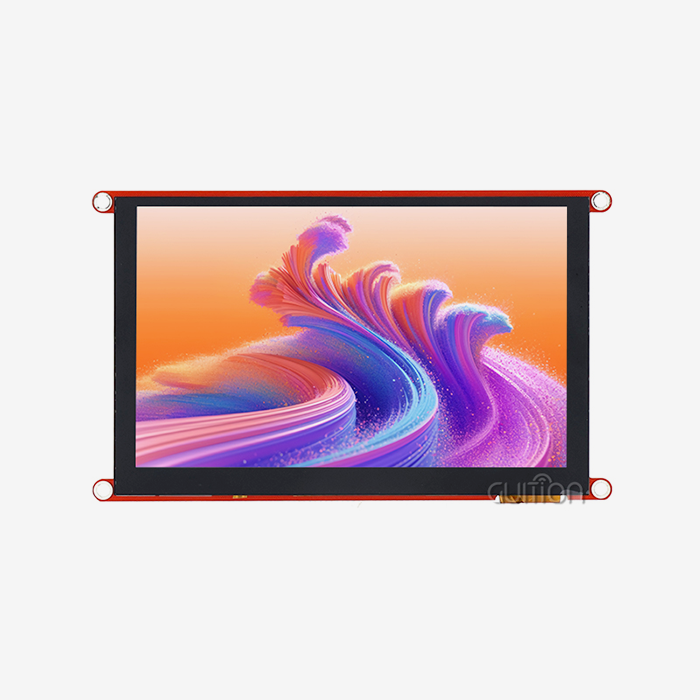
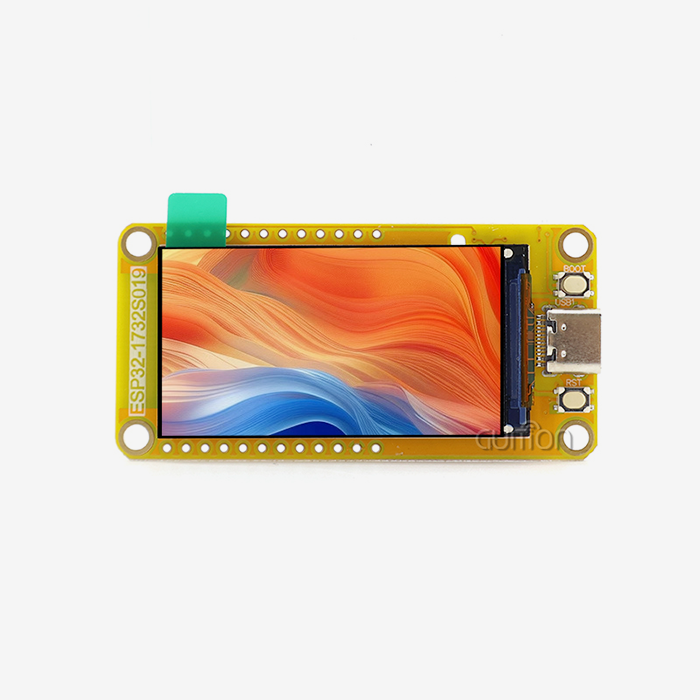
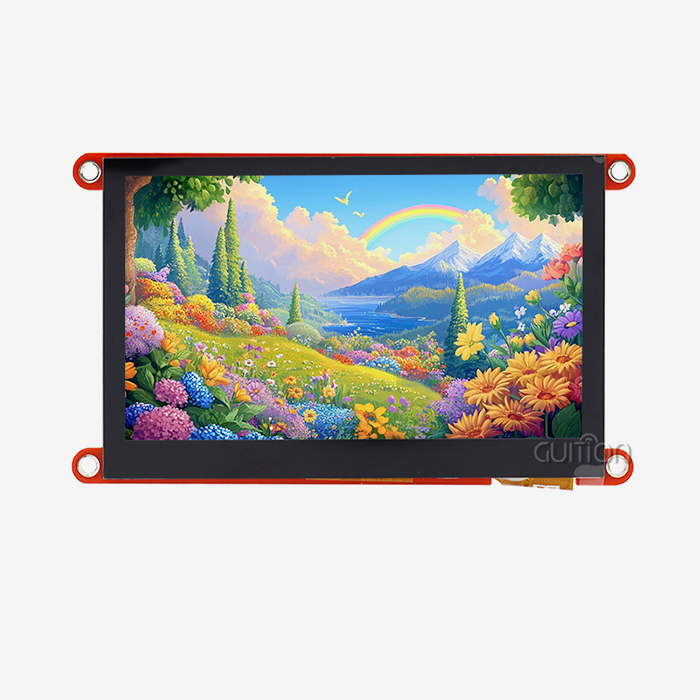
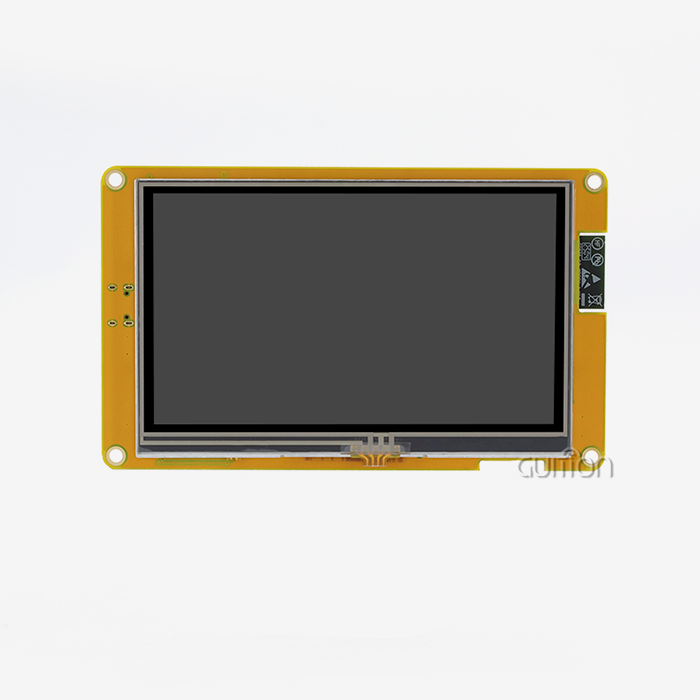
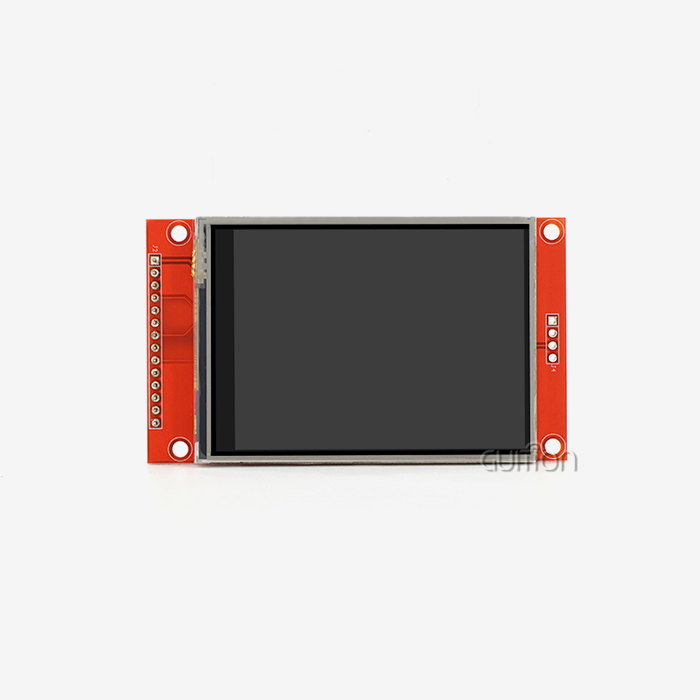
There ought to be some fair rules about what I can do. 1.8-inch screens are great for small controls based on parameters. It is not like a big dashboard, a keyboarded entry screen, or a screen full of information. If your product requires long texts to be entered or a lot of information to be displayed at once, then a 1.28" to 21.5" guition screen might be more appropriate. The limits that are safety certified need to be looked over, because that's what the rules for your business say. What the person does is this: A bigger screen is better for information that needs to be seen by lots of people, but there are a few common tweaks you can make to improve the ESP32-S31 1.8 inch KNOB display.
How to Develop and Program the ESP32-S31 1.8 inch KNOB Display
Guided Drag-and-Drop Development Platform
Guidance is our online development platform, so this tool is easy to get off the ground with. You can add a control with a few clicks and then move it around. So interface design is still visual. The editor lets you work on the layout and see how it will look. “Someone who doesn’t know how to code can build an interface, so they can start right away without waiting for firmware. Online cross-platform debugging means you can debug faster and cheaper. This is good news for R&D managers, because it allows designers and embedded engineers to work together. The 1.8-inch KNOB display on the ESP32-S31 can take projects from concept to screen in no time.
Arduino, ESP-IDF, MicroPython, and GUI Modes
The ESP32-S31 1.8 inch KNOB display has a number of programming modes that let each team use their own tools. Here's where each one fits:
- Arduino IDE: Suits fast prototypes and teams with existing Arduino libraries. Early on, engineers can read the knob, draw on the screen, and show a demo that works. This way, product managers can see how it really works before the firmware work gets too hard. New people on the team can start contributing right away because they already know how to use the tools and write source code.
- ESP-IDF: Espressif's main tool for development. FreeRTOS tasks, power management, and over-the-air (OTA) changes can be used by commercial software that needs to do many things at once, figure out what's wrong, and run for a long time. It's often chosen by teams that want to make a lot of things because it has a structured project plan and clear technical documents. The engineers can also use the tech tools right away.
- MicroPython and Guition: For quick tests and simple logic, you can use short scripts written in MicroPython. Designers can drag and drop parts to make screens in Guition mode. Both help new players learn faster, and mixed teams can pick the mode that works best for each player without having to change the gear.
The time it takes to train new employees is cut down, and tech work is spread out.
OTA Updates and Multi-Language Support
Costs quickly rise when maintenance is done in the field. OTA means "over-the-air". This means you can ship a fix or a new feature to a user’s project without ever physically visiting the device. The ESP-IDF Programming Guide describes over-the-air changes that are reversible and have two application components. If an update fails, this is often how you roll a device back to the last version that worked. One product can be used in more than one area with UTF-8 encoding. Thus, the same interface can provide English, Spanish, and other languages of scripts for the market. With these features, the ESP32-S31 1.8 inch KNOB display is suitable for products that need continuous maintenance and international use.
Where the ESP32-S31 1.8 inch KNOB Display Fits
Consumer Electronics and IoT Devices
The module works with screens for desktop computers, portable media players, smart home settings, and art supplies for commercial items. It is part of IoT and works with smart home hubs, sensor panels, environmental displays, and connected accessories. You can connect to Wi-Fi 6 networks and play music with Classic Bluetooth. You can tweak something, turn the knob, and then look up at the screen to make sure you did it right. The desktop and gift items are made more unique by adding three clock screens with anime themes and a digital picture frame. ESP32-S31 1.8 inch KNOB display for smart home panel, showing value and logging changes in a small space.
Industrial and Medical Equipment
The module for controls can be used by industrial teams for automation, 3D printer interfaces, instrument screens, and small testing tools. The knob can be turned repeatedly to set a value or select an operating mode. The screen displays the current status. It is used in medical and healthcare products for screens that show health information, massage devices, and controls for equipment. Your team must check all medical goods to make sure they are in compliance with the rules. We offer our secondary development tools and tech papers to help engineers change the way functions work without having to do a lot of hard low-level work. By asking for sample hardware from us, you can test the ESP32-S31 1.8 inch KNOB display in your own gear.
Automotive and Audio Products
Automotive applications include instrument clusters for cars, charging pile displays for electric cars, and dashboard add-ons. The gear can be damaged by shaking, changes in temperature, and sun glare in these conditions, so make sure you test a piece inside the end enclosure before going with the whole thing. The two microphones, the speaker driver, and the spectrum analyser can all be used to make audio products. This is shown by Bluetooth speakers, audio gear settings, and music players, among other things. To change the volume or tone, turn the knob around. The levels can be seen on the screen right now. It doesn't matter what business you're in; make sure the whole thing can be read, the knobs feel good, and the wifi works. That test will show you whether the ESP32-S31 1.8 inch KNOB display is suitable for your needs in real life.
How to Select and Source the ESP32-S31 1.8 inch KNOB Display
Evaluation Checklist for Engineers and Buyers
Begin by talking about the product. Write down who it's for, where it works, and how long it needs to last. Next, check the screen's reading, the speed at which the buttons respond, the amount of power used, the quality of the documents, and the size, inputs, and software resources. Make sure you have the most up-to-date datasheet, pinout, and mechanical drawings, and that you know what revision the hardware is. Before they place an order, buyers should also make sure they know the terms of the MOQ, wait time, packaging, guarantee, and support. Shipping costs, import fees, labour for putting the parts together, and service needs after the sale all add to the total cost, which is not just the price per unit. Before big orders are placed, steps like proof of concept, validation, samples, and pilot production lower the risk.
Common Design Risks and How to Avoid Them
Integrating things is often hard because some data is missing or out of date. There may be issues with the PCB that need to be fixed if there are issues with voltage, socket standards, or assigning the right pins. Check the gaps between the power sources because the screen's light, the sound output, and Wi-Fi use can all make the current peaks go up. You can test how the knob works with the software, which lets you change the step size, direction, and long-press movements. Really test the screen in real light and the safety window inside the final case. Prepare for EMC, ESD, and environmental tests early on. Also, think about any RoHS or REACH paperwork your market needs. To find bugs like these, it's easier to look at a sample than the whole line.
Working with Guition as Your Display Supplier
The company behind Guition is called Jingcai Intelligence, and they do all of these things: development, production, and sales. We make screens from 1.28" to 21.5". We wrote the software for the Guition interface. We provide you with additional development tools and technical papers, plus Wi-Fi and Bluetooth, remote updates, and support for many languages. Engineers can readily contact the manufacturer to ask technical questions, obtain samples or discuss making modifications to the product. When enquiring about the ESP32-S31 1.8 inch KNOB display, you should ask about the production capacity, the availability of components, and the sharing of technical changes. If a supplier can assist you with your job after the first order, these comments will show you that they can.
Conclusion
A 360x360 IPS touchscreen, a rotating knob, an ESP32-S31NRV16 dual-core processor, Wi-Fi 6, and Classic Bluetooth are all features of the ESP32-S31 1.8 inch KNOB display, a small module. You can use a button to make quick changes or a touch screen for menus. A combination unit can save parts over a separate encoder, but for panels with a lot of information, bigger screens are still best. The Arduino, ESP-IDF, MicroPython, and Guiton drag-and-drop designs all make programming easy to change. Over-the-air (OTA) updates and support for multiple languages in UTF-8 make it easier to maintain and localise. As long as teams test the edge cases for reading, knob behaviour, power, and environmental limits, the module can be used in consumer, IoT, industrial, medical, car, and audio products. So, you should judge the module by how well it works in the real world and how well it meets its written requirements.
FAQ
Q: What is the ESP32-S31 1.8 inch KNOB display?
A: The smart display module has a real round knob and a 360x360 IPS capacitive touchscreen. This little box has an ESP32-S31NRV16 dual-core processor, Wi-Fi 6, and Classic Bluetooth, so you can use it to control and connect things. The module is ready to use.
Q: Which programming options does it support?
A: You can work with the Arduino IDE, ESP-IDF, MicroPython, or the drag-and-drop tools from Guition. Over-the-air (OTA) remote upgrades let you make changes to user projects without having to go to the device in person. Cross-platform online testing helps you find problems fast.
Q: Can I build an interface without coding?
A: Yes. People who don't know how to code can still make an interface that works with the Guition widget library and drag-and-drop functionality. It's easy for beginners to start building right away. Engineers who want to change the way their own code works can use our secondary development tools and technical papers.
Q: How do I confirm pinout and dimensions?
A: Send an email to david@guition.com to get the most up-to-date schematics, pinout, and hardware plans. Because hardware updates can change the specs, make sure you check the data twice and try a prototype before you give the design the go-ahead to be made. Online documentation also helps with growth.
Request an ESP32-S31 1.8 inch KNOB display quote from Guition.
Guition is ready to assist you with your next embedded project as an ESP32-S31 1.8 inch KNOB display maker. If you email david@guition.com with your application, the amount you need, and when you need it, our team will get back to you with datasheets, sample options, and instructions on how to make changes. Your secondary development support, over-the-air (OTA) updates, and our Guition software all help you get things done faster. This link will take you to a page where you can see all of our screens, from 1.28" to 21.5".
References
1. ESP-IDF Programming Guide, Espressif Systems, 2024
2. Arduino IDE 2 Documentation, Arduino, 2024
3. MicroPython Documentation, MicroPython, 2024
4. IEEE 802.11ax-2021: Enhancements for High-Efficiency WLAN, IEEE, 2021
5. Bluetooth Core Specification Version 5.4, Bluetooth SIG, 2023
6. The Design of Everyday Things (Revised and Expanded Edition), Don Norman, 2013
Learn about our latest products and discounts through SMS or email