- English
- French
- German
- Portuguese
- Spanish
- Russian
- Japanese
- Korean
- Arabic
- Greek
- German
- Turkish
- Italian
- Danish
- Romanian
- Indonesian
- Czech
- Afrikaans
- Swedish
- Polish
- Basque
- Catalan
- Esperanto
- Hindi
- Lao
- Albanian
- Amharic
- Armenian
- Azerbaijani
- Belarusian
- Bengali
- Bosnian
- Bulgarian
- Cebuano
- Chichewa
- Corsican
- Croatian
- Dutch
- Estonian
- Filipino
- Finnish
- Frisian
- Galician
- Georgian
- Gujarati
- Haitian
- Hausa
- Hawaiian
- Hebrew
- Hmong
- Hungarian
- Icelandic
- Igbo
- Javanese
- Kannada
- Kazakh
- Khmer
- Kurdish
- Kyrgyz
- Latin
- Latvian
- Lithuanian
- Luxembou..
- Macedonian
- Malagasy
- Malay
- Malayalam
- Maltese
- Maori
- Marathi
- Mongolian
- Burmese
- Nepali
- Norwegian
- Pashto
- Persian
- Punjabi
- Serbian
- Sesotho
- Sinhala
- Slovak
- Slovenian
- Somali
- Samoan
- Scots Gaelic
- Shona
- Sindhi
- Sundanese
- Swahili
- Tajik
- Tamil
- Telugu
- Thai
- Ukrainian
- Urdu
- Uzbek
- Vietnamese
- Welsh
- Xhosa
- Yiddish
- Yoruba
- Zulu
MicroPython Display ESP32 Guide: Wiring, Code & Examples
Getting started with ESP32 and MicroPython opens tremendous possibilities for embedded display projects. A MicroPython display solution enables you to drive visual output modules—from monochrome OLEDs to vibrant TFT LCDs—using high-level Python syntax instead of complex C programming. This approach dramatically reduces development time, eliminates steep learning curves, and accelerates your time-to-market. Engineers can modify GUI elements without recompiling firmware, making iterative design incredibly efficient. Whether you're developing industrial control panels, smart home devices, or medical equipment, understanding how to wire, code, and deploy ESP32 display solutions with MicroPython will transform your product development workflow.
Understanding MicroPython Display Modules for ESP32
Why MicroPython Transforms Display Development
MicroPython revolutionizes how we interact with embedded displays. Traditional C/C++ development requires managing memory registers, complex toolchains, and lengthy compilation cycles. MicroPython abstracts these complexities, letting you focus on functionality rather than low-level hardware manipulation. The ability to test code changes immediately without flashing firmware saves hours during development. We've seen development teams reduce prototyping cycles from weeks to days using this approach.
Popular Display Types Compatible with ESP32
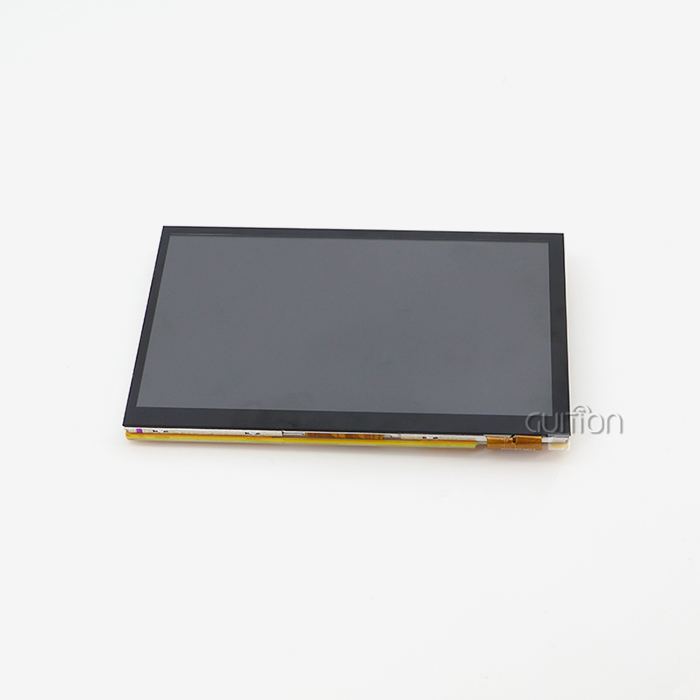
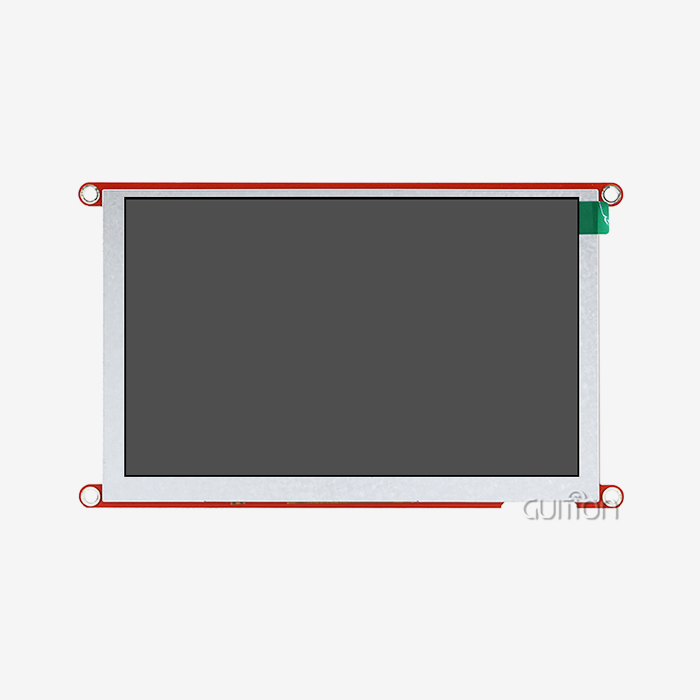
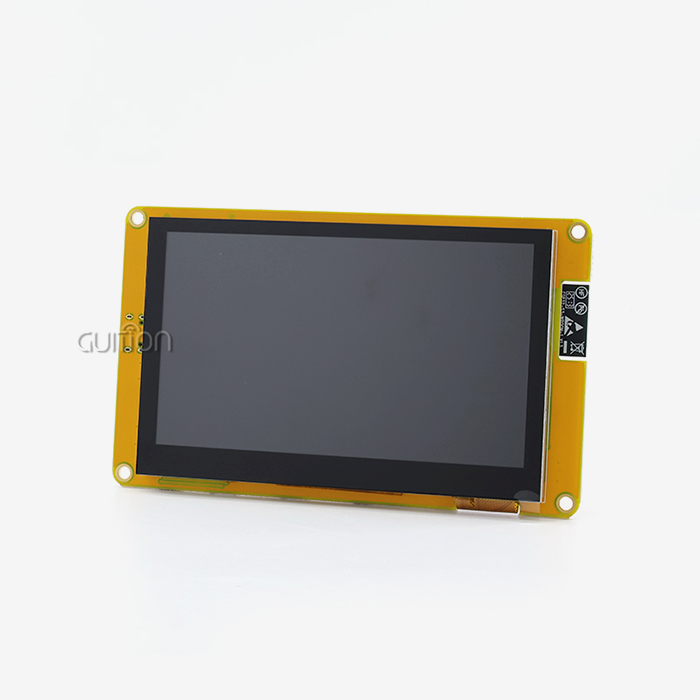
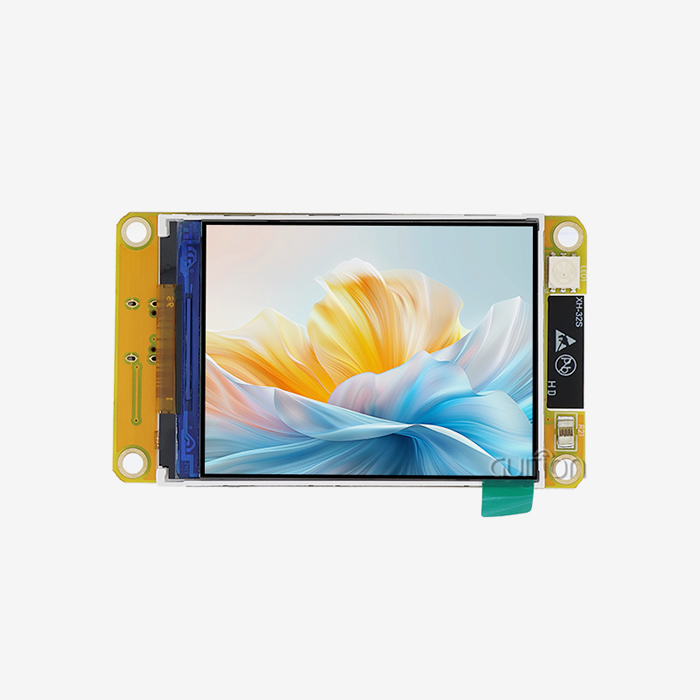
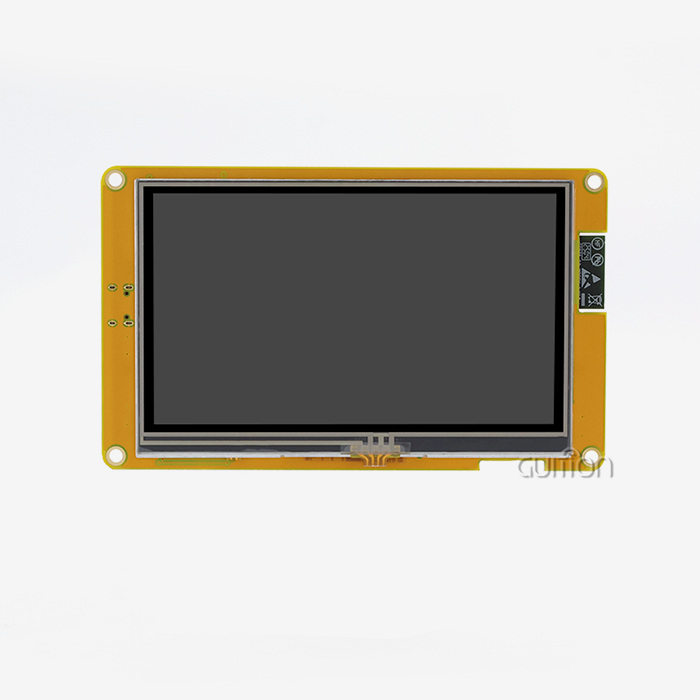
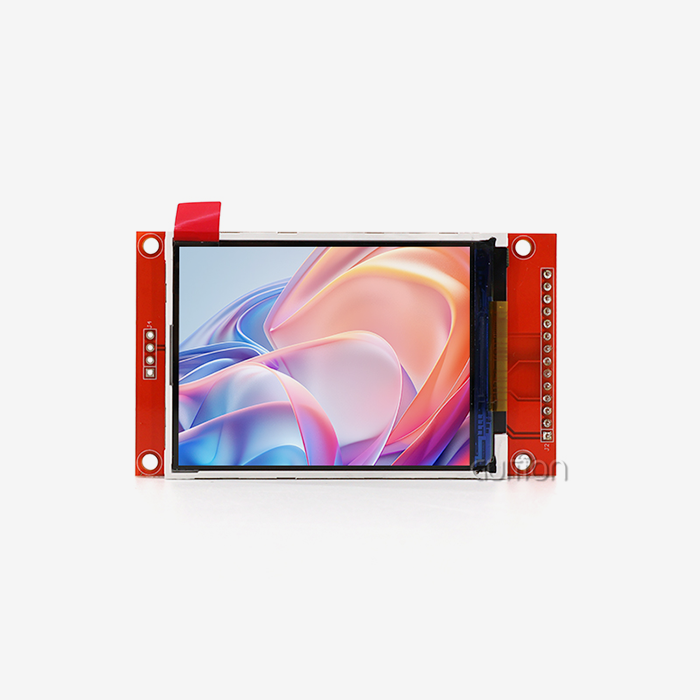
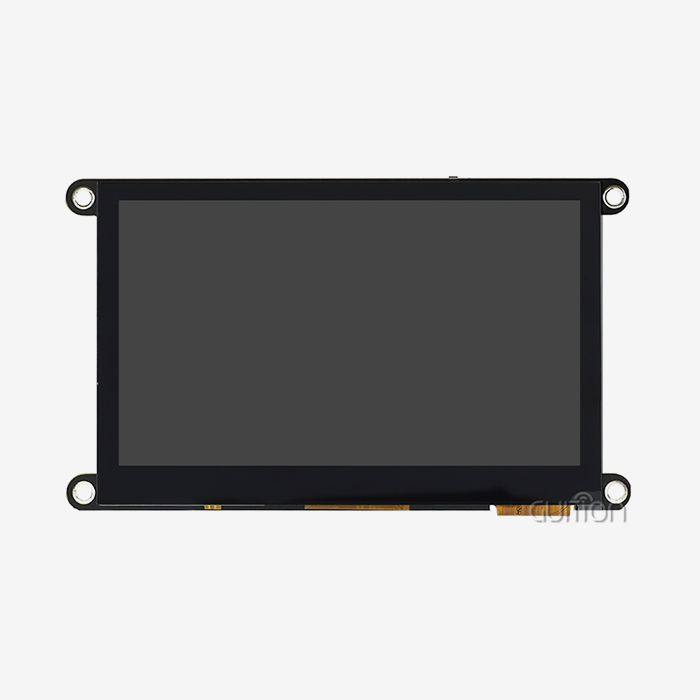
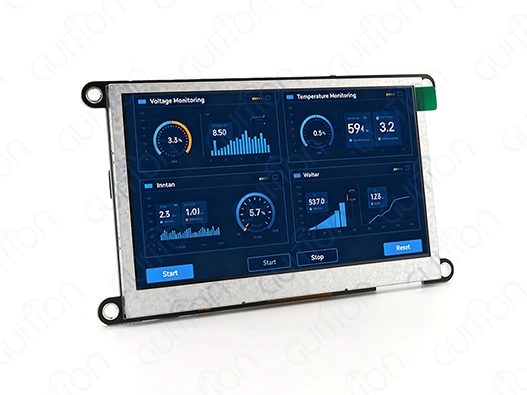
The ESP32 ecosystem supports diverse display technologies suitable for various applications. OLED displays, particularly those using SSD1306 controllers, deliver excellent contrast and low power consumption, ideal for battery-operated devices. TFT LCD modules with ILI9341 or ST7789 drivers provide rich color depth and larger viewing areas, perfect for industrial HMI applications. E-paper displays offer sunlight readability and ultra-low power consumption for IoT environmental sensors. Each technology serves specific needs: OLEDs excel in compact designs, TFT LCDs handle detailed graphics, and e-paper extends battery life in field deployments. The Guiton JC4827W543N_I exemplifies modern MicroPython display integration. This 4.3-inch module combines the ESP32-S3R8 dual-core processor running at 240MHz with a crisp 480×272 resolution IPS screen. The 8MB PSRAM ensures smooth graphics operations, while integrated Wi-Fi and Bluetooth enable wireless connectivity for remote monitoring applications. This module supports Arduino IDE, ESP-IDF, MicroPython, and the specialized Guition development platform, offering unprecedented flexibility.
Essential Interface Protocols and Libraries
Standardized protocols connect ESP32 to displays. On ESP32-S3 chips, SPI dominates high-resolution color displays with transmission speeds up to 80 MHz. MOSI for data, SCK for clock, CS for chip select, and DC to separate commands from data are SPI's four basic connections. For smaller monochrome panels, I2C enables simpler two-wire communication (SDA and SCL) at lower data speeds. Strong MicroPython libraries ease display control. The SSD1306 library handles popular monochrome OLED modules, while framebuf optimizes pixel operations. Common TFT displays are controlled by ili9341 and st7789. Initialization, memory management, and drawing are abstracted in these libraries. Without altering hardware registers, Python instructions may produce text, shapes, and graphics.
Comparative Advantages Over Alternative Platforms
Interactive REPL access speeds development with MicroPython compared to Arduino's C-based environment. No compilation delays mean you can test display instructions quickly. CircuitPython has similar features but less ESP32 support and optimized display drivers. Traditional ESP-IDF is quick but requires embedded systems expertise. MicroPython excels in native code performance and development simplicity. Python's environment lets you include web APIs, sophisticated calculations, and output in unified codebases. This integration capability is essential for IoT devices that gather, process, and display sensor data locally.
Essential Wiring and Configuration of ESP32 with MicroPython Displays
Understanding Pin Configuration Fundamentals
Proper wiring forms the foundation of reliable display operation. ESP32 microcontrollers provide multiple GPIO pins capable of SPI and I2C communication. Before connecting any display, verify your ESP32 variant's pinout diagram—different modules may have different default pin assignments. The JC4827W543N_I module simplifies this by providing clearly marked interfaces and reserving up to 10 additional GPIO pins for peripheral expansion.
Power considerations matter significantly. Most displays operate at 3.3V logic levels matching ESP32 outputs, but some require separate power supplies for backlights or higher current draws. Always check your display's power specifications. The backlight control circuit on quality modules like the JC4827W543N_I manages power efficiently, preventing voltage drops that cause display flickering or ESP32 resets.
SPI Interface Wiring Best Practices
Signal integrity is crucial for SPI connections. Connect the ESP32 GPIO 23 MOSI to the display data input. Serial Clocks use GPIO 18. Since they avoid boot-sensitive pins, GPIO 5 and 16 work well for CS (Chip Select) and DC (Data/Command) pins. Connect another GPIO to RESET for software display resets. How signal quality affects reliability: Wire lengths for breadboard prototypes should be under 10cm to reduce capacitance and inductance. Data and clock line twisted pairs reduce electromagnetic interference. Place 100nF ceramic capacitors near the display's power pins in manufacturing to stabilize voltage during high-frequency activities. These measures prevent bugs that complicate debugging.
I2C Interface Setup Strategies
I2C wiring offers simplicity with just two data lines. Connect ESP32's GPIO 21 to SDA and GPIO 22 to SCL on your display. I2C requires pull-up resistors (typically 4.7kΩ to 10kΩ) between each line and 3.3V. Many display modules include onboard pull-ups, but verify this before powering up. Multiple I2C devices can share the same bus, each identified by unique addresses—convenient for systems with multiple sensors and displays. I2C communication speed impacts responsiveness. Standard mode runs at 100kHz, sufficient for monochrome OLEDs. Fast mode (400kHz) improves refresh rates for dynamic content. The ESP32 I2C implementation allows speed configuration through software, letting you optimize based on wire length and display capabilities.
Troubleshooting Common Connection Issues
When displays remain blank, systematically check power connections with a multimeter. Verify 3.3V reaches the display with less than a 0.1V drop under load. Next, confirm GPIO pin assignments match your code—swapped MOSI and MISO lines cause silent failures. Use an oscilloscope or logic analyzer to verify clock signals if available. White screens or random pixels often indicate incorrect initialization sequences. Different display controller batches may require variant timing parameters. Consult your display's datasheet for initialization commands and compare against your driver library's implementation. The Guiton platform includes pre-configured profiles for tested display modules, eliminating this trial-and-error process.
Selecting and Procuring MicroPython-Compatible Display Modules
Critical Selection Criteria for Industrial Applications
Display selection balances technical specs with deployment considerations. Information density is determined by resolution, which increases data density but demands more processing and memory. The JC4827W543N_I module's 480×272 resolution is ideal for industrial dashboards displaying many metrics. Viewing angle affects when operators approach from different angles. Unlike previous TN panels that fade off-axis, IPS technology maintains colors and contrast at wide angles. The operating temperature range is crucial for outdoor installations or industrial floors with high temperatures. Integration is seamless with interface compatibility. Make sure your module supports your communication protocol at the right pace. Initialization and graphics acceleration controllers minimize processor demand. The ESP32-S3R8 controller in the Guition JC4827W543NI efficiently handles display operations, freeing the main CPU for application logic.
Evaluating Display Module Suppliers
Reliable suppliers provide thorough documentation, prompt technical assistance, and constant product availability. Detailing datasheets, wire diagrams, and code examples accelerates integration and shows engineering maturity. Quality post-sales assistance typically depends on the supplier's reaction during pre-sales queries. Supply chain stability affects production deployments. Suppliers with manufacturing relationships stock components amid shortages. Ask about product lifecycle commitments—mid-production module discontinuations require costly redesigns. Reliable suppliers notify customers of discontinuations and recommend compatible substitutes.
Comparing Leading Display Manufacturers
Several manufacturers serve the MicroPython display ecosystem. Adafruit focuses on education and maker markets with extensive tutorials. Waveshare offers a wide product range, including larger industrial displays. Seeed Studio balances cost and features for prototype-to-production transitions. Pimoroni emphasizes design aesthetics and ease of use. Guition distinguishes itself through integrated development tools and dedicated support for industrial applications. The Guition platform combines hardware modules with specialized software that accelerates HMI development. Pre-programmed test firmware lets you validate display functionality immediately upon receipt. Cross-platform compatibility supporting Arduino IDE, ESP-IDF, MicroPython, and the Guiton environment accommodates diverse development preferences.
Procurement Strategies for B2B Projects
Bulk purchases differ from single-unit orders. Verify compatibility with your application environment using sample units before placing major orders. Negotiate volume-based pricing that allows project scope modifications. Define quality and testing protocols. Set failure rates and warranty terms. Consider dual-sourcing mission-critical applications with compatible modules from separate providers to reduce supply disruptions. Note part numbers, revision codes, and supplier contacts in your bill of materials. OEM agreements provide customization. For large-volume orders, manufacturers may change firmware, add connectors, or brand. Guition works with OEM partners to integrate communication protocols or provide custom control software that works with existing infrastructure.
Maximizing MicroPython Display Performance and Future Trends
Optimization Techniques for Refresh Rate and Responsiveness
Display performance affects system dependability and user experience. Data transfer speed, processing efficiency, and code optimization determine display refresh rate. Higher SPI clock frequencies from 10 MHz to 40 MHz quadruple refresh rates, but shorter wire lengths and improved signal integrity are needed. Batching display actions reduces Python overhead. Prepare whole frames in memory before transferring to the display instead of using show() after each drawing instruction. Calculate complex graphics during initialization, not runtime. Convert commonly used photos to flash memory byte arrays instead of producing them. Data transfers without CPU interference are possible using the ESP32-S3's DMA. Set SPI transfers to DMA channels to free the processor for sensor reading or network connectivity during display updates. Parallelism greatly enhances system responsiveness.
Power Efficiency Strategies for Battery-Operated Devices
Portable battery life depends on power use. Backlights use more power than panels. Use ambient light sensors or user inactivity timers to decrease lights automatically. The lighting control circuit in quality modules allows software-based PWM brightness adjustment. Deep sleep greatly extends battery life. The ESP32 sleeps at microamps and updates displays regularly. E-paper displays store images without power, ideal for infrequent updates. Dark themes utilize less energy than bright backgrounds on OLED panels. Use content change frequency to optimize refresh intervals. Slow-changing status displays don't need second-by-second updates. Implement event-driven updates where sensors refresh displays only when values surpass thresholds. This method balances energy conservation with information currency.
Emerging Display Technologies and Integration Advances
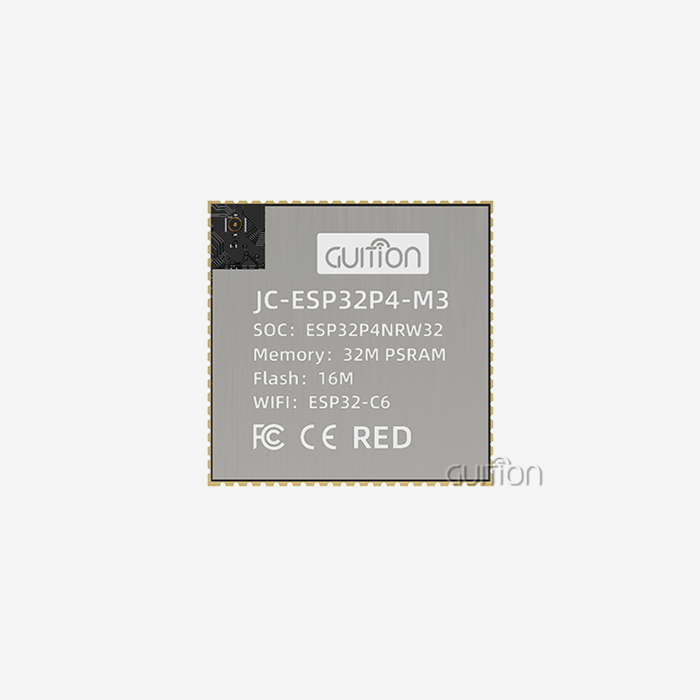
Display technology advances rapidly. MicroLED displays offer OLED-like contrast, durability, and brightness. Flexible displays enable new wearable and automobile forms. Transparent displays overlay physical equipment with AR interfaces. ESP32 inclusion improves MicroPython display. Newer ESP32-S3 and C6 models have faster clocks, greater memory, and better peripheral support. The ESP32-P4 supports powerful HMI applications with specialized graphics acceleration and a 1920x1080 display. Touch interfaces evolve beyond resistive and capacitive. Gesture recognition with proximity sensors allows contactless control in medical or food processing areas where physical contact could be contaminated. Voice control integrates a microphone and visual feedback for hands-free operation.
Future-Proofing Your Display Infrastructure
Designing for a lifetime includes anticipating market and technology changes. Select modules with firmware updates to add features after deployment. Remote upgrades in Guition modules allow over-the-air updates without physical access, necessary for widespread installations. Standardize communication protocols with industry support. Despite proprietary interfaces' benefits, open standards ensure component availability from multiple providers. Multi-platform development in systems like the JC4827W543N_I prevents single-vendor dependency. The modular architecture isolates display logic from the application code. Well-defined APIs allow display hardware swapping without changing core functionality. When new display technologies or supply conditions change, this abstraction layer safeguards development investments.
Conclusion
Mastering MicroPython display integration with ESP32 opens powerful possibilities for industrial equipment, smart devices, and IoT applications. We've explored display types, wiring configurations, practical code examples, and procurement strategies that streamline your development process. The combination of ESP32's processing power and MicroPython's development simplicity creates an ideal platform for rapid prototyping and reliable production deployment. By understanding interface protocols, optimization techniques, and supplier selection criteria, you can confidently develop sophisticated HMI solutions that meet demanding industrial requirements while accelerating time-to-market.
FAQ
Which interface should I choose: SPI or I2C?
SPI delivers higher data transfer speeds, making it suitable for color displays and applications requiring fast refresh rates. I2C simplifies wiring with only two connections and allows multiple devices on the same bus, though at lower speeds. Most color TFT displays use SPI, while smaller monochrome OLEDs often support both protocols.
Can MicroPython display libraries work with other microcontrollers?
MicroPython runs on various microcontrollers, including STM32, RP2040, and ESP8266. Display libraries written in pure Python generally transfer between platforms, though hardware-specific optimizations may require adaptation. ESP32 offers excellent MicroPython support with active community development.
What causes my OLED display initialization failures?
Common initialization issues stem from incorrect I2C addresses, insufficient power supply, or incompatible library versions. Verify your display's I2C address using a scanner script—common addresses are 0x3C or 0x3D. Ensure stable 3.3V power delivery and update to the latest MicroPython firmware and display libraries.
Partner with Guition for Advanced MicroPython Display Solutions
Accelerating your HMI development requires more than capable hardware; you need a dedicated MicroPython display supplier committed to your project's success. Guition specializes in delivering production-ready display modules that combine ESP32 power with intuitive development tools. Our JC4827W543NI shows this dedication: it comes with tested software, detailed guides, and works with multiple platforms like MicroPython, Arduino. Connect with our engineering team at david@guition.com to discuss your specific requirements, request samples, or explore OEM partnerships that bring your vision to market faster.
References
1. Bell, C. (2023). MicroPython for Microcontrollers: Getting Started with Embedded Systems Programming. Apress Publishing.
2. Norris, D. (2022). ESP32 Development Workshop: Building IoT Projects with MicroPython and CircuitPython. McGraw-Hill Education.
3. Ibrahim, D. (2024). Advanced Display Interfacing Techniques for Embedded Systems. Elektor International Media.
4. Karvinen, K., & Karvinen, T. (2023). Make: ESP32 Projects and Applications for the Intelligent Edge. Maker Media.
5. Monk, S. (2024). Programming the ESP32 with MicroPython: Practical Projects for Connected Devices. Electronics Publishing.
6. Williams, P. (2023). Industrial HMI Design and Implementation: Modern Approaches with Microcontrollers. Technical Publications International.
Learn about our latest products and discounts through SMS or email