- English
- French
- German
- Portuguese
- Spanish
- Russian
- Japanese
- Korean
- Arabic
- Greek
- German
- Turkish
- Italian
- Danish
- Romanian
- Indonesian
- Czech
- Afrikaans
- Swedish
- Polish
- Basque
- Catalan
- Esperanto
- Hindi
- Lao
- Albanian
- Amharic
- Armenian
- Azerbaijani
- Belarusian
- Bengali
- Bosnian
- Bulgarian
- Cebuano
- Chichewa
- Corsican
- Croatian
- Dutch
- Estonian
- Filipino
- Finnish
- Frisian
- Galician
- Georgian
- Gujarati
- Haitian
- Hausa
- Hawaiian
- Hebrew
- Hmong
- Hungarian
- Icelandic
- Igbo
- Javanese
- Kannada
- Kazakh
- Khmer
- Kurdish
- Kyrgyz
- Latin
- Latvian
- Lithuanian
- Luxembou..
- Macedonian
- Malagasy
- Malay
- Malayalam
- Maltese
- Maori
- Marathi
- Mongolian
- Burmese
- Nepali
- Norwegian
- Pashto
- Persian
- Punjabi
- Serbian
- Sesotho
- Sinhala
- Slovak
- Slovenian
- Somali
- Samoan
- Scots Gaelic
- Shona
- Sindhi
- Sundanese
- Swahili
- Tajik
- Tamil
- Telugu
- Thai
- Ukrainian
- Urdu
- Uzbek
- Vietnamese
- Welsh
- Xhosa
- Yiddish
- Yoruba
- Zulu
Is display esphome Right for Your Smart Home Project?
Display ESPHome offers a flexible open-source framework that bridges visual interfaces with automation platforms, making it attractive for smart home and industrial IoT applications. This firmware ecosystem simplifies screen integration on ESP32 and ESP8266 microcontrollers through YAML-based configurations, eliminating complex low-level coding. Yet, while the software side provides extensive compatibility with platforms like Home Assistant, selecting appropriate hardware remains critical. The combination of reliable display modules and robust firmware determines whether your project achieves seamless interaction, stable performance, and long-term scalability across diverse deployment scenarios.

Comparing Display ESPHome with Alternative Solutions
Evaluating Development Complexity Across Platforms
Tasmota has display themes that are already made, but it doesn't have the fine-grained control that custom lambda functions give Display ESPHome. Tasmota isn't flexible enough for engineers who need to work with complex state machines or graphics at the pixel level. ESPurna is mostly for controlling lights, and it doesn't have as much support for display drivers as ESPHome does for OLED, TFT, and E-Ink technologies.Node-RED is great for visual workflow development, but the microcontroller needs its own software. Display ESPHome combines functionality and display rendering into a single piece of software, which makes the system simpler. While Arduino development gives you full control, it requires a lot of code knowledge—managing SPI transactions, putting in place touch calibration methods, and making the best use of frame buffers all take a lot of engineering time.
Hardware Compatibility and Ecosystem Maturity
The Display ESPHome group actively supports drivers for new display technologies. Bugs are fixed and performance is improved with regular updates. But because the ecosystem depends on efforts from the community, hardware support varies. For example, famous modules like ILI9341-based TFTs get updates all the time, while niche RGB interface panels might need a special driver to be made. The market will likely see more capacitive touch TFT modules with built-in controllers, which make wiring easier and cut down on the number of parts needed. Display ESPHome compatibility with these advanced modules depends on drivers being integrated in a timely manner. This makes choosing hardware a purchasing decision that looks to the future. Choosing modules with well-known driver support makes launches go more smoothly and gives you access to tools for fixing problems.
Procurement Considerations for Display ESPHome Solutions
Balancing Cost, Performance, and Supply Chain Reliability
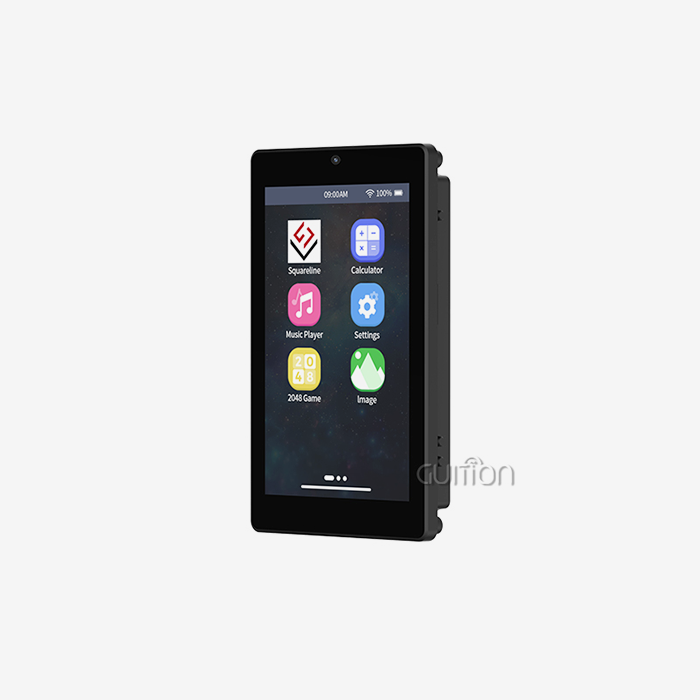
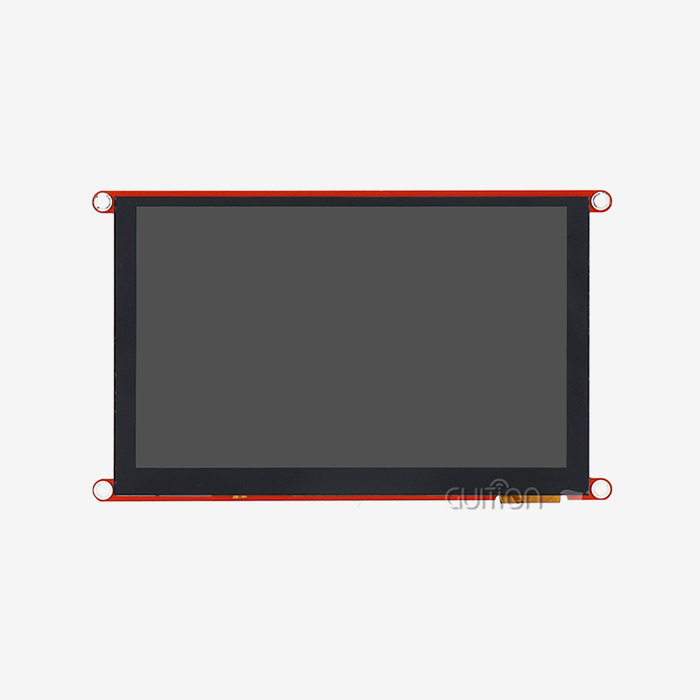
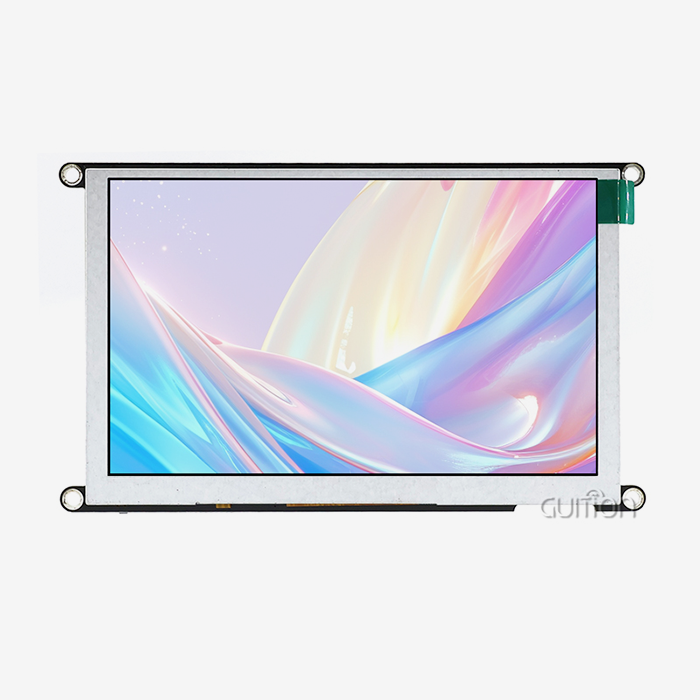
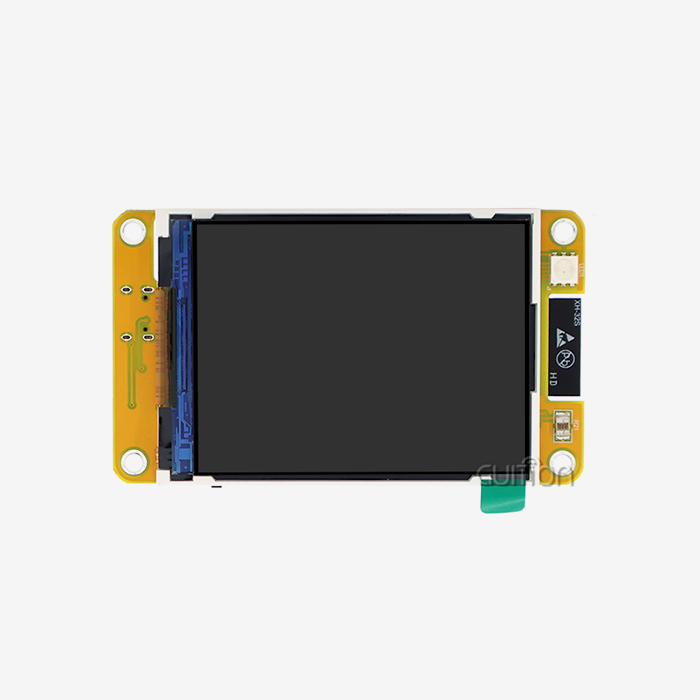
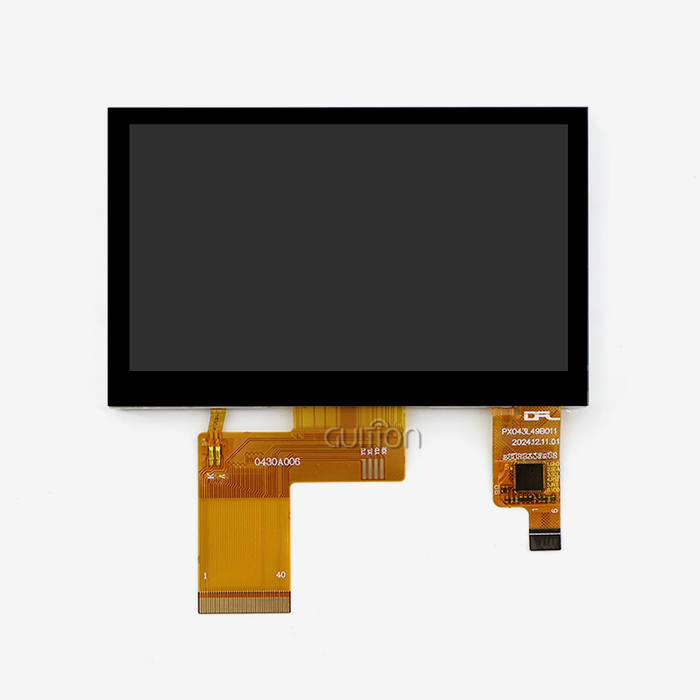
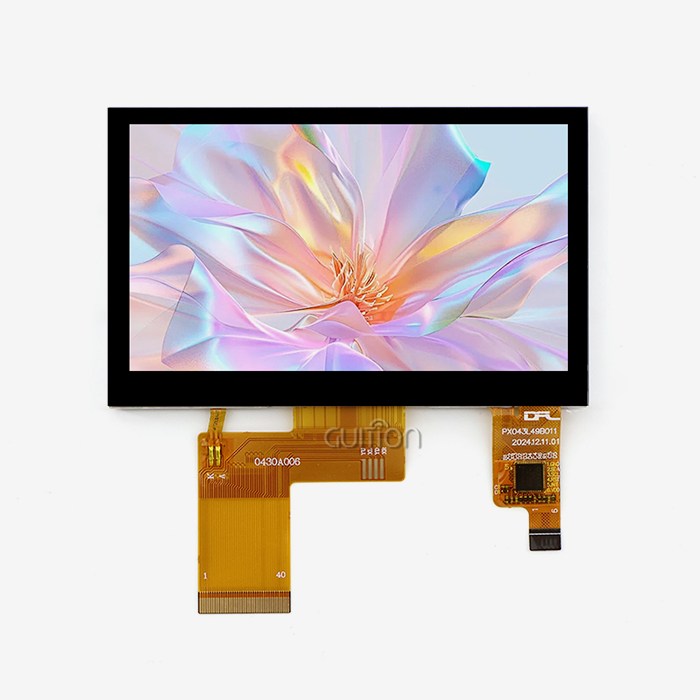
Technical specs aren't the only thing you should look at when choosing display units that work with ESP microcontrollers. The GUITION JC4827B043C is an example of hardware that was made to work in tough industrial settings. This 4.3-inch module has an ILI6485 driver chip that supports 480x272 resolution and sensitive touch. Its RGB interface gives you 16.7 million color options. The specs meet the needs for 3D printer interfaces, charging station displays, and medical beauty tools where the ability to see clearly has a direct effect on the user experience. When procurement teams look at Display ESPHome options, they should focus on parts that will be available for a long time. Controller integrated circuits (ICs), touch digitizers, and LCD screens come from different suppliers, making the supply chain for displays very complicated. Suppliers like Guition keep a steady stock of sizes ranging from 1.28 inches to 21.5 inches. This lowers the risk of buying things for projects that are going from a trial to mass production.
Technical Specifications That Impact Integration Success
When compared to SPI-connected displays, the RGB interface on modules like the JC4827B043C gives faster refresh rates. This is important for applications that need to show graphs or video streams in real time. Capacitive touch technology accurately recognizes input and can handle multi-touch motions that resistive screens can't always pick up. If Display ESPHome configurations can reach professional-level responsiveness, these hardware features determine if they can. In industrial settings, screen brightness ratings are very important. The JC4827B043C's bright display effect can be read in a wide range of lighting conditions, from computer rooms that aren't well lit to industrial floors that are. When looking at display modules, make sure to ask for luminance and contrast ratios. Values below 400 nits might not be enough for placements outside or in places with a lot of natural light. Temperature tolerance sets the limits of deployment. Industrial control panels are often used in places that are very cold, like buildings, or very hot, like industrial enclosures. Commercial-grade parts can usually handle temperatures between 0°C and 50°C, while industrial-grade hardware can handle temperatures between -20°C and 70°C. When environmental specifications are matched to deployment conditions, failures and warranty claims don't happen too soon.
Troubleshooting and Support for Display ESPHome Deployments
Common Technical Challenges and Resolution Strategies
If the screen flickers during data changes, it means that the buffers are not being managed well or that the frame rates are too high. When setting up Display ESPHome lambda functions, you should balance the number of updates with the amount of processing power the ESP has. Rapid sensor polling and complex graphics rendering can use up all of a device's RAM, especially on ESP8266 devices with only 80KB of heap available. Conditional updates, which only refresh changed parts of the screen, lower processor load and get rid of flicker. Most problems with font rendering are caused by wrong TrueType font entries in the YAML setup. Display ESPHome needs clear font file paths and size requirements. Pixelated text means that the anti-aliasing settings are missing or that the font characters are too small. Read the instructions that came with your display driver. Monochrome OLED screens handle fonts differently than color TFT panels that can smooth out grayscale.
Maintaining Firmware Stability Through OTA Updates
Over-the-air updates are a huge benefit for devices that have already been launched. Display ESPHome allows over-the-air (OTA) software flashing over WiFi links, which lets bugs be fixed from afar without having to physically access the hardware. Plan your update strategy around staged rollouts—first put firmware on test devices and check for bugs, then slowly move on to production units. This method reduces the risks of downtime that come with making a lot of changes at once. Community groups are great for finding solutions to problems, but for hardware-specific issues, you should usually talk to the manufacturer directly. Some companies, like Guition, have technical documentation that talks about problems that can happen when integrating their display modules. When buying something, you should look at how well the suppliers' documentation is written, how quickly they answer technical questions, and whether they offer sample code that shows how their hardware works with Display ESPHome.
Is Display ESPHome the Right Choice for Your Smart Home Project?
Aligning Software Flexibility with Hardware Capabilities
Display ESPHome works great when projects need customizations that go beyond what's already available. The YAML configuration method works well for engineers who are used to declarative programming, but teams that are used to Arduino's procedural style may find it hard to learn. It's important to choose the right hardware. For example, matching Display ESPHome with capable modules like the GUITION JC4827B043C and a parallel lcd display setup ensures that firmware freedom leads to reliable user interfaces. Cost savings come from cutting down on development time instead of component prices. Display ESPHome saves weeks of driver coding, but high-quality display modules cost more than simple OLED screens. Look at the total project costs—shorter development times and easier upkeep often make up for higher original hardware costs. This is especially true for production runs of more than 100 units, where engineering time costs a lot.
Scalability and Maintenance Considerations
Display ESPHome's centralized setup control is helpful for projects that need to set up hundreds or thousands of devices. Updated YAML files are recompiled and sent out through OTA updates to make the changes take effect. This flexibility depends on a strong network infrastructure. For remote control, devices must always be able to connect to WiFi. In industrial settings with RF clutter or separated networks, you might need to use a different update strategy. Some technical limitations include the fact that ESP8266 platforms can't handle complex graphics well when they're being rendered. Frame buffers on high-resolution color screens use a lot of RAM, which could be more than the available heap memory. The ESP32 platform, which has more RAM and two cores of processing, works better for demanding graphics apps. Matching the microcontroller's abilities to the complexity of the display stops runtime errors and makes sure everything works smoothly.
Conclusion
To figure out if Display ESPHome is right for your project, you have to weigh the freedom of the software against the limitations of the hardware. The firmware ecosystem allows for a lot of customization through easy-to-use YAML configurations, which speeds up development cycles for teams that are used to using this declarative method. To be successful, you need to choose display modules that are stable and will be available for a long time, can handle harsh environments, and have responsive supplier support. The GUITION JC4827B043C shows hardware that was designed to meet the needs of industry. It has a capacitive touch screen with high accuracy, bright 16.7M color rendering, and excellent RGB interface performance that turns the software possibilities of Display ESPHome into real-world user experiences with a reliable Parallel LCD Display solution. Display ESPHome is a great option for projects that want to make changes quickly, do maintenance remotely, and connect to other systems. Just make sure that the hardware choices you make fit the needs of your launch setting and production scale.
FAQ
What types of projects benefit most from display ESPHome integration?
Display ESPHome works well with IoT devices that need to see feedback in real time, like smart home control panels and industrial tracking systems. The projects that benefit the most have displays that aren't too complicated, like sensor panels, progress indicators, or simple touch interfaces. Applications that need to play videos or cartoons with a high frame rate are too powerful for most ESP microcontrollers and need more powerful hardware platforms that are outside the scope of the firmware's optimization.
How does Display ESPHome compare to Tasmota for touchscreen implementations?
Display ESPHome is more flexible because it lets you handle images at the pixel level with lambda functions, while Tasmota only has a few pre-configured display templates. Support for touch screens in Display ESPHome includes tools for calibration and event handling for multiple touch gestures. Tasmota's approach is too simple for complex HMI designs that are common in industrial settings, but it works for simple text displays.
Can existing Arduino projects migrate to display ESPHome easily?
How hard a migration is relies on how complicated the job is. Simple mixtures of sensors and displays are easy to turn into YAML setups. Projects that use a lot of custom libraries or code that needs to run at a certain time may need a lot of rework. Display ESPHome allows custom C++ components, which let you move from Arduino code to callable functions from YAML in stages. Compare the amount of work needed for migration to the amount of time saved on development for future iterations and maintenance.
Partner with Guition for Professional Display ESPHome Solutions
For your next-generation HMI project, you need gear that was designed to work in harsh automation settings. Guition focuses on making display modules for human-computer interaction that can work with Arduino and ESP-IDF platforms and support DESPHome display integration. Our GUITION JC4827B043C modules give your buying team the dependability they need—reliable supply across size ranges from 1.28 inches to 21.5 inches, along with detailed technical paperwork and quick engineering support. The Guition development tool gets rid of the problems that come with coding by using an easy-to-use drag-and-drop interface. It also works with Display ESPHome for teams that prefer YAML-based processes. Built-in WiFi and Bluetooth modules make it easy to connect to a smart home, and over-the-air (OTA) updates lower the maintenance costs for all the devices that are in use. Your goods can be sold all over the world without having to have their software rewritten if they support UTF-8 encoding and multiple languages. We know what it's like to be in charge of development with tight deadlines, changing requirements, and pressure to cut engineering costs. Talk to our team at david@guition.com about how Guition display panels can speed up your projects for smart homes or factories that use automation. We offer advice and hardware solutions that turn ideas into products that are ready for the market, whether you're looking for Display ESPHome supplier partnerships for small trial runs or makers for large-scale production runs.
References
1. Guition Technical Documentation: Human-Computer Interaction Display Module Integration Guide, 2024, Shenzhen Jingcai Intelligent Technology.
2. ESPHome Official Documentation: Display Component Configuration and Lambda Function Reference, Version 2024.3, ESPHome Development Team.
3. Embedded Systems Engineering Journal: Comparative Analysis of Open-Source IoT Firmware Platforms for HMI Applications, Volume 18, Issue 4, 2023.
4. Industrial Automation Technology Review: TFT LCD Module Selection Criteria for Smart Manufacturing Control Panels, March 2024 Edition.
5. International Journal of IoT Development: YAML-Based Firmware Configuration Strategies for Distributed Sensor Networks, IEEE Publication, 2023.
6. Smart Home Technology Procurement Guide: Evaluating Display Hardware for ESP32-Based Automation Systems, B2B Electronics Quarterly, Winter 2024.
Learn about our latest products and discounts through SMS or email