- English
- French
- German
- Portuguese
- Spanish
- Russian
- Japanese
- Korean
- Arabic
- Greek
- German
- Turkish
- Italian
- Danish
- Romanian
- Indonesian
- Czech
- Afrikaans
- Swedish
- Polish
- Basque
- Catalan
- Esperanto
- Hindi
- Lao
- Albanian
- Amharic
- Armenian
- Azerbaijani
- Belarusian
- Bengali
- Bosnian
- Bulgarian
- Cebuano
- Chichewa
- Corsican
- Croatian
- Dutch
- Estonian
- Filipino
- Finnish
- Frisian
- Galician
- Georgian
- Gujarati
- Haitian
- Hausa
- Hawaiian
- Hebrew
- Hmong
- Hungarian
- Icelandic
- Igbo
- Javanese
- Kannada
- Kazakh
- Khmer
- Kurdish
- Kyrgyz
- Latin
- Latvian
- Lithuanian
- Luxembou..
- Macedonian
- Malagasy
- Malay
- Malayalam
- Maltese
- Maori
- Marathi
- Mongolian
- Burmese
- Nepali
- Norwegian
- Pashto
- Persian
- Punjabi
- Serbian
- Sesotho
- Sinhala
- Slovak
- Slovenian
- Somali
- Samoan
- Scots Gaelic
- Shona
- Sindhi
- Sundanese
- Swahili
- Tajik
- Tamil
- Telugu
- Thai
- Ukrainian
- Urdu
- Uzbek
- Vietnamese
- Welsh
- Xhosa
- Yiddish
- Yoruba
- Zulu
Industrial control display screen with Touch Technology Guide
You’ve undoubtedly been here before. A project requirement asks for a display, and suddenly you’re comparing datasheets full of numbers that all seem the same until something breaks six months after implementation. Choosing an industrial control display screen is not that hard if you know what's really important and what’s really marketing fluff. This guide cuts through the hype and gets right down to the driver chips, the tradeoffs you’ll make on resolution and connection choices, and the real-world deployment circumstances that stand between a screen that lasts and one that becomes a support ticket. Whether you’re creating 3D printers, charging stations, or medical equipment, here’s what you truly need to know before you commit to a provider.


What's Actually Inside an Industrial Control Display Screen
Before comparing suppliers, open the hood. The internals tell you more than any marketing page will.
The Driver Chip Question
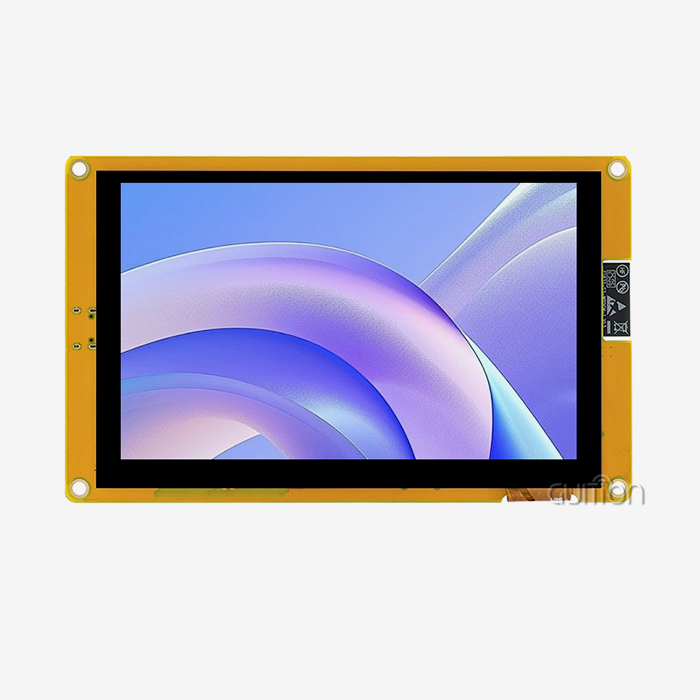
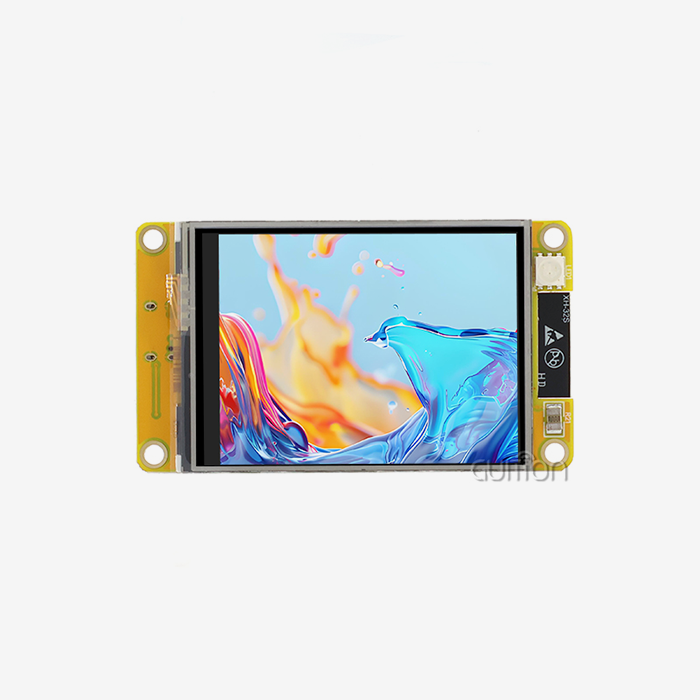
That one part discreetly takes care of most of the long-term behaviour of the display. Every industrial control display screen has a driver IC. One good example of such a controller is the ILI6485 chip, which has a proven history of embedded display development, the GUITION JC4827B043N. When analysing vendors, ask them directly which chip powers their module and how long it has been in production. No matter how wonderful the datasheet seems, a driver that has been in the field for years is a safer option than anything fresh and untested.
Resolution and Color: How Much Do You Really Need
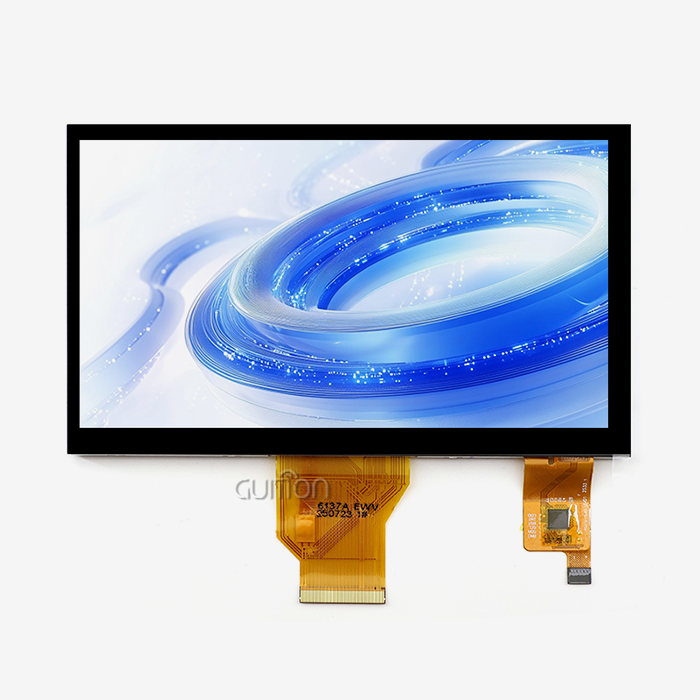
More pixels and more colors sound better on paper, but they're not free — they cost processing power, memory, and money. A 4.3-inch industrial control display screen at 480×272 resolution with 16.7 million colors through 24-bit RGB support is plenty for status panels, simple dashboards, and control interfaces that don't need to render photographs or complex graphs. Before you pay for more resolution than your interface actually uses, sketch out your screens first and count how much detail you genuinely need to display.
RGB Interface vs Other Connection Types
Connection type affects both your board design and your processor's workload. An industrial control display screen using a standard RGB interface hands off pixel data directly, which keeps things simple if your main controller has the bandwidth to spare, but it does use more pins than a serial interface would. If pin count is tight on your design, factor that trade-off in early — swapping interface types after your board layout is finalized is a headache nobody wants.
Features That Actually Move the Needle
Specs get you in the door. These are the features that actually change how fast your project ships and how little you deal with afterward.
Development Tools That Don't Slow You Down
Nobody wants to fight the toolchain when they should be building the actual product. A good industrial control display screen supports multiple development paths — Arduino, IDF, or a proprietary platform — so your team works in whatever environment they already know. Drag-and-drop interface builders matter more than they sound like they should, because they let you prototype a UI in an afternoon instead of a week, freeing up your actual engineering time for the parts of the project that need it.
Wireless and Remote Management
If your deployment involves more than a handful of units, remote management stops being a nice-to-have and becomes a necessity. An industrial control display screen with built-in WiFi and Bluetooth lets devices talk to your network without extra hardware, and remote upgrade capability means you can push firmware updates without sending a technician to every installed unit. Skip this feature, and you'll be paying for site visits every time you need to fix a bug.
Surviving Real Operating Conditions
Lab conditions and field conditions are rarely the same thing. A dependable industrial control display screen should be rated for a wide operating temperature range — something like -20℃ to 70℃ covers most real-world scenarios, from unheated warehouses to equipment sitting near heat sources. Check this number before you check almost anything else, because a beautiful display that can't survive its actual environment is worthless the moment it's installed.
Where These Screens Actually Get Used
Theory is fine, but it helps to see where this hardware earns its keep in practice.
On the Shop Floor
Manufacturing environments are brutal on electronics — vibration, dust, temperature swings, and operators who don't have time to babysit fragile equipment. An industrial control display screen mounted on a 3D printer gives operators live feedback on print progress, catching failed jobs before they waste hours of material. The same logic applies across manufacturing automation generally: a screen that reports status clearly, quickly, and without hiccups keeps a production line moving instead of stalling on guesswork.
In Clinics and Home Systems
Healthcare and residential technology both demand a different kind of reliability — one built around trust rather than raw throughput. An industrial control display screen integrated into medical or aesthetic equipment lets technicians adjust treatment parameters with confidence, since a clear, accurately rendered display reduces the odds of a misread setting. That same dependability carries over into smart home systems, where thermostats and security panels need to stay legible and responsive through years of everyday use without anyone thinking twice about it.
Behind the Wheel and Beyond
This technology shows up in places you might not expect until you start looking. An industrial control display screen sits behind automotive dashboards, showing vehicle diagnostics, powers charging station terminals displaying payment and status information, and runs warehouse management systems tracking inventory in real time. Security systems and audio equipment lean on the same underlying hardware, proof that solid display engineering ends up everywhere once a product needs a screen and can't afford for it to fail.
Picking the Right One for Your Build
Once you understand the technology, narrowing down an actual choice comes down to a handful of practical questions.
Size and Resolution Trade-offs
Don't default to the biggest, highest-resolution option available — match the screen to what your interface actually needs to show. An industrial control display screen at 4.3 inches works fine for compact control panels with a handful of status indicators, while larger, higher-resolution options make more sense for dashboards with graphs or multiple data streams. Oversizing a display adds cost and complexity without adding real value to your product.
Stress-Testing Your Requirements
Write down your actual deployment conditions before you shop: temperature range, expected lifespan, vibration exposure, and how often the unit will be touched or cleaned. Compare that list directly against what an industrial control display screen supplier publishes, rather than assuming general "industrial-grade" claims cover your specific situation. Suppliers who hesitate to share testing data or temperature ratings in writing are telling you something worth paying attention to.
What a Good Supplier Relationship Looks Like
The best supplier relationships don't end at the invoice. Look for a partner who offers genuine customization for your industrial control display screen, responds quickly to integration questions, and provides code examples that actually compile on the first try. If a supplier treats post-sale support as an afterthought, you'll find that out at the worst possible time — usually during a deployment deadline, not before one.
Conclusion
Industrial control display screen selection is about striking the perfect balance between established hardware, versatile development tools, and true durability to meet your project’s real-world requirements. The Guition team, Jingcai Intelligence, has been a top supplier for HMI display solutions. We supply a range of products from 1.28” to 21.5”, and our self-developed Guition interface software simplifies UI creation and speeds up product iteration. Our systems allow secondary development, remote updates, and multi-language capabilities to assist your next automation project to flourish from prototype to full implementation.
FAQ
Q1: What operating temperature range should I expect from a quality industrial display?
A: A well-built industrial control display screen typically operates reliably across -20℃ to 70℃, making it suitable for both indoor climate-controlled settings and harsher outdoor or industrial environments.
Q2: Does this type of display support touch functionality?
A: Some modules, like the JC4827B043N, ship without touch for applications needing pure visual output, while other configurations in the same product family add resistive or capacitive touch depending on project requirements.
Q3: Can I customize the interface without extensive programming experience?
A: Yes, drag-and-drop GUI development tools let engineers build functional interfaces for an industrial control display screen quickly, without needing deep coding expertise for straightforward layouts.
Q4: What connectivity options are typically available?
A: Many modules include built-in WiFi and Bluetooth support, allowing an industrial control display screen to integrate into existing networks and communicate wirelessly with other devices.
Q5: How is a deployed display updated or maintained over time?
A: Remote upgrade capability lets maintenance teams update firmware and features on an industrial control display screen without needing physical access to every installed unit, significantly reducing service costs.
Ready to Upgrade Your Next Project's Industrial Display Screen?
If your automation project needs a display that combines bright, reliable visuals with genuine flexibility, we'd love to help. Whether you're building 3D printers, charging stations, or medical equipment, Jingcai Intelligence and the Guition team can match you with the right industrial control display screen and provide the technical support to bring your interface to life. Reach out at david@guition.com to discuss your specifications, and let's find the right solution for your next deployment together.
References
1. International Society of Automation (ISA) – Human-Machine Interface Design Standards and Best Practices
2. Automation World – Trends in Industrial Display and Touch Technology
3. Control Engineering Magazine – Selecting Display Hardware for Harsh Environments
4. IEEE Industrial Electronics Society – Publications on Embedded Display Systems
5. Plant Engineering Journal – Evaluating Suppliers for Industrial Control Equipment
6. Embedded Computing Design – Guidelines for Selecting TFT and RGB Display Modules
Learn about our latest products and discounts through SMS or email