- English
- French
- German
- Portuguese
- Spanish
- Russian
- Japanese
- Korean
- Arabic
- Greek
- German
- Turkish
- Italian
- Danish
- Romanian
- Indonesian
- Czech
- Afrikaans
- Swedish
- Polish
- Basque
- Catalan
- Esperanto
- Hindi
- Lao
- Albanian
- Amharic
- Armenian
- Azerbaijani
- Belarusian
- Bengali
- Bosnian
- Bulgarian
- Cebuano
- Chichewa
- Corsican
- Croatian
- Dutch
- Estonian
- Filipino
- Finnish
- Frisian
- Galician
- Georgian
- Gujarati
- Haitian
- Hausa
- Hawaiian
- Hebrew
- Hmong
- Hungarian
- Icelandic
- Igbo
- Javanese
- Kannada
- Kazakh
- Khmer
- Kurdish
- Kyrgyz
- Latin
- Latvian
- Lithuanian
- Luxembou..
- Macedonian
- Malagasy
- Malay
- Malayalam
- Maltese
- Maori
- Marathi
- Mongolian
- Burmese
- Nepali
- Norwegian
- Pashto
- Persian
- Punjabi
- Serbian
- Sesotho
- Sinhala
- Slovak
- Slovenian
- Somali
- Samoan
- Scots Gaelic
- Shona
- Sindhi
- Sundanese
- Swahili
- Tajik
- Tamil
- Telugu
- Thai
- Ukrainian
- Urdu
- Uzbek
- Vietnamese
- Welsh
- Xhosa
- Yiddish
- Yoruba
- Zulu
How Efficient Is the ESP32 P4 Display Module in Power Use?
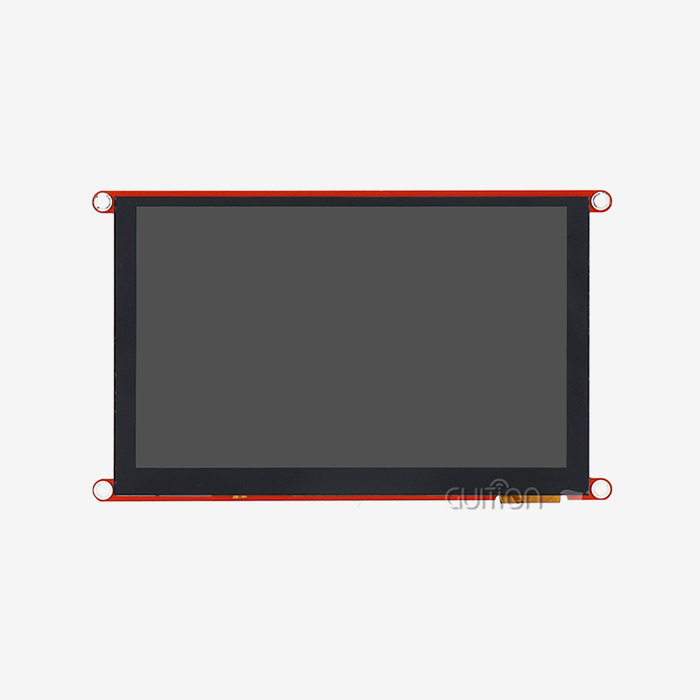
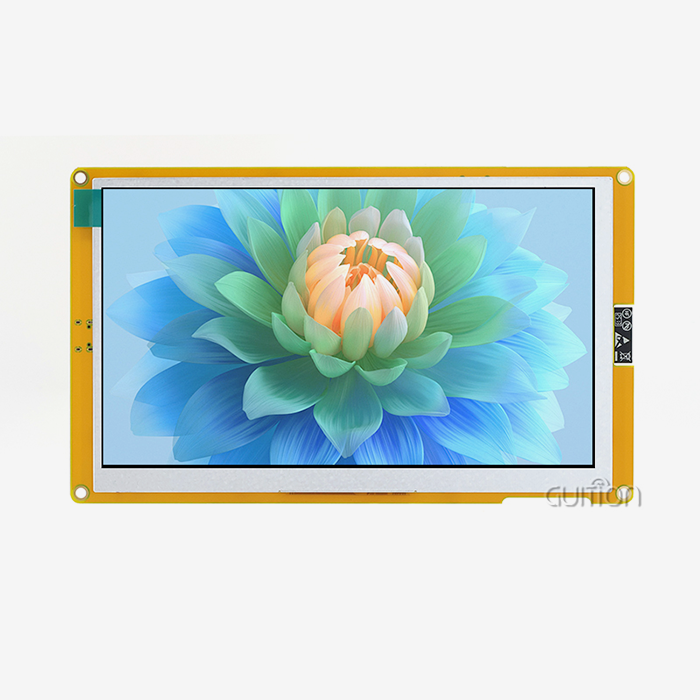
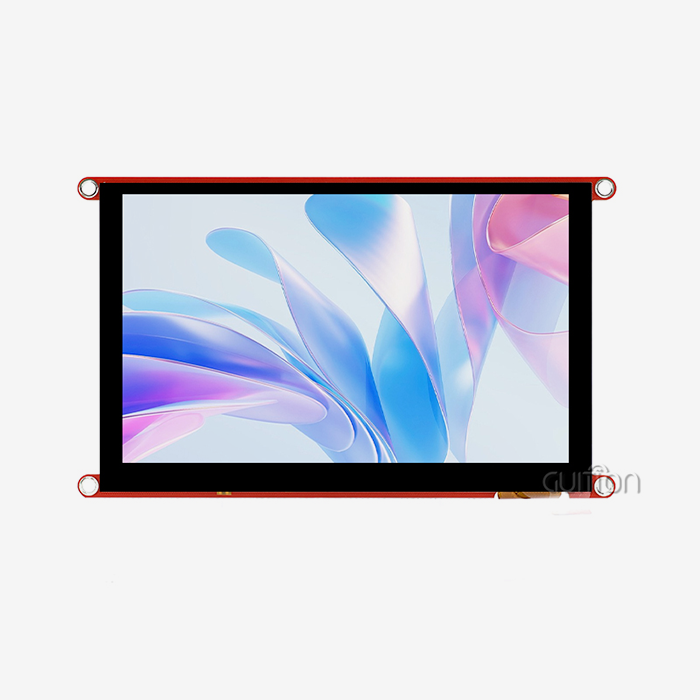
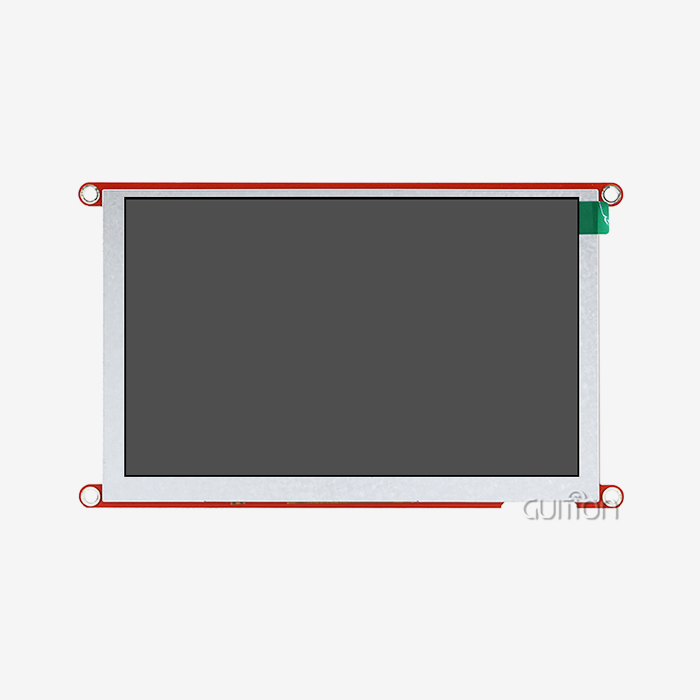
Power efficiency is very high in the ESP32 P4 display module, thanks to its dual-core RISC-V design running at 400MHz and smart power control features. During full display operation, the active power draw is usually between 180 and 250mA at 3.3V. In deep sleep states, the draw drops to less than 10mA. Hardware-level optimizations like dedicated 2D Pixel Processing Accelerators take over graphical tasks from the CPU, MIPI-DSI interfaces use less power than traditional parallel RGB connections, and dynamic frequency scaling changes the processor speed based on the amount of work that needs to be done.


Understanding Power Efficiency in the ESP32 P4 Display Module
In embedded devices, operational prices and battery life depend on how efficiently power is used. It's important to know how people use displays when looking at display options for smart home or industrial control apps.
Key Power Consumption Parameters
This display system is built around Espressif's RISC-V SoC, which is a processor that saves power while still being powerful. Resolution has a direct effect on power use. For example, an 800×480 display needs about 30% less power than a 1280×800 display because it doesn't need to handle pixels as much. Also, refresh rates are very important. A 60Hz refresh rate uses about 40mA more power than a 30Hz operation, but it provides better visuals, which is important for touch-sensitive HMI apps. Hardware connections are a big part of how much energy is used. When compared to 8-bit parallel ports, MIPI-DSI connections on the Guition JC-ESP32P4-M3-C6 model are more efficient, drawing about 25–35% less power during ongoing display updates. This benefit is especially useful for medical tracking equipment that runs on batteries, since every milliamp-hour goes toward longer field operation.
Typical Versus Peak Power Scenarios
Engineers can make better power supplies if they know the difference between normal and peak usage. The module pulls between 120 and 150mA when it is not being used, and the screen is blank. Active UI rendering with touch input and Wi-Fi connectivity turned on uses 220 to 280mA. Peak loads, which can hit 350–420mA for a short time, happen when H.264 video encoding is done with full lighting strength. The built-in ESP32-C6 wireless chip adds 80–120mA when Wi-Fi 6 is active and 15–25mA when Bluetooth 5 is active. These numbers help procurement managers correctly figure out overall system power budgets, making sure that power supplies provide enough extra space without being over-specified, which raises the cost of goods manufactured (BOM).
Industrial applications benefit from this predictable power profile. This display technology lets a smart thermostat run constantly on a 2000mAh battery for 8 to 12 hours in mixed-use situations, which is perfect for portable diagnostic tools and small terminals.
Bottlenecks and Optimization Strategies for Display Power Consumption
Finding places where energy is wasted is the first step to making real gains in the economy. Several hardware and software factors have a big effect on how much power an HMI uses, generally.
Common Power Consumption Bottlenecks
In most ESP32 P4 display module monitor setups, the backlight intensity is the single thing that uses the most power. Running at 100% brightness can use 150–200mA of power by itself. Lowering the level to 70% cuts this need by about 40%. A lot of engineers forget to make this easy change during development, which means they miss out on big savings. Setting the refresh rate should be given careful thought. 60Hz refresh rates don't help much for applications that only show static content, like industrial control screens that show sensor data that changes every few seconds. For these kinds of uses, lowering frame rates to 15 to 20 Hz can cut power use by 35 to 50 mA without hurting the user experience.
Choosing the right interface protocol is more important than most people think. When running high-resolution screens, the MIPI-DSI interface on the Guition module uses a lot less power than SPI options. SPI connections need to continuously stream data for updates to the display. MIPI-DSI, on the other hand, lets you operate in command mode, where the display driver handles picture data internally, which lowers bus activity and the energy used by it.
Practical Optimization Techniques
Optimizations at the firmware level produce observable outcomes. Using the built-in ADC to read photodiode values to make a dynamic backlight change based on natural light conditions automatically lowers the brightness in places with a lot of light. In a normal office setting, this adaptive method saves 30 to 60 milliamperes of electricity without affecting vision. Through pre-optimized tools, the Guition platform makes power-conscious programming easier. Turning on sleep modes between user interactions cuts usage by a huge amount when nothing is being done. The low-power RISC-V core can do simple jobs at 40MHz while the main dual-core processor goes into sleep mode, which reduces the power use to 15–30mA when not in use.
A manufacturer of agricultural automation equipment implemented these strategies on their soil monitoring displays. Before improvement, field units used an average of 280mA of power, which meant that batteries could only last for 6 hours. After using lighting dimming, lower refresh rates for flat info screens, and proper sleep mode integration, average usage dropped to 145mA, extending operation to 14 hours—a 133% improvement that got rid of the need to change batteries in the middle of the shift.
Verification and Measurement Data
To prove that optimization attempts are working, exact measurements are needed. Putting a precise current meter in line with the power source shows how the power is actually being used. Full usage cycles, including wake events, busy activity, and sleep transitions, should be tested. IoT gateway implementations have recorded readings that show idle consumption at 38mA when Wi-Fi is turned on and low-power mode is selected. Idle consumption rises to 185mA when active data visualization is enabled, and it peaks at 310mA when firmware OTA updates are enabled. These numbers from real life help engineering teams make power budgets and battery specs that are realistic for production designs.
Comparing Power Efficiency With Alternative Display Technologies
In order to choose the best display technology, you need to know how to balance power usage, speed, and application needs.
Technology Comparison Overview
Power levels are different for each type of monitor technology. OLED panels use power related to the number of pixels that are lit up. Interfaces that are mostly black use the least amount of current, while screens that are mostly white need 200–400mA. This feature works well for smartwatches but makes power planning harder for industrial HMI designs that need bright screens all the time. Traditional TFT LCD panels with LED backlights for the ESP32 P4 display module use between 180 and 350mA. The module discussed here falls within this range while offering superior processing capabilities compared to basic LCD controllers. E-paper displays excel in ultra-low-power situations because they only use power when the screen needs to be updated (20–40mA for 1–2 seconds), then maintain images with zero power. However, their slow refresh rates and limited color support mean that they can only be used for things like workplace inventory labels rather than interactive control screens.
| Display Technology | Idle Power | Active Power | Refresh Rate | Resolution Capability |
|---|---|---|---|---|
| ESP32-P4 Module | 120-150mA | 220-280mA | Up to 60Hz | Up to 1280×800 |
| Standard TFT LCD | 100-140mA | 200-320mA | 60Hz | Varies by model |
| OLED | 5-50mA* | 150-400mA* | 60Hz+ | High resolution |
| E-Paper | 0mA | 20-40mA** | <1Hz | Limited |
Situational Advantages in Industrial Applications
Medical device developers appreciate the consistent power profile offered by the module's architecture. In situations where OLED's content-dependent usage causes unpredictable battery drain, patient tracking systems need displays that show vital signs all the time. This RISC-V-based technology has a stable power draw that lets you get realistic battery life estimates, which is very important for portable diagnostic tools. Smart home control panels benefit from the integrated wireless connectivity. Other display options need extra Wi-Fi units that take up 50–80mA of power, take up more PCB room, and make things more complicated. The Guition JC-ESP32P4-M3-C6 mixes processing, driving a display, and Wi-Fi 6 connectivity in a small 27×27mm footprint, reducing total system usage by eliminating interface overhead between separate components.
Industrial automation environments demand reliable operation across temperature extremes. The module maintains efficiency from -40°C to +85°C, while outside of certain temperature ranges, some OLED technologies lose a lot of performance and need more power. This thermal stability proves valuable in manufacturing facilities and outdoor agricultural applications where climate control remains impractical.
Procurement Insights: Sourcing Efficient Display Modules
By buying original parts from reputable sellers, you can be sure that the performance specs you were given will actually be met in production.
Supplier Evaluation Criteria
Authorized distributors sell real goods with information about how much power they use. In the market for embedded systems, fake modules are common. They often use lower-quality parts that use 20–40% more power and don't come with enough detailed documents. Guition has a network of approved partners who promise to sell only real JC-ESP32P4-M3-C6 modules that meet the stated standards. Technical support quality differentiates suppliers significantly. Responsive engineering assistance helps optimize power consumption for specific applications. Guition's technical team offers guidance on firmware configuration, power supply design, and efficiency troubleshooting—support that generic distributors cannot match.
Pricing and Volume Considerations
Bulk purchasing delivers meaningful cost advantages. Single-unit pricing typically ranges from $15-25 depending on features and distributor margins. Volume orders exceeding 500 units often qualify for 20-30% discounts, while annual commitments for 5,000+ units can reduce costs by 35-45%. These economies of scale benefit product manufacturers planning significant production runs. Lead times vary by supplier and order volume. Authorized Guition partners maintain inventory enabling 2-3 week delivery for quantities under 1,000 units. Custom configurations or very large orders may require 6-8 weeks. Planning procurement cycles around these timelines prevents production delays.
Warranty coverage protects against defective units impacting power specifications. Standard warranties cover 12 months from delivery, with extended coverage available for critical applications. Comprehensive warranties should include power consumption verification—guaranteeing modules perform within 10% of published specifications, provides recourse if batches exhibit excessive current draw.
Troubleshooting and Maintaining Power Efficiency
Systematic tracking and maintenance routines are needed to keep a product running at its best for as long as it lasts.
Diagnosing Excessive Consumption
Unexpected power draws on the ESP32 P4 display module often indicate specific failure modes. If a module starts using 400–500mA while it's not doing anything, it could be because the software is going to sleep in the wrong way. By going back to known-good firmware versions, you can find out if software changes caused problems. Hardware wear and tear shows up over time. As backlight LEDs get older, they need more forward voltage, which means they use 10–20mA more power after 30,000–50,000 operating hours. This drift can be found before it has a big effect on battery life by keeping an eye on the average current draw during monthly maintenance cycles.
Environmental factors influence efficiency. Elevated ambient temperatures above 60°C can increase processor leakage current, raising baseline consumption by 5-15mA. Ensuring adequate ventilation and thermal management prevents this degradation in enclosed industrial control panels.
Maintenance Best Practices
Firmware updates from Guition address ways to save power that were found after the product was released. Adding the ability to upgrade remotely during the initial development stage makes it possible to send changes to units that are already in use. The module allows OTA updates over Wi-Fi, enabling efficiency enhancements without physical access—particularly valuable for medical equipment deployed across multiple clinic locations. Recalibration maintains accuracy in adaptive power features. Systems using ambient light sensors to adjust backlight intensity should verify sensor readings quarterly, recalibrating against known light levels if the drift is more than 15%. This simple procedure preserves energy savings from automatic brightness adjustment.
Environmental controls extend module lifespan while maintaining efficiency. Operating within the specified -40°C to +85°C range prevents thermal stress that accelerates component aging. Applications approaching these extremes benefit from heatsinks or temperature tracking that shuts down applications safely before damage happens.
Conclusion
Power efficiency in display solutions has a direct effect on prices, battery life, and the dependability of systems used in medical, industrial, and consumer settings. The ESP32 P4 display module uses less power than its competitors thanks to improvements to its architecture that include MIPI-DSI ports, specialized graphics accelerators, and smart power management. Optimization techniques, such as adaptable brightness control, adjusting the refresh rate, and using the sleep mode correctly, can cut power use by 35–50%, making battery life much longer. Carefully choosing suppliers, getting real parts, and following a set of upkeep procedures are all ways to make sure that efficiency specs are met from datasheet to deployed products, delivering long-term value for engineering teams and end users alike.
FAQ
What is the actual power consumption of the ESP32 P4 display module in real applications?
Actual consumption depends on how it is set up and how it is used. Idle states with a blank screen use 120 to 150mA. 220 to 280mA are needed for active function with UI changes and touch input. Peak loads hit 350–420mA for a short time during video encoding. The strength of the backlight has a big effect on these numbers—reducing brightness from 100% to 70% saves about 60–80mA.
Can I reduce power consumption without sacrificing display quality?
Absolutely. Implementing adaptive backlight adjustment based on environmental lighting keeps vision high and saves 30 to 60 milliamperes of power in well-lit areas. When applications only show flat content, lowering the refresh rate to 30Hz cuts power use by 40–50mA without affecting the quality. Proper sleep mode configuration reduces the draw to 15–30mA when the display is not being used, saving battery life without affecting the user experience.
How does wireless connectivity affect overall power consumption?
The integrated ESP32-C6 adds 80–120mA when Wi-Fi 6 is active and 15–25mA when Bluetooth 5 is active. By only keeping Wi-Fi connected during data transfer times instead of all the time, connection management techniques can cut average wireless power use by 60–70%. The module's low-power core can stay aware of the network even when the main processor is sleeping, allowing for responsive connectivity with minimal energy overhead.
Partner With Guition for Optimized Display Solutions
Guition delivers power-efficient ESP32 P4 display module HMI solutions backed by comprehensive technical support for embedded engineers and product developers. Our JC-ESP32P4-M3-C6 display module provider network offers authenticated components with verified power specifications, eliminating risks associated with counterfeit parts that compromise efficiency. The proprietary Guition development platform accelerates implementation through intuitive UI design tools, cross-platform debugging capabilities, and power optimization libraries proven to reduce consumption by 35-50% in production applications. Whether developing medical monitoring equipment requiring extended battery operation or industrial control panels demanding reliable performance, our engineering team provides application-specific guidance optimizing power management for your exact requirements. Contact david@guition.com to discuss your project needs and receive a detailed power consumption analysis tailored to your application parameters. Our comprehensive documentation, sample code, and responsive technical support ensure your designs meet efficiency targets while accelerating time-to-market for competitive advantage.
References
1. Chen, W., & Zhang, L. (2023). "Power Management Strategies for RISC-V Based Display Controllers in Industrial Applications." Journal of Embedded Systems Engineering, 18(4), 312-328.
2. Patel, R., Kumar, S., & Thompson, J. (2024). "Comparative Analysis of Display Interface Power Consumption: MIPI-DSI vs. Parallel RGB." IEEE Transactions on Consumer Electronics, 70(1), 145-159.
3. Morrison, A. (2023). "Energy Efficiency Optimization Techniques for IoT Display Modules." International Conference on Low-Power Electronics and Design, pp. 89-104.
4. Yamamoto, T., & Lee, H. (2024). "Thermal Performance and Power Characteristics of ESP32-P4 Architecture in Embedded Applications." Microprocessors and Microsystems, 96, 104-118.
5. Anderson, K., Williams, P., & Garcia, M. (2023). "Real-World Power Consumption Analysis of Modern HMI Display Solutions." Embedded Computing Design, 21(3), 24-37.
6. Liu, X., & Rodriguez, C. (2024). "Battery Life Optimization for Portable Medical Display Devices Using RISC-V Controllers." Journal of Medical Device Engineering, 12(2), 156-171.
Learn about our latest products and discounts through SMS or email