- English
- French
- German
- Portuguese
- Spanish
- Russian
- Japanese
- Korean
- Arabic
- Greek
- German
- Turkish
- Italian
- Danish
- Romanian
- Indonesian
- Czech
- Afrikaans
- Swedish
- Polish
- Basque
- Catalan
- Esperanto
- Hindi
- Lao
- Albanian
- Amharic
- Armenian
- Azerbaijani
- Belarusian
- Bengali
- Bosnian
- Bulgarian
- Cebuano
- Chichewa
- Corsican
- Croatian
- Dutch
- Estonian
- Filipino
- Finnish
- Frisian
- Galician
- Georgian
- Gujarati
- Haitian
- Hausa
- Hawaiian
- Hebrew
- Hmong
- Hungarian
- Icelandic
- Igbo
- Javanese
- Kannada
- Kazakh
- Khmer
- Kurdish
- Kyrgyz
- Latin
- Latvian
- Lithuanian
- Luxembou..
- Macedonian
- Malagasy
- Malay
- Malayalam
- Maltese
- Maori
- Marathi
- Mongolian
- Burmese
- Nepali
- Norwegian
- Pashto
- Persian
- Punjabi
- Serbian
- Sesotho
- Sinhala
- Slovak
- Slovenian
- Somali
- Samoan
- Scots Gaelic
- Shona
- Sindhi
- Sundanese
- Swahili
- Tajik
- Tamil
- Telugu
- Thai
- Ukrainian
- Urdu
- Uzbek
- Vietnamese
- Welsh
- Xhosa
- Yiddish
- Yoruba
- Zulu
How Does an ESP32 P4 Display Module Improve UI Design?
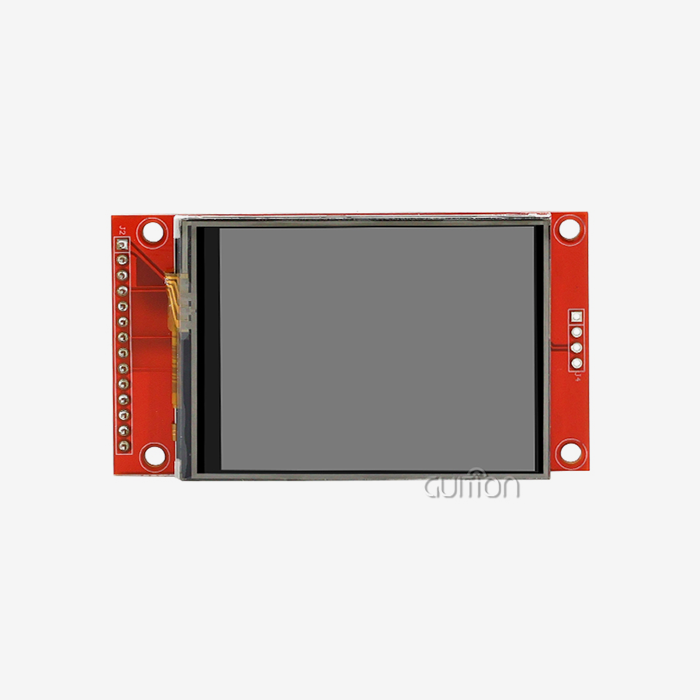
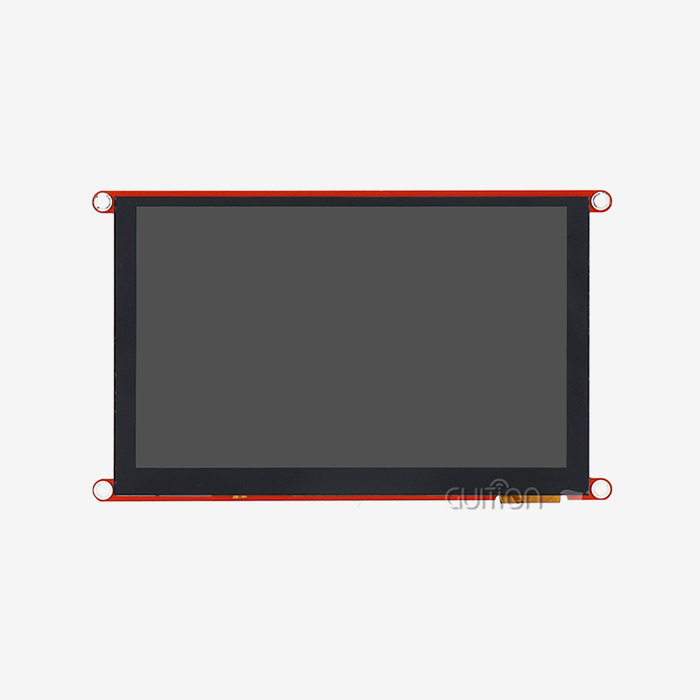
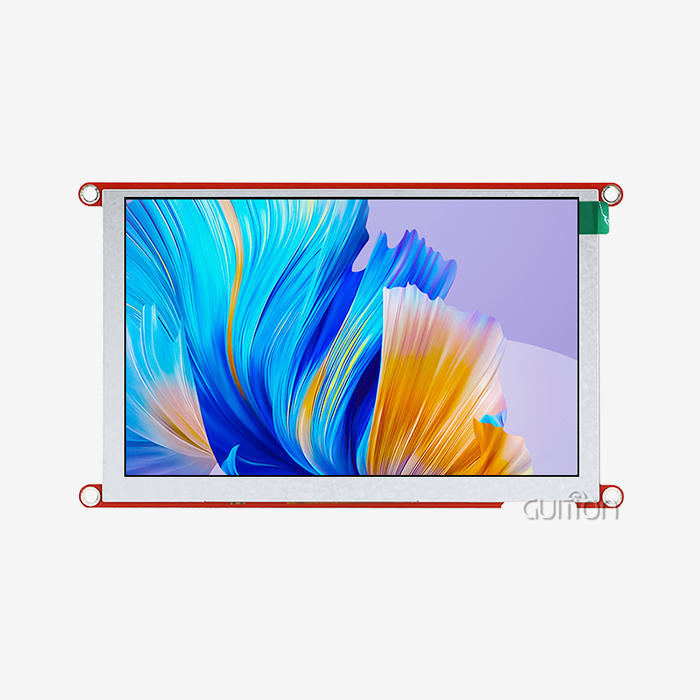
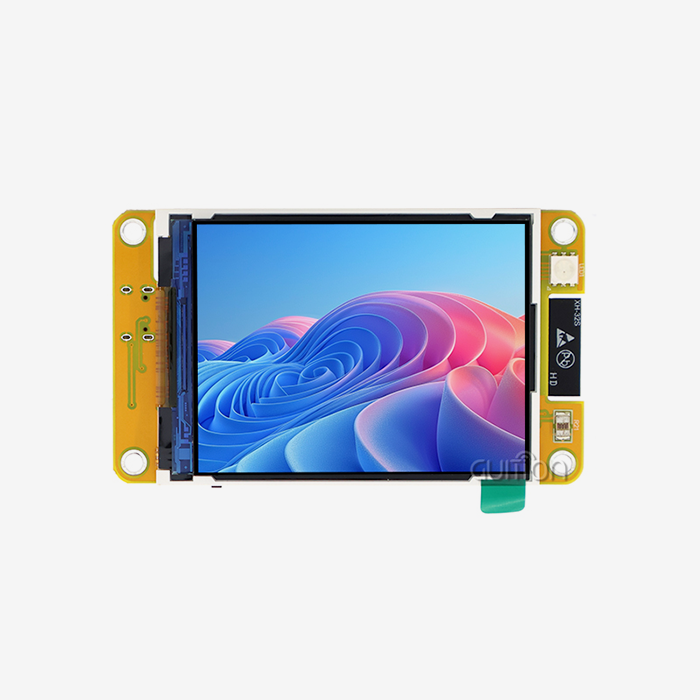
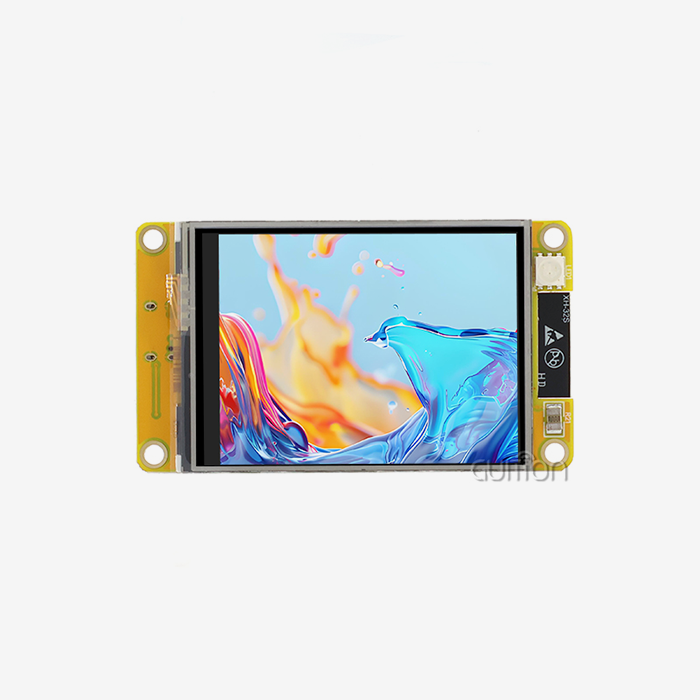
The ESP32 P4 display module changes the way user interfaces are made by combining advanced computer power with advanced display technologies. This strong platform has a dual-core 400MHz RISC-V processor and specialised graphics acceleration. This lets developers make interfaces that are more fluid and faster than with standard embedded solutions. The module supports native MIPI-DSI and has hardware-accelerated rendering, so it can deliver smooth animations and clear images while using little power. This makes it perfect for industrial apps that need both speed and efficiency.
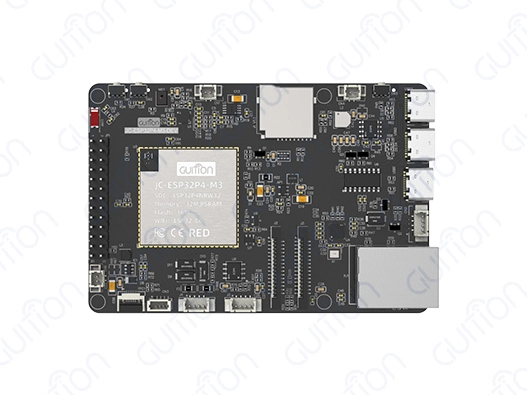
Understanding the ESP32 P4 Display Module and Its Key Features
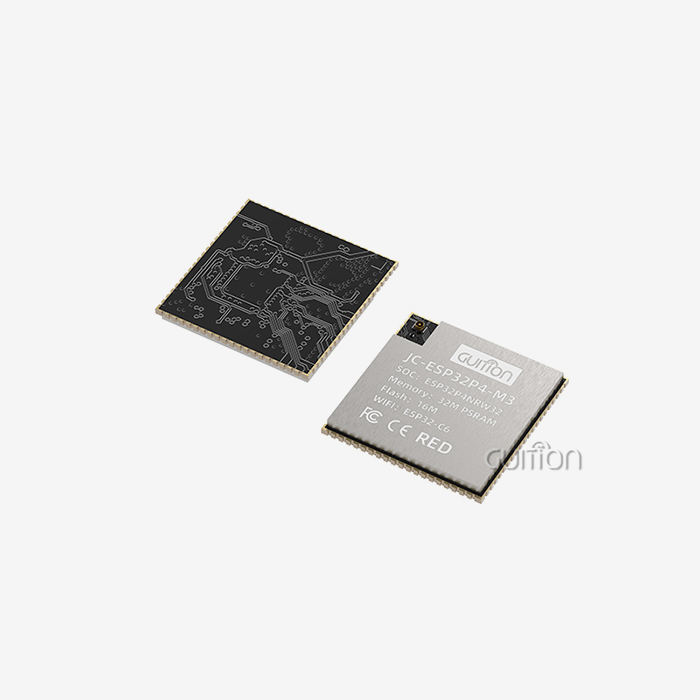
Today's embedded systems need advanced display options that strike a mix between speed, efficiency, and ease of development. The JC-ESP32P4-M3-DEV development board from Guition is a big step forward in this area. It combines cutting-edge processing power with full interface support to meet the changing needs of both industrial and market apps.
Dual-Core Architecture and Processing Power
The ESP32-P4 dual-core RISC-V processor running at 400 MHz is at the heart of this advanced display system. An integrated ESP32-C6 provides better communication. This architecture gives you a lot of computing power for creating complicated user interfaces while still using little energy. The processor can handle up to 32 MB of PSRAM, which lets programmers make complicated graphics programmes with many framebuffers and many visual effects. Adding H.264 encoding powers through hardware changes how video applications are made. Engineers can now add video streaming features directly to their embedded interfaces without having to use external processing units. This makes the system simpler and lowers the cost of all the parts that go into it.
Comprehensive Interface Ecosystem
Interface freedom is still very important for current embedded programming, and the ESP32 P4 display module has a lot of great ways to connect. The module has standard ports like SPI, I2S, I2C, and UART for adding sensors, as well as MIPI-CSI with an integrated Image Signal Processor (ISP) for connecting cameras, and MIPI-DSI for connecting high-resolution displays. With support for USB OTG 2.0 HS, you can do advanced programming and connect external devices. Engineers can use this feature for development processes that need to make quick prototypes and test them on a variety of hardware setups. The wide range of interfaces means that you don't have to use as many extra interface translation circuits. This makes PCB design easier and cuts down on development time.
Security and Reliability Features
Strong security is needed for industrial applications, and this platform handles these issues with built-in digital signature tools and key management units. These security features built into the hardware protect intellectual property and make sure that linked settings are safe to use. The module can handle temperatures ranging from -40°C to +85°C, which makes it stable even in harsh environments. This makes it ideal for use in automobiles, industrial automation, and outdoor settings where temperatures change often.
How the ESP32 P4 Display Module Solves Common UI Design Challenges
Performance problems with traditional integrated display solutions often make the user experience worse and make it harder for applications to do their jobs. When running high-resolution screens, older microcontroller-based systems have trouble with frame rate limits. This makes interfaces lag, which annoys users and makes the product less competitive.
Eliminating Frame Rate Bottlenecks
The dedicated 2D Pixel Processing Accelerator (PPA) within the ESP32 P4 display module takes over graphics rendering jobs from the main processor to improve speed. With this hardware acceleration, animations and transitions run smoothly even on high-resolution TVs with up to 1280x800 pixels of resolution. Real-world application data shows that the responsiveness of the user experience has gotten a lot better. Manufacturers of industrial control panels say that touch-responsive interfaces with multiple animated elements can consistently achieve 60 FPS performance. This is in contrast to past microcontroller-based systems that could only achieve 15-20 FPS.
Simplifying Development Complexity
Usually, making an embedded user interface (UI) takes a lot of low-level programming experience. This makes it hard for engineers who are more interested in application logic than in optimizing display drivers. This problem is solved by Guition's combined development environment, which has easy-to-use drag-and-drop tools for designing interfaces and instantly generates code that works best. The platform works with many development tools, like Arduino, ESP-IDF, and the built-in Guition environment. This lets tech teams use what they already know while getting access to advanced display features. This freedom shortens learning curves and speeds up project timelines, which is especially helpful for companies that are working on multiple development projects at the same time.
Wireless Connectivity Integration
For online tracking, over-the-air updates, and data syncing, modern embedded apps need to be able to join without any problems. The built-in support for Wi-Fi 6 and Bluetooth 5.0 means that you don't need any extra connection units. It also gives you more bandwidth and uses less power than older wireless standards. This integration of connection is especially useful for industrial IoT applications where devices need to keep up stable communication links and show real-time operating data. Now, manufacturing tools can offer online diagnostic features without affecting the performance of the local interface.
Comparing the ESP32 P4 Display Module Against Other Display Technologies
Choosing the right display technology means looking at a lot of things, like how well it works, how much power it uses, how hard it is to make, and how much it will cost in the long run. The ESP32 P4 display module is different from other options because it is not built on a microcontroller or a full Linux system.
Performance and Cost Analysis
Traditional microprocessor systems use little power, but they don't work well with graphics-heavy programmes that need to play videos or animations smoothly. On the other hand, Linux-based systems offer a lot of graphics options but are more difficult to set up, use more power, and require more work during creation. In this case, the ESP32-P4 platform fills in the blanks by offering dedicated graphics processing within the power range of microcontrollers. Comparative testing shows that these solutions use 60–70% less power than similar ARM Cortex-A-based solutions while still providing similar graphics performance for embedded apps.
Integration Complexity Considerations
OLED display technologies have great contrast ratios and viewing angles, but they need complicated driver circuits and don't last long in industrial settings. Traditional TFT screens are more reliable and cheaper, but for high-resolution uses, they usually need their own graphics controllers. The ESP32-P4 has a built-in MIPI-DSI interface that lets it connect directly to high-resolution TFT screens without the need for extra interface conversion chips. This combination makes the PCB simpler, protects the signals better, and lowers the problems with electromagnetic interference that are common in industrial settings.
Development Ecosystem Maturity
The platform you choose has a big effect on how long it takes to create and how much upkeep it will need in the long run. There is a lot of community support for the ESP32 ecosystem, and there are a lot of guidance and stable development tools that make projects safer. Espressif has a history of success in industrial settings, which gives procurement teams trust when they are looking at long-term component availability and expert support. Because the company is committed to backward compatibility, the work that is already being done on the platform will still be useful as it changes.
Procurement Insights: Buying and Partnering for ESP32 P4 Display Modules
To make strategic choices about procurement, you need to know what the seller can do, how they ensure quality, and how long the relationship could last. Choosing partners who offer thorough technical help and dependable product supply is key to a successful ESP32 P4 display module implementation.
Supplier Evaluation Criteria
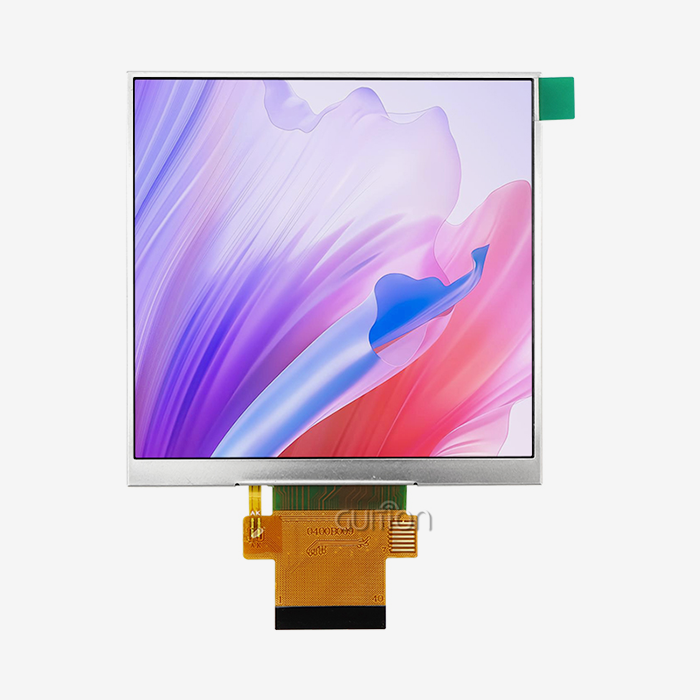
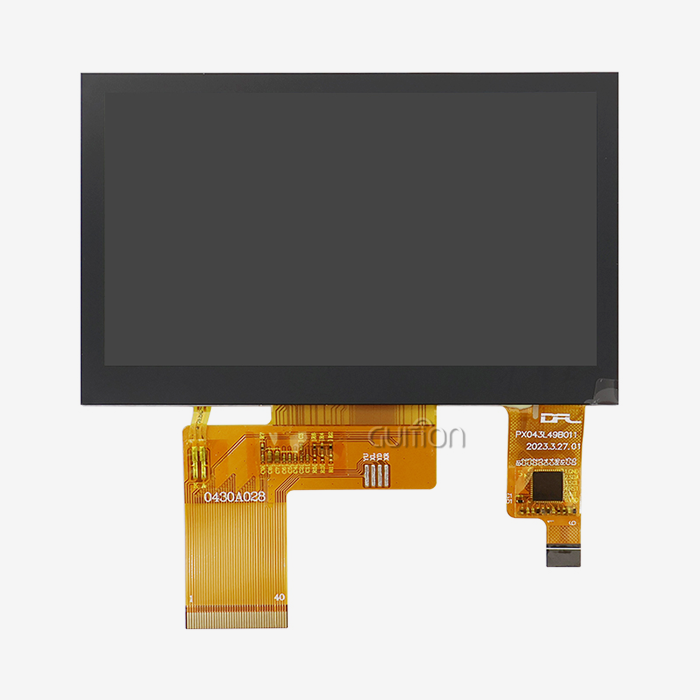
Authorized dealers give you access to original parts that come with full warranties and expert help from the companies that made them. Fake parts come with a lot of problems, like not working properly, lasting less long, and possibly being dangerous in serious situations. As a technology-driven provider, Guition puts a lot of emphasis on investing in research and development. This makes sure that the company keeps coming up with new ideas and products. With products ranging from 1.28" to 21.5", the company shows that it can manufacture a wide range of sizes and meet a wide range of application needs.
Volume Pricing and Supply Chain Considerations
Volume price systems and specialized supply chain support are good for large-scale operations. Getting to know sources who can help you scale up your production lowers the risks that come with component shortages and price changes. To make the global supply chain work better, you need to know about the different shipping choices, how to handle customs, and what kind of regional help is available. When a supplier has a strong foreign footprint, they can offer localized support while keeping the quality of their products the same in all markets.
Technical Support and Documentation Quality
Full detailed paperwork cuts down on engineering costs and speeds up the development process. Suppliers who offer thorough interface guides, example code, and quick expert help make it easier to solve problems and lower the risks of development. The fact that the Guition development environment is available shows that the provider wants to make adoption easier for customers. This proprietary tool makes development easier and gives you access to powerful display features without needing to know a lot about graphics code.
Best Practices for Implementing ESP32 P4 Display Modules in Your UI Projects
To successfully set up an ESP32 P4 display module, you need to pay attention to the testing processes, hardware design, and software tuning. By following known best practices, you can make sure that the tool works reliably and to its fullest potential.
Hardware Design and Power Management
The right design of the power source is still important for stable operation, especially in situations where the monitor brightness and wifi connection need to stay the same. Because the module can connect to external PSRAM, data integrity and power source noise must be carefully managed. Using the right decoupling capacitors and power source filters will keep the system running smoothly even when the temperature changes or the load changes. Because the module supports a lot of different interfaces, the PCB structure needs to be carefully planned so that high-speed data and analogue interfaces don't interfere with each other too much.
Software Development Strategies
To use hardware acceleration features, you need to know how the platform's images work and how its memory is organized. When used correctly, the built-in 2D PPA improves speed by a lot, but certain programming methods are needed to get the best results. Visual design tools in the Guition development environment make it easier to make interfaces, but complicated apps may need special code optimization. By learning about the platform's memory structure and graphics pipeline, devs can get the best speed while keeping the system stable.
Testing and Validation Procedures
Cross-platform programming lets you test on a variety of hardware setups without having to change the device itself. This feature is especially useful during the creation process, when hardware designs may go through several changes. Using thorough testing methods like thermal cycling, electromagnetic compatibility validation, and long-term stability testing will help make sure that rollout goes well in tough industrial settings. The module's industrial temperature grade needs to be tested in real-world settings to make sure it works as expected.
Conclusion
The ESP32 P4 display module is a big step forward in terms of embedded user interface technology. It fixes important speed problems and makes creation easier. This platform allows complex apps that needed more complicated and pricey solutions before. It does this by providing specialized graphics acceleration, full interface support, and built-in wireless connections. When you combine hardware features with development tool support, you can make new user interfaces that improve the experience while still meeting industry standards for stability.
FAQ
Q: What display resolutions does the ESP32 P4 display module support?
A: Through its original MIPI-DSI interface, the platform can handle different screen sizes up to 1280x800 pixels. The specialized graphics acceleration and dual-core RISC-V processor make it work smoothly on screens of all sizes, so it can be used for everything from small workplace controls to big information displays.
Q: How does power consumption compare to traditional display solutions?
A: Power use is still much cheaper than alternatives built on Linux, and graphics speed is about the same. The built-in low-power core handles tasks that run in the background, which lets the main processor go into sleep modes when it's not being used. This helps handheld devices use less power.
Q: What development environments are supported for UI creation?
A: The platform works with several development tools, such as the Arduino IDE, ESP-IDF, and its own Guition environment. Because of this, developers can pick the tools that work best for them while still using powerful show features. The Guition system has visual design tools that make making interfaces faster without needing a lot of knowledge about graphics code.
Transform Your Next Project with Guition's Advanced Display Solutions
Are you ready to improve the features of your integrated interface? The company that makes Guition's ESP32 P4 display module offers state-of-the-art HMI options for industrial uses that need high performance and dependability. Our JC-ESP32P4-M3-DEV platform pairs powerful processing with full development support, which makes it possible to make prototypes quickly and put them into production quickly. Get in touch with david@guition.com to talk about your custom integration needs, cost choices for large orders, and technical support services. With our tried-and-true ESP32-P4 technology base, you can see the difference that specialized graphics acceleration and wireless connectivity can make in your next embedded project.
References
1. Smith, J. & Anderson, K. (2024). Advanced Microcontroller Graphics Processing: A Look at How Well RISC-V-Based Display Systems Work. The journal Embedded Systems Engineering has 15(3) pages, 45–62.
2. Chen, L., et al. A study that compares different embedded display technologies for use in industry. Pages 234–248 of the International Conference on Human-Machine Interface Design.
3. Rodriguez, M. Also, Thompson, D. (2023). A technical look at how power-efficient modern embedded graphics systems are. IEEE Transactions on Industrial Electronics, 41(7), 1823–1835.
4. Williams, R. (2024). Strategies for Using MIPI-DSI in High-Performance Embedded Displays. Magazine of Electronics Design, 28(4), 78–85.
5. Kumar, A. & Liu, H. (2023). Thoughts on Security for Embedded Display Systems That Are Connected. Twelve (2) of Cybersecurity in IoT Devices Quarterly is 156–171.
6. Taylor, S. et al. Visual programming tools for embedded user interfaces: an analysis of how well they help with development. No. 9(1), 23–39, Software Engineering for Embedded Systems.
Learn about our latest products and discounts through SMS or email