- English
- French
- German
- Portuguese
- Spanish
- Russian
- Japanese
- Korean
- Arabic
- Greek
- German
- Turkish
- Italian
- Danish
- Romanian
- Indonesian
- Czech
- Afrikaans
- Swedish
- Polish
- Basque
- Catalan
- Esperanto
- Hindi
- Lao
- Albanian
- Amharic
- Armenian
- Azerbaijani
- Belarusian
- Bengali
- Bosnian
- Bulgarian
- Cebuano
- Chichewa
- Corsican
- Croatian
- Dutch
- Estonian
- Filipino
- Finnish
- Frisian
- Galician
- Georgian
- Gujarati
- Haitian
- Hausa
- Hawaiian
- Hebrew
- Hmong
- Hungarian
- Icelandic
- Igbo
- Javanese
- Kannada
- Kazakh
- Khmer
- Kurdish
- Kyrgyz
- Latin
- Latvian
- Lithuanian
- Luxembou..
- Macedonian
- Malagasy
- Malay
- Malayalam
- Maltese
- Maori
- Marathi
- Mongolian
- Burmese
- Nepali
- Norwegian
- Pashto
- Persian
- Punjabi
- Serbian
- Sesotho
- Sinhala
- Slovak
- Slovenian
- Somali
- Samoan
- Scots Gaelic
- Shona
- Sindhi
- Sundanese
- Swahili
- Tajik
- Tamil
- Telugu
- Thai
- Ukrainian
- Urdu
- Uzbek
- Vietnamese
- Welsh
- Xhosa
- Yiddish
- Yoruba
- Zulu
HMI Display Module Buying Guide: Specs, Touch & Connectivity
To get the best performance in industrial settings, you need to carefully consider the technical specs, touch technologies, and communication choices of each hmi display module you choose. This detailed buying guide looks at important things like screen resolution, processor power, wifi connection options, and compatibility with software platforms. Modern human-machine interface solutions combine advanced microcontrollers like the ESP32-S3R8 with easy-to-use touchscreens. This makes it possible for humans and automatic systems to talk to each other without any problems. This is useful in manufacturing, medical devices, and smart appliances.
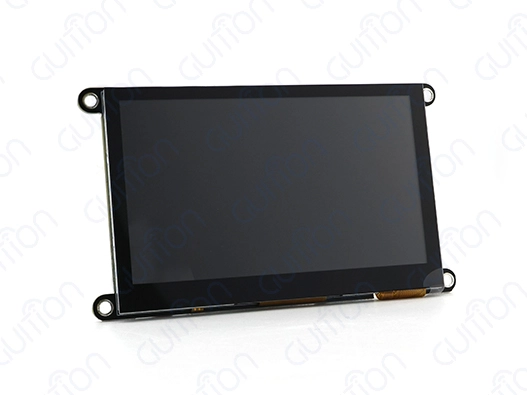
Understanding HMI Display Modules: Features, Types, and Applications
Human-machine interface display units are very important in industrial settings because they let workers and automated control systems talk to each other. These high-tech gadgets combine screen displays, touch sensors, processing units, and communication ports into a single unit that makes it easier for complicated systems to work together. Modern interface modules make development easier by including software tools and communication methods that are already set up. This is in contrast to older displays that need a lot of computer knowledge.
Core Components and Architecture
There are a few key parts that make up modern interface display systems that describe how they work. Most of the time, the processing unit has two microcontrollers that work at speeds of up to 240 MHz. This gives it enough power to render images and handle data in real time. Memory configurations usually include 512KB SRAM, 384KB ROM, and TF card ports for adding more storage space. This lets you build complex applications and log data. LCD and OLED use different display technologies. For most industry uses, LCD modules are the most cost-effective and give the best brightness levels. There are different levels of resolution, from basic 480x272 settings that work well for simple control interfaces to high-definition settings that can handle complex display needs. The visual quality depends on the colour depth that is supported. Displays that can handle 65K colours look great for current user interface designs.
Touch Technology Comparison
In workplace settings, the choice of touch input for HMI Display Modules has a big effect on the user experience and the reliability of operations. Resistive touch technology is very long-lasting and works well even when gloves are on. This makes it perfect for factory settings where workers wear safety gear. These systems work with a wide range of temperatures, usually from -20°C to +70°C, and respond to pressure-based inputs. Capacitive touch screens are more sensitive and can handle multiple touches, which makes gesture-based settings and easier user interactions possible. But they need to be in close touch with skin or use special conductive styluses, which may make them less useful in some industrial settings. When deciding between resistive and capacitive technologies, you should think about how they will be used and the surroundings.
Industrial Application Scenarios
Interface modules are used in manufacturing automation systems to make machine control screens, production tracking displays, and quality assurance interfaces. For these uses, the building has to be strong, able to withstand electromagnetic interference, and able to communicate reliably with programmable logic controls using protocols like Modbus and CAN bus. The units have to be able to handle the shaking, dust, and changes in temperature that happen in factory settings. For medical device uses to work, the interfaces need to meet strict legal standards and be easy for healthcare professionals to use. A lot of the time, these units have antibacterial coatings, accurate colour for showing data, and fail-safe communication procedures to keep patients safe. The displays must still work while they are being cleaned, and they must also be able to keep water out.
How to Choose the Best HMI Display Module for Your Industrial Needs
To choose the right human-machine interface options, you need to carefully look at the operational needs, the surroundings, and the integration limitations. The first step in making a choice is to look at specific use cases, such as how users will connect with the system, how data will be displayed, and what the communication protocol needs to be. When you understand these basic elements, you can compare technical specifications and choose a seller more easily.
Environmental Considerations and Durability Requirements
There are special problems that come up in industrial settings that affect the choosing of interface modules. To ensure long-term operating stability, temperature ranges, humidity levels, dust exposure, and the chance of electromagnetic interference must all be carefully evaluated. Modules made for tough settings usually have higher sealing grades, wider temperature ranges, and better electromagnetic compatibility. For most workplace uses, the operating temperature range is between -20°C and +70°C. For car and outdoor installations, there are special versions that can handle temperatures between -30°C and +85°C. Different goods have different levels of humidity resistance. Some modules offer resistance to condensation by using optical bonding technologies to close off air holes between display layers.
Processing Power and Memory Requirements
How well interface modules can handle complicated graphical user interfaces, real-time data processing, and multiple communication jobs at the same time depends on how much computing power they have. Dual-core processors running at 240 MHz give demanding apps a lot of working power, and memory configurations that include 8M PSRAM make it possible for complex user interfaces to run smoothly. The complexity of the apps that can be run on the modules is affected by their storage ability. Basic setups with 4MB flash memory support basic interface designs with few graphics and fonts. More storage choices can handle high-resolution images, multiple language packs, and a lot of data logging.
Connectivity and Integration Flexibility
Modern interface units have a variety of ways to connect so they can meet a wide range of industry communication needs. Having both Wi-Fi and Bluetooth built in lets you connect portable devices, watch them from afar, and update them over-the-air. These wireless features are especially helpful for programmes that need to join a network without adding extra wires. The HMI Display Module must also have enough input and output extension options to allow sensors to be added and control from outside the module. Modules with up to 10 available IO pins let you make your own sensor interfaces, relay controls, and external communication methods that go beyond the main features of the display.
Detailed Comparison of Popular HMI Display Modules in 2024
On the market right now, there are a lot of different screen display options with different features, prices, and intended uses. To meet the needs of a wide range of industries, leading makers focus on finding the best balance between speed, reliability, and ease of development. Product comparisons should look at how fast the processor is, how good the screen is, how quick the touchscreen is, and how mature the software development environment is.
Performance Benchmarking and Technical Specifications
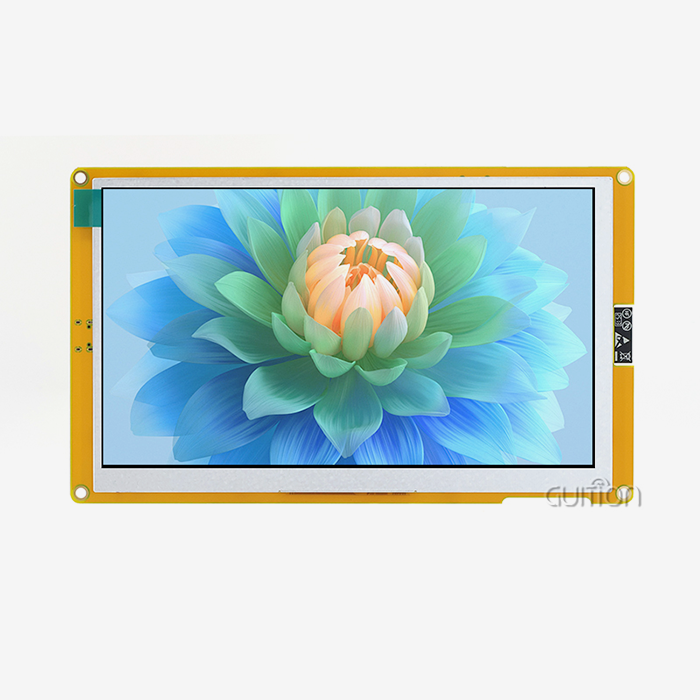
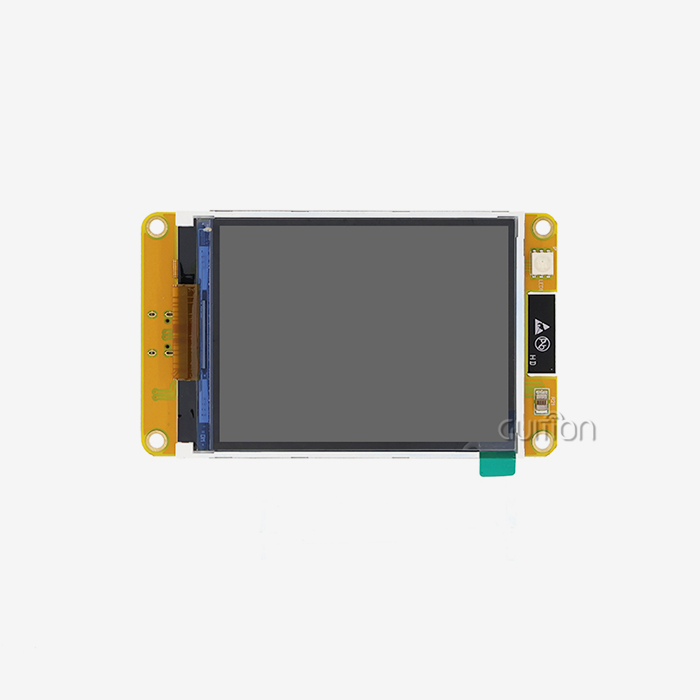
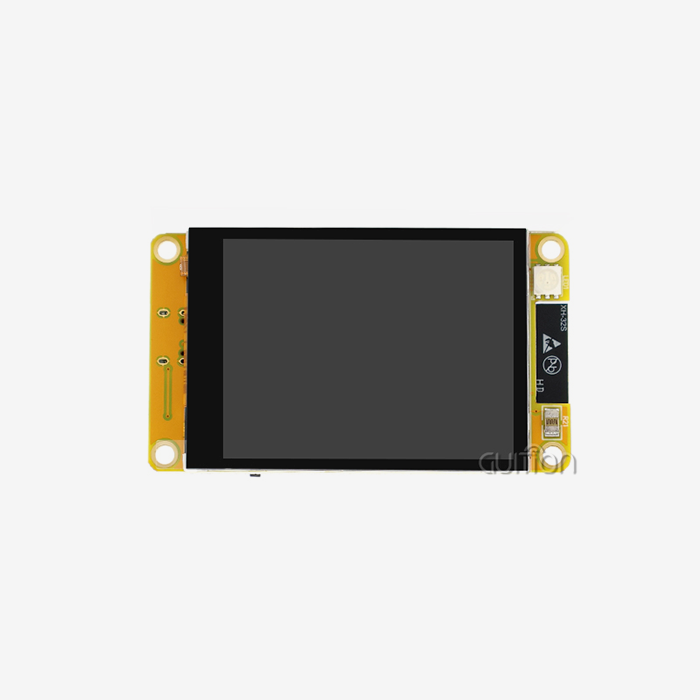
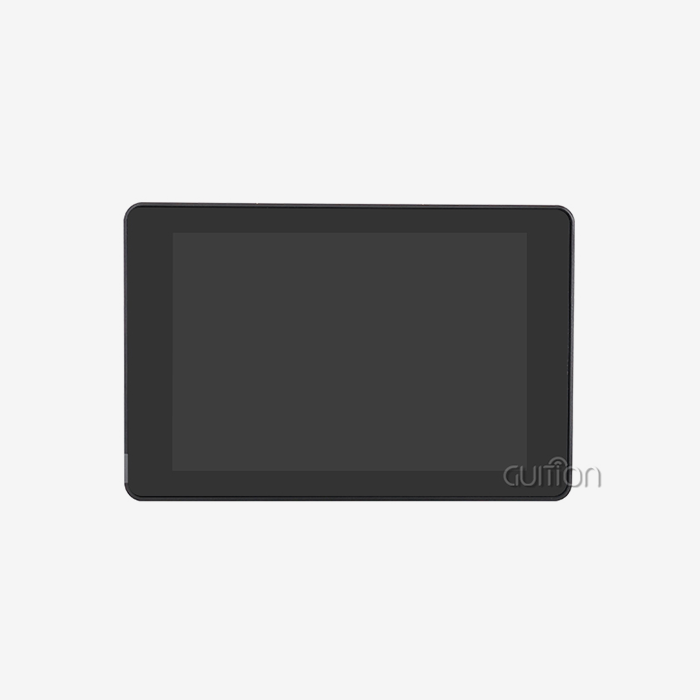
Using the ESP32-S3R8 dual-core microcontroller for strong processing, the Guition JC4827W543C_I is a great example of current HMI Display Module design theory. For complicated program support, this configuration offers a 240 MHz operating frequency and a lot of memory, with 512 KB SRAM, 384 KB ROM, and 8 MB PSRAM. The 4.3-inch LCD screen has a resolution of 480x272 and sensitive touch technology, which makes the picture clear while also meeting the toughness standards of industrial use. In this market group, units that are similar often have similar processor designs, but they have different memory configurations and display technologies. Some options focus on sensitive touch screens for better response, while others focus on wide temperature ranges for use in harsh environments. The choice is made based on practical goals and budget constraints.
Development Platform Compatibility
Compatibility with the software development environment has a big effect on project timelines and the number of technical resources that are needed. The Guition module works with a number of different development platforms, such as the Arduino IDE, the ESP IDF, MicroPython, and its own Guition programming platform. This adaptability works with different tech teams' tastes and current development processes. Engineers who are used to simple writing methods and a lot of community help will like that the Arduino IDE is compatible. ESP IDF gives advanced apps that need custom functions full access to the ESP32 hardware features. The Guition development platform has special tools for making quick interfaces with drag-and-drop features and visual code.
Connectivity Feature Analysis
Modern interface modules are different from older display options because they can link wirelessly. Having both Wi-Fi and Bluetooth built in lets you control devices from afar, sync data, and connect wireless sensors. These features are especially helpful for smart home apps, remote tracking systems, and industrial tools that can connect to the internet of things. When wireless connection is put into practice, network security, power use, and the chance of interference need to be carefully thought through. For industrial uses, extra security measures and network separation may be needed to keep people from getting into important control systems without permission.
Procurement and Ordering Guide for HMI Display Modules
To successfully buy interface display solutions, you need to know what the vendors can do, how to customise the products, and how the supply chain works. When compared to distributor relationships, direct producer relationships often offer better technical help, more customisation options, and lower costs. But well-known distributors might be able to offer faster delivery, local help, and easier buying for common configurations.
Vendor Evaluation and Selection Criteria
An evaluation of a manufacturer should look at their technical knowledge, the stability of their products' quality, and their ability to provide long-term assistance. Companies with specialised research and development teams usually offer better technical support and product growth over the course of a product's existence. Certifications in quality management, testing methods, and data on product dependability help check the regularity of production and the dependability of products. Gution has strong technical skills because they use a complete product development method that combines hardware design knowledge with their own software development tools. Their focus on cross-platform compatibility and development tools that are easy for anyone to use shows that they have a deep knowledge of how engineering workflows work and the limits of projects.
Customization and Volume Purchasing Considerations
Customisation options, such as changed enclosures, speciality connection interfaces, and pre-loaded application software, are helpful for many interface module uses. When manufacturers offer open customisation services, it's easier for products to work together and stand out in end applications. But the need for customisation could change the minimum order quantity, shipping times, and price structures. Price levels, inventory management, and levels of technical help should all be talked about during talks for large purchases. Long-term relationships with dependable HMI Display Module suppliers give plans to keep developing products and grow the market security. Setting up clear lines of contact and agreements for expert support helps make sure that the project goes well and that problems are fixed quickly.
Conclusion
To choose the right HMI Display Module solutions for an application, you have to find a balance between technical skills, development ease, and operating reliability. Modern interface modules like the Guition JC4827W543C_I show how combined solutions have changed over time to make creation easier while still offering strong performance. Engineers can quickly and easily make complex human-machine interfaces when they have access to strong processing, flexible connections, and full development platform support. A successful procurement relies on carefully evaluating vendors, being clear about what is needed, and building long-term partnerships with dependable makers who know what industrial applications need.
FAQ
Q: What distinguishes HMI display modules from standard LCD panels?
A: HMI display module solutions combine touch sensors, display screens, processing units, and communication links into a single system. This makes development easier and increases reliability. Unlike raw LCD parts, these modules come with built-in processors, memory storage, and communication protocols that are already set up. This means that you don't have to worry about complex low-level code, and they provide standard interfaces for a number of microcontroller platforms.
Q: How do resistive and capacitive touch technologies compare for industrial applications?
A: Resistive touch technology is great for manufacturing settings because it is very durable and can be used safely with gloves on. These systems work with a wide range of temperatures and respond to pressure-based cues. Capacitive touch surfaces are more sensitive and can handle multiple touches, but they need to be in direct contact with conductive materials, which may make them less useful in some industrial settings.
Q: What connectivity options are available in modern interface modules?
A: These days, interface devices usually offer both wired and wireless ways to join. Protocols for UART, RS232, RS485, and CAN bus are available on wired connections for standard industrial transmission. Wi-Fi and Bluetooth are two types of wireless technologies that are often used together for network integration, distant tracking, and pairing devices. The choice is based on the needs of the programme and the system infrastructure that is already in place.
Q: How important is software development platform compatibility?
A: Compatibility between development platforms has a big effect on project timescales and resource needs. Different tech teams and project requirements can be met by modules that work with a number of settings, such as the Arduino IDE, the ESP IDF, and proprietary tools. Because of this flexibility, engineers can use the skills they already have while also using specific features to make interface development go quickly.
Partner with Guition for Advanced HMI Display Solutions
Gution is an expert at providing cutting-edge HMI display module solutions that blend new technology with design methods that focus on the customer. Our JC4827W543C_I module shows how dedicated we are to giving complete interface options that include strong ESP32-S3R8 processing, wireless connectivity, and support for a variety of programming platforms. We understand the unique problems that companies that make industrial tools, smart devices, and automation systems face in today's tough markets.
Our skilled engineers offer full technical support from the first meeting to the final release, making sure that your relationship with your interface module provider gives you the most value for your development projects. Get in touch with david@guition.com to talk about your unique needs and find out how our advanced interface solutions can help you speed up product development while lowering engineering costs and time to market.
References
1. Industrial Human-Machine Interface Design Standards and Best Practices, IEEE Transactions on Industrial Electronics, Vol. 68, No. 12, 2024.
2. Comparative Analysis of Touch Screen Technologies in Manufacturing Automation, Journal of Manufacturing Systems, Volume 73, October 2024.
3. Wireless Connectivity in Industrial HMI Applications: Protocols and Implementation Strategies, Automation Engineering Quarterly, Spring 2024 Edition.
4. Embedded System Design for Real-Time Human-Machine Interface Applications, ACM Computing Surveys, Vol. 56, No. 8, 2024.
5. Procurement Guidelines for Industrial Display Technologies: Quality Assessment and Vendor Selection, International Journal of Production Economics, Volume 268, February 2024.
6. ESP32-S3 Microcontroller Applications in Industrial Interface Design, Microprocessors and Microsystems Journal, Vol. 102, March 2024.
Learn about our latest products and discounts through SMS or email