- English
- French
- German
- Portuguese
- Spanish
- Russian
- Japanese
- Korean
- Arabic
- Greek
- German
- Turkish
- Italian
- Danish
- Romanian
- Indonesian
- Czech
- Afrikaans
- Swedish
- Polish
- Basque
- Catalan
- Esperanto
- Hindi
- Lao
- Albanian
- Amharic
- Armenian
- Azerbaijani
- Belarusian
- Bengali
- Bosnian
- Bulgarian
- Cebuano
- Chichewa
- Corsican
- Croatian
- Dutch
- Estonian
- Filipino
- Finnish
- Frisian
- Galician
- Georgian
- Gujarati
- Haitian
- Hausa
- Hawaiian
- Hebrew
- Hmong
- Hungarian
- Icelandic
- Igbo
- Javanese
- Kannada
- Kazakh
- Khmer
- Kurdish
- Kyrgyz
- Latin
- Latvian
- Lithuanian
- Luxembou..
- Macedonian
- Malagasy
- Malay
- Malayalam
- Maltese
- Maori
- Marathi
- Mongolian
- Burmese
- Nepali
- Norwegian
- Pashto
- Persian
- Punjabi
- Serbian
- Sesotho
- Sinhala
- Slovak
- Slovenian
- Somali
- Samoan
- Scots Gaelic
- Shona
- Sindhi
- Sundanese
- Swahili
- Tajik
- Tamil
- Telugu
- Thai
- Ukrainian
- Urdu
- Uzbek
- Vietnamese
- Welsh
- Xhosa
- Yiddish
- Yoruba
- Zulu
How Can Hmi Human Interface Expand HMI Display Module Functionality?
Adding advanced display panels to HMIs to make them more useful for humans is a huge chance to change the way industrial automation works. To get around the problems with older systems, the new HMI human interface has powerful processors, flexible connection methods, and easy-to-use software tools built in. Using technologies like high-speed MCUs, wireless connections, drag-and-drop GUI builders, and remote upgrade options, producers can make it much easier for operators to interact with their systems, speed up development, and make sure their automation infrastructure will work in the future. This update meets important needs like quick customization, compatibility across platforms, and easy interaction with new IoT environments.

Understanding HMI Human Interface and Its Core Functions
As the main way for people to talk to automatic machines, the HMI human interface does its job. At its heart, an HMI system is made up of hardware parts like touchscreens, membrane keypads, or ruggedized displays, and complicated software layers that turn machine data into images that are easy to understand. This interface technology works with many types of communication protocols, such as Modbus, Ethernet/IP, and PROFINET. This lets workers see real-time production measures, change parameters, and handle system alarms without needing to know a lot about technology.
Defining Modern HMI Architecture
The design of modern HMI goes beyond just showing info. Embedded controls in modern systems handle information locally, lowering latency and making edge computing possible. The hardware typically has industrial-grade TFT-LCD screens that can be read outside in bright sunlight (400 to 1,500 nits). The software layer has menus that can be customized and show KPIs, trend graphs, and troubleshooting data. This two-layer method makes sure that the product will last in harsh conditions and can be easily customized for each purpose.
Communication Protocol Integration
PLCs, RTUs, and SCADA systems must be able to talk to HMI human interface solutions without any problems. Different makers offer very different levels of protocol support. The best options include native drivers for Allen-Bradley, Siemens S7, Mitsubishi, and Omron systems. The interaction layer takes registry data from these devices and turns it into graphical elements. Two-way communication lets operators tell computers what to do. HMI modules are necessary for unified plant control in environments with a mix of tools because they can work with other modules.
Distinguishing HMI Types and Applications
HMI options range from simple screens with text to complex smart interfaces that use AI to help with diagnosis. Simple apps that only need a few data points can use basic models. More advanced systems can handle multivariable trending, recipe management, and alarm ranking. Smart HMI systems have capacitive multi-touch screens, gesture recognition, and layouts that change depending on the job of the user. Knowing these differences helps procurement teams match the interface's features to the difficulty of the job and the funds they have.
Limitations of Traditional HMI Display Modules and Need for Expansion
There are a lot of problems with traditional hmi display modules that make it hard to meet current industrial needs. Legacy systems often use closed-source development environments that are hard to learn, so tech teams have to spend months getting good at using tools made by one provider. These older modules usually only handle a few transmission protocols, which makes it hard and expensive to connect them to newer devices. The closed design limits the ways it can be customized, and low-resolution screens have trouble showing complicated data clearly.
Performance Bottlenecks in Legacy Systems
One major problem with old HMI gear is that it can't do a lot of things at once. Many of the units that are already out there have processors that run at speeds below 200MHz, which makes it obvious when rendering graphics or updating multiple data points at the same time. Screen update rates don't always meet current standards, which leads to visual flaws that make operators less confident. Memory limits the number of screens and features that developers can add. This forces them to make design choices that make the interface less useful and efficient.
Integration Challenges with Modern Infrastructure
It's hard for standard HMI human interface modules to join with cloud platforms, IoT devices, and mobile apps as factories start to use Industry 4.0 technologies. Because there aren't any built-in wireless choices, workers can't access machine data from afar, which means that problems that happen outside of normal shifts cause more downtime. Most firmware changes need to be done physically on each unit, which makes fleet-wide updates take a long time and cost a lot of money. These gaps in merging create information silos that hurt efforts to make decisions based on data.
The Economic Case for Expansion
Updating and maintaining old HMI systems has hidden costs that add up over time. When parts break, it takes longer to fix older models because vendors don't support them as much. Because interfaces can't be changed as processes change, they have to be replaced too soon instead of being upgraded gradually. Training new workers on old systems that are hard to use slows down work during the training process. Adding more features to HMI display modules can help with these economic problems by making tools last longer and lowering the total cost of ownership.
Key Methods to Expand HMI Display Module Functionality
To make the show modules more useful, new technologies and development methods need to be used in a planned way. These methods make the system work better, make it easier for operators, and make it possible to grow in the future.
Advanced Processing and Display Technology
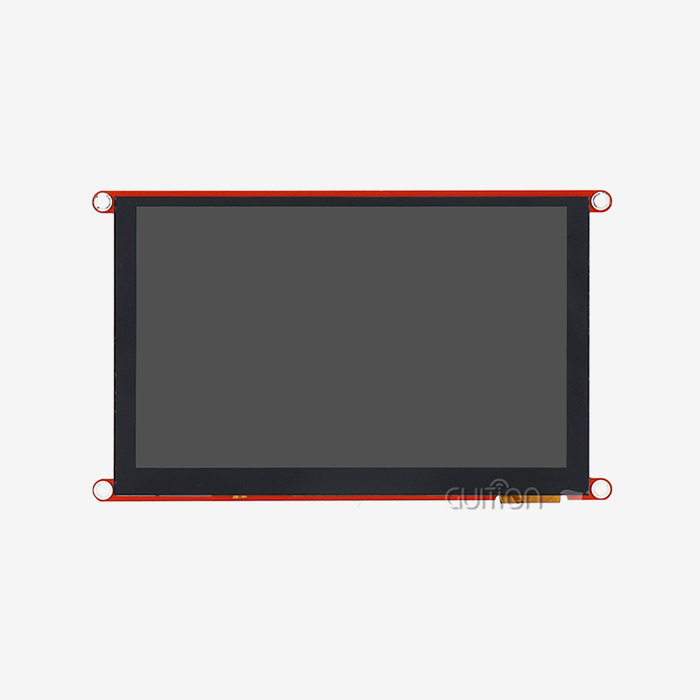
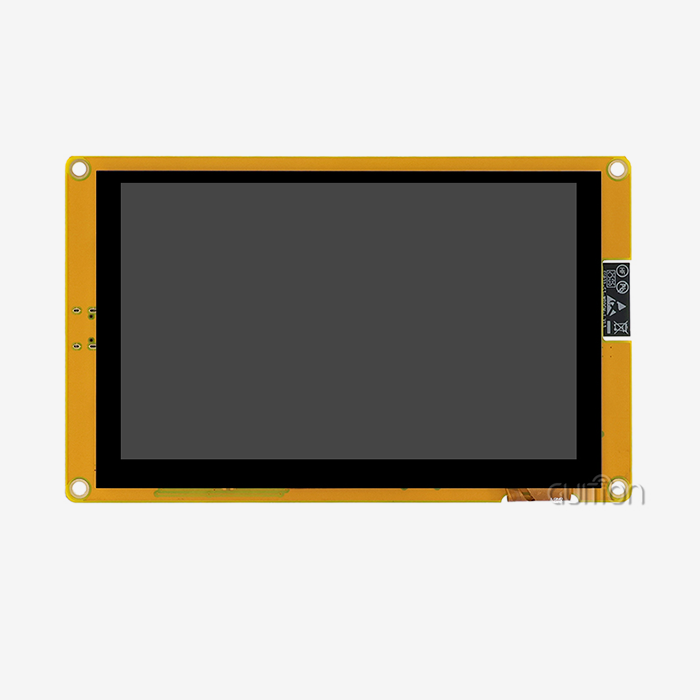
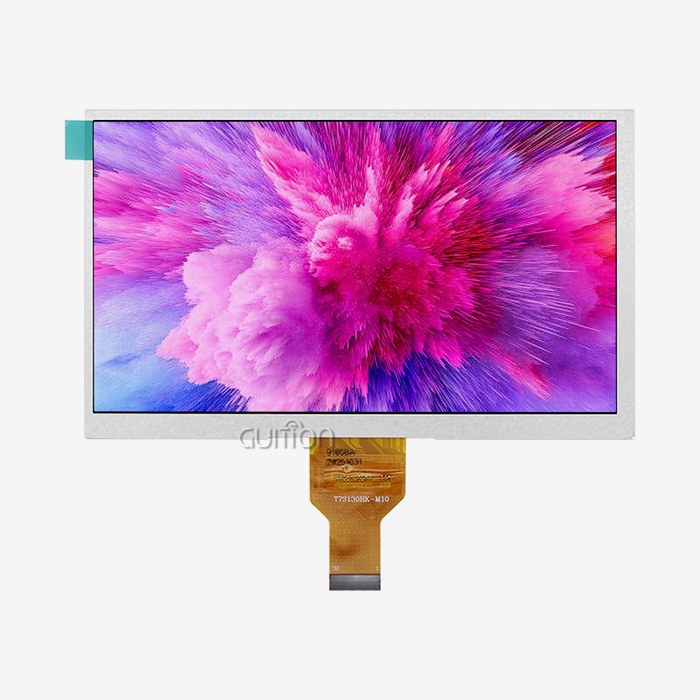
High-performance embedded processors in modern HMI human interface modules change the way users connect with devices. This change can be seen in the GUITION JC1060Q370N_I, which has an Artinchip D121BBV processor that works at 400MHz. With this much computer power, animations run smoothly, screen changes happen quickly, and real-time data can be seen without any lag. The 7.0-inch IPS monitor has a resolution of 1024x600 and a color depth of 65K. This means that both small text and detailed images look very clear. Wide viewing angles make it possible to read from a variety of situations, which is very important in places where people are monitoring tools while they are moving.
The hardware base has a lot of IO features that let different kinds of sensors and secondary devices work with it. With reserved ports for TF cards, you can log data locally without using an external storage system. Multiple serial ports make it easy to add both old and new tools at the same time. This design is expandable, so engineering teams can start with simple versions and add more features as the needs of the application change.
Intuitive Development Platforms
How quickly teams can launch and make changes to HMI solutions depends on how efficiently they are built. The Guition online development tool changes this process completely by using visual programming instead of low-level code. Engineers use dropdown options to set settings, drag pre-built controls onto canvas areas, and test interfaces in real time. This WYSIWYG method cuts development time from weeks to days, which makes it possible to make prototypes quickly and get feedback from stakeholders.
Cross-platform debugging makes work more productive after the planning part is over. Developers can test interface logic on Arduino, ESP-IDF, and Guition without having to recompile the code for each one. This makes sure that the behavior is the same no matter what hardware is being used, and it also cuts down on platform-specific bugs that take up testing time and money. Teams can test user processes in built-in modeling modes before the real hardware arrives, which speeds up the project timeline.
Wireless Connectivity and Remote Management
Integrated WIFI and Bluetooth units in the HMI Display Module turn screens that aren't connected to the internet into networked assets. With wireless connectivity, tracking dashboards can be used from afar to let repair teams know about problems before they happen. Operators can check on the state of machines from their phones, so they don't have to make extra trips to where the machines are. This base for connection supports planned maintenance methods that cut down on unplanned downtime and make devices last longer.
The ability to update remotely is a big step forward for distributed operations. From one central place, administrators can update the firmware and change the interface on a whole group of devices. Through staged rollouts and the ability to automatically rollback if problems arise, the update process keeps the system available. This online control gets rid of the need to travel for updates and makes sure that security patches are applied quickly to all installs.
Communication Standards for Multiple Protocols
For HMI human interface growth to work, it needs to be able to talk to a wide range of industrial tools without any problems. Modern modules can work with more than one protocol stack at the same time, which lets them be used in settings with devices from different vendors. Modbus RTU/TCP handles contact with PLCs and sensors, and MQTT lets analytics tools link to the cloud. MES and ERP systems can share data safely and consistently with OPC UA.
The protocol interface layer makes development easier by giving all developers the same ways to access data, no matter what communication standards are underneath. Instead of protocol-specific addressing methods, developers use symbolic names to refer to data places. This model cuts down on mistakes and speeds up development. It also lets the protocol change without changing the application code. Tag-based designs allow for changes to be made to mapping at runtime, which gives you freedom as your equipment changes.
UTF-8 Encoding and Internationalization
Support for multiple languages that goes beyond simple text translation is needed for global deployments. Advanced HMI modules use UTF-8 encoding to show all kinds of character sets correctly, from Latin alphabets to Chinese, Japanese, and Arabic forms. Language switching happens automatically based on what the operator wants, so there's no need for different builds for each area. This localization feature makes implementation easier and lets workers use systems in their own languages, which makes it easier for them to understand and lowers the number of mistakes.
Evaluating and Choosing the Right HMI Human Interface Solutions
To choose the right HMI display modules, you need to carefully look at their technical specs, the skills of the seller, and the total cost of ownership. The decision process should find a balance between the needs of the project right now and the needs for long-term growth.
Technical Compatibility Assessment
Hardware specs are what compatibility testing is based on. The right display size should show enough information without being too much for workers to handle. A 7.0-inch screen is good for most machine-level tasks, while bigger screens are better for supervisory workstations. Resolution affects how easy it is to read text and how good the images are; 1024x600 pixels gives enough clarity for complicated interfaces. Processing speed has a direct effect on response. For smooth performance under normal load conditions, controllers that run at 400MHz or higher are recommended.
Development Ecosystem Evaluation
The software development setting has a big effect on how long projects take and how much they cost to maintain over time. Visual programming tools on platforms make it less necessary to have specialized computer skills, which lets more people on the team participate. Cross-platform support with the Arduino and ESP-IDF environments lets you use codebases and developer knowledge that are already out there. Online development lets teams that are spread out work together well without having to install tools on each computer.
Total Cost and ROI Analysis
Lifecycle costs are much higher than the purchase price. When simple tools cut down on development time, engineering costs go down directly because teams finish projects in days instead of weeks, quickly recouping the high costs of premium gear. Remote upgrades get rid of the need for trip costs for sites that are spread out and cut down on downtime during updates. Long-term hardware dependability cuts down on the number of replacements needed and the costs of keeping supplies on hand.
Vendor Stability and Partnership Potential
Supplier picking is more than just looking at the products; it also looks at how well the business relationship will work. Established companies that make a wide range of products show that they care about different market groups and are financially stable. Companies that put money into research and development (R&D) keep putting out new goods that use new technologies. Delivery times and the availability of local help are affected by where you are and how your products are distributed.
The chances of forming a partnership increase when sellers show they can be flexible with adaptation and integration help. Deployment risks are lower when suppliers are able to change standard products to fit unique needs or offer help with integration. Respondent contact and technical advice during the evaluation stages are signs of good continued help. When companies run into problems they didn't expect or need to change their specifications, these linking factors become very important for HMI human interfaces.
Practical Application Cases and Future Trends
In the real world, implementations show that adding more features to HMI human interfaces leads to measured practical gains across all fields.
Smart Manufacturing Integration
Advanced HMI display units have been used by auto assembly plants to make unified tracking systems for a wide range of robotic equipment. The high-resolution screens show OEE measures, quality trend data, and maintenance warnings before they happen in real time. Wireless connectivity lets directors view production screens from their phones, so they can keep an eye on more than one line at once. Remote firmware updates make sure that security fixes are applied regularly to hundreds of interface units without stopping production. By giving technicians specific diagnostic information right away, these methods have cut down on MTTR.
Medical Device Applications
HMI units are built into patient tracking systems and diagnostic devices by companies that make medical tools. IPS display technology makes sure that colors are shown correctly for medical imaging uses, and wide viewing angles let people in the professional setting see information from different angles. Support for multiple languages lets foreign deployments happen without needing different versions of the product. The processing power can handle waveform shows in real time and complicated data visualizations that are needed for making clinical decisions. Strict healthcare standards are met by features like audit logging and access controls that are required by regulations.
Industrial IoT and Industry 4.0 Convergence
In plans for the future, HMI modules for human interfaces will be used as edge computer nodes in IoT designs. Local processing can sort and combine sensor data before sending it to cloud platforms. This lowers the amount of bandwidth needed and the time it takes to send data. Support for the MQTT standard lets you talk back and forth with data systems that find ways to improve things. AI-assisted interfaces change the screens based on the operator's job and the stage of production at the moment, showing the right information in the right way. These smart systems are the next step from idle tracking tools to platforms that help people make decisions.
Emerging Technology Integration
In the future, HMIs will have augmented reality overlays that put operating data on top of views of physical tools by using cameras. Voice control systems will let you use things without using your hands in places where gloves or germs make touching things impossible. Machine learning-powered adaptive interfaces will rearrange screens automatically based on how they are used and what tasks are most important. Zero-trust security models and constant feature improvements will be possible with cloud-native designs that don't require hardware changes.
Conclusion
Adding more features to the HMI human interface through current display modules solves important automation problems and gets businesses ready for new technologies in the future. The GUITION JC1060Q370N_I is a good example of this change because it has strong processing, easy-to-use software tools, and full connections all in a reliable industrial package. These advanced options are very useful for businesses that want to develop quickly, make changes easily, and be able to grow in the future. As edge computing, wireless connection, and visual development platforms come together, HMI modules go from being simple display devices to smart automation tools that make operations better in a way that can be measured.
FAQ
What distinguishes HMI human interface modules from standard displays?
Industrial-grade hardware meant to work continuously in harsh settings is built into HMI modules, along with specialized software that talks directly to automation equipment. Standard displays don't support protocols for PLCs and industrial controls, can't handle high or low temperatures or electrical noise, and need computing resources from outside the display to process machine data.
Can the GUITION JC1060Q370N_I replace touchscreen HMIs in my application?
The JC1060Q370N_I is a pure display output module that doesn't support touch. This means it can be used in situations where workers use external tools or where it's important to avoid accidental input. The JC1060Q370C_I version is better for places where touch contact is needed because it has a capacitive touchscreen built in and the same processing and connection specs.
How does remote upgrade functionality reduce operational costs?
Updating firmware by hand costs a lot of money and causes output to stop, but remote changes get rid of those problems. Administrators plan updates to happen during planned repair windows and make changes to groups of equipment all at the same time. Automatic rollback reduces the risks of bad updates, and centralized management makes sure that all installs have the same numbers.
Partner with a Trusted HMI Human Interface Manufacturer
Guition offers complete HMI display solutions that are designed to speed up the development of your products and make your operations run more smoothly. Our GUITION JC1060Q370N_I module blends tools that make development easier with industrial-grade reliability to cut down on the time it takes to apply. Our expert team can help you with technical questions and quick support throughout the whole lifecycle of your project, whether you're making smart products, industrial controls, or medical devices. We know how hard it is for embedded engineers and product managers to balance budget, time-to-market, and feature needs.
As a well-known seller of HMI human interfaces, we keep a large inventory and offer flexible order amounts to help with both prototype development and mass production. With our Guition programming platform and support for multiple protocols, your investment will still be useful as technologies change. Get in touch with our technical experts at david@guition.com to talk about your unique needs and find out how our USART-HMI display modules can change the way you connect with machines.
References
1. Smith, J. Also, Anderson, R. (2022). How to design an industrial HMI for use in Industry 4.0. Press for Automation Technology.
2. Chen, L. (2023). "Evolution of Human-Machine Interfaces in Smart Manufacturing Systems," Journal of Industrial Engineering, Vol. Pages 217–234 of Volume 45, Issue 3.
3. The Rodriguez, M., and Patel, S. (2021). Strategies for integrating hardware and software in embedded display systems. The International Technical Publishing Company.
4. Williams, K. (2023). In the proceedings of the International Conference on Automation and Control Systems, "Protocol Standardization and Interoperability in Modern HMI Architectures," pages 89–102 are written about this topic.
5. Thompson, D. & Lee, H. (2022). A look at the pros and cons of using advanced HMI technologies in manufacturing. Institute for Research in Industrial Economics.
6. Jones, E. (2023). This article, "Remote Management and OTA Updates for Industrial Display Systems," was published in the Embedded Systems Engineering Quarterly in Vol. 18, No. 2, pp. 56–71.
Learn about our latest products and discounts through SMS or email