- English
- French
- German
- Portuguese
- Spanish
- Russian
- Japanese
- Korean
- Arabic
- Greek
- German
- Turkish
- Italian
- Danish
- Romanian
- Indonesian
- Czech
- Afrikaans
- Swedish
- Polish
- Basque
- Catalan
- Esperanto
- Hindi
- Lao
- Albanian
- Amharic
- Armenian
- Azerbaijani
- Belarusian
- Bengali
- Bosnian
- Bulgarian
- Cebuano
- Chichewa
- Corsican
- Croatian
- Dutch
- Estonian
- Filipino
- Finnish
- Frisian
- Galician
- Georgian
- Gujarati
- Haitian
- Hausa
- Hawaiian
- Hebrew
- Hmong
- Hungarian
- Icelandic
- Igbo
- Javanese
- Kannada
- Kazakh
- Khmer
- Kurdish
- Kyrgyz
- Latin
- Latvian
- Lithuanian
- Luxembou..
- Macedonian
- Malagasy
- Malay
- Malayalam
- Maltese
- Maori
- Marathi
- Mongolian
- Burmese
- Nepali
- Norwegian
- Pashto
- Persian
- Punjabi
- Serbian
- Sesotho
- Sinhala
- Slovak
- Slovenian
- Somali
- Samoan
- Scots Gaelic
- Shona
- Sindhi
- Sundanese
- Swahili
- Tajik
- Tamil
- Telugu
- Thai
- Ukrainian
- Urdu
- Uzbek
- Vietnamese
- Welsh
- Xhosa
- Yiddish
- Yoruba
- Zulu
HMI Human Machine Interface for Smart Factories Guide
In Industry 4.0, smart companies need to be able to interact with machines in new ways in order to meet production needs. This is where the HMI human interface comes in. It turns complicated machine data into ideas that can be used. These days, display modules are smart control centers that connect to PLCs, SCADA systems, and IoT networks. They are no longer just simple tracking screens. If you know how to choose, set up, and optimize these connections, you can make production much more efficient and cut costs at the same time. This guide explains the main parts of HMI technology so that purchasing managers, embedded engineers, and system designers can make smart choices that meet the needs of the current project and plan for the future of automation.

Understanding HMI Human Machine Interface
At its core, a human machine interface makes it possible for people to see and communicate with industrial tools. This technology takes raw data from sensors, computers, and automation systems and turns it into graphs that workers can quickly understand and act on. The interface shows data in real time, lets users give orders, and sends alerts when something needs attention.
Core Components and Operational Mechanisms
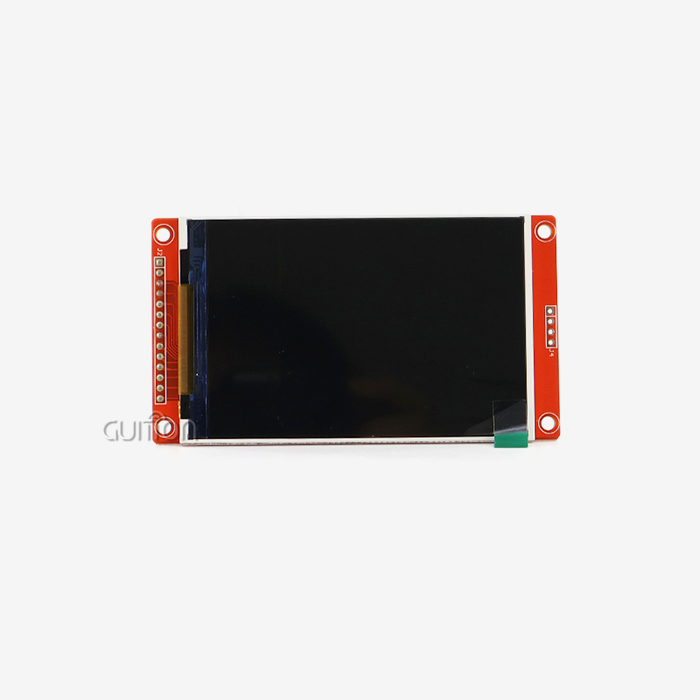
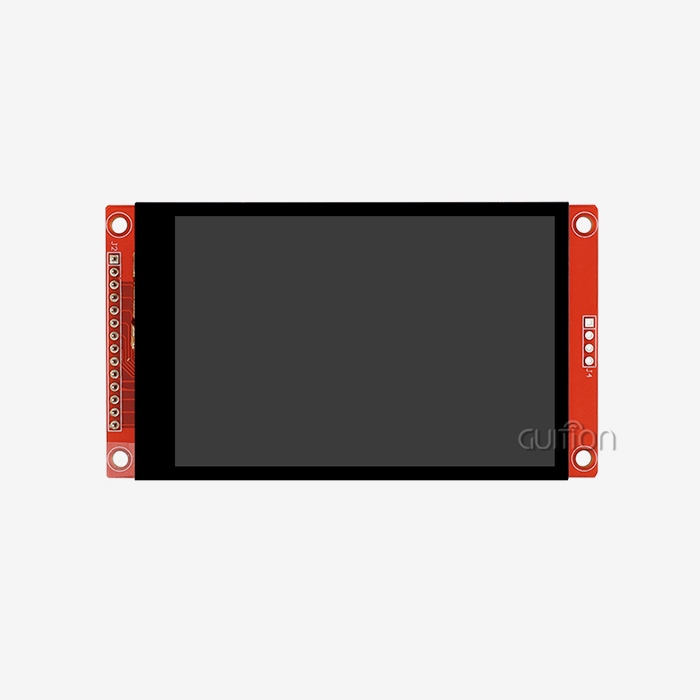
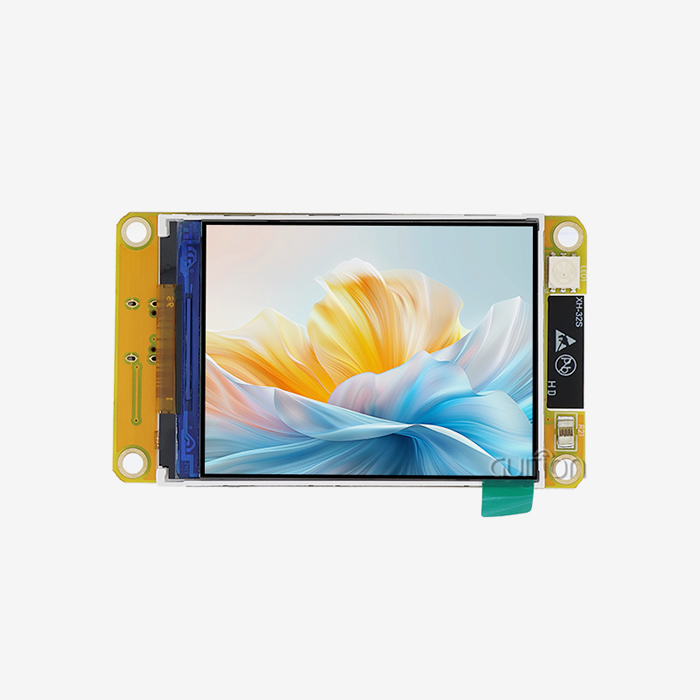
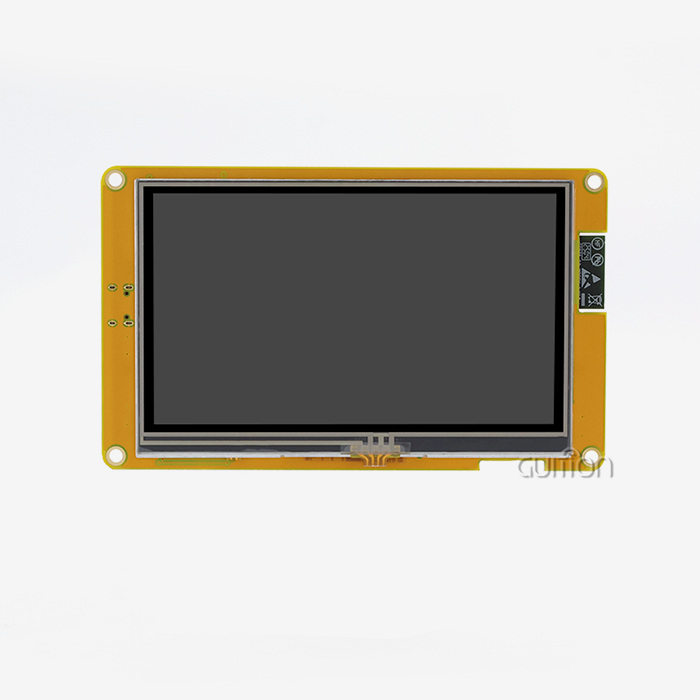
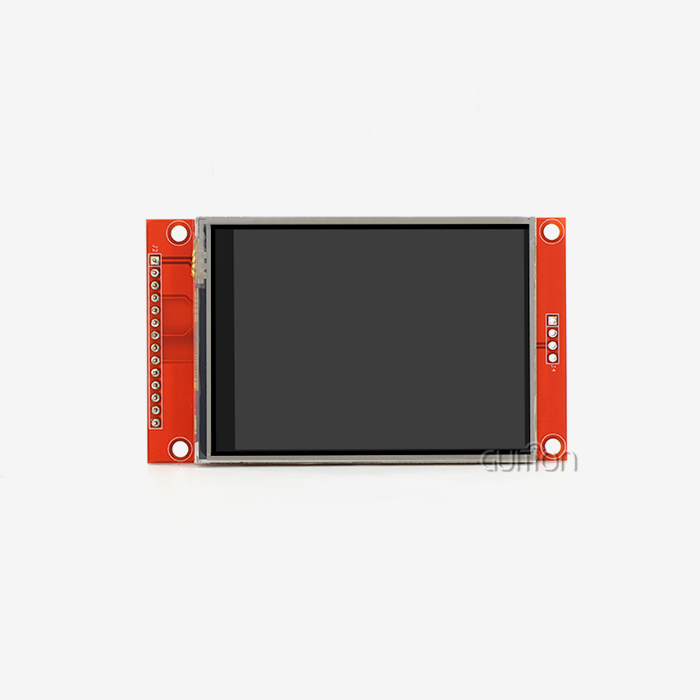
There are several combined parts that work together to make an HMI human interface machine that works well. The display panel shows the information visually. It can be as small as 1.28-inch screens for mobile devices or as big as 21.5-inch industrial monitors for control rooms. Behind the screen, a computer handles human input and processes data that comes in. Touch devices, whether they are resistive or capacitive, let you directly handle things without using buttons. UART, Modbus, and Ethernet are some of the communication methods that the monitor can use to share data with PLCs and other devices. The user interface materials, historical data logs, and configuration factors are all kept in storage memory.
Types of HMI Systems for Industrial Applications
Different types of interface technology are used in industrial settings, and each type is best for a certain task. Panel-mounted touchscreen screens are the most popular type because they can be easily installed in control cabinets and machine enclosures. The screen, processor, and connection ports are all housed in one small unit that can handle dust, vibrations, and changes in temperature.
HMI Versus SCADA Systems
Many people get these two technologies mixed up, but they are not the same. Instead, they work together to do different things. By connecting directly to a single machine or production cell, an HMI (human-machine interface) usually lets you handle and monitor things in a specific area. Supervisory Control and Data Acquisition (SCADA) systems connect all the HMIs in a building and collect data from different sources so that everyone in the building can see what's going on.
Key Features and Benefits of HMI in Smart Factory Automation
Using the right interface technology changes how manufacturing teams work with production tools, leading to gains that can be seen and measured in many areas of operations. These days, display options are smart enough to work with the production process instead of just being used for tracking.
Real-Time Monitoring and Process Control
The main benefit of any HMI setup is that it lets you see what's going on with current activities. Without moving their stations, operators can see the current temperatures, pressures, speeds, and quality measures. Because of this, process errors can be quickly dealt with before they cause quality problems or damage to equipment. Visual signs show that something is wrong by changing colors, flashing parts, or pop-up messages that demand your attention.
Control options go beyond simple on/off buttons and include managing recipes and changing parameters in complex ways. Touch screens make it easy for operators to change production setpoints, switch between working modes, and fine-tune process factors. This direct control cuts down on the time needed to adapt to changing production needs, so companies can quickly meet urgent orders or deal with changes in materials.
Integration with PLCs and Control Systems
The HMI human interface machine is at its most powerful when it is linked to programmable logic controls and other automation parts without any problems. Modern display units talk to each other using industrial standards that make sure data can be sent reliably even in noisy factories. Ethernet/IP, Modbus TCP, and Profinet all allow for fast links that can change information on the screen many times per second.
It's not enough to just show data; integration also includes two-way contact, which turns the interface into an active control element. When a worker changes a setpoint on the touchscreen, the PLC instantly gets the message and updates its control methods to reflect the new value. Controllers send status information to the display all the time, making sure that workers always see the correct system states. This close connection makes a control setting that responds quickly, where changes show up right away.
Design Best Practices for User Experience
How well an interface works rests a lot on how well it was designed, taking into account how operators work and their cognitive limits. Information is organized hierarchically in successful applications. Overview screens show a summary of the system's state, while detailed screens show more specific subsystem data. Navigation frameworks should match the plan of the equipment, which helps workers make mental models that are accurate.
Color coding must follow standard practice in the business. For example, red means alarms, yellow means warnings, and green means everything is working normally. Small fonts that hurt your eyes after long shifts should not be used for text that can be read from normal viewing distances. Touch targets need to be far enough apart so that they don't get activated by chance, especially when workers are wearing gloves. Animation and shifts should give you feedback without taking your attention away from what you need to see. The goal is to make tools that workers can use well with little training, which will cut down on mistakes and speed up response times.
Choosing the Right HMI for Your Smart Factory
To choose the best interaction technology, you need to carefully look at a lot of technical and business factors. It can be hard to integrate the wrong choice, which can lead to poor performance and costly repairs in the future.
Display Quality and System Responsiveness
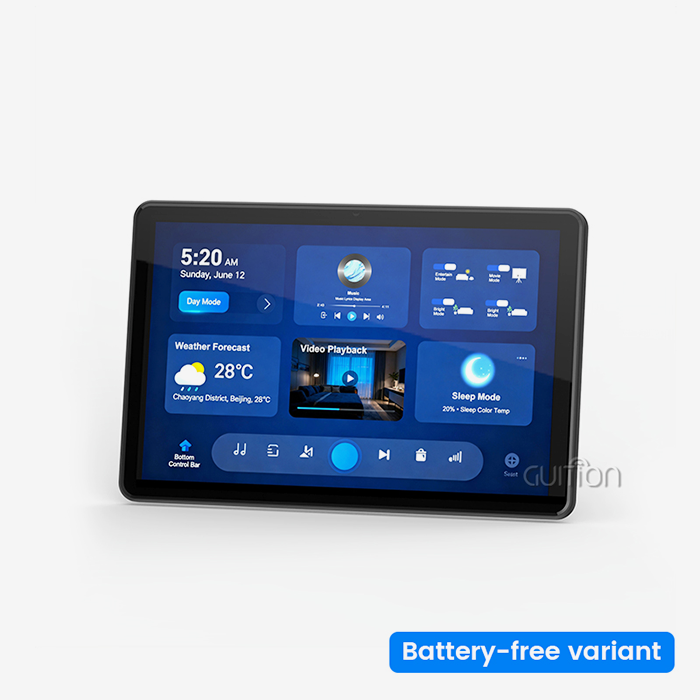
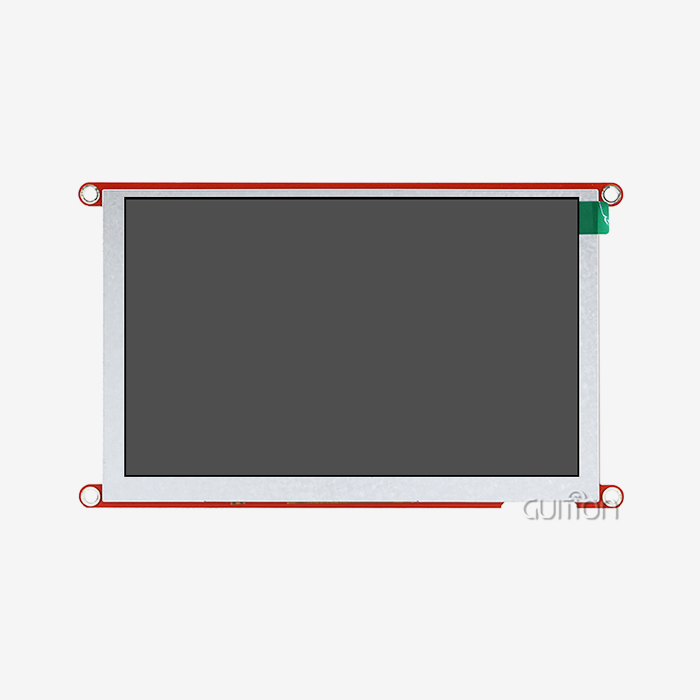
The features of the screen have a big effect on how well and how happy the user is. Resolution tells you how much information can be shown clearly. More pixels mean you can see more details without having to move. This is shown by the GUITION JC1060Q370C_I, which has a 7.0-inch 1024x600 IPS monitor that makes text and images look clear. IPS (In-Plane Switching) technology offers a wide viewing angle, so workers can still see what's on the screen even when they're not exactly in front of it.
Software Compatibility and Development Flexibility
How quickly you can make and change user interfaces depends on the working environment your interface provider gives you. Writing a lot of code is needed for traditional HMI development, which can take weeks or months of engineering time. Modern platforms, such as Guition, have drag-and-drop interface makers that make it possible for artists to make complex screens in hours instead of days. With this visual development method, you don't need to know a lot about code, so UI artists and engineers can work together easily.
Evaluating Leading Suppliers and Solutions
There are both well-known automation giants and new, creative companies in the industrial HMI market, and each has its own benefits. When choosing a single provider, Siemens and Rockwell Automation are great choices because their automation packages work well together and form complete ecosystems. Along with process control, Schneider Electric puts a lot of emphasis on its energy management skills. These big brands charge high prices, but their products last a long time and have large support networks.
Touchscreen Interfaces Versus Industrial PCs
Whether you choose PC-based systems or integrated tablet modules depends on how complicated the application is and how much computing power you need. In dedicated control applications, where a single device watches over and manages certain equipment, touchscreen HMI human interface machine units work very well. These units were made to last and work reliably in harsh settings thanks to their tough build and extended temperature ratings. Because they are cheaper and easier to set up, they work great in distributed control systems with lots of input points.
Implementation, Troubleshooting, and Maintenance of HMIs
To successfully install interface technology, you need to do more than just pick the right tools. You also need to carefully plan, test, and provide ongoing support. Paying attention to these application details is what separates setups that work from ones that don't.
Planning and Hardware Integration
Before starting an HMI project, it's important to make a list of all the control features, tracking needs, and ways that users will interact with the system. This standard tells you how to choose tools, make screens, and set up communication systems. When planning a physical placement, you have to think about where to put things, how to route cables, and how to protect the environment. The display units need to be put in a place where workers can see and reach them without having to bend over or do other uncomfortable things that make them tired.
Electrical integration needs the right size power supply, the right way to ground things, and wire insulation to keep motor drives and other noise sources from interfering. Communication wire follows industry standards and uses either twisted-pair or fiber optic lines, depending on the distance and noise immunity needs. The GUITION JC1060Q370C_I and other similar display modules usually join through UART serial interfaces or Ethernet. The installation instructions will tell you exactly how to wire them. Troubleshooting nightmares can be avoided by testing each link before turning on the whole system.
Software Configuration and Testing Procedures
Interface code turns blank display units into control stations that can do things. Making the layouts for the screens' buttons, gauges, trend charts, and progress indicators that operators will use is the first step in screen creation. Drag-and-drop tools in the Guition development environment make this process easier by getting rid of the need to code basic interface elements by hand. It connects each part of the screen to a data source, like an internal variable or communication tags that point to PLC memory addresses.
For the HMI human interface machine to send and receive data with linked equipment, the communication setup sets up the protocols, addresses, and update rates. To make links that work, this setup must match the settings in PLCs and other devices. Every part of the screen is tested carefully to make sure that the numbers shown are accurate reflections of the real state of the equipment and that control commands have the desired effects. Bugs can be fixed on simulated equipment or test rigs before they are connected to production machines. This lowers the chance that the process will be interrupted.
Common Troubleshooting Techniques
Even systems that are well thought out can have problems that need to be systematically diagnosed. Communication problems are one of the most common issues. They can be caused by wrong protocol settings, broken cords, or IP address conflicts. The first step in troubleshooting is to make sure that the physical connections are correct, that the cables are not broken, and that both sides are using the same communication settings. In Ethernet-based systems, network monitoring tools can find problems with connections and data flow.
Display troubles can show up as blank screens, the wrong colors, or touch controls that don't work. These signs can happen if the wire links are loose, the brightness settings are off, or the backlight circuits have failed. Touch calibration steps fix problems with precision, especially with sensitive touchscreens that move around over time. Performance issues, like slow screen updates or delayed touch reactions, are often caused by computers that are overworked and having trouble with too many updates or too many complicated graphics. These problems are generally fixed by making screen designs better and lowering the number of times they are updated.
Maintenance Programs and Support Services
HMIs last longer and break down less often when they are maintained regularly. Cleaning regularly gets rid of the dust and grime that builds up and can block screens and make touch sense less accurate. Protective coats and touch layers are kept safe by cleaning solutions that have been approved. Vibration-induced loosening can cause problems that come and go. To stop this, check the wire links and tighten the terminals. Backups keep your custom interface programs and setup settings safe, so you can quickly get them back if your hardware fails or you delete something by accident.
Support services from manufacturers help fix tough problems. You can solve common problems without having to wait for help contacts by using technical literature, application notes, and knowledge bases for the hmi display module. When direct help is needed, quick technical support teams can figure out problems from a distance and give advice on how to fix or replace things.
Future Trends and Innovations in HMI Technology
The way people and computers talk to each other is changing quickly because of improvements in processing power, connection, and ways of interacting. Companies can make smart business choices that will still be useful as technology advances by understanding these new trends.
Artificial Intelligence and Machine Learning Integration
AI-enhanced tools look for trends in operational data to make predictions and offer automated help. These smart systems don't just show current numbers; they also warn users of problems that might happen before they do. Machine learning algorithms find small connections between factors that a person might miss. They then offer ways to fix the problem based on past data from similar situations. Operators can conversationally talk to systems, asking things like "Why did line three stop?" and getting answers that make sense instead of just raw alarm codes.
IoT Connectivity and Remote Access
Traditional HMI human interface machine units become Internet of Things (IoT)-enabled devices that take part in connected industrial ecosystems with the addition of WiFi and Bluetooth features. Built-in WiFi connection gets rid of the need for cable runs in retrofit situations and lets repair staff access systems from anywhere. Secure cloud links make it possible to keep an eye on sites that are spread out geographically from a central control room. Operators can react to alerts and make changes without having to go to faraway places. This cuts down on response times and the cost of travel.
Advanced Interaction Modalities
Touch screens are just one way that people and machines can connect. New technologies are coming out all the time that offer different and useful ways to do this. Voice control lets workers use the machine without using their hands when they are working with materials or gloves that make it hard to touch. It's easier to speak orders like "raise the temperature to 175 degrees" than to move between screens. Gesture recognition picks up on hand movements close to the screen, letting you control things with air gestures that keep your hands from touching possibly dirty surfaces. This is an important thing to keep in mind when making food and medicines.
Impact on Manufacturing Operations
These technological breakthroughs look like they will make operations much better in a lot of different ways. By finding problems during planned repair windows instead of during production runs, predictive skills cut down on unplanned downtime. Maintenance costs go down and response times get faster with remote access and automatic changes. Modern ways of interacting with machines can adapt to different operator skills and work environments. This makes industrial jobs easier to get and less physically demanding.
Conclusion
Choosing and utilizing the appropriate HMI human interface machine has a big effect on the effectiveness, quality, and running costs of manufacturing. This guide has talked about the basic ideas, useful tips, and new trends that are important for a smooth interface launch. Control systems that work well depend on knowing the differences between HMI types, reviewing sources in a structured way, and planning thorough implementations. As Industry 4.0 keeps changing, interfaces that mix easy-to-use features with smart intelligence and connectivity will give businesses an edge. Companies that buy display solutions that are flexible and scalable, and come with good development tools and quick expert help will be able to quickly adjust to new production needs. As better hardware, more advanced software systems, and new ways to connect with machines come together, they should make working together easier and more effective in all manufacturing areas.
FAQ
In real life, what makes an HMI system different from a SCADA system?
What distinguishes an HMI from a SCADA system in practical applications?
An HMI human interface machine lets you handle and keep an eye on particular pieces of machinery or production lines, letting you talk directly to the machines that do the work. SCADA systems collect data from many HMIs and controls across the whole site. They focus on monitoring tasks rather than controlling machines directly. Most industrial settings use HMIs for tasks that happen on the machine level and SCADAs for tasks that need to be coordinated across the whole plant and data analysis.
Can HMI solutions be customized for unique factory requirements?
Flexible development tools and programmable display units from good HMI providers let you make a lot of changes. With the Guition software platform, engineers can use drag-and-drop creation tools to make completely unique interfaces without having to do a lot of code. Custom hardware includes a range of screen sizes, from small 1.28-inch screens to big 21.5-inch panels, to meet the needs of different installation situations and viewing distances.
What post-purchase support should buyers expect from HMI manufacturers?
Support programs that cover a lot of ground include full technical documents, examples of how to use the technology, and quick engineering help. Reliable providers have expert teams that are easy to reach and can help with problems like integration, troubleshooting, and optimization. Manufacturers can release new software without having to visit the site to do so with remote update capabilities. Other support factors that affect total ownership costs and long-term dependability are warranty coverage, the availability of new parts, and training resources.
Partner with Guition for Your HMI Requirements
Guition makes industrial-grade display solutions that are designed to work in harsh factory settings. Our GUITION JC1060Q370C_I model shows that we are dedicated to mixing strong hardware with software tools that are easy for developers to use. The 400MHz processor, 1024x600 IPS screen, and sensitive touch interface in this 7.0-inch display module make it reliable for use in production settings. Built-in WiFi and Bluetooth make it possible for IoT devices to join and support remote updates, which lowers the cost of upkeep. Our custom Guition development software gets rid of complicated code by using an easy-to-use drag-and-drop interface. This greatly reduces the time it takes to get your product to market.
We provide thorough documents and cross-platform compatibility, including Arduino and ESP-IDF environments, to support secondary development as an established HMI human interface machine maker. Our display modules and software tools can be changed to fit your needs, whether you're making industrial control panels, smart products, or medical tracking equipment. Email our engineering team at david@guition.com to talk about which HMI solutions will help you reach your automation goals and to get full application specs. Find out how working with a dedicated HMI provider can speed up the development process and give your production setting the dependability it needs.
References
1. Anderson, M. (2022). Industrial HMI Design Principles for Modern Manufacturing. Automation Engineering Journal, 45(3), 112-128.
2. Chen, L. & Roberts, K. (2023). Comparative Analysis of HMI Technologies in Smart Factory Applications. International Journal of Production Research, 61(8), 2445-2461.
3. European Industrial Automation Association. (2023). HMI Implementation Best Practices Guide. Brussels: EIAA Publications.
4. Nakamura, T. (2021). Integration Strategies for HMI and PLC Systems in Industry 4.0 Environments. Manufacturing Technology Review, 38(12), 89-103.
5. Sullivan, R. & Martinez, G. (2023). Emerging Trends in Human Machine Interface Technology. Industrial Computing and Control Systems, 29(4), 56-72.
6. Wilson, P. (2022). Total Cost of Ownership Analysis for Industrial Display Systems. Manufacturing Operations Management Quarterly, 17(2), 134-149.
Learn about our latest products and discounts through SMS or email