- English
- French
- German
- Portuguese
- Spanish
- Russian
- Japanese
- Korean
- Arabic
- Greek
- German
- Turkish
- Italian
- Danish
- Romanian
- Indonesian
- Czech
- Afrikaans
- Swedish
- Polish
- Basque
- Catalan
- Esperanto
- Hindi
- Lao
- Albanian
- Amharic
- Armenian
- Azerbaijani
- Belarusian
- Bengali
- Bosnian
- Bulgarian
- Cebuano
- Chichewa
- Corsican
- Croatian
- Dutch
- Estonian
- Filipino
- Finnish
- Frisian
- Galician
- Georgian
- Gujarati
- Haitian
- Hausa
- Hawaiian
- Hebrew
- Hmong
- Hungarian
- Icelandic
- Igbo
- Javanese
- Kannada
- Kazakh
- Khmer
- Kurdish
- Kyrgyz
- Latin
- Latvian
- Lithuanian
- Luxembou..
- Macedonian
- Malagasy
- Malay
- Malayalam
- Maltese
- Maori
- Marathi
- Mongolian
- Burmese
- Nepali
- Norwegian
- Pashto
- Persian
- Punjabi
- Serbian
- Sesotho
- Sinhala
- Slovak
- Slovenian
- Somali
- Samoan
- Scots Gaelic
- Shona
- Sindhi
- Sundanese
- Swahili
- Tajik
- Tamil
- Telugu
- Thai
- Ukrainian
- Urdu
- Uzbek
- Vietnamese
- Welsh
- Xhosa
- Yiddish
- Yoruba
- Zulu
ESPHome Display with Touchscreen: How to Get Started?
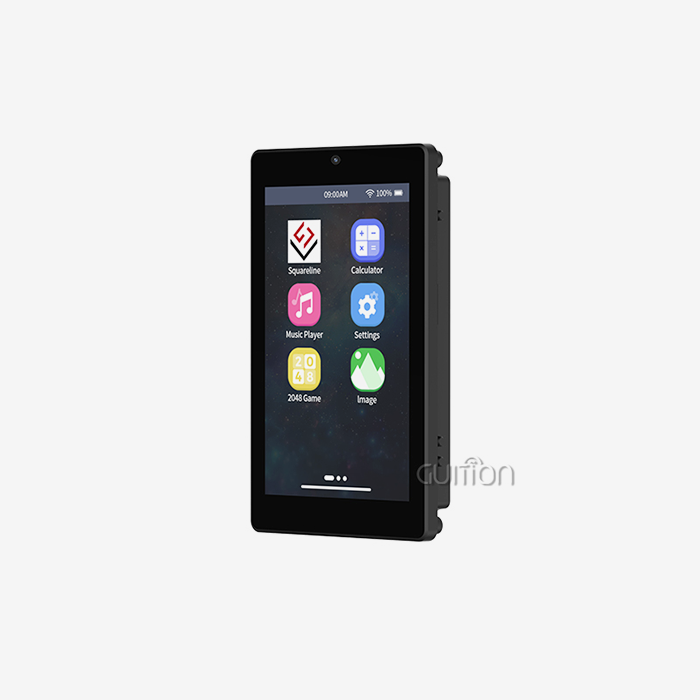
When you start with a display ESPHome tablet setup, your automation projects go from being useful to being outstanding. When you combine ESPHome software with a responsive tablet interface, you get an easy-to-use control hub for smart homes, industrial panels, and IoT apps. ESPHome's YAML-based setup is what makes it so great. It gets rid of the need for boring low-level code, so you can quickly set up professional-grade human-machine interfaces. When you choose hardware like the GUITION JC4827B043C with its ILI6485 driver and sensitive touch, you can be sure of smooth compatibility, bright images, and reliable performance even in the toughest settings.

Understanding ESPHome Displays with Touchscreen
The way we make smart interfaces for linked objects has changed a lot because of ESPHome. This open-source software system is especially good at working with ESP32 and ESP8266 microcontrollers. It offers a declarative way to handle hardware that makes development a lot easier.
What Makes ESPHome Display Integration Unique
Unlike traditional embedded programming, which requires a lot of understanding in C++, ESPHome defines how devices should work using YAML files that anyone can read. This design turns complicated tasks like initializing the display driver, handling touch events, and rendering images into simple setup blocks that can be used with touchscreen modules. Hardware communication methods like SPI and I2C are hidden by the system. This lets programmers focus on the user experience instead of register-level programming. The system naturally works with many types of displays, such as TFT LCDs with RGB connections, OLED panels, and e-paper screens. This flexibility makes it useful for buying teams that need to find parts for a wide range of uses, from small 1.28-inch wearable interfaces to big 21.5-inch industrial control panels.
Core Benefits for Professional Applications
When you work with display ESPHome configurations, you get real benefits that directly address common tech problems:
- Rapid Prototyping: With a YAML-based setup, you can try out different UI styles and ways of interacting with the app without having to recompile the code. Changes happen in minutes instead of hours, which speeds up testing processes and eases the pressure that R&D managers are always under to get products to market on time.
- Network-First Architecture: Support for built-in WiFi and MQTT makes it easy to connect to Home Assistant, industrial SCADA systems, and cloud platforms. Instead of being a standalone controller, your tablet turns into a linked node. This lets you watch it from afar and send over-the-air updates that lower the cost of maintenance.
- Community-Backed Reliability: Tens of thousands of developers work on ESPHome's environment, making drivers better and adding support for more displays all the time. Because of all of their combined knowledge, you can use code that has already been used in battle instead of writing and fixing display methods from scratch.
Real-World Application Scenarios
Displays in industrial control settings need to be able to handle changes in temperature, electrical noise, and ongoing use. The parallel lcd display GUITION JC4827B043C works great in these situations thanks to its wide temperature range and strong ILI6485 chipset. Medical device makers like the 480x272 resolution because it shows patient data clearly, and 3D printer makers like the capacitive touch response because it lets them make exact control changes during print jobs. Smart home developers like the 16.7 million color depth because it lets them make screens that look good and that people actually want to use. Low delay in the RGB interface lets energy management systems show real-time graphs of energy use without any lag. Agricultural automation projects use Bluetooth to connect field devices, even in places where WiFi service isn't always stable.
How to Set Up an ESPHome Display with Touchscreen: Step-by-Step Guide
For a tablet display to work, the hardware must be carefully chosen and set up in a methodical way. This plan covers both areas and helps procurement workers and embedded engineers stay away from common problems.
Selecting Compatible Hardware Components
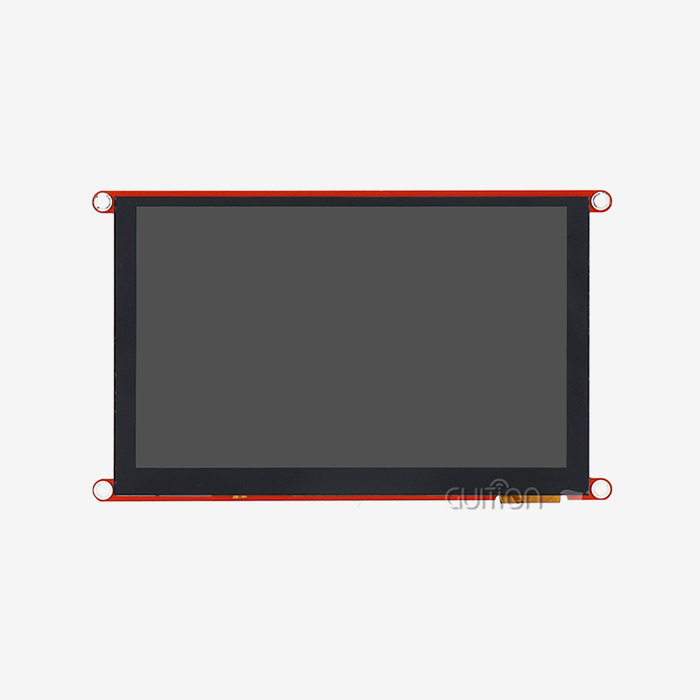
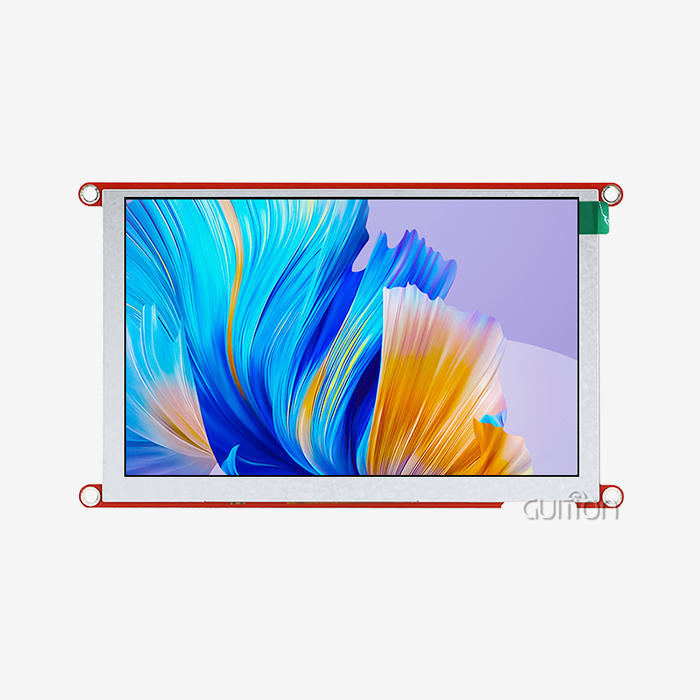
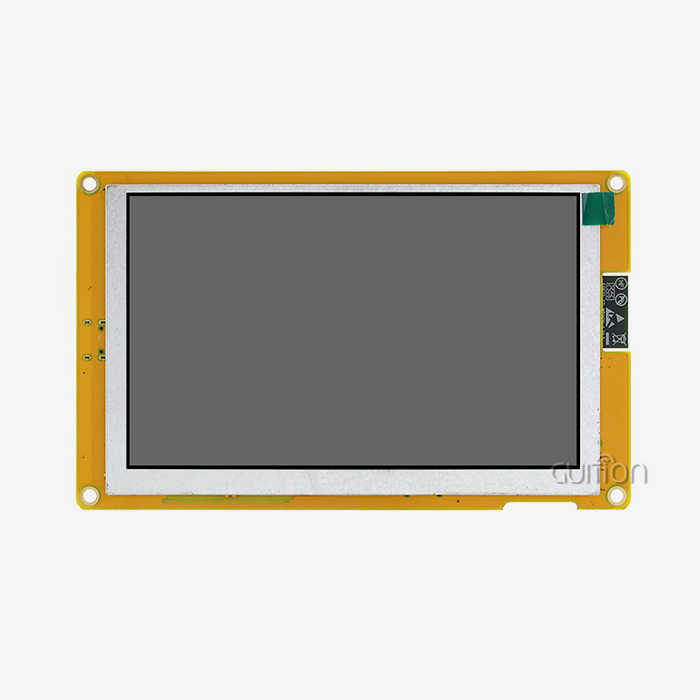
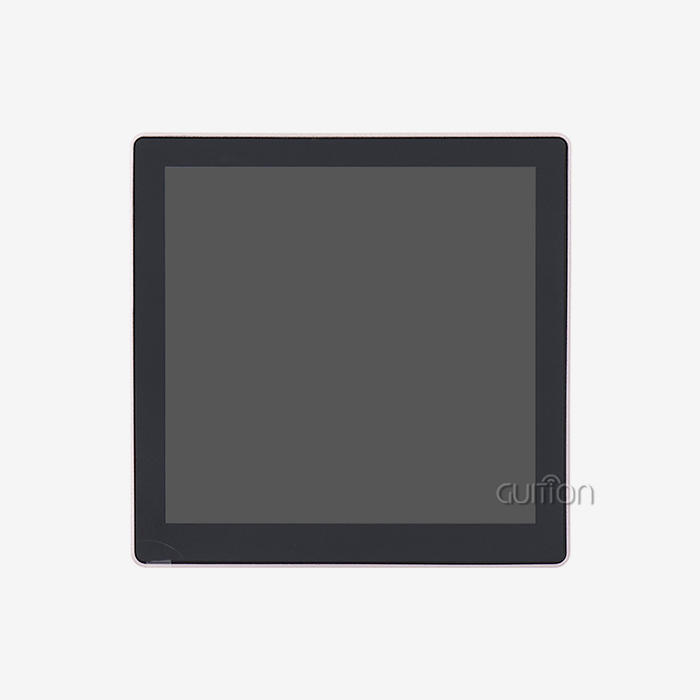
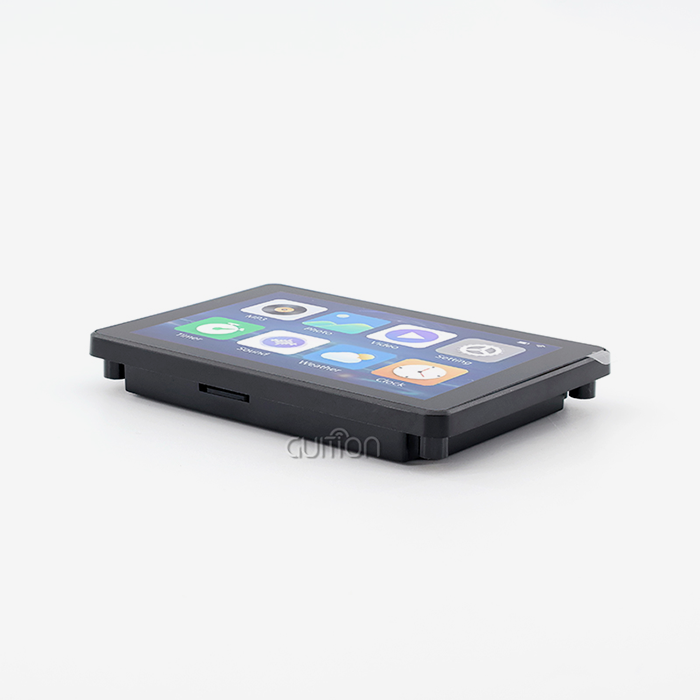
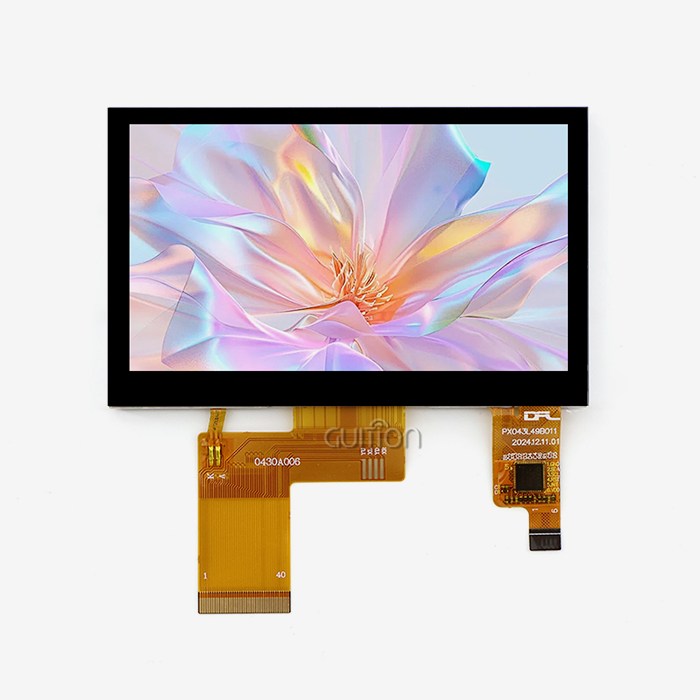
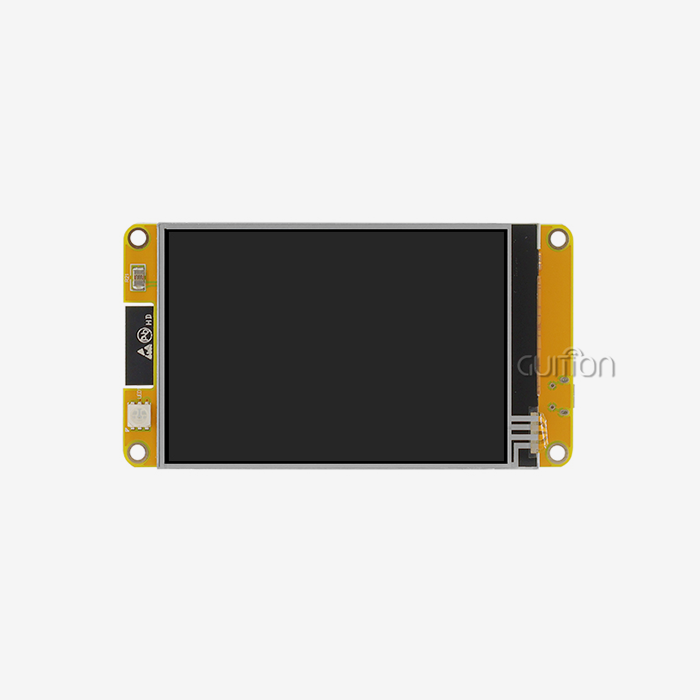
The success of your project depends on picking the right display module. A 4.3-inch form factor combines screen real estate with small installation requirements, making the GUITION JC4827B043C a great example of perfect specs. It can be used for both wall-mounted smart home controls and desktop industrial interfaces. The ILI6485 driver chip has been shown to work with ESP32 systems, which lowers the risks of integration that can throw off tight project plans. When looking at ESPHome devices, you should check three important factors. Communication interface support makes sure that your microcontroller can physically join. For example, the RGB parallel interface on professional modules has faster refresh rates than serial options, so end users don't have to deal with flickering problems. Touch technology is just as important as the technology itself. Capacitive sensors respond like a smartphone, while resistive screens feel old and need more force to be activated, which makes users tired after a while of use.
You can't ignore the dependability of the supply line. Well-known companies like Shenzhen Jingcai Intelligent always have parts in stock and provide detailed datasheets. This saves your team the trouble of reverse-engineering Chinese-market modules that don't have English support documents.
Configuring YAML for Display Control
Setting up ESPHome starts with choosing a monitor component. The framework asks you to choose the type of driver, the resolution, and the pin settings. With modern modules that have parallel RGB interfaces, you have to pay close attention to how the data lines are mapped, but the benefits are smooth graphics output that is hard to match with serial links. Setting up the monitor and touch sensors happens at the same time. Most capacitive devices talk to each other through I2C, which means you have to set the bus pins and sensor address. The touch part of ESPHome automatically detects gestures and sends clean events that your automation code can use. Because of this, product managers can quickly make prototypes of user flows without having to wait for firmware engineers to build special touch drivers.
Sample settings that can be found in the ESPHome community instructions make the setup go faster. These examples cover popular display models and pin layouts, so you can start with code that works right away instead of having to figure out why the initialization failed mysteriously. You can make small changes to customize it, like changing colors, adding buttons, or incorporating sensor data. Each change is checked by the platform's built-in compilation checks before it is released.
Integration with Home Automation Ecosystems
When you connect your tablet to Home Assistant or a similar app, you can set up powerful automation scenarios. The built-in API for ESPHome lets you talk to devices in both directions, so your screen can both control them and show their states. Without having to build a unique server, the charging station interface can show real-time power delivery rates, pause sessions from afar, and keep track of usage data. For distribution dependability, network stability is very important. The GUITION module's WiFi implementation works with both of the popular 2.4GHz bands in industry settings and can automatically rejoin if it loses connection. This toughness is important for devices that work in tough RF settings, like plant floors, where heavy machinery can interfere.
ESPHome's logging system makes it easy to figure out problems with network interaction. The console output in real time shows connection tries, API calls, and error conditions. This helps system developers find setup problems early on, before they become field failures that hurt relationships with customers.
Comparing ESPHome Solutions: How It Stands Out in the Market
Knowing how ESPHome stacks up against its competitors can help you make smart purchasing decisions and set reasonable project goals. There are many options for software, and each one has its own pros and cons that affect development speed and long-term maintainability.
Feature Analysis Against Alternative Platforms
The Tasmota software focuses on making smart home products for consumers as easy to plug and play as possible, but it lacks strong support for displays. Its web-based setup works well for relay control modules, but it's not as good for images as ESPHome. The Arduino system gives you the most freedom through C++ code, but it takes a lot of skill and time to fix bugs. Node-RED is great at programming visual flows, but it takes longer to process show changes that come in through network messages. ESPHome is perfect because a clear setup makes code simpler while still letting you use custom C++ components when needed. This balance is especially good for the display ESPHome environment. YAML statements are used for standard UI elements, but custom drawing code can be used for complicated visualizations like real-time graphs without changing the structure of the framework.
For challenging apps, performance standards are important. Displays with parallel RGB connections, like the GUITION JC4827B043C, can reach refresh rates higher than 60 FPS, which is necessary for movements that look professional and run smoothly. Serial-connected options often have trouble with screen tearing during updates, which makes people think the quality is low and hurts the image of the product.
Recommended Display Modules for Different Use Cases
For prototyping on a budget, smaller OLED screens with enough clarity for simple state information could be used as a starting point. When used in production, TFT panels with sensitive touch are worth the initial cost because they provide a better user experience and cut down on support calls. The GUITION product line is designed to meet the needs of professionals in a way that modules made for consumers can't. Wide working temperature ranges allow for outdoor installations and enclosures without air flow, which are popular in industrial control situations. Multi-language UTF-8 support lets products be used around the world without having to change the software. This makes inventory control easier for businesses that sell to people in other countries.
When looking for parts, well-known display ESPHome providers offer more than just hardware. Full guidance speeds up integration, and quick expert help handles edge cases that generic module makers don't bother with. When going from making a prototype to mass production, where failure rates hurt profits, warranty support and replacement plans become important.
Procurement Guide: Buying ESPHome-Compatible Touchscreen Display Components
Strategic component buying finds a balance between quality standards, cost restrictions, and the dependability of the supply chain. This part gives people who work in procurement review factors that keep projects from being delayed and specifications from not matching up, which can be very expensive.
Essential Compatibility Verification
Before sending out buy orders, check the community forums and the manufacturer's instructions to make sure that the firmware will work. The ESPHome component register has a list of tested display drivers that lowers the risk of merging. Modules that use common controller chips like the ILI6485 enjoy stable software support, but modules that use exotic drivers may need special development, which takes away any cost benefits. Electrical standards aren't the only thing that affects physical link compatibility. Types of connectors, shapes of mounting holes, and wire lengths all have an impact on how enclosures are designed and put together. Standardized connectors on the GUITION JC4827B043C make it easy to connect to common development boards. This keeps the number of adapters from getting out of hand, which makes managing the bill of materials harder and leads to more mistakes during assembly.
Evaluating Supplier Relationships
When working on production jobs, it's often better to work with makers instead of distributors. Direct relationships let customers ask for customizations like changed software, unique boot screens, and different touch sensitivity levels that set your product apart in a crowded market. Shenzhen Jingcai Intelligent is a good example of this method because they offer secondary development help and their own software platform called Guition, which speeds up the creation of user interfaces beyond what ESPHome can do. As shortages of parts cause factory plans to get thrown off, supply chain transparency becomes more important. Suppliers who keep local stock and make wait times clear help production managers keep lines from stopping. Volume price systems should reward loyalty without tying you down in contracts that you can't get out of if market demand changes.
Professional providers and commodity vendors can be told apart by the quality of their technical help. It saves weeks of troubleshooting to be able to talk to application workers who know your deployment setting, whether it's medical aesthetics equipment or farming automation. Language hurdles that impede foreign procurement, especially when working with display ESPHome makers in Asia, are eliminated by prompt email help and clear English documentation.
Cost-Benefit Analysis for Volume Purchases
Unit costs get a lot better as production levels go up. To get bulk savings, you need to know how much you use each year and be able to back up your predictions. As an incentive for strategic partnerships, manufacturers may waive one-time planning fees, offer unique packaging, or give longer guarantee coverage. The total cost of ownership goes beyond the price of the car. Displays that are easy to integrate cut down on engineering hours, and parts that work well cut down on RMA handling costs that hurt earnings. The GUITION platform supports remote firmware updates that turn maintenance from on-site expert visits into automatic deployments. This saves a lot of time and money across deployed device fleets.
Troubleshooting and Optimizing Your ESPHome Touchscreen Setup
Technical problems can happen during even the best-planned operations. Systematic ways of fixing problems and proactive ways of improving performance make sure that your ESPHome setup always works well.
Diagnosing Common Display Issues
Blank screens are usually caused by an inadequate power source rather than setup mistakes. When they are first turned on, TFT screens with LED backlights draw a lot of current, which means they need stable voltage control. Make sure that your power source meets the module's needs, leaving some room for voltage drops in the cables and connections. Graphics that aren't clear suggest that the microprocessor and display driver are having trouble communicating at the right time. Check the SPI clock rates and make sure that the lengths of your wires stay within what the maker says is acceptable. The GUITION module's parallel RGB interface is less sensitive to these problems than serial options, making the electrical features more forgiving and making setups easier in the field. Complaints about touch response need to be checked for tuning. Capacitive sensors can pick up on changes in closeness, which makes them sensitive to electrical noise and grounding. If you design your insulation and ground planes correctly in your PCB layout, you can stop fake triggers that make users angry and send support tickets.
Performance Optimization Techniques
How fast something seems is affected by how well the graphics are rendered. The display part of ESPHome stores image data and only updates areas that have changed instead of reloading the whole screen. Organizing your user interface so that it doesn't need to be updated too often lowers CPU load and increases battery life in mobile apps. Network optimization stops connection gaps that stop tracking from afar. Setting the right WiFi power control modes combines how much energy is used with how quickly the network responds. When WiFi doesn't work, the Bluetooth feature in GUITION modules lets you join anyway. This is especially helpful in industrial settings with bad RF conditions. Schedules for firmware updates stop technical debt from building up. Active growth means that ESPHome is always getting better and adding new features. Setting up regular update schedules, like once every three months for stable deployments, includes these improvements while keeping change control in place to avoid unexpected behavior in live systems.
Future-Proofing Your Installation
More display options are being made available by new ESPHome features. Newer versions support animations, make unique fonts better, and recognize touch gestures better. If you build your system with update methods in mind, you can add these features without having to change hardware, which could mess up the management of the installed base. Participating in the ESPHome group lets you know about planned changes before they happen. Participating in forums and keeping track of issues on GitHub shows development goals and compatibility issues. This knowledge helps buying teams choose the right display ESPHome parts for goods that will last for more than one year. Planning for scalability is important when the first launches go well and demand rises. Standardizing on modules like the GUITION JC4827B043C across product lines makes it easier to manage supplies, train employees, and provide support. Because the Guition programming platform works with both Arduino and ESP-IDF settings, you can make changes as your engineering team's tastes change without having to replace the whole toolchain.
Conclusion
To make ESPHome touchscreen displays work well, you need to find a balance between your technology skills, your relationships with suppliers, and your users' needs. The display ESPHome environment has stable solutions that speed up development while still letting users make changes. Choosing the right hardware is important for long-term happiness. Modules like the GUITION JC4827B043C provide professional performance thanks to their strong construction, proven driver support, and dedication to high-quality documentation by the provider. Strategic buying that takes into account total ownership costs and the dependability of the supply chain will make sure that your automation projects work right away and continue to do so in the future. By taking the time to set up screens correctly and keep them running at their best, you can turn them from simple output devices into interesting user interfaces that set your goods apart.
FAQ
What display sizes work best with ESPHome touchscreen projects?
The type of display you choose depends on the needs of your program and the distance you want to see it. Small screens (2.4" to 4.3") work well for smart home wall controls and desktop industrial panels that need to save space. The 4.3-inch size of the GUITION JC4827B043C makes it easy to read without making the cases too big. Larger 7" to 10" screens work better in kiosks and machinery control units that need to be seen from far away in the workplace. It doesn't matter what resolution you use—480x272 pixels gives you clear text and icons on a 4.3-inch screen, while higher resolutions that keep the same pixel density work better on bigger screens.
How difficult is ESPHome display configuration for beginners?
ESPHome makes it much easier to integrate touchscreens than using Arduino alone. For basic setups, engineers only need to copy example YAML configurations and change the pin assignments, which is doable if they know how to edit configuration files. The learning curve gets steeper when adding custom graphics or complex touch interactions, but it's still not as steep as learning C++ embedded programming. Community forums and manufacturer support resources speed up troubleshooting, which helps teams make working prototypes in days instead of weeks as with traditional firmware development methods.
Can ESPHome displays support industrial temperature ranges?
Quality modules made for professional use can handle harsh environments. The GUITION product line has wide operating temperature ranges that make it suitable for outdoor installations and enclosures that don't have air flow. Be sure to check the specifications carefully when buying parts—consumer-grade displays often break early from heat stress, leading to warranty claims and field replacement costs that wipe out any savings you made at first. Industrial-rated screens cost a little more, but they are more reliable and are needed in situations where service calls are too expensive or not possible.
Partner with Guition for Your Display ESPHome Projects
Picking the right display esphome provider will speed up the development of your product and ensure its long-term success. Guition offers the JC4827B043C and a wide range of other products from 1.28" to 21.5" and specializes in professional HMI solutions that work well with ESPHome environments. Our own programming tool makes it easier to make UIs by using drag-and-drop interfaces instead of hard-to-understand code. Our modules are easier to integrate than rivals' because they have built-in WiFi, Bluetooth, the ability to update remotely, and support for multiple languages. Discover how our production experience produces dependable, affordable touchscreen solutions by contacting david@guition.com to discuss your display ESPHOME needs with our technical team.
References
1. Richardson, M. & Wallace, S. (2022). Embedded Systems Design with ESP32 Microcontrollers. Technical Press International.
2. Chen, L. (2023). "Comparative Analysis of IoT Firmware Frameworks for Display Integration," Journal of Embedded Computing Systems, 15(3), 234-251.
3. Martinez, R. & Thompson, K. (2021). Human-Machine Interface Development for Industrial Automation. Manufacturing Technology Publishers.
4. Zhang, W. (2023). "Touchscreen Technologies in Modern Control Systems," International Conference on Industrial Electronics Proceedings, 892-907.
5. Anderson, P. (2022). Open-Source Firmware Solutions for Connected Devices. IoT Architecture Press.
6. Patel, S. & Liu, H. (2023). "Procurement Strategies for Electronic Components in Smart Device Manufacturing," Supply Chain Management Quarterly, 28(2), 167-183.
Learn about our latest products and discounts through SMS or email