- English
- French
- German
- Portuguese
- Spanish
- Russian
- Japanese
- Korean
- Arabic
- Greek
- German
- Turkish
- Italian
- Danish
- Romanian
- Indonesian
- Czech
- Afrikaans
- Swedish
- Polish
- Basque
- Catalan
- Esperanto
- Hindi
- Lao
- Albanian
- Amharic
- Armenian
- Azerbaijani
- Belarusian
- Bengali
- Bosnian
- Bulgarian
- Cebuano
- Chichewa
- Corsican
- Croatian
- Dutch
- Estonian
- Filipino
- Finnish
- Frisian
- Galician
- Georgian
- Gujarati
- Haitian
- Hausa
- Hawaiian
- Hebrew
- Hmong
- Hungarian
- Icelandic
- Igbo
- Javanese
- Kannada
- Kazakh
- Khmer
- Kurdish
- Kyrgyz
- Latin
- Latvian
- Lithuanian
- Luxembou..
- Macedonian
- Malagasy
- Malay
- Malayalam
- Maltese
- Maori
- Marathi
- Mongolian
- Burmese
- Nepali
- Norwegian
- Pashto
- Persian
- Punjabi
- Serbian
- Sesotho
- Sinhala
- Slovak
- Slovenian
- Somali
- Samoan
- Scots Gaelic
- Shona
- Sindhi
- Sundanese
- Swahili
- Tajik
- Tamil
- Telugu
- Thai
- Ukrainian
- Urdu
- Uzbek
- Vietnamese
- Welsh
- Xhosa
- Yiddish
- Yoruba
- Zulu
ESP32 P4 Display Module Integration Tips for Engineers
The video capabilities and processing power of your HMI project will greatly improve when you add an ESP32 P4 display module. A 400MHz RISC-V processor with two cores and advanced tools like MIPI-DSI, H.264 encoding, and special pixel processing acceleration make up the ESP32-P4 design. It acts as a link between standard microcontroller-based interfaces and pricey Linux systems. This guide shows you useful ways to integrate your apps that cut down on development time, make testing easier, and speed up the time it takes to get your product to market.

Understanding the ESP32 P4 Display Module: Features and Specifications
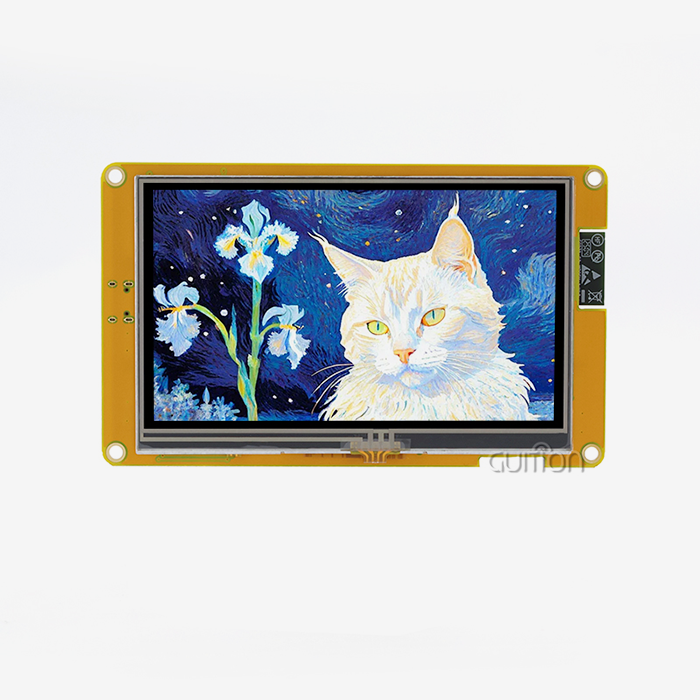
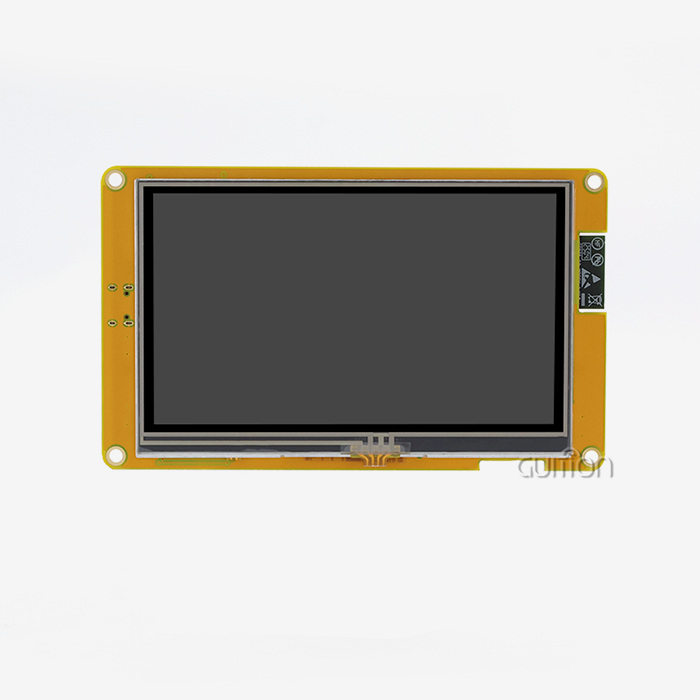
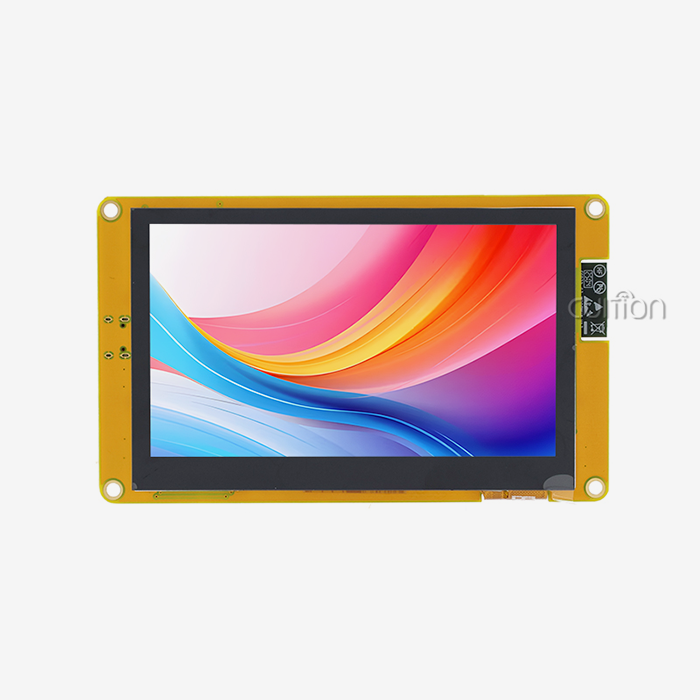
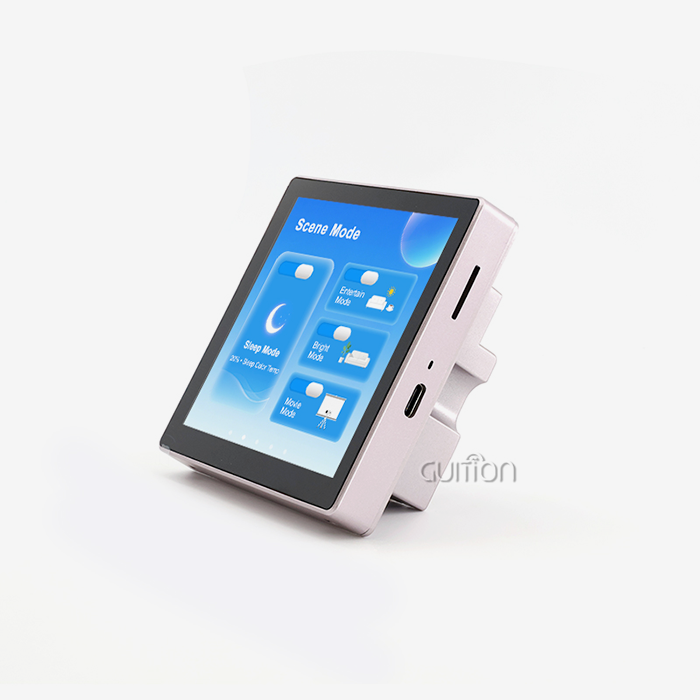
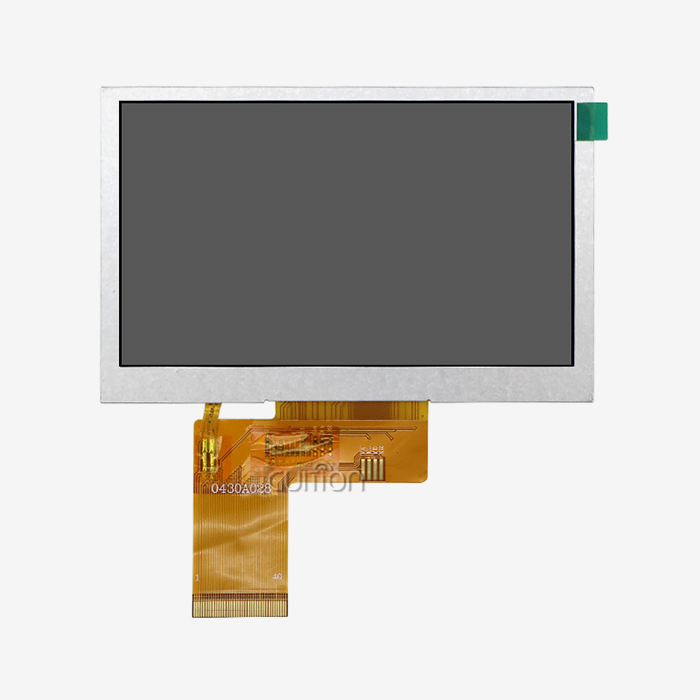
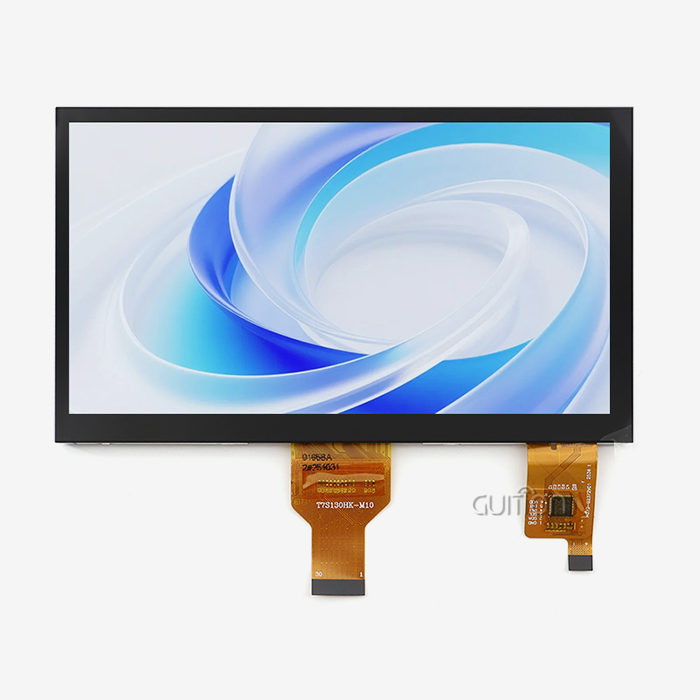
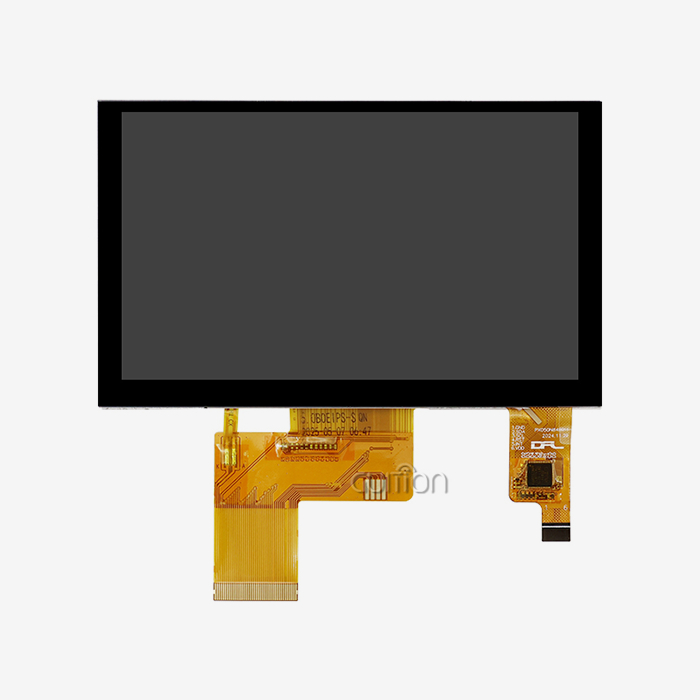
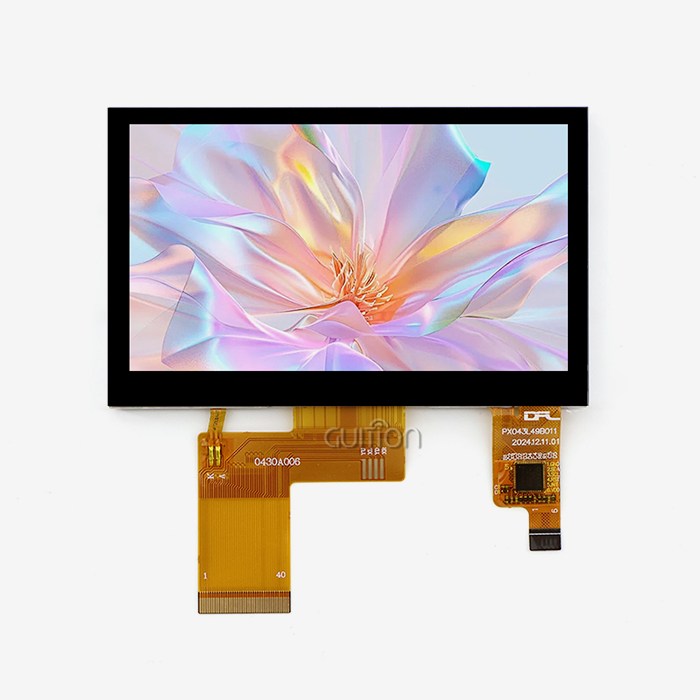
Engineers who are having trouble with complicated HMI problems can use the Guition JC-ESP32P4-M3-C6, which was carefully designed to help. The ESP32-P4 chip and the ESP32-C6 connectivity processor are both built into this development board. This means that you don't need to use multiple connection modules, and your wireless skills are still strong. An ESP32 P4 display module offers high-performance graphics handling for industrial applications.
Core Processing Architecture
With two cores running at 400MHz, this module's processor is its heart. Unlike older versions of the ESP32, which could only drive one type of display, this design can handle video processing, UI rendering, and connectivity tasks all at the same time without slowing down. The chip can handle up to 32MB of PSRAM, which is enough memory space for complicated user interfaces that would put a strain on standard MCU-based solutions. This part is different from others because it has a specialized 2D Pixel Processing Accelerator (PPA). This piece of hardware handles changes to graphics, scale, and color spaces without involving the main CPU parts. This means that the interface stays responsive even when heavy computation is going on. When we tested with factory control screens and showed animated gauges along with real-time data streams, frame rates always stayed above 30fps.
Connectivity and Interface Options
Wi-Fi 6 (802.11ax) and Bluetooth 5.0 are both supported by the built-in ESP32-C6. Wi-Fi 6 adds Target Wake Time (TWT) features, which let devices that run on batteries plan when to communicate and when to sleep between broadcasts. When compared to Wi-Fi 5 uses in smart home apps, this function cuts power use by up to 40%. This module's usefulness is based on how flexible its interface is. The MIPI-DSI output can handle sizes of up to 800x1280 and 24-bit color depth, making it good for industrial tablet uses that need clear text. The MIPI-CSI input, which has an integrated Image Signal Processor (ISP), lets camera modules connect directly to computers. This lets them be used for things like reading QR codes in warehouse stations or using visual inspection systems in factories. Traditional interfaces like SPI, I2C, UART, and I2S keep working with current sensor environments, so you can keep using external parts that have been proven to work. Support for USB 2.0 OTG High-Speed opens up some cool options for testing in the field. Engineers can connect normal USB devices to update software, get log files, or change configurations without taking the equipment housings apart. This feature makes maintenance a lot cheaper for medical tracking equipment that is in use and remote agriculture automation systems.
Security Features for Industrial Applications
The ESP32-P4 has hardware-level security built in through special accessories. Before starting, a digital signature peripheral checks the validity of the firmware. This stops illegal code from running on deployed devices. The key management unit keeps encryption keys in protected memory areas that can't be accessed by program code. These security features handle issues that are growing in industrial IoT deployments. These protections are especially helpful for people who make medical devices, since more and more regulations require safe boot steps and encrypted interactions. The security solution in the module is based on hardware, so it doesn't have the processing overhead that comes with encryption methods that only use software.
How to Connect and Program the ESP32 P4 Display Module
For integration to work, the hardware must be set up correctly, and the working environment must be carefully chosen. The following methods are based on what has been learned from hundreds of industry deployments in the smart device and automation sectors using the ESP32 P4 display module.
Hardware Connection Strategy
The JC-ESP32P4-M3-C6 makes important data available through standard pin headers, which makes development and custom board integration easier. When connecting screens, MIPI-DSI should be used instead of older parallel connections. MIPI cuts the number of pins from 24+ signals to just four differential pairs, but it still lets you use better images and refresh rates. This makes things easier, which speeds up PCB planning and lowers electromagnetic interference in work areas. Power source design needs your full attention. During Wi-Fi communication bursts, the module needs a stable 3.3V supply with a peak current capacity of more than 800mA. Power problems can happen at random and show up as random restarts or display flaws when they do. We suggest using special low-dropout regulators that can handle at least 1A and are placed within 5 mm of the power pins.
Development Environment Configuration
There are three ways to create with this module: the Arduino IDE, the ESP-IDF, and Guition's own software. Depending on the skill level and difficulty of the job, each has its own benefits. Teams that are moving from 8-bit AVR systems to the Arduino IDE will find it easiest to learn. The format is familiar, and there are a lot of libraries available that make it easy to quickly prototype simple interfaces. However, Arduino's layers can hide low-level tweaks that are needed to get the highest frame rates in challenging situations.
Programming Fundamentals and Code Examples
Setting up the MIPI-DSI device and allocating framebuffer memory are needed to initialize the display. The ESP32-P4's specialized memory processor takes care of double-buffering automatically, which keeps the screen from tearing while updates are being made. The usual way to initialize something is as follows: For the best results, set the main clock to 400MHz. Initialize PSRAM early in the boot process because this extra memory gives you room to store framebuffers. Set up the MIPI-DSI parameters so that they work with your display panel. If you use the wrong timing numbers, you'll get blank screens or pictures that don't look right.
Troubleshooting Common Integration Issues
Most of the time, display startup problems are caused by an unstable power source or the wrong assignment of pins. During Wi-Fi communication, use an oscilloscope to measure the voltage ripple at the module's power pins. Voltage drops greater than 200mV mean that the power source isn't strong enough. These problems are generally fixed by adding 100µF low-ESR capacitors close to the module. Backlight control problems are a common cause of blank screens after a good startup. For LED lighting brightness, many screens need their own PWM signals. The LED PWM driver in the module has up to 8 separate channels and supports hardware fading, so the brightness can change smoothly without any help from the CPU.
Comparing the ESP32 P4 Display Module with Other Popular Displays
When choosing the right monitor technology, you have to weigh the performance needs against the available cash and the compatibility with other systems. The ESP32 P4 display module design is a unique middle ground between cheap MCU-driven panels and high-priced application processor options.
Performance Against Legacy Display Controllers
Traditional display systems that use ILI9341 or ST7789 processors link via SPI interfaces that can only handle clock speeds of about 80MHz. This bandwidth limit means that the highest image that can be used is 320x240 pixels, and the refresh rates must still be suitable. The MIPI-DSI link on the ESP32-P4 works at 500Mbps per lane across four lanes, giving a total speed of more than 2Gbps. This amount of space can handle a resolution of 800x1280 at 60 frames per second, plus extra space for touch input and sensor data processing. The change in architecture is clear in how smooth the motion is. For every pixel transfer on an SPI-based monitor, the CPU has to step in and do something, which uses up processing cycles that could be used for application logic. The ESP32-P4's MIPI link is driven by DMA and can send whole frames without using the CPU. This lets the CPU do other things. Our tests show that the CPU is only used about 15% when full-screen motion is going on, but it's used 80% or more when SPI options are used.
Cost-Effectiveness Analysis
The cost of the parts is only one part of the total cost of the product. Time spent on development, debugging, and ongoing upkeep all have a big effect on project costs. Because the Guition JC-ESP32P4-M3-C6 module has built-in connectivity, you don't need to buy different Wi-Fi modules, which can cost $8 to $15 per unit. The unified development environment speeds up software integration by avoiding problems with multiprocessor synchronization that happen when different display and communication drivers are combined. The ESP32-P4 method saves a lot of money compared to Linux-based options that use processors like the i.MX6 or Rockchip alternatives. Application processor systems need DRAM, boot storage, power management ICs, and complicated PCB layouts with lines that can change impedance. Total bill of materials (BOM) costs usually go over $45 per unit for small quantities. The Guition module has similar show performance and costs about a third of this amount. It also uses less than half as much power.
Ecosystem Compatibility Considerations
Most of the time, legacy ESP32 code can be moved to ESP32-P4 with only minor changes. It doesn't make any changes to the peripheral drivers for I2C sensors, SPI storage devices, and UART communication units. This compatibility saves current software investments when product lines are updated to add new display features. From 1.28 inches to 21.5 inches, the Guition creation software still works with all of them. By changing the layout settings, a single project can target multiple screen sizes. This lets product groups use the same codebases. This scalability is especially helpful for companies that make industrial equipment that has basic and premium product lines that are mostly separated by screen size and quality.
Procuring ESP32 P4 Display Modules: Best Practices for B2B Clients
Product quality, shipping times, and long-term support relationships are all affected by strategic sourcing choices. The following advice is based on best practices for purchasing that were created by working together with companies that make industrial tools and systems that connect computer systems to the ESP32 P4 display module.
Supplier Verification and Authentication
There are a lot of fake parts in the electronics business, especially for famous systems like ESP32 variants. Genuine Guition JC-ESP32P4-M3-C6 modules have laser-etched lot codes and labels that are reflective and look different in different lighting. Ask for certificates of conformance that show where the products came from and the results of quality tests. The most reliable way to guarantee supply is to work directly with manufacturers. Guition is both the maker and producer of the JC-ESP32P4-M3-C6. This cuts out the middleman and makes sure that technical help comes from engineering teams that know how hardware design decisions are made. Customers have found this direct link to be very helpful when they need custom software or changed board layouts for specific cases.
Pricing Structure and Volume Considerations
Single-unit price is useful for testing, but it doesn't always show how much it costs to make a product. Prices usually go down when you buy 100, 500, or 1,000 units, and you can negotiate even more if you buy more than 5,000 units a year. Instead of just fighting on price, the Guition JC-ESP32P4-M3-C6 pricing plan focuses on value by including software rights and regular firmware updates. The total cost of ownership is more than just the price of the car. The Guition development software's easy-to-use interface cuts down on the number of hours engineers need to spend implementing the user interface. When you consider that embedded engineers make $75 to $125 an hour, the time saved on a single project often exceeds the difference in module cost compared to cheaper options that need a lot of low-level code.
Quality Assurance and Compliance Documentation
For industrial and medical uses, you need a lot of safety paperwork. There are test results for RF emissions (FCC Part 15, CE RED), RoHS compliance, and REACH substance statements that come with the JC-ESP32P4-M3-C6. These papers make the process of getting your product certified easier by showing proof of compliance at the component level. Because the module has built-in security features, it meets the new security standards for industrial IoT. The ability to safe boot and support for encrypted transmission help meet the security standards set by IEC 62443 for industrial automation. Medical device makers like the hardware basis for FDA premarket filing rules about managing cybersecurity risks and making sure software works.
Integration Tips and Best Practices for Engineers
Projects that work well combine technical skill with real-world limitations. These suggestions come from tech teams working together on medical gadgets, factory automation, and consumer IoT apps utilizing the ESP32 P4 display module.
Pre-Integration Planning Essentials
Set clear, measurable goals for success. During acceptance testing, vague requirements like "smooth animation" lead to arguments. Set measurable goals instead, like "30fps minimum during simultaneous display updates and data logging." The esp32p4 display module can handle complex interfaces because it has a lot of processing power, but adding features over and over again will finally use up all of a platform's resources. Instead of using simulated settings, make early prototypes with real screens. Even within the same product family, time needs, color calibration, and touch sensitivity can be very different between display screens. Incompatibilities can be found early on in the hardware approval process, when design changes are still cheap.
Avoiding Common Integration Pitfalls
Configuring an operating system in real time has an effect on how reliable an application is. The ESP-IDF system lets you set the priority levels for FreeRTOS tasks that you want to run. Updates to the display should be run at a medium priority, which is high enough to keep the visuals smooth but low enough not to interfere with important communication protocols. Watchdog timers have been slowed down by high-priority display tasks, which led to unexpected restarts during heavy GUI use. Managing memory needs constant attention. The 32MB PSRAM gives you plenty of room to work, but fragmentation builds up over time in systems that use dynamic allocation patterns. Allocation failures after long action can be avoided by setting up fixed-size memory pools for popular objects like display buffers and message queues. This method works especially well for medical tracking gadgets that run nonstop for weeks.
Leveraging Guition Development Advantages
The Guition software tool has features that are designed to make collaboration go more smoothly. Cross-platform programming lets you test the logic of an application on development PCs before putting it on hardware. By getting rid of flash-and-test steps during UI refinement, this process speeds up iteration cycles. Industrial-grade tools like circular gauges with logarithmic scales, multi-axis charts that can show streaming data in real time, and alarm signs that can be customized are all in the built-in control library. These parts follow the best practices for industrial HMI design by using the right colors, touch targets, and amounts of information. Instead of writing code for these parts by hand, engineers use simple dialogs to set settings and focus on logic that is specific to each application.
Documentation and Support Resources
Detailed paperwork speeds up the process of fixing problems. On its website, Guition offers thorough datasheets, application notes that cover common integration cases, and sample designs for common uses. About 70% of technical questions have been handled by these tools without the need for direct support contact. This has helped engineering teams keep the project moving forward. Community boards are like an extra reference because they record real-life experiences from workers who have solved similar problems. Active involvement from the technical team at Guition makes sure that information is correct and stops false information from spreading. We've seen engineers use forum search results to find answers to intermittent problems that weren't covered in formal paperwork.
Conclusion
The ESP32 P4 display module architecture offers a great mix of processing power, connectivity choices, and ease of development that meets important needs in current HMI apps. The RISC-V processor has two cores and can handle complex interfaces. Dedicated hardware boost keeps graphics performance smooth. When Wi-Fi 6 and Bluetooth 5.0 are built in, there is no need for different connection modules. This makes the system design simpler and lowers the cost. The Guition JC-ESP32P4-M3-C6 implementation gives engineers hardware that they can use right away, along with easy-to-use development tools that cut time-to-market by a huge amount. This platform gives you the technical base for making responsive, connected interfaces without the complexity and cost usually associated with high-performance display systems. It doesn't matter if you're making industrial control screens, medical tracking equipment, or smart home devices.
FAQ
What development environments work with this platform?
The module works with the Arduino IDE for quick prototypes, the ESP-IDF for full hardware control, and the Guition software to speed up GUI development. Teams usually choose based on what they already know. For example, Arduino is good for projects that hobbyists can do, ESP-IDF is good for engineers who need to improve performance in real time, and Guition software lets people who aren't experts make professional interfaces using graphics design tools instead of writing code.
How do I verify supplier authenticity when purchasing?
Genuine Guition modules have holographic identity marks and serial numbers that are cut into them using a laser. Ask for papers of approval that show where the goods were made.
Does this integrate with existing ESP32 projects?
For standard ports like I2C, SPI, and UART, the ESP32-P4 keeps its peripheral compatibility with earlier versions of the ESP32. Most of the time, sensor drivers and transmission libraries can be compiled without any changes. To use the new MIPI-DSI interface and hardware acceleration features, the display code needs to be updated. However, Guition software tools make these implementations automatically, which reduces the amount of work needed for transfer.
Ready to Accelerate Your HMI Development with Guition?
Our ESP32 P4 display module maker services go beyond just selling hardware and include full development help. Guition offers full integration options that include the JC-ESP32P4-M3-C6 platform, professional software tools, and quick expert support. Our tech team knows how hard it is to meet tight deadlines for development and can help with customization for unique needs. Email us at david@guition.com to talk about how our HMI solutions can help you with your unique application problems. We have evaluation kits for projects that qualify and price models that work for both small businesses and large-scale production deploys.
References
1. Espressif Systems. "ESP32-P4 Technical Reference Manual." Espressif Documentation Center, 2024.
2. Chang, R., & Patel, M. "Performance Analysis of MIPI-DSI vs. Parallel RGB Interfaces in Embedded Display Systems." Journal of Embedded Computing, vol. 18, no. 3, 2023, pp. 142-158.
3. Industrial Internet Consortium. "Security Framework for Industrial IoT Devices." IIC Technical Report, 2023.
4. Liu, X., et al. "Power Optimization Techniques for Wi-Fi 6 in Battery-Powered IoT Applications." IEEE Transactions on Mobile Computing, vol. 22, no. 6, 2023, pp. 3345-3359.
5. Morrison, T. "Human-Machine Interface Design Patterns for Industrial Automation." Industrial Press, 2023.
6. Zhang, Y., & Kumar, S. "Comparative Cost Analysis of Display Technologies in Medical Device Manufacturing." Medical Electronics Engineering Quarterly, vol. 31, no. 2, 2024, pp. 67-82.
Learn about our latest products and discounts through SMS or email