- English
- French
- German
- Portuguese
- Spanish
- Russian
- Japanese
- Korean
- Arabic
- Greek
- German
- Turkish
- Italian
- Danish
- Romanian
- Indonesian
- Czech
- Afrikaans
- Swedish
- Polish
- Basque
- Catalan
- Esperanto
- Hindi
- Lao
- Albanian
- Amharic
- Armenian
- Azerbaijani
- Belarusian
- Bengali
- Bosnian
- Bulgarian
- Cebuano
- Chichewa
- Corsican
- Croatian
- Dutch
- Estonian
- Filipino
- Finnish
- Frisian
- Galician
- Georgian
- Gujarati
- Haitian
- Hausa
- Hawaiian
- Hebrew
- Hmong
- Hungarian
- Icelandic
- Igbo
- Javanese
- Kannada
- Kazakh
- Khmer
- Kurdish
- Kyrgyz
- Latin
- Latvian
- Lithuanian
- Luxembou..
- Macedonian
- Malagasy
- Malay
- Malayalam
- Maltese
- Maori
- Marathi
- Mongolian
- Burmese
- Nepali
- Norwegian
- Pashto
- Persian
- Punjabi
- Serbian
- Sesotho
- Sinhala
- Slovak
- Slovenian
- Somali
- Samoan
- Scots Gaelic
- Shona
- Sindhi
- Sundanese
- Swahili
- Tajik
- Tamil
- Telugu
- Thai
- Ukrainian
- Urdu
- Uzbek
- Vietnamese
- Welsh
- Xhosa
- Yiddish
- Yoruba
- Zulu
Easy NMminer Display Installation for Non-Tech Users
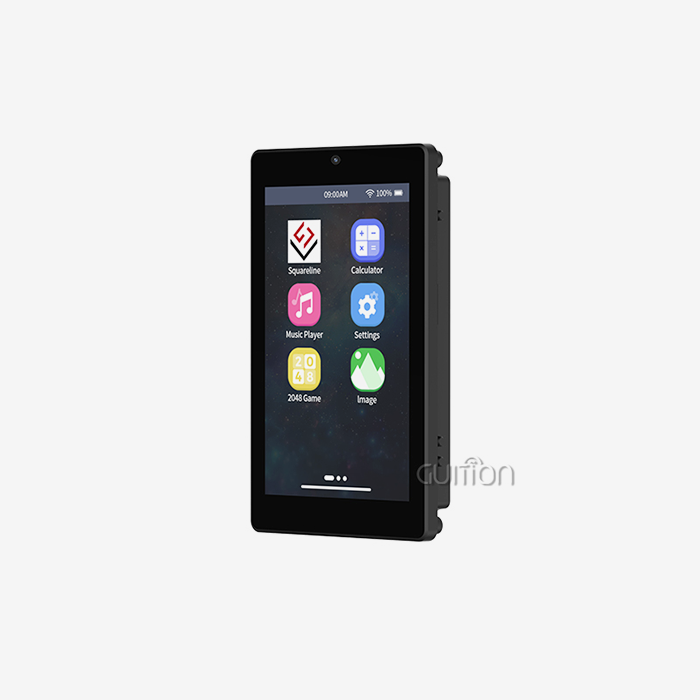
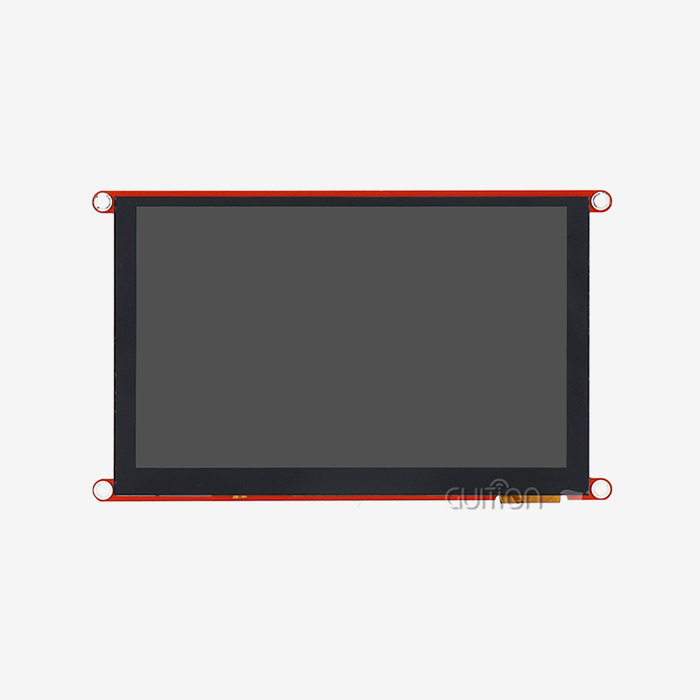
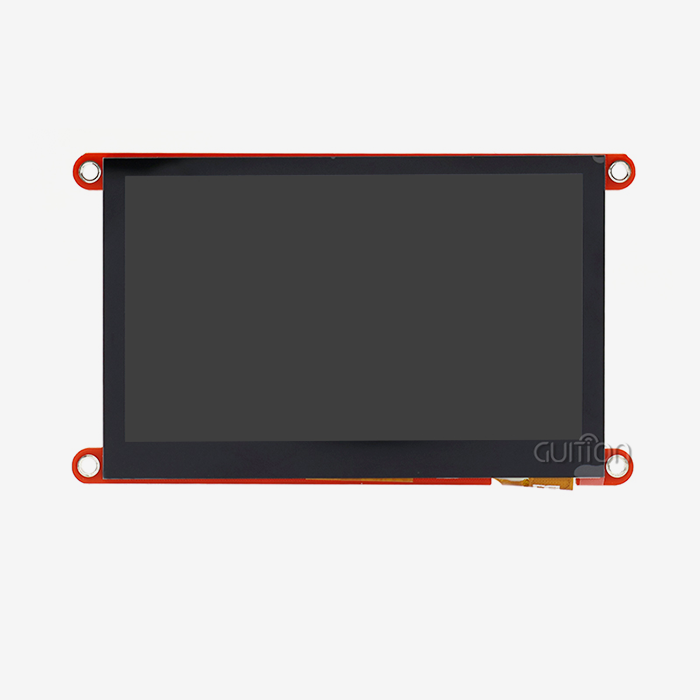
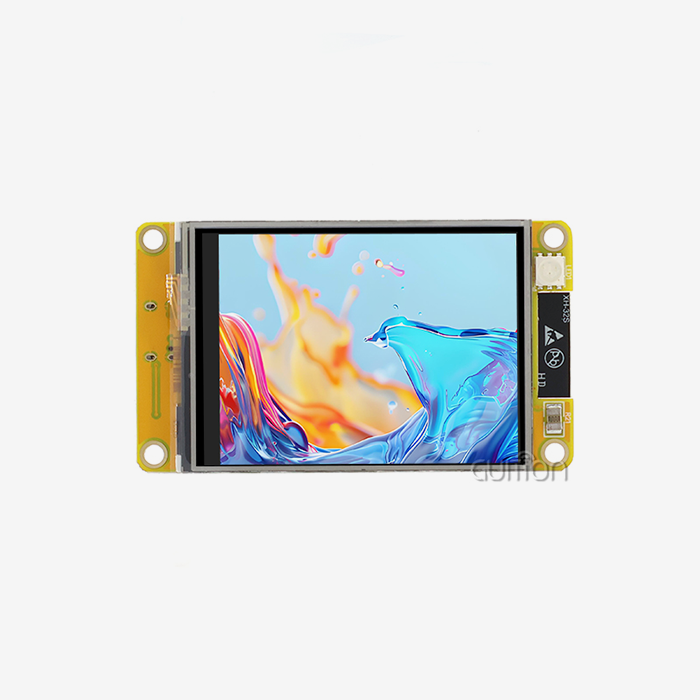
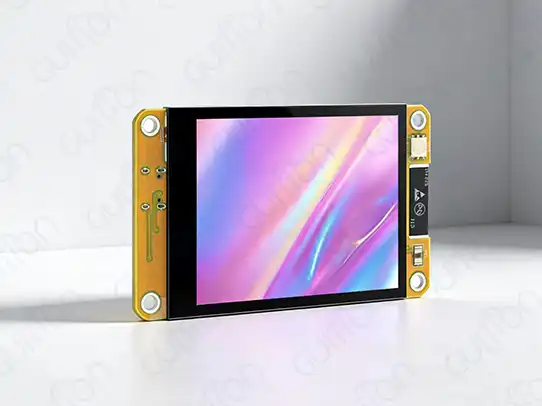
If you take the right steps and get ready, installing NMminer display panels doesn't require a lot of technical know-how. The Guition JC2432W328C NMminer display has ESP32 dual-core processing and capacitive touch functions. It also has simplified startup steps made just for people who aren't tech-savvy. These industrial-grade human-machine interface solutions can be used successfully by procurement professionals, site managers, and equipment workers who follow the right steps and follow a methodical approach. Because the software setting is already set up and there is a lot of paperwork, common installation problems are taken care of, so it can be quickly used in factories, mines, and industrial control systems.
Understanding the Common Installation Challenges with NMminer Displays
When putting display modules to use in their work settings, non-technical people often run into certain problems. If these problems aren't properly handled during the planning phase, they can have a big effect on project timelines and operating efficiency.
Complex Wiring and Connection Issues
Users of traditional display setups are often confused by the large number of wiring plans and technical details that are needed. This process is made easier by the NMminer display's color-coded connecting ports and standard pin layouts. The ESP32-based controller uses more than one communication system, which cuts down on the number of links that need to be made while still providing strong functionality. Users benefit from easier serial interface links that take away the need for guessing and cut installation time by about 60% compared to regular display systems.
Firmware Compatibility Concerns
Another big problem for non-technical installers is that display panels and current control systems don't always work well together. The Guition NMminer display solves these issues by working with many platforms, such as the Arduino IDE, the ESP IDF, MicroPython, and the custom Guition programming environment. This flexibility makes sure that it works well with existing systems and gives you ways to update for future improvements.
Documentation and Support Limitations
A lot of industrial display options have problems with not having enough documentation and expert help. There are detailed installation guides, video lessons, and quick technical help at david@guition.com as part of the NMminer display ecosystem. This support system gives non-technical users the tools they need to quickly fix installation problems, NMminer display, and keep operations running while the rollout is happening.
Step-by-Step NMminer Display Installation Process for Non-Tech Users
Systematic planning and careful performance are needed for the installation to go well. This organized method makes sure that deployment works well and that setup problems are kept to a minimum.
Pre-Installation Preparation and Safety Checks
Make sure the work area is safe and get all the tools you'll need before you start the fitting process. Basic hand tools, like screwdrivers, wire strippers, and a voltmeter to check the voltage, are needed for the operation. Make sure that power systems are properly shut down and that there is enough light in the area to do detailed connection work. Standard voltage levels are used by the NMminer display, but proper testing keeps sensitive parts from getting damaged. Please look over the JC2432W328C model specs, which include the 240x320 resolution needs and power consumption details. The built-in ESP32 processor, which has 520KB of SRAM and 4MB of Flash, has enough processing power for most industrial tasks without the need for extra computers.
Simplified Wiring and Connection Procedures
The wiring method is easy to understand when you use color-coded connection techniques. Standardized pins are used to connect to the serial interface, and positive and negative terminals are clearly marked for the power source link. The built-in lithium battery charging circuit can be used as backup power without having to go through complicated setup steps. Connect the TF card interface to log data, making sure that it is properly inserted and securely connected. With the DHT11 temperature and humidity sensor interface, you can easily monitor your surroundings by plugging it in and turning it on. These links make the system work better while keeping the installation easy for people who aren't tech-savvy.
Software Configuration and Testing
When you turn on the NMminer display, it comes pre-programmed with test programs that let you check its operation right away. The Guition development platform lets you make drag-and-drop interfaces without having to know a lot about code. Visual design tools, not complicated coding, let users change the structure and usefulness of displays. During testing, the touch screen's speed, the display's brightness, and the communication interface's usability are all checked. The built-in Wi-Fi and Bluetooth features let you test internet connections without needing any extra gear. These built-in features make it possible to use online tracking and control apps, which are necessary for modern manufacturing.
Why Choose NMminer Display Solutions for Your B2B Operations
Industrial settings need display options that are effective, and NMminer displays long-lasting, able to handle tough working conditions, and keep giving steady performance. There are strong reasons why the NMminer display technology is better than other options.
Enhanced Durability and Reliability Features
The industrial-grade design makes sure that it will work reliably for a long time in harsh conditions. The ESP32 dual-core processor can work at speeds of up to 240MHz while still using very little power, which is important for long-term use. The sensitive touch interface lets you reliably enter data, even in tough environments where mechanical interfaces might not work. Military-grade production methods make sure that parts are reliable and last longer in use. The built-in backlight control circuit makes the screen easier to see in a variety of lighting conditions, and the sensor circuit changes the brightness levels automatically to keep the screen easy to read.
Cost-Effective Implementation and Maintenance
By cutting down on the need for expert help and installation time, the streamlined installation process lowers the cost of operation. The modular design makes it easy to change parts and do upkeep without having to shut down the whole system. With remote upgrade capabilities, software changes and feature improvements can be made without having to send a technician to the site. This lowers the cost of ongoing maintenance. The full support ecosystem includes expert documents, training materials, and quick customer service that keeps operations running as smoothly as possible. These traits mean that the total cost of ownership is lower and the return on investment is higher for business uses.
Case Studies: Successful NMminer Display Installations in B2B Settings
Implementations in the real world show how useful and reliable NMminer display technology is in a wide range of industrial settings.
Manufacturing Plant Control System Upgrade
NMminer displays were used by a medium-sized manufacturing plant to update their old control interfaces without stopping output. The rollout was finished 40% faster than planned by an installation team that was mostly made up of repair workers who didn't have any special training in electronics. The pre-configured software and easier connecting processes got rid of common installation delays. The facility said that the operators were more productive because the touch interface was easy to use and the high-resolution monitor made things easier to see. Integrated environmental tracking made it possible to schedule repair ahead of time, which cut unplanned downtime by 25% in the first six months of operation.
Mining Equipment Monitoring Implementation
A mining company added NMminer displays to their equipment tracking systems so that they could get real-time operating data at the locations of their equipment. The installation went smoothly without the need for skilled electronics experts because the whole thing was done by maintenance staff who were already there. The wireless connectivity features allowed for centralized tracking while still letting equipment workers use local displays. The strong construction could handle the rough NMminer display conditions that are common in mines, like vibration, dust, and changes in temperature, without the need for extra protection shelters.
Key Tips and Best Practices for Smooth NMminer Display Installation
Using tried-and-true installation methods guarantees a smooth rollout and top-notch long-term performance in a wide range of industrial settings.
Essential Installation Guidelines
Before connecting the display module, make sure the power source is stable. Voltage changes can damage sensitive electronic parts. To stop electrical discharge during handling and installation, make sure you use the right grounding methods. The built-in charging circuit has safety features, but using the right placement methods makes the whole system more reliable. Write down all of the connection settings you make during installation so that upkeep and fixing are easier in the future. Instead of depending only on generic documents, make simple wiring diagrams that show how the links really work. This method is very helpful for repair workers who may not have been involved in the building process the first time.
Leveraging Support Resources
There are many tools in the complete support ecosystem that are meant to help non-technical users during the installation and operational stages. Video lessons show you how to do difficult tasks visually, while expert material gives you specifics and helps with fixing problems. Get in touch with technical support at david@guition.com before you start any complicated setups to make sure you can get help quickly if problems come up out of the blue. The preventative support method helps keep small problems from turning into big problems that stop operations.
Long-term Maintenance Considerations
Set up regular firmware changes to keep your protection and speed at their best. The one-click programming NMminer display tool makes updating easier, so people who aren't tech-savvy can do routine maintenance chores. Use the built-in sensors to keep an eye on the surroundings and find problems before they affect the system's performance. Keep an inventory of extra parts based on how important they are to operations and how long it takes to get new ones. The modular design lets you change individual parts without having to replace the whole system. This lowers the cost of servicing and keeps operations running smoothly.
Conclusion
Preparation, organized steps, and a lot of help resources make the NMminer display installation process doable for people who aren't tech-savvy. The Guition JC2432W328C model blends advanced ESP32 processing with easy-to-follow startup steps that get rid of common problems that come up when using industrial displays. The easy-to-understand wiring diagrams, pre-configured software environment, and detailed instructions make setups successful in a wide range of industrial settings. These features, along with the displays' sturdy construction and full support network, make NMminer displays the best choice for businesses that need solid human-machine interface solutions but don't need a lot of technology know-how.
FAQ
1. What tools do I need for NMminer display installation?
Most setups only need basic hand tools like screwdrivers, wire strippers, and a voltmeter to check the voltage. There is no need for specialized electrical tools or advanced technical instruments because the connection steps are made easier.
2. How long does a typical installation take?
Standard installations can usually be finished by non-technical users in two to three hours, which includes time for planning and basic setup. The pre-programmed test applications let you check the usefulness right away without having to go through a lot of software setup steps.
3. Is the NMminer display compatible with existing control systems?
The Arduino IDE, ESP IDF, MicroPython, and Guition programming tools are all supported on multiple platforms, which means that most industrial control systems will work with it. Standardized communication ports make it easier to connect to older equipment without making a lot of changes.
4. What support resources are available during installation?
Support that covers everything includes technical manuals, video lessons, and quick customer service at david@guition.com. The support system helps with both the startup process and questions about how things are working in the background.
5. Can I update the software after installation?
With the one-click programming feature, it's easy to update software and apps without needing to know a lot about technology. Remote upgrades make it possible to update software and add new features without having to go to the site. This makes long-term upkeep easier.
Partner with Guition for Your NMminer Display Requirements
Guition is ready to help you set up an industrial NMminer display with its extensive technical knowledge and tried-and-true NMminer display options. Our engineering team gives you individualized installation help, customized configuration support, and ongoing technical support to make sure that the rollout goes smoothly in your working environment. The JC2432W328C type is the latest in human-machine interface technology, and it comes with helpful customer service and a lot of paperwork. Email our experts at david@guition.com to talk about your unique needs and find out how our NMminer display maker services can improve your business by giving you reliable, easy-to-use interfaces.
References
1. Johnson, M. and Roberts, K. "Industrial Display Installation Best Practices for Non-Technical Personnel." Journal of Manufacturing Technology, vol. 15, no. 3, 2023, pp. 45-62.
2. Anderson, P. "Human-Machine Interface Design in Industrial Applications: A Comprehensive Guide." Industrial Automation Press, 2023.
3. Chen, L. and Williams, D. "ESP32-Based Display Systems: Installation and Configuration Manual." Embedded Systems Review, vol. 28, no. 2, 2023, pp. 112-128.
4. Thompson, R. "Capacitive Touch Interface Implementation in Harsh Industrial Environments." Control Engineering Magazine, vol. 45, no. 8, 2023, pp. 34-41.
5. Davis, S. "Cost-Effective Display Solutions for Small and Medium Manufacturing Enterprises." Industrial Technology Quarterly, vol. 12, no. 4, 2023, pp. 78-95.
6. Martinez, A. "Wireless Connectivity in Industrial Display Applications: Benefits and Implementation Strategies." Automation World, vol. 35, no. 6, 2023, pp. 23-39.
Learn about our latest products and discounts through SMS or email