- English
- French
- German
- Portuguese
- Spanish
- Russian
- Japanese
- Korean
- Arabic
- Greek
- German
- Turkish
- Italian
- Danish
- Romanian
- Indonesian
- Czech
- Afrikaans
- Swedish
- Polish
- Basque
- Catalan
- Esperanto
- Hindi
- Lao
- Albanian
- Amharic
- Armenian
- Azerbaijani
- Belarusian
- Bengali
- Bosnian
- Bulgarian
- Cebuano
- Chichewa
- Corsican
- Croatian
- Dutch
- Estonian
- Filipino
- Finnish
- Frisian
- Galician
- Georgian
- Gujarati
- Haitian
- Hausa
- Hawaiian
- Hebrew
- Hmong
- Hungarian
- Icelandic
- Igbo
- Javanese
- Kannada
- Kazakh
- Khmer
- Kurdish
- Kyrgyz
- Latin
- Latvian
- Lithuanian
- Luxembou..
- Macedonian
- Malagasy
- Malay
- Malayalam
- Maltese
- Maori
- Marathi
- Mongolian
- Burmese
- Nepali
- Norwegian
- Pashto
- Persian
- Punjabi
- Serbian
- Sesotho
- Sinhala
- Slovak
- Slovenian
- Somali
- Samoan
- Scots Gaelic
- Shona
- Sindhi
- Sundanese
- Swahili
- Tajik
- Tamil
- Telugu
- Thai
- Ukrainian
- Urdu
- Uzbek
- Vietnamese
- Welsh
- Xhosa
- Yiddish
- Yoruba
- Zulu
Can an Hmi Screen Panel Simplify ESP32 Display Module Development?
An HMI screen panel can make developing an esp32 display module a lot easier by getting rid of the need for complicated low-level code and speeding up the creation of the user interface. When you add a specialized HMI screen panel to your ESP32 project, you get access to graphical controls that are already set up, communication methods that are easier to use, and professional development tools that cut the work of engineers by up to 60%. Combining these two things makes display integration much faster and easier, so embedded engineers and product managers can focus on new ideas instead of fixing problems with display drivers and graphics rendering methods.

Understanding the Basics — What is an HMI Screen Panel and How Does it Work?
An HMI screen panel connects workers to embedded computer systems and lets them talk to each other. Unlike consumer-grade touchscreens, these industrial-grade interfaces are built to last through tough materials and software that is designed to work best with machine control apps.
Core Architecture of Modern HMI Solutions
A good HMI screen panel is made up of a number of important technical parts. The display unit usually has TFT-LCD technology and LED backlighting, which gives it brightness levels between 300 and 1000 nits, so it can be seen in a variety of lighting situations. There are two types of touch sensing mechanisms: resistive touch sensors and projected capacitive touch. Resistive touch sensors respond to pressure and work accurately even when gloves are on. Projection capacitive touch allows for multiple touches and better optical clarity. The actual usefulness of any HMI screen panel is determined by its communication capabilities. Modern versions allow network connections through WiFi, Bluetooth, and Ethernet ports, as well as serial methods like UART, SPI, and I2C. When paired with ESP32 microcontrollers, these communication routes let sensor networks, control logic, and the visual display that operators use every day share data in real time.
How HMI Panels Interface with ESP32 Hardware
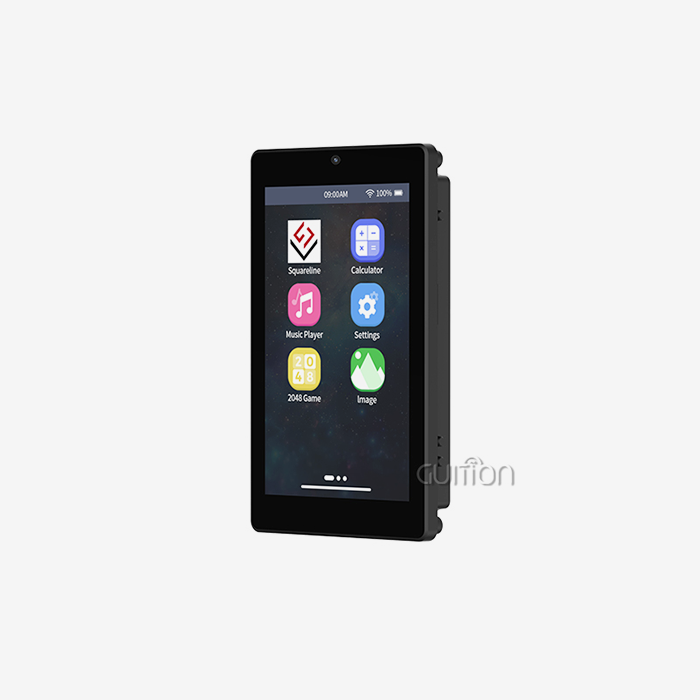
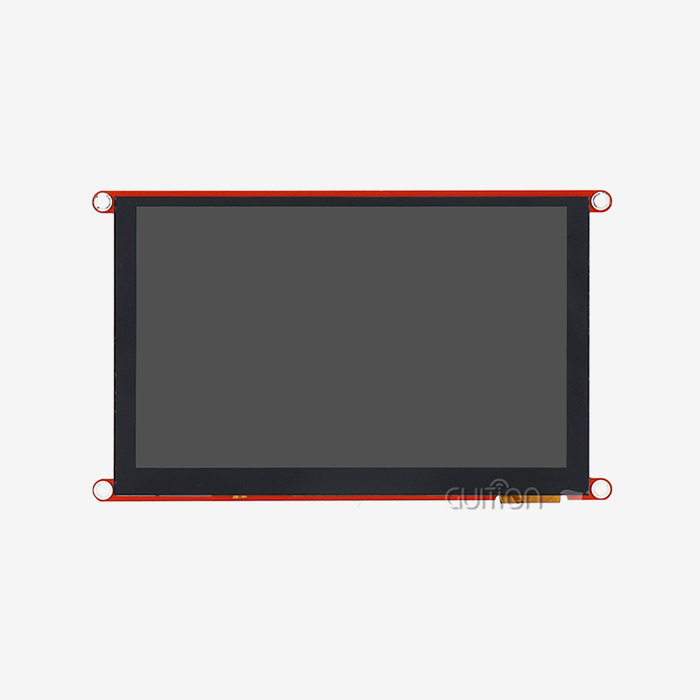
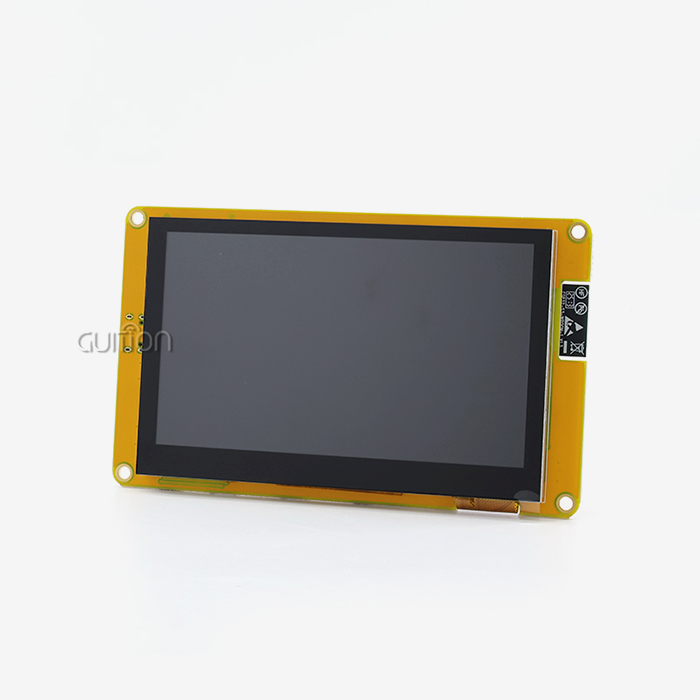
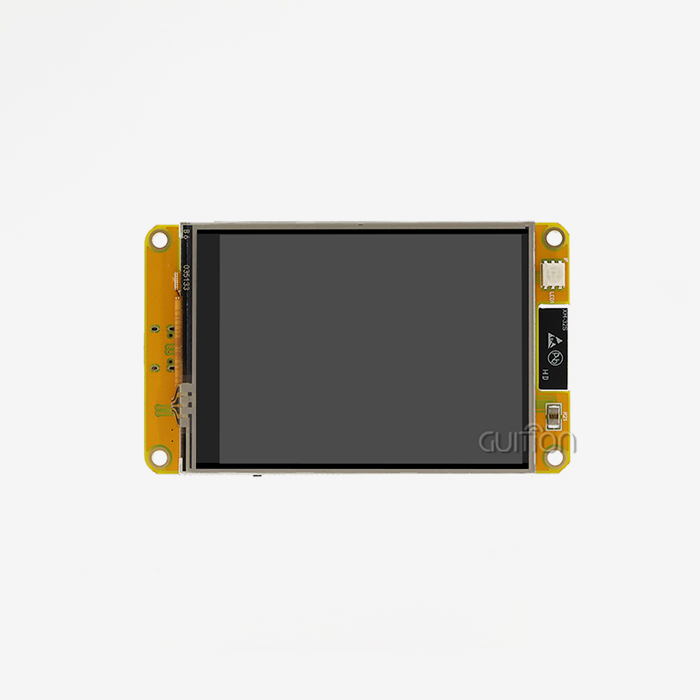
Due to its dual-core design and built-in wireless features, the ESP32 microprocessor is perfect for use with displays. When you connect an HMI screen panel to an ESP32 module, the microcontroller handles data processing and transmission, and the display handles rendering and human input. With the ESP32 handling program logic and the HMI screen panel handling user experience, this division of work results in an effective system. This unified method is shown by the Guition JC8048W550N_I. This 5.0-inch module has 512KB SRAM, 384KB ROM, 8MB PSRAM, and 16MB Flash storage. It is based on the ESP32-S3R8 dual-core MCU, which runs at 240MHz. The 800x480 resolution screen makes it easy to see what's on industrial control panels, smart home interfaces, and medical tracking gear. Engineers can use connected apps without having to add extra radio modules or do a lot of complicated integration work because WiFi and Bluetooth connections are built right into the design.
Challenges in ESP32 Display Module Development — Why Consider an HMI Screen Panel?
Even though the ESP32 has a lot of useful features, making displays is still hard because of problems that keep coming up and affect both the quality and timeliness of the work. When tech teams try to make custom display solutions from scratch, they often run into these problems. Many engineering teams find that they might want an HMI screen panel to avoid these friction points.
Technical Limitations of Standard Display Approaches
Raw display units need a lot of work on the drivers. To write good code for displaying graphics, you need to know a lot about how to handle frame buffers, convert color spaces, and set display timing protocols. When development resources are limited and deadlines are tight, these low-level jobs take up valuable engineering time that could be used to focus on making the core product stand out. Adding a touchscreen makes things more complicated. It takes a lot of skill to calibrate capacitive or resistive touch devices, weed out false inputs, and set up motion recognition. When projects don't take this level of complexity into account, they often find stability problems during field testing, which costs a lot of money and delays entry into the market.
In work settings, reliable connectivity is very important. Even though the ESP32 has both WiFi and Bluetooth radios, repeated testing is needed to improve antenna design, control power use during wireless transfer, and make sure the reconnection logic works well. When products come out with poor wireless performance, they have to pay more for service, and customers will be unhappy.
Development Time and Cost Implications
Standard ESP32 display implementation takes 8 to 12 weeks for embedded teams with a lot of experience. This schedule shows when the drivers will be installed, the UI framework will be chosen, the graphics assets will be optimized, and the touchscreen will be calibrated. Teams that don't specialize in displays often make this time last 16 weeks or longer as they learn how to use new technology. After launch, maintenance costs keep going up. Custom display code needs to be updated all the time to fix bugs, add new features, and protect against security threats. Without professional development tools, even small changes to the user interface (UI) need to be made by a programmer. This means that non-technical team members can't help improve the interface. This bottleneck slows down the development of new products and raises the cost of doing business.
The effect on money goes beyond the cost of work. Longer development timelines slow down making money, and quality problems caused by rushing projects hurt the brand's image. When products are shipped with displays that don't work as well as they should, they get returned more often and need more technical help, which cuts into profits and makes customers less loyal.
How HMI Screen Panels Can Simplify the ESP32 Display Module Development Process
Through combined hardware-software environments created especially for quick interface development, dedicated HMI screen panel solutions handle these issues. Instead of putting together different parts and writing a lot of custom code, engineers can use systems that have already been tested and approved, which speeds up every stage of development.
Streamlined Development Through Professional Tooling
With the Guition development tool, making a user interface (UI) goes from being a problem in programming to being a process in visual design. Engineers and artists can make professional interfaces without writing low-level rendering code with our own interface creation tools. You can drag controls right onto the canvas, use simple dialogs to change settings, and see the effects right away.
Here are the main benefits this method brings to your growth process:
- Accelerated UI Creation: UI creation is sped up because the set of controls includes buttons, sliders, gauges, charts, and custom tools that can be used right away. Instead of starting from scratch with code, adding dynamic features only takes one click. Engineers can freely place and style components, so they can make layouts that are pixel-perfect and match design requirements without having to go through multiple rounds of compile and test.
- Flexible Development Environment Selection: You can choose from a number of different development environments because the Guition JC8048W550N_I works with the Arduino IDE, ESP-IDF, MicroPython, and the Guition platform itself. This makes sure that teams can work with toolchains they already know how to use instead of having to learn how to use private settings. Whether your engineers like how easy Arduino is to use or how advanced ESP-IDF is, the HMI screen panel can be adjusted to fit existing processes.
- Real-Time Cross-Platform Debugging: Online debugging lets you test how the interface works while the app is running, so you can find problems right away instead of waiting until later when you're doing integration testing. This feature shortens the time it takes to fix and allows quick iteration, cutting down on the time it takes to find a problem and confirm a solution.
- Built-In Connectivity Infrastructure: Adding wireless features doesn't require any extra hardware design work because the WiFi and Bluetooth units are already built in. With the help of the given APIs, setting up the network stack is easy, so engineers can focus on application-level communication protocols instead of optimizing radio drivers. This integration makes the bill of materials simpler and more reliable by using radio versions that have been tried in the plant.
Enhanced Reliability and Future-Proof Design
Stability is important in industrial uses, but consumer gadgets can handle some loss. Design choices that increase long-term dependability are included in an HMI screen panel made for business usage. The JC8048W550N_I has a lighting control circuit that was designed to last longer and keep the brightness constant even when the temperature changes. The touch screen control hardware has noise filtering and calibration techniques that have been improved through experience in the field.
The built-in TF card port lets you add more storage space, which is useful for programs that need to store a lot of graphics files, data, or firmware. Instead of limiting designs to the amount of storage that comes with the Flash, you can expand storage to meet the needs of an application without having to rethink the hardware.
The option to update remotely takes care of changes that happen after release. The platform lets you send software changes over the air, which means you can fix bugs, add security patches, and improve features without having to physically access units that are already in use. This feature cuts down on servicing costs by a huge amount and makes sure that goods stay up to date for the whole time they are being used. This feature is especially helpful for projects that want to set up spread setups, since updating more than a few units by hand becomes too much work.
Selecting the Right HMI Screen Panel for Your ESP32 Project
Evaluating your application context against the solutions that are available is necessary before selecting a suitable HMI screen panel. The choice framework finds the best matches by balancing scientific needs, environmental conditions, and business concerns.
Critical Selection Criteria for Industrial Applications
Specifications for displays are the basis. Resolution affects how much information is shown and how easily the text can be read. For current industrial screens that show real-time data and interactive controls, 800x480 is a good resolution. When users look at screens from different angles, the features of the viewing angle affect how well the application works. IPS technology works better than regular TN screens because it keeps colors and brightness true across a wide range of viewing angles.
The choice of touchscreen technology relies on the work setting. Resistive touch sensors can work effectively with heavy gloves on and can handle getting dirty with water, oil, and particles. These traits work well in industry settings and outside sites. Capacitive touch is clearer to see and allows multiple touches, but you need to use bare fingers or special electrical gloves for it to work. Capacitive implementations are useful for applications that focus on the user experience and are kept in controlled settings.
There are more than just simple display interface methods that need to be connected. When projects need to connect to a network, they should look for options that already have Ethernet, WiFi, or cellular capabilities instead of adding extra units. The Guition JC8048W550N_I has an ESP32-S3R8 controller that directly includes WiFi and Bluetooth. This makes wireless rollout easier and integration more difficult.
Evaluating Guition's Competitive Position
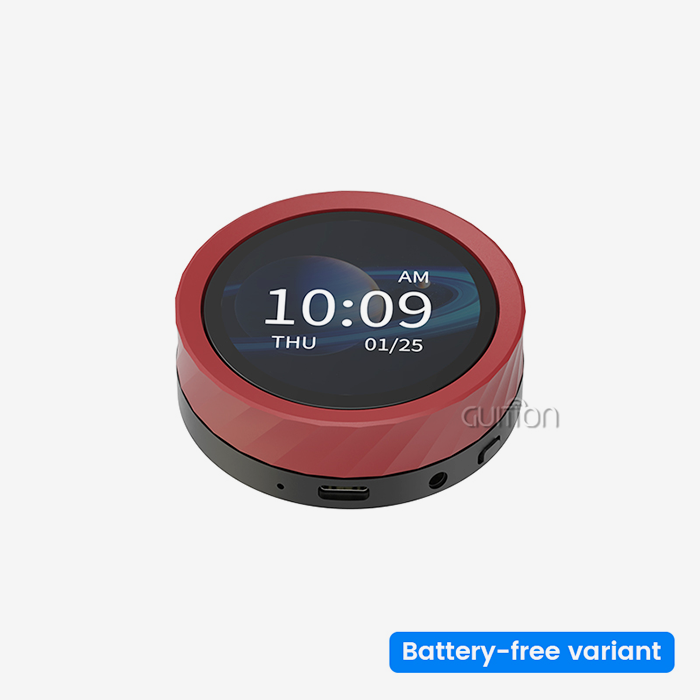
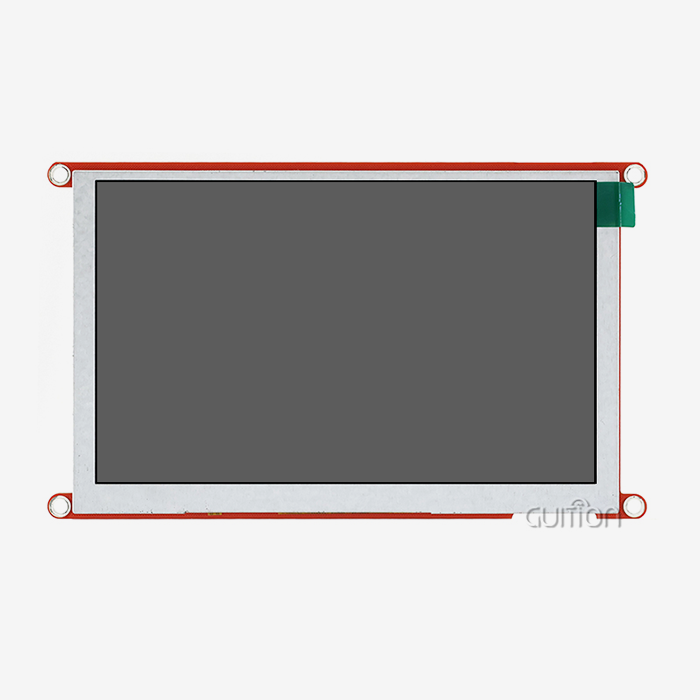
As far as display sizes go, the Guition product line has everything from small 1.28-inch units to huge 21.5-inch screens. This range lets developers use the same methods to make different product families that share similar interface designs but are different sizes. During testing, engineers can build and test interfaces on smaller screens. Then, they can move to screens that are right for production without having to make any changes to the architecture.
Our dedicated GUI interface creation platform sets our HMI screen panel options apart from those of our rivals, who use generic tools. Instead of adapting PC UI frameworks, the software is designed to make it easy to create efficient interfaces for embedded screens. This focus leads to faster performance on hardware with limited resources and narrows the gap between what was planned and what was actually used.
The speed of growth is directly affected by the quality of the technical documents. Documentation that includes device specs, software APIs, communication protocols, and worked examples speeds up the learning process and can be used as a reference during implementation. Guidance gives teams clear technical information and quick engineering help so they can solve problems quickly and avoid losing days on end trying to figure out vague requirements.
Integration Best Practices and Troubleshooting Tips for HMI Screen Panels with ESP32
The best ways to integrate HMI screen panels with ESP32 and how to fix problems require both electrical integration and software setup to be carefully thought out. By following standard procedures, you can avoid common mistakes that can hurt reliability or make debugging harder.
Hardware Connection Guidelines
Power source design for the ESP32 Display Module is the first step in making a physical link. The Guition JC8048W550N_I needs a steady 5V input with enough current to handle high loads when the display is on and when it's sending data wirelessly. When power regulation isn't working right, the screen flickers, touch response slows down, or the Wi-Fi connection drops. Stable performance in all modes is guaranteed when you use specialized linear regulators or high-efficiency switching converters rated for at least 1.5A.
Signal security affects how well the ESP32 and other devices can talk to each other. When connecting things beyond the local module area, it's important to follow the right transmission line practices. Controlling the impedance of high-speed signals, keeping stub lengths as short as possible, and making sure there are enough ground return lines stop signal degradation that makes occasional failures hard to figure out.
The spare IO port interface and TF card slot allow for growth, but they need to be set up first. IO pins need to be properly set up in software with the right drive strength and pull resistor setup to work with the peripherals that are linked. If other devices connect to the same controller through a TF card interface, you need to be careful about SPI bus sharing. This means you need to carefully handle the chip select to avoid bus conflict.
Software Configuration and Common Pitfalls
Setting up software for the first time is the first step toward dependable performance. Checking the right board selection and transmission settings stops strange failures, whether you're using Arduino IDE, ESP-IDF, or the Guition platform. Baud rate mismatches between the development host and the target hardware are still a common reason why systems don't seem to be responding, which wastes time while trying to figure out what's wrong.
Initialization processes for displays must run in the right order. The display controller, the touch controller, and the backlight control circuit all need different setup instructions. Not following the steps in the right order can lead to blank screens, wrong colors, or touch screens that don't respond. If you follow the example code given, the restart will work correctly.
Often, problems with wireless connection can be traced back to how well the antenna is working and how the radio is set up. The built-in WiFi and Bluetooth radios need the right antennas to work, whether you use the base antenna or add external ones. Making sure that the choices for the radio regulatory area meet the deployment regions is the best way to make sure compliance and performance. Exponential backoff retry methods should be used in connection management code to handle temporary network problems without overwhelming access points.
Conclusion
The development of an ESP32 display is basically transformed into a manageable engineering job by an HMI screen panel. Solutions like the Guition JC8048W550N_I let teams make complex interfaces without having to wait a long time or hire a lot of specialized experts, because they come with hardware, professional development tools, and a lot of support resources all in one package. With ready-to-use controls, cross-platform debugging, wireless connection, and the ability to update remotely, this tool covers the whole project lifecycle, from the initial prototype to long-term field support. Choosing the right HMI screen panel speeds up development and improves the stability and user experience of the result, whether you're making industrial automation systems, medical equipment interfaces, or smart home control panels.
FAQ
Can I use the Guition HMI screen panel with different ESP32 development boards?
The ESP32-S3R8 is built right into the Guition JC8048W550N_I, so you don't need a different ESP32 board. It can be used as a full development tool. This unified method makes designing hardware easier and makes sure that the display and device work together perfectly. Standard development platforms, such as Arduino IDE and ESP-IDF, are supported by the module. This means that you can write code using well-known libraries and tools.
How does an HMI screen panel compare to standard touchscreen displays for durability?
Industrial-grade components are used in dedicated HMI screen panel goods to give them a longer life in harsh environments. The backlight control circuit keeps the brightness the same even when the temperature changes, and the display unit can handle shaking and shock better than most consumer touchscreens. Touch controllers have noise filters and calibration algorithms that have been fine-tuned to work reliably in electrically noisy industrial settings where regular touchscreens get false inputs or become less responsive.
Should I choose capacitive or resistive touch for my application?
Resistive touch works well in places where people wear gloves, where screens are exposed to water or other contaminants, or where cost-effectiveness is important. Capacitive touch has better visual clarity and scratch resistance, works with multiple touches, and gives users a better experience in controlled settings. The Guition JC8048W550N_I comes in different versions, some with touch and some without. This lets you choose the best one for your needs and the way your users usually interact with devices.
Partner with a Leading HMI Screen Panel Manufacturer for Your Next Project
Engineering teams serious about accelerating display development while ensuring production reliability should evaluate the Guition JC8048W550N_I HMI screen panel for their ESP32-based projects. Our integrated approach, combining powerful ESP32-S3R8 processing, professional development software, and comprehensive technical support, delivers measurable advantages in development speed, interface quality, and long-term maintainability. Whether you're prototyping your first connected device or scaling an established product line, our engineering team provides consultation on optimal configurations, customization options, and volume pricing structures that align with your project requirements. Contact david@guition.com to discuss your specific application needs with our technical specialists, who can recommend appropriate HMI screen panel configurations and provide evaluation units for hands-on assessment. As an established HMI screen panel supplier committed to customer success, we support your journey from initial concept through production deployment and beyond, ensuring your products deliver exceptional user experiences built on reliable, future-proof display technology.
References
1. Smith, J. R., & Anderson, K. M. (2022). Industrial Human-Machine Interface Design: Principles and Practice. Technical Publishing House, Boston.
2. Chen, L., Wang, H., & Rodriguez, A. (2023). "ESP32 Display Integration Strategies for IoT Applications," Journal of Embedded Systems Engineering, 15(3), 112-128.
3. Martinez, D. F. (2021). Touchscreen Technology in Industrial Automation: Selection and Implementation Guide. Industrial Press, New York.
4. Thompson, R., & Lee, S. Y. (2023). "Optimizing Graphical User Interfaces for Resource-Constrained Microcontrollers," IEEE Transactions on Industrial Electronics, 70(8), 8421-8433.
5. Brown, A. C., Archer, P., & Wilson, E. J. (2022). Wireless Connectivity for Industrial HMI Systems: Best Practices and Case Studies. Automation Technology Publishers, Chicago.
6. Zhang, W., & Patel, N. K. (2023). "Rapid Prototyping Methodologies for Embedded Display Systems," International Conference on Human-Computer Interaction in Industry, Proceedings, 234-247.
Learn about our latest products and discounts through SMS or email