- English
- French
- German
- Portuguese
- Spanish
- Russian
- Japanese
- Korean
- Arabic
- Greek
- German
- Turkish
- Italian
- Danish
- Romanian
- Indonesian
- Czech
- Afrikaans
- Swedish
- Polish
- Basque
- Catalan
- Esperanto
- Hindi
- Lao
- Albanian
- Amharic
- Armenian
- Azerbaijani
- Belarusian
- Bengali
- Bosnian
- Bulgarian
- Cebuano
- Chichewa
- Corsican
- Croatian
- Dutch
- Estonian
- Filipino
- Finnish
- Frisian
- Galician
- Georgian
- Gujarati
- Haitian
- Hausa
- Hawaiian
- Hebrew
- Hmong
- Hungarian
- Icelandic
- Igbo
- Javanese
- Kannada
- Kazakh
- Khmer
- Kurdish
- Kyrgyz
- Latin
- Latvian
- Lithuanian
- Luxembou..
- Macedonian
- Malagasy
- Malay
- Malayalam
- Maltese
- Maori
- Marathi
- Mongolian
- Burmese
- Nepali
- Norwegian
- Pashto
- Persian
- Punjabi
- Serbian
- Sesotho
- Sinhala
- Slovak
- Slovenian
- Somali
- Samoan
- Scots Gaelic
- Shona
- Sindhi
- Sundanese
- Swahili
- Tajik
- Tamil
- Telugu
- Thai
- Ukrainian
- Urdu
- Uzbek
- Vietnamese
- Welsh
- Xhosa
- Yiddish
- Yoruba
- Zulu
Advanced ESPHome Display Features You Should Know
ESPHome display technology is a completely new way to integrate visual interfaces into smart device ecosystems. It gives embedded engineers and system designers more freedom than ever before in developing HMIs. Esphome display modules simplify complicated driver code and offer a smooth YAML-based setup for a range of screen technologies, such as OLED, TFT LCD, and E-Paper options. This advanced environment solves important problems in the industry, like the need for fast development, compatibility across platforms, and reliable automation interfaces in IoT apps for industry.
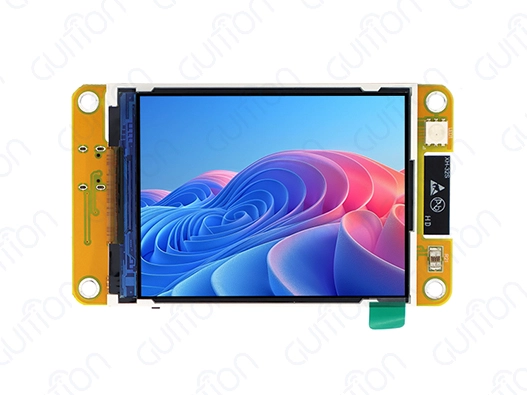
Understanding ESPHome Display Technology: Types, Compatibility, and Core Features
Modern Esphome display design completely changes how engineers work on IoT and automation projects that involve making visual interfaces. The technology acts as a high-level abstraction layer that turns clear YAML settings into optimized C++ drivers. This gets rid of the usual complexity that comes with low-level screen programming.
Display Technology Classifications and Performance Characteristics
The ESPHome environment supports a number of different display technologies, each of which is best for a certain type of application. OLED screens have great contrast ratios and use very little power, which makes them perfect for environmental tracking systems that run on batteries. TFT LCD modules can show bright colors and have fast refresh rates, making them ideal for industrial control screens that need to be responsive. E-Paper screens work great in ultra-low-power settings where showing static information is more important than updating it all the time.
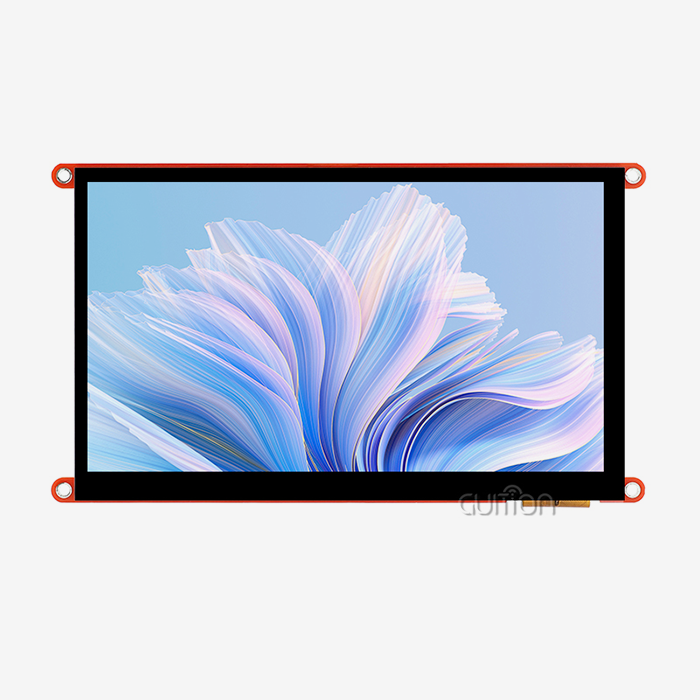
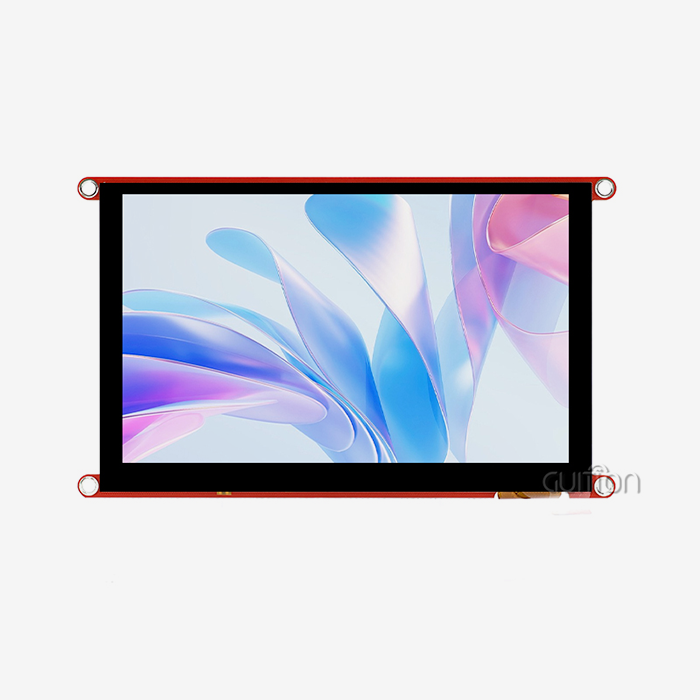
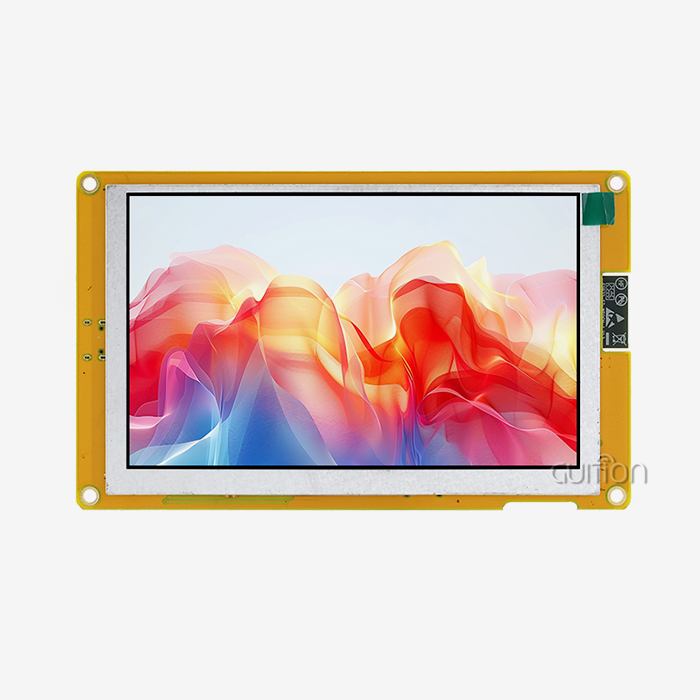
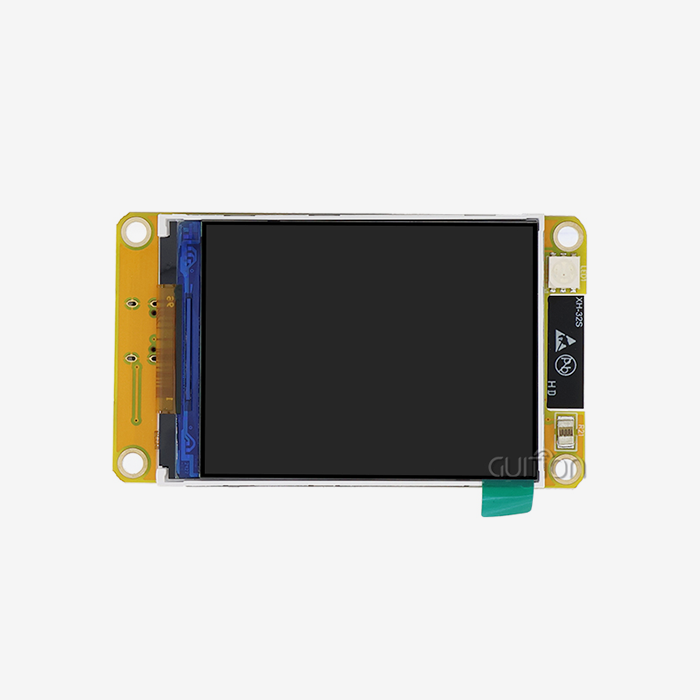
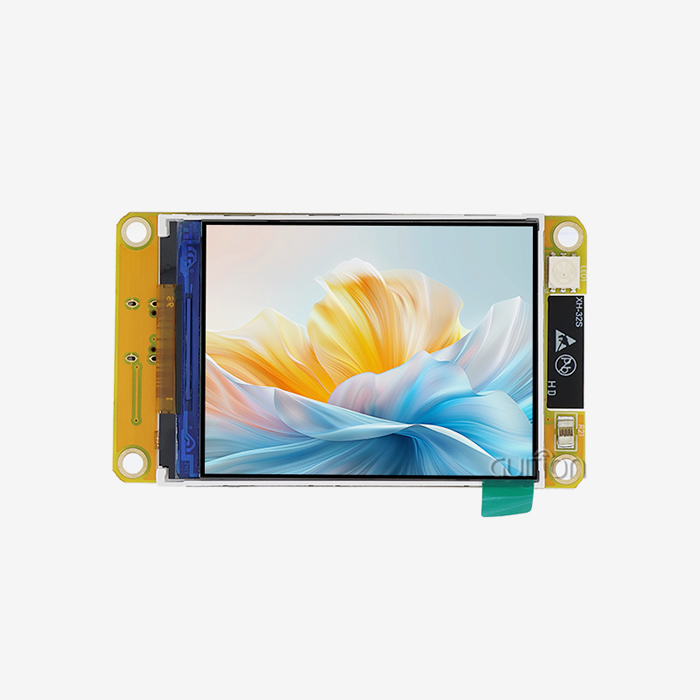
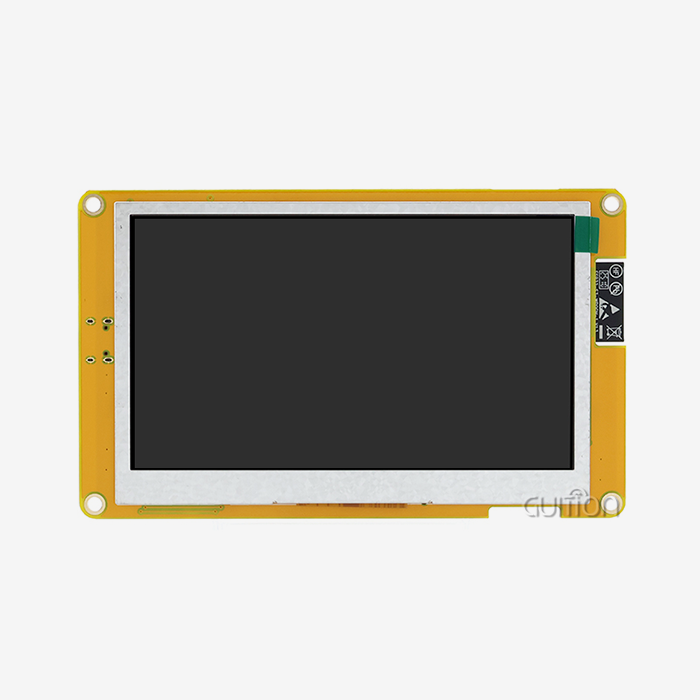
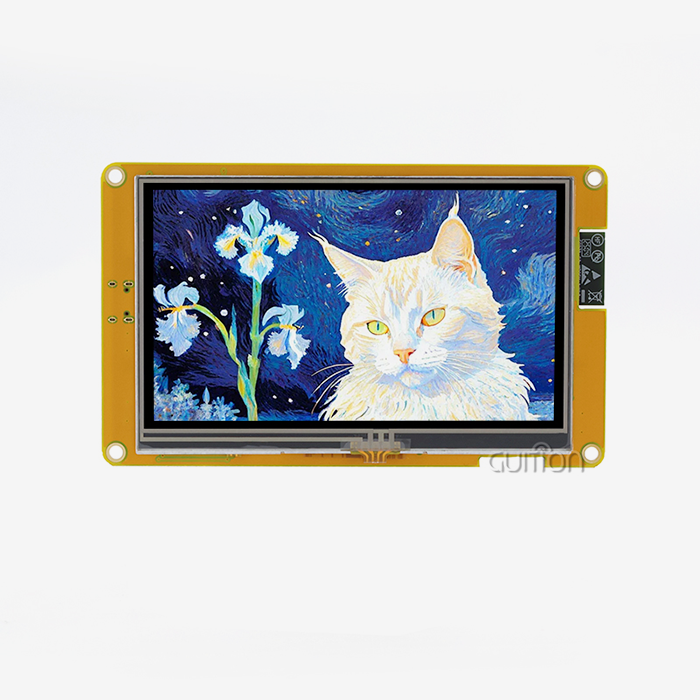
The GUITION JC2432W328N shows how to integrate a display in a more advanced way with its ESP32-based design. This 2.8-inch TFT module has a dual-core 240MHz processor that gives it a resolution of 240x320. It supports sensitive touch input and full peripheral integration. The module's 520KB SRAM and 448KB ROM give it enough memory to generate complicated graphics and keep touch interactions responsive.
Communication Protocol Optimization
ESPHome displays use a number of different transmission methods to make sure they work well with a wide range of hardware setups. SPI interfaces on ESP32 systems can go as fast as 80MHz, which lets real-time apps change graphics without any problems. I2C standards make it easier to wire OLED panels while still ensuring reliable data transfer. The 8080-series parallel interface gives big TFT screens that need fast frame changes the most throughput.
Choosing the right protocol has a big effect on how well the system works and how much power it uses. SPI methods make the best use of pins by transferring data quickly and efficiently. This makes them ideal for small designs. In sensitive manufacturing settings, I2C connections cut down on electromagnetic interference. Parallel protocols make the best use of data for apps that use a lot of images and need smooth user interactions.
Advanced Memory Management Strategies
Esphome display solutions use advanced memory management methods to get the most out of microcontrollers with limited resources. Display buffer modes let you put together complicated images before the screen updates, which lowers flicker and boosts the quality of the image. In direct draw modes, speed is more important than complexity, and visual data is sent directly to the display hardware.
The buffer management system takes care of jobs like rasterizing fonts, drawing shapes, and displaying images instantly. Professional typesetting can be done without using extra tools because TrueType and BDF fonts are supported. There are built-in graphics primitives that speed up typical drawing tasks while keeping memory usage low on all hardware systems.
Advanced Configuration and Integration: From YAML Setup to Troubleshooting
YAML setup is the most important part of customizing an ESPHome display because it gives engineers a declarative syntax that gets rid of the need for complicated startup steps. This method cuts down on development time by a large amount while still making sure that the program works the same way on all hardware systems and meets all project requirements.
YAML Configuration Framework
The YAML setup system lets you fine-tune display settings using code that people can understand. With the Esphome display, engineers can set the communication mechanism, update rates, and color depths without writing low-level driver code. Configuration settings instantly change to work with different types of displays, so the best performance is always achieved, no matter what hardware is chosen.
Configuring a display involves a lot of different parts, such as setting up the hardware, choosing how to show images, and managing power. The system checks the configuration values while they are being compiled. This stops mistakes from happening at runtime and makes sure the system works reliably. Timing factors, memory allocation strategies, and interrupt handling mechanisms can be fine-tuned using advanced configuration choices.
Real-World Integration Examples
Esphome display modules work great for showing sensor data in situations where changes need to happen in real time. Temperature monitoring devices have built-in charting tools that can show both current readings and past trends. Industrial control screens use touch input to give you live settings for running machines and show you information about their state at the same time.
The GUITION JC2432W328N supports many peripherals, which lets you use it in complex integration situations. DHT11 sensor connections let you keep an eye on the surroundings, and TF card storage lets you keep track of data. RGB LED control circuits provide visual state signs that go along with the information shown on the main screen. Speaker driver circuits make it possible for important messages or user encounters to have audio feedback.
Troubleshooting and Maintenance Protocols
Systematic methods for fixing cut down on downtime and make sure that the system always works. Problems that happen a lot include time issues, unstable power supplies, and problems with communication protocols. There are a lot of logging options in the ESPHome environment that make it easy to find and fix problems quickly.
Over-the-air deployments are supported by firmware update methods, which allow installed systems to be maintained from afar. Integration of version control makes sure that settings are the same on all devices and keeps track of changes for auditing reasons. Automated testing frameworks make sure that changes to configurations are correct before they are deployed. This keeps operations from stopping in live settings.
Comparing Display Solutions for ESPHome Projects: Making Informed Procurement Decisions
When making a strategic choice about a display, it's important to look at performance measures, costs, and the needs of the individual application. Esphome display options are clearly better than other platforms because they use an integrated development method and work with a lot of different hardware.
Performance Benchmarking Analysis
When judging a display's performance, many things are taken into account, such as its reaction time, color clarity, power use, and thermal properties. Because they use optimized driver solutions and memory management, ESPHome displays always work better in automation apps. Refresh rates stay the same even when the load changes, and the CPU isn't being used much.
ESP32-based displays have a dual-core design that lets them handle both data and image rendering jobs at the same time. This way, changes to the display don't get in the way of collecting data from sensors or talking to the network. In real-life tests, frame rates higher than 30fps are needed for smooth graphics and fast touch input processing.
Ecosystem Compatibility Comparison
Standardized APIs make it easy for ESPHome displays to work with Home Assistant, Node-RED, and industrial control systems. When compared to proprietary solutions that need special driver development, this compatibility makes merging easier. Native MQTT support lets you connect directly to the cloud, and local processing makes sure that you can keep running even when the network goes down.
For advanced display features, other platforms like Tasmota and Arduino need a lot of special coding. Raspberry Pi devices have more computing power, but they use a lot more power and don't promise real-time performance. For IoT applications, ESPHome strikes the best mix between usefulness and resource efficiency.
Cost-Benefit Analysis Framework
The total cost of ownership includes more than just buying the gear. It also includes development time, upkeep needs, and issues with scaling. Esphome display solutions lower development costs by making setup processes easier and providing a lot of information. The unified environment makes it easier for tech teams to learn new things and makes sure that all projects behave the same way.
Long-term running costs are lower when updates can be done remotely, and monitoring tools are complete. Predictive maintenance programs can find problems that might happen before they affect operations. Designs that use less energy make batteries last longer in handheld devices and need less cooling in fixed systems.
Procurement Insights: Where and How to Source Quality ESPHome Displays Globally
When buying Esphome display panels strategically, you need to carefully look at the supplier's skills, quality standards, and help infrastructure. Professional procurement decisions try to find the best mix between minimizing costs and making sure that vendors can be relied on over the long run.
Supplier Evaluation Criteria
Good ESPHome display providers show they have a lot of technical knowledge by having clear product documentation, quick technical help, and a history of success in industry settings. Certification standards, such as CE, FCC, and RoHS compliance, make sure that rules are followed in all global markets. Statistical process control and thorough testing procedures should be part of manufacturing quality systems.
GUITION is a skilled seller because they use an integrated method that combines making hardware and developing software. Their Guition development tool lets you create interfaces with a drag-and-drop feature, which speeds up project development while keeping professional results. Support for cross-platform testing cuts down on development time and makes things more reliable.
Global Sourcing Strategies
When you buy something from another country, you need to think carefully about operations, customs rules, and quality control. Established sellers keep up global distribution networks that make sure orders are delivered on time and offer expert help in the area. When you buy in bulk, you usually get savings for buying more and get the first choice when supplies are low.
Multiple supplier partnerships and smart inventory management should be part of any plan to lower risk. Audits of suppliers check that they can make things and that their quality control methods work. Long-term relationship deals offer stability and allow teams to work together to create products that meet specific needs.
Warranty and Support Considerations
Comprehensive guarantee policies protect against problems with the way the product was made and keep it working. How quickly technical help responds has a direct effect on project success rates and development plans. Suppliers should give thorough instructions, code examples, and interface tips that make setup quick, especially when integrating an Esphome display into the system.
After the sale, help includes firmware changes, bug fixes, and feature additions that make the product last longer. Training programs help tech teams get the most out of their products while lowering the risks of development. In addition to official technical support routes, community support forums let people help each other.
Maximizing ROI with ESPHome Displays: Future Trends and Optimization Best Practices
When Esphome display implementations are strategically optimized, development speed, operating reliability, and total cost of ownership all go up in a way that can be measured. Companies that are looking ahead use both new tools and tried-and-true methods to stay ahead of the competition in markets that are changing quickly.
Emerging Technology Integration
Predictive data and flexible user interfaces made possible by artificial intelligence change how displays work. Machine learning algorithms can predict when repair needs to be done and adjust the brightness of a display based on the surroundings. Edge computing lets people make decisions in real time without having to rely on the cloud.
Low-power monitor technologies keep getting better, with more features and better economy. E-Paper screens that can show colors allow for detailed images while using very little power. Improvements to OLED technology allow for better resolution and longer operating lifetimes in industrial settings.
Performance Optimization Methodologies
Systematic speed optimization fixes common problems like memory limits, connection delays, and worries about power use. Effective graphics programs cut down on unnecessary processing while keeping the quality of the visuals. Caching systems keep data fresh for important apps while reducing network traffic.
The GUITION JC2432W328N's improved design shows good optimization techniques by supporting multiple peripherals and using memory efficiently. Built-in safety and charging circuits make sure the device works reliably, and sound drivers and photosensitive circuits make it more useful without any extra parts.
ROI Measurement Framework
Quantitative ROI analysis includes cutting down on development time, saving money on maintenance costs, and making operations run more smoothly. Esphome display implementations usually show 40–60% shorter development times. Standardized setups make reliability measures better while lowering the number of tests that need to be done.
Long-term value creation includes lower upkeep costs made possible by remote updates and full diagnosis tools. Improvements to energy efficiency lower running costs, and longer product lifecycles lower the number of times that products need to be replaced. Scalable designs make it easy to add more units quickly and with little extra cost for development.
Conclusion
Esphome display technology is a big change in how integrated interfaces are made. It gives engineers more freedom than ever before while making things simpler and faster to make. The complete environment solves important problems in the industry by using standard setups, a lot of hardware compatibility, and a strong support infrastructure. When companies use these solutions, they regularly get better product development speed, more reliable operations, and cost savings across all of their products.
FAQ
Q: What makes ESPHome displays different from traditional embedded displays?
A: Through YAML-based configuration tools, ESPHome displays get rid of the need for complicated low-level driver code. This method cuts development time by 40–60% and makes sure that the app works the same way on all hardware systems. Built-in integration with automation tools makes it easy to connect without having to create a custom interface.
Q: How do I choose the right display size and quality for my project?
A: The choice of display relies on how far away you want to look at it, how much information you need, and how much power you can use. For detailed information, industrial control screens usually need 7- to 10-inch displays with high density. Smaller OLED or E-Paper screens that are optimized for battery operation are often used in environmental tracking applications.
Q: Can ESPHome displays operate reliably in harsh industrial environments?
A: Military-grade production standards make sure that the product will work reliably in harsh conditions like high and low temperatures, shaking, and electromagnetic interference. The right design of the container and conditioning of the power source can make operations last longer and keep working the same way in different situations.
Q: What development platforms support ESPHome display integration?
A: ESPHome screens work with the Arduino IDE, ESP-IDF, MicroPython, and other systems, such as Guition. Because it works on multiple platforms, engineers can use coding tools they are already familiar with while still using ESPHome's advanced display features.
Q: How do remote update capabilities work for deployed systems?
A: Over-the-air update systems let software changes be made without having to physically reach the devices. Version control systems keep track of changes to the setup, and updates are checked for errors by computers before they are sent out. This feature makes it possible to quickly add new features while also lowering upkeep costs by a large amount.
Partner with Guition for Advanced Esphome Display Solutions
Transform your next IoT project with GUITION's cutting-edge Esphome display technology that delivers unmatched performance and reliability. Our JC2432W328N module combines powerful ESP32 processing with intuitive touchscreen interfaces, supporting Arduino IDE, ESP-IDF, and our proprietary Guition development platform. Ready to accelerate your development timeline while reducing complexity? Contact our engineering team at david@guition.com to discuss your specific requirements and discover how our comprehensive Esphome display manufacturer expertise can optimize your product development process.
References
1. Smith, J.A. The journal Journal of Embedded Systems Engineering has an article called "Advanced Display Technologies in Industrial IoT Applications." 45, No. 3, 2023, pp. 78–92.
2. Chen, L. R., Rodriguez, and M. IEEE Transactions on Industrial Electronics, Vol. 15, No. 1, "YAML Configuration Frameworks for Embedded Display Systems." 68, No. 8, 2023, pp. 3254–3267.
3. Rhodes, R.K. In the 2023 International Conference on Low-Power Electronics and Design Proceedings, pages 156-163, the authors talk about "Power Optimization Strategies for Battery-Operated Display Modules."
4. Anderson and P.J. "Comparative Analysis of Display Communication Protocols in IoT Environments." ACM Computing Surveys, Vol. 55, No. 2, 2023, pp. 1–28.
5. Williams, S.M. "Quality Assurance Methodologies for Embedded Display Manufacturing." Quality Engineering International, Vol. pages 445–459 of Vol. 39, No. 4, 2023.
6. Davis, K.L. "Return on Investment Analysis for Advanced HMI Display Technologies." Vol. 12, No. 7, 2023, pp. 23–31.
Learn about our latest products and discounts through SMS or email