- English
- French
- German
- Portuguese
- Spanish
- Russian
- Japanese
- Korean
- Arabic
- Greek
- German
- Turkish
- Italian
- Danish
- Romanian
- Indonesian
- Czech
- Afrikaans
- Swedish
- Polish
- Basque
- Catalan
- Esperanto
- Hindi
- Lao
- Albanian
- Amharic
- Armenian
- Azerbaijani
- Belarusian
- Bengali
- Bosnian
- Bulgarian
- Cebuano
- Chichewa
- Corsican
- Croatian
- Dutch
- Estonian
- Filipino
- Finnish
- Frisian
- Galician
- Georgian
- Gujarati
- Haitian
- Hausa
- Hawaiian
- Hebrew
- Hmong
- Hungarian
- Icelandic
- Igbo
- Javanese
- Kannada
- Kazakh
- Khmer
- Kurdish
- Kyrgyz
- Latin
- Latvian
- Lithuanian
- Luxembou..
- Macedonian
- Malagasy
- Malay
- Malayalam
- Maltese
- Maori
- Marathi
- Mongolian
- Burmese
- Nepali
- Norwegian
- Pashto
- Persian
- Punjabi
- Serbian
- Sesotho
- Sinhala
- Slovak
- Slovenian
- Somali
- Samoan
- Scots Gaelic
- Shona
- Sindhi
- Sundanese
- Swahili
- Tajik
- Tamil
- Telugu
- Thai
- Ukrainian
- Urdu
- Uzbek
- Vietnamese
- Welsh
- Xhosa
- Yiddish
- Yoruba
- Zulu
Why Pair Resistive Touch Display with Parallel LCDs for Better Results?
Pairing a resistive touch display with a parallel LCD interface creates a powerful combination that addresses the specific challenges faced by industrial equipment manufacturers and embedded engineers. This pairing solves critical pain points around durability, reliability, and cost-effectiveness in harsh environments. Unlike capacitive alternatives that fail under gloved operation or wet conditions, resistive touch technology operates through pressure-based input across two conductive layers separated by microscopic spacers. When combined with parallel LCD interfaces—which offer straightforward data transmission with minimal signal interference—this configuration delivers exceptional performance for applications ranging from medical devices to industrial control panels, where operational certainty outweighs aesthetic considerations.

Understanding Resistive Touch Displays and Parallel LCDs
How Resistive Touch Technology Works
A simple but strong system makes Resistive touch display technology work. The screen is made up of two clear, flexible layers that are covered with Indium Tin Oxide (ITO) and are spaced apart by tiny dots. The top layer touches the bottom layer when you press down on it with your finger, a pen, or even while wearing work gloves. This completes an electrical connection. The controller then figures out the exact X and Y positions by checking how the voltage changes on both axes.
This pressure-based way gets rid of the "ghost touches" that happen on capacitive screens when there are oil spills, water drops, or electromagnetic interference. Because of this, Resistive touch displays are most common in places where dependability is important, like factories, hospitals, and outdoor equipment setups.
Parallel LCD Interface Fundamentals
Multiple parallel data lines, usually 8-bit or 16-bit setups, send show data at the same time through parallel LCD interfaces. This simple communication system has been used for a long time in manufacturing settings because it keeps signals from getting weak and works consistently.
The parallel interface links directly to microcontrollers with a few extra parts needed. This lowers the cost of the bill of materials and makes it easier to build circuit boards. Compared to serial connections, this direct link also has faster refresh rates and more stable picture rendering, which is very important when showing real-time data from sensors or control systems.
Why These Technologies Complement Each Other
Engineers who work with embedded systems know that resistive touch sensors and parallel LCD panels work well together. Reliability is more important than complexity in both systems, which makes integration easy even for companies with few resources. The parallel port makes it easy to update the display, and the resistive layer makes sure that the input is reliable. All of this is possible without needing complicated driver software or tuning steps.
This mix has been especially helpful for us in situations where the development timeline is short and the working setting is tough. Because these technologies are stable, they can work together without any problems. This makes integration easier and project results more reliable.
Key Advantages of Pairing Resistive Touch Displays with Parallel LCDs
Combining these technologies has many useful effects that go beyond just making them work together. For procurement managers and expert decision-makers, these are the main benefits that mean the most:
Industrial-Grade Durability - Resistive touch displays can handle physical damage and wear and tear that would destroy sensitive screens. The pressure-activated system keeps working reliably even after millions of touches, which is important for equipment that is used all the time in industrial settings. Chemicals like cleaning products and industrial liquids that are often used in factories can't damage the top either. This means that it will last longer, which means less downtime and cheaper repair costs.
Cost-Effective Scalability - The number of units made has a big effect on the cost per unit, and this combination of technologies takes advantage of decades of well-established production infrastructure. For both small runs of prototypes and large-scale operations, suppliers can offer reasonable prices. Because parallel connections are defined, firmware made for one project can be quickly changed to work with another. This lowers the cost of engineering for all of your products. This flexibility gives you a big edge over your competitors when you need to get parts for a lot of different product lines.
Simplified Maintenance and Support - Replacement parts are still easy to find because both technologies are used by many businesses. Service workers can swap modules without having to use special tools or equipment for recalibration, which lowers the cost of field service. When problems happen, OEM partners provide a lot of data and reference designs, which speeds up the fixing process. This ecology of aftermarket support makes sure that goods can be fixed for a long time, which protects your long-term investment.
All of these benefits make for a strong value proposition that answers the real concerns that R&D managers have when choosing display solutions for demanding applications. Proven dependability lowers risk during product development, and the way costs are set up allows for healthy profit margins.
Performance Optimization: How This Pair Delivers Superior User Experience
Touch Sensitivity Under Challenging Conditions
The pressure-based input method of Resistive touch displays makes sure that they work the same way, no matter what the weather is like. Heavy industrial gloves don't get in the way of using control interfaces; operators can use them just as well with or without gloves. This gets rid of the stress that comes with using capacitive screens in factory settings. Touch recognition is not affected by moisture, dirt, or changes in temperature, so it can keep working even during shifts and different seasons.
We've used our methods in places like food processing plants, where water is always present, and in construction tools where dust is always building up. The touch screen keeps reacting correctly, so work gets done without having to be cleaned or recalibrated all the time.
Display Quality and Visual Consistency
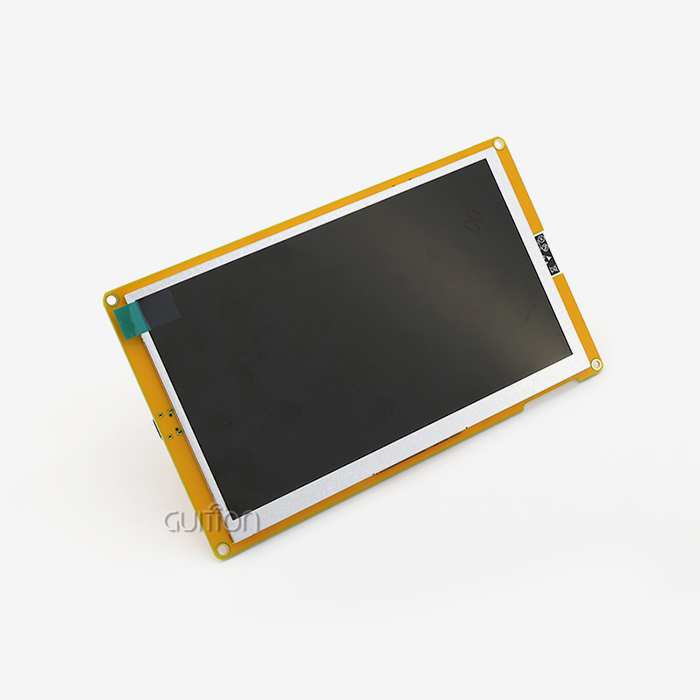
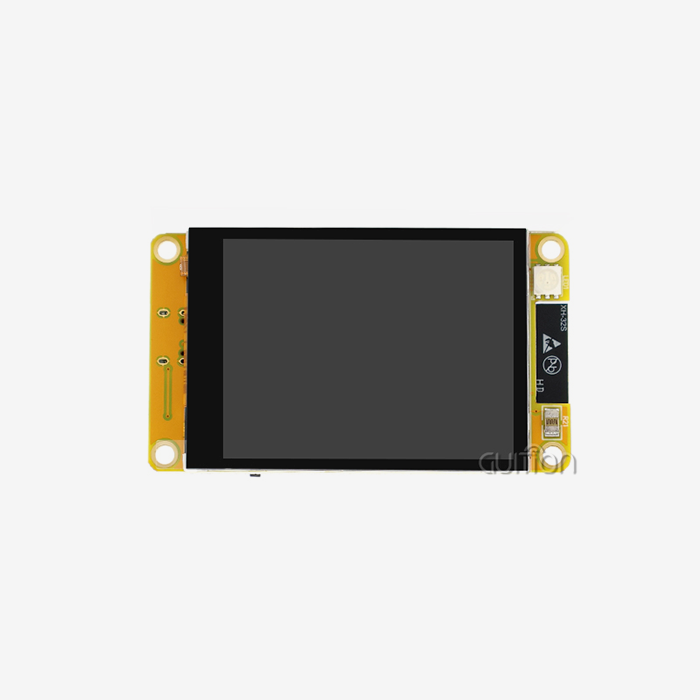
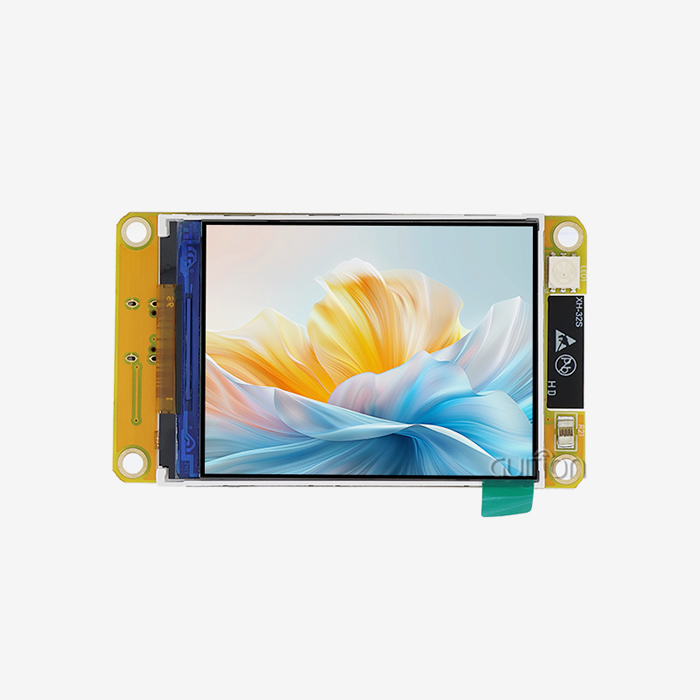
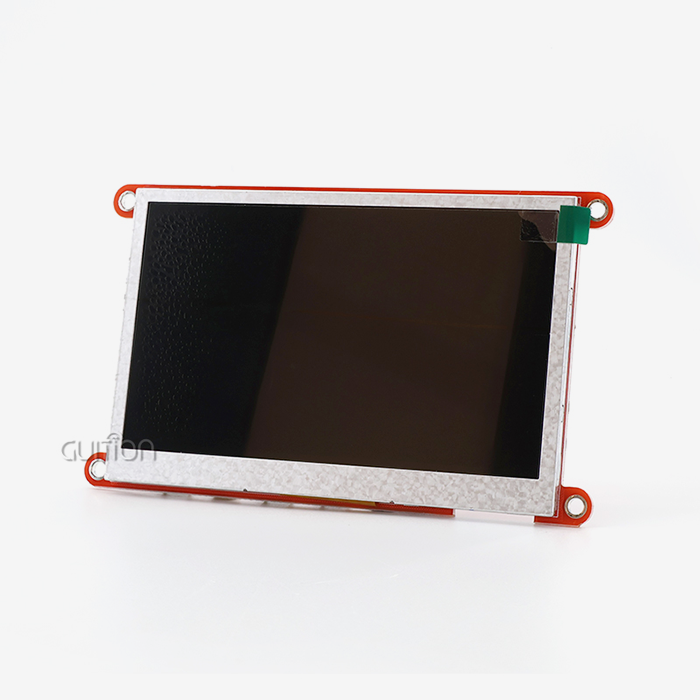
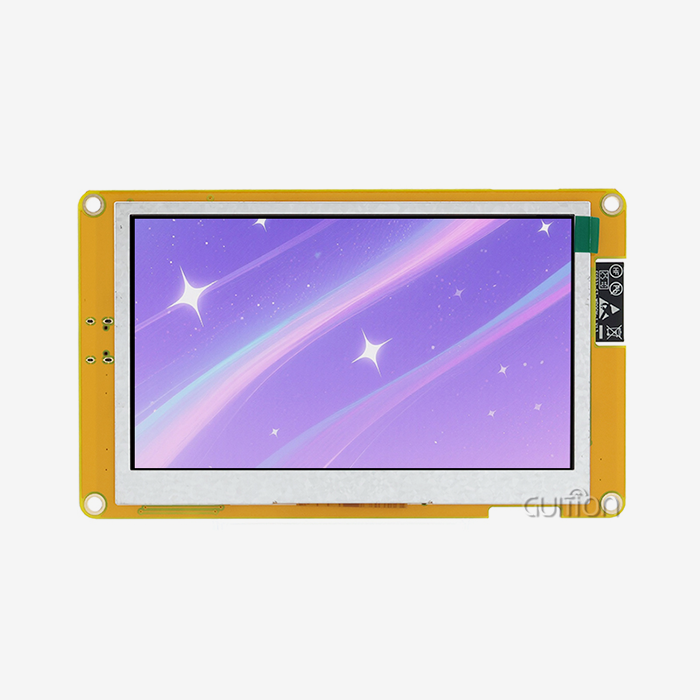
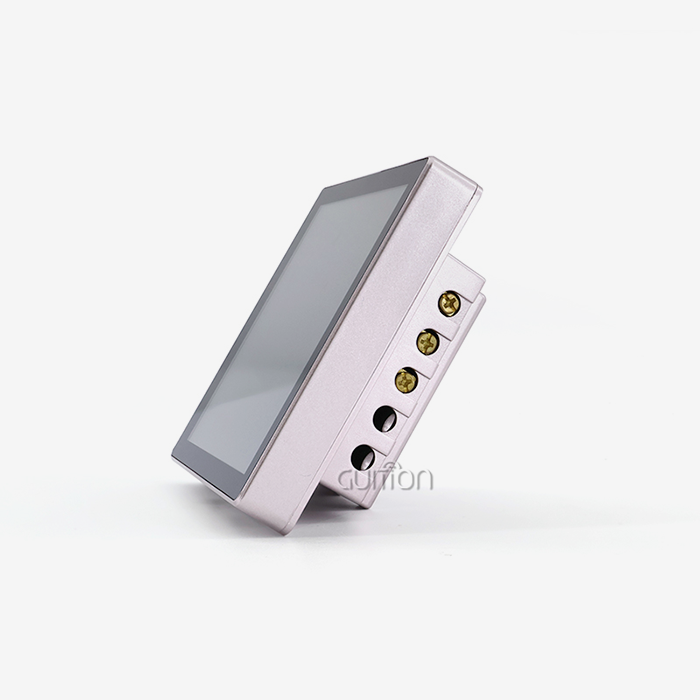
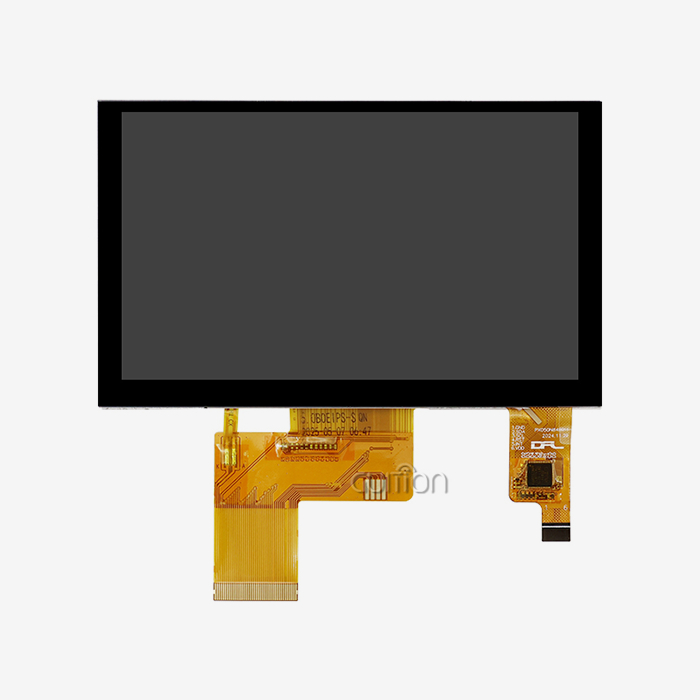
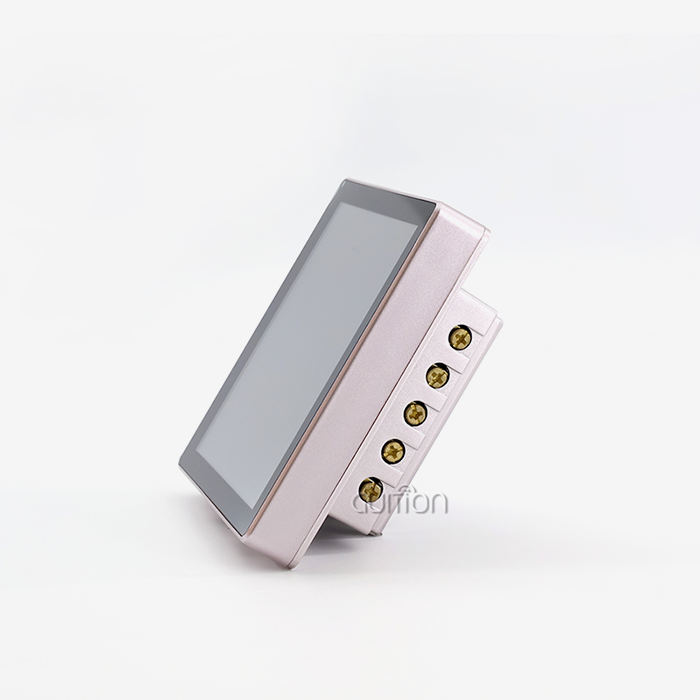
When you pair parallel LCD panels with Resistive touch display patches, you get great visual performance for industrial uses. The GUITION JC4827B043R module is a good example of this because it has a resolution of 480x272 and a color depth of 16.7 million. The ILI6485 driver IC powers it. The RGB interface on this 4.3-inch screen makes it easy to see complicated data because it shows clear text and bright pictures.
When showing temperature maps, status symbols, or diagnostic data, the 24-bit color support makes sure that the curves are smooth and the colors are reproduced correctly. The brightness levels stay the same across the recommended working temperature range of -20°C to 70°C. This means that your device can be read whether it's in a medical facility with controlled temperatures or outside in the open.
Energy Efficiency and Operational Longevity
The way this mix of technologies uses power supports longer operational lifespans, which is important for gadgets that are used all the time. Parallel interfaces need less processing power than serial interfaces, which lowers the pressure on microcontrollers and the total power use of the system. During standby times, Resistive touch display controls use very little power, which helps make devices that use less energy.
This efficiency is very useful for portable tools that run on batteries and solar-powered remote tracking systems, where every milliwatt counts. The small size (105.50mm × 67.20mm) of modules like the JC4827B043R also lets enclosures be made that use space more efficiently, which improves heat control and where components are placed.
Comparing Resistive Touch with Other Touch Technologies for Parallel LCDs
Resistive Versus Capacitive Touch
Capacitive touchscreens have clear benefits in consumer goods, including the ability to recognize multiple touches, have smooth glass surfaces, and look nice. In the workplace, though, these perks often turn into problems. Because capacitive sensors need to be in direct touch with skin or with special gloves, they can't be used in industrial settings. Besides that, water drops and conductive contaminants can cause fake alarms.
With Resistive touch display technology, you give up the ability to use multiple touches for worldwide operability. Any pen, whether it's conductive or not, works perfectly. Fingernails, covered fingers, and prosthetics also work perfectly. When comparing sizes, the cost difference usually favors resistive solutions by 15 to 30 percent. This has a big effect on overall project budgets when hundreds or thousands of units are used.
We know that capacitive touch is needed for some tasks—retail kiosks and other gadgets that people interact with, like the quality feel. However, Resistive touch displays combined with parallel LCDs are a better value and more reliable way to use industrial control screens, medical monitoring equipment, and farming automation systems.
Infrared and Surface Acoustic Wave Alternatives
Infrared touch devices look for breaks in a grid of light beams that are unnoticeable to the human eye. This method is very durable because there is no direct touch between the patch and the LCD panel. However, infrared systems usually cost more than Resistive touch displays, and they can be fooled by bugs, dirt, or bright light when they are installed outside.
While surface acoustic wave (SAW) technology has great optical clarity and touch sharpness, it also has the same cost problems and can get dirty. Even though these other options are good in some situations, Resistive touch display modules are the better choice for most industrial and medical gadget projects.
Procurement and Customization: Finding the Right Resistive Touch + Parallel LCD Supplier
Evaluating Supplier Credentials and Skills
When choosing a factory partner, you need to carefully look at their professional skills and how stable their business is. For foreign deployments, established providers should show that they follow ISO 9001 quality management standards and show proof of RoHS, CE, and FCC certifications. Resistive touch display controller technology is made by well-known companies like EETI and 3M. Shenzhen's large OEM environment gives a wide range of cheap choices for all budgets.
Check out the supplier's expert help infrastructure in addition to their certifications. Can they give you example plans for the microcontroller platform you want to use? Do they have review kits that make development go faster? The level of help you'll get during production is often based on how well the paperwork is written and how quickly technical questions are answered.
Customization Options for Project-Specific Requirements
While standard store items for parallel lcd display work well for many uses, being able to customize them is necessary for goods that stand out. Reliable providers offer a range of display sizes, from small 1.28-inch modules to large 21.5-inch panels, so they can meet a wide range of placement needs. Whether you use a stand-alone touch controller or a system that combines a display and a Resistive touch display controller affects your PCB design and the number of parts you need.
Customizing the interface goes beyond parallel setups and includes UART-HMI devices that make integrating microcontrollers easier. Different tech teams can use the GUITION development platform's Arduino, ESP-IDF, and custom development modes to suit their needs. Built-in WiFi and Bluetooth connectivity make it possible for IoT devices to work without any extra hardware, and the ability to update remotely lowers the cost of long-term upkeep.
As important as physical specs are, software tools are just as important. With drag-and-drop tools and real-time preview, the Guition UI development software speeds up interface design and gets rid of the need for boring low-level code. With UTF-8 encoding and support for multiple languages, your goods can be sold all over the world without having to change the software.
Pricing Strategies and Bulk Procurement Considerations
Making a volume promise can get you better prices, but time is important. Getting manufacturers involved early in the design process, like during the proof-of-concept stage instead of after the standards are set in stone, often leads to better business terms and earlier production slots. Ask for detailed quotes that break down the costs of tools, one-time planning fees, and price breaks based on volume at relevant levels.
Beyond unit prices, think about the total cost of ownership. Suppliers with low prices but limited service infrastructure may not be the best deal. Instead, look for ones with full expert support, easy access to new parts, and flexible minimum order amounts. When you buy something, the payment terms, lead times, and shipping logistics all affect how long the job takes and how much operating cash you need.
Conclusion
When you combine Resistive touch display technology with parallel LCD connections, you get a great option for industrial tools, medical devices, and automation systems that need to be reliable and cost-effective. This tried-and-true mix works well in harsh settings, when gloves are worn, and when contamination is present, which are common problems with capacitive options. The GUITION JC4827B043R is a great example of how modern Resistive touch display modules balance performance with practicality. It has a resolution of 480x272, can handle a wide range of temperatures, and is easy to integrate through RGB parallel interfaces. Established supply chains, reasonable prices at volume, and a wide range of customization choices that can be used for a wide range of applications are all benefits for procurement teams and technical decision-makers. When you're looking at display options for your next project, think about how this tried-and-true combination of technologies can speed up the development process while still giving your customers the reliability they expect.
FAQ
What makes resistive touch displays better for industrial applications than capacitive screens?
If you touch a Resistive touch display with your gloved fingers, a stylus, or your fingernails, it will always answer correctly. Water, oil, or electromagnetic interference will not affect it. Capacitive screens need to be touched with bare skin and don't work well in dirty or wet places like plant floors. The pressure-based method of Resistive touch display technology is also cheaper to use at the same size, usually 15–30% less than capacitance options.
Can parallel LCD interfaces support high-resolution displays effectively?
Displays with resolutions of up to WVGA (800x480) and SVGA (800x600), which are popular in industrial control screens, can be driven easily by parallel interfaces. For very high resolutions (Full HD and above), serial interfaces like LVDS or MIPI work best. However, the 480x272 resolution of modules like the GUITION JC4827B043R works well for most HMI tasks thanks to their parallel RGB links.
How do I integrate resistive touch displays with microcontroller platforms?
Most Resistive touch display controls talk to each other using SPI or I2C, which are built-in methods that microcontrollers already support. The parallel LCD interface is directly linked to GPIO pins or parallel bus processors that are made just for that purpose. Development platforms like Arduino, ESP-IDF, and private tools like Guition software offer libraries and examples that make integration faster. Often, you can get basic features up and running in hours instead of days.
Partner with Guition for Your Resistive Touch Display Module Needs
Guition is an expert at making reliable Resistive touch display options that are designed to work in tough medical and industrial settings. Our USART-hmi display modules, like the JC4827B043R type with its reliable ILI6485 driver and 16.7M color support, give your projects the reliable performance they need. We know that R&D managers and embedded engineers need sellers who are both technically skilled and quick to respond to their needs.
The easy-to-use Guition UI development software is part of our whole environment. It lets you make quick prototypes and changes without having to do a lot of extra code. We offer the customization options and low prices that manufacturing-focused businesses need, whether they're making 3D printer interfaces, charging station controls, or medical tracking equipment. Contact our team at david@guition.com to talk about the details of your project with a Resistive touch display panel maker who wants you to succeed.
References
1. Walker, G. (2019). Touch Technologies Handbook: Industrial Interface Design and Implementation. Industrial Press Technical Publications.
2. Chen, M., & Rodriguez, P. (2021). "Comparative Analysis of Touch Sensor Technologies in Harsh Environment Applications." Journal of Industrial Electronics and Manufacturing Systems, 15(3), 287-304.
3. Schmidt, T. (2020). Display Interface Standards: From Parallel to High-Speed Serial Architectures. Embedded Technology Publishers.
4. Yamamoto, K., & Lee, S. (2022). "Reliability Assessment of Resistive Touch Panels in Medical Device Applications." Medical Device Technology Review, 8(2), 112-128.
5. European Machine Vision Association. (2021). HMI Technology Selection Guide for Industrial Automation: Best Practices and Case Studies. EMVA Technical Document Series.
6. Patterson, D. (2020). "Cost-Benefit Analysis of Touch Technologies in Volume Manufacturing." Procurement Quarterly for Electronics Manufacturing, 24(4), 45-62.
Learn about our latest products and discounts through SMS or email