- English
- French
- German
- Portuguese
- Spanish
- Russian
- Japanese
- Korean
- Arabic
- Greek
- German
- Turkish
- Italian
- Danish
- Romanian
- Indonesian
- Czech
- Afrikaans
- Swedish
- Polish
- Basque
- Catalan
- Esperanto
- Hindi
- Lao
- Albanian
- Amharic
- Armenian
- Azerbaijani
- Belarusian
- Bengali
- Bosnian
- Bulgarian
- Cebuano
- Chichewa
- Corsican
- Croatian
- Dutch
- Estonian
- Filipino
- Finnish
- Frisian
- Galician
- Georgian
- Gujarati
- Haitian
- Hausa
- Hawaiian
- Hebrew
- Hmong
- Hungarian
- Icelandic
- Igbo
- Javanese
- Kannada
- Kazakh
- Khmer
- Kurdish
- Kyrgyz
- Latin
- Latvian
- Lithuanian
- Luxembou..
- Macedonian
- Malagasy
- Malay
- Malayalam
- Maltese
- Maori
- Marathi
- Mongolian
- Burmese
- Nepali
- Norwegian
- Pashto
- Persian
- Punjabi
- Serbian
- Sesotho
- Sinhala
- Slovak
- Slovenian
- Somali
- Samoan
- Scots Gaelic
- Shona
- Sindhi
- Sundanese
- Swahili
- Tajik
- Tamil
- Telugu
- Thai
- Ukrainian
- Urdu
- Uzbek
- Vietnamese
- Welsh
- Xhosa
- Yiddish
- Yoruba
- Zulu
Why Is an OpenHASP Screen Popular Among DIY Enthusiasts?
A lot of people who like to do their own projects love the OpenHASP screen because it combines professional-level features with easy creation. These devices run open-source software, which lets users make any changes they want. This is different from proprietary display solutions that lock users into closed environments. By using declarative JSON setup instead of complex C++ compilation, the technology gets rid of the steep learning curve that comes with writing embedded displays. Makers who value flexibility, cost-effectiveness, and the freedom to change hardware and software to meet the needs of their project without being limited by the seller really like this method.

What Makes the OpenHASP Screen Ideal for DIY Projects?
Open-Source Flexibility Meets Practical Design
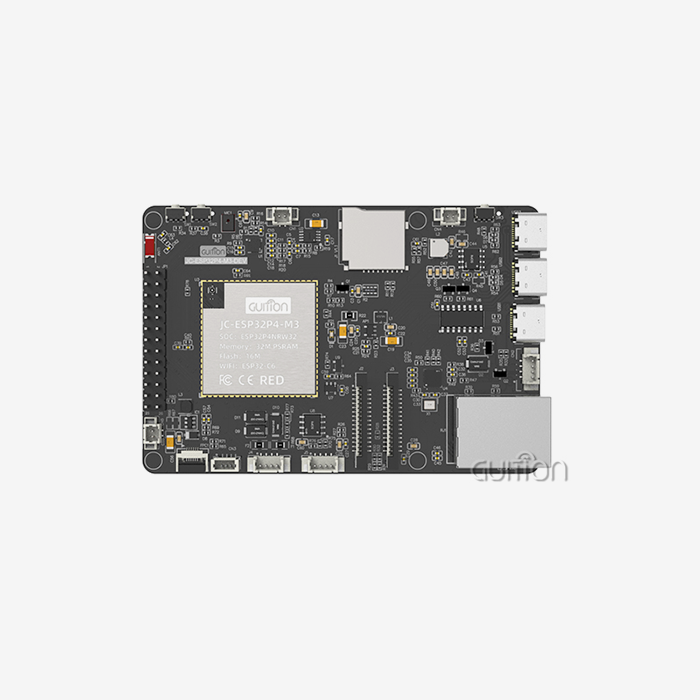
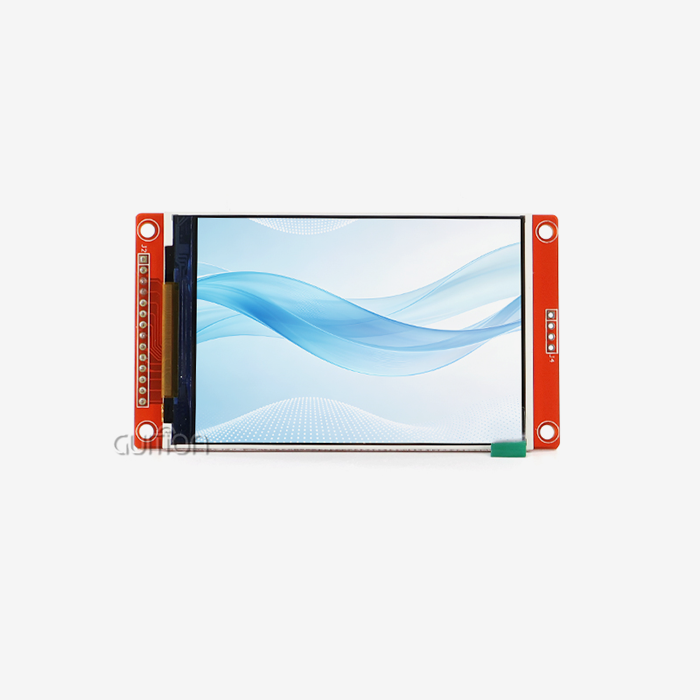
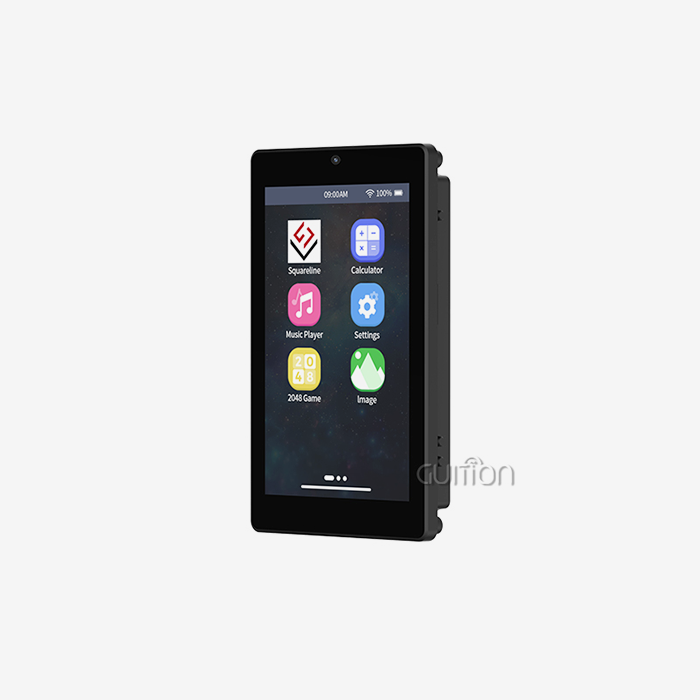
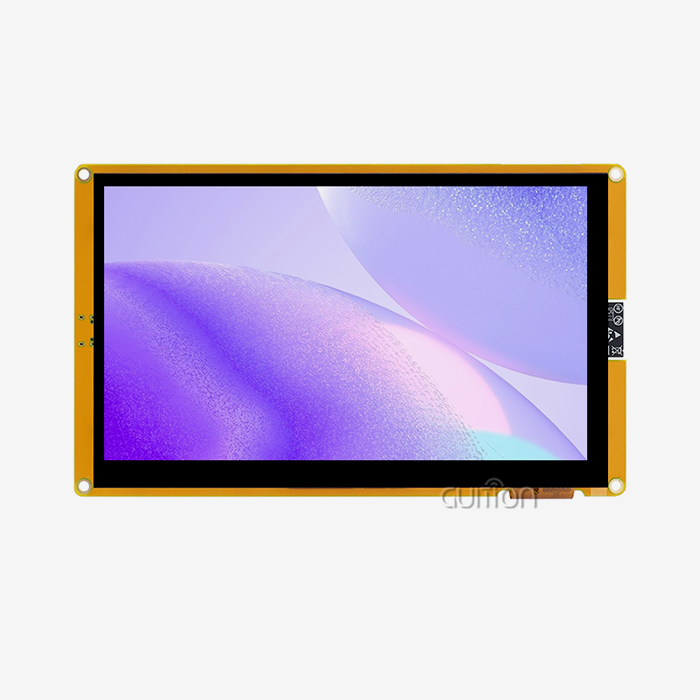
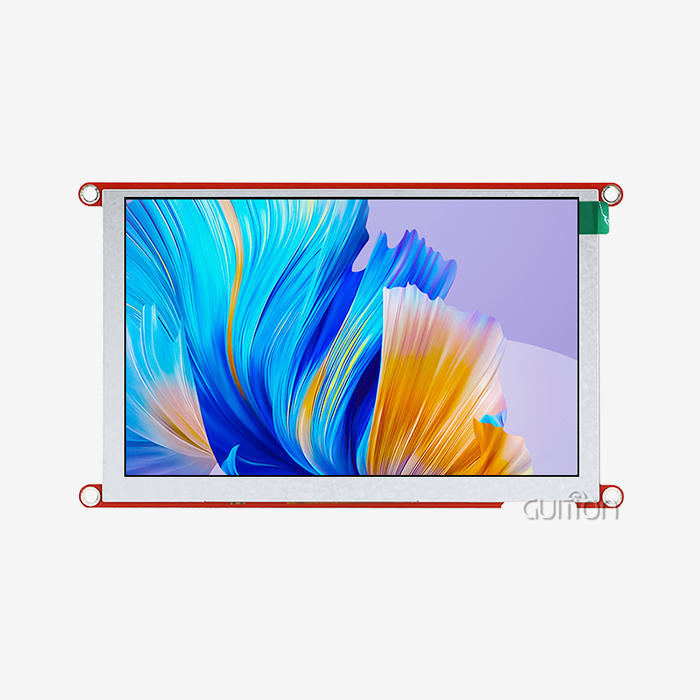
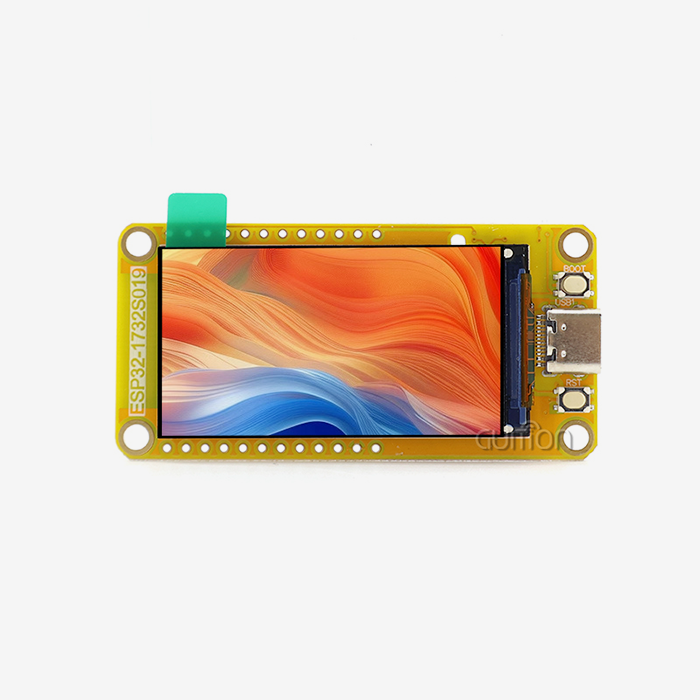
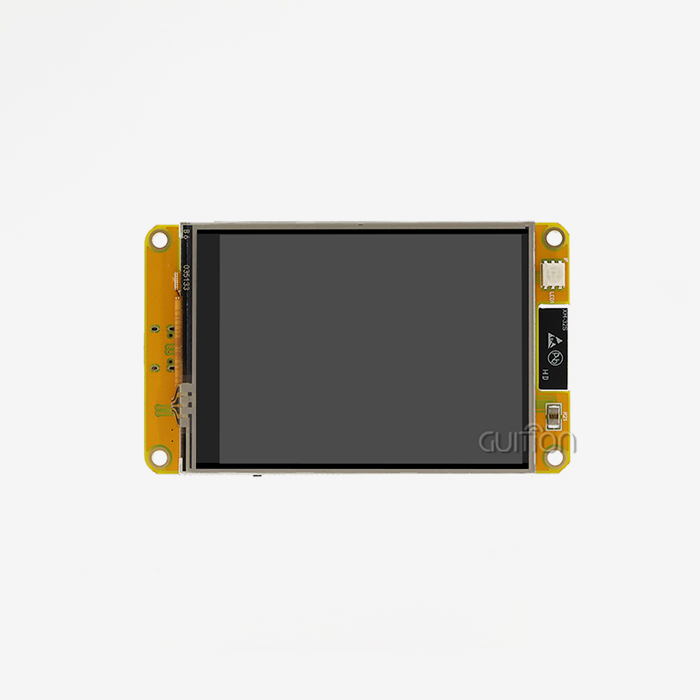
The main draw is that these screens are powered by open-source design. Instead of dealing with complicated private development platforms, users can set up their own interfaces by sending simple JSON scripts over Wi-Fi or MQTT. This design theory gets rid of the old hurdles that made people afraid to try new things. The ESP32-4848S040C_I_Y_1 module from Guition is a great example of this way of thinking. The ESP32-S3R8 dual-core processor running at 240MHz powers the device, which blends powerful processing power with easy-to-use software tools. The capacitive touch screen reacts quickly to user input, and the 4.0-inch IPS display has a clear 480×480 resolution and 65K bright colors. This hardware base works with both easy-to-use systems like Arduino IDE and more complex frameworks like ESP-IDF and MicroPython.
Hardware Specifications That Empower Creativity
The technical details show what makes this display module stand out in maker spaces with lots of other things. The ESP32-S3R8 microprocessor has 512KB SRAM, 384KB ROM, 8MB PSRAM, and 16MB Flash storage built in. These are enough resources to support complicated graphical user interfaces without slowing down the system. Built-in Wi-Fi and Bluetooth make it easy to connect to networks and talk to other wireless devices without adding extra units. The extended TF card interface is what really sets this system apart. Makers can store custom fonts, high-resolution images, setup files, and data logs locally. This means that makers don't have to worry about memory limits that come with other small display units. The reserved I/O port interfaces let sensors, switches, and other external devices connect to the display. This turns it from a simple output device into a full-fledged control hub.
Development Tools That Accelerate Innovation
Guition made professional interaction software on its own, which gets around common development problems. The platform lets users make complex UI layouts by using simple drag-and-drop tools, which means they can use WYSIWYG interface design without having to write a lot of code. You can add a lot of built-in tools with just a few clicks, and then you can change their position, size, and style to suit your needs. Another big benefit of the OpenHASP screen is that cross-platform live testing is possible. This feature greatly reduces the time it takes to make changes to an application by letting developers try and improve it in a variety of settings without having to constantly re-flash code. Remote upgrade lets you add new features or fix bugs on devices that are already out in the field without having to physically access them. This feature is very useful for distributed setups where servicing on-site would be hard to do or too expensive.
How Does OpenHASP Screen Compare to Other Smart Display Options?
Freedom Versus Proprietary Constraints
Most of the time, traditional smart screens make it hard to customize them. When using proprietary systems like Nextion, users have to follow set guidelines that make it hard to change the user interface and add new features. Because these settings are closed, people have to make choices that might not be in line with the needs of the project. The open-source method improves this situation in a big way. Users get full control over making changes to the software, customizing the user interface, and integrating new features. Developers can check the code, change the system's core features, and make it work in special situations that private solutions can't. This openness gives engineers who need to know exactly how their display units work more trust in them.
Performance and Cost Considerations
We tested these ESP32-based displays against market options and found that they work just as well at a much lower cost. The 240MHz dual-core processor works smoothly with both complicated LVGL apps and real-time data display. The 8MB PSRAM makes sure that there is enough space in the frame buffer for even high-resolution images and dynamic transitions. When making bulk orders for product integration, procurement workers like the lower costs. The flexible design cuts down on costs per unit while keeping quality standards high enough for business use. But companies have to weigh these benefits against the need for professional know-how within the company. Teams that are good at developing embedded systems will get a lot out of it, while teams that aren't good at it may have to work harder at first to learn.
Integration Ecosystem Advantages
The fact that Arduino, ESP-IDF, MicroPython, and Guition can all work together gives you the most freedom. Instead of learning whole new software toolchains, engineers can choose platforms that meet their current skills and the needs of the project. This adaptability increases the value of a product over its whole lifetime as teams improve their technical skills. Through MQTT protocols, the display module works with automation systems like Home Assistant without any problems. When you touch something, it sends a signal to logic controllers that control the linked devices. At the same time, status signs change instantly when the system's state changes. This design keeps local operations going even when internet access goes down, which is a very important feature for smart home and industrial apps.
Step-by-Step Guide to Setting Up and Customizing OpenHASP Screens
Initial Configuration Process
Simple hardware links are the first step in setting up the Guition ESP32-4848S040C_I_Y_1 module. The device comes factory-programmed with test apps that show off its features as soon as it is turned on. This plug-and-play ease of use helps users get a feel for how things work before they start making changes. Installing chosen development tools is part of preparing a software environment. People who use the Arduino IDE can add support for the ESP32 board through the board manager. Developers who use the ESP-IDF framework must copy it from official sources. MicroPython fans flash the right firmware image, and people who use Guition software can download the custom interface maker. Each path comes with detailed instructions that make the startup process easy to follow.
UI Customization Techniques
Modern low-code methods can be seen in the way the Guition development tool is used to make unique interfaces. The software gives artists a visual surface on which they can drag controls from sets of components. Grid alignment and size handles let you exactly place buttons, sliders, gauges, graphs, and text labels. In the property boxes, you can change things like colors, fonts, the radius of the border, and the motion effects. Event handlers and variable assignments let advanced users set up dynamic actions. When you press a button, GPIO outputs may be set off, which could control connected relays. At the same time, MQTT subscriptions let sensor data instantly update gauge displays. If you use the declarative setup method, interface descriptions are stored as JSON files that humans can read. These files can be tracked by version and shared between teams.
Troubleshooting and Optimization
Network settings and resource management are two common problems that come up during the initial setup. Before they can accept remote orders, display modules need to connect to Wi-Fi networks and enter the right SSID and password. To allow two-way communication with automation systems, MQTT broker addresses and authentication settings need to be set up correctly. High-resolution pictures can use up all of the PSRAM, which can lead to restarts that aren't expected. For optimization, assets may need to be resized, picture files may need to be compressed, or lazy-loading techniques may be used to only get graphics when they are needed. The TF card expansion feature lets you store big video files on a different device, which makes the internal memory less busy.
When screen reactions seem off or backward, touch settings may need to be changed. The Guition system has calibration tools that can be accessed through shell commands and make transformation matrices that correctly map real touch points to display pixels.
Procurement Insights: How to Buy and Source OpenHASP Screens Efficiently
Identifying Reliable Supply Channels
Companies that want to add these display modules to their products should work with reputable OpenHASP screen makers and sellers instead of markets that haven't been checked out. As a rapidly expanding technology company that focuses on human-machine interaction solutions, Guition gives customers direct access to quality-assured goods that come with full technical support. Working with approved distributors makes sure that the parts you buy are real and meet the written specs. Warranty coverage, the amount of full technical documents, and the quality of help after the sale vary a lot from one channel to the next. Before agreeing to large orders, procurement managers should check the qualifications of suppliers, read reviews from past customers, and ask for sample units.
Understanding Pricing Structures
When you buy in bulk, unit economics get a lot better. Suppliers usually have tiered pricing, which means that as the number of units ordered goes up, the cost per unit goes down. Lead times depend on how much material is on hand and when the products are being made. These are all things that need to be thought about when planning the supply chain. The total cost of ownership is more than just the price of the car itself. Companies should look at the accessories that come with the development tools, how they are licensed, how often the firmware is updated, and how much expert help is available. Some sellers offer complete starter kits that include wires, mounting hardware, and sample code libraries, while others only sell modules and require you to buy other parts separately.
Long-Term Partnership Considerations
For product integration to work, parts must be available reliably throughout the span of the product. Suppliers who agree to long-term manufacturing roadmaps lower the risk of having to rethink products because parts become obsolete. Guition is committed to serving a wide range of application cases across industrial equipment, smart appliances, medical devices, and business terminals, as shown by its growing product line that includes displays from 1.28" to 21.5". The quality of technical help has a big effect on how quickly problems are fixed and how long it takes to create something. When problems happen, suppliers who offer quick engineering help, thorough application notes, and busy user groups make it easier to solve them. Companies that have access to customization services can ask for specific changes to be made to software or hardware versions to meet their specific needs.
Building Trust with OpenHASP: Support, Community, and Future Prospects
Active Development Ecosystem
Because it is open source, there are active developer groups that are always adding new features to firmware and making it easier to use. GitHub files that are open to everyone let users check the quality of the code, make suggestions for changes, and keep an eye on development roadmaps. This joint model leads to short development cycles that fix bugs quickly and add features that users have asked for. Guition blends the idea of open source with the need for business dependability. The company has skilled development teams that make sure of the quality of the code, the availability of security patches, and the ability to work on all systems that the company supports. This mixed method combines the freedom of open source with the enterprise-level help that risk-averse businesses need.
Quality Assurance and Compliance
Manufacturing the esp32 display module to strict quality standards makes sure that all output works the same. The Guition units go through tests that make sure they work in a variety of environments and have good electrical properties. Production methods are based on military-grade process benchmarks, which makes gadgets that can work in harsh industrial settings where mistakes have big effects. Getting the right industry licenses proves that the product is safe for use in controlled situations. When companies make medical devices, industrial control systems, or business tools, they often have to follow strict rules about safety, electromagnetic compatibility, and keeping track of their paperwork. Established providers offer certification paperwork and help with compliance, which makes the government approval process easier.
Forward-Looking Technology Evolution
New trends in industrial IoT and edge computing are a great fit for these display module features. Smart building automation, machine tracking, and process control are all using it more and more, which shows that the market is becoming more accepting. As new product versions come out, hardware continues to improve with higher-resolution screens, faster processors, and more ways to link. The idea of sustainable growth puts a lot of weight on backward compatibility and migration routes. Companies that buy current-generation gear can expect easy upgrades as technology improves, which protects their development investments and makes products last longer. Support for multiple languages and UTF-8 code makes it possible to launch globally across many markets without any problems with regional customization.
Conclusion
Displays with open-source software are popular among do-it-yourselfers because they offer a unique mix of professional features and easy-to-use development methods. These solutions get rid of the usual hurdles that stand between hobbyists trying new things and businesses making new products. They offer real freedom of customization at prices that are hard to resist. This philosophy is shown by the Guition ESP32-4848S040C_I_Y_1 module, which has strong hardware specs, easy-to-use software tools, and a lot of support resources. As the use of industrial IoT grows and more smart devices are made available, these flexible display technologies will become more important for connecting people with smart systems in a wide range of situations.
FAQ
Which microcontrollers work with these display modules?
There is an ESP32-S3R8 microcontroller inside the Guition ESP32-4848S040C_I_Y_1 module. This microcontroller works with the Arduino IDE, ESP-IDF, MicroPython, and Guition programming platforms. Through UART connection standards, the hardware also works well with controllers from outside the system. The screen can be controlled by MQTT messages sent by popular automation platforms like Home Assistant, Node-RED, and industrial PLCs. This means that it can work with almost any system that can talk over a network.
What warranty coverage applies to purchased units?
Through approved buying outlets, Guition offers full warranty coverage. During the warranty period, which usually lasts for one year from the date of purchase, problems with hardware or software are fixed. The warranty covers problems with the way the product was made, but not problems caused by abuse, using the wrong power, or making changes without permission. When you buy from verified sellers, you can be sure that you'll be able to get warranty services and expert help resources that will protect your purchases.
Do I need advanced programming skills to create custom interfaces?
With its visual design tools and pre-built component sets, the Guition development platform makes writing a lot easier. With drag-and-drop, users can make systems that work without having to write code. However, you should know the grammar and basics of programming to do advanced customizations that involve complicated logic, sensor integration, or communication protocol implementation. The learning curve is still doable for technically savvy people, and there is a lot of documentation and community tools to help with typical implementation situations.
Partner with Guition for Your Next Display Solution
Guition is ready to help you with your development projects by providing professional OpenHASP screen solutions made for current embedded applications. Our ESP32-4848S040C_I_Y_1 module is small and affordable, but it has strong dual-core processing, stunning visual clarity, and a lot of different development choices. Our technology-driven method gives your projects the performance and dependability they need, whether you're testing smart home controls, building industrial tracking systems, or making new IoT goods.
As an experienced OpenHASP screen supplier, we know how hard it is for programmers and product managers to choose the right display technologies. In addition to selling gear, we also offer full support, which includes access to technical documents, development tools, and quick engineering help. You can email David at david@guition.com to talk about your specific needs, get technical specs, or look into bulk buying choices that fit your project's budget and timeline. Join the growing group of creators who trust Guition to provide open-source, flexible human-machine interface solutions that are also of business quality.
References
1. Espressif Systems. "ESP32-S3 Series Datasheet: Technical Specifications and Application Guidelines." Espressif Product Documentation, 2023.
2. Martinez, R. and Chen, L. "Open-Source HMI Development: Comparative Analysis of Firmware Architectures for Embedded Display Systems." Journal of Embedded Systems Engineering, vol. 15, no. 3, 2023, pp. 127-145.
3. Industrial IoT Consortium. "Human-Machine Interface Standards for Smart Manufacturing Environments." IIC White Paper Series, 2024.
4. Thompson, K. "LVGL Graphics Library Implementation: Performance Optimization Techniques for Resource-Constrained Microcontrollers." Embedded Computing Design, 2023.
5. Home Automation Research Group. "MQTT Protocol Applications in Residential and Industrial Control Systems." Smart Building Technology Review, vol. 8, no. 2, 2024, pp. 89-112.
6. Zhang, W. and Patel, S. "Cost-Benefit Analysis of Proprietary versus Open-Source Display Solutions in Commercial Product Development." International Journal of Product Engineering, vol. 22, no. 4, 2023, pp. 203-221.
Learn about our latest products and discounts through SMS or email