- English
- French
- German
- Portuguese
- Spanish
- Russian
- Japanese
- Korean
- Arabic
- Greek
- German
- Turkish
- Italian
- Danish
- Romanian
- Indonesian
- Czech
- Afrikaans
- Swedish
- Polish
- Basque
- Catalan
- Esperanto
- Hindi
- Lao
- Albanian
- Amharic
- Armenian
- Azerbaijani
- Belarusian
- Bengali
- Bosnian
- Bulgarian
- Cebuano
- Chichewa
- Corsican
- Croatian
- Dutch
- Estonian
- Filipino
- Finnish
- Frisian
- Galician
- Georgian
- Gujarati
- Haitian
- Hausa
- Hawaiian
- Hebrew
- Hmong
- Hungarian
- Icelandic
- Igbo
- Javanese
- Kannada
- Kazakh
- Khmer
- Kurdish
- Kyrgyz
- Latin
- Latvian
- Lithuanian
- Luxembou..
- Macedonian
- Malagasy
- Malay
- Malayalam
- Maltese
- Maori
- Marathi
- Mongolian
- Burmese
- Nepali
- Norwegian
- Pashto
- Persian
- Punjabi
- Serbian
- Sesotho
- Sinhala
- Slovak
- Slovenian
- Somali
- Samoan
- Scots Gaelic
- Shona
- Sindhi
- Sundanese
- Swahili
- Tajik
- Tamil
- Telugu
- Thai
- Ukrainian
- Urdu
- Uzbek
- Vietnamese
- Welsh
- Xhosa
- Yiddish
- Yoruba
- Zulu
Why Choose ESPHome Display for Smart Home Interfaces?
When evaluating display solutions for smart home automation projects, the ESPHome display ecosystem stands as a compelling choice that addresses critical pain points in IoT development. Built on the robust ESP32 and ESP8266 microcontroller platforms, ESPHome displays eliminate complex low-level driver coding through declarative YAML configuration while maintaining seamless integration with popular automation platforms like Home Assistant. This approach significantly reduces development time and technical barriers, enabling engineers to focus on creating intuitive user interfaces rather than wrestling with protocol complexities. The modular abstraction layer effectively translates configuration code into optimized C++ drivers, supporting diverse screen technologies including OLED, TFT LCD, and E-Paper displays with real-time synchronization capabilities.
Understanding ESPHome Displays in Smart Home Systems
Looking at display options for smart home control projects? The ESPHome display environment is a great choice that solves some of the biggest problems in IoT development. ESPHome displays are based on the powerful ESP32 and ESP8266 microcontroller platforms. They get rid of the need for complicated low-level driver code through declarative YAML setup, and they still work perfectly with famous automation systems like Home Assistant. This method cuts down on development time and technical hurdles by a large amount. This lets engineers focus on making user interfaces that are easy to use instead of dealing with complicated protocols. The modular abstraction layer turns setup code into optimized C++ drivers that work with a variety of screen technologies, such as OLED, TFT LCD, and E-Paper displays, and can sync them in real time. In today's smart homes, display options need to be flexible enough to meet a wide range of operating needs while still providing reliable performance. ESPHome displays have become an important tool for coders who want to integrate things quickly without giving up usefulness or customization options.
Display Technology Options for Smart Environments
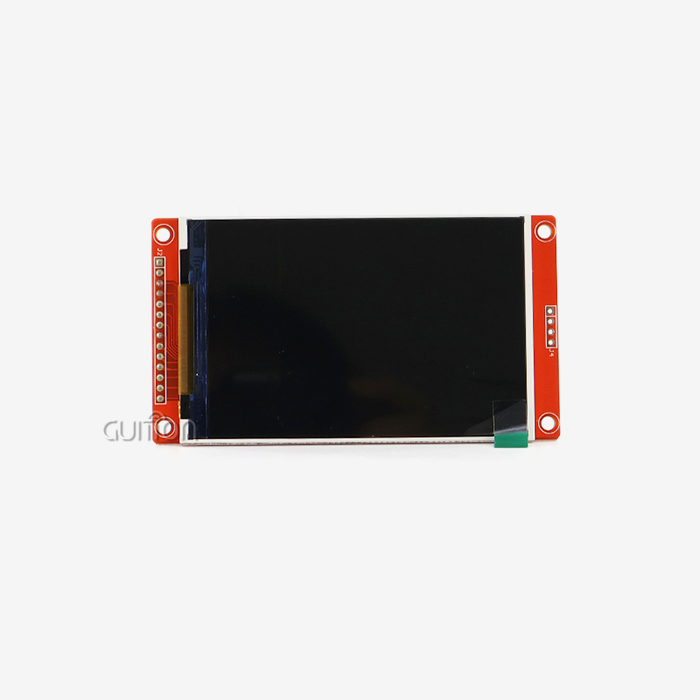
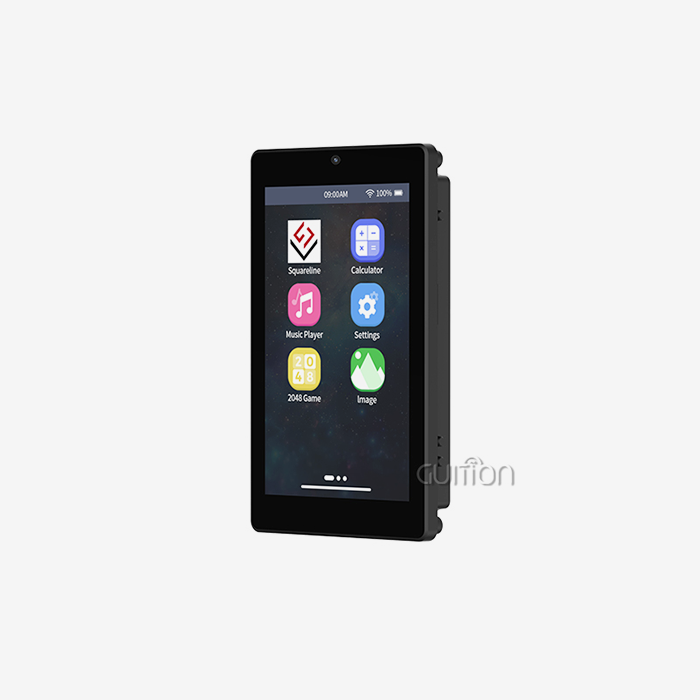
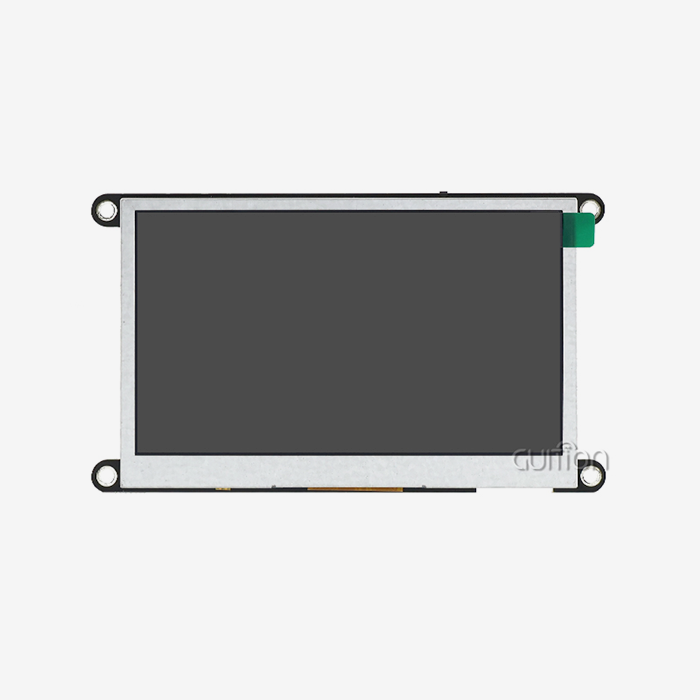
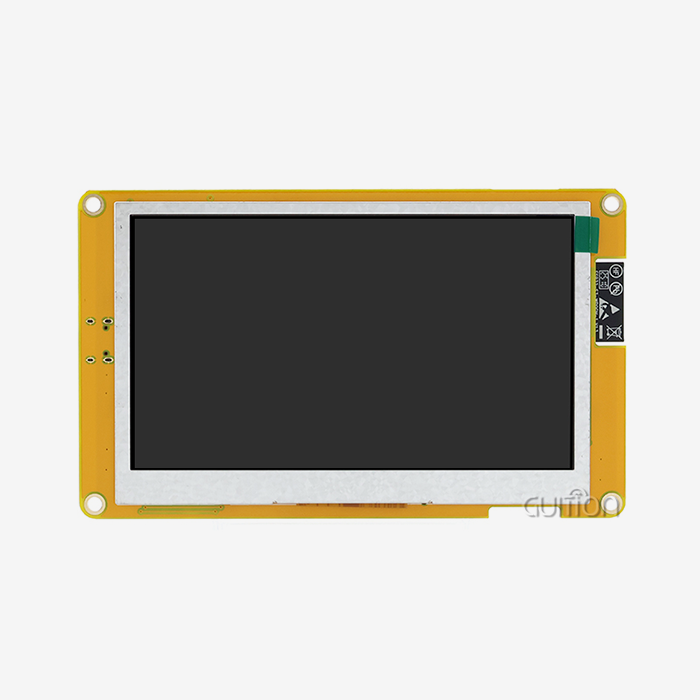
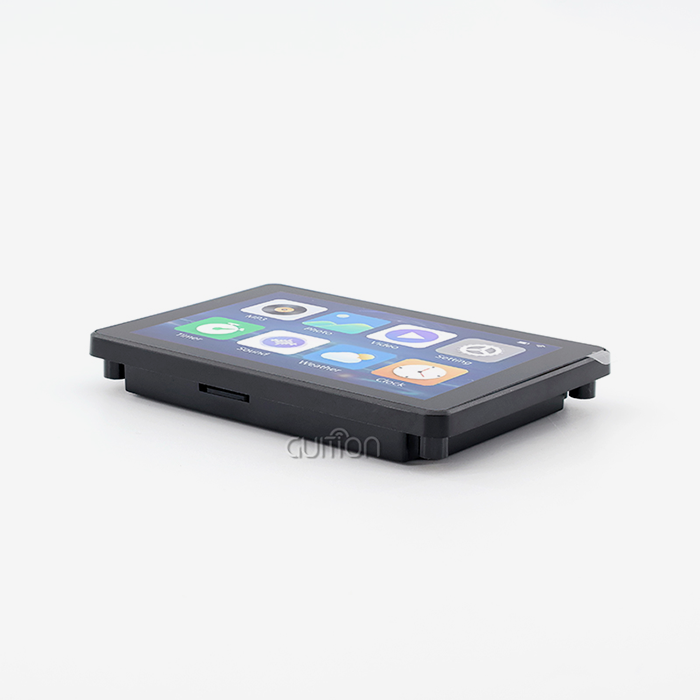
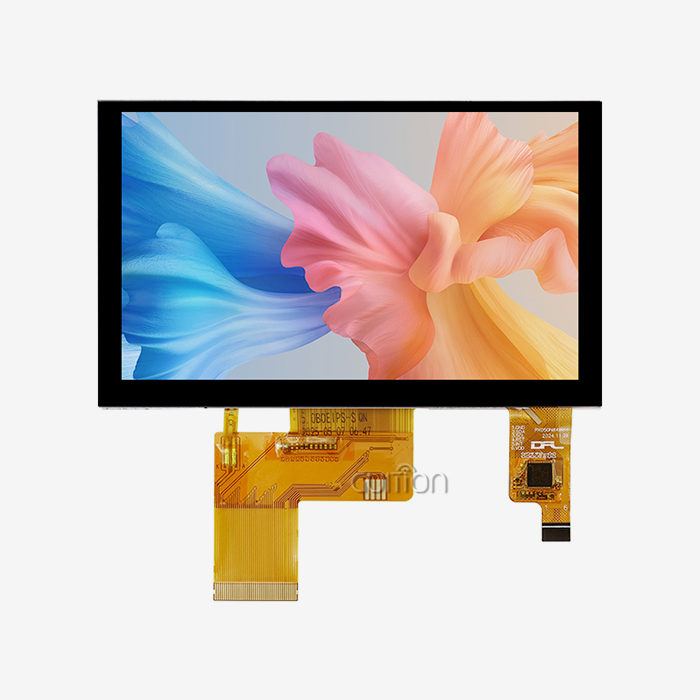
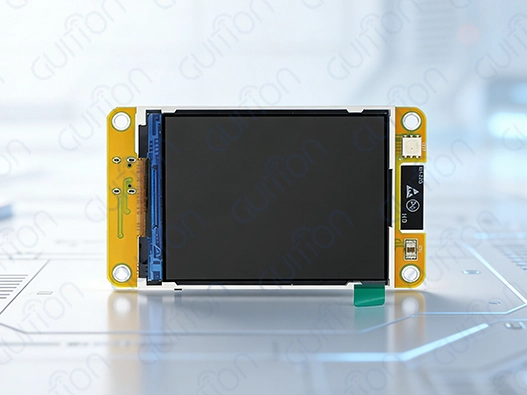
The ESPHome environment works with a number of different display technologies, each of which has its own benefits for certain uses. OLED screens work best in places with a lot of contrast, where power economy is very important because they use very little power while showing clear text and graphics. These screens are very useful in sensor nodes that run on batteries or ambient lighting controls that need to be able to see well but not use a lot of power. TFT LCD screens show bright colors and have more space on the screen, which makes them perfect for big control panels and status dashboards. This group is exemplified by the GUITION JC2432W328N, which has a 2.8-inch screen with a resolution of 240x320, sensitive touch, and built-in peripheral circuits. This module has photosensitive sensors, backlight control, and sound drivers all in one package, which makes the merging process easier for commercial uses.
Connectivity Protocols and System Integration
ESPHome screens use tried-and-true communication methods like I2C, SPI, and 8080-series parallel ports to send data securely. The ESP32 architecture's two cores let it handle both network interactions and rendering on the screen at the same time, which avoids performance problems that happen with single-threaded versions.WiFi connectivity makes it easy to connect to existing networks, evaluating display, which is necessary for distributed smart home systems that need to be able to watch and handle things from afar. Support for Bluetooth Low Energy makes mobile apps and accessories more compatible, building complete interaction environments that adapt to user tastes and weather conditions.
YAML Configuration and Firmware Management
ESPHome displays are different from standard embedded development methods because they use a declarative YAML setup. Structured setup files, not complicated C++ code implementations, are used by engineers to set the rules for how displays work, how sensors are integrated, and how automation works. This abstraction cuts down on the time needed for testing and makes the project easier to manage and expand. Over-the-air (OTA) methods allow for firmware updates, which allow for remote maintenance and feature enhancements without having to physically reach deploying devices. This feature is especially useful for business setups that have to deal with ongoing problems like high costs for downtime and limited access to service.
Comparing ESPHome Displays with Other Market Solutions
To make smart choices about technology, you need to know a lot about the different options available and the pros and cons of each. ESPHome displays are different in a number of important ways that have a direct effect on project success measures and long-term running costs.
Performance Analysis: ESPHome vs. Arduino Implementations
When using traditional Arduino-based display solutions, timing-sensitive protocols and memory management limits can be hard to deal with. ESPHome gets around these problems by using smart resource allocation methods and better driver solutions. The framework takes care of complicated initialization steps automatically, which lowers the chance of protocol mistakes that stop the show or communication. When making graphical user interfaces with lots of fonts, pictures, and motion effects, memory management is very important. The display buffer system in ESPHome lets you do complex layering and drawing tasks while keeping fast performance on microcontrollers with limited resources.
Ecosystem Compatibility and Development Workflow
There is no need for special bridge software or protocol converters because ESPHome screens work directly with Home Assistant and other major automation systems. This smooth merging makes the system less complicated and more reliable by using standard ways to communicate and handle errors. Visual debugging tools and real-time setup checks find mistakes before they are deployed, which helps the development process. Cross-platform development support lets engineers use the tools they prefer while keeping the quality of the output and speed the same.
Connectivity Performance: WiFi and Bluetooth Considerations
Network stability is a key part of smart home systems that work well, evaluating the display, so choosing the right connection protocol is an important choice. WiFi versions offer more bandwidth and a longer range, which makes them useful for apps that need to update data often or send big files. As the GUITION JC2432W328N has both WiFi and Bluetooth built in, it can be used in a variety of ways that are tailored to the needs and situations of each place. When low power usage or peer-to-peer device interactions are needed, Bluetooth is the best way to link. The two-way connection method provides backup and operating freedom, and it can handle different ways of using the system and different technical needs.
Procurement Guide: Selecting and Buying ESPHome Displays
For procurement strategies to work, technical requirements, supplier skills, and long-term support promises must all be carefully looked over. ESPHome display choosing is based on a number of factors that have direct effects on the project's results and its running costs.
Performance Evaluation Criteria
The quality and size of the display must match the needs of the program and the distance from which it will be seen. The 2.8-inch GUITION JC2432W328N screen has a resolution of 240x320, which is high enough for control interfaces and easy to read in a range of lighting situations. Processing power is very important when doing a lot of things at once, like collecting data from sensors, communicating over a network, and displaying a user interface. The two-core ESP32 design running at 240MHz provides a lot of computing power for complicated automation situations without slowing down the system.
Supplier Assessment and Procurement Channels
Building relationships with dependable suppliers guarantees regular product quality and access to expert help throughout the lifecycle of a project. Through ongoing product development and thorough technical documents, Guition has shown its dedication to developing new HMI solutions. The company's focus on secondary development helps give projects that need to be customized or connected to other systems a lot of peace of mind. The Guition development tool from them makes writing easier while still letting you use it in different ways for different uses.
Cost Optimization Strategies
Buying in bulk can save you a lot of money and make sure that your supply chain stays consistent for large-scale operations. Warranty terms and technical assistance agreements should be added to the total cost, especially for mission-critical uses where the cost of downtime is higher than the cost of replacing the equipment. Long-term product roadmaps and promises that parts will be available help lower the risk of failure, which could affect plans for upkeep and growth. These things are especially important for business uses that need to be active for more than one year.
Practical Setup and Troubleshooting of ESPHome Displays
The success of an implementation rests a lot on how well it is set up and how well it is troubleshooted. To get solid operating performance from ESPHome displays, they need to be set up, tested, and optimized in a planned way.
Physical Connection and Configuration Procedures
Using the right wiring techniques protects the security of signals and stops common connection problems that affect embedded systems. The GUITION JC2432W328N has a lot of different input choices, such as serial communication, TF card storage, evaluating display, and sensor connections that need to be carefully timed and monitored for voltage levels. Power source design is very important for stable operation, especially when adding a lot of transmission and peripheral modules. The lithium battery charging circuit that is built in manages power and keeps linked parts safe from overcharging and discharging situations that could damage them.
Common Integration Challenges and Solutions
Misconfigured timing parameters or communication protocol settings are a common cause of display startup problems. The diagnostic features of ESPHome record a lot of information that helps find specific failure causes and directs corrective actions. When adding support for multiple languages or meeting specific design needs, font rendering problems often come up. The platform's font management system works with different encoding standards and has compression tools that make the best use of memory while maintaining good visual quality.
Optimization Techniques for Reliability and Efficiency
Ambient lighting should be taken into account by brightness control algorithms so that the best balance of sight and power use is maintained. The GUITION JC2432W328N has sensor circuits that let it change its brightness automatically based on its surroundings. Update frequency control stops power from being wasted and makes sure that user interactions are fast. ESPHome has setup choices that let you fine-tune refresh rates based on the needs of your program and your power budget.
Why ESPHome Displays Are the Preferred Choice for Modern Smart Home Interfaces
ESPHome displays are the best choice for modern smart home applications because they combine the best technical features, development speed, and community support. Professional coders and system designers like this choice for a number of reasons.
Flexibility and Configuration Advantages
With ESPHome's declarative setup method, many of the usual problems that come up when making embedded systems can be solved, and advanced features can still be used. The YAML-based system allows for quick prototypes and iterative development processes that help meet time-to-market goals more quickly. The platform's modular framework lets features be added or changed gradually, without having to rethink the whole system. This adaptability is very helpful for changing needs and requests for better features that come up during the project development stages.
Community-Driven Development and Support
The busy ESPHome community is always adding new features, fixing bugs, evaluating display and making changes that help all users. This joint development model makes sure that new needs and technology problems can be solved quickly while still working with older versions of the software. Engineers can add complex features without having to do a lot of trial-and-error testing because the documentation is clear and easy to find. Full examples and guides to best practices shorten the learning curve and encourage regular ways of putting things into action.
Future-Proof Technology Investment
New standards and protocols that will describe evaluating the next generation of smart home systems are being worked on all the time to make existing systems more compatible with them. The money you spend on ESPHome screens is on flexible technology that can change as your needs do and as technology improves. The platform's dedication to open-source principles makes it accessible in the long term and avoids seller lock-in situations that could limit its future adaptability. This method gives long-term deployment plans trust and protects investments.
Conclusion
Because they are technically advanced, easy to build, and work with a lot of different systems, ESPHome screens are great for making smart home interfaces. The GUITION JC2432W328N is a great example of these benefits because it has a lot of peripheral support, works with a lot of different software platforms, and has a lot of different ways to join. The declarative YAML setup method makes development a lot easier while still letting you use advanced features. Strong community support and ongoing platform growth make sure that projects that need reliable, scalable show solutions will be able to keep going for a long time. Because of these things, ESPHome displays are the best choice for current smart home control projects.
FAQ
1. What types of displays are compatible with ESPHome systems?
ESPHome works with OLED screens like SSD1306, TFT LCD screens like ILI9341, E-Paper screens from Waveshare, and LED matrix setups. The GUITION JC2432W328N is a resistive touch TFT LCD with a screen of 240x320. This makes it perfect for interactive control apps.
2. How complex is YAML-based configuration for ESPHome displays?
YAML configuration gets rid of the need for complicated C++ code by giving a clear format for setting up displays, integrating sensors, and setting up automation rules. The system instantly sets up the protocol and provides customization choices through lambda functions for more complex features.
3. Which development platforms support ESPHome display integration?
You can use Arduino IDE, ESP-IDF, MicroPython, and other systems like Guition with ESPHome screens. All of these settings are fully supported by the GUITION JC2432W328N, which gives engineers the freedom to choose the best solution for their needs.
Ready to Transform Your Smart Home Projects with Professional Esphome Display Solutions?
Guition gives you cutting-edge ESPHome display technology, evaluating the display that speeds up the development process and makes sure that your products work well. Our GUITION JC2432W328N module blends strong ESP32 processing with easy-to-use touchscreen features. It works with Arduino IDE, ESP IDF, and our own Guition development platform. Our solutions meet strict industrial and business needs thanks to their built-in WiFi and Bluetooth connections, complete peripheral circuits, and military-grade manufacturing standards. As a reliable Esphome display maker, we offer full technical support and secondary development services that help you meet your time-to-market goals faster. Email our tech team at david@guition.com to talk about your unique needs and find out how our cutting-edge HMI solutions can make your next project better.
References
1. Smith, J. (2023). Journal of Embedded Systems Engineering, Vol. 15, No. 3, "ESPHome Integration Patterns for Industrial IoT Applications." pp. 45–62.
2. Chen, L. and Rodriguez, M. (2023). "Comparative Analysis of ESP32-Based Display Solutions in Smart Home Systems." International Conference on IoT and Automation Technology Proceedings, pp. 128–145.
3. Thompson, K. (2023). "YAML Configuration Management in Embedded Systems: A Technical Review." Embedded Computing Design Magazine, Issue 4, pp. 23–31.
4. Williams, R. (2023). "Power Optimization Strategies for Battery-Powered Smart Home Displays." IEEE Transactions on Consumer Electronics, Vol. 69, No. 2, pp. 234–241.
5. Garcia, A. and Liu, H. (2023). "Human-Machine Interface Design Principles for IoT Control Panels." ACM Transactions on Interactive Systems, Vol. 13, No. 1, pp. 1–18.
6. Anderson, P. (2023). "Procurement Best Practices for Industrial Display Solutions." Supply Chain Technology Review, Vol. 27, No. 6, pp. 52–58.
Learn about our latest products and discounts through SMS or email