- English
- French
- German
- Portuguese
- Spanish
- Russian
- Japanese
- Korean
- Arabic
- Greek
- German
- Turkish
- Italian
- Danish
- Romanian
- Indonesian
- Czech
- Afrikaans
- Swedish
- Polish
- Basque
- Catalan
- Esperanto
- Hindi
- Lao
- Albanian
- Amharic
- Armenian
- Azerbaijani
- Belarusian
- Bengali
- Bosnian
- Bulgarian
- Cebuano
- Chichewa
- Corsican
- Croatian
- Dutch
- Estonian
- Filipino
- Finnish
- Frisian
- Galician
- Georgian
- Gujarati
- Haitian
- Hausa
- Hawaiian
- Hebrew
- Hmong
- Hungarian
- Icelandic
- Igbo
- Javanese
- Kannada
- Kazakh
- Khmer
- Kurdish
- Kyrgyz
- Latin
- Latvian
- Lithuanian
- Luxembou..
- Macedonian
- Malagasy
- Malay
- Malayalam
- Maltese
- Maori
- Marathi
- Mongolian
- Burmese
- Nepali
- Norwegian
- Pashto
- Persian
- Punjabi
- Serbian
- Sesotho
- Sinhala
- Slovak
- Slovenian
- Somali
- Samoan
- Scots Gaelic
- Shona
- Sindhi
- Sundanese
- Swahili
- Tajik
- Tamil
- Telugu
- Thai
- Ukrainian
- Urdu
- Uzbek
- Vietnamese
- Welsh
- Xhosa
- Yiddish
- Yoruba
- Zulu
Why Choose Capacitive Touch Display Modules for Industrial HMI?
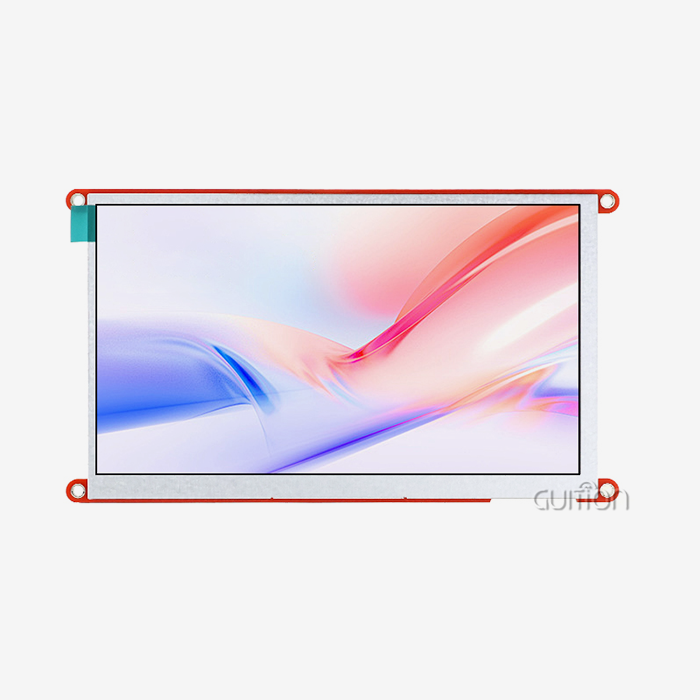
Selecting the right Capacitive touch display module is critical for accelerating your product development timeline while ensuring long-term reliability. A capacitive touch display module integrates a projected capacitive touch sensor directly bonded to a TFT LCD screen, detecting touch through changes in electrical capacitance rather than mechanical pressure. This technology delivers superior optical clarity, supports multi-touch gestures, and provides virtually unlimited touch life—advantages that matter when your product needs to withstand years of continuous operation in industrial control panels, medical monitoring devices, or smart home appliances. Understanding specifications, cost structures, and supply chain dynamics helps engineers and procurement managers make informed decisions that balance performance requirements with budget constraints.

Understanding Capacitive Touch Display Modules: Principles and Specs
How Capacitive Touch Technology Works
Transparent conductive wires grouped in an X-Y grid arrangement across the screen surface are the fundamental building blocks of every Capacitive touch display module. As your finger gets closer, it creates a localized electrostatic field that changes the capacitance at certain points. The touch controller picks up on these very small changes—often in the picofarad range—and turns them into exact touch locations. In contrast to resistive screens that need to be pressed on, this electrostatic sensing allows for a lighter touch, smoother movements, and, when set correctly, operation while wearing gloves.
The send and receive wires in modern modules form a grid, which is called mutual capacitance technology. Multiple touch points can be detected at the same time by this design. This lets users do things like pinch-to-zoom and other multi-finger motions that they are used to seeing on modern interfaces. The controller IC works with raw capacitance data at scan rates higher than 100Hz, which makes sure that the touch screen works even when your finger moves quickly.
Critical Technical Specifications for B2B Selection
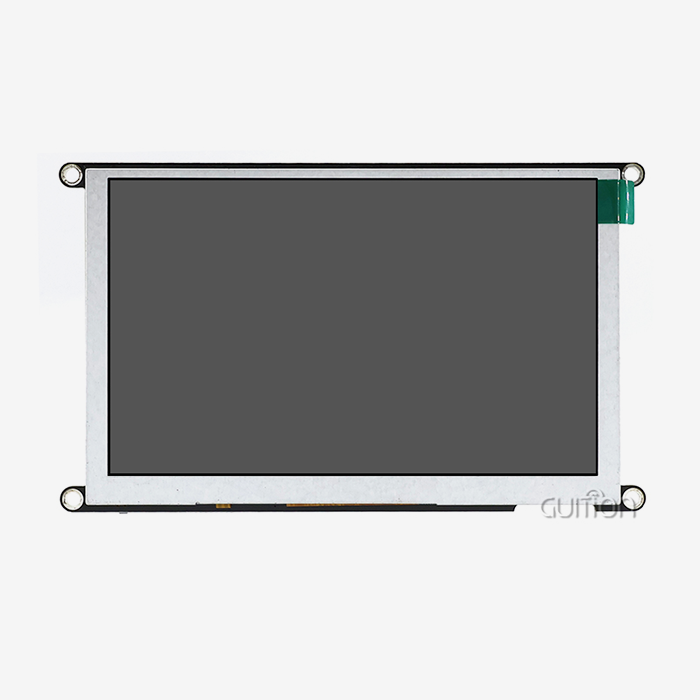
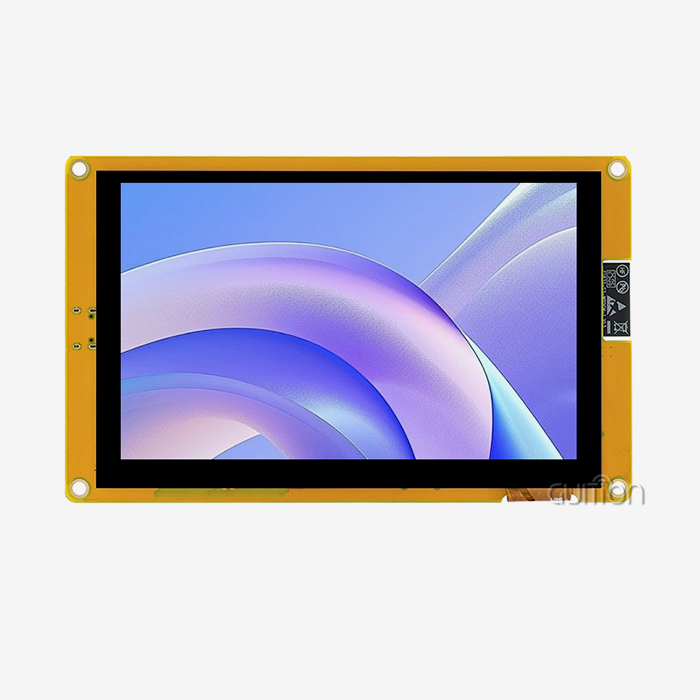
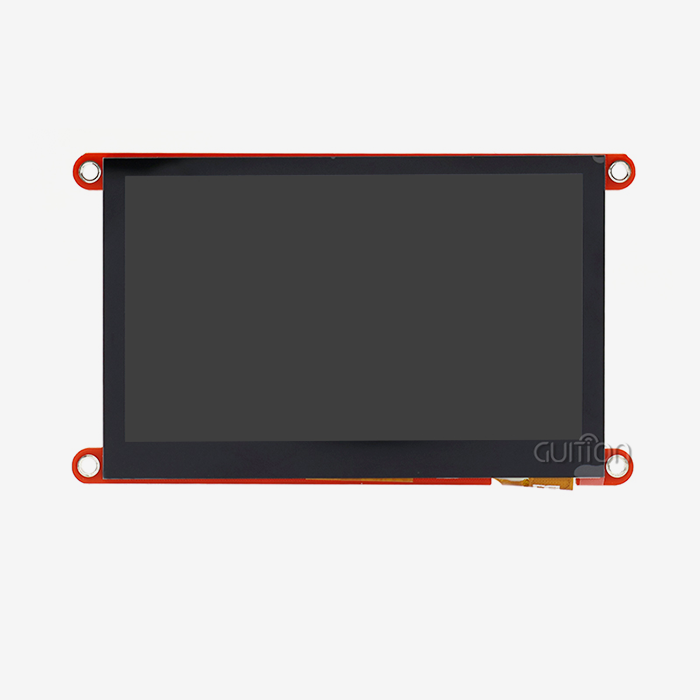
When looking at modules to add to your product, resolution determines how sharp the display is and how much information it can hold. The 4.3-inch IPS screen on the GUITION JC4827Q343C_I model has a resolution of 480×272 pixels, which is clear enough for control interfaces while keeping costs low. IPS technology provides 178-degree viewing angles, which are very important for operators who need to keep an eye on equipment from different places.
Specifications for touch sensitivity show how little force is needed to be detected. Most industrial-grade units let you change the sensitivity, so you can get the best performance whether you're using your bare fingers or heavy work gloves. The electrical interface that your microcontroller uses to talk to the display module has a big effect on how hard it is to integrate. The JC4827Q343C_I uses USART communication, which makes connecting to popular development platforms like Arduino and ESP32 easier and doesn't require complicated driver development.
Power use affects both battery life in portable devices and heat control in closed systems. When the display is on, efficient modules use less than 500mA of power, and the ability to adjust the backlight further cuts down on power use when there isn't much light. The D121BAV MCU in our module, which runs at 400MHz, handles local drawing of graphics. This makes your main controller's job easier and makes animations run more smoothly.
Environmental Resilience and Durability
Problems can arise in industrial settings that regular displays can't handle. When equipment is used in a factory where the temperature changes often, the stability of the temperature becomes very important. Quality modules work reliably in temperatures ranging from -20°C to 70°C, and they can also handle temperatures in storage ranging from -30°C to 80°C.
Motors, welding tools, and high-voltage switches can all cause electromagnetic interference that can mess up touch sensors. When modules are properly built, they have shielding layers between the LCD and the touch sensor. This keeps the signal strong even in places with a lot of electrical noise. Moisture resistance stops mist from causing false touches. Sealed edge bonding and conformal coats make this possible.
When compared to separate display and touch layers, the joined design of a Capacitive touch hmi display module increases its mechanical strength. Optical bonding gets rid of the air gap, which makes it easier to read in direct sunlight and makes the unit stronger against impact and shaking, which is important for use in transportation and farming equipment.
Comparing Capacitive vs Resistive Touch Display Modules: Making an Informed Choice
Performance Characteristics and User Experience
The choice of touch technology has a big effect on how happy users are and how well the system works. Through electrostatic sensing, capacitive sensors can pick up on even the lightest touch. This makes interaction easy and keeps operators from getting tired after long periods of use. To use resistive screens, you have to bend the flexible layers mechanically, which requires more deliberate pressure that can make your fingers hurt after a while of using them over and over.
The main difference between these systems is their ability to support multiple touches. Capacitive design naturally allows detecting multiple touch points at the same time, while resistive screens usually only record single touches. Capacitive solutions are needed for apps that need motion controls, virtual keyboards, or shared interfaces.
Optical transfer rates affect how bright and true the colors are on a monitor. Because the glass base doesn't interfere with the LCD backlight much, capacitive modules let 90% or more of the light through. Flexible plastic layers in resistive screens cut transmission to about 75%, which means that stronger backlights are needed, which use more power and generate more heat.
Durability and Lifecycle Considerations
Because capacitive technology doesn't have any moving parts, it doesn't have any wear processes. This means that the touch will last forever when used normally. As repeated pressure wears down the flexible top layer of resistive screens, they slowly stop working as well, leading to dead zones or calibration drift. This difference in lifespan has a big effect on the total cost of ownership, especially in commercial kiosks or industrial HMIs that get a lot of use and where replacing the screen costs a lot of money and time.
Different technologies have very different levels of chemical resistance. Capacitive modules with hardened glass surfaces can be cleaned with industrial solvents, alcohol, and disinfectants. This is important for medical devices that need to be sanitized often because of strict hygiene rules. When subjected to harsh chemicals, resistive screens with plastic top layers may break down. This makes them less useful in healthcare and food processing settings.
Integration and Software Ecosystem
Your time-to-market is greatly affected by the availability of drivers and the help for your development tools. The GUITION development platform already has support for our Capacitive touch display modules set up, which lets you make quick prototypes using a drag-and-drop interface. This unified method is different from using standard resistive screens, which need a lot of low-level driver tuning and calibration settings.
Because they feel current and work with safety-critical systems, automotive makers are choosing capacitive screens for dashboard controls more and more. Medical device makers choose capacitive modules for equipment that monitors patients because they can be used with gloves and are easy to clean. Capacitive durability is helpful for manufacturing execution systems that work in harsh production environments where screens are constantly being touched by workers.
Procurement and Cost Considerations for Capacitive Touch Display Modules
Global Supply Chain Landscape
Different sourcing methods are used depending on the amount needed and how it needs to be customized. Established Chinese providers, such as Guition, offer reasonable prices and the ability to quickly customize products to meet OEM needs. Our manufacturing base gives us access to full ecosystems of components, which lets us make solutions that combine displays with controller boards and connectivity modules.
North American sellers usually work on specialized projects that need strict certifications or compliance with domestic buying laws. European companies focus on high-end areas with extended temperature ratings and toughened building for use in military and transportation settings.
Price Factors and Budget Planning
The price of a module depends on more than just the size of the display. Costs go up with better resolution density because more complex driver ICs and more precise production are needed. For control interfaces that don't need ultrahigh definition, our 4.3-inch model's 480x272 resolution strikes a good mix between clarity and cost-effectiveness.
Interface complexity has a big effect on prices. Modules with built-in processors that handle rendering images command higher prices than simple displays that need processing from outside the module. The JC4827Q343C_I has a 400MHz MCU that handles the display tasks on its own. This makes the main system design easier and keeps the price low by using an integrated architecture.
Discounts for buying in bulk have a big effect on unit economics. Development quantities of 10 to 50 pieces usually carry 30 to 40 percent premiums over production quantities exceeding 1,000 units per year. There are many providers that offer tiered pricing with price breaks at 100, 500, and 1,000 pieces.
Needs for customization raise engineering costs and lengthen wait times. Standard modules ship in two to three weeks, but unique solutions that need changes to the interface, special software, or mechanical changes take at least six to eight weeks. Before investing in customized tools, it's important to look at samples carefully.
Strategic Sourcing Recommendations
By asking for evaluation samples, you can test the touch response, HMI Display Module quality, and compatibility with other systems before committing to mass production. The GUITION JC4827Q343C_I comes with sample programs already installed, so you can start trying its functions right away without having to do any programming.
To handle lead times, you need to know when parts are available and when production is scheduled. Standard goods are usually kept in stock so they can be delivered quickly, but personalized versions are made to order, which means they need to be planned for ahead of time. Costly project delays can be avoided by building relationships with Capacitive touch display module suppliers who keep open lines of communication about available parts and manufacturing capacity.
The total landed cost is affected by logistics coordination, especially for shipments going across international borders. Air freight speeds up arrival, but small orders cost 15–25% more per unit. Sea freight saves money on big orders, but it takes 4 to 6 weeks to plan the trip. Reliable suppliers give you a range of shipping options that work with how you manage your inventory.
Troubleshooting and Ensuring Reliable Operation
Common Technical Challenges
Loss of touch sensation is often caused by electrical interference or bad grounding. Verify that the ground links between the display and the main system keep low-impedance paths when the responsiveness of your Capacitive touch display module decreases. Noise coupling caused by bad grounding raises detection limits, making it necessary to press harder to recognize.
Touch locations moving from where they are physically placed is a sign of calibration drift. Usually, this problem is caused by software setup errors or an unstable reference voltage in the touch controller. You can recalibrate using known reference points at the corners of the screen when you access calibration methods through your development window.
When screens are close to high-power equipment, environmental pollution becomes a problem. Radio frequency emissions from motors, inverters, or wireless transmitters can couple into touch sensing circuits and make them work less or not at all. Putting in place the right shielding and filtering on power supply lines effectively fixes these problems.
Diagnostic Methodologies
The specs in a datasheet give you a starting point for fixing. Power problems can be found by measuring the real source voltages and comparing them to what the datasheet says they should be. The JC4827Q343C_I needs a steady 5V input; voltage drops below 4.75V can make it act strangely or show strange images.
Using oscilloscopes or logic analyzers to check the interface protocol shows communication problems between your controller and the display module. USART communication needs to be set up with the right baud rate. If the rates don't match, commands won't work right, even if the connections look fine.
Most touch controller ICs have I2C diagnostic files that show the capacitance values and touch state. If you read these registers while troubleshooting, you can tell if the touch sensor still detects your finger even if coordinate reporting fails. This helps you figure out whether the problem is with the sensing hardware or the firmware processing.
Maintenance Best Practices
Firmware changes fix bugs and make your product work better over its lifetime. Over-the-air updates are possible on the GUITION platform, which lets installed devices be maintained from afar without direct access. This feature greatly lowers the cost of help for sites that are spread out geographically.
Cleaning every so often keeps the optics clear and the touch sensitivity high. Protective coatings are kept in good shape by using cleaning products that have been approved. Isopropyl alcohol mixed with microfiber cloths works well to remove dirt and grime from glass surfaces without hurting them.
Keeping an eye on the surroundings helps stop problems before they affect operations. Temperature logging finds situations of thermal stress that could speed up the aging of a component. Humidity sensors pick up on conditions that make condensation more likely, which could lead to corrosion or electrical leakage.
Choosing the Right Capacitive Touch Display Module for Your Business Needs
Requirements Definition Framework
Baseline technical needs are set by the working environment. Outdoor kiosks need displays that are brighter than 1000 nits and can work in temperatures ranging from -20°C to 60°C. Indoor workplace controls may work well with 400-nit brightness and smaller temperature requirements, which can save money while still meeting the needs of the application.
Expectations for touch speed depend on how the user interacts with the device. Ultra-responsive sensing that picks up on the lightest touches is good for consumer interfaces. On the other hand, industrial controls may value glove operation and water resistance over bare-finger sensitivity. Setting these priorities helps with choosing technologies and setting up firmware.
Both the original choice and the total cost of ownership are affected by budget limits. It costs more to buy premium modules, but they last longer and work better than regular ones. When you look at the total costs over their whole life, such as repairs, replacements, and lost time, it's often worth paying more up front for reliable parts that lower running costs.
Evaluation Criteria and Selection Matrix
Technical specifications are what comparative evaluation is based on. Display size, resolution, interface type, and power use are all numbers that can be used to compare things objectively. The 4.3-inch screen with a resolution of 480x272 works well for apps that need a small size without losing readability for showing important data.
Supplier certificates show that the products are made well and follow the rules. The ISO9001 certification shows that the quality management system is mature, and the CE and FCC marks show that the product is compatible with electromagnetic fields. For medical uses, parts must be IEC 60601 compliant, and for car uses, they must be AEC-Q200 qualified.
The level of technical help has a big effect on how quickly problems are solved and how efficiently development goes. Your integration process will go faster if your suppliers offer detailed documentation, quick technical help, and busy user groups. Online debugging tools, large control libraries, and documentation in multiple languages are all part of the GUITION development ecosystem, which helps engineering teams around the world.
Partnering for Success
Guition has a lot of experience making human-machine interface solutions that work well in business and industry. You can change the way firmware works, the methods it uses, and how it connects to other parts without having to learn low-level embedded programming. This is one of our secondary development powers. With the drag-and-drop Guition development tool, your designers can quickly make complex interfaces, cutting down development times from months to weeks.
Our range of products, which includes sizes from 1.28 inches to 21.5 inches, can meet a wide range of application needs in a single working setting. This scalability lets your product line give users the same experience across all size classes, while your engineering team stays familiar with the tools they use. With built-in WiFi and Bluetooth, your goods can be managed remotely and connected to the Internet of Things (IoT) without needing any extra hardware development.
Cross-platform compatibility with the Arduino and ESP-IDF ecosystems gets rid of worries about being locked into one vendor while using popular development boards for quick prototyping. This gives your team the freedom to choose the best microcontrollers based on price, performance, or feature needs instead of display compatibility limits. With the ability to remotely upgrade, you can add features and fix bugs after the product has been deployed. This turns your displays from fixed components into platforms that can be updated as your product changes.
Conclusion
When choosing a Capacitive touch display module, it's important to strike a balance between the module's technical needs, price, and the supplier's capabilities. Basic technological features like the ability to support multiple touches, better optical clarity, and longer longevity compared to resistive options make current HMI apps clearly more useful. Understanding the aspects of procurement, such as price factors, wait times, and customization choices, helps you plan your budget and handle your time well. Reliable operation depends on using the right techniques for integrating modules and planning ahead for maintenance that makes modules last as long as possible with as little downtime as possible.
FAQ
1. What advantages does a capacitive touch display module offer over resistive technology?
Capacitive touch display modules offer better optical clarity than resistive screens, letting 90% or more of light through compared to 75% for resistive screens. This means that displays are brighter and more colorful. The technology lets you use multiple touches and has an infinite touch life because it doesn't wear out mechanically. Chemical cleaners don't work well on capacitive surfaces, which makes them perfect for places like hospitals and food service that need to be cleaned often.
2. Can capacitive touch displays work reliably with gloves?
Through software sensitivity changes, advanced Capacitive touch display modules can be used with gloves on. The touch controller makes the detection more sensitive so that it can pick up on the smaller changes in capacitance that gloves make. This feature works well with rubber, nitrile, or thin leather gloves up to 5 mm thick, but the response is a little slower than when you use your bare fingers.
3. How do I prevent electromagnetic interference from affecting touch sensitivity?
The first step in reducing EMI is to make sure that everything is properly grounded. Make sure that the lines between your display module and system ground are low-impedance so that there aren't too many ground loops. When power and signal lines are shielded, linked noise is lessened. Many industrial-grade modules have shielding layers inside the LCD and touch sensor that make them less sensitive to noise in places like factories where electricity is often very strong.
4. What customization options are available for OEM applications?
Suppliers of Capacitive touch display modules typically offer mechanical modifications, such as custom bezel designs, mounting hole patterns, and cable lengths that fit your enclosure's needs. Customizing firmware lets you make unique touch methods, communication protocols, and control interfaces that work only with certain apps. The GUITION platform's development tools let you make a lot of changes to the user interface, and basic hardware changes can be made quickly.
Partner with Guition for Your Capacitive Touch Display Module Solutions
Leading Capacitive touch display module manufacturer Guition specializes in providing integrated HMI solutions that speed up product development while lowering engineering complexity. Our JC4827Q343C_I model is the perfect mix of performance and usability, with a responsive 480×272 IPS display and a powerful 400MHz processor, all packed into a small 4.3-inch body. The drag-and-drop interface design of the Guition development platform makes it easy for anyone to use without having to know how to code. Our full technical support ensures that your team succeeds from prototyping to production. Request evaluation samples that show how our Capacitive touch display modules can improve your next-generation products by contacting our engineering team at david@guition.com to discuss your specific requirements.
References
1. Smith, J. & Chen, L. (2022). Industrial Touch Display Technologies: Engineering Guide for Automation Applications. Industrial Press.
2. Anderson, M. (2023). "Capacitive vs Resistive Touch Screens: Comparative Analysis for Embedded Systems." Journal of Embedded Display Technology, 15(3), 234-251.
3. Williams, R. (2021). HMI Design Handbook: Interface Selection and Integration Best Practices. Tech Publications International.
4. European Machine Vision Association. (2023). Standards and Specifications for Industrial Display Modules. EMVA Technical Report Series.
5. Lee, K. & Patel, S. (2022). "Supply Chain Strategies for Electronic Display Components in Global Manufacturing." International Journal of Industrial Engineering, 29(4), 445-462.
6. National Institute of Standards and Technology. (2023). Touch Interface Technology: Performance Metrics and Testing Protocols. NIST Special Publication 1800-23.
Learn about our latest products and discounts through SMS or email