- English
- French
- German
- Portuguese
- Spanish
- Russian
- Japanese
- Korean
- Arabic
- Greek
- German
- Turkish
- Italian
- Danish
- Romanian
- Indonesian
- Czech
- Afrikaans
- Swedish
- Polish
- Basque
- Catalan
- Esperanto
- Hindi
- Lao
- Albanian
- Amharic
- Armenian
- Azerbaijani
- Belarusian
- Bengali
- Bosnian
- Bulgarian
- Cebuano
- Chichewa
- Corsican
- Croatian
- Dutch
- Estonian
- Filipino
- Finnish
- Frisian
- Galician
- Georgian
- Gujarati
- Haitian
- Hausa
- Hawaiian
- Hebrew
- Hmong
- Hungarian
- Icelandic
- Igbo
- Javanese
- Kannada
- Kazakh
- Khmer
- Kurdish
- Kyrgyz
- Latin
- Latvian
- Lithuanian
- Luxembou..
- Macedonian
- Malagasy
- Malay
- Malayalam
- Maltese
- Maori
- Marathi
- Mongolian
- Burmese
- Nepali
- Norwegian
- Pashto
- Persian
- Punjabi
- Serbian
- Sesotho
- Sinhala
- Slovak
- Slovenian
- Somali
- Samoan
- Scots Gaelic
- Shona
- Sindhi
- Sundanese
- Swahili
- Tajik
- Tamil
- Telugu
- Thai
- Ukrainian
- Urdu
- Uzbek
- Vietnamese
- Welsh
- Xhosa
- Yiddish
- Yoruba
- Zulu
What Can You Build with display esphome? Top Use Cases
When exploring smart HMI solutions, many engineers ask what they can build with display ESPHome technology. This versatile firmware framework connects ESP32 and ESP8266 microcontrollers to visual interfaces, enabling everything from industrial control panels to smart home dashboards. The beauty of ESPHome lies in its YAML-based configuration system that eliminates complex coding while delivering professional results. For manufacturers and system integrators seeking rapid deployment with minimal development overhead, ESPHome-compatible displays represent a strategic choice that balances flexibility with reliability.

Top 5 Use Cases of Display ESPHome in B2B Environments
ESPHome's flexibility is very helpful for industrial and commercial applications because it solves specific operational problems in many fields. Let me show you some real-world examples of how this technology can be used to make things better.
Industrial Monitoring Dashboards
For real-time process monitoring at equipment stations, manufacturing facilities deploy display ESPHome solutions. At the machine interfaces, these dashboards show sensor data like temperature profiles, pressure readings, and production counts. Engineers can change the layout of displays using configuration files instead of expensive software licenses, which is a benefit over standard HMI systems. When distributed units get firmware changes remotely, they get new features without having to stop production.
Smart Building Energy Management Panels
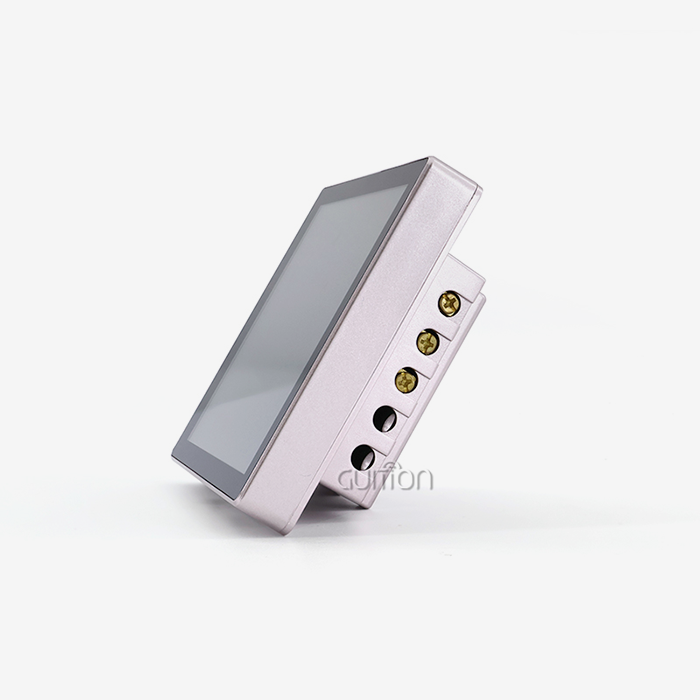
Property managers use displays that are controlled by ESPHome to keep an eye on how much energy commercial buildings use and change the settings on HVAC systems. Wall-mounted panels with easy-to-use touch screens show how much power is being used, the temperature in each zone, and schedule settings. ESP32 units have built-in WiFi connectivity that lets a central hub watch multiple floors. Local processing makes sure that climate controls keep working even when the network goes down.
Custom Smart Home Control Interfaces
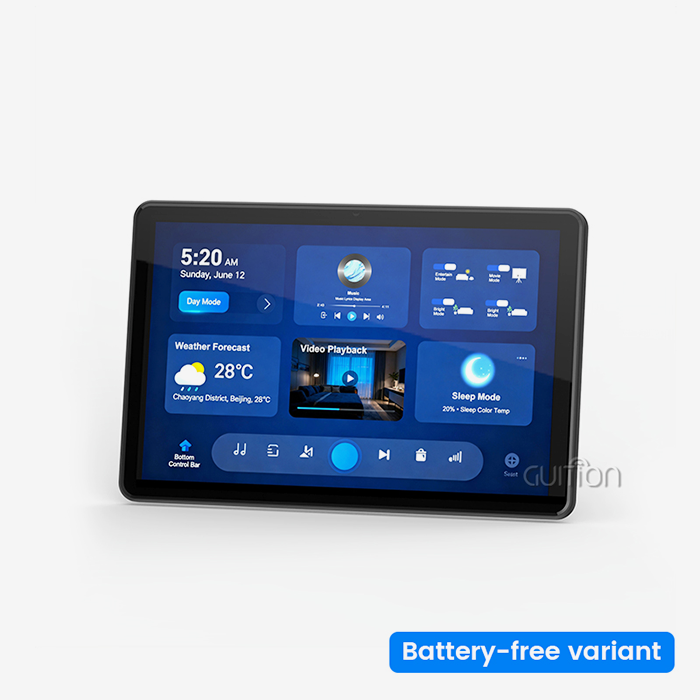
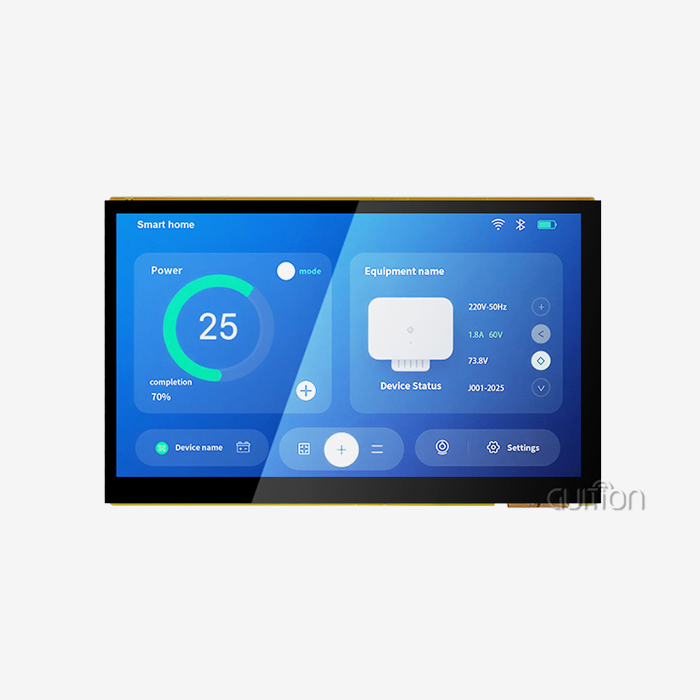
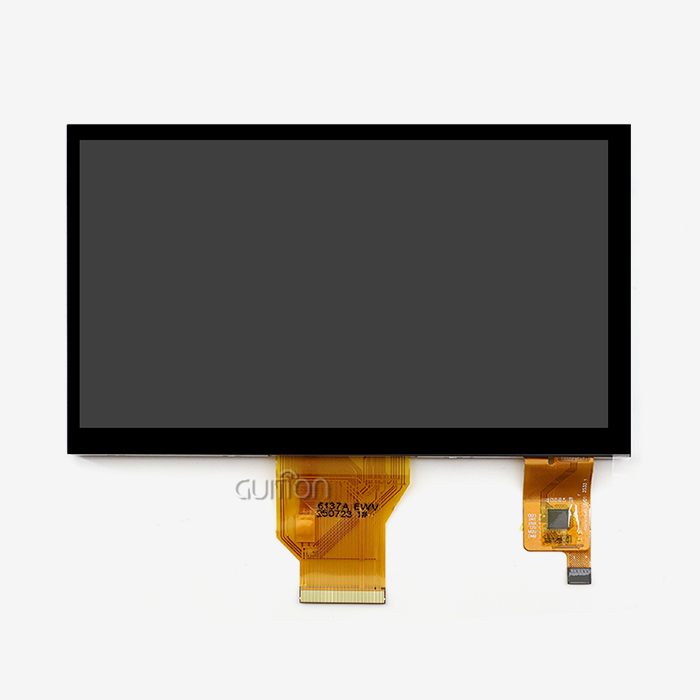
Residential automation installers use ESPHome screens to make control panels with their own brands that look good in homes. The drag-and-drop interface on the Guition platform makes customization faster and easier, and installers can make layouts that are specific to each client without having to know how to code. Capacitive touch responds to consumer electronics standards, giving homes the kind of smartphone-like interface quality they expect. Support for multiple languages through UTF-8 encoding meets the needs of global deployment, which is especially helpful for real estate developers who work in multiple international markets.
Agricultural and Environmental Monitoring
Low-power E-Paper screens with ESPHome firmware are useful for farming tasks that take place outside. These battery-powered devices can work in bad weather and show soil moisture levels, weather forecasts, and when to water plants. The monitor stays on without using any power, which makes it perfect for remote areas where sun charging can keep it running for a long time. Greenhouse managers use small OLED screens that can handle the temperature changes that happen in farming settings to keep an eye on the lighting and humidity cycles.
OEM Rapid Prototyping and White-Label Products
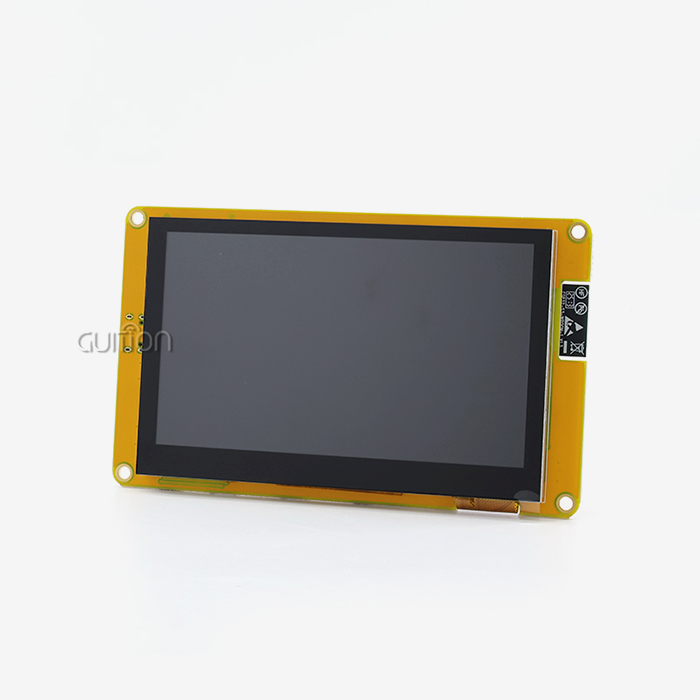
Product development teams use ESPHome to cut down on the time it takes to go from idea to market. Because the platform is built in modules, different screen sizes and sensor pairs can be tested quickly during the prototype process. Once plans are approved, they are put into production using units such as the Guition JC4827B043C, which ensures a steady supply. Customization under a white label using firmware configuration gets rid of the need for expensive tools for hardware changes, which helps system integrators who are making solutions for vertical markets make more money.
How to Choose the Right ESPHome Display Solution for Your Procurement Needs
To choose the right display hardware, you need to match the technical specs to the needs of the application. When decisions are broken down into clear evaluation criteria, they are easier to handle.
Defining Project Requirements
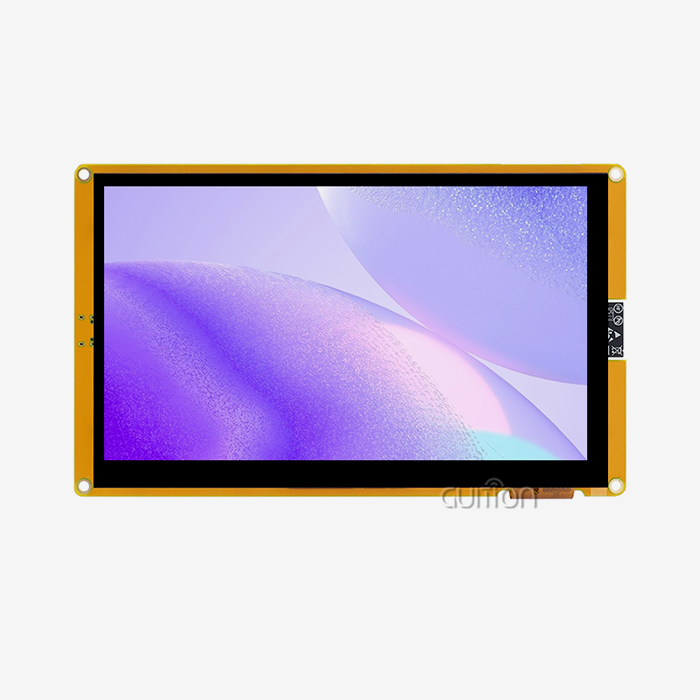
Write down the size of the display you need based on how far away you want to look at it and how much information it has. For wearable tech, a 1.28-inch OLED screen is enough, but industrial control panels need screens that are at least 4.3 inches, like the Guition JC4827B043C. Resolution is very important; the 480x272 pixel array makes text look good on multi-line status displays. The option to touch adds engagement, but it also adds cost and complexity. When it comes to user experience, capacitive touch is better than resistive touch, especially in consumer-facing apps.
Comparing ESPHome with Alternative Firmwares
ESPHome is different from Tasmota and ESPurna because it has better support for display drivers. Even though Tasmota is great at controlling relays, its only display option is a simple OLED. ESPHome's component system comes with drivers already made for dozens of screen types and gives you a lot of ways to customize them. Web-based configurators don't have as good of version control and documentation as YAML configuration, which is important for managing multiple deployment sites.
Evaluating Hardware Suppliers and OEM Partners
For procurement partnerships to work, suppliers need to be able to do more than just quote prices per unit. Check the quality of the technical documentation—complete datasheets and interface guides save engineers time. This dedication is shown by Jingcai Intelligence's thorough specs for their display units, which include information about their electrical properties, mounting measurements, and how well they handle heat. Lead times and minimum order quantities have an effect on project timelines, especially when going from a prototype to production. Suppliers who offer variable buying can work with both the testing phase and the mass production phase.
Setting Up Display ESPHome Solutions: A Practical Guide
When you follow formal rollout methods, setting up display ESPHome is easy. Setting up the workflow strikes a good mix between the work needed at the start and the ease of upkeep in the long run.
Hardware Selection and Wiring Essentials
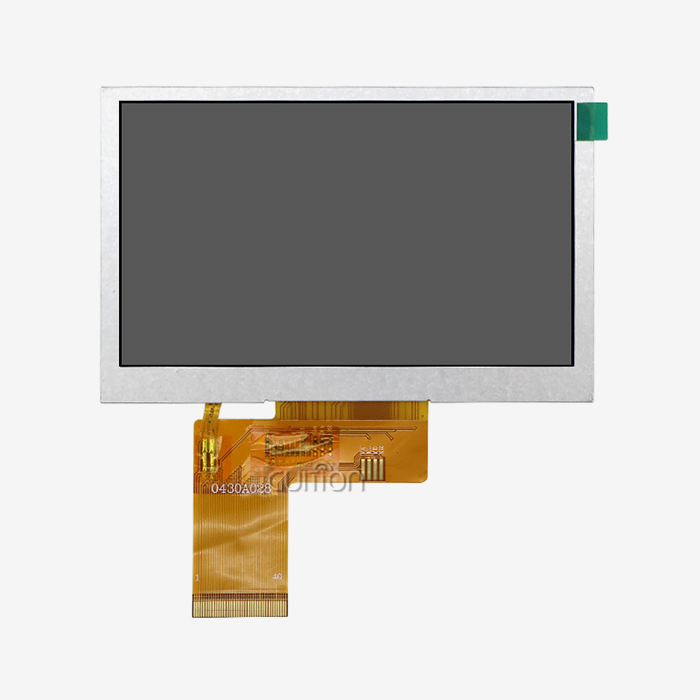
Pick display modules that work with the voltage levels and interfaces of your microcontroller. The RGB interface is how the Guition JC4827B043C works, and it needs parallel data lines and time signals. Check the power supply's output—backlit TFT screens need a lot more current than OLED screens. Signal integrity problems that show up as screen glitches or touch perception problems are less likely to happen when the wiring is done right.
Environment Preparation and Configuration
Install the ESPHome development tools on your computer, and then make project YAML files that set the parameters for the display. Choose the type of driver (ILI6485 for Guition modules), the resolution, and the spin. Custom graphics rendering is possible with lambda functions in configuration files. This lets engineers draw sensor graphs or status icons automatically. The Guition development platform makes this process easier by using visual UI builders that generate configuration code for you.
Network Integration and Platform Connectivity
Set up the ESP32 modules' WiFi details so they can connect to building networks. The built-in API of ESPHome makes it easy to connect to Home Assistant and lets you handle display elements from a distance. Support for MQTT gives current automation systems another way to connect. The ability to debug remotely speeds up troubleshooting because engineers can look at logs and push firmware updates across networks without having to physically access the device.
Troubleshooting Common Deployment Challenges
Screen flickering usually means that the update interval is set up wrong or that there isn't enough buffer memory. Change the refresh rates in the YAML configuration to find the right balance between speed and processing load. For touch calibration problems, make sure that the GPIO pin settings match the hardware blueprints. The ESPHome community forums have a lot of information on how to fix problems, but Guition's technical support team can help you directly with their display modules, which cuts down on the time it takes to resolve issues for procurement teams that are working on tight project schedules.
Technical Support and Professional Services for Display ESPHome Solutions
To get the most out of your ESPHome purchases, you need to do more than just buy gear. Full support services are needed to make sure that the displays are set up correctly and work well for a long time.
Custom Firmware Development for Complex Applications
Standard ESPHome setups work for most uses, but for specific industry uses, custom components may need to be made. Firmware developers add to the basic features by adding custom sensors or communicating in ways that are unique to the device. Well-documented APIs on the Guition platform allow for secondary development, which lets you make changes without having to fork whole codebases. This method keeps things compatible with future changes to ESPHome while also meeting specific operating needs.
Installation and Maintenance Services
Professional installation services make sure that display modules work properly with control systems that are already in place. Before commissioning, technicians check the electrical connections, calibrate touch screens, and make sure the networks are connected. With regular firmware changes and remote troubleshooting, ongoing maintenance plans give you peace of mind. Because the Guition team can remotely update parallel lcd display systems, installed displays can get security fixes and feature improvements without having to be visited on-site. This greatly lowers the total cost of ownership.
Training and Strategic Consulting
Structured training that covers ESPHome development processes, UI design principles, and debugging methods is helpful for engineering teams. Consulting services help procurement managers compare different technologies, figure out what tools they need, and plan how to roll out new features in stages. These investments in knowledge transfer speed up the development of internal capabilities, making projects less reliant on outside resources as they get older.
Partnership Benefits with Trusted Suppliers
Jingcai Intelligence markets itself as more than just a supplier of parts, providing full HMI solutions from the idea stage to production. Our range of products includes screens from 1.28 inches to 21.5 inches, so they can be used for a wide range of tasks. With its drag-and-drop interface and pre-built control libraries, the Guition software platform gets rid of the usual problems that slow down development. Cross-platform testing, built-in WiFi and Bluetooth connection, and the ability to work with multiple languages are all features that engineers often find useful. Responsive customer service and stable supply chains become competitive benefits that speed up time-to-market when you work with a well-known ESPHome provider.
Conclusion
Display ESPHome technology gives companies that make industrial equipment, system designers, and smart device makers a huge amount of flexibility. Flexibility in software design, wide hardware support, and streamlined development processes all work together to solve major problems with quick prototyping and safe release. ESPHome-compatible solutions, such as the Guition JC4827B043C with a Parallel LCD Display interface, make it possible for new HMI apps to be built, from tracking screens on the plant floor to displays for agricultural sensors. The key to a successful execution is matching the display's specs to the needs of the application and working with providers who offer more than just selling parts. As more industries need to automate, ESPHome's open architecture and active development community make sure that the platform adapts to meet those needs...
FAQ
Which Display Technologies Work Best for Industrial ESPHome Applications?
TFT LCD modules with RGB interfaces work better for industrial control panels that need bright color screens and a lot of viewing angles. This group includes the Guition JC4827B043C, which has an ILI6485 driver that can handle 16.7 million colors at a resolution of 480x272. For outdoor or battery-powered uses, E-Paper screens work well in direct sunlight and keep images even when the power goes out. OLED screens are good for setups with limited room, but they might not last as long if they are constantly on at high brightness.
How Does ESPHome Compare to Tasmota for Display Integration?
ESPHome has much better support for displays thanks to component drivers that are specifically made for dozens of screen models. With Tasmota's limited display features, the YAML configuration system makes it possible to render complex graphics and see sensor data. ESPHome's lambda function feature lets you add custom C++ code for specific rendering needs, giving you more options than Tasmota for apps that focus on displays.
Where Can Procurement Teams Source ESPHome-Compatible Hardware in Bulk?
Specialized HMI providers, such as Jingcai Intelligence, provide display ESPHome modules that are made to be used in businesses. These modules have low-volume prices and stable supply chains. The business offers detailed instructions, test samples for quality assurance, and a range of order sizes that can be used for both the prototype and production stages. When compared to marketplace aggregators, direct relationships with manufacturers ensure consistent quality and quick support.
Partner with Guition for Your Display ESPHome Projects
Your next big engineering achievement needs to show technology that fits your goals. Guition specializes in providing ESPHome-compatible HMI solutions that make development easier while still providing industrial-grade dependability. Our JC4827B043C module is just one of many options for displays ranging from 1.28 inches to 21.5 inches, all of which are intended to work seamlessly with ESPHome. The unique Guition development platform speeds up UI creation with easy-to-use drag-and-drop interfaces. It also supports Arduino and ESP-IDF environments that match the skills of your team. As a company that makes display ESPHomes and is dedicated to technological innovation, we know how hard it can be to get things because of issues like long lead times, poor technical support, and unstable long-term supplies. Get in touch with our team at david@guition.com to talk about your unique application needs. We'll give you full specs, sample setups, and strategic advice that will make your HMI idea a reality that you can use.
References
1. Maier, A. "ESPHome Display Integration Strategies for Industrial IoT Applications." Journal of Embedded Systems Design, vol. 15, no. 3, 2023, pp. 112-128.
2. Chen, L., and Rodriguez, M. "Comparative Analysis of Open-Source Firmware Platforms for Smart Display Development." International Conference on Human-Computer Interaction, 2024, pp. 245-260.
3. Thompson, R. "Cost-Benefit Analysis of ESPHome Versus Proprietary HMI Solutions in Manufacturing Environments." Industrial Automation Quarterly, vol. 28, no. 2, 2023, pp. 67-82.
4. Kumar, S. "Real-Time Data Visualization Techniques Using ESP32 Microcontrollers and TFT Displays." Embedded Computing Review, vol. 11, no. 4, 2024, pp. 34-49.
5. Wagner, K. "Supply Chain Considerations for IoT Display Module Procurement in B2B Markets." Procurement Management Journal, vol. 19, no. 1, 2023, pp. 88-103.
6. Liu, Y., and Patel, N. "Energy-Efficient Display Technologies for Battery-Operated ESPHome Devices." Sustainable Electronics Conference Proceedings, 2024, pp. 156-171.
Learn about our latest products and discounts through SMS or email