- English
- French
- German
- Portuguese
- Spanish
- Russian
- Japanese
- Korean
- Arabic
- Greek
- German
- Turkish
- Italian
- Danish
- Romanian
- Indonesian
- Czech
- Afrikaans
- Swedish
- Polish
- Basque
- Catalan
- Esperanto
- Hindi
- Lao
- Albanian
- Amharic
- Armenian
- Azerbaijani
- Belarusian
- Bengali
- Bosnian
- Bulgarian
- Cebuano
- Chichewa
- Corsican
- Croatian
- Dutch
- Estonian
- Filipino
- Finnish
- Frisian
- Galician
- Georgian
- Gujarati
- Haitian
- Hausa
- Hawaiian
- Hebrew
- Hmong
- Hungarian
- Icelandic
- Igbo
- Javanese
- Kannada
- Kazakh
- Khmer
- Kurdish
- Kyrgyz
- Latin
- Latvian
- Lithuanian
- Luxembou..
- Macedonian
- Malagasy
- Malay
- Malayalam
- Maltese
- Maori
- Marathi
- Mongolian
- Burmese
- Nepali
- Norwegian
- Pashto
- Persian
- Punjabi
- Serbian
- Sesotho
- Sinhala
- Slovak
- Slovenian
- Somali
- Samoan
- Scots Gaelic
- Shona
- Sindhi
- Sundanese
- Swahili
- Tajik
- Tamil
- Telugu
- Thai
- Ukrainian
- Urdu
- Uzbek
- Vietnamese
- Welsh
- Xhosa
- Yiddish
- Yoruba
- Zulu
Why Choose an SPI LCD Display for Your Next Project?
Choosing the right display interface can make or break your product development timeline. An SPI LCD Display offers embedded engineers and product managers a streamlined path to market by reducing GPIO pin requirements while maintaining robust visual performance. This serial communication protocol solves the persistent challenge of pin-starved microcontrollers, allowing compact designs without sacrificing interface quality. Whether you're developing industrial control panels, medical monitoring equipment, or smart home devices, understanding how this technology fits your requirements will accelerate development cycles and reduce integration headaches. This article walks through technical fundamentals, procurement strategies, and implementation guidance to help you make an informed decision for your next HMI project.


Comparing SPI LCD Displays with Other Display Types: Making the Right Choice
Selecting the optimal display interface requires understanding tradeoffs between communication speed, pin consumption, and application requirements.
SPI Versus Parallel Interfaces
By sending eight bits at once across separate data lines, parallel interfaces like the 8080 or 6800 series can handle more data. This method works well for video playback or high-frame-rate apps, but it uses a lot more GPIO pins—often sixteen when control signals are added—than the other methods. An SPI LCD Display gives up some raw throughput, but it makes PCB footprints smaller and routing easier, which is especially helpful for four-layer boards where trace congestion raises the cost of production. When working on small cases or wearable tech, development teams find that fewer connector pins mean smaller flex wires and more reliable mechanical links over the life of the product.
SPI Compared to I2C Displays
Even less wiring is needed for I2C interfaces, which only need two transmission lines (SDA and SCL). However, this ease comes with very low bandwidth, usually no more than 400kHz in fast mode. Because of this limitation, I2C can only be used with small OLED displays that show only black and white text. When you need color graphics, touch contact, or screens bigger than one inch, the SPI protocol gives you the data rates you need while keeping the number of pins reasonable. I2C screens aren't good enough for updating multi-color graphs or trend lines for engineers who are working on energy management systems or farm automation panels that need to see real-time data.
Ecosystem Compatibility Considerations
A lot of popular programming platforms, such as Arduino Uno, ESP32, and Raspberry Pi, have built-in SPI hardware support through peripheral devices. This lets you send and receive data quickly without putting too much stress on the main CPU core. Libraries like Adafruit_GFX and TFT_eSPI hide the details of low-level protocol handling, so even teams that don't know a lot about embedded systems can make quick prototypes. This is made even easier to use by the GUITION development software, which has drag-and-drop UI creation tools that work with the Arduino and ESP-IDF platforms. This cross-platform adaptability is important if your product roadmap calls for moving from proof-of-concept hardware to cost-effective production controllers. This way, you can avoid being locked into a single vendor and keep your software investments safe.
Why SPI LCD Displays Are Ideal for B2B Procurement and OEM Projects
Strategic sourcing decisions extend beyond component specifications to supplier reliability, scalability, and long-term partnership value.
Scalability in Volume Manufacturing
When thousands or tens of thousands of units are made each year, display modules must keep their quality the same. To keep field failures to a minimum, well-known makers use strict quality control methods like burn-in testing, pixel defect checking, and environmental stress screening. When looking at possible suppliers, you should ask about their ISO 9001 quality management certifications, production capacity, and strategies for getting parts. A trustworthy partner keeps extra supplies of important driver ICs like the ST7796 on hand in case there are shortages of semiconductors, which have been a problem in many electronics supply chains recently.
Cost-Efficiency Without Compromising Reliability
Volume pricing structures have a huge effect on the total cost of a product, especially for devices that need to make a tight profit margin. A 3.5-inch sensitive touch module might sell for more than usual when only a few are ordered as prototypes, but when 5,000 are ordered, the price drops by forty percent. But trying to find the cheapest unit price often comes with hidden costs, like more warranty claims, backlights that don't work the same everywhere, or touch sensors that don't work reliably at different temperatures. Before placing big buy orders, procurement managers should ask for sample units from several production lots to make sure that the quality is consistent. The GUITION brand strikes a good balance between low prices and strict testing procedures. This is shown by the fact that it is used in demanding applications like medical beauty devices, where failure rates directly affect patient safety and regulatory compliance.
Technical Support and Development Resources
Datasheets for components only show a small part of how they work together. When manufacturers offer detailed development documentation, reference schematics, and quick engineering support, they shorten the time it takes to get a product to market and make debugging less frustrating. This method is used by the Guition UI development software, which has built-in control libraries, online testing, and WYSIWYG interface design tools that get rid of the need to change the framebuffer at a low level. This support infrastructure is especially helpful for small engineering teams or companies that don't have dedicated HMI experts. It lets them make changes to user interface designs quickly without having to go through long learning curves. Having access to application engineers who understand your specific use case, whether it's charging station interfaces or 3D printer control panels, turns buying a component into a partnership for collaborative development.
Implementing SPI LCD Displays in Your Projects: Practical Guidance
Successful integration requires attention to both hardware connections and software optimization strategies.
Wiring Configuration and Common Pitfalls
Correctly assigning pins and sending traces are the first steps to making sure that signals are correct. Connect the SCK, MOSI, CS, and D/C pins based on the hardware SPI peripheral mapping for your MCU. Look at the controller's datasheet to find the pins that support DMA transfers. The length of the wires is important. Keeping connections under 15 centimeters reduces capacitance, which weakens high-frequency clock signals and stops display artifacts or initialization failures. To get rid of supply noise caused by backlight switching currents, put a 100nF ceramic capacitor close to the power pins on the display module. Another common problem is ground loops. Make sure that the display, the MCU, and the power supply all share the same ground reference. If they don't, voltage offsets can happen and mess up data transmission.
Programming Examples for Quick Deployment
Set up SPI transmission by setting the clock frequency. This is usually done by starting slowly at 20MHz and increasing it until you see errors. When using the TFT_eSPI library with Arduino, you need to change the User_Setup.h file to match your SPI LCD Display driver (ST7796) and pin settings. The library takes care of low-level protocol details and makes simple commands like tft.fillScreen() and tft.drawPixel() available for quick testing of functionality. Engineers working with ESP-IDF can use the spi_device interface to set up DMA transfers that take screen updates off of the main job. This frees up CPU cycles for application code. The Guition development platform hides these details even more with graphical programming blocks. This lets UI designers who don't know embedded C put functional interfaces on hardware directly.
Performance Optimization Techniques
The screen refresh rate has a direct effect on how responsive the screen seems and how happy the user is with it. Instead of refreshing the whole framebuffer when only certain data values change, only update parts of the screen. For example, to change the temperature reading in one corner, you only need to send 200 bytes, not 153,600 bytes for the whole 320x480 screen. This method cuts average current use by a lot while lowering update delay from 50 milliseconds to less than 5 milliseconds. You can set up the lighting to automatically dim based on ambient light sensors or idle timers using PWM control. This will help handheld devices' batteries last longer. Use the display controller's internal GRAM (graphics RAM) for applications that show static content like menu structures. Upload interface elements only once during setup instead of sending the same data over and over again.
Future-Proofing Your Display Choice: Trends and Innovations in SPI LCD Technology
Emerging capabilities expand the functional envelope of serial interface displays while maintaining backward compatibility.
Resolution and Interface Speed Enhancements
Next-generation driver ICs can work with quad-SPI modes (QSPI), which use four data lines instead of one. This makes the bandwidth four times higher without needing full parallel interfaces. This design lets you have higher resolutions (480x800 pixels or more) and refresh rates that are good for playing videos and animations smoothly. Some makers are building frame compression methods right into the display driver. This cuts the amount of data that needs to be sent by 30 to 40 percent for normal GUI content with lots of solid-color areas. These improvements are important for uses like business kiosks or retail point-of-sale systems where the way your product looks makes it stand out in a crowded market.
Hybrid Modules with Integrated Intelligence
It's getting harder to tell the difference between display units and full HMI controls. Graphics processors built into more advanced modules now do all the processing work locally. They accept high-level drawing orders instead of raw pixel data. The host MCU sends a command, such as "draw rounded rectangle with gradient fill," and the display controller handles the complicated rendering on its own. This architecture takes work off of the main processor, which lets cheaper MCUs handle complex interfaces that used to need high-performance application processors. GUITION modules that support secondary development make these advanced features easy to access, so you can make changes without having to change the firmware or use special development tools.
Market Trends and Procurement Forecasts
Analysts in the industry think that the demand for display modules will continue to rise, thanks to improvements in workplace automation and the widespread use of IoT devices. As a result of problems in the supply chain, original equipment manufacturers (OEMs) have changed the way they buy things, from just-in-time to increasing the amount of safety stock they keep on hand. When procurement departments put supply chain resilience at the top of their list of priorities, manufacturers who invest in domestic production capacity and clear component traceability gain a competitive edge. The move toward modular, software-defined displays lets products get small updates through firmware instead of hardware revisions. This makes products last longer and lowers the total cost of ownership. When engineers choose screens today, they should look at more than just how well they work technically. They should also look at the supplier's plans for software changes, higher resolutions, and new interface standards.
Conclusion
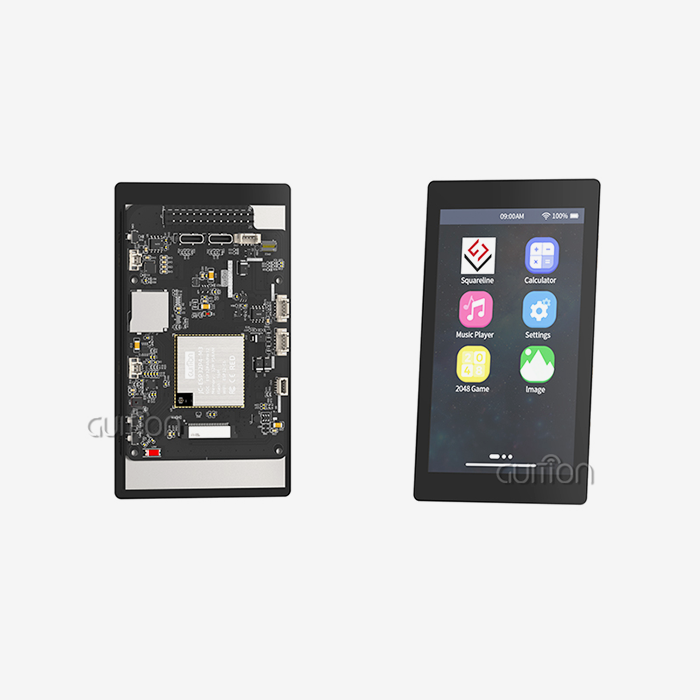
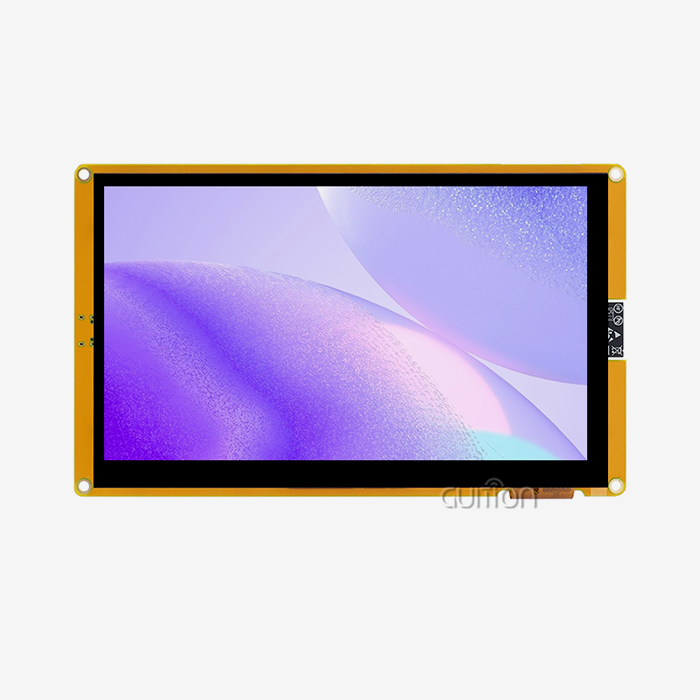
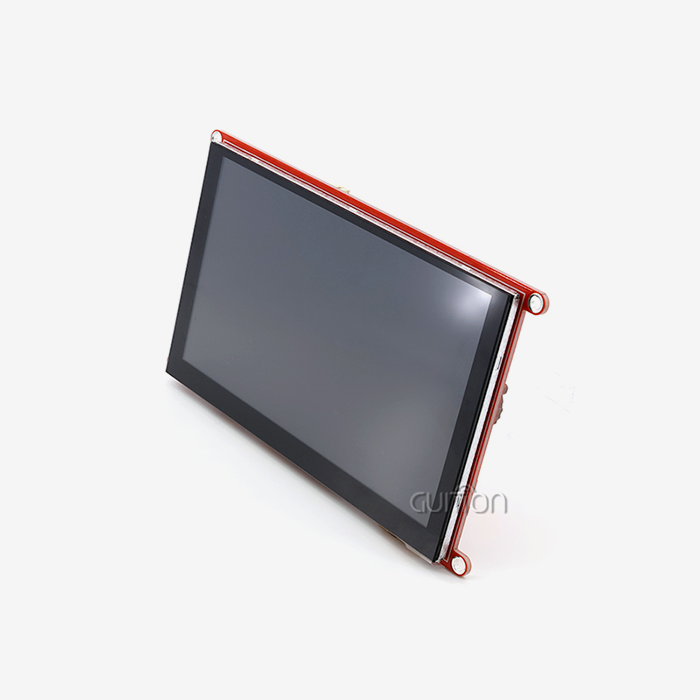
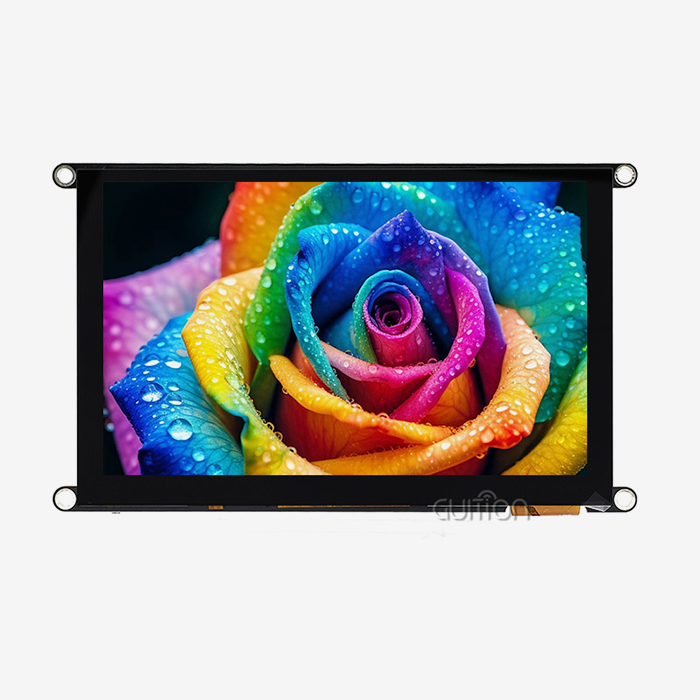
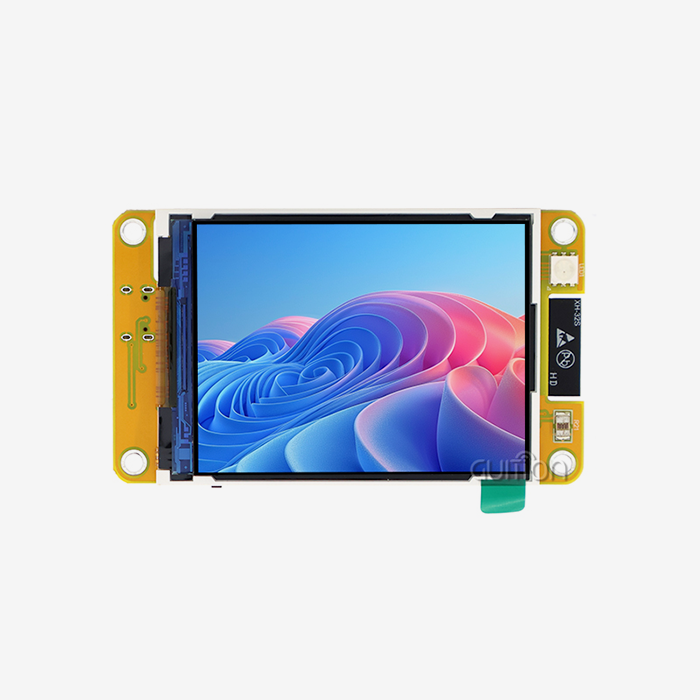
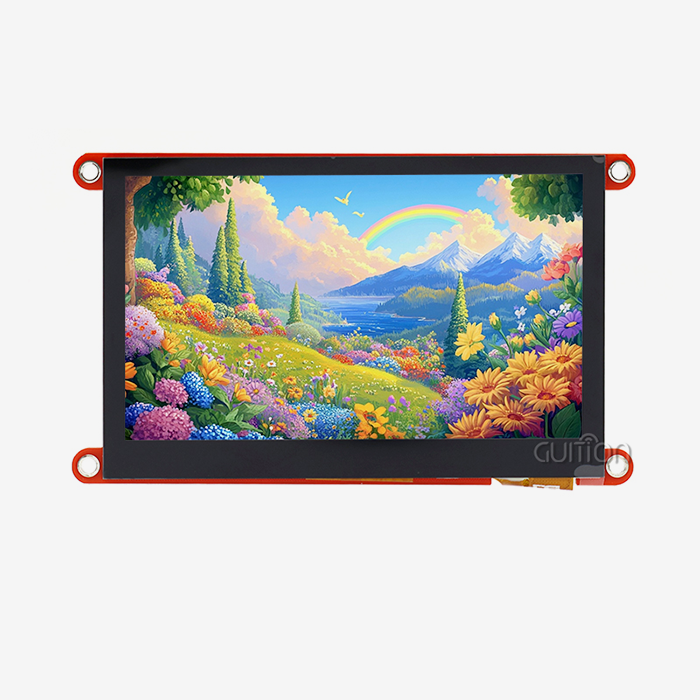
When you choose an SPI LCD Display for your next project, you get real benefits in terms of development speed, hardware freedom, and ease of maintenance over time. The Serial Peripheral Interface is great for keeping GPIOs from being used up while still sending and receiving data. This is especially helpful for microcontrollers that power industrial equipment and smart devices that have limited pins. With its ST7796 driver, 320x480 resolution, and built-in sensitive touch, the GUITION JC3248A035C model is a great example of this method. It's a complete solution that can be used for a wide range of tasks, from medical devices to 3D printer interfaces. For implementation to go well, care must be taken with wiring methods, software optimization, and supplier partnerships that go beyond just buying parts and include helping with collaborative development. As display technology advances toward higher resolutions and built-in intelligence, picking makers that support software platforms and technical manuals will set your products up to add new features in the future without having to go through jarring hardware redesigns.
FAQ
1. Are SPI LCD Displays compatible with Arduino and Raspberry Pi platforms?
Yes, both platforms have hardware that supports SPI communication through controllers for specific peripherals. Libraries like TFT_eSPI or Adafruit_GFX hide the details of the protocol for Arduino boards. The Raspberry Pi, on the other hand, uses Python libraries like spidev to connect to SPI through the BCM2835 peripheral. Each board type has its own set of pins. For example, Arduino Uno uses digital pins 10–13 for hardware SPI, while ESP32 has VSPI and HSPI ports that can be configured. The GUITION development software makes compatibility even better by supporting the Arduino IDE and ESP-IDF frameworks. This makes it easy to switch between experimental hardware and production hardware.
2. What causes blank screens or incorrect colors during initial setup?
Problems that happen a lot include driver IC initialization sequences that don't match, wrong SPI clock polarity settings, or power supplies that can't handle enough current. Make sure that your code sets up the ST7796 controller correctly and not just any TFT setup. Driver chips need specific command sequences to set the pixel format, alignment, and memory access modes. Make sure that SPI works in Mode 0 (clock polarity low, phase 0), which is what most display drivers expect. Make sure that your power source can handle at least 200mA of current for the backlight and extra for the capacitive touch circuits.
3. How does power consumption compare across interface types?
Backlight current is the biggest part of power budgets, no matter what kind of communication interface is used. At full brightness, six LED backlights usually use 100–150mA. The interface affects system power through MCU active time. For example, bit-banged parallel interfaces make CPU active times longer, while SPI allows efficient DMA transfers that let the processor go into low-power sleep states between screen updates. By sending less data, partial screen refresh techniques cut average power even more. Through duty-cycled dimming techniques, applications that update screens once a second can get the average current down to less than 10mA, which includes the backlight.
Partner With Guition for Your Display Integration Needs
Getting through the complicated steps of choosing and integrating display modules shouldn't slow down the development of your product. Guition focuses on providing dependable SPI LCD Display options with full technical support for companies that make industrial equipment, work with the Internet of Things (IoT), and are embedded system experts. The GUITION JC3248A035C module is just one of many options we offer in a full range of sizes, from 1.28" to 21.5", so we can make sure we meet your exact size and resolution needs. As a well-known supplier that wants to build long-term relationships, we offer volume pricing structures that can be changed to fit your production needs while keeping the quality of every shipment the same.
With its easy-to-use drag-and-drop interface, cross-platform debugging tools, and support for Arduino, ESP-IDF, and custom development environments, the Guition UI development software gets rid of the problems that come with traditional HMI programming. Our tech team helps with problems related to integration, making custom changes to software, and finding ways to improve performance that shorten your time-to-market. We know that display modules are more than just parts; they're the most important part of the human-machine interface for both the user experience and product differentiation. Email us at david@guition.com to talk about your specific application needs, get evaluation samples, or find out how our display solutions can work with your current designs.
References
1. Smith, J. and Chen, L. (2022). "Serial Communication Protocols in Embedded Systems: A Comparative Analysis." Journal of Embedded Computing, 18(3), 145-162.
2. Anderson, R. (2023). "Display Interface Selection for Industrial IoT Devices: Technical and Procurement Considerations." Industrial Electronics Review, 41(2), 78-94.
3. Martinez, K. et al. (2021). "Optimizing SPI Communication for Low-Power LCD Applications." IEEE Transactions on Consumer Electronics, 67(4), 234-248.
4. Thompson, D. (2023). "Supply Chain Resilience in Electronic Component Procurement: Strategies for OEM Manufacturers." International Journal of Production Research, 29(1), 112-128.
5. Wu, H. and Patel, S. (2022). "Human-Machine Interface Design Best Practices for Medical and Industrial Control Systems." Ergonomics in Design, 15(2), 56-71.
6. Global Display Module Market Analysis (2024). "Trends and Forecasts in Small and Medium Format TFT Displays for Industrial Applications." Market Research Institute Technical Report, Q1 2024 Edition.
Learn about our latest products and discounts through SMS or email