- English
- French
- German
- Portuguese
- Spanish
- Russian
- Japanese
- Korean
- Arabic
- Greek
- German
- Turkish
- Italian
- Danish
- Romanian
- Indonesian
- Czech
- Afrikaans
- Swedish
- Polish
- Basque
- Catalan
- Esperanto
- Hindi
- Lao
- Albanian
- Amharic
- Armenian
- Azerbaijani
- Belarusian
- Bengali
- Bosnian
- Bulgarian
- Cebuano
- Chichewa
- Corsican
- Croatian
- Dutch
- Estonian
- Filipino
- Finnish
- Frisian
- Galician
- Georgian
- Gujarati
- Haitian
- Hausa
- Hawaiian
- Hebrew
- Hmong
- Hungarian
- Icelandic
- Igbo
- Javanese
- Kannada
- Kazakh
- Khmer
- Kurdish
- Kyrgyz
- Latin
- Latvian
- Lithuanian
- Luxembou..
- Macedonian
- Malagasy
- Malay
- Malayalam
- Maltese
- Maori
- Marathi
- Mongolian
- Burmese
- Nepali
- Norwegian
- Pashto
- Persian
- Punjabi
- Serbian
- Sesotho
- Sinhala
- Slovak
- Slovenian
- Somali
- Samoan
- Scots Gaelic
- Shona
- Sindhi
- Sundanese
- Swahili
- Tajik
- Tamil
- Telugu
- Thai
- Ukrainian
- Urdu
- Uzbek
- Vietnamese
- Welsh
- Xhosa
- Yiddish
- Yoruba
- Zulu
Which Touch Technologies Suit a Custom TFT Display Module?
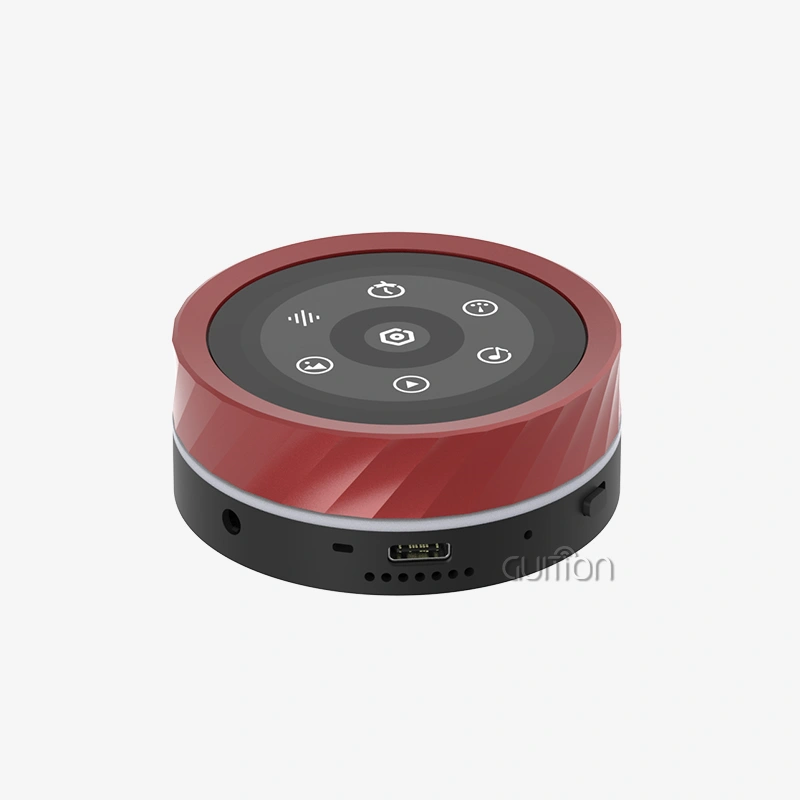
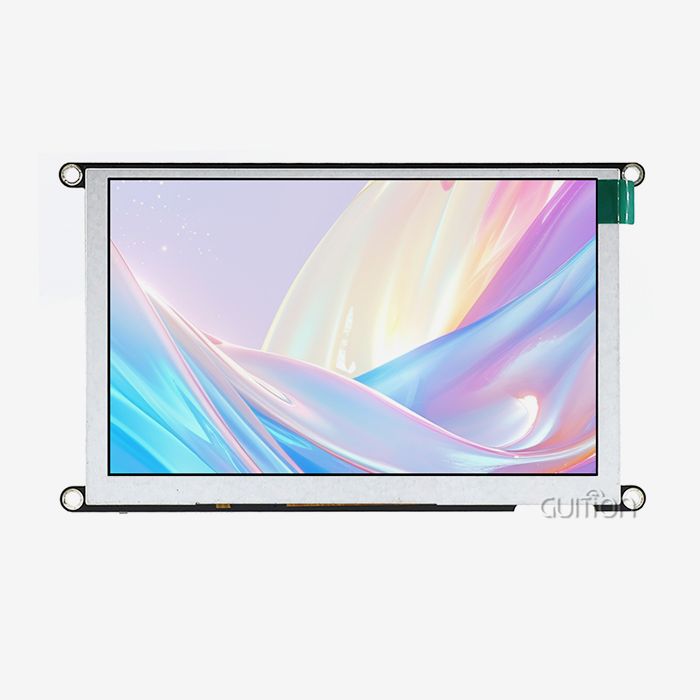
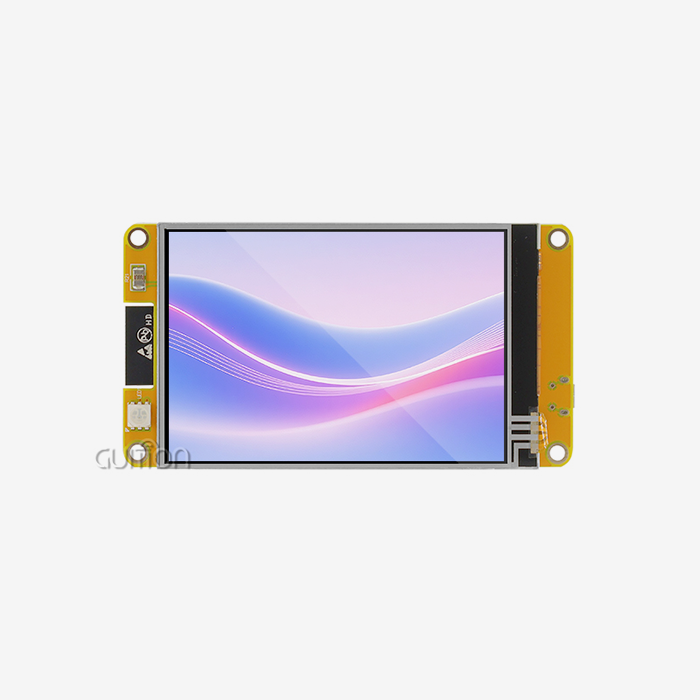
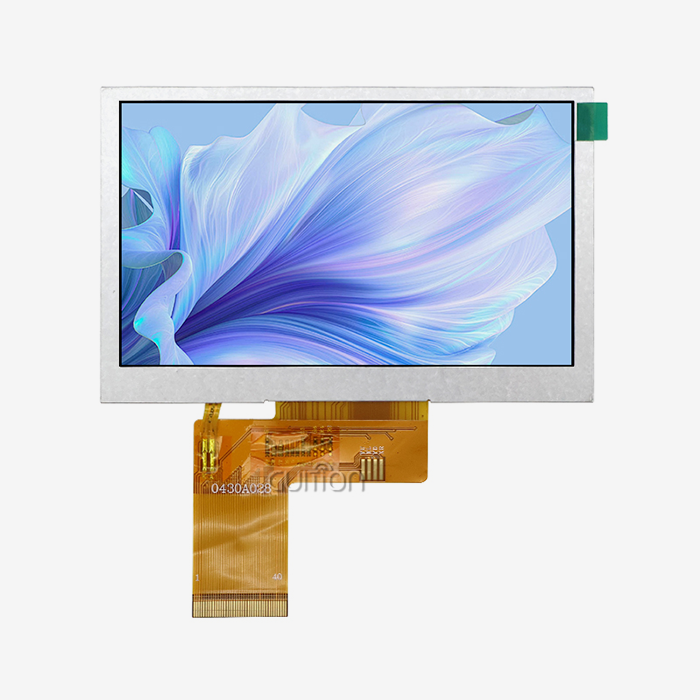
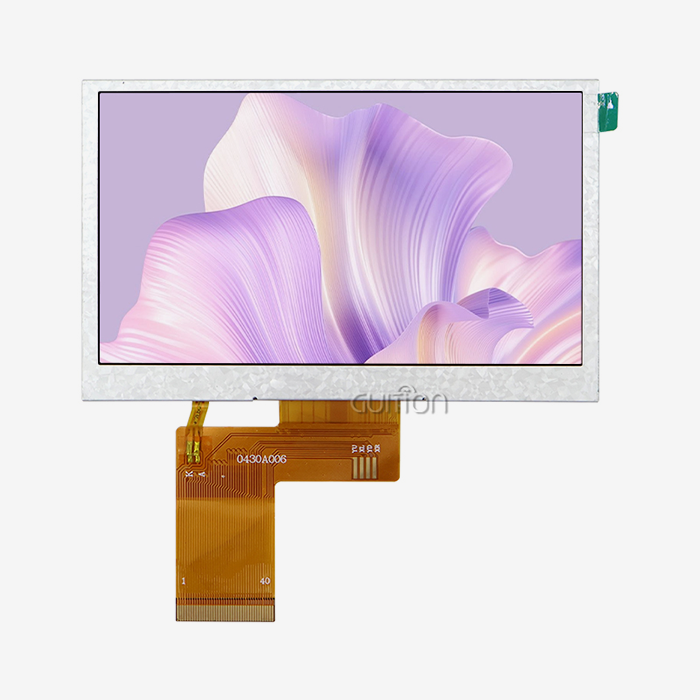
Choosing the most suitable touch technique for a bespoke TFT display module strongly influences the product dependability, user experience and long-term maintenance costs of a Custom tft display module. There are resistive panels which are great for industrial glove situations, to projected capacitive displays that provide multi-touch accuracy and everything in between. The GUITION JC8048W550C_I is a 5.0-inch TFT display module that uses an ESP32-S3R8 dual-core CPU. It is available with no touch or capacitive touch. This is a useful reference point for how your choice of touch affects the final product design.

Understanding Custom TFT Display Modules and Their Touch Technologies
There is more to a Custom tft display module than just a screen. It's a well-thought-out system that includes the LCD panel, backlight unit, touch sensor, and control circuits all in one unit that is ready to be mass-produced. To make industrial HMI screens, medical monitors, or smart goods, engineers need touch features that are different from them. It saves them a lot of money in the long run to know what choices they have.
Resistive Touch Technology
Resistive touch panels work because of the pressure between two layers of metal that conduct electricity. Because they can be used with a finger, a pointer, or a gloved hand, they can be trusted in factories where people wear gloves for safety. It's also easy for them to deal with dust, water, and some chemicals. But because of the extra layers, there is less visual clarity because they block about 20–25% of light.
Projected Capacitive Touch (PCAP)
Touch that is projected is picked up by changes in an electric field caused by an electrode grid that is built under a cover glass. You can touch it more than once and keep track of exactly where each touch happened, and the glass surface is harder to scratch. PCAP is the standard for medical and smart devices that need accurate, clean entry more than being able to work with gloves.
Surface Acoustic Wave and Infrared Touch
Ultrasonic waves move across the surface of Surface Acoustic Wave (SAW) panels. They don't need any extra film layers, so the pictures are clear. Infrared (IR) touch frames put up a visual grid in front of the screen that can pick up on anything, even gloves that are thick. The big screens in public places and business booths that use both technologies work well because they are durable and bright, not small.
Key Dimensions to Consider When Selecting Touch Technology for Custom TFT Modules
To pick the right touch screen, you need to do more than just read the specs. In the long run, the most valuable technology, including a Custom tft display module, will depend on the situation, how the operators work, and the supply chain's limits. Fit is always based on three things: how long it will last in the environment, how easy it is to get into, and how responsive it is to touch.
Environmental Durability
Changes in temperature, humidity, vibrations, and chemical touch can happen where display units are used, both inside and outside. For standard grades, resistive panels will always work from -20°C to +70°C and can handle splashes of liquid. When PCAP screens have water or mist on them, the sensors need to be fine-tuned. These days, though, PCAP controllers use water-rejection methods that make false inputs much less common.
Touch Responsiveness and Precision
Touch screens in cars and medical monitoring equipment need to respond consistently and with little to no delay. Touch sampling rates above 100 Hz are possible on most PCAP panels. This makes gesture recognition easy. A resistive panel always responds when you hit it with a single point, but it usually can't handle more than one touch. PCAP works well for HMI screens where people swipe or pinch in a lot of different ways.
Interface Compatibility and Integration Lead Time
There are three ways for each touch controller to talk to the host processor: I/C, SPI, or USB. Before you finish designing your TFT display module, make sure that the drivers work with it. This way, there won't be any firmware surprises during validation. Most of the time, you need to order at least 500 to 1,000 units and wait 4 to 8 weeks longer than with standard off-the-shelf panels if you want to change the FPC pinout or the touch controller IC.
Comparative Analysis: Touch Technologies for Custom TFT Display Modules
Procurement teams often put resistive and sensitive panels next to each other to see how they compare when they buy things for businesses. But the real choice is based on which type of technology works best in that situation. In the table below, you can see the main differences and get tips on when to pick each one.
Resistive vs. Capacitive: Cost and Durability
Each part of a resistive screen costs less per unit, and it doesn't need any special top glass. This cost advantage grows very quickly when a lot of price-sensitive things are made, such as farm automation terminals, basic industrial controls, or a Custom tft display module. PCAP panels raise the price of the touch assembly by 15–30%, but they provide a glass surface that is rated to be 7H or harder on a pencil, which makes it last a lot longer in public places.
Projected Capacitive vs. Advanced Alternatives
Because the sensor is built into or under the cover glass, PCAP panels work better in small sizes than SAW and IR panels. This is because the sensor doesn't add any extra frame bulk. TFT screens that are between 4.3 inches and 7 inches are common on smart home panels and medical handhelds. For these screens, PCAP has the best mix of brightness, multitouch support, and size. SAW and IR systems work better when the screen width is more than 15 inches.
Touchscreen vs. Non-Touch TFT Modules
It costs less and makes the display stack easier to use when all user input comes from buttons or rotating encoders. The base version of the GUITION JC8048W550C^_I is a non-touch TFT module. For most energy management displays, machine status monitors, and data logging terminals, all you need is a screen that you can read. You don't have to start from scratch to make the hardware interactive; you can just add a capacitive touch layer to the same module.
Integration and Procurement Insights for B2B Clients
Understanding the procurement side of TFT display module sourcing is just as important as the technical selection. Procurement teams managing industrial or medical product lines need predictable supply, documented quality standards, and responsive technical support. Here are the core procurement factors that engineers and product managers should address before placing an order:
- MOQ and lead time alignment: Semi-custom touch configurations (FPC pinout change, backlight brightness adjustment) typically carry MOQs of 500–1,000 units with 4–8 week lead times. Fully custom glass cell changes require significantly higher investment.
- Driver and firmware documentation: Confirm that the supplier provides complete I²C or SPI register maps and sample code for the touch controller. The GUITION JC8048W550C\_I supports Arduino IDE, ESP-IDF, MicroPython, and the Guition development tool, reducing firmware integration time considerably.
- Quality inspection standards: Reputable TFT display module suppliers test for optical defects per ISO 13406-2 Class II, run thermal shock cycling (-20°C to 70°C), and validate ESD immunity up to ±8kV contact discharge.
- EOL lifecycle commitment: For medical and industrial products with 5–10 year field lives, confirm that your supplier selects glass cells from BOE, Tianma, or AUO with documented long-supply roadmaps and frozen BOM commitments.
These procurement checkpoints protect your project from supply disruptions and reduce after-sales engineering costs over the product lifecycle.
Conclusion
Matching touch technology to your specific application environment is one of the most consequential decisions in TFT display module design. Resistive panels offer glove compatibility and chemical resistance at lower cost. Projected capacitive panels deliver multi-touch precision and glass-surface durability suited to medical and consumer products. SAW and IR technologies serve large-format commercial terminals. The GUITION JC8048W550C_I illustrates how a well-specified Custom tft display module — 800×480 resolution, ESP32-S3R8 dual-core MCU at 240MHz, built-in Wi-Fi and Bluetooth, 16MB Flash, and support for both non-touch and capacitive touch configurations — gives engineering teams a concrete foundation for touch technology selection without starting from scratch.
FAQ
What touch interface does the GUITION JC8048W550C\_I support?
The JC8048W550C\_I offers two configurations: non-touch and capacitive touch. Both variants share the same 5.0-inch IPS panel at 800×480 resolution and the ESP32-S3R8 processor running at 240MHz.
Can I switch from non-touch to capacitive touch without redesigning the PCB?
Yes. The module design reserves the touch screen control circuit in both configurations, so the transition typically requires only a touch controller firmware update and physical panel swap rather than a full board redesign.
Which touch technology works best with gloves in industrial settings?
Resistive touch panels respond to any contact pressure, including thick work gloves. Modern PCAP controllers with glove-mode firmware can also detect gloved input, though performance varies by glove material and thickness.
What is the typical MOQ for a semi-custom TFT display module with a different touch configuration?
Semi-custom touch modifications generally require 500–1,000 units per order. Fully custom glass cell changes involve higher tooling investment and higher MOQs.
Does the GUITION module support OTA firmware updates?
Yes. The JC8048W550C\_I supports remote OTA firmware upgrades through its built-in Wi-Fi connection, allowing deployed devices to receive updates without physical intervention.
Partner with Guition for Your Next TFT Display Module Project
It makes TFT monitor units in all sizes, from 1.28" to 21.5". When you find the right Custom tft display module source, you can get hardware that works well and tools that are simple for developers to use. We can help you assemble the best system for your needs, whether you need a panel that doesn't touch for a status screen or a sensitive touch module for an HMI that changes over time. Send us an email at david@guition.com to talk about what your project needs.
References
1. Bhalla, M. R., & Bhalla, A. V. (2010). Comparative Study of Various Touchscreen Technologies. International Journal of Computer Applications, 6(8), 12–18.
2. Holman, D., Vertegaal, R., Tremblay, D., & Altosaar, T. (2005). Paper Windows: Interaction Techniques for Digital Paper. Proceedings of the ACM Conference on Human Factors in Computing Systems (CHI 2005).
3. Schöning, J., Brandl, P., Daiber, F., & Krüger, A. (2008). Multi-Touch Surfaces: A Technical Guide. TU München Technical Report.
4. International Electrotechnical Commission. (2013). IEC 62368-1: Audio/Video, Information and Communication Technology Equipment — Safety Requirements. IEC.
5. Society for Information Display. (2022). Display Technology Trends and Applications Annual Report. SID.
6. Lueder, E. (2010). Liquid Crystal Displays: Addressing Schemes and Electro-Optical Effects (2nd ed.). Wiley.
Learn about our latest products and discounts through SMS or email