- English
- French
- German
- Portuguese
- Spanish
- Russian
- Japanese
- Korean
- Arabic
- Greek
- German
- Turkish
- Italian
- Danish
- Romanian
- Indonesian
- Czech
- Afrikaans
- Swedish
- Polish
- Basque
- Catalan
- Esperanto
- Hindi
- Lao
- Albanian
- Amharic
- Armenian
- Azerbaijani
- Belarusian
- Bengali
- Bosnian
- Bulgarian
- Cebuano
- Chichewa
- Corsican
- Croatian
- Dutch
- Estonian
- Filipino
- Finnish
- Frisian
- Galician
- Georgian
- Gujarati
- Haitian
- Hausa
- Hawaiian
- Hebrew
- Hmong
- Hungarian
- Icelandic
- Igbo
- Javanese
- Kannada
- Kazakh
- Khmer
- Kurdish
- Kyrgyz
- Latin
- Latvian
- Lithuanian
- Luxembou..
- Macedonian
- Malagasy
- Malay
- Malayalam
- Maltese
- Maori
- Marathi
- Mongolian
- Burmese
- Nepali
- Norwegian
- Pashto
- Persian
- Punjabi
- Serbian
- Sesotho
- Sinhala
- Slovak
- Slovenian
- Somali
- Samoan
- Scots Gaelic
- Shona
- Sindhi
- Sundanese
- Swahili
- Tajik
- Tamil
- Telugu
- Thai
- Ukrainian
- Urdu
- Uzbek
- Vietnamese
- Welsh
- Xhosa
- Yiddish
- Yoruba
- Zulu
Which Interfaces Should a Graphic lcd display module Support?
The communication interface of a graphic LCD display module has to be suitable for proper communication with the host controller. The interface you choose will have a direct impact on data transmission rate, pin utilization, power consumption, and overall system complexity. Common interfaces are parallel (8-bit/16-bit), SPI, I2C, and RGB. Each meets a particular engineering requirement. The choice of interface is one of the most critical hardware choices you will make when developing products for industrial control panels, medical devices, and IoT systems.

Understanding Graphic LCD Display Module Interfaces
You should know what an interface accomplishes before you choose a display module. The interface allows the computer and screen to speak to each other. You lose a lot of GPIO pins, and your MCU needs to work harder. It determines the speed at which the pixels are activated.
Parallel Interface (8-bit / 16-bit)
With a parallel interface, one may send a lot of data at the same time. This is known as throughput. The byte is sent via an 8-bit parallel bus each time the clock ticks. A 16 bit bus may send 2 times as many bytes. Therefore, parallel connectivity is appropriate for applications requiring fast screen updates, e.g., industrial HMI panels for real-time process data display. There are expenses like having too many pins. A 16-bit parallel port alone may use more than 20 GPIO lines.
SPI Interface
This is all you need for the Serial Peripheral Interface (SPI): MOSI, MISO, SCK, and CS. It's small and easy to wire because of this. Depending on the driver IC, SPI works at clock speeds that range from 10 MHz to 80 MHz. This range of speeds gives most integrated screens enough refresh rates. Due to its speed and board space, SPI is used in a lot of small IoT hubs, medical devices that are easy to carry, and handheld meters.
I2C Interface
Since it only needs two lines, I2C has the fewest pins of all the common display interfaces. These are called SDA and SCL. It lets more than one device use the same bus without adding more chip-select lines. A lot of clock speeds stop at 400 kHz (Fast Mode) or 1 MHz (Fast Mode Plus). What this means is that I2C can only connect to black-and-white or low-resolution visual LCD screens. It's still a good choice for embedded systems that don't have a lot of GPIO pins but have a lot of sensors.
Key Interfaces a Graphic LCD Display Module Should Support
Some projects don't need all of these interfaces. On the other hand, a well-made Graphic lcd display module should have more than one input type so that engineers can connect the module to the controller without having to remake the PCB.
RGB Interface
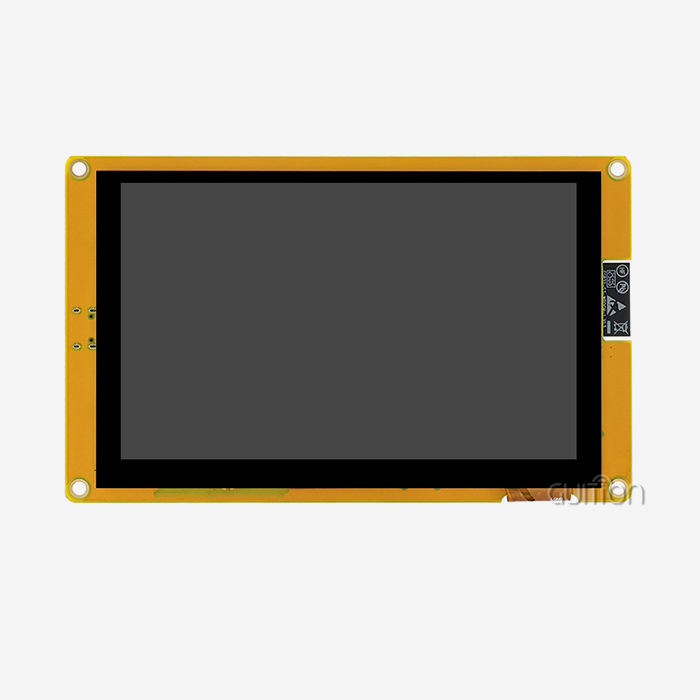
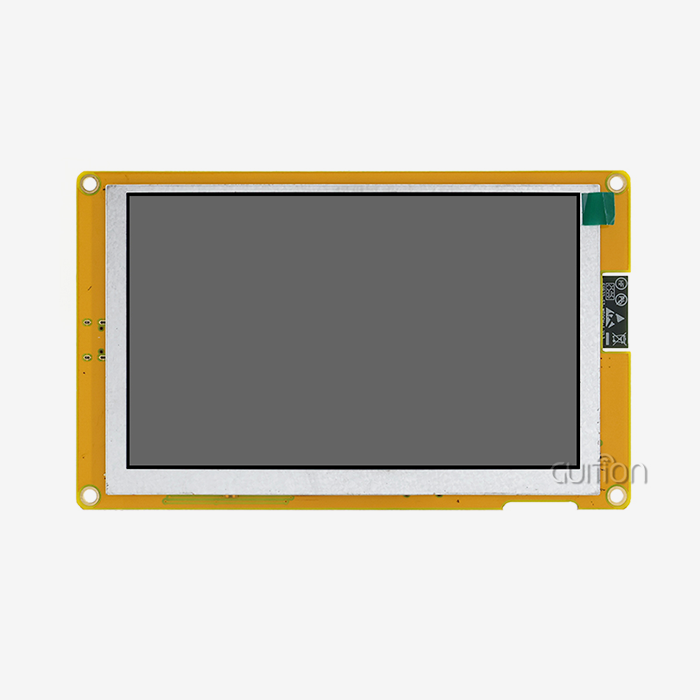
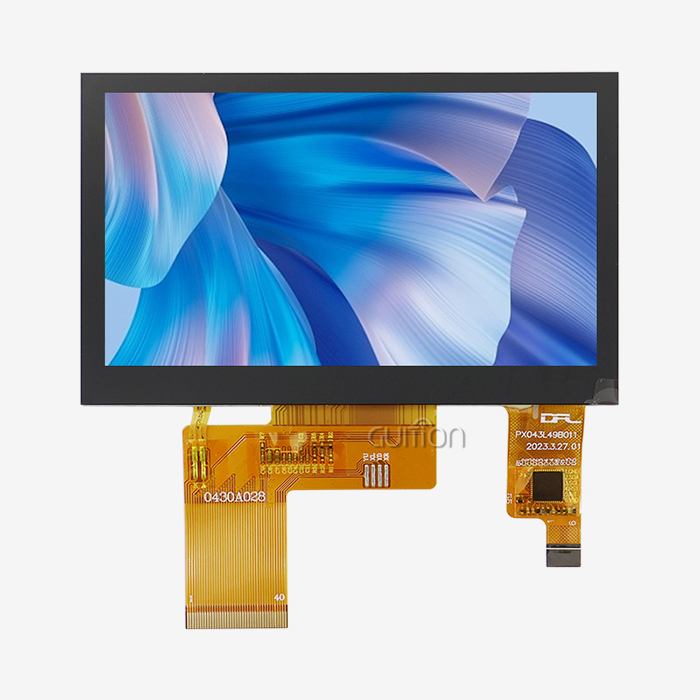
There is often no need for an extra frame buffer driver because the RGB link sends raw pixel data quickly and directly to the screen. It is the standard for color-rich TFT panels because it can handle up to 16.7 million colors (24-bit RGB). The JC8048B043N has an RGB input and works with the ST7265 driver IC to show a 4.3-inch IPS screen with 16.7M colors and an 800x480 resolution. This is a common way for 3D printers, charging stations, and medical and beauty equipment to be set up.
FPC Connector
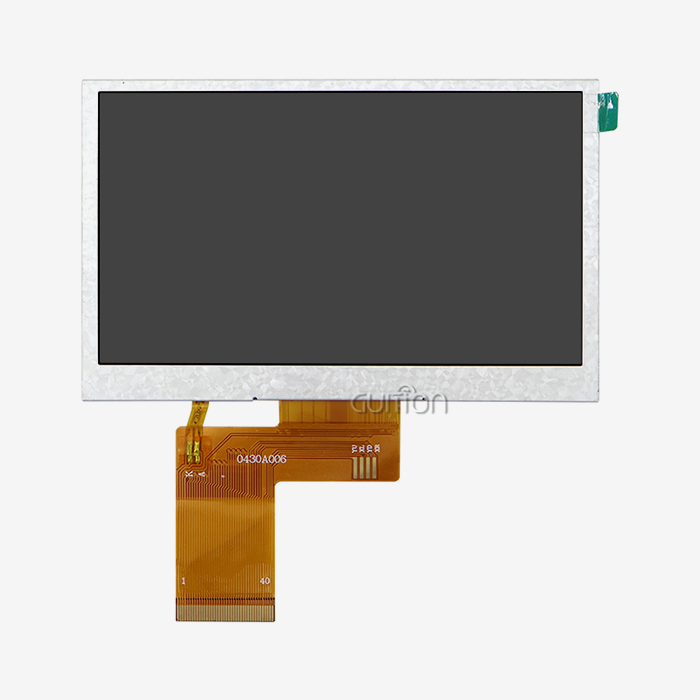
An FPC connector is used to connect most Graphic lcd display modules to the main PCB. When you use FPC connections, you can physically separate the display from the main board. This is useful for business booth enclosure designs and industrial automation. It is easier to mechanically integrate the JC8048B043N from Guition because it has a standard FPC connector that doesn't affect the signal quality.
USART / Serial Interface
It only takes two lines for the USART (Universal Synchronous/Asynchronous Receiver-Transmitter) to connect the monitor to the host MCU and let them talk to each other. A company called Guition makes USART-HMI display units that don't need any low-level graphics code and only need simple serial inputs. Engineers can send text lines and widget commands over UART and see them right away on the screen when they work with Arduino or ESP-IDF. This makes creation much faster. Because of these connectivity options, embedded engineers can get their work done on a number of systems and at different speeds. The frame rate you need, the devices your MCU can connect to, and the limits of your PCB layout will help you decide which one to use.
How to Choose the Right Interface for Your Project
It's important to know what your system can't do before you can choose the right interface. Take a look at these key points:
- GPIO availability: If your MCU is pin-constrained, SPI or I2C are more practical than parallel. An I2C graphic LCD display module needs only 2 lines, while SPI needs 4.
- Refresh rate requirement: High-motion industrial dashboards benefit from parallel or RGB interfaces. Static text and icon-based UIs run well over SPI.
- Color depth: Projects requiring 16.7M color output — such as medical imaging displays or advertising kiosks — need an RGB interface. Monochrome or limited-color applications work fine with SPI or I2C.
- MCU compatibility: ARM Cortex-M series controllers support SPI, I2C, parallel, and RGB natively. Arduino boards are most commonly paired with SPI or USART interfaces when driving a graphic display module.
- Operating environment: In high-EMI factory settings, shorter parallel traces or differential serial standards reduce noise susceptibility. The GUITION JC8048B043N operates reliably from -20°C to 70°C, covering most industrial deployment conditions.
It's better to use SPI or I2C instead of parallel if your MCU can only use a certain number of pins. An I2C Graphic lcd display module only needs two lines, while SPI needs four. Need for a refresh rate: Industrial dashboards that see a lot of movement work best with RGB or parallel interfaces. Over SPI, simple UIs with text and buttons work well.
Best Practices in Interface Implementation
Lessons that aren't always clear from datasheets are learned in the real world. Skilled embedded engineers follow these steps when adding a Graphic lcd display module:
- Terminate signal lines correctly: Long parallel or RGB traces without proper termination introduce ringing and timing errors that produce display artifacts. Keep trace lengths short and matched.
- Use decoupling capacitors near the FPC connector: Power supply noise coupling through the FPC is a common cause of flickering in RGB-interface displays. Place 100nF ceramic capacitors within 2mm of the connector pads.
- Validate voltage levels early: A 3.3V MCU driving a 5V-logic display module without level shifting can cause unreliable communication or permanent IC damage. The GUITION JC8048B043N operates at 3.3V logic, compatible with most modern ARM and ESP32-based controllers.
- Test across the full temperature range: Liquid crystal response time slows at low temperatures. Confirming performance at the module's rated -20°C lower limit before production sign-off prevents field failures.
Early on, check the voltage levels: If you connect a 3.3V MCU to a 5V-logic display module without level shifting, communication could go wrong, or the IC could be permanently damaged. Many new ARM and ESP32 processors can work with the GUITION JC8048B043N. It also works with 3.3V gear.- Check all the temperature levels: It takes less time for liquid crystals to react when the temperature is low. Before the module is sent to production, make sure it works at its rated -20°C lower limit. This will help avoid problems in the field.
Future Trends in Graphic LCD Module Interfaces
The display industry is shifting in clear directions. Low-power serial interfaces (SPI, USART) are gaining ground in IoT and wearable categories where battery life governs product viability. Meanwhile, RGB interfaces are becoming standard in mid-range industrial and medical panels as color TFT costs decrease, driving demand for versatile Graphic lcd display module solutions.
MIPI DSI Adoption
MIPI DSI (Display Serial Interface) is appearing in higher-end embedded displays, offering high-speed serial data transfer with fewer wires than RGB parallel. It is currently more common in consumer electronics but is moving into industrial HMI applications as panel resolutions increase beyond 1080p.
OTA Upgrade Capability
Remote firmware updates over WiFi or Bluetooth are now a baseline expectation for connected display modules. Guition's display modules support OTA project upgrades, allowing manufacturers to push UI changes without physical access — a practical advantage for deployed charging stations or smart appliances spread across multiple sites.
Multi-Language and UTF-8 Display
Global deployments require display modules that render Kanji, Cyrillic, Arabic, and Latin character sets without custom font engineering. Guition supports multi-language switching and UTF-8 encoding natively, which removes a development bottleneck for teams building products for international markets.
Conclusion
How your Graphic lcd display module works with your controller, how fast your screen updates, and how long the product lasts in the field will all depend on the interface you choose. In terms of speed, parallel interfaces offer it, SPI balances performance and small wiring, I2C keeps pin usage low, and RGB interfaces like the one in the GUIDE JC8048B043N offer full 16.7M-color output for demanding visual apps. It saves money in the long run to avoid having to rethink things because engineers and buying teams know about these options ahead of time.
FAQ
Can one interface type work for all graphic LCD display module applications?
No. Each interface has specific trade-offs. SPI suits compact, pin-limited designs. Parallel and RGB interfaces suit high-speed or high-color applications. I2C works for low-speed, simple displays. Matching the interface to the application is necessary for reliable performance.
Does interface selection affect power consumption?
Yes. I2C and SPI consume less power than parallel interfaces because fewer bus lines are active simultaneously. For battery-powered devices using a graphic LCD display module, SPI or USART interfaces are generally preferred over parallel connections.
Which interface handles harsh environments better?
Parallel interfaces with short PCB traces perform well in high-vibration environments when combined with a secure FPC connector. RGB interfaces like those used in the GUITION JC8048B043N also perform reliably when proper decoupling and impedance-matched traces are implemented.
Is the RGB interface compatible with Arduino?
Direct RGB interface driving from Arduino is limited due to GPIO speed constraints. For Arduino-based projects, Guition's USART-HMI modules offer a simpler path — send serial commands from Arduino and let the display module handle rendering internally.
What driver IC does the GUITION JC8048B043N use?
The GUITION JC8048B043N uses the ST7265 driver IC, which manages the 800×480 RGB interface and supports 16.7M color output on its 4.3-inch IPS panel.
Get the Right Graphic LCD Display Module From Guition
For your next project, you need a display module that is well-designed and comes with excellent customer service. The JC8048B043N from Guition is a 4.3-inch Graphic lcd display module with RGB input, 800x480 resolution, and 16.7M colors that is used by companies that make industrial control equipment, medical devices, and smart products. Guition is a trusted company that sells Graphic lcd display modules. They come in sizes from 1.28" to 21.5" and support multiple platforms and provide full paperwork. Email our team at david@guition.com or visit https://jingcaizhineng.aixdb.cn/ to get a price.
References
1. Bhatt, C., & Bhatt, A. — Embedded Systems: Design, Analysis and Programming. Springer, 2019.
2. Predko, M. — Programming and Customizing the PIC Microcontroller. McGraw-Hill, 2008.
3. Maini, A. K. — Digital Electronics: Principles, Devices and Applications. Wiley, 2007.
4. Williams, T. — EMC for Product Designers. Newnes, 2017.
5. Leens, F. — "An Introduction to I²C and SPI Protocols." IEEE Instrumentation & Measurement Magazine, 2009.
6. MIPI Alliance — MIPI DSI Specification Version 1.3. MIPI Alliance, 2016.
Learn about our latest products and discounts through SMS or email