- English
- French
- German
- Portuguese
- Spanish
- Russian
- Japanese
- Korean
- Arabic
- Greek
- German
- Turkish
- Italian
- Danish
- Romanian
- Indonesian
- Czech
- Afrikaans
- Swedish
- Polish
- Basque
- Catalan
- Esperanto
- Hindi
- Lao
- Albanian
- Amharic
- Armenian
- Azerbaijani
- Belarusian
- Bengali
- Bosnian
- Bulgarian
- Cebuano
- Chichewa
- Corsican
- Croatian
- Dutch
- Estonian
- Filipino
- Finnish
- Frisian
- Galician
- Georgian
- Gujarati
- Haitian
- Hausa
- Hawaiian
- Hebrew
- Hmong
- Hungarian
- Icelandic
- Igbo
- Javanese
- Kannada
- Kazakh
- Khmer
- Kurdish
- Kyrgyz
- Latin
- Latvian
- Lithuanian
- Luxembou..
- Macedonian
- Malagasy
- Malay
- Malayalam
- Maltese
- Maori
- Marathi
- Mongolian
- Burmese
- Nepali
- Norwegian
- Pashto
- Persian
- Punjabi
- Serbian
- Sesotho
- Sinhala
- Slovak
- Slovenian
- Somali
- Samoan
- Scots Gaelic
- Shona
- Sindhi
- Sundanese
- Swahili
- Tajik
- Tamil
- Telugu
- Thai
- Ukrainian
- Urdu
- Uzbek
- Vietnamese
- Welsh
- Xhosa
- Yiddish
- Yoruba
- Zulu
Which MCU Suits a 3.2 inch tft lcd module?
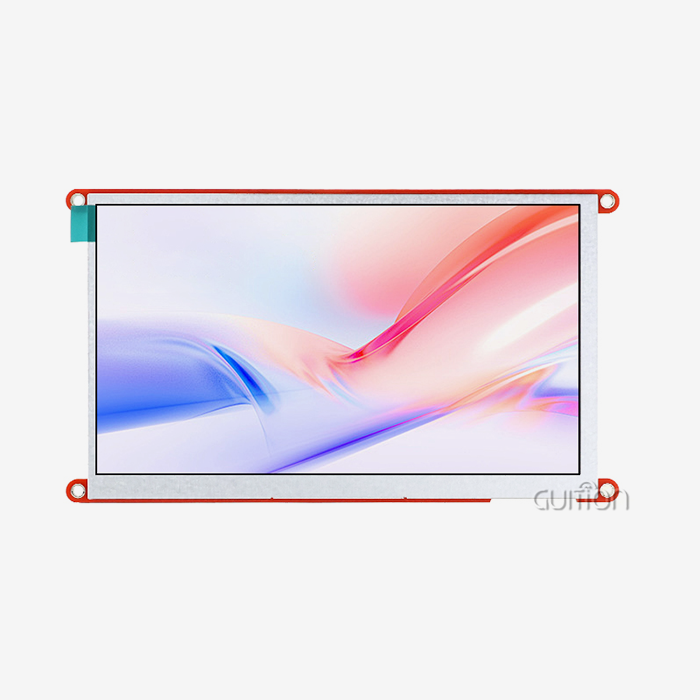
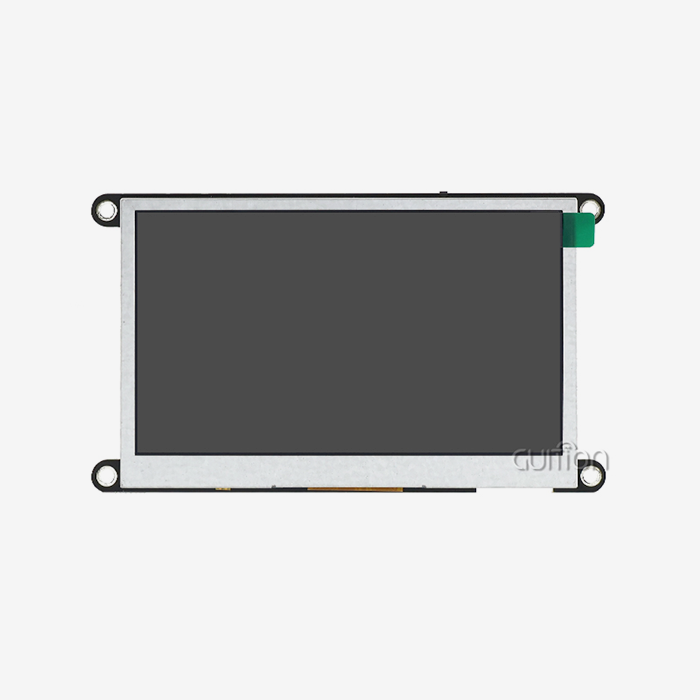
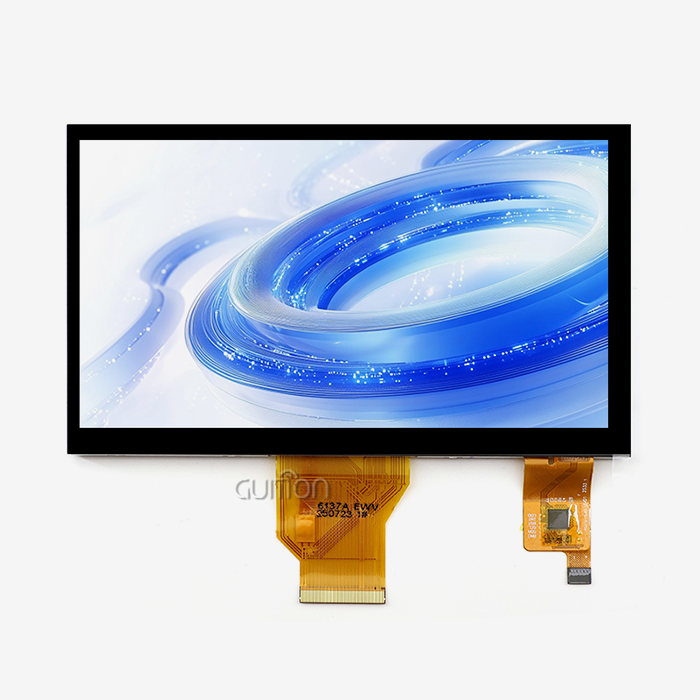
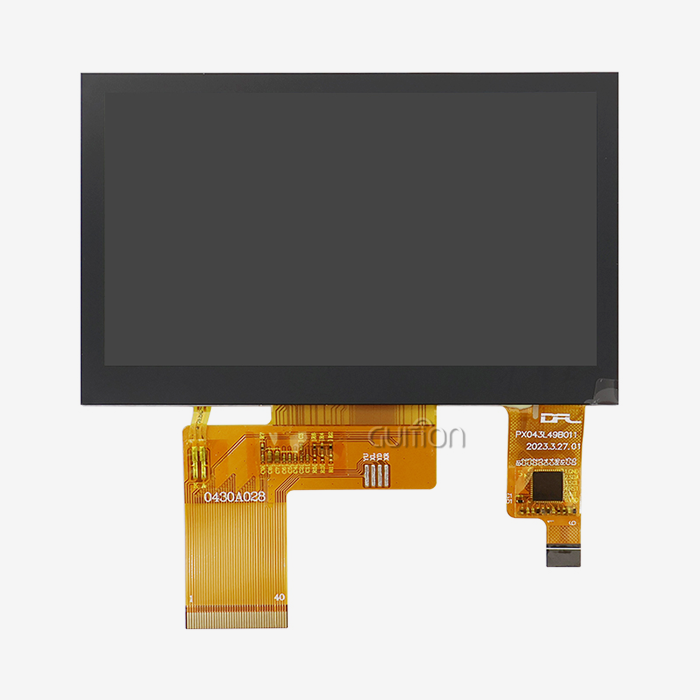
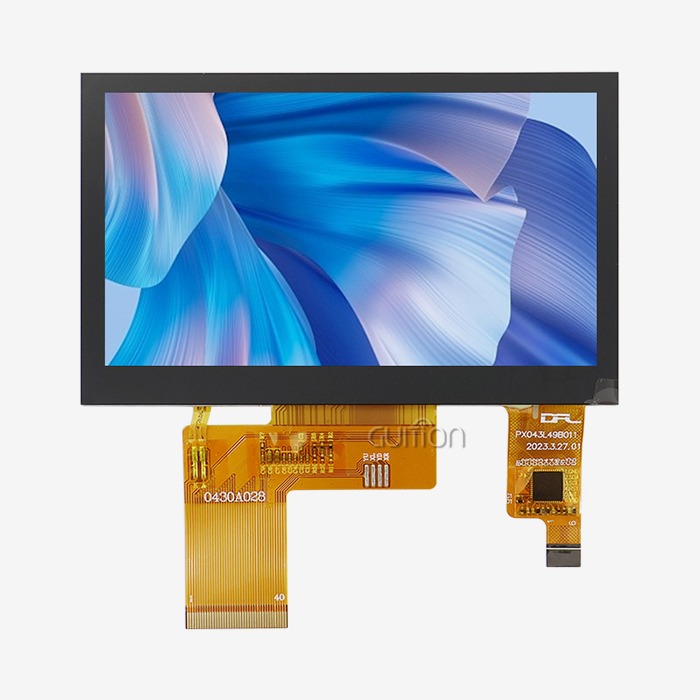
Display modules that are 3.2 inches across have become essential in smart homes, medical devices, and industrial automation. These 3.2 inch tft lcd modules are between small 2.4-inch screens that don't have enough room for images and bigger 3.5-inch screens that are more expensive to house and use more power. Engineers who work on control panels, handheld diagnostics equipment, and Internet of Things (IoT) devices often have to make a tough choice: which microcontroller unit will give their application the performance it needs without making integration too hard? Picking the right MCU impacts not only the performance of the display, but also the time it takes to create, the difficulty of fixing, and the long-term dependability of the product. The wrong pairing can cause screens to flicker, touch responses to be slow, and communication problems that waste engineering time and money. This guide helps business-to-business buyers with their buying problems and technical choices. It gives them useful information that follows industry standards and saves them money. Knowing if an MCU works with a display module can save you time and money when designing medical monitoring equipment or industrial control systems.

Understanding 3.2 Inch TFT LCD Modules: Key Technical Dimensions
Resolution and Display Architecture
Display modules in this size range usually have resolutions of 240x320 pixels (QVGA) or 320x480 pixels (HVGA), which means they have 125 to 180 pixels per inch (PPI). This specification makes sure that during operation, text stays readable and graphics look clear. These TFT screens use active matrix technology, which means that each pixel has its own transistor control. This gives them better contrast ratios and faster response times than passive matrix options.
Interface Options and Communication Protocols
These modules support a number of different communication protocols that have a direct effect on the choice of MCU. The parallel MCU interface (8-bit or 16-bit configurations following 8080/6800 standards) can transfer data more quickly and is good for playing videos or making complex animated interfaces, but it needs more GPIO pins. GPIO resources are saved by SPI connections (3-wire or 4-wire setups), which work well for apps that show static content or simple menu systems. Some more advanced units have RGB interfaces that let specialized display drivers handle frame buffer management. This makes the processor's job a lot easier.
Power Consumption and Backlight Management
Power levels are very different depending on the refresh rate and brightness of the lighting. When the display is active, standard modules use between 80 and 150mA of power, with backlight circuits using 60 to 70% of that total. Industrial-grade units often have backlighting that is controlled by PWM. This lets you change the brightness on the fly, which helps portable batteries last longer. Knowing these electrical features helps match the voltage controls and power management skills of MCUs to the needs of the display.
Touch Interface Integration
Resistive touch panels need circuitry to convert analog to digital. They can be used reliably with gloved hands or a stylus, which makes them perfect for industrial settings. Capacitive touch choices need I2C transmission and special touch controller ICs, but they offer better visual clarity and support for multiple touch gestures. During the hardware design steps, the type of touch input affects the MCU's peripheral needs and how the pins are assigned.
MCU Selection Criteria for 3.2 Inch TFT LCD Modules
Processing Power and Memory Requirements
In order to handle graphics drawing without slowing down the frame rate, a 3.2 inch tft lcd module must be powered by enough processing power. MCUs that run at 80MHz or higher usually work well with QVGA resolutions and simple user interface features. Processors that run at 160MHz or faster are better for programs that need animated transitions or real-time data visualization. Having enough RAM is important for creating frame buffers—a full QVGA frame buffer needs 153KB (240×320×2 bytes for 16-bit color depth), which means that MCUs with at least 256KB SRAM have enough memory for display tasks and application logic.
GPIO and Peripheral Availability
A lot of GPIO resources are used by the actual connection between the MCU and the display module. For parallel interfaces, you need 12 to 20 GPIO lines, which is made up of 8 to 16 data pins and control signals (CS, WR, RD, and RS). In SPI setups, this number drops to 4–6 pins, making more GPIO available for sensors, controllers, and expansion ports. Teams in charge of buying things should make sure that the number of pins on an MCU is at least 30% higher than what is needed for the interface. This is so that the MCU can handle new features and connections to other devices, like SD card readers or sensor interfaces.
Ecosystem Support and Development Tools
Time-to-market is much shorter for MCUs with mature development platforms. Engineers can use pre-existing code tools and display drivers made by the community on platforms that support Arduino IDE, ESP-IDF, and MicroPython. Because there are already written graphics libraries like Adafruit GFX or LVGL, you don't have to spend weeks making low-level drivers. When troubleshooting integration problems during the prototyping phase, the quality of the documentation and how quickly the vendor's technical support team responds become very important.
Wireless Connectivity Integration
For remote tracking and over-the-air (OTA) firmware updates, modern industrial apps need to link to the network more and more. MCUs that have WiFi and Bluetooth radios built in mean that you don't need separate connection units. This lowers the cost of the bill of materials and makes the PCB simpler. The ESP32 series is a good example of this approach because it has dual-core processing, 802.11 b/g/n WiFi support, and Bluetooth Classic/BLE support. These are all important features for smart home control panels and IoT-enabled industrial equipment.
Guition ESP32-2432S032R_I: Purpose-Built Integration
The ESP32-2432S032R_I module from us is a full solution that directly addresses the MCU selection problem. This unit combines an ESP32 dual-core processor running at 240MHz with a sensitive touch screen with a resolution of 240x320. The architecture has 520KB of SRAM and 4MB of Flash storage, which is more than enough for complex HMI applications. Built-in WiFi and Bluetooth make it possible to join smartly without using extra radio units.
The module's complete design goes beyond just showing information. In a single package, engineers get PCBs for controlling the lighting, managing the touch screen, driving speakers, sensing light, and controlling RGB LEDs. TF card slots let you add more storage, UART serial communication, DHT11 temperature and humidity sensor connections, and ten reserved GPIO ports are all available as interface choices. This combination gets rid of the problems that come with finding parts and testing for compatibility, which can take weeks during hardware development.
This solution is different from bare display panels because it allows for more flexible development. The module works with the Arduino IDE for quick prototypes, the ESP-IDF for high-performance apps, MicroPython for scripting options, and Mixly for visual programming. Factory-programmed sample code lets you test its usefulness as soon as you get it, which speeds up the development of proofs of concept. Our Guition software platform adds drag-and-drop UI design features, which lets anyone make interfaces without needing to know a lot about integrated graphics code.
Common Challenges and Troubleshooting Between MCUs and Display Modules
Initialization Sequence Failures
Display modules often don't work at startup because they were initialized at the wrong time. Before they will accept setup orders, driver ICs like the ILI9341 need certain reset pulse widths and stabilization delays. If the clock speed of an MCU is very high, it may run initialization code faster than the display controller can handle commands. This can cause blank screens even if the wiring is correct. Most startup problems can be fixed by adding 10 to 20 microseconds of delay between initialization steps. However, the exact time needs depend on the driver IC type.
Communication Protocol Mismatches
Problems with clock polarity and phase often lead to SPI transmission problems. Display devices usually need SPI Mode 0 (CPOL=0, CPHA=0) or Mode 3 (CPOL=1, CPHA=1), but if you set the MCU's SPI settings wrong, you'll get data loss that shows up as skewed graphics or random pixel patterns. This common software setup mistake can be fixed by comparing the SPI mode settings to the display driver datasheet before fixing the hardware.
Power Supply Instability
Voltage drops when the backlight is turned on, which leads to restart conditions that show up as blank screens or problems with touch responses. When the backlight LED array goes from off to full brightness, it can draw 80–120mA right away. This creates sudden loads that weak power sources can't handle. Putting 100–220µF capacitors close to the power pins on the display stores energy locally, which smooths out these current spikes and keeps things running smoothly in battery-powered apps.
Touch Calibration Inaccuracy
To correctly map physical touch locations to show pixel values, resistive touch screens need to be calibrated. Touch offset errors happen when calibration steps are skipped or when unstable power supplies are used during calibration. This means that user inputs register several millimeters away from where they actually happened. Using the right calibration procedures during production and saving the calibration coefficients in non-volatile memory makes sure that all production units have the same level of touch accuracy.
Comparing MCUs for Use in Display Modules
ESP32: Performance Focused on Connectivity
The esp32 display module design offers two working cores at speeds of up to 240MHz, which makes it very good at handling graphics-intensive tasks. With 520KB of SRAM, it can easily hold frame buffers and program data without needing extra memory. Having WiFi and Bluetooth radios built in directly meets the needs of IoT connectivity, eliminating the need for separate communication chips. There is a lot of community support and developed display libraries in the large development environment. When making more than 1,000 units a year, ESP32 is a better choice. It is cheaper than separate radio modules because it has built-in wireless functionality.
STM32: Industrial-Grade Reliability
The STM32 family from STMicroelectronics has a wide range of peripherals and can work in a wide range of temperatures. Models like the STM32F4 series have dedicated parallel memory interfaces that make communication with displays much faster than with bit-banged SPI implementations. The ARM Cortex-M4 core is good at floating-point math, which helps applications that need to process signals in real time and do HMI tasks at the same time. STM32 MCUs are expensive, but they have been shown to work reliably in harsh industrial settings where extended temperature ranges and immunity to electromagnetic fields make the cost worth it.
Arduino-compatible boards: Prototyping Velocity
Platforms with ATmega or SAMD processors make development easier through the Arduino ecosystem, but they don't work as well with bigger screens. When updating full-screen images on QVGA screens, an ATmega328P running at 16MHz has a hard time keeping frame rates that are reasonable. These boards work well for low-cost prototypes and school projects, but they don't usually meet the performance needs of business goods that need touch screens that respond to touch and moving UI elements. Procurement teams should think of choices that work with Arduino as testing tools instead of production solutions for apps that need a lot of displays.
Procurement and Supplier Insights for Display Modules and MCUs
Evaluating Supplier Technical Capabilities
Reliable 3.2 inch tft lcd module suppliers give detailed datasheets with electrical specs, mechanical drawings with exact mounting hole locations, and timing diagrams for the interface. Requesting sample units before committing to large-scale production lets you check the optical quality of the display, the sensitivity of the touch screen, and the compatibility of the driver IC with your firmware. Manufacturers who offer customization services, like changing the places of connectors or installing mounting frames before the product is shipped, show that they are flexible enough to meet the specific needs of each product enclosure.
Quality Assurance Protocols
High-temperature operation (70°C for 240+ hours), low-temperature storage (-30°C), and humidity resistance proof (60°C at 90% RH) are all environmental tests that industrial-grade display units have to go through. For pixel defect criteria, procurement requirements should refer to ISO 13406-2 Class II standards. This will make sure that there are no bright defects and only a few dark defects across production runs. Professional sellers can be told apart from distributors who repackage consumer-grade parts without checking their quality by asking for test results that show proof of these validations.
Integrated Supply Solutions
Buying display modules that already have MCUs built in makes the buying process easier and eliminates the risk of interface compatibility issues. When Guition pairs ESP32 processors with display panels and support circuitry that are carefully matched, they get tested, production-ready modules that cut down on the work needed for engineering validation. When compared to discrete component sourcing, this integration strategy cuts time-to-market by weeks. This is especially helpful for startups and small production runs where engineering resources are limited.
Lead Time and Inventory Considerations
Periodically, the global chip market has supply problems that affect the prices and availability of MCUs. Keeping smart inventory buffers and building relationships with providers are good ways to avoid allocation shortages. There are more ways to get modules with widely available MCU families like ESP32 than designs that depend on proprietary processors from a single source. This lowers the risk in the supply chain. Before making a final design decision, procurement professionals should ask suppliers about their inventory levels and manufacturing wait times. This is especially important for goods that will be made in larger quantities than 5,000 units per year.
Conclusion
To choose the right MCU for your display module, you need to weigh the application's needs against the chip's processing power, peripheral availability, ecosystem maturity, and cost. The ESP32 is the best choice for most industrial and Internet of Things (IoT) uses because it has strong processing power, built-in wireless connection, and full development support. With pre-integrated solutions like Guition's ESP32-2432S032R_I module, you don't have to worry about compatibility issues, and the tested hardware combinations and ready-to-use software examples speed up the development process. Certifications of supplier quality, detailed technical documentation, and quick engineering help that turns possible integration problems into easy application paths give procurement teams more trust.
FAQ
Which interface type delivers better performance for display modules?
Parallel interfaces can transfer data faster (10–20MHz clock speeds), which makes them perfect for programs that need to play videos or make complex animations. SPI interfaces work more slowly (10–40MHz effective throughput), but they save GPIO resources. Pick parallel when the speed of the screen update is very important. Pick SPI when GPIO is scarce or when cost concerns require easier wiring solutions.
How do I prevent flickering on my TFT display?
Flickering usually happens when the power source isn't decoupled enough or when the frame rate settings are set wrong. Put 10µF and 100nF capacitors close to the power pins on the display to keep the voltage stable while it's working. Make sure that the frame rates set by your driver's startup code are correct (usually 60–70Hz). Make sure that the SPI clock speeds don't go over the limits set by the driver IC. Communication that goes too fast can mess up frame data, creating obvious errors.
Can low-power MCUs effectively drive 3.2-inch displays?
Applications that use batteries need careful power control. Since LED arrays use 60–70% of the total power, dim the backlight when not in use. Use sleep modes in between screen updates. The ESP32's light sleep mode lowers power use to 0.8mA while keeping the WiFi connection. Think About Using transflective displays outside, where they can reflect ambient light and use less backlight, which greatly extends the battery life. Can 3.2 inch tft lcd modules be driven by low-power MCUs?
Partner with Guition for Your Display Module Needs
Shenzhen Jingcai Intelligent Co., Ltd. specializes in providing complete HMI solutions that get rid of concerns about integration. Our ESP32-2432S032R_I module combines tested ESP32 processing with perfectly matched display hardware. This gives you a platform that has been tested and will work as soon as it arrives. Engineers like how our Guition development software lets them design interfaces by dragging and dropping items. This speeds up UI development without having to learn complicated low-level graphics programming. We help you with every step of the development process by providing detailed instructions, quick technical support, and customization services that change modules to fit your exact needs. Email our team at david@guition.com to talk about the needs of your project and to ask for free test kits. We are a reputable 3.2 inch tft lcd module maker, and we keep production-ready stock for the medical device, smart home, and industrial automation industries.
References
1. Chen, L., & Zhang, W. (2022). Embedded System Design with TFT LCD Displays: Hardware Integration and Software Optimization. Journal of Electronic Engineering and Technology, 15(3), 234-251.
2. Patel, R. (2021). Microcontroller Selection for Human-Machine Interface Applications: A Comparative Analysis of ARM Cortex-M and Xtensa Architectures. International Conference on Industrial Electronics and Applications Proceedings, 456-463.
3. Thompson, M., & Rodriguez, S. (2023). Power Management Strategies for Battery-Operated Display Systems. IEEE Transactions on Consumer Electronics, 69(2), 178-192.
4. Kumar, A. (2022). Communication Protocol Implementation for TFT LCD Modules: SPI, Parallel, and RGB Interface Considerations. Embedded Systems Programming Magazine, 35(7), 48-59.
5. Wang, H., Liu, Y., & Kim, J. (2021). Quality Assurance Standards for Industrial Display Modules: Environmental Testing and Reliability Assessment. Journal of Display Technology, 17(6), 512-528.
6. Martinez, D. (2023). ESP32 in Industrial IoT Applications: Wireless Connectivity Integration with Human-Machine Interfaces. Proceedings of the International Symposium on Internet of Things Engineering, 89-104.
Learn about our latest products and discounts through SMS or email