- English
- French
- German
- Portuguese
- Spanish
- Russian
- Japanese
- Korean
- Arabic
- Greek
- German
- Turkish
- Italian
- Danish
- Romanian
- Indonesian
- Czech
- Afrikaans
- Swedish
- Polish
- Basque
- Catalan
- Esperanto
- Hindi
- Lao
- Albanian
- Amharic
- Armenian
- Azerbaijani
- Belarusian
- Bengali
- Bosnian
- Bulgarian
- Cebuano
- Chichewa
- Corsican
- Croatian
- Dutch
- Estonian
- Filipino
- Finnish
- Frisian
- Galician
- Georgian
- Gujarati
- Haitian
- Hausa
- Hawaiian
- Hebrew
- Hmong
- Hungarian
- Icelandic
- Igbo
- Javanese
- Kannada
- Kazakh
- Khmer
- Kurdish
- Kyrgyz
- Latin
- Latvian
- Lithuanian
- Luxembou..
- Macedonian
- Malagasy
- Malay
- Malayalam
- Maltese
- Maori
- Marathi
- Mongolian
- Burmese
- Nepali
- Norwegian
- Pashto
- Persian
- Punjabi
- Serbian
- Sesotho
- Sinhala
- Slovak
- Slovenian
- Somali
- Samoan
- Scots Gaelic
- Shona
- Sindhi
- Sundanese
- Swahili
- Tajik
- Tamil
- Telugu
- Thai
- Ukrainian
- Urdu
- Uzbek
- Vietnamese
- Welsh
- Xhosa
- Yiddish
- Yoruba
- Zulu
Where to Buy Serial HMI Displays: Supplier & Import Guide
The best place to buy a Serial HMI display depends on your volume, your need for customisation, and your timeline. Distributors give you local stock and small orders, while a direct manufacturer offers engineering support, OEM options, and better volume pricing. For U.S. buyers, I suggest you define the application first, confirm the communication interface, test samples, and calculate the total landed cost before you order. This guide walks you through each step, from choosing screen size and protocol to importing safely, and it shows how the Guition JC4827W543C_I fits many embedded projects.

For me, the application is always the first thing I look at. With these three checks, the field is quickly shrunk.
1. Determine Which Serial HMI Display You Need
I always start with the application, not the catalogue. These three checks narrow the field fast.
Start With Screen Size and Resolution
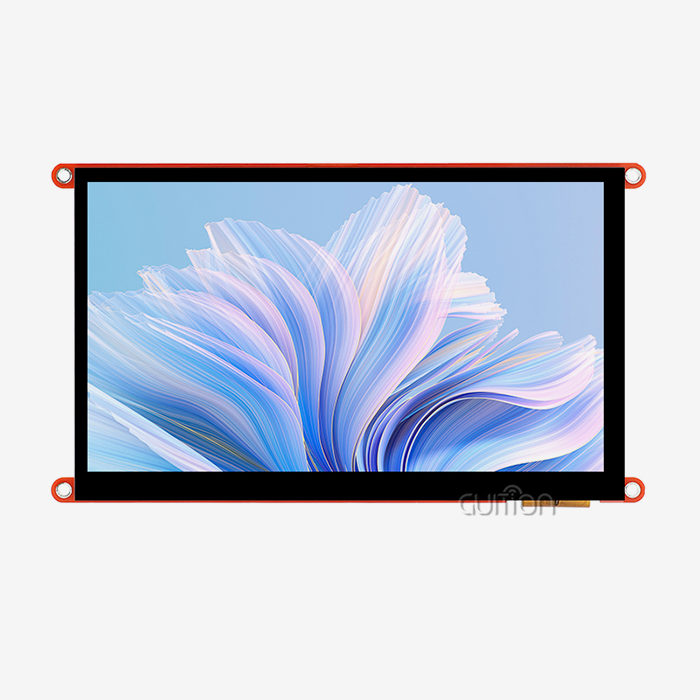
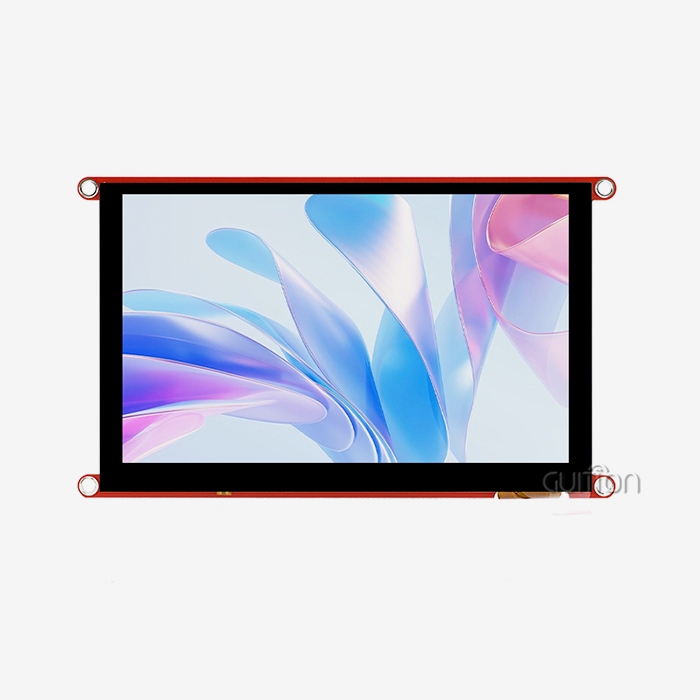
3.5 inch screen is good for small devices such as mobile meters. Five- and seven-inch screens are used on machinery and operator panels where larger buttons and more information are required. Great because Guition has sizes ranging from 1.28 inches to 21.5 inches, so you can stick with them as your product line expands. The resolution is also important. The JC4827W543C_I features a 4.3 inch IPS display with 480x272 resolution and 65K colours. That makes writing and graphs that are easy to read for thermostats, printer screens and small control boxes. 1. Figure out where you’ll mount it. Choose the smallest size that still makes it easy for you to read the controls.
Choose Resistive or Capacitive Touch.
Depending on the type of touch, people use your product in different ways. Resistive touch responds to pressure, so you can use gloved fingers and styluses. The panel is suitable for workshop and factory floor use. The capacitive touch feels like a smartphone and can handle light taps, but it can get it wrong if you're wearing gloves or your hands are wet unless the controller has special modes. Costs are also different; resistive screens almost always cost less. The JC4827W543C_I uses resistive touch, which is compatible with machine controls and tools where people may wear gloves. Select touch before you request quotes. It impacts both cost and user feelings.
Define Environment and Interface Needs for Your Serial HMI Display
Write down the brightness, working temperature, ingress protection and installation limits before you call the providers. A desktop controller must be less bright than an outdoor kiosk, and a freezer or cooking gadget requires a wider temperature range. Then list the ports you need, like card slot, UART, RS232, RS485, Wi-Fi, Bluetooth and extra GPIO. The JC4827W543C_I has up to 10 IO pins, Wi-Fi, Bluetooth and a TF card interface. A well-defined requirements sheet eliminates a lot of email and helps suppliers give the right quotes right off the bat.
2. Understand Serial HMI Display Communication Protocols
A communication mismatch can stop a prototype on day one, so I check protocols early.
UART, RS232, and RS485 Are Not the Same
A serial HMI display is a kind of product, and UART is a kind of serial interface. This sort of device can use TTL UART, RS232 or RS485. TTL UART has 3.3 V or 5 V logic levels and is good for short links between boards. RS232 is best suited for short point-to-point cables. RS232 is defined in TIA-232-F. The voltage swings are wider, around +/-3 V to +/-15 V. RS485 uses differential signalling to handle longer cable runs, electrical noise, and networks with more than one device. Your host controller can be an Arduino, an ESP32, an STM32, a Raspberry Pi or a PLC. Verify that the interface is compatible with your host controller.
Check Voltage Levels and Wiring
Never connect a TTL UART pin to an RS232 port directly. Using higher RS232 voltages can damage a 3.3 V microcontroller. Use a level converter (like a MAX3232 chip) and connect both ends to the same ground. Check the instructions to make sure that the baud rate, data format and command structure are correct. If any of these are wrong, data will be lost or scrambled. It is also important to check the power source rating, as the backlight and Wi-Fi radios consume more power. Ask the supplier to provide wiring diagrams before you get the samples so your team can build a test harness.
Request Documents Before You Approve Samples
Good paperwork can save an engineer weeks. Ask for the protocol manual, wiring diagram, test software, and example code before committing to samples or large orders. JC4827W543C_I Arduino Library Methods and Working Examples by Guition. The module is also preloaded with test programs so you can power it up and start testing immediately. To help your firmware team with pin and memory planning, Espressif’s ESP32-S3 datasheet is available for reference. If the company that produces the Serial HMI display can’t provide those files, that’s a red flag.
3. Compare and Match the Serial HMI Display to Your Application
Next, compare display types, then match one to your host controller and industry.
Serial HMI Displays vs. LCD Modules and Panel PCs
There is no need for graphics programming on the host side with a serial HMI display. Drawing and touching are done locally on the display. With a standard LCD module, the host controller needs to draw every pixel. A panel PC has a full operating system that can be used with databases, websites or business tools. Typical differences between options, development effort, host processor load and fit are shown in the table. The Serial HMI display has a low load and is used in control panels and appliances. The LCD module is highly loaded and used in the fully customised system. The panel PC is medium load and standalone. The software is complicated.
Pick the option that is the simplest and works for your software.
Guition JC4827W543C_I Specifications
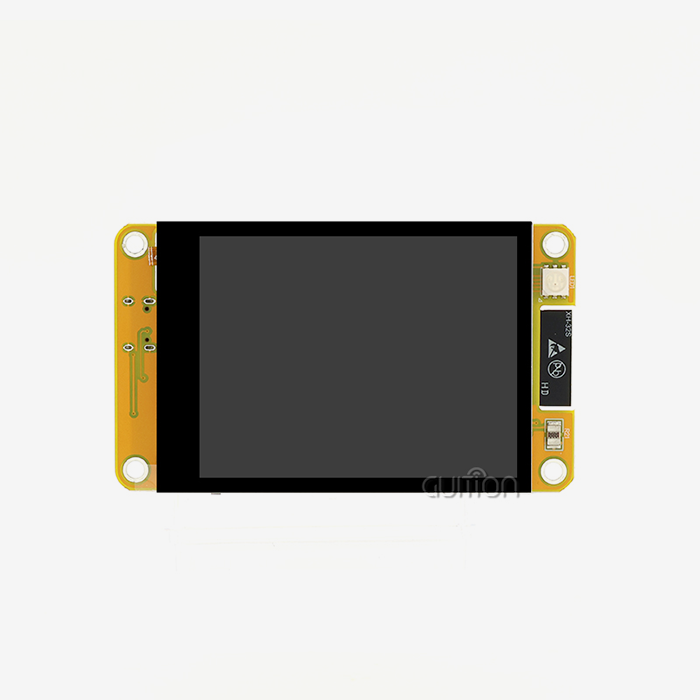
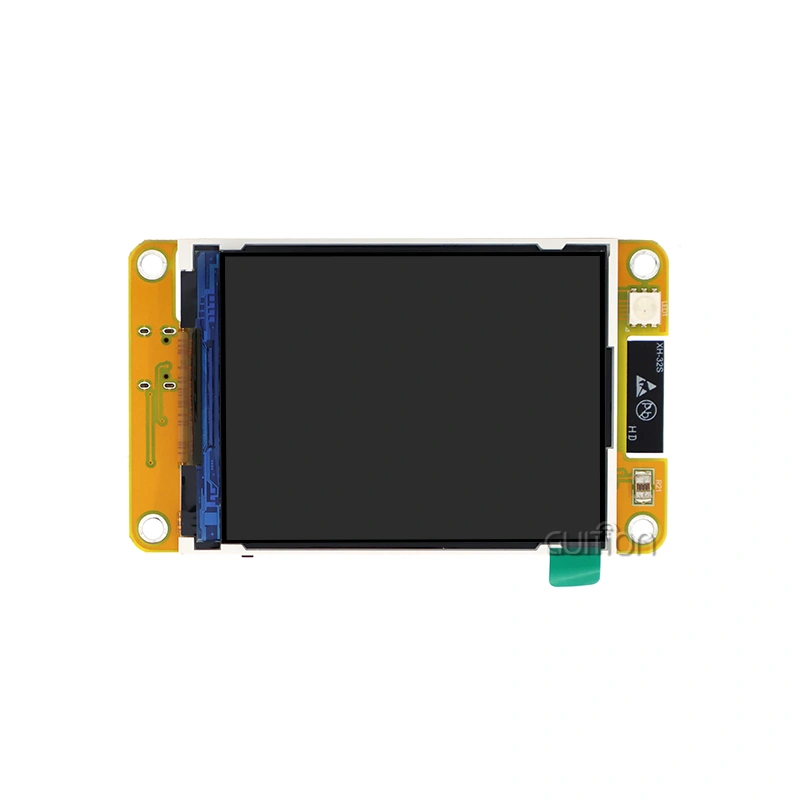
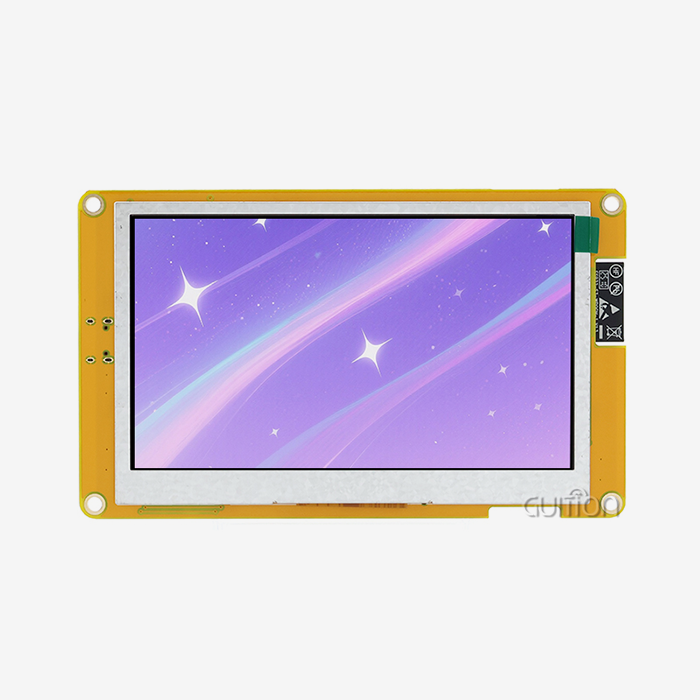
The JC4827W543C_I is a Serial hmi display module. It uses an ESP32-S3R8 main processor with dual-core, Wi-Fi and Bluetooth. According to the Espressif datasheet, the ESP32-S3 series has a CPU with two cores running at up to 240MHz. It adds 4 MB flash, 512KB SRAM, 384KB ROM and 8 MB PSRAM. The 4.3 inch display has a resolution of 480x272, a backlight control circuit and a touch control circuit. You have up to 10 IO pins and a TF card adapter for connecting storage and devices. You can compile with Arduino IDE, ESP-IDF, MicroPython or Guition.
Match the Display to Your Industry
Each project requires a different skillset. Makers of prototypes, such as modules, libraries and sample code that don't cost too much. If you are an OEM team, you require a steady supply and all the paperwork. For PLC and CNC work, a serial HMI display usually has to be RS232 or RS485, can handle noise and work within a temperature range. There may be additional standards for medical tools to be able to be cleaned and tested. Guition, for example, claims that the JC4827W543C_I can be found in medical equipment, 3D printing, smart home panels, industrial automation, charging station interfaces, business equipment, massage and beauty devices, environmental monitoring and warehouse terminals. Before you commit, learn what the rules are for the final product you want to make.
4. Evaluate Serial HMI Display Suppliers and Pricing
Where you buy shapes your cost, speed, and support.
Distributor or Direct Manufacturer
When you buy a Serial HMI, the distributor will usually have them in stock nearby, be happy to take small orders, and ship it out fast, good for prototypes. For the most part, a direct manufacturer has better pricing on large orders, better support for OEM and ODM, and direct access to engineers. If you want to make a lot of them or you need unique graphics, software, connectors or cases, talk to the maker. Guition, produced by Jingcai Intelligence, is a combination of research and development, production and sales. This means that your questions will go to the people who make the hardware and software for Guition. Find out about wait times and minimums from both before you decide.
Questions to Ask Any Manufacturer
You should ask them the same questions regardless of what country they are from. How long has the company been manufacturing displays? What sort of quality checks are performed before shipping the item – burn-in, touch accuracy checks, etc.? The firmware is made by: What changes with the supplier control part? **What are the warranty and support terms?** If you place an order, can the firm make the same thing months later? Guition also adds further development tools and technical documents, as well as cross-platform online debugging, language switching and the ability to upgrade user projects from a distance. These features reduce post-sale costs and time to fix bugs.
Calculate Total Landed Cost
The unit price is only part of the total cost. You need to add shipping, insurance, customs duties, taxes, inspection fees, payment fees, and a warranty reserve. Custom models may have additional costs for tooling, NRE and software work. When you compare prices for Serial HMI displays, ensure that all suppliers give you the same model information, volumes, lead times and warranty terms. For example, you have to use rules of the International Chamber of Commerce Incoterms 2020, like FOB or DDP. This is because each rule changes the cost and the risk between the buyer and seller. Your customs broker can provide you with current duty rates.
5. Follow a Safe Serial HMI Display Import Process and Final Checklist
A short test plan and a clear checklist protect your first order.
Test Samples Under Real Conditions
Order some samples and test them the way your customers will use them before you go out and buy a bunch of Serial HMI displays. Check boot behaviour, touch accuracy, communication stability, brightness, temperature performance, mechanical fit and firmware recovery. Set the burn-in time to your product’s duty cycle. Ask the supplier if they tested the unit for ESD immunity to IEC 61000-4-2 and to what level it passed. When using the JC4827W543C_I, use the previously written test programs. Then upload your own interface that you made in the Guition tool or the Arduino IDE. Keep track of all the results so you can compare companies on a level playing field.
Collect Compliance and Import Documents
If you are bringing a Serial HMI display into the US, make sure to keep the business paperwork, packing list and information about the country the display came from. This is what the guide for commercial importers from U.S. Customs and Border Protection says. It has Wi-Fi and Bluetooth integrated. JC4827W543C_I Ask for the module’s radio test reports to confirm that your finished product complies with FCC Part 15 regulations. Ask for instructions, mechanical drawings, and any EMC or safety records your market demands. Consult your customs broker about tariff classification and current duties. If you have good papers, you avoid delays at the port.
Final Buying Checklist
Tick off these items on this list before you place an order. Check the technical specs to know the exact size, resolution, type of touch screen, brightness, temperature range, interface, voltage level, protocol documents, firmware and dimensions. Review of the supplier: Be sure to understand their role in the production, their technical tools, quality checks, sample results, capacity, warranty, lifecycle plan, and experience with exporting. Review the business side: make sure you agree on minimum order quantity, price levels, lead time, Incoterms, payment terms, packaging, compliance papers, goods, duties and contract terms. Once you have confirmed everything, you can order a serial HMI display. If this is not the case, you should first ask the provider for the missing information.
Conclusion
When deciding where to buy a serial HMI display, the first thing to think about is what it will be used for. The needs are set by the screen size, type of touch, environment, and interface. The host controller and voltage levels must also be compatible with communication protocols like TTL UART, RS232, and RS485. A serial HMI display requires less host-side graphics work than raw LCD modules and panel PCs, but each type is better for certain projects. Distributors are good for quick, small orders, while manufacturers are better for custom orders and large amounts. The unit price is only a part of the total cost. A more accurate measure is the total landed cost, which includes freight, duties, and tests. Import risk is lowered by sample testing, compliance documents, and a checklist. As shown by the Guition JC4827W543C_I, one module can have a 4.3-inch resistive touch screen, ESP32-S3R8 control, wireless connectivity, and a number of development options.
FAQ
Q: Which interface works best for Arduino projects?
A: For Arduino work, it's usually best to use a UART model with a clear interface and voltage values that match. RS232 is better for short point-to-point links, while RS485 is better for longer wire runs and industrial networks with many devices.
Q: Can I connect TTL UART directly to RS232?
A: No, RS232 voltage levels can damage a 3.3 V processor. Before you wire, use a level converter and check the manual to see what kind of interface it is.
Q: Does screen size alone set the price?
A: No, the final number depends on the resolution, touch type, brightness, interfaces, customisation, order volume, and total landing cost.
Q: Which development tools does the JC4827W543C_I support?
A: It works with Arduino IDE, ESP-IDF, MicroPython, and Guition. Guition also gives you functions and examples that work with the Arduino library.
Q: How do I verify a supplier?
A: Ask for samples, paperwork, information about the factory, and records of compliance. Then use the module in a real project to make sure it works before you place a bulk order.
Request Guidance on Serial HMI Display Pricing and Technical Support
Do you need a supplier of Serial HMI displays that can quickly answer your engineering questions? The JC4827W543C_I from Guition from Jingcai Intelligence has ESP32-S3R8 management, Wi-Fi, and Bluetooth and works with Guition, Arduino IDE, ESP-IDF, and MicroPython. We made our GUI software faster for UI design by adding drag-and-drop controls. Tell us about your screen size, touch type, setting, order number, and final market by emailing david@guition.com. We'll then suggest a model, send you samples, and give you a price quote. For more information, go to https://jingcaizhineng.aixdb.cn/.
References
1. Incoterms 2020 Rules, International Chamber of Commerce, 2019
2. IEC 61000-4-2: Electromagnetic Compatibility (EMC), Part 4-2: Electrostatic Discharge Immunity Test, International Electrotechnical Commission, 2008
3. TIA-232-F: Interface Between Data Terminal Equipment and Data Circuit-Terminating Equipment Employing Serial Binary Data Interchange, Telecommunications Industry Association, 1997
4. ESP32-S3 Series Datasheet, Espressif Systems, 2023
5. Importing into the United States: A Guide for Commercial Importers, U.S. Customs and Border Protection, 2006
6. Title 47 Code of Federal Regulations Part 15: Radio Frequency Devices, Federal Communications Commission, 2024
Learn about our latest products and discounts through SMS or email