- English
- French
- German
- Portuguese
- Spanish
- Russian
- Japanese
- Korean
- Arabic
- Greek
- German
- Turkish
- Italian
- Danish
- Romanian
- Indonesian
- Czech
- Afrikaans
- Swedish
- Polish
- Basque
- Catalan
- Esperanto
- Hindi
- Lao
- Albanian
- Amharic
- Armenian
- Azerbaijani
- Belarusian
- Bengali
- Bosnian
- Bulgarian
- Cebuano
- Chichewa
- Corsican
- Croatian
- Dutch
- Estonian
- Filipino
- Finnish
- Frisian
- Galician
- Georgian
- Gujarati
- Haitian
- Hausa
- Hawaiian
- Hebrew
- Hmong
- Hungarian
- Icelandic
- Igbo
- Javanese
- Kannada
- Kazakh
- Khmer
- Kurdish
- Kyrgyz
- Latin
- Latvian
- Lithuanian
- Luxembou..
- Macedonian
- Malagasy
- Malay
- Malayalam
- Maltese
- Maori
- Marathi
- Mongolian
- Burmese
- Nepali
- Norwegian
- Pashto
- Persian
- Punjabi
- Serbian
- Sesotho
- Sinhala
- Slovak
- Slovenian
- Somali
- Samoan
- Scots Gaelic
- Shona
- Sindhi
- Sundanese
- Swahili
- Tajik
- Tamil
- Telugu
- Thai
- Ukrainian
- Urdu
- Uzbek
- Vietnamese
- Welsh
- Xhosa
- Yiddish
- Yoruba
- Zulu
Where to Buy HMI Display Screens from a Trusted Supplier
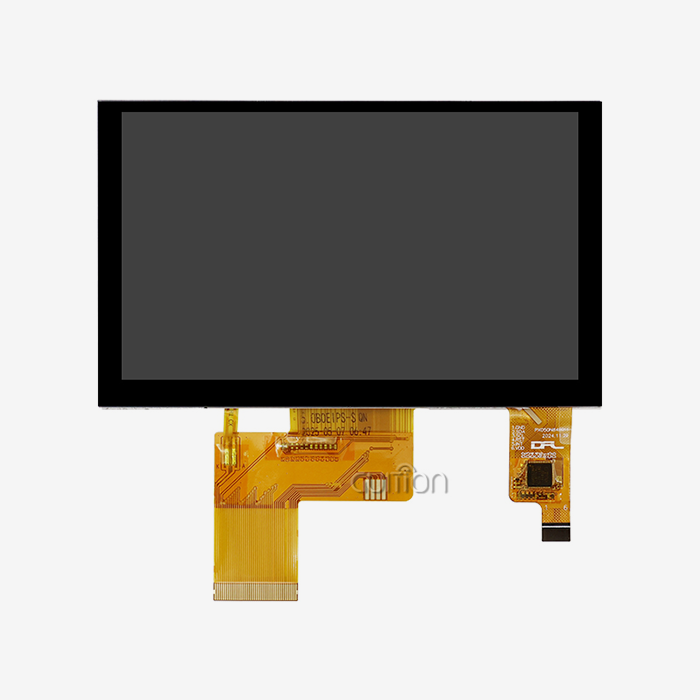
The best place to buy an Hmi display screen is a supplier that publishes full technical documents, offers samples, and answers engineering questions quickly. You can buy from a direct manufacturer, an authorised distributor, or an overseas OEM partner. Direct manufacturers give you the closest technical contact and custom options, while distributors give you local stock. I recommend checking the datasheet, development tools, wireless features, and lifecycle plans before you order. Guition, the display brand of Jingcai Intelligence, offers modules from 1.28 to 21.5 inches, including the 5.0-inch JC8048Q350C_I that this guide uses as an example.

Understanding the HMI Display Screen Before You Buy
Have a clear picture of the product before you talk to suppliers. This is the first thing I look at.
How an HMI Display Screen Works
A person and a machine. Between them is an HMI display screen. The touch commands are sent to the controllers by the person in charge. Shows things like alarms, counters, and temperatures. Programmable units differ from regular monitors by having their own input code and can be connected to a computer via Ethernet, USB ports, or wireless links. They use ANSI/ISA-101 quite a bit to ensure the screens are clear and consistent. 2015 standard for human-machine interfaces in process automation. ISO 9241-210 provides guidance on the design of more user-centred and engaging systems. I always tell people if they want to buy something, to check out the whole control setup first. A nice screen is no good if the controller won’t talk to it.
Matching Screen Size and Touch Type to Your Application
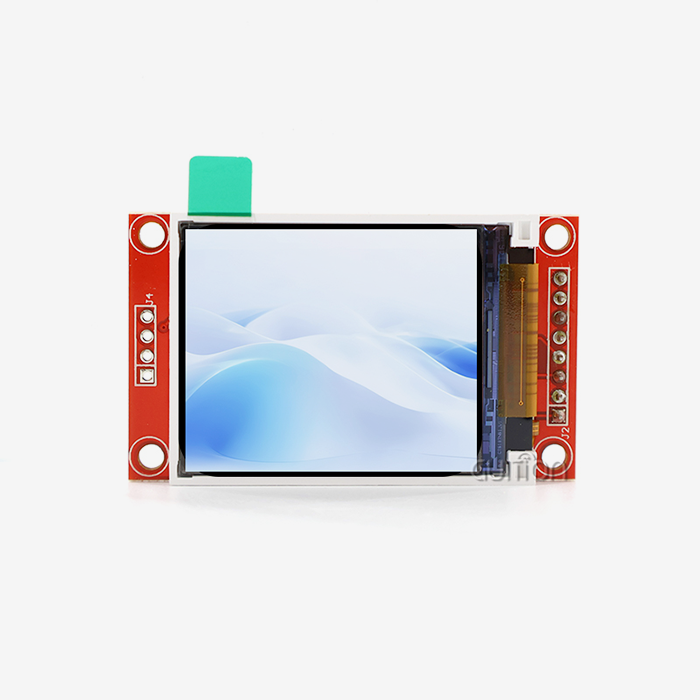
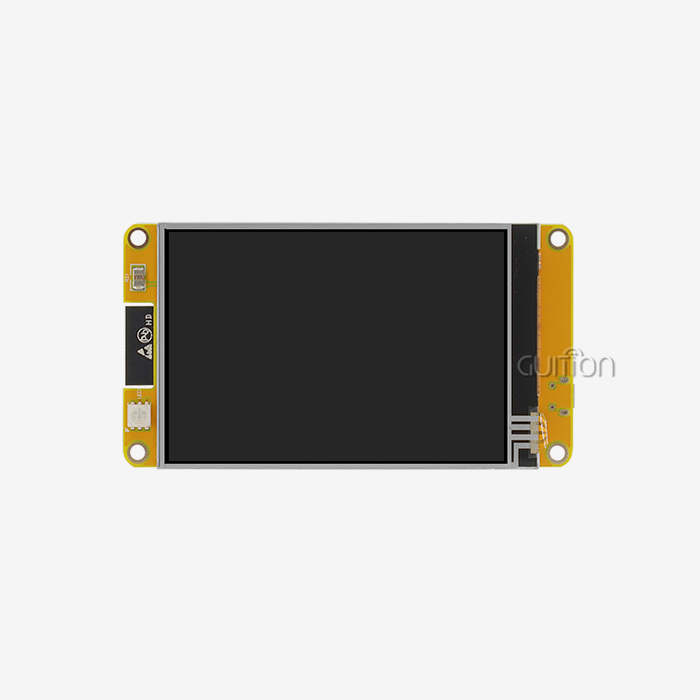
The screen size depends upon the panel space and the viewing distance. Dashboards and trend charts look better on bigger screens; simple controls look better on smaller screens. Available in sizes ranging from 1.28 inches to 21.5 inches, it can fit a lot of different items in your queue. Touch typing is also important. It’s a resistive touch and works with gloves. You can push down on it. The touch is sensitive and smooth like a phone, and you can move your finger on it. The JC8048Q350C_I is better for clean home gadgets, small control panels, and home appliances with sensitive touch than in dirty plants with gloves on. Don't look at brightness, viewing angle, and clarity one by one and compare them. Look at all of them at once.
Features Worth Checking Before You Buy
Serial ports, USB, Ethernet, and wireless are some types of interfaces that you can start with. To find out more about Modbus and make sure your machine works with it, read the Application Protocol Specification from the Modbus Organization. Also, make sure the seller makes it official in writing. Take a look at what the enclosure needs next. IEC 60529 sets the IP numbers that protect against water and dust. In the US, NEMA 250 tells people what kinds of enclosures they can use. Then look at the software. It lets you handle warnings, log data, change the firmware, and access the device from afar. When you need to control something, wired links are best. For monitoring and setting up, WiFi and Bluetooth are better. You can avoid weeks of extra work with a short plan.
Where to Buy HMI Display Screens from a Trusted Supplier
Based on where your project is at, you should pick the best way to buy.
Buying Directly from the Manufacturer
For example, the quickest way to contact the engineers who make the boards and write the tools is to buy them directly. You can ask about firmware, sample projects, custom boot screens, logos, or changes to the interface before you start. If you buy in bulk or buy often, direct pricing is often better because there are fewer people between you and the factory. If Guition sells a Hmi display screen, it also manufactures the display parts and software for that screen. This way you make sure that JC8048Q350C_I questions reach the right people. You’re buying and shipping the goods yourself, so make sure the first quote you get takes into account wait times and Incoterms.
Authorised Distributors and B2B Marketplaces
It's helpful that distributors keep lines in stock in case one breaks and you need a new one quickly. Make sure the dealer is a brand-approved dealer. This will protect your insurance and make sure you get genuine parts. Do some research and compare prices on a B2B marketplace before buying anything. But remember that just because something is listed doesn’t mean it’s good. Check the business name of the seller and ask for datasheets for the exact type of HMI display screen you need. Order a sample before you plan to order a large quantity. I think a market is a good start, but the real test is a chat.
Working with an Overseas Supplier for OEM and ODM Projects
In the US, many product teams source their display units from shops in Asia. This is fine for OEM as well as ODM work, provided the buyer checks the basics. Ask people about their factory background, their export experience, their test records, and a sample of their work. Make sure that the wireless modules you are interested in have the paperwork you need for your market. In the US, radio frequency devices are regulated by 47 CFR Part 15. Get records from the FCC to see what model it is. You should also be aware of RoHS, as many customers want it. If you provide a clear sample test plan and written guidelines on what must be passed, you can trust a far-away provider.
How to Evaluate and Compare HMI Display Screen Suppliers
Once you have chosen two or three sellers, compare them using the same criteria.
Documentation and Technical Support
The quickest way is to have good paperwork. For screen type, resolution, touch screen, processor, ports, mounting information, and power input, you need to ask for a data sheet. There should be starter projects, development how-tos, and an easy way to contact an engineer. It offers more development tools and tech papers for team members to add their own features to Guition without having to write low-level code. Before buying, ask a technical question and see how fast and clearly someone responds. The test will tell you more about customer service than any sales page ever could.
Total Cost of Ownership
The unit price doesn't tell the whole story. Cheap HMI display screens can become expensive if your team spends weeks building custom drivers, hours fixing bugs, or making updates in the field. Cost of shipping. Spare parts. Software rights. Research hours. Compare side by side. Guition offers cross-platform online debugging and remote upgrades to help reduce two of these costs: the time it takes to fix bugs and the number of trips required after the sale. You should create a simple sheet that lists and totals all of the hardware, tools, work, and help that each provider will need for the first year. The cheapest line on a quote may not be the cheapest line on the sheet.
Supplier Scorecard: Three Factors to Weigh
Here are the three areas I weigh most when I score a supplier for an HMI display screen project.
• Technical fit: The datasheet should have the right controller, interface, and case. Do not send any code or projects to production until you have sample code or demo projects to test on your own screen. Make sure the touch response, reading, and communication work. Write down the results so that everyone on the team has the same proof.
• Commercial terms: Compare companies' return policies, sample lead times, minimum order sizes, and the length of time they take to make things. Check the quote to see who will pay to ship broken items. Do not ask for these terms in a chat message. They also keep everyone safe.
• Supply and lifecycle: How long does the supplier plan to make the model? How much stock do they have? Will the new one have the same size footprint? People will buy your product for years if you have a steady supply. This is because remaking it costs a lot more than letting people buy it for a longer time. Note the answer.
A record of your general thoughts about a seller is made by these checks. You can then compare this record to other records.
The GUITION JC8048Q350C_I: A Practical HMI Display Screen Example
You can use the plan better if you have a real example. This is how the JC8048Q350C_I compares.
Core Hardware Specifications
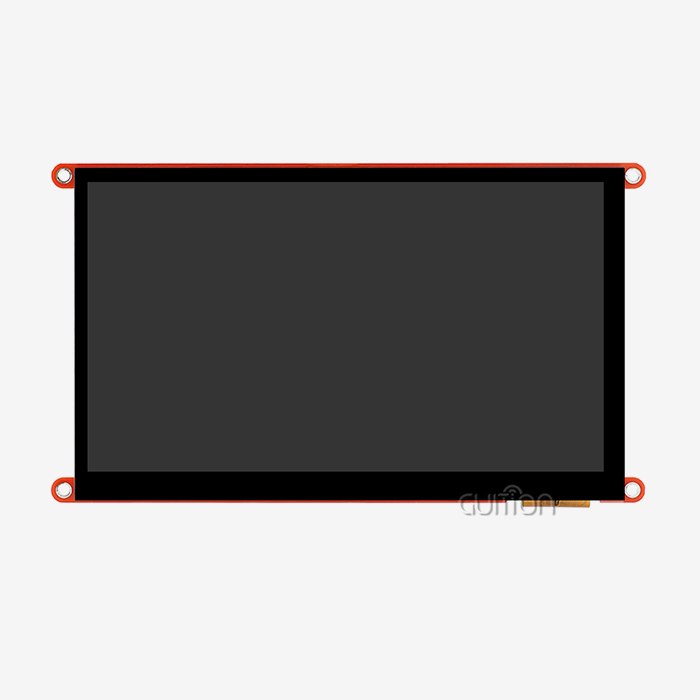
The MAX JC8048Q350C_I 5-inch LCD module is based on the Artinchip D121BBV main controller. This MCU is single-core and can run up to 400 MHz. The 800×480 IPS screen provides capacitive touch and 65K colour depth. It also has a wide field of view, so the picture looks good from the side. It has an IO port interface and a chip for controlling the lights. 60 frames per second for JPEG files up to 1024x768 and 30 frames per second for PNG files up to the same size. The interfaces that are reserved are the TF card slot, serial ports, sensor links, and extended IO ports. This module is a complete HMI display screen solution for a wide range of industries.
Guidance Development Tool and Platform Choices
With Guition, you can build a GUI everywhere. You don't need to write a lot of code because you can drag controls onto the screen, resize them, and select styles while seeing what the layout will look like. The module also works with Arduino, IDF, and Guition, so embedded experts can continue to work as usual. The machine creates test programs that can be used when the module is powered up. Users can try cross-platform apps from any location with a web link. This is helpful when engineers and designers are in different locations. Switching between languages and UTF-8 encoding can help when a product is sent to more than one market.
Connectivity, Remote Upgrade, and Target Applications
With this chip, you can connect to a network or pair a gadget with a phone without an extra board. You can also improve user projects from afar with Guition. This means you can fix devices that are already in use without having to go to the site, which saves money on support after the sale. Products say they want to work in areas like smart homes, business equipment, tracking the environment, EV charging stations, industrial robotics, 3D printing, and financial hardware. Still, I believe you should run a test case in your own space. In the specs I looked at, there were no IP ratings or temperature ranges. If those are important to your project, you should get in touch with Guition.
Procurement Process and Common Mistakes
Take this easy step to protect your money and plan.
A Practical Procurement Process
I do four things. First, write down everything you need, such as the type of app, screen size, resolution, touch type, controller, interfaces, power supply, environment, quantity, schedule, and power supply. Second, pick out two or three sellers who can give you what you need. Third, get some samples and see how well they can read, talk, respond to touch, and fit in your cage. Fourth, before you agree to mass production, look over the prices, lead times, warranties, and terms for customising the HMI display screen. Remember all of your test scores; they will help you when you need to answer questions. Teams that skip the sample step often don't find problems until the first batch comes in. It costs the most to make changes at this point.
Common Mistakes When Buying an HMI Display Screen
Selecting the least expensive choice before making sure it works with your controller is the first mistake. Second, picking a screen size from a picture in a book instead of a panel drawing. Third, stay away from things like dust, rain, heat, vibrations, or sunlight until someone in the field complains. A lot of people who buy something also forget to read the software's terms, save a copy of their project files, and load the firmware. They don't understand this until it's time to make changes. One who has a low price but no extra parts or someone to talk to about engineering can stop the line. With a written plan and a practice test, you can stay out of trouble like this.
Questions to Ask Before You Place an Order
Ask for written proof of the controls and protocols that the module works with. Make sure the order has driver files, rights, tools, sample projects, and other things. Ask about the model’s temperature, humidity, and IP rating to learn where it can be used. If you are going into business, you should check the minimum order quantity, the time for samples and production, the length of warranty, the spare parts policy, and the time the product will be available. If you want to make a branded product, you should ask about custom logos, boot screens, and interface changes. Please provide details of the application, controller, quantity, environment, and delivery goal when sending an inquiry. If it is clear, it means that the engineering partner is skilled. If the answer is not very clear, it means that the reseller is not very expert.
Conclusion
When I buy an HMI display screen, it works best for me when I pick both the seller and the product at the same time. The piece talked about how an HMI works and how size, touch type, connections, and enclosure needs can change the choice. It also talked about how direct manufacturers, distributors, and OEM partners in other countries are different. Judges look at proof, the total cost of ownership, certificates, and long-term plans, as well as information from IEC 60529, NEMA 250, and 47 CFR Part 15. It has a 400 MHz D121BBV controller, an 800x480 IPS capacitive display, WiFi and Bluetooth built in, and a drag-and-drop tool. The JC8048Q350C_I shows how these things really work. Sample tests and written answers lower the risk before you place a large order.
FAQ
Q: Where can I buy an HMI display screen?
A: You can buy from the company that makes the item, a licensed seller, or an OEM partner in a different country. Talking to engineers directly is the best way to get in touch with them. Distributors can help you find local stock.
Q: How do I know a supplier is trustworthy?
A: Technical questions can be answered in writing, and you can ask for a datasheet or two. Buy a small amount to try it out in your own setup before you buy a lot of it.
Q: Does the GUITION JC8048Q350C_I include WiFi and Bluetooth?
A: Yes. The module has WiFi and Bluetooth built in, and Guition lets users make changes to their projects from away.
Q: Which development modes can I use?
A: You could also use the online tool Guition, which lets you drag and drop things.
Q: What screen sizes does Guition offer?
A: It ranges in length from 1.28 inches to 21.5 inches.
Contact Guition for Your HMI Display Screen Needs.
Are you ready to choose an HMI screen provider based on real-life cases and clear answers? Guition will help you find a model that works for you, like the JC8048Q350C_I, if you email david@guition.com with your application, controller, quantity, and delivery goal. We make HMI display screens in sizes from 1.28 inches to 21.5 inches, which come with our own interface software and can support upgrades that can be done from afar. Visit https://jingcaizhineng.aixdb.cn/ to find out more.
References
1. International Electrotechnical Commission, IEC 60529: Degrees of Protection Provided by Enclosures (IP Code), 2013
2. International Society of Automation, ANSI/ISA-101.01: Human Machine Interfaces for Process Automation Systems, 2015
3. National Electrical Manufacturers Association, NEMA 250: Enclosures for Electrical Equipment (1000 Volts Maximum), 2020
4. Federal Communications Commission, Title 47 Code of Federal Regulations, Part 15: Radio Frequency Devices, 2023
5. Modbus Organization, Modbus Application Protocol Specification V1.1b3, 2012
6. International Organization for Standardisation, ISO 9241-210: Ergonomics of Human-System Interaction, Human-Centred Design for Interactive Systems, 2019
Learn about our latest products and discounts through SMS or email