- English
- French
- German
- Portuguese
- Spanish
- Russian
- Japanese
- Korean
- Arabic
- Greek
- German
- Turkish
- Italian
- Danish
- Romanian
- Indonesian
- Czech
- Afrikaans
- Swedish
- Polish
- Basque
- Catalan
- Esperanto
- Hindi
- Lao
- Albanian
- Amharic
- Armenian
- Azerbaijani
- Belarusian
- Bengali
- Bosnian
- Bulgarian
- Cebuano
- Chichewa
- Corsican
- Croatian
- Dutch
- Estonian
- Filipino
- Finnish
- Frisian
- Galician
- Georgian
- Gujarati
- Haitian
- Hausa
- Hawaiian
- Hebrew
- Hmong
- Hungarian
- Icelandic
- Igbo
- Javanese
- Kannada
- Kazakh
- Khmer
- Kurdish
- Kyrgyz
- Latin
- Latvian
- Lithuanian
- Luxembou..
- Macedonian
- Malagasy
- Malay
- Malayalam
- Maltese
- Maori
- Marathi
- Mongolian
- Burmese
- Nepali
- Norwegian
- Pashto
- Persian
- Punjabi
- Serbian
- Sesotho
- Sinhala
- Slovak
- Slovenian
- Somali
- Samoan
- Scots Gaelic
- Shona
- Sindhi
- Sundanese
- Swahili
- Tajik
- Tamil
- Telugu
- Thai
- Ukrainian
- Urdu
- Uzbek
- Vietnamese
- Welsh
- Xhosa
- Yiddish
- Yoruba
- Zulu
How Can an ESP32 C3 LCD Simplify Smart Displays?
An ESP32 C3 LCD simplifies smart displays by placing the processor, wireless radio, screen, and touch input in one tested module. Instead of wiring a separate microcontroller, a Wi-Fi board, and a panel, I start with a unit that already shows a picture and joins a network. According to Espressif, the ESP32-C3 chip runs a 32-bit RISC-V core at up to 160 MHz and supports Wi-Fi 4 and Bluetooth 5 LE. That means fewer parts, shorter wiring, and faster testing. This guide explains the hardware, software, and sourcing steps, using the Guition ESP32-2424S012C_I_Y(B) as the working example.

How an ESP32 C3 LCD Simplifies Hardware Design
One Module Replaces Several Boards
For a normal connected display, you need a radio, a microcontroller, a panel, a touch controller, and the wires to connect them together. Every connection can add noise, a loose contact, or a mistake in the pin mapping. An ESP32 C3 LCD module means all these parts are on the same board, so the team does not need to start off with a wiring plan. That cuts down on external components, allows for quicker assembly, and frees up some space inside the enclosure. Small teams also benefit from having a skilled founder and two engineers who can focus on product features rather than board meetings. But integration doesn’t substitute for a design review, even if it reduces risk. I still check the port and power budget before placing an order.
Interfaces, Voltage, and Power Planning
The design is dictated by the display interfaces. SPI is used to drive colour TFT and IPS panels on an ESP32-C3 because SPI can move pixel data faster than I2C. I2C is good for small OLEDs and text displays, which only need a few pins. Capacitive touch controllers often communicate with each other using I2C lines. A lot of new designers in the discipline don't think enough about power. When the power supply is weak, Wi-Fi transmission, backlight current and touch scanning can all get peaks at the same time. This can cause resets or a dim screen. First, I check the logic voltage, the backlight control and the peak current before starting with layout.
What is the Guition ESP32-2424S012C_I_Y(B) Includes
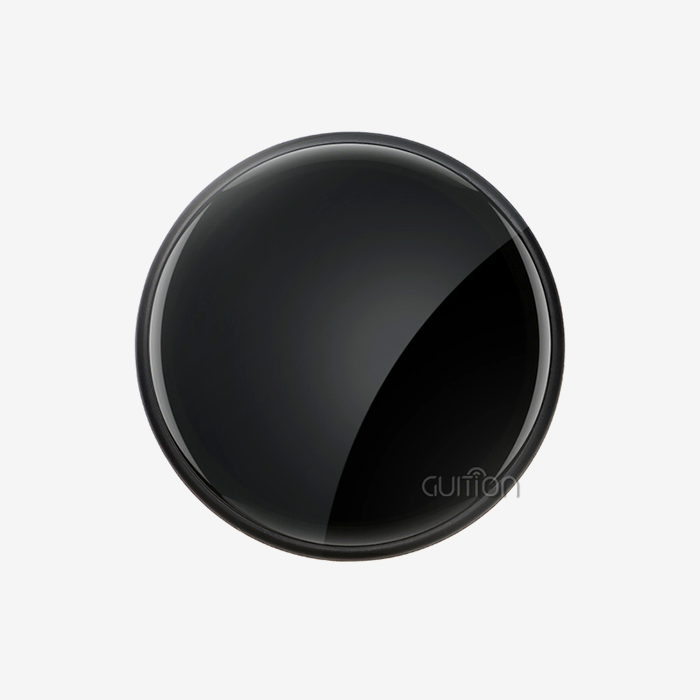
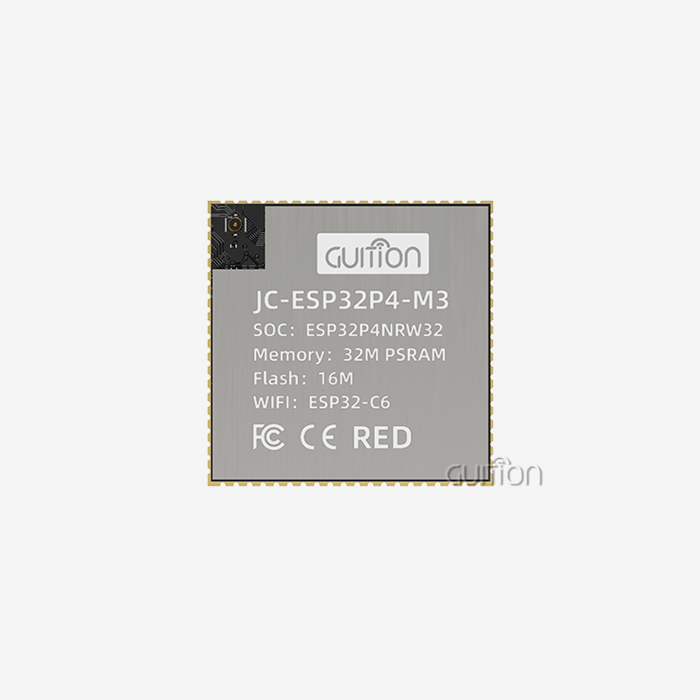
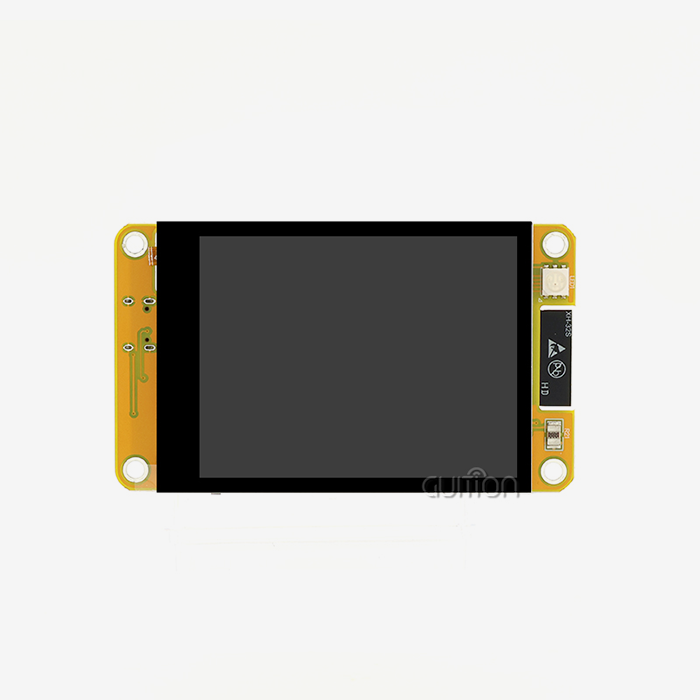
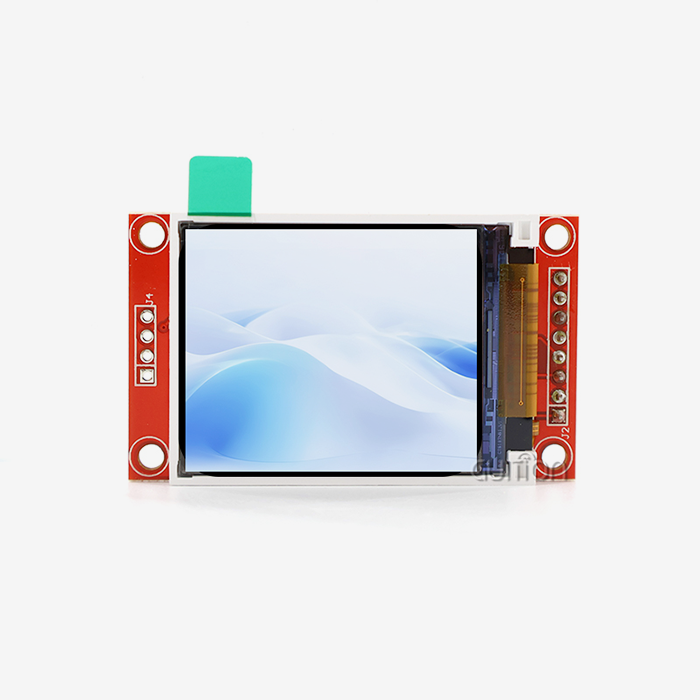
The Guition ESP32-2424S012C_I_Y(B) is a module with a 1.28-inch IPS touch screen display, 240×240 resolution. It works with ESP32-C3-MINI-1U. One core, up to 160 MHz. It has 400 KB of SRAM, 384 KB of ROM, 4 MB of flash, and built-in Wi-Fi and Bluetooth. The board has an IO port interface, a lithium battery interface with charge/discharge and protection circuits, and a backlight control circuit. Factory-programmed tests allow me to check that the basics work right out of the box. “Black shell, small size, easy to carry in hand and in small spaces.
ESP32 C3 LCD Display Types, Sizes, and Specifications
TFT, IPS, OLED, and Character Displays
The kind of screen determines the cost, look, and usability. Dashboards and control screens use TFT and IPS panels for colour graphics. IPS panels also have a wider viewing angle, which is helpful if you read from the side of a wall-mounted unit. OLED screens have great contrast, and they are thin. However, they work best on smaller, simpler layouts. Character LCDs are a cheap option if you simply want something to display text. The Guition module has a 16-bit colour IPS display. That means you can easily read numbers and icons on a thermostat, printer driver, or small gauge. I choose a panel for a project according to its range of visibility and data capacity.
Size, Resolution, and Memory Limits
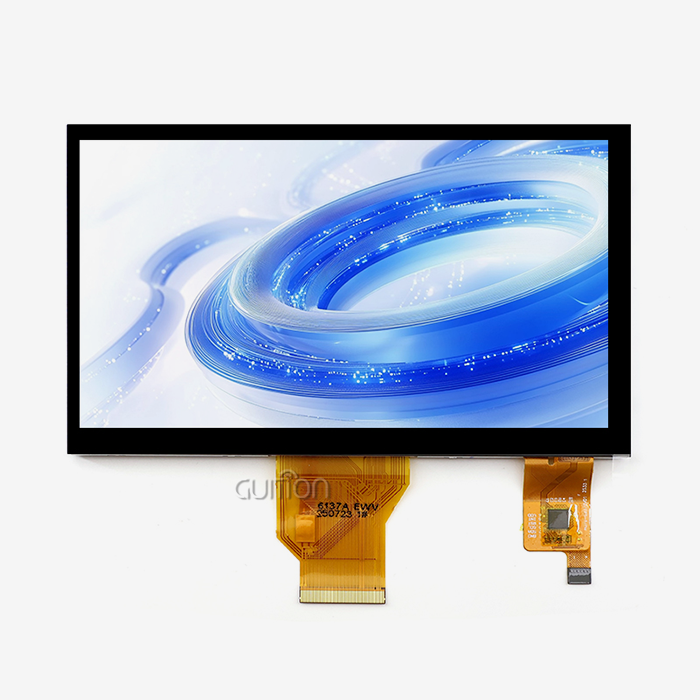
Memory and resolution always go together on any ESP32 C3 LCD design. A full 240×240 frame in 16-bit colour uses about 115 KB of memory, or about 29% of the 400 KB of SRAM. Memory is also needed for the Wi-Fi stack and program code. LVGL is an open-source graphics library and, as such, is often used to draw the screen into partial buffers. One frame at the same colour depth would take about 768 KB for an 800x480 screen, which is more than the chip's SRAM can contain. That means larger screens require a different processor. Guition's range covers screens from 1.28 inches to 21.5 inches, so if a project needs a bigger screen than this module can offer, it can step up within the same supplier.
Touch Options and Environmental Checks
The way people use a thing changes with the type of touch. Capacitive touch is quick and accurate, but thick gloves don’t play well with regular panels. Unlike capacitive touch, resistive touch can be used with gloves or a pen. Since the Guition ESP32-2424S012C_I_Y(B) has capacitive touch, I ensure gloves can be used and that there is no moisture in the target setting before locking the design. If procurement teams want to be sure, they should check the data sheet for brightness, operating temperature, backlight life, and power consumption. I propose to test the whole thing with its case, as heat, vibration, and connectors can change results that looked good on a bench.
How to Program and Connect an ESP32 C3 LCD
Choosing Between Arduino, ESP-IDF, MicroPython, and Mixly
The guidance module supports development with Arduino IDE, ESP-IDF, MicroPython, and Mixly, so teams can use the tools they already know. Arduino's huge library collection makes early prototyping faster. Production firmware usually needs things like fine-grained control over FreeRTOS tasks, DMA, power management, and diagnostics, and that’s what you get with ESP-IDF, the official Espressif development platform. MicroPython allows you to do quick tests, and MicroPython lets you use graphics programming for schoolwork and simple projects. I usually start with Arduino to prove the idea works before going to ESP-IDF when time and memory count for the ESP32 C3 LCD software. This is why I look up the display controller, pinout, and library support for the ESP32-C3 and LVGL before writing code.
Building Interfaces with the Guition UI Tool
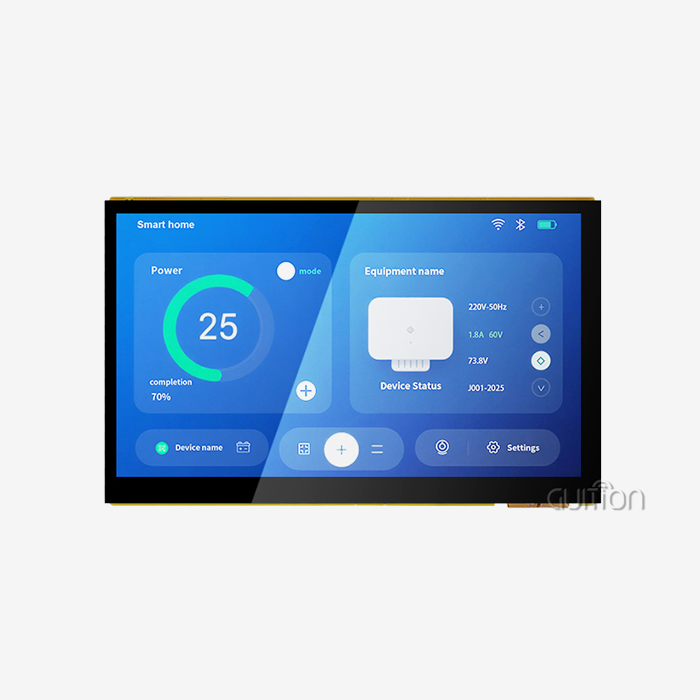
Guition also has its own UI creation tools that let you make screens without writing low-level drawing code. I add the built-in controls with one click, and then I drag, drop, resize, and style them. So the screen on my monitor is the same as the screen on the device. Guition also provides engineers with secondary development interfaces and technical documents to develop their own functions without starting from scratch. This means that for an HMI designer, the interface work is separate from the firmware work. This means design changes don't have to depend on an embedded engineer to make them. It reduces the time a product manager needs to get from mockup to working sample.
Testing, Debugging, and Remote Upgrades
Guidance enables online cross-platform debugging. This allows teams to find problems more quickly and reduces the cost of testing. A good test plan looks for things like initialisation, screen orientation, colour accuracy, touch coordinates, refresh stability, WiFi and Bluetooth working with the screen on, controlling the backlight, and sleep modes. User projects can be changed with firmware and interface changes after they have been shipped. This reduces the cost of after-sales service, because the expert does not have to come to the site. Multi-language switching can be used for products sold in more than one region. You can also program it with a single click, making software changes on the bench fast and easy. The Guition ESP32-2424S012C_I_Y(B)
ESP32 C3 LCD Applications and Alternatives
Smart Home, Industrial, and Medical Uses
There’s a whole lot of different products that could benefit from small connected screens. A smart home could employ an ESP32 C3 LCD as a touchscreen to operate the lights, temperature, and security. In industrial automation, a small screen shows the state of a process in a way that can be quickly read by the operators. Wi-Fi transmits data to a monitoring system. Medical device developers are able to create clear and easy-to-use interfaces for diagnostic and therapy devices. But each product still must be approved by the government. Guition adds that it can be used for charging stations, 3D printers, handheld devices, audio equipment like mixers and amplifiers, and Internet of Things (IoT) projects. The 1.28-inch screen is more suitable for narrow tasks, such as a dial, a status page, or a short menu.
Battery-Powered and Handheld Designs
The module's lithium battery interface with safety circuits can be used in a battery-powered product for charging and discharging the battery. Firmware can reduce energy consumption further through adaptive brightness, display sleep, sensor duty cycling, and scheduled wireless transmission. You can find documentation for the ESP32-C3 low-power sleep modes here. The backlight control circuit turns the display off during processor sleep. The backlight is usually the biggest power hog on a small screen, so you're best off measuring current draw on the real case and battery, both active and asleep. Handheld meters, portable controllers, and field tools are the best tools for this.
ESP32-C3 Compared with ESP32 and ESP32-S3
The ESP32-C3 is great for small, cheap screens, but it’s not the right tool for every job. Most ESP32 chips have two cores and more GPIO, which comes in handy when a design needs lots of peripherals. The ESP32-S3 has more processing power, USB support, and external PSRAM support that can handle bigger screens, more complex LVGL interfaces, and AI-related jobs better. The C3 has fewer GPIOs, so I don’t strap pins like GPIO2, GPIO8, and GPIO9 for important display messages like chip pick or reset. The C3 has a tiny 240×240 display, Wi-Fi, and Bluetooth LE. It has sufficient features for its basic hardware.
ESP32 C3 LCD Sourcing, Integration, and Growth
A Buying Checklist for B2B Teams
Before I look at a supplier, I first list the needs I have for the application, screen size, resolution, touch, operating environment, power source, enclosure size, yearly volume, product lifetime, and certification. Next, I look at the interface type, brightness, viewing angle, software support, available GPIO, controller compatibility, and connector design. As the skills of the supplier are as important as the datasheet, I ask about: prototype assistance, software engineering, quality control, traceability, production capacity, wait times, and OEM/ODM experience. From a technical and supply risk point of view, it is better to divide the process into steps, starting with the review of the datasheet, then pilot production, durability tests, and finally bulk approval.
Integration Problems and How to Avoid Them
A lot of the problems with ESP32 C3 LCDs come from the assumption that any ESP32 display will work with the ESP32-C3. First, I check memory usage, driver IC, interface mode, pin assignment, library support, and logic voltage. Some graphics cards can't handle high resolution, deep colour, or heavy animation in RAM, so I keep my layouts simple and use partial frame buffers. I check the range with the screen on, because the display wiring can screw up the Wi-Fi antenna. Test boards are helpful for development, but production boards often have to be redesigned for size, mounting, power circuits, connectors, etc. When you use an integrated module like the Guition ESP32-2424S012C_I_Y(B), you bypass many of those development steps.
From Evaluation Board to Volume Production
A good project goes from the evaluation board to the proof of concept, to the engineering prototype, to the design verification, to the pilot run, and finally the mass production. Early involvement of the supplier helps to resolve such issues as display compatibility, mechanical fit, firmware, sourcing, and test requirements before they become too expensive to fix. The same base firmware can be used for different screen sizes, touch options, and enclosures. This plan works with the range of screens Guition has, from 1.28 to 21.5 inches. Long-term planning should include these things in addition to accepted alternate parts, change notes, version control, production tracking, and support for repeat orders. I think you should write to each provider and ask them how they deal with these points before the test run starts.
Conclusion
An ESP32 C3 LCD makes smart displays easier to use by putting a RISC-V processor, Wi-Fi, Bluetooth LE, a screen, and touch all in one module. This reduces the number of wires, parts, and assembly steps needed. The limits are set by memory and ports. For example, a 240×240 frame uses about 115 KB of the 400 KB of SRAM, so small IPS panels over SPI work best. For bigger screens, the ESP32-S3 or another processor is needed. Teams can match the right tools to their skills with Arduino, ESP-IDF, MicroPython, Mixly, and Guition's UI software. Online debugging and remote upgrades make support work easier. Most problems with integration can be avoided by checking the power, pinout, touch type, and environment. Also, sourcing risk is kept low by moving samples slowly from lab tests to pilot production.
FAQ
Q: Does the ESP32-C3 include an LCD panel?
A: The ESP32-C3 is a microcontroller that has Wi-Fi and Bluetooth LE built in, so an ESP32 C3 LCD product adds an external monitor and a driver circuit.
Q: What display does the Guition ESP32-2424S012C_I_Y(B) use?
A: It has a 1.28-inch IPS screen with a resolution of 240×240 pixels, capacitive touch, and 16-bit colour. It is powered by the ESP32-C3-MINI-1U, which also gives it 4 MB of flash. On top of that, the board has an IO port link and a chip for controlling the backlight.
Q: Which tools can I use to program it?
A: The module works with Arduino IDE, ESP-IDF, MicroPython, and Mixly. Guition also offers its own software for making user interfaces. I think you should use Arduino for your first tests and ESP-IDF for your final code.
Q: Can it drive an 800×480 screen?
A: That's not true. At 16-bit colour, a frame of that size needs more than 400 KB of SRAM, or 768 KB. For a bigger screen, you need a processor with more memory, like the ESP32-S3.
Q: Can it run on a battery?
A: Yes. The module has a lithium battery pack with safety circuits that let you charge and discharge the battery. I still think that the real battery and case are the best ways to measure current draw.
Get Your ESP32 C3 LCD Display Project Started with Guidance
Are you ready to put an ESP32 C3 LCD to the test in your next project? Write to Guition at david@guition.com and let them know what size screen, touch needs, interface, and yearly number you have. Guition helps your team move from the sample to the pilot run by providing screen sizes ranging from 1.28 to 21.5 inches, UI software, secondary development support, and the ability to upgrade remotely. For more information, go to https://jingcaizhineng.aixdb.cn/ and ask for datasheets or samples right away.
References
1. ESP32-C3 Series Datasheet, Espressif Systems, 2024
2. ESP32-C3 Technical Reference Manual, Espressif Systems, 2023
3. ESP32-C3-MINI-1 and ESP32-C3-MINI-1U Datasheet, Espressif Systems, 2023
4. ESP-IDF Programming Guide for ESP32-C3, Espressif Systems, 2024
5. LVGL Documentation, LVGL Kft., 2024
6. Arduino-ESP32 Documentation, Espressif Systems, 2024
Learn about our latest products and discounts through SMS or email