- English
- French
- German
- Portuguese
- Spanish
- Russian
- Japanese
- Korean
- Arabic
- Greek
- German
- Turkish
- Italian
- Danish
- Romanian
- Indonesian
- Czech
- Afrikaans
- Swedish
- Polish
- Basque
- Catalan
- Esperanto
- Hindi
- Lao
- Albanian
- Amharic
- Armenian
- Azerbaijani
- Belarusian
- Bengali
- Bosnian
- Bulgarian
- Cebuano
- Chichewa
- Corsican
- Croatian
- Dutch
- Estonian
- Filipino
- Finnish
- Frisian
- Galician
- Georgian
- Gujarati
- Haitian
- Hausa
- Hawaiian
- Hebrew
- Hmong
- Hungarian
- Icelandic
- Igbo
- Javanese
- Kannada
- Kazakh
- Khmer
- Kurdish
- Kyrgyz
- Latin
- Latvian
- Lithuanian
- Luxembou..
- Macedonian
- Malagasy
- Malay
- Malayalam
- Maltese
- Maori
- Marathi
- Mongolian
- Burmese
- Nepali
- Norwegian
- Pashto
- Persian
- Punjabi
- Serbian
- Sesotho
- Sinhala
- Slovak
- Slovenian
- Somali
- Samoan
- Scots Gaelic
- Shona
- Sindhi
- Sundanese
- Swahili
- Tajik
- Tamil
- Telugu
- Thai
- Ukrainian
- Urdu
- Uzbek
- Vietnamese
- Welsh
- Xhosa
- Yiddish
- Yoruba
- Zulu
What Touchscreen Options Suit an ESP32 P4 display module?
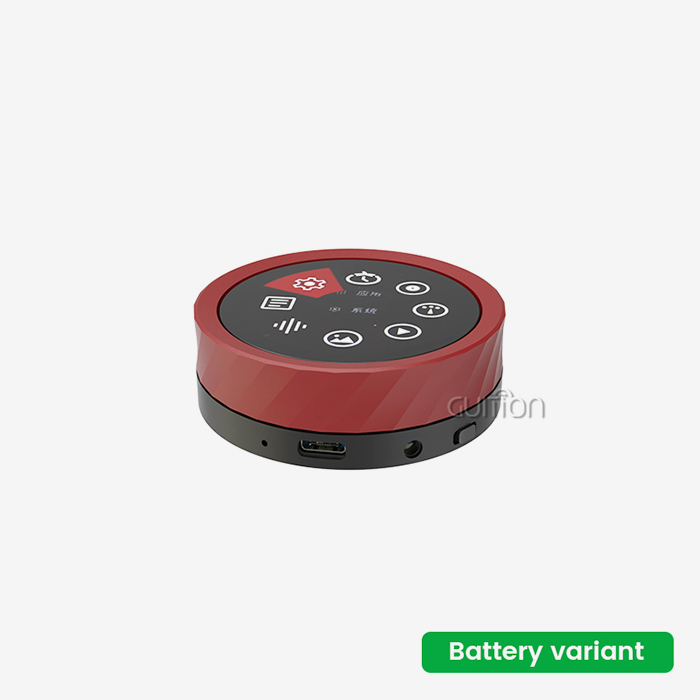
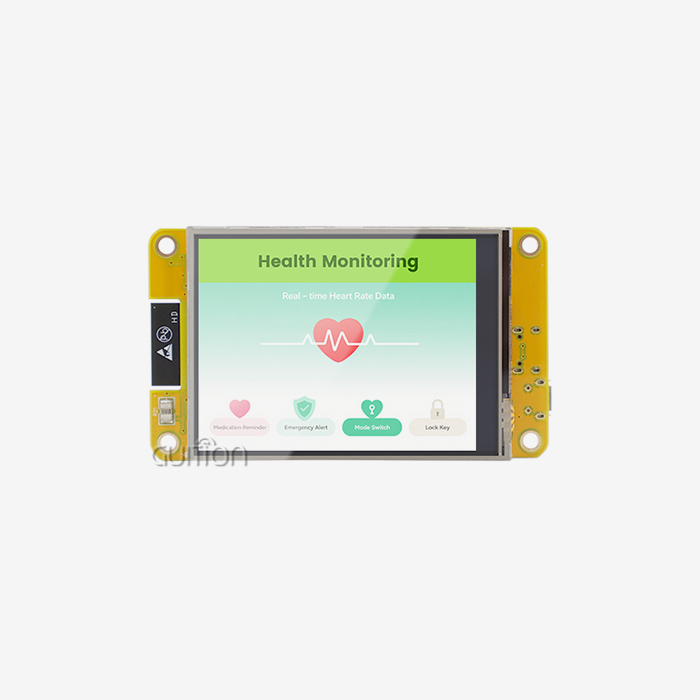
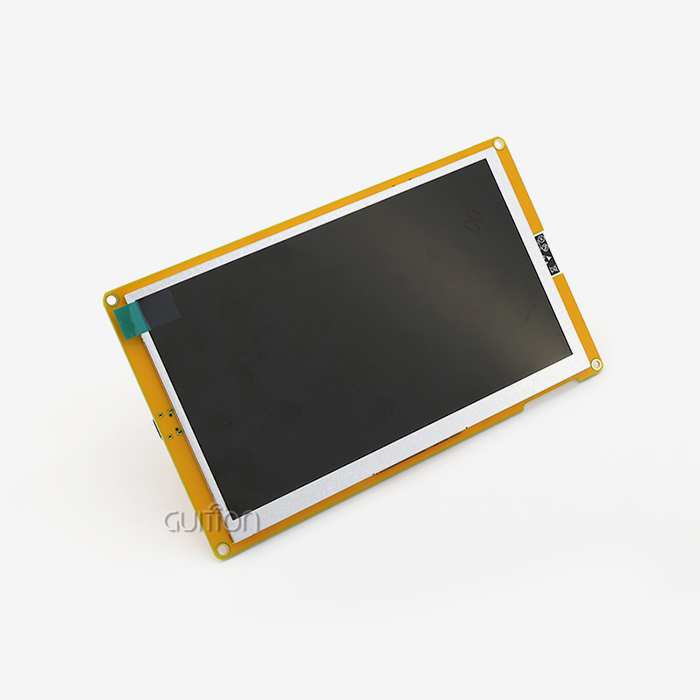
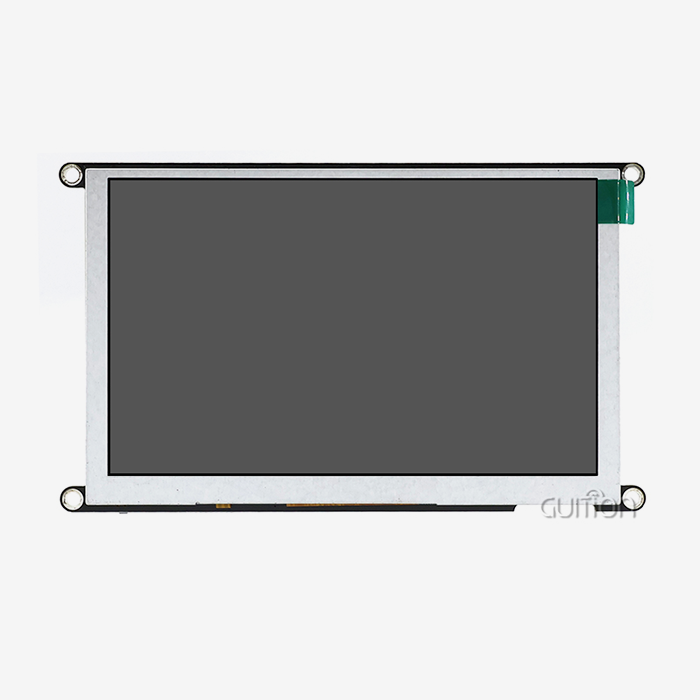
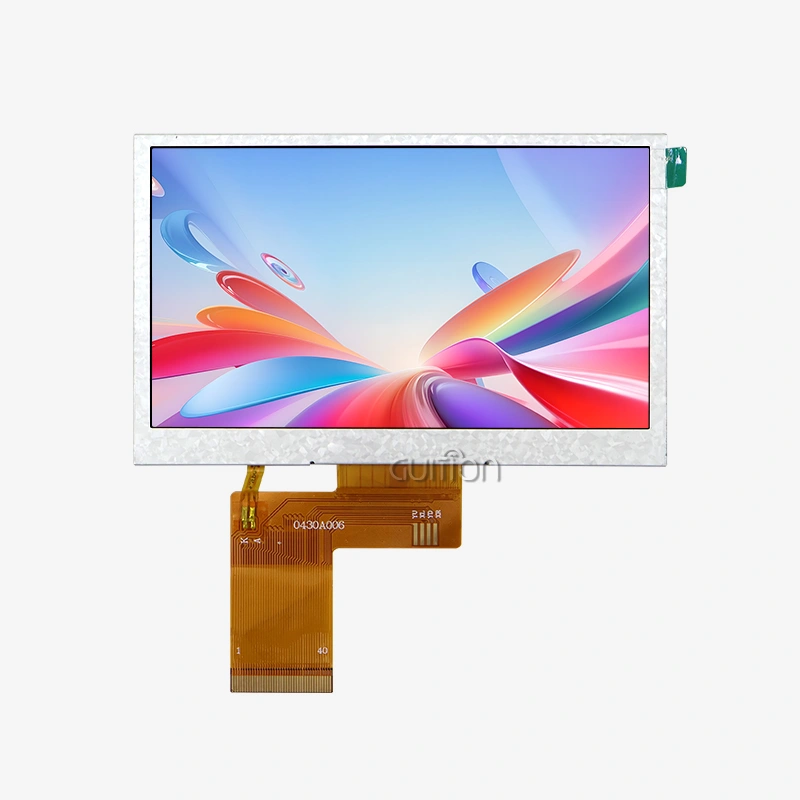
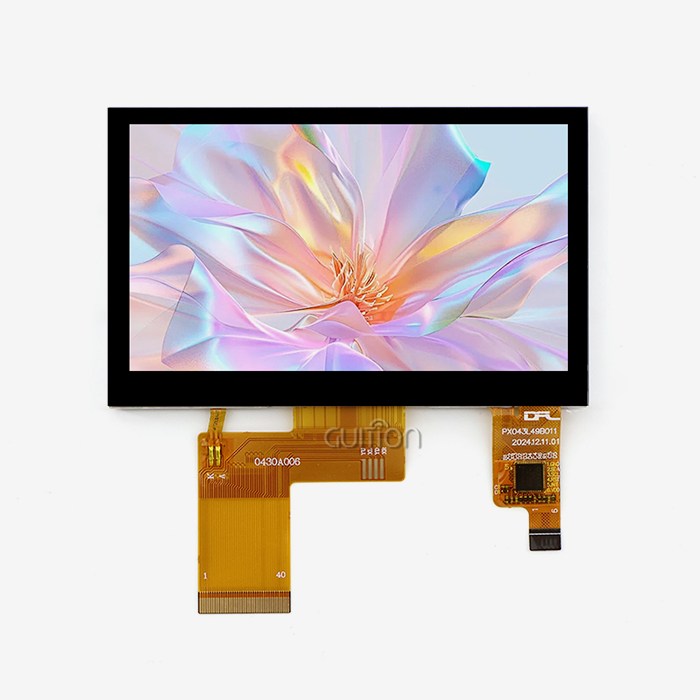
When choosing a touchscreen for an ESP32 P4 display module, you have two primary options: capacitive and resistive touch panels. Capacitive screens deliver fast response times under 10ms, multi-touch support, and high optical clarity — ideal for industrial HMI panels and smart home dashboards. Resistive screens offer glove-friendly input and cost advantages for ruggedized or budget-sensitive deployments. The GUITION JC-ESP32P4-M3-C6, built on a 400MHz dual-core RISC-V processor with MIPI-DSI and SPI interfaces, supports both touchscreen types and drives resolutions up to 800×1280 pixels with smooth 60 FPS rendering.

Understanding ESP32 P4 Display Module Touchscreen Compatibility
So that developers can choose the right touch screen, they need to know what the hardware can actually do. To be clear, the GUITION JC-ESP32P4-M3-C6 is not just any development board. It is a custom HMI platform with interfaces that directly affect the touchscreen options you have.
Key Interface Capabilities
The JC-ESP32P4-M3-C6 has USB OTG 2.0 HS for adding peripherals and MIPI-DSI for running high-resolution panels. It also has SPI and I2C for communicating with touch controllers. The built-in ESP32-C6 adds Wi-Fi 6 and Bluetooth 5 connectivity, so your display solution doesn't need any extra modules to talk to cloud dashboards or local networks. These connections tell the module which touch devices, like the GT911, FT5x06, or CST820, can work with it right away.
Display Technology Considerations
The ESP32 P4 display module works with both TFT-LCD and IPS screens through MIPI-DSI. It can push images up to 800x1280 at 60 frames per second with the help of a hardware 2D Pixel Processing Accelerator (PPA). OLED panels can be used with SPI, but because they are smaller, they are usually better for wearables or secondary status displays. With projected capacitive touch, IPS-LCD screens are the best choice for industrial control panels and medical monitors because they are clear, accurate in color, and sturdy.
Power and Thermal Constraints
The ESP32-P4 operates at 400MHz and has up to 32MB of PSRAM. This means that workloads that involve a lot of graphics stay within a reasonable temperature range, usually well below the 85°C upper limit confirmed by 85/85 burn-in tests. When they're not in use, resistive touch panels use a little less power, which is important for battery-powered handheld devices or portable agricultural monitoring terminals.
Evaluating Touchscreen Options: A Rational Choice Approach
Not every kind of touchscreen works well for every task. You can choose between capacitive and resistive touch controllers, or between I2C and SPI touch controllers, based on your application, budget, and time frame for development.
Here are the main things that engineers and product managers should look at when comparing:
- Capacitive touch (PCAP): Supports 5- to 10-point multi-touch, delivers sub-10ms response times, and works through protective glass — making it the preferred choice for smart home panels, EV charging interfaces, and commercial kiosks. The GT911 controller over I2C integrates cleanly with the ESP32 P4 display module's native I2C bus.
- Resistive touch: Accepts stylus or gloved input, operates at lower cost, and tolerates harsher chemical exposure — well suited for industrial machinery interfaces, commercial kitchen equipment, and field-deployed energy management terminals. Resistive controllers typically connect via SPI or ADC, both of which the JC-ESP32P4-M3-C6 supports natively.
- Controller library support: Open-source LVGL (Light and Versatile Graphics Library) supports GT911, FT5x06, and CST820 touch controllers out of the box, with active maintenance ensuring compatibility with ESP-IDF updates from Espressif.
These things can directly affect how long it takes to get your product to market and how much maintenance it will need in the long run. If you choose a touch device with good LVGL support, you won't have to do as much custom driver work. In fact, the time it takes to integrate touch is often cut from days to hours.
How to Integrate and Program Touchscreen Modules with ESP32 P4
The quality of the integration decides whether your touch panel works successfully in production or has problems in the field. The JC-ESP32P4-M3-C6 is made to cut down on that friction.
Wiring and Physical Connection
Connect SDA and SCL to the module's I2C pins for I2C-based capacitive controllers like the GT911. The interrupt line should be wired to a GPIO that is set up for edge-triggered input. Add 4.7kΩ pull-up resistors to both lines and keep the lengths of the traces short. To keep signal skew to a minimum at higher clock rates, make sure that the lengths of the CS, MOSI, MISO, and CLK signals in SPI-based resistive controls are all the same.
Software Initialization with ESP-IDF
The esp_lcd_touch component of Espressif's ESP-IDF has touch screen drivers. To start up, you need to register the I2C bus, call esp_lcd_touch_new_i2c_gt911(), and then connect the touch handle to your LVGL input device. Calibration data, which is usually a 5-point matrix, should be kept in NVMe flash so that it can be used after a reboot without having to be re-calibrated.
Real-World Case: Industrial HMI Panel
A factory automation HMI running LVGL 8.3 on the JC-ESP32P4-M3-C6 with a 7-inch IPS display and GT911 capacitive controller is used as an example of integration. The team reported no ghost touch events even when the CPU was busy during Modbus polling cycles. This proved that the module could separate signals and keep the PSRAM frame-buffer stable in real-world production settings.
Procurement Insights: Buying the Right Touchscreen Display Module with ESP32 P4
Sourcing decisions affect your product quality, supply continuity, and total cost of ownership — especially when scaling from prototype to production runs.
Choosing Authorized Sources
Buying directly from GUITION or its authorized distribution network ensures you receive modules that have passed IPC-A-610 inspection, including MIPI-DSI signal integrity verification and PSRAM read/write cycle validation. Counterfeit or gray-market modules frequently fail thermal stress tests and carry no warranty coverage, creating hidden costs in rework and field returns.
Pricing Trends and Bulk Strategy
Capacitive touch modules with MIPI-DSI connectivity carry a higher per-unit cost than resistive SPI panels — typically 20–40% more depending on size and controller. For production volumes above 500 units, negotiating tiered pricing directly with GUITION as your ESP32 P4 display module supplier can significantly reduce BOM costs. Lead times for standard configurations average 2–4 weeks from stock.
Global Supply Chain Considerations
GUITION ships globally and supports US-based procurement teams with English-language documentation and export-compliant packaging. For high-volume or custom display configurations, early engagement with the engineering team avoids costly mid-project specification changes.
Technical Support and Community Resources for ESP32 P4 Touchscreens
Quality of help after the sale is what separates a good relationship from a constant pain. GUITION puts money into tools at both the government and neighborhood levels.
Firmware and SDK Updates
Espressif regularly releases updates for ESP-IDF, which include improvements for the P4 version of the PPA driver and touch panel. GUITION's JC-ESP32P4-M3-C6 comes with software builds that have already been tested. It also supports over-the-air (OTA) upgrades, which means that units that have already been sent to the field can get fixes without having to be serviced, which is very helpful for medical devices and remote energy systems.
Troubleshooting Common Issues
Most of the time, touch calibration drift is caused by moving interrupt lines or bad NVMe storage of calibration matrices. Most I2C communication problems are caused by wrong pull-up resistor values or address conflicts with other peripherals that are using the same bus. The detailed instructions for GUITION includes step-by-step guides for fixing both situations.
Developer Community and Open-Source Platforms
There are thousands of active developers who use the LVGL forum, Espressif's GitHub repository, and GUITION's own support portal. These platforms share tested settings for components, board support packages, and LVGL theme templates. These tools help engineers who are new to the P4 design get up and running faster.
Conclusion
It's important to make sure that the interface compatibility, environmental requirements, and software support of the touchscreen you choose are all right for your ESP32 P4 display module project. Most business and medical uses can be met by capacitive panels with I2C controls. Resistive panels, on the other hand, are still good for rough industrial use. With a 400MHz dual-core processor, MIPI-DSI, native I2C/SPI, Wi-Fi 6, and Bluetooth 5, the GUITION JC-ESP32P4-M3-C6 supports both paths. This gives engineers a solid base of hardware to work with. With LVGL, ESP-IDF, and GUITION's Guition development tools, you have everything you need to make an HMI, from the idea stage to the final result.
FAQ
Does the ESP32 P4 display module support capacitive multi-touch?
Yes. The JC-ESP32P4-M3-C6 works with capacitive touch controllers like the GT911 over I2C, letting you use up to 10 points of touch to input data. The built-in touch input handler in LVGL handles motion recognition so you don't have to write any special low-level code.
What is the maximum resolution this module can drive?
The module drives displays with up to 800x1280 pixels via MIPI-DSI at 60 frames per second, and the hardware 2D PPA is used to blend and scale layers. Bus bandwidth limits mean that SPI-connected screens can only work at smaller resolutions.
Can I use resistive touch with the ESP32-P4?
Yes. The ESP32-P4's peripheral set works with resistive touch controllers that connect via SPI or ADC. This choice works well for industrial interfaces that can be used with gloves on or a stylus, and where multiple touches are not needed.
How does OTA upgrade work with deployed touch panels?
Wireless communication is handled by the built-in ESP32-C6. ESP-IDF's OTA partition method pushes OTA firmware updates over Wi-Fi 6. This lets distant patches change both display drivers and touch calibration data without having to go to the device's location.
Where can I source this module in bulk?
For information on the JC-ESP32P4-M3-C6's cost, wait periods, and the unique configuration options available.
Start Your Next HMI Project with GUITION's ESP32 P4 Display Module
As a qualified ESP32 P4 display module manufacturer, GUITION's JC-ESP32P4-M3-C6 can be contacted right away. It has a 27x27mm footprint and has a 400MHz dual-core RISC-V processor, MIPI-DSI, Wi-Fi 6, and Bluetooth 5. It also comes with the Guition UI development tool and works with both ESP-IDF and other devices. Our tech team can be reached at david@guition.com or https://jingcaizhineng.aixdb.cn/ to talk about your project needs right away, whether you need a single test unit or a full production order.
References
1. Espressif Systems. ESP32-P4 Technical Reference Manual. Espressif Systems, 2024.
2. LVGL Project Contributors. LVGL Documentation: Touch Input Devices and Drivers. LVGL Open Source Project, 2023.
3. IPC Association. IPC-A-610 Acceptability of Electronic Assemblies, Revision H. IPC, 2020.
4. Espressif Systems. ESP-IDF Programming Guide: LCD and Touch Panel Drivers. Espressif Systems, 2024.
5. Richardson, M. & Wallace, S. Getting Started with Raspberry Pi and Embedded Linux Display Systems. O'Reilly Media, 2022.
6. Maxim Integrated. Resistive vs. Capacitive Touchscreens: A Technical Comparison for Embedded Designers. Analog Devices Technical Journal, 2021.
Learn about our latest products and discounts through SMS or email