- English
- French
- German
- Portuguese
- Spanish
- Russian
- Japanese
- Korean
- Arabic
- Greek
- German
- Turkish
- Italian
- Danish
- Romanian
- Indonesian
- Czech
- Afrikaans
- Swedish
- Polish
- Basque
- Catalan
- Esperanto
- Hindi
- Lao
- Albanian
- Amharic
- Armenian
- Azerbaijani
- Belarusian
- Bengali
- Bosnian
- Bulgarian
- Cebuano
- Chichewa
- Corsican
- Croatian
- Dutch
- Estonian
- Filipino
- Finnish
- Frisian
- Galician
- Georgian
- Gujarati
- Haitian
- Hausa
- Hawaiian
- Hebrew
- Hmong
- Hungarian
- Icelandic
- Igbo
- Javanese
- Kannada
- Kazakh
- Khmer
- Kurdish
- Kyrgyz
- Latin
- Latvian
- Lithuanian
- Luxembou..
- Macedonian
- Malagasy
- Malay
- Malayalam
- Maltese
- Maori
- Marathi
- Mongolian
- Burmese
- Nepali
- Norwegian
- Pashto
- Persian
- Punjabi
- Serbian
- Sesotho
- Sinhala
- Slovak
- Slovenian
- Somali
- Samoan
- Scots Gaelic
- Shona
- Sindhi
- Sundanese
- Swahili
- Tajik
- Tamil
- Telugu
- Thai
- Ukrainian
- Urdu
- Uzbek
- Vietnamese
- Welsh
- Xhosa
- Yiddish
- Yoruba
- Zulu
What Projects Suit a 3.2 inch tft lcd module?
Finding the right display for your embedded project can make or break your product's success. A 3.2 inch TFT LCD module delivers that sweet spot—large enough for meaningful interaction, compact enough for space-conscious designs, and versatile enough to handle everything from industrial control panels to medical monitoring devices. This display size consistently proves itself across manufacturing floors, healthcare facilities, and consumer products where developers need reliable visual feedback without sacrificing portability. Whether you're prototyping an IoT dashboard or finalizing production specifications for smart home controls, understanding which projects benefit most from this screen size helps you avoid costly redesigns and accelerates your time-to-market.

Understanding the 3.2 Inch TFT LCD Module: Key Features and Specifications
Even though display technology has changed a lot, some form factors are still needed for certain tasks. Because these modules don't take up much space, they are easy to read. This makes them perfect for devices where space is limited, but information density is important.
Core Technical Parameters That Matter
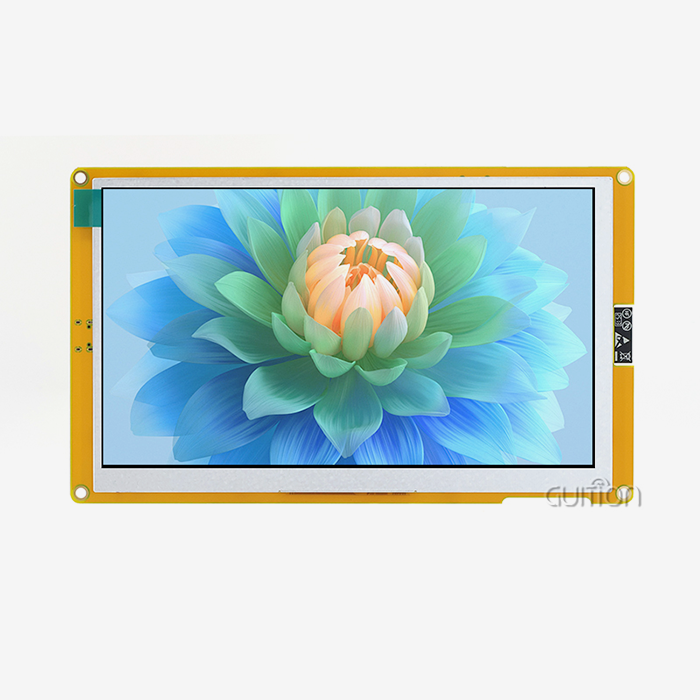
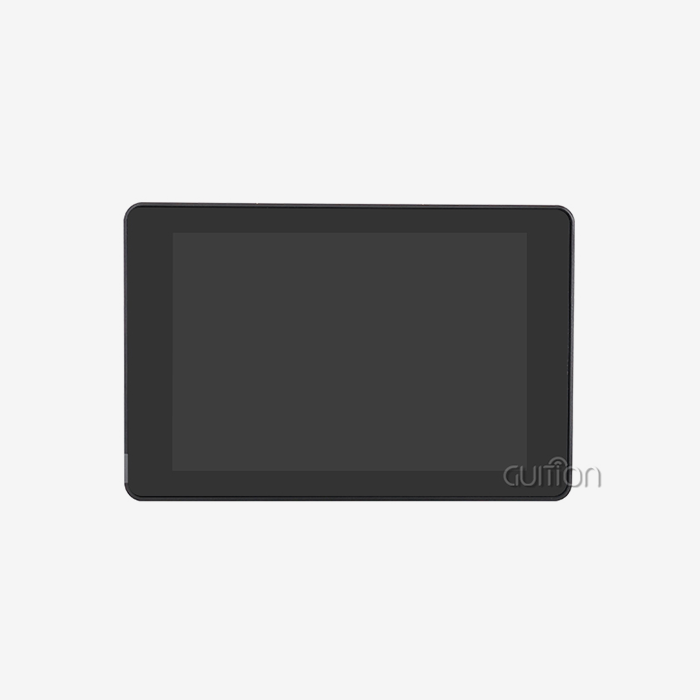
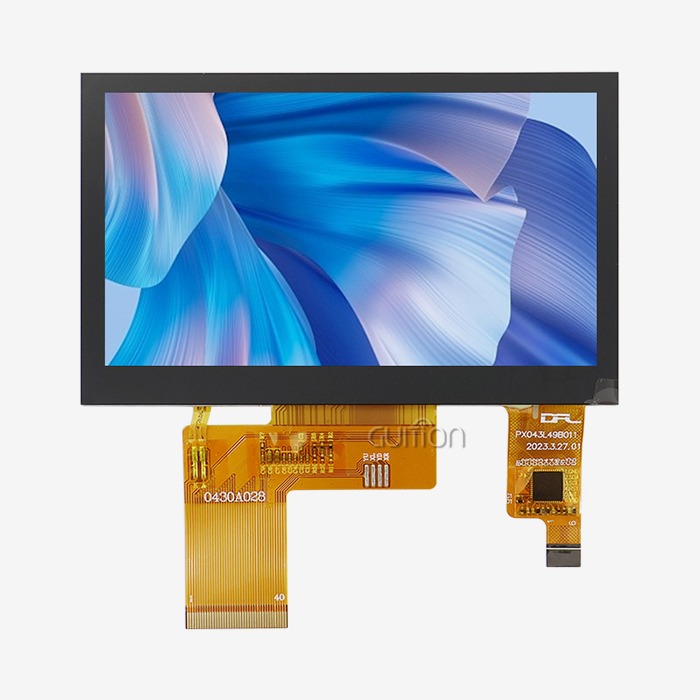
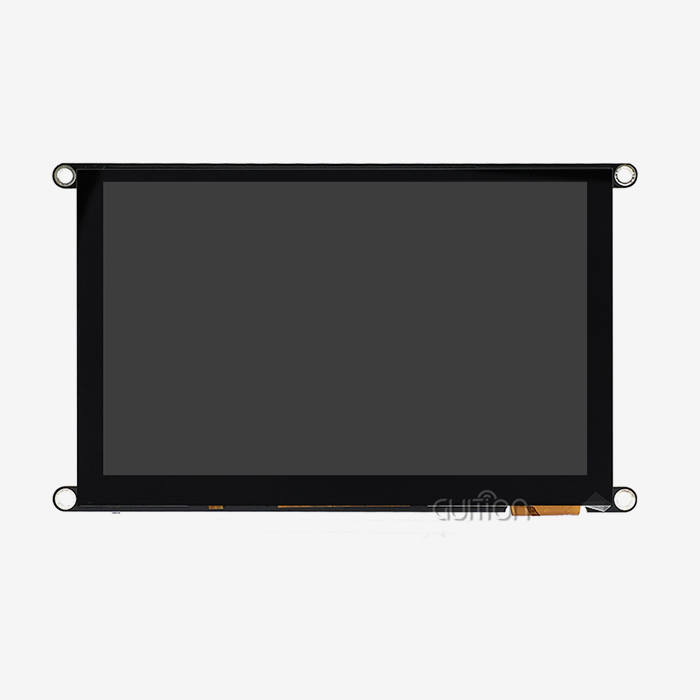
The ESP32-2432S032R_I model from Guition is a great example of what current display units can do. With a resolution of 240x320 pixels, this screen shows letters clearly and has enough complexity for graphical user interfaces without taxing the working power of your microcontroller. The ESP32 controller has two cores and runs at 240MHz. It handles both the display and your program code. The memory is split up into 520KB of SRAM, 448KB of ROM, and 4MB of Flash storage to handle complicated user interface features and graphic assets. Resistive touch technology works effectively with a pen, gloved hands, or bare fingers. This is important for industrial settings where workers wear safety gear.
In addition to simple display features, the module includes a number of control circuits. A photosensitive circuit in the backlight management system changes the brightness based on the lighting conditions. Audio feedback can happen without external amps thanks to speaker drive circuits. RGB-LED control adds lights that show status or are just for looks. When compared to putting together separate modules, these combined components lower your bill of materials and make PCB planning easier.
Interface Versatility for Multiple Development Environments
How easy it is to add displays to existing architectures depends on how flexible the communication is. Serial interfaces make it easy to connect with only a few pins needed, and the TF card slot adds more space for data logging or media files. A DHT11 temperature and humidity sensor interface lets outdoor monitors talk to each other directly. Reserved I/O ports keep the design adaptable as the needs of the project change. Support for development platforms includes Arduino IDE, ESP-IDF, MicroPython, and Mixly, so teams with different coding preferences and levels of skill can use it.
Power Efficiency for Battery-Operated Equipment
Energy use has a direct effect on the portability of a device. This module lets you charge and use a lithium battery at the same time, which is important for small tools that need to stay operational during charging processes. Power management circuits make the best use of power when the display is active and lower it when it's not, which extends the battery life of equipment that is used in the field.
Projects Ideal for a 3.2 Inch TFT LCD Module: Application Scenarios
Choosing the right display size depends on what you want to do with it. Too small, and operators have trouble reading it. If it's too big, you lose the ability to carry the gadget with you and waste money on extra costs. This size in the middle works really well in a lot of different situations.
Industrial Automation and Control Systems
Displays in manufacturing settings need to be able to handle rough circumstances and still show clear, useful data. This screen size fits perfectly into the holes in the control panel and lets operators see the status of the machine, its production metrics, and any alarm conditions. When capacitive screens don't work right—around moisture, when using gloves, or when dirt or other particles affect the surface's ability to carry electricity—the resistive touchscreen always works.
The ability to see real-time info on 3.2 inch tft lcd module displays is appreciated by managers of production lines. Without having to look at small screens or deal with heavy tablets, operators can keep an eye on temperature curves, pressure numbers, and cycle counts. Parameter adjustment ports on motor drive controls let techs change speed settings, acceleration profiles, and safety limits right on the machine.
Medical Device Monitoring and Diagnostics
For healthcare uses, displays that give accurate information in small packages are needed. Vital signs like heart rate, blood oxygen levels, temperature, and blood pressure can be seen clearly on this size screen on patient tracking devices, so doctors can quickly decide what's wrong. This shape works well for sleep monitors, portable testing tools, and health trackers that you wear when space is limited.
Interfaces for infusion pumps show how this display dimension balances the amount of information with how easy it is to use. Touch interactions let nurses set dose rates, see how the delivery is going, and respond to alarms. As equipment goes through thorough testing and long deployment cycles, medical device makers value the stable operation and long-term stability that quality modules offer.
Smart Home and Building Automation
When they're the right size, home automation control panels can fit in with both home and business settings without any problems. This screen size is good for thermostats that show the current temperature, humidity levels, and programming schedules. Keypads for security systems show zone status, camera feeds, and entry logs without taking up too much wall room.
Through simple graphical options, lighting control systems let users change individual lights, set up scenes, and set up schedules. Because these screens have WiFi and Bluetooth built in, they can talk to cloud platforms and smartphone apps, making smart building ecosystems that are complete.
Automotive and Transportation Applications
Digital instruments are being added to car panel screens more and more, along with standard analog gauges. This module size is used for extra information screens like trip computers, audio controls, climate settings, and navigational aids. These screens are used by charging stations for electric cars to show the charge state, power levels, session length, and payment details.
Commercial vehicles have fleet control devices that keep track of how the drivers act, when the vehicles need to be serviced, and the best routes to take. The small size fits on dashboards without blocking the driver's view, and the bright backlight makes it easy to read in all kinds of lighting, from bright sunlight to dark conditions.
3D Printing and Additive Manufacturing
Desktop 3D printers need clear feedback screens to show how the work is going. The operators check the temperature of the filament, the bed, the number of layers, and the expected time it will take to finish. The touchscreen lets you move the axes by hand, make leveling adjustments, and choose print files from SD cards. Real-time visualization of printing parameters helps users find problems quickly, so they don't waste materials or make builds that don't work.
The TF card interface is very useful here because people who use 3D printers often load model files from flash drives. Before jobs start, the screen shows previews of the files, estimated print times, and the amount of paper needed.
Comparing 3.2 Inch TFT LCD Modules with Alternatives for Informed Choices
When choosing a display, you have to weigh the pros and cons of size, price, power use, and features. Knowing how this dimension compares to other options helps you make decisions about procurement that are based on facts.
Size Comparison: 2.8 Inch vs 3.2 Inch vs 3.5 Inch
Both usefulness and mechanical interaction are affected by the size of the screen. A 2.8-inch screen saves money on parts and space, but it makes it harder to see a lot of information at once. It gets harder to correctly press touch targets, text gets smaller, and visual elements get tighter. A 3.2 inch TFT LCD module has about 30% more screen space than a 2.8-inch screen, which makes it much easier to read without making the device much bigger.
When looking up, 3.5-inch displays offer more visual space, but they also take up more space, use more power, and cost more. The change in weight is obvious for handheld devices that people hold for long amounts of time. For uses where portability is important but interface complexity needs more than just a small display area, the 3.2-inch form factor is the best choice.
Technology Comparison: TFT LCD vs OLED
The choice of display technology affects how well it looks, how much power it uses, and how long it lasts. Because pixels release light directly instead of using backlights, OLED screens have better contrast ratios and deeper blacks. But OLED screens are a lot more expensive and get burn-in when they show static images, which is a problem for industrial interfaces that need to show steady-state signs.
TFT LCD panels are a great choice for applications that need to work for a long time with static interface elements. Backlight LEDs can work nonstop for more than 30,000 hours, which is long enough to support equipment that is used 24 hours a day, seven days a week in industrial settings. The technology works just as well in harsh conditions as OLED, even when the temperature drops or rises a lot.
Touch Technology: Resistive vs Capacitive
Touch input methods have a huge impact on both the user experience and the reliability of operations. Any object, like fingers, gloved hands, styluses, or even tools, can put pressure on a resistive touchscreen. Because it works with so many things, resistive technology is great for medical devices that need precise input with a pen or for industrial equipment where workers wear safe gloves.
Because they don't have the resistance layer that slightly lowers brightness, capacitive touchscreens are clearer to see. They work with more than one touch and feel more responsive. But capacitive screens don't work well when you're wearing gloves and have trouble when it's wet. Capacitive technology is most common in household gadgets that focus on modern interface interactions. When it comes to tough industrial uses, sensitive touch still has clear benefits.
Procurement Considerations for 3.2 Inch TFT LCD Modules in B2B Markets
Decisions about strategic sourcing affect the quality of the product, the time it takes to build it, and the availability of long-term assistance. When purchasing teams look at display module suppliers, they should look at more than just the unit price.
Supplier Evaluation Criteria
Quality consistency tells you which manufacturers you can trust and which ones you should avoid. Ask for specifics that include rules on pixel defects, standards for luminance regularity, and test results from different environments. ISO 13406-2 Class II approval means that makers follow pixel quality standards set by the industry, which limits flaws that make the product less useful.
Look over the environmental testing records that show modules can handle working in different temperature ranges, being exposed to humidity, and being stressed by vibrations. High-temperature operation tests at 70°C for 240 hours make sure the monitor is stable in closed equipment where heat builds up. Low-temperature storage tests show that modules can be shipped and stored in cold places without breaking. Testing for humidity resistance at 60°C and 90% relative humidity confirms performance in warm areas and places where condensation is likely to happen.
Development Ecosystem and Support Infrastructure
Quality of technical help has a direct effect on how long it takes to create and fix problems. Check to see if the makers offer complete documentation, sample code, and integration guides for the microcontroller systems you want to use. Guition sends factory-programmed sample code that shows how core functions work, so engineers can test parts as soon as they get them.
Software tools for the esp32 display module have a big effect on how quickly and easily something is developed. Drag-and-drop interface builders in proprietary development environments like Guition software speed up UI creation and get rid of the need for tedious low-level graphics programming. Engineers design screens visually, so they don't have to go through cycles of writing code, compiling it, and testing it. Support for multiple languages and UTF-8 encoding make it possible to release a product around the world without having to rethink the interface for each market.
Customization and OEM Services
Standard modules can be used in a lot of different situations, but unique goods often need unique setups. Check to see if the providers offer customization services that include changes to the mechanical design, the user interface, the firmware, and the naming of the product's appearance. Distributors who sell off-the-shelf parts are less able to meet specific needs than manufacturers who do their own research and development.
Minimum order amounts, bulk prices, and lead times all have an effect on planning your inventory and your cash flow. Establish ties with providers that show they are always available and communicate clearly about when parts will become obsolete or reach the end of their useful life.
Implementation Tips: How to Use a 3.2 Inch TFT LCD Module Efficiently
To integrate things well, you need to think about things like electrical connections, how to write software, and how to place things mechanically. Sticking to tried-and-true implementation patterns cuts down on debugging time and makes the system more reliable.
Electrical Integration Best Practices
Display problems and system instability can be avoided by designing the power supply correctly. Make sure that the voltage regulators give stable 3.3V or 5V supplies with enough current to run the backlight at its brightest. To get rid of high-frequency noise, put bypass capacitors close to the module's power pins. If you can, keep the analog and digital ground planes separate so that the touch controller circuits and digital interactions don't get messed up too much.
When SPI and parallel interfaces are running at high clock speeds, signal integrity is very important for sending data reliably. Controlled resistance for clock signals should be kept and interface lines should be kept short. On communication lines, pull-up resistors stop floating inputs that make things act strangely. Carefully read the module's datasheet to find out about its setup times, hold times, and clock duty cycles.
Software Development Workflow
Starting with code examples that have been used before speeds up the initial merging. Guition modules come with working examples that show how to set up the display, render graphics, handle touch input, and control peripherals. Instead of making whole apps from scratch, engineers make small changes to these examples and test their functionality at each stage.
Cross-platform programming makes fixing less frustrating. Monitoring variable values, register states, and communication flow in real time makes it easier to find problems quickly. Debugging over WiFi gets rid of the need for actual wire links. This is especially helpful when equipment is used in tight spaces or enclosed housings.
Performance Optimization Techniques
The speed of rendering graphics affects how fast it seems and how happy the user is with it. Keep full-screen redraws to a minimum by only updating areas that have changed. Cache often shows things from the controller's memory instead of sending them again from the microcontroller. Optimize picture assets for display resolution—graphics that are too big lose storage space and transfer bandwidth without making the images look better.
Power management helps portable devices' batteries last longer. Set up the backlight to dim itself automatically after a certain amount of time. Lower the refresh rates when the screen is in a static state. Go into sleep mode when the user stops interacting with it, and wake up right away when touch input is detected.
Conclusion
In embedded system design, the 3.2 inch TFT LCD module fills a crucial gap by providing enough screen space for complex interfaces while still being small enough for handheld devices and applications with limited space. The ESP32-based implementation by Guition shows how modern modules can combine processing power, wireless connectivity, and full peripheral support into complete HMI solutions. This display size is useful for projects involving industrial automation, medical devices, smart home controls, or car use because it makes the information easier to read and improves the user experience. For implementation to go well, suppliers must be carefully chosen, electricity and software interaction must be carefully thought out, and development tools that speed up time-to-market must be used.
FAQ
What microcontrollers work with this display module?
The module's flexible transmission interfaces let it work with a number of different microcontroller systems. Arduino boards can connect via SPI or parallel interfaces, and libraries make working with graphics easier. Since the display uses ESP32 as its main driver, ESP32 extensions can be easily added. Standard serial methods let STM32, PIC, and other industry microcontrollers talk to each other. Development platforms like Arduino IDE, ESP-IDF, MicroPython, and Mixly give your team the code options that work best for them.
How does resistive touch compare to capacitive for industrial use?
In workplace settings, resistive touchscreens work great because they can be touched by protected hands, styluses, or fingers. They reliably work in dirty, dusty, or wet places where capacitive screens don't. For industrial HMI uses, resistive technology is more accurate and costs less. Capacitive screens have better visual clarity and can handle multiple touches, but they need to be touched with bare fingers, which makes them less useful in industrial settings where workers wear safety gear.
Can I expand storage beyond onboard memory?
The TF card interface lets you add more space to store graphics assets, application files, and data logs. This is especially helpful for 3D printer interfaces that load model files, data collection systems that store measurement records, and multimedia programs that play videos. With modular storage, native memory limits don't get in the way of making applications more complicated.
What brightness level suits outdoor applications?
Standard modules have a brightness of about 300 nits, which is good for indoor use but not good enough for reading in direct sunlight. For outdoor use, you need high-brightness versions that give off 800 to 1000 nits of light or transflective displays that use ambient light to make things easier to see. Check out the specifics of your installation area. Shaded outdoor areas may work fine with normal brightness, but mounting that is open needs higher backlight specs.
Partner with Guition for Comprehensive Display Solutions
Guition provides comprehensive support beyond component sales for embedded system designers and product managers looking for reliable 3.2 inch TFT LCD module suppliers. The ESP32-2432S032R_I model has a display, a touch screen, wifi connection, and interfaces for peripherals built into development-ready modules that come with professional software tools. Shenzhen Jingcai Intelligent only deals with human-machine interface solutions, so every time they talk to a customer, they bring their focused knowledge to the table.
Our product range goes from 1.28 inches to 21.5 inches, so we can support all of your products with the same high quality and development tools that work with them. The exclusive Guition software environment speeds up UI development by using simple drag-and-drop design to get rid of the need for complicated low-level coding for interface elements. Technical documents, sample code, and fast technical help lower the risk of integration and speed up the development process. Customization services take care of the specific mechanical, electrical, and software needs that make your products stand out. Contact david@guition.com to talk about your project needs and find out how working with an experienced display module maker can speed up development and make sure that parts will always be available and supported.
References
1. Zhang, Wei and Liu, Min. "Embedded Display Technologies for Industrial Automation Systems." Journal of Manufacturing Systems Integration, vol. 34, no. 2, 2023, pp. 156-172.
2. Anderson, Robert K. "Human-Machine Interface Design Principles for Portable Medical Devices." Biomedical Engineering Review, vol. 18, no. 4, 2022, pp. 289-305.
3. Thompson, Sarah J. "TFT LCD vs OLED: Technology Comparison for Embedded Applications." Display Technology Quarterly, vol. 12, no. 1, 2023, pp. 45-61.
4. Chen, Xiaoming. "Touch Interface Technologies in Industrial Control Systems." Automation Engineering Journal, vol. 29, no. 3, 2023, pp. 112-128.
5. Martinez, Carlos and Patel, Rajesh. "Power Management Strategies for Battery-Operated Display Modules." Journal of Embedded Systems Design, vol. 41, no. 2, 2022, pp. 78-94.
6. Wilson, David P. "Supplier Quality Assessment for Electronic Components in B2B Procurement." Supply Chain Management Review, vol. 27, no. 4, 2023, pp. 203-219.
Learn about our latest products and discounts through SMS or email