- English
- French
- German
- Portuguese
- Spanish
- Russian
- Japanese
- Korean
- Arabic
- Greek
- German
- Turkish
- Italian
- Danish
- Romanian
- Indonesian
- Czech
- Afrikaans
- Swedish
- Polish
- Basque
- Catalan
- Esperanto
- Hindi
- Lao
- Albanian
- Amharic
- Armenian
- Azerbaijani
- Belarusian
- Bengali
- Bosnian
- Bulgarian
- Cebuano
- Chichewa
- Corsican
- Croatian
- Dutch
- Estonian
- Filipino
- Finnish
- Frisian
- Galician
- Georgian
- Gujarati
- Haitian
- Hausa
- Hawaiian
- Hebrew
- Hmong
- Hungarian
- Icelandic
- Igbo
- Javanese
- Kannada
- Kazakh
- Khmer
- Kurdish
- Kyrgyz
- Latin
- Latvian
- Lithuanian
- Luxembou..
- Macedonian
- Malagasy
- Malay
- Malayalam
- Maltese
- Maori
- Marathi
- Mongolian
- Burmese
- Nepali
- Norwegian
- Pashto
- Persian
- Punjabi
- Serbian
- Sesotho
- Sinhala
- Slovak
- Slovenian
- Somali
- Samoan
- Scots Gaelic
- Shona
- Sindhi
- Sundanese
- Swahili
- Tajik
- Tamil
- Telugu
- Thai
- Ukrainian
- Urdu
- Uzbek
- Vietnamese
- Welsh
- Xhosa
- Yiddish
- Yoruba
- Zulu
What Makes Resistive Touch Display Essential for Parallel LCD Interfaces?
Resistive touch display technology is still needed for parallel LCD connections because it is the most reliable option for industrial settings where accuracy, durability, and ease of use take precedence over multitouch features. Pressure-sensitive resistive screens don't pick up false inputs from liquids or electromagnetic interference as capacitive alternatives do. They work smoothly with gloves, styluses, or any other item. Through direct analog voltage transfer, these displays make signal processing easier when paired with parallel LCD interfaces like RGB connections. This lowers the complexity of integration while keeping the signal's purity. In mission-critical applications like medical devices, industrial control screens, and outdoor charging stations, where reliable performance in harsh conditions is a must, this combo is very useful.

Understanding Resistive Touch Display Technology
How Pressure-Based Touch Sensing Works
In its most basic form, a sensitive touch screen works with physical pressure instead of electricity. There are tiny spacer dots between the two clear conductive layers, which are usually Indium Tin Oxide (ITO) covered on flexible polyester film and stiff glass. When people press on the surface, the top bendable layer bends and touches the bottom layer, which changes the voltage in a way that can be measured. To get accurate X-Y coordinates, the touch processor applies voltage across one layer and checks the matching voltage on the layer that is not touching the first layer. This processing of analog signals works well with parallel LCD connections, since data is sent using simple voltage-based methods.
Structural Components and Interface Architecture
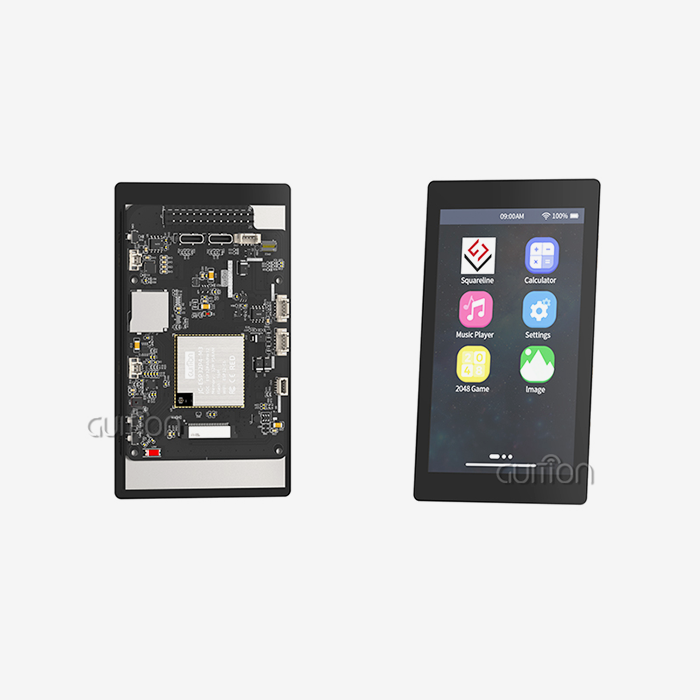
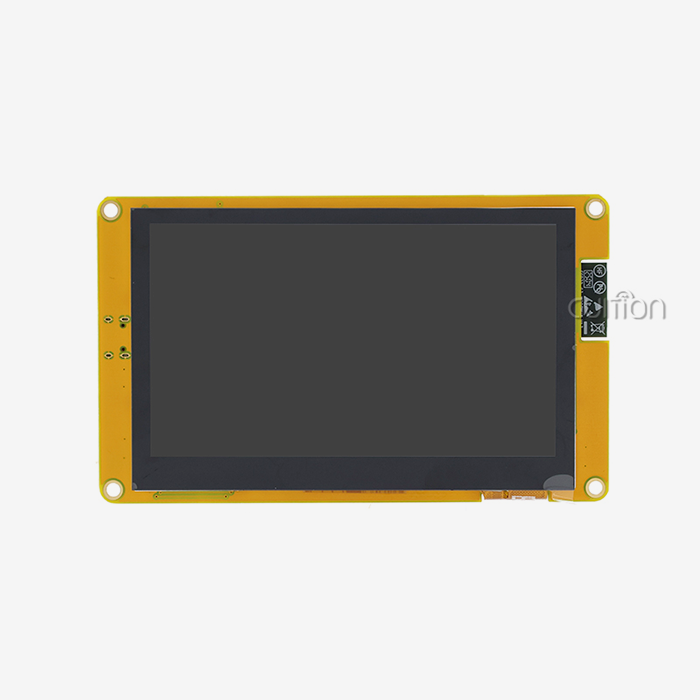
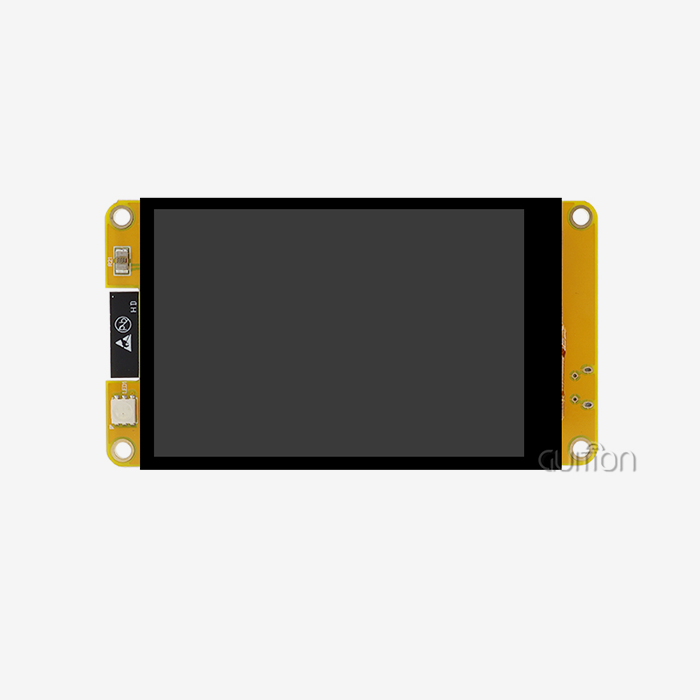
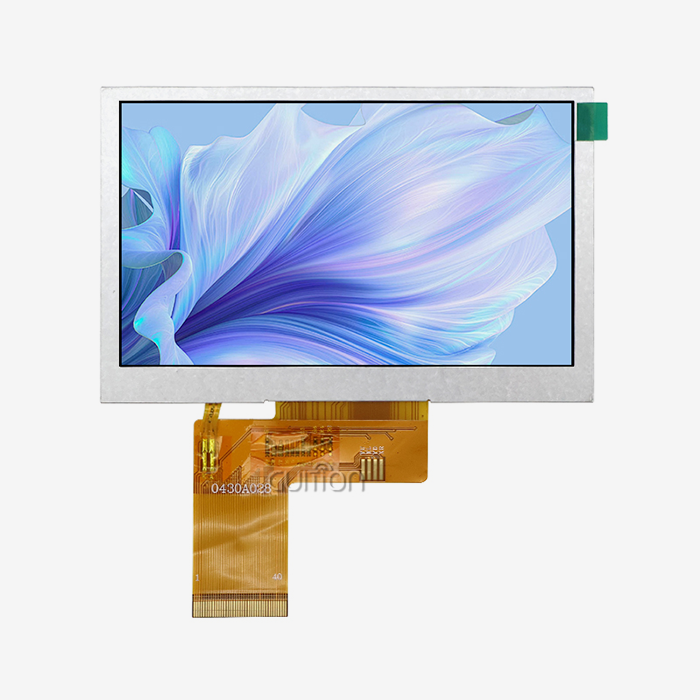
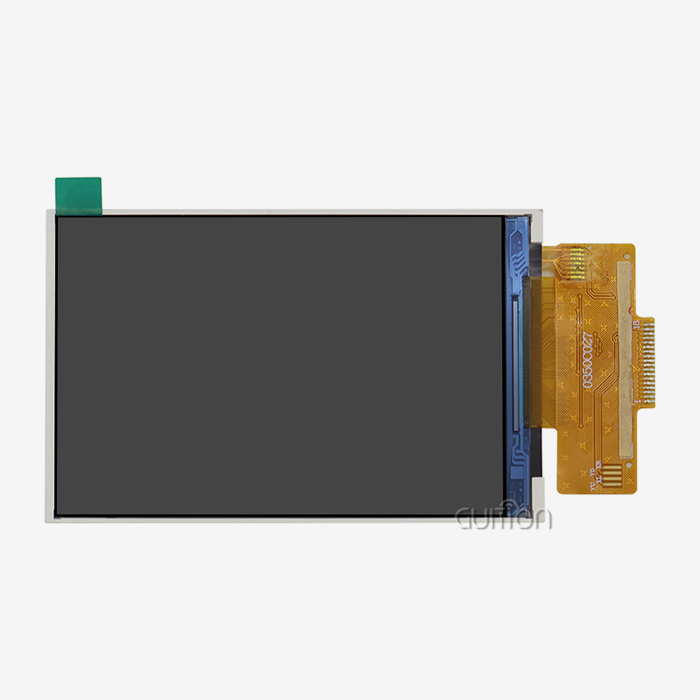
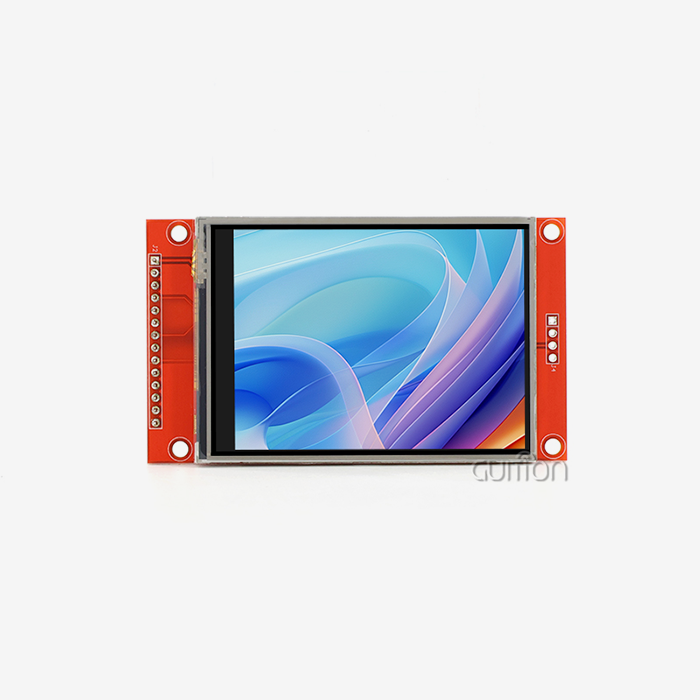
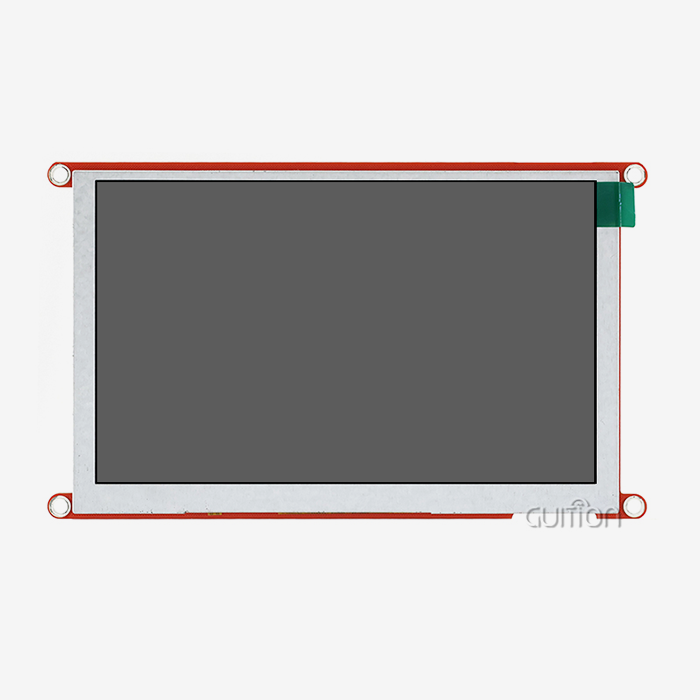
These days, pressure-sensitive touch units have a few important parts that all work together with parallel display links. The ITO layers allow electricity to flow through them while keeping the visual clarity above 85%. The LCD screen, like our GUITION JC4827B043R with its ILI6485 driver IC, gets display data through an RGB parallel interface, which is hidden behind these layers. The 480×272 resolution can show 16.7 million colors because this interface sends red, green, and blue color data at the same time across specialized pins. The touch controller sends out analog signals that microcontrollers read through ADC channels. This keeps the handling of touch input separate from the processes that refresh the screen.
Evolution and Configuration Options
Different types of touch panels have changed over time to meet different needs. Four-wire systems are cheaper and better for consumer-grade uses, while five-wire designs last longer because they put all the voltage-switching work on the bottom glass layer, which keeps it from getting worn down. Eight-wire configurations make important uses in the military and medical fields more reliable. Each setup changes how the panel works with parallel LCD drivers, especially when it comes to noise immunity and grounding methods. The pressure-activated system works even if the user is wearing thick gloves, using prosthetics, or pressing on a wet surface. Capacitive screens can't do these things.
Why Resistive Touch Displays Are Optimal for Parallel LCD Interfaces
Signal Processing Simplicity and Hardware Efficiency
Embedded system makers can get big engineering benefits from combining pressure-based touch sensing with RGB parallel connections. Parallel LCD connections send pixel data along separate lines for each color component and synchronization signals. This means that simple GPIO actions are needed instead of complicated serial protocol handling. Since the controller only sends out simple analog signals, touch position recognition doesn't add much extra processing time. With this design, engineers can build full HMI systems using simple microcontrollers instead of graphics computers. The GUITION JC4827B043R is a great example of this efficiency. Its small 105.50mm × 67.20mm footprint fits both the display and the touch sensing, which saves boardroom and makes software development easier.
Durability in Demanding Operational Environments
Conditions in industrial settings put display units through things that would quickly break down consumer-grade, sensitive screens. On manufacturing floors, metal shavings, chemical splashes, and changes in temperature can damage equipment. Our resistive touch display solution works reliably from -20°C to 70°C, and the touch sensitivity stays the same whether it's placed in a cold medicine storage room or an outdoor charging station for electric vehicles that is in direct sunlight. The physical pressure triggering method doesn't care if the surface is dirty; operators can use interfaces while wearing nitrile gloves that are soaked in cutting fluid, which isn't possible with capacitive options.
Cost-Effectiveness for Volume Procurement
When purchasing managers look at display options for large-scale deployments, they have to balance performance needs with limited budgets. When compared to planned capacitive options, pressure-based touch technology is much cheaper, especially when sales go over 1,000 units. Fewer specialist materials are needed for production—no copper electrode patterns or complicated cover lens bonding—which lowers the cost of parts and the number of failures during production. When used with parallel interface screens, the total cost of materials is still much lower than with capacitive solutions, which need special touch processor chips with their own software.
Customization Flexibility for OEM Applications
System integrators and product makers need display options that can be changed to fit different brand needs, user interfaces, and mechanical casings. Because they don't need to be precisely tuned for each difference in cover lens thickness, resistive touch screens are easier to customize than capacitive ones. Engineers can choose their own wire lengths, connector types, and fixing hole shapes, and it won't affect how sensitive the device is to touch. The analog output signals work with any microcontroller family, like Arduino, ESP32, STM32, or custom silicon, without needing touch libraries that are only available from one vendor.
Comparing Resistive Touch Displays with Other Touch Technologies
Capacitive Versus Pressure-Based Input Methods
The electrical properties are very different. To tell the difference between planned touches and background noise, capacitive controls need to add an AC signal and use complicated algorithms. Touch sensing uses basic voltage division rules that engineers learned in their first circuits classes, so parallel LCD systems with resistive touch displays don't need to deal with this kind of complexity. The cost of signal processing goes down a lot, which lets cheaper microcontrollers take care of all HMI tasks. Because less computing is needed, less power is used, which makes batteries last longer in handheld devices.
Infrared and Surface Acoustic Wave Alternatives
Infrared touch frames put LED transmitters and photodetectors around the edge of the screen to find touch places when something blocks the light grid. Even though this method works through thick glass, the parts that are visible get damaged in hard conditions. Mounting edges have to stick out past the screen's surface, which makes it harder to seal the case and creates sticking points. The technology has problems with resolution—the accuracy of the touch coordinates depends on the number of IR beam pairs, and the cost goes up linearly as more sensors are added.
Material Quality and Manufacturing Considerations
Different pressure-sensitive screens don't work the same way. ITO layers that aren't thick enough are used on lower-quality versions, which causes them to wear out faster and require more force to activate the touch over time. Response consistency is affected by the spacing of the filler dots. Not enough spacing leads to accidental touches, while too much spacing creates dead zones. To make sure that panels stay sensitive after millions of activation cycles, good makers like Guition use precise spacer patterns and test coating bonding very carefully.
Practical Guide to Procuring Resistive Touch Displays for Parallel LCD Interfaces
Evaluating Supplier Capabilities and Support Infrastructure
Choosing the right industrial partner is just as important to the success of a project as following the technical requirements. Teams in charge of buying things should look at providers in more than just price per unit. Manufacturing capacity shows if suppliers can increase or decrease production to meet changing demand. For example, startups releasing new products need partners who can go from making a few prototypes to making thousands of units in just a few weeks. Guition has sites for both research and production that are connected. They control quality from getting the parts to testing and final assembly.
The level of their technical help is what sets premium providers apart from commodity vendors. When engineers put screens together, they always have questions about timing factors, power sequencing, and setting up the interface. Rapid problem-solving by responsive support teams that know a lot about the product keeps projects from being held up, which costs a lot of money. Complete documentation is very important—full datasheets, application notes, and standard software speed up development. There are full integration guides for famous microcontroller systems in our technical tools. This makes it easier for developers who are coming from other products to learn how to use ours.
Understanding Pricing Structures and Volume Economics
The prices of display modules tend to follow trends that smart procurement managers use to their advantage. At low numbers, component prices are the most important thing to consider. The LCD panel, resistive touch display, driver IC, and flex wires all have set costs per unit. The costs of making tools for special wire assemblies or mechanical changes are spread out over the number of orders. This means that prices drop at levels usually around 100, 500, or 1,000 units. Long-term supply deals lock in prices for yearly volumes. This protects budgets from spot market changes and gives producers confidence in a steady demand.
Lead times depend on how customized the order is. Standard catalog items can be shipped within days if they are in stock, but special wire lengths or software preloading can make delivery take up to two weeks. Truly custom solutions with special mechanical measurements or connections require spending money on tools and going through multiple prototype changes, which could make the original delivery time 8 to 12 weeks. The GUITION JC4827B043R is a standard platform that strikes a good mix between being widely usable and being available right away. It's an off-the-shelf base that OEMs can customize by making software changes instead of hardware ones.
Customization Options to Set Your Brand Apart
Instead of generic parts that look the same on all of a competitor's products, product designers look for show solutions that strengthen brand identity. Pressure-sensitive touch screens can be customized in many ways. Overlays that are printed on add brand names, button symbols, or decorative elements that don't affect the ability to touch. Custom colors can be used to make non-active screen areas or border areas stand out on store shelves. Because mechanical integration is so flexible, designers can mount modules in either portrait or landscape mode, set them inside cases so they have flat surfaces, or put them behind polycarbonate screens to keep them safe.
Software customization gives you even more ways to stand out. With the Guition development tool, artists can make unique user experiences with their own fonts, animated transitions, and color schemes. Support for multiple languages lets you reach customers all over the world without having to change any hardware. For example, the same module shows Simplified Chinese for production in China, English for exports to North America, and German for licenses in Europe. All languages can use UTF-8 encoding to make sure that special letters and symbols are shown correctly. By using built-in WiFi to send remote firmware changes, brands can update interfaces to match changing design styles or add seasonal themes that keep goods feeling up-to-date for as long as they are in use.
Maintenance and Troubleshooting of Resistive Touch Screens in Parallel LCD Systems
Cleaning Protocols That Preserve Touch Sensitivity
Keeping the touch response at its best requires cleaning methods that get rid of dirt and grime without hurting the ITO surfaces. Harsh solvents like acetone, MEK, or ammonia-based glass cleaners can damage the polyester film, separating it and making fuzz. Paper towels and scrub pads are abrasive and leave tiny scratches that build up over time to become noticeable clouding. Soft microfiber cloths that have been wet with 70% isopropyl alcohol or pH-neutral monitor cleaning products are what you should use. Light circling motions remove grease and residues without using too much pressure, which could forever change the shape of the flexible layer.
There are special problems that come up in industrial settings. During the manufacturing process, panels are exposed to cutting fluids, coolants, or food processing leftovers that gather in the corners and around the edges of the bezels. Setting up regular cleaning schedules—daily for areas with a lot of contamination, weekly for normal conditions—stops buildup that gets in the way of proper layer contact over time. Portable medical devices that need to be cleaned often need to have their materials checked to make sure that the resistive touch display module can handle being cleaned with hospital-grade disinfectants over and over again. Our tests show that the GUITION JC4827B043R works with popular cleaning products, and the results back up regulatory applications.
Diagnosing Common Operational Problems
Touch coordinate error in the parallel lcd display shows up as the cursor being off from where the finger is actually positioned, or buttons that need to be pressed more than once to work. This sign usually means that the calibration settings saved in the touch controller are wrong. Usually, running the calibration process, which involves touching certain spots on the screen while the software takes voltage readings for those spots, fixes the problem. There are also environmental factors that affect precision. For example, changes in ITO resistance values caused by high temperatures move the voltage divider ratios around. Designs that are meant to work in a wide range of temperatures should have internal temperature monitors that cause regular auto-calibration.
Different show glitches are caused by timing problems in the parallel interface. When pixel clock rates are wrong, pictures are moved or distorted. Pixels that flash or show the wrong colors are caused by setup or hold times that are too short. When 3.3V microcontrollers and 5V-tolerant display ports don't match up in voltage level, communication breaks down. Logic analyzer lines that compare the real timing of signals to the specs in the datasheet make it easy to find violations. The ILI6485 driver has configuration bits that change the internal timing factors. This lets engineers fix delays caused by the structure without having to change the hardware.
Extending Service Life Through Protective Measures
Strategic defensive measures greatly increase the useful lives of things in tough situations. Anti-glare patches cut down on shadows that make it hard to read in bright rooms. They also add a sacrificial layer that keeps the touch sensor from coming into direct contact with the surface. When the cover wears out, it only costs a small portion of the price of a whole module to replace it. Protective plastic windows that are placed 1-2 mm above the screen surface stop direct hits that could break the glass base. The small amount of parallax that was added works well in situations where touch position accuracy is not very important.
Environmental sealing keeps water out of edge places where electrical lines are vulnerable to damage. When you press silicone gaskets together between the display bezel and the casing face, you make waterproof walls that meet IP65 standards. At places where cables enter, they need to be protected from stress and have cable glands that stay shut even after being bent many times. When applied to controller PCBs, conformal coating makes them more resistant to moisture and stops conductive contamination from crossing lines. These steps are especially helpful for farm automation equipment that is used outside all year, or marine uses that get salt spray.
Conclusion
For industrial, medical, and commercial uses that require dependable human-machine contact under tough conditions, resistive touch display devices with parallel LCD interfaces offer unmatched value. The pressure-activated sensor system makes sure that the device works properly even when gloves, styluses, or dirty surfaces are used. Compared to high-speed serial display links, parallel interface design makes integration easier, lowers worries about signal integrity, and lowers system costs. This relationship is shown by the GUITION JC4827B043R, which has a strong 4.3-inch sensitive touch sensor and a tried-and-true ILI6485-driven RGB interface that developers can quickly add to their projects using our Guition software platform. This technology is the best choice for mission-critical equipment because it has low prices for large orders, can be customized easily, and can handle a wide range of temperatures.
FAQ
Can pressure-based touch panels function reliably in outdoor installations?
When properly set up, high-quality pressure-sensitive screens work well outside. Temperature range, brightness, and protection against the elements are the most important things to think about. Our module works in temperatures ranging from -20°C to 70°C, which is most climate zones. Sunlight viewing depends on the backlight's brightness and anti-reflective coatings. The GUITION JC4827B043R has enough light for outdoor charging stations and other shady areas. For use in direct sunlight, you might need extra optical bonding or LCD settings that reflect light. When used with the right gasket covering, IP65-rated shelters keep out rain and dust.
How does touch screen selection affect total project costs?
The price of a component at the start is only a small part of the total cost of ownership. Resistive touch display technology lowers costs throughout the development process by making integration easier and needing fewer specialized parts, shortening the time needed to create firmware by using simple analog input handling, and lowering the number of failures in harsh settings, which lowers the cost of warranties. Because you can work with gloves, you don't need expensive warming capacitive devices for cold places. Our USART-HMI units with built-in controls make the MCU's job even easier, which lets you choose cheaper processors. When feature changes are needed, the ability to improve remotely cuts down on the cost of field service.
What distinguishes industrial-grade pressure-sensitive panels from consumer versions?
Reliability and durability are more important than features like multitouch motions in industrial standards. Key differences include wider operating temperature ranges that have been tested through multiple thermal cycles, higher-quality ITO coatings that keep their resistance even after millions of activations, mechanical durability that can withstand impact and vibration according to MIL-STD-810 protocols, and supply chain stability that makes sure products are available for many years. Industrial modules go through burn-in testing and come with a lot of technical information, like mechanical drawings and interface timing diagrams, that consumer-grade modules don't usually have.
Partner with Guition for Reliable Resistive Touch Display Solutions
Guition is an expert at providing pressure-activated resistive touch display units that are designed to work in tough industrial settings. Our GUITION JC4827B043R has both tried-and-true resistive touch technology and parallel RGB connections. It is a reliable resistive touch display provider for companies all over the world. We know that procurement managers and embedded engineers need more than just parts. You need quick technical help, clear paperwork, and the ability to make changes that shorten the time it takes to get a product on the market. Our GUI development software gets rid of the need for complicated low-level code, allowing fast UI creation with drag-and-drop controls, support for multiple languages, and the ability to upgrade remotely. Our team has the knowledge and reliable products that your projects need, whether they're putting screens in medical devices, industrial control panels, or smart tools. You can talk about your unique needs and get full technical specifications that are made for your application by emailing david@guition.com.
References
1. Walker, G. (2019). Touchscreen Technology Fundamentals for Industrial Applications. Industrial Press Inc.
2. Chen, L., & Martinez, R. (2021). "Comparative Analysis of Touch Sensing Technologies in Harsh Environments." Journal of Display Technology, 17(4), 312-328.
3. International Society for Display Technologies (2020). Standards for Parallel LCD Interface Implementation. ISDT Technical Publication Series.
4. Morrison, K. (2022). Human-Machine Interface Design for Industrial Control Systems. Wiley Engineering Press.
5. Zhang, Y., & Patel, S. (2021). "Signal Integrity Considerations in Parallel Display Interface Design." IEEE Transactions on Industrial Electronics, 68(9), 8234-8246.
6. Anderson, T. (2023). Embedded Systems Display Integration: Best Practices for OEM Manufacturers. Technical Publishing Group.
Learn about our latest products and discounts through SMS or email