- English
- French
- German
- Portuguese
- Spanish
- Russian
- Japanese
- Korean
- Arabic
- Greek
- German
- Turkish
- Italian
- Danish
- Romanian
- Indonesian
- Czech
- Afrikaans
- Swedish
- Polish
- Basque
- Catalan
- Esperanto
- Hindi
- Lao
- Albanian
- Amharic
- Armenian
- Azerbaijani
- Belarusian
- Bengali
- Bosnian
- Bulgarian
- Cebuano
- Chichewa
- Corsican
- Croatian
- Dutch
- Estonian
- Filipino
- Finnish
- Frisian
- Galician
- Georgian
- Gujarati
- Haitian
- Hausa
- Hawaiian
- Hebrew
- Hmong
- Hungarian
- Icelandic
- Igbo
- Javanese
- Kannada
- Kazakh
- Khmer
- Kurdish
- Kyrgyz
- Latin
- Latvian
- Lithuanian
- Luxembou..
- Macedonian
- Malagasy
- Malay
- Malayalam
- Maltese
- Maori
- Marathi
- Mongolian
- Burmese
- Nepali
- Norwegian
- Pashto
- Persian
- Punjabi
- Serbian
- Sesotho
- Sinhala
- Slovak
- Slovenian
- Somali
- Samoan
- Scots Gaelic
- Shona
- Sindhi
- Sundanese
- Swahili
- Tajik
- Tamil
- Telugu
- Thai
- Ukrainian
- Urdu
- Uzbek
- Vietnamese
- Welsh
- Xhosa
- Yiddish
- Yoruba
- Zulu
What makes a resistive touch screen monitor a Cost-Effective Solution?
When evaluating industrial display technology, the question of cost-effectiveness extends far beyond the initial purchase price. A resistive touch screen monitor delivers exceptional value through a combination of affordability, durability, and operational reliability that significantly reduces total ownership costs. Unlike capacitive alternatives requiring specialized conditions, pressure-sensitive resistive technology operates flawlessly with gloved hands, styluses, or any input device across harsh manufacturing environments—eliminating costly downtime and maintenance cycles while maintaining consistent performance year after year.

Understanding Resistive Touch Screen Technology
The basic structure of pressure-based touch technology is built on a design theory that is both very simple and strong. Two clear electrical layers, usually covered with Indium Tin Oxide (ITO), are set apart by tiny filler dots that make an air gap. When you press down on the flexible top layer, it bends down until it touches the hard bottom substrate. At that exact point, an electrical connection is complete.
How Pressure Detection Works
To figure out where the touch is, the processor checks for changes in voltage along both the X and Y directions. This analogue method needs physical deflection, which means that the system doesn't pay attention to false triggers caused by water droplets, dust buildup, or electromagnetic interference that is common on factory floors. The activation force threshold is usually between 20 and 100 grams. This allows for deliberate input recognition while also stopping activation by mistake.
Core Components and Construction
A stretchy polyester top layer, conductive coatings on the facing sides, insulating spacer dots that keep the layers apart, and a hard glass or plastic bottom layer make up the structure. This design keeps the inside parts from getting dirty while still letting you use different tools to input data. This is especially helpful for industrial control panels and medical equipment where workers can't take off their gloves.
Advantages Over Alternative Technologies
Resistive touch screen monitor technology reacts to mechanical pressure regardless of the source of the input, while capacitive screens depend on the capacitance of the human body. You can use thick safety gloves, passive styluses for accurate data entry, or even replacement devices to control these screens. This technology is essential in places with a lot of heavy electrical equipment, welding gear, or high-voltage systems where capacitive sensors create unpredictable ghost touches because it doesn't pick up EMI and RFI.
Why Resistive Touch Screen Monitors Offer Superior Cost-Effectiveness
When you look at both the initial cost of buying one and the ongoing costs of running it, the economic benefits of pressure-sensitive screens become clear. According to figures from the 2024 industry report, entry-level resistive panels are 30–40% cheaper than similar capacitive models. Industrial-grade 5-wire configurations are still about the same price or a little cheaper than predicted capacitive (PCAP) options.
Lower Initial Investment
The simple price system is liked by procurement managers. A 10.4-inch commercial Resistive touch screen monitor from a well-known brand costs around $120 to $180 USD, while a capacitive version of the same size costs around $200 to $280 USD. This difference gets bigger when used on a large scale. For example, installing 50 operator stations in a factory saves around $4,000 to $5,000 in initial capital costs.
Extended Service Life Under Harsh Conditions
The total cost of ownership goes down when something is durable. Without calibration shift or performance decline, the Resistive touch screen monitor can withstand temperatures between -20°C and 70°C. Chemical resistance lets you clean it over and over with isopropyl alcohol, bleach solutions, and industrial degreasers, which are all things that, in a few months, destroy the oleophobic coats on consumer-grade sensitive screens. Independent tests show that 5-wire industrial setups can handle 35 million operations without breaking, which is about 5 to 7 years of heavy-duty use without a break.
Minimal Maintenance and Repair Requirements
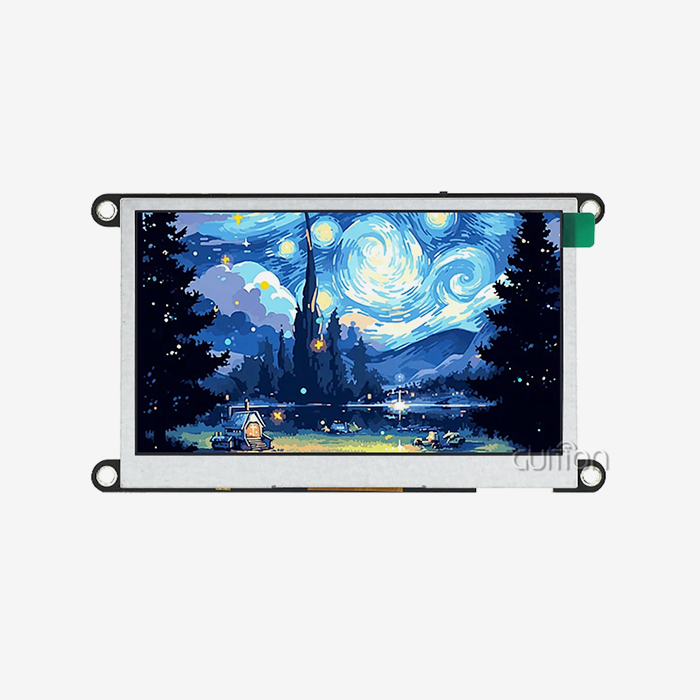
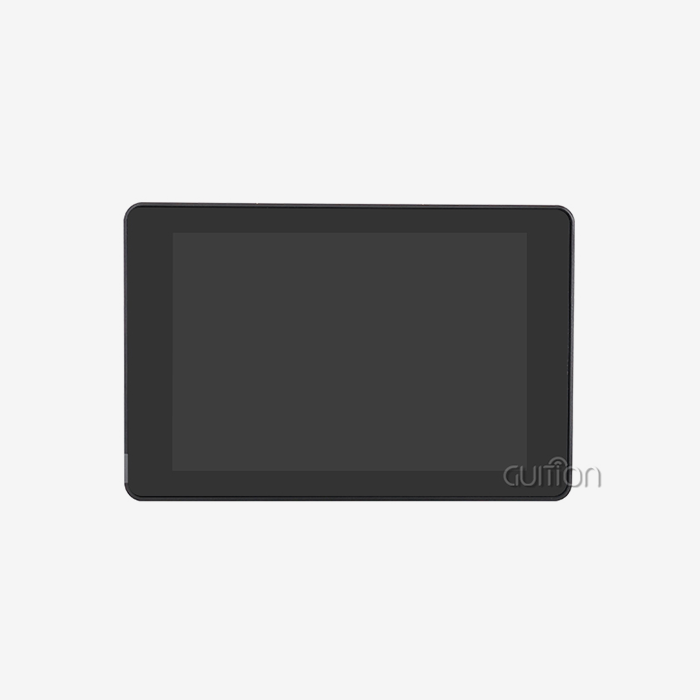
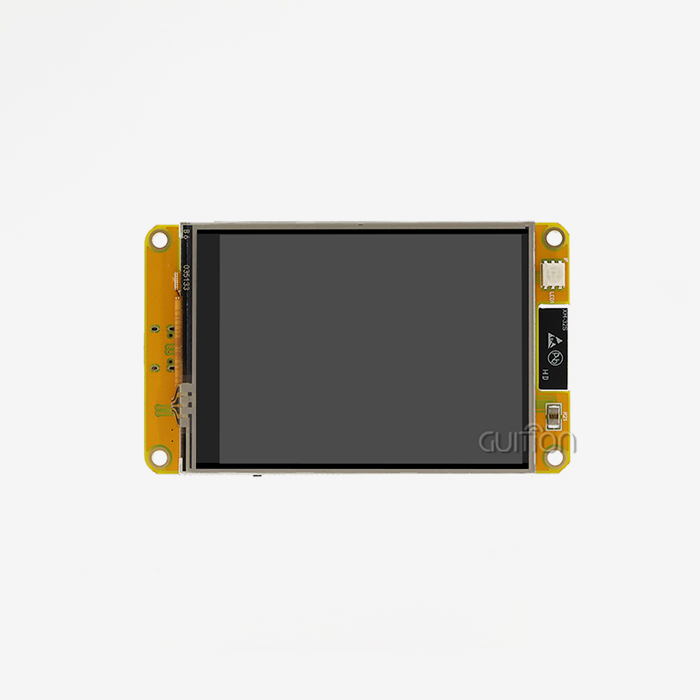
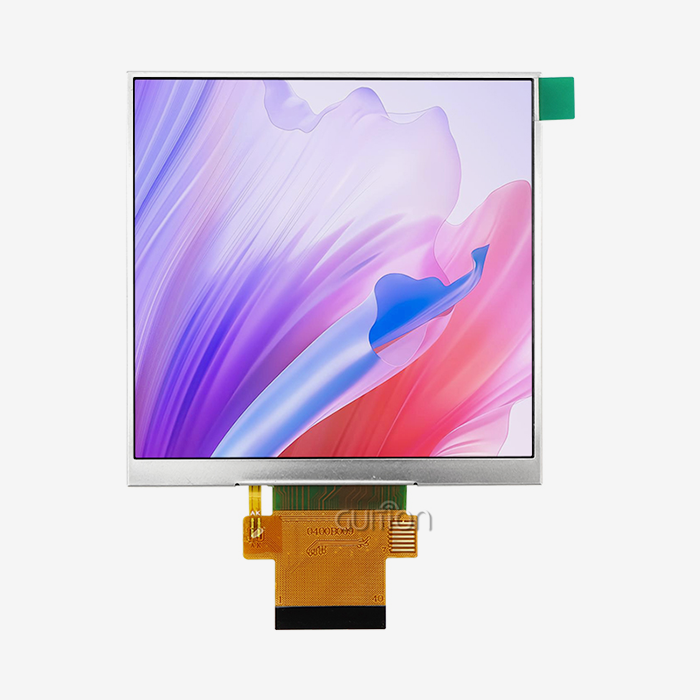
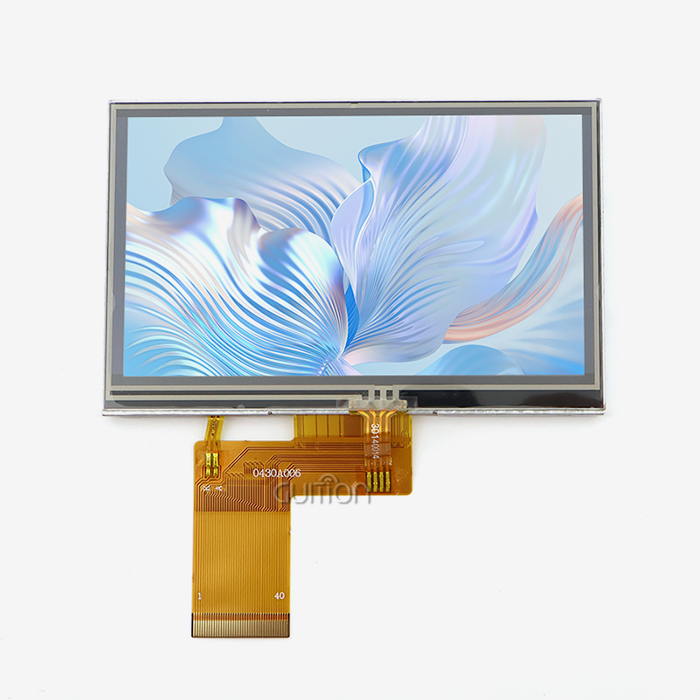
The troubleshooting process is still pleasantly simple. When touch accuracy drops, all it takes is a quick recalibration process in the controller software to get it back to perfect in less than two minutes. No parts need to be replaced. Because there aren't any complicated grid patterns or driver ICs that can be damaged by static electricity, the average cost of repair is 60% less than with capacitive options. Many sites keep running for decades on the same hardware, doing nothing more than calibrating it every so often.This value offer is shown by the GUITION JC4827B043R. This 4.3-inch display module has an ILI6485 driver chip that gives it a resolution of 480x272 and a colour depth of 16.7 million. It does this through an RGB interface. The Resistive touch screen monitor application makes sure that it works reliably whether it's in a control panel for a 3D printer, an EV charging station, or medical beauty equipment. Operating steadily in temperatures ranging from -20°C to 70°C, the unit keeps working even when normal touchscreens can't. The 10 LED backlight array makes it easy to see, and the thin 3mm shape fits perfectly into industrial enclosures with limited room.
Comparison: Resistive Touch Screen vs Capacitive and Infrared Monitors
Getting to know the performance features of various touch technologies helps procurement workers make smart choices that meet business needs. Each method has its own pros and cons that make it better or worse for different situations.
Input Method and Environmental Tolerance
Any item that can apply enough pressure can be used to control a Resistive touch screen monitor system. This includes fingers, covered hands, styluses, and credit cards. This ability to work with all devices is very important in factories where workers have to wear a lot of safety gear. It's not possible to use capacitive screens without conductive input from bare skin or special conductive gloves. Infrared technology can find things that block the light beam, but it can give false alarms if the light beam is dirty with dust or water. When optical methods fail in dirty industrial settings, pressure-based detection stays accurate.
Durability and Damage Resistance
Resistive touch screen monitors are naturally protected against getting in because they are sealed. In 5-wire designs, scratches on the top layer don't usually affect how well it works because the bottom glass base senses position. Capacitive screens depend on a grid that is completely solid—a single scratch that cuts conductive lines makes whole areas inactive. Infrared bezels have sensitive transmitters and sensors that can be broken by impact. The resistance method is better for tough industrial uses because it is more durable, even though it makes things a little less clear to look at.
Cost and Performance Balance
parallel lcd display: Capacitive technology offers better multi-touch and brighter images, but motion tracking isn't usually needed in single-point industrial settings. The extra cost of capacitive systems is usually 35 to 50 percent higher, but this extra cost buys functions that most industrial HMI setups never use. Infrared solutions cost even more and require frequent cleaning of optical parts, which makes upkeep more difficult. Resistive touch screen monitor technology is the best choice for projects that want to save money and put stability ahead of consumer-style interactions.
Resolution and Display Quality Considerations
Multiple layers in Resistive touch screen monitor construction lower the amount of light that can pass through to 75-82%, compared to 90%+ for capacitive screens. This makes the screen a little less bright and contrasty. Modern models, like the GUITION JC4827B043R, make up for it with bright LED backlights and a 24-bit colour depth, which makes images that are professional and ideal for complex user interfaces. The 480x272 resolution works well for industrial control screens where clarity is more important than ultra-high definition images.
Practical Guidelines for Procurement Managers and OEM Clients
To choose the right display technology, you need to carefully look at the operational factors, the surroundings, and the integration needs. These things should be considered when buying teams are writing specifications.
Critical Specification Parameters
Screen size is the most important thing to think about. In industrial settings, screens range from 3.5 inches for small devices to 15 inches for fixed control panels. The GUITION product line has sizes from 1.28 inches to 21.5 inches to meet a wide range of needs. The resolution should be right for the amount of information being shown. For example, 320x240 works fine for simple button screens, while 800x480 or higher is best for detailed images. The temperature grade has to be higher than the worst possible environmental conditions with a safety margin. The working range of -20°C to 70°C fits most industry situations. Interface compatibility deserves careful attention. It's easy to connect RGB parallel ports to microcontrollers and development boards, and HDMI or DisplayPort links work well with PC-based HMI systems. The GUITION JC4827B043R uses RGB interfacing, which makes it directly compatible with famous systems like Arduino and ESP-IDF frameworks. This adaptability shortens the time it takes to create something and makes engineering simpler.
Evaluating Supplier Capabilities
Picking the right provider has an effect on long-term success that goes beyond product specs. Established makers offer detailed technical documents, quick engineering support, and stable supply lines, all of which are important for production tools that will last 10 to 15 years. Customisation lets you make products that fit your specific electrical or mechanical needs. When sales go over 100 units, negotiating volume prices can lead to cost cuts of 15–25%, which has a big effect on the project's economics. Guition stands out by giving both hardware and apps at the same time. The private Guition UI development tool gets rid of the need for low-level code, so engineers can use drag-and-drop to make professional interfaces. Real-time debugging, built-in controls, and cross-platform support make creation easier. Over-the-air updates can be sent to installed equipment through remote upgrade features, which cuts down on service calls. Support for multiple languages and UTF-8 code make global operations easier without the need for localisation problems.
Application-Specific Recommendations
Resistive touch screen monitor solutions are needed in manufacturing settings where gloves are worn a lot, temperatures are high, or there is electrical noise. A chemical-resistant structure is good for medical equipment that needs to be cleaned often. For food service settings where steam and grease build up, pressure-based monitoring that can't be fooled by fake touches is needed. Instead, store point-of-sale systems that can be operated with bare fingers in safe areas might be able to use sensitive technology if they can afford it and the ability to use more than one finger at once is useful. For 3D printer control panels, Resistive touch screen monitors allow for accurate input, dependable operation, and bright pictures. EV charging stations need connections that can withstand weather and theft, which are benefits of sealed resistive construction. Again, medical beauty equipment needs surfaces that are easy to clean and can be used with gloves, which again favours pressure-sensitive technology.
Maintenance and Troubleshooting Tips to Maximize Value
With proper care, working life is extended, and performance traits are maintained. This protects your investment and reduces the chance of unplanned downtime.
Cleaning Procedures and Approved Agents
Cleaning the screen regularly keeps it clear and stops dirt from building up around the edges. Use microfibre cloths that don't have lint and have been wet with isopropyl alcohol (70% strength) or a light glass cleaner that doesn't contain ammonia. Do not use rough materials, acetone, or other harsh solvents that can damage protected layers. Gently wipe in circles, being careful not to use too much pressure that could damage the gap dots. Clean the borders around the busy area at the same time to keep dirt from moving onto it.
Calibration and Accuracy Maintenance
Over long periods of service, heat cycling and mechanical wear cause touch accuracy to move naturally. Most controllers have calibration tools that can be accessed through setup screens or separate software programs. Touching certain target spots shown on the screen is usually part of the process, letting the system update voltage-to-position maps. If the temperature stays the same, calibrate it every three months. If the temperature changes more than 20°C, do it once a month. The easy five-minute process brings the sharpness back to factory-fresh levels without replacing any parts.
Common Issues and Diagnostic Approaches
Most of the time, unresponsive zones are caused by broken flex wires or links that aren't tight enough, not by a broken screen. Check the cable seats and look for pinched wires before thinking the display is broken. The mouse moving in strange ways could be a sign of controller interference. Check nearby equipment for EMI sources and make sure the proper wiring is done. If you keep having problems with edge alignment, it could be because the bezel is pushing down on the top layer. Remove the mechanical stress by adjusting the mounting hardware. If problems still happen after basic testing, you should contact technical help. Most problems can be fixed without replacing hardware. The GUITION JC4827B043R and other high-quality Resistive touch screen monitors have sturdy architectures that require little maintenance. The ILI6485 driver chip makes the device work steadily, and the sealed design keeps dirt and other things from getting inside. Users say that it has worked well for years without any problems in tough manufacturing settings, which supports the low total cost of ownership.
Conclusion
Pressure-sensitive touch technology is very appealing from an economic point of view for a number of reasons. The lower costs of purchase give budget benefits right away, and the high durability and low upkeep needs add to the savings over longer service lives. Universal input compatibility gets rid of practical limitations, and resistance to external factors makes sure that performance stays the same even when other technologies fail. The Resistive touch screen monitor is a practical choice that balances functionality with cost-effectiveness for makers of industrial equipment, automation installers, and medical device developers. The GUITION JC4827B043R is a great example of this value offering because it offers reliable industrial-grade screens with 16.7M colours and flexible RGB interfacing at a reasonable price.
FAQ
Which Industries Benefit Most from Resistive Touch Technology?
The best places to use pressure-based detection are factories, medical centers, business kitchens, and public kiosks. When there are safety gloves, extreme temperatures, chemical contact, or problems with contamination, resistive methods work best. Agricultural automation, energy management systems, and industrial control screens are all great examples of places where toughness is more important than features aimed at consumers, such as multitouch motions.
Does Resistive Technology Support Multi-Touch Gestures?
Because the technology depends on a single electrical link point, standard Resistive touch screen monitors can only handle single-point input. There are a few rare matrix resistive versions that allow limited multi-touch, but they are very expensive and not widely available. It is better to use capacitive technology for apps that need pinch-zoom or movement motions. But industrial control systems usually use separate buttons and single-point selection, which is where resistive works best.
How Does Total Cost of Ownership Compare Long-Term?
Over the average 7-year span of industrial equipment, resistive solutions have a 25–35% lower TCO than capacitive ones. This benefit comes from fewer repairs being needed, easier measuring steps, and longer service times. Being able to work consistently without environmentally controlled shelters gets rid of the need for expensive NEMA-rated housing in many situations, making the economic gap even bigger.
Partner with Guition for Your Resistive Touch Screen Monitor Requirements
Parallel LCD Display: Guition offers full HMI solutions that include strong hardware and easy-to-use software tools that shorten the time it takes to get your product to market. Our Resistive touch screen monitors, like the tried-and-true JC4827B043R type, are reliable enough for use in factories and come with full expert support. Our engineering team can help you find the best setups for your needs, whether you're making medical monitoring tools, industrial control systems, or smart appliance connections. The special Guition UI software gets rid of hard-to-understand code, which lets you make quick prototypes and make changes without any problems. As a Resistive touch screen monitor provider that wants to build long-term relationships, we offer stable supply chains, reasonable volume pricing, and the ability to customise products to meet the specific needs of each project. Email David at david@guition.com to talk about your application needs and get full product specs for all of our 1.28- to 21.5-inch options.
References
1. Walker, G. (2023). Industrial Touch Screen Technology: A Comprehensive Guide for Engineers and Procurement Specialists. Industrial Press.
2. Chen, L., & Patel, R. (2024). Cost-Benefit Analysis of Touch Technologies in Manufacturing Environments. Journal of Industrial Automation, 18(2), 45-62.
3. Simmons, K. (2023). Resistive vs Capacitive Touch: Performance Comparison in Harsh Environments. Display Technology Review, 12(4), 112-128.
4. International Society for Automation. (2024). Human-Machine Interface Design Standards for Industrial Applications (ISA-101.01). Research Triangle Park: ISA Publications.
5. Martinez, D., & O'Brien, T. (2023). Total Cost of Ownership Models for Industrial Display Systems. Procurement Management Quarterly, 31(3), 78-94.
6. Zhang, Y., Johnson, M., & Williams, S. (2024). Touch Screen Durability Testing: Long-Term Performance Under Industrial Conditions. Journal of Electronic Manufacturing, 26(1), 33-51.
Learn about our latest products and discounts through SMS or email