- English
- French
- German
- Portuguese
- Spanish
- Russian
- Japanese
- Korean
- Arabic
- Greek
- German
- Turkish
- Italian
- Danish
- Romanian
- Indonesian
- Czech
- Afrikaans
- Swedish
- Polish
- Basque
- Catalan
- Esperanto
- Hindi
- Lao
- Albanian
- Amharic
- Armenian
- Azerbaijani
- Belarusian
- Bengali
- Bosnian
- Bulgarian
- Cebuano
- Chichewa
- Corsican
- Croatian
- Dutch
- Estonian
- Filipino
- Finnish
- Frisian
- Galician
- Georgian
- Gujarati
- Haitian
- Hausa
- Hawaiian
- Hebrew
- Hmong
- Hungarian
- Icelandic
- Igbo
- Javanese
- Kannada
- Kazakh
- Khmer
- Kurdish
- Kyrgyz
- Latin
- Latvian
- Lithuanian
- Luxembou..
- Macedonian
- Malagasy
- Malay
- Malayalam
- Maltese
- Maori
- Marathi
- Mongolian
- Burmese
- Nepali
- Norwegian
- Pashto
- Persian
- Punjabi
- Serbian
- Sesotho
- Sinhala
- Slovak
- Slovenian
- Somali
- Samoan
- Scots Gaelic
- Shona
- Sindhi
- Sundanese
- Swahili
- Tajik
- Tamil
- Telugu
- Thai
- Ukrainian
- Urdu
- Uzbek
- Vietnamese
- Welsh
- Xhosa
- Yiddish
- Yoruba
- Zulu
What Makes a Knob Display Module Smart?
A knob display module becomes "smart" when it integrates advanced microcontroller capabilities, wireless connectivity, and real-time visual feedback into a single compact interface. Unlike traditional rotary encoders that merely send position signals, a smart knob display module combines an ESP32-S3 dual-core processor with WiFi and Bluetooth connectivity, capacitive touch sensing, and a high-resolution circular display. This convergence allows the device to execute complex logic locally, communicate with cloud services, receive over-the-air firmware updates, and display dynamic content—transforming a simple mechanical control into an intelligent HMI node within IoT ecosystems.

Types and Specifications of Knob Display Modules for B2B Applications
To choose the right interface for your application, you need to know the technical details that set different product categories apart. On the market, you can find everything from simple spinning encoders with LED lights to fully functional computer nodes that can handle image processing.
Display Technology and Resolution Options
When it comes to smart rotating displays like the Knob display module, the visual part is what sets them apart. Entry-level devices have OLED screens with a size of 128x128 pixels, which is good enough to show basic numbers and icons. These work well for thermostats in HVAC systems and controls for kitchen appliances where the amount of information is low.
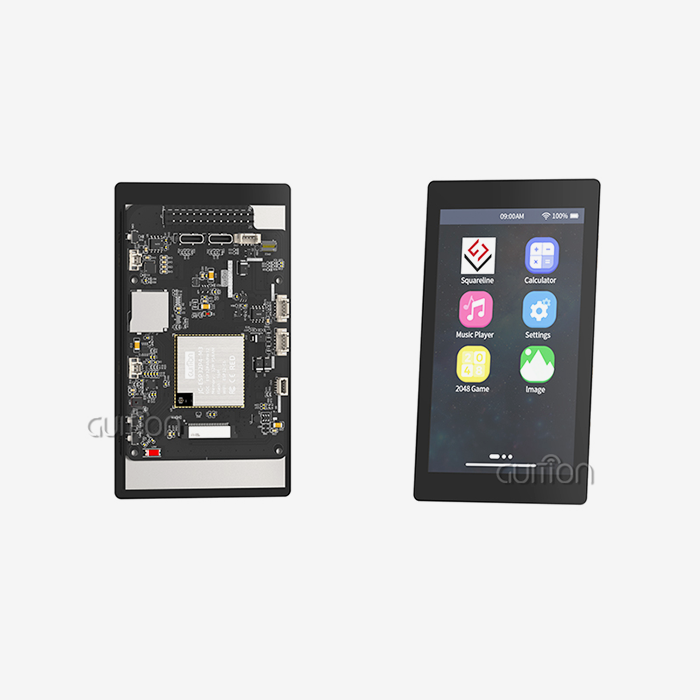
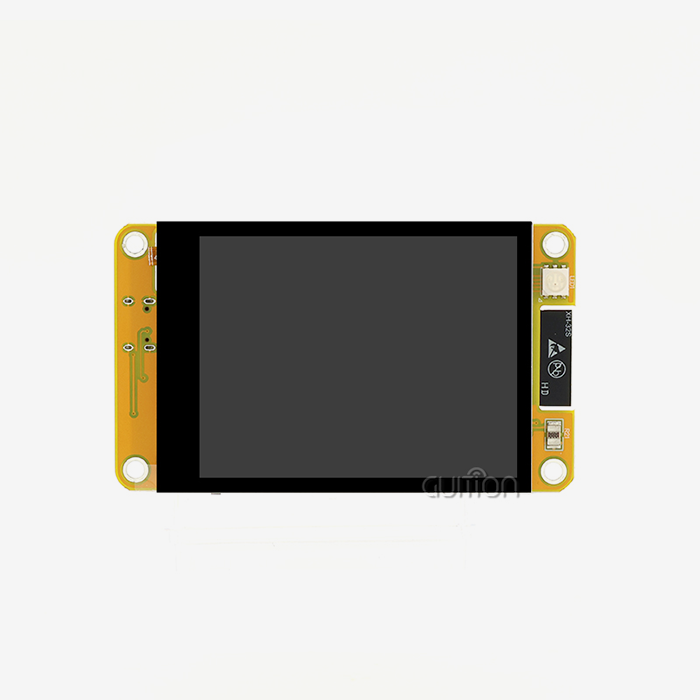
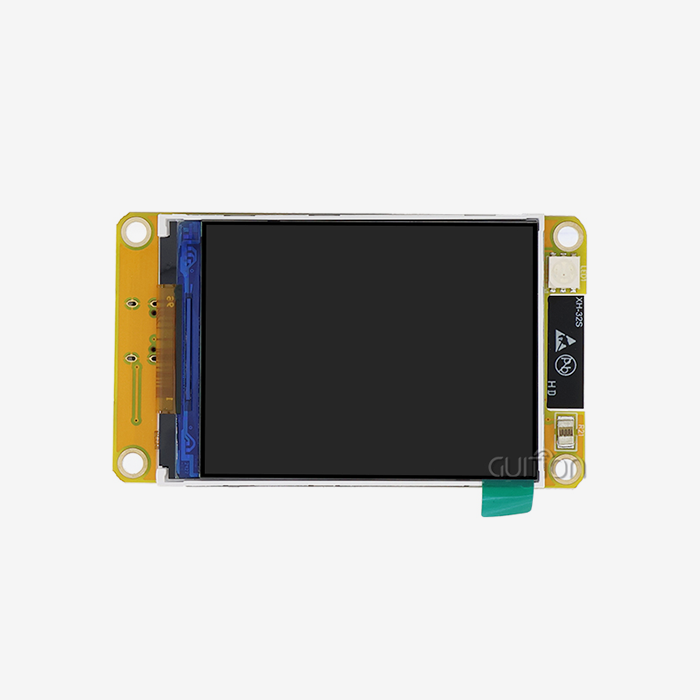
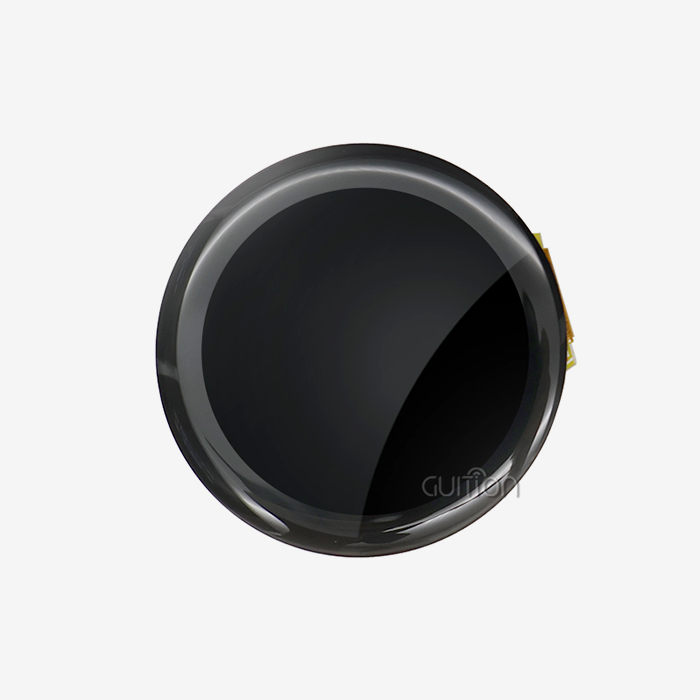
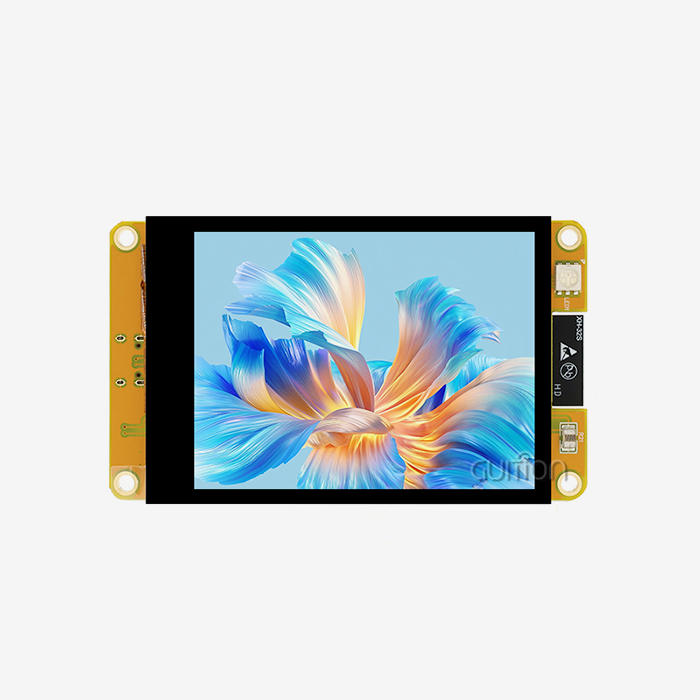
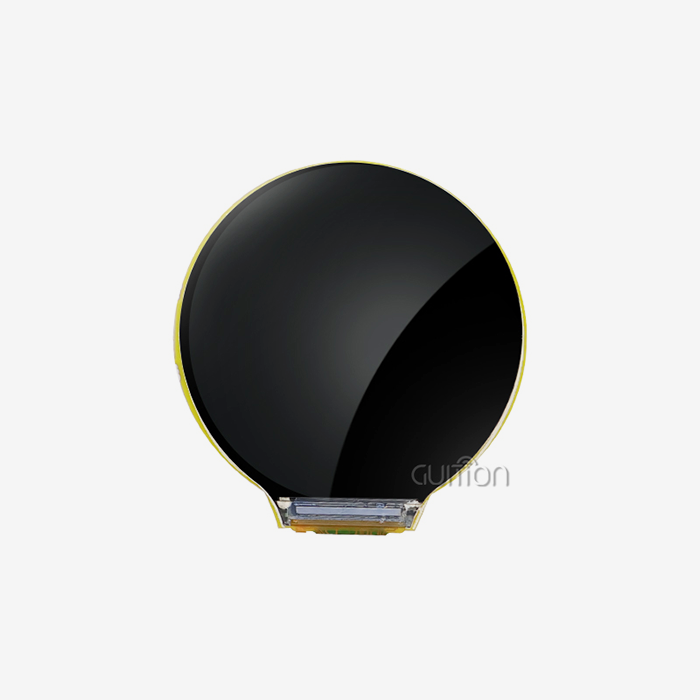
Mid-range options like the GUITION JC3636W518C_I_Y use IPS LCD technology with 360×360 resolution to give you bright colors and a wide viewing angle, which are important for industrial control screens that you see from different angles. The higher pixel density makes it possible to display international UTF-8 text, detailed patterns for spectrum visualization, and photographic images for digital picture frames.
High-end models have AMOLED screens with a resolution of 454x454, which provide better brightness and lower power use when showing mostly dark interfaces. These specifications are good for medical devices and instrument clusters for cars that need to be very easy to read in direct sunlight or low light.
Processing Power and Memory Architecture
The processing requirements directly affect the level of difficulty of the programs that the module can run on its own. Single-core microcontrollers running at 80MHz power devices that can do basic tasks like rendering the user interface and translating protocols, but for more complex tasks, they need host processors.
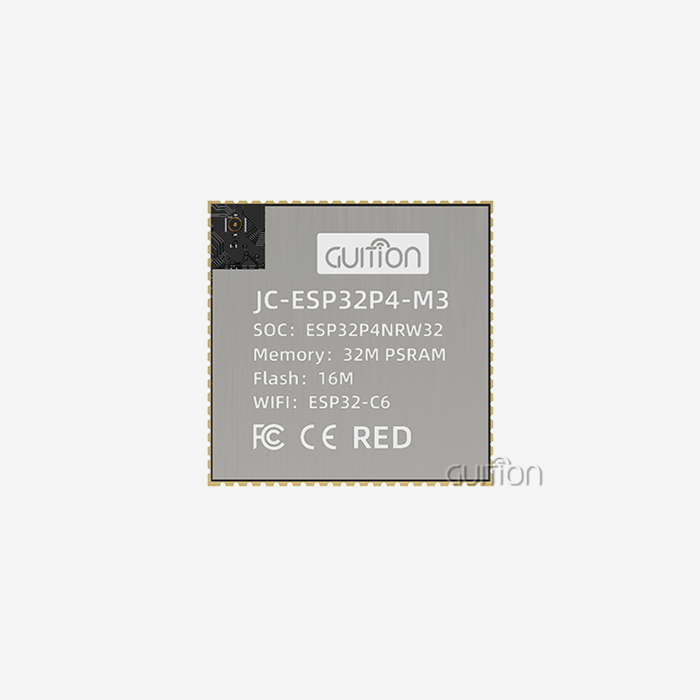
Dual-core processors running at 240MHz and 8MB of PSRAM allow for advanced features such as playing MP3 audio in real time at 320K bitrate, decoding MJPEG videos, and communicating over WiFi at the same time. This extra processing power lets the module work as an extra screen for the computer, with 18 pre-loaded AIDA64 display styles that let you watch the system without having to make your own software.
The amount of storage space affects how rich the user experiences can be. Multiple language packs, high-resolution picture assets, voice notifications, and local data logging can all be stored on modules with 16MB of flash memory. TF card interfaces allow for almost unlimited storage, which is useful for things like storing recipes in commercial kitchen equipment or setting up profiles for measurement instruments.
Communication Protocols and Integration Standards
Modern smart modules handle more than one transmission standard to make sure they work with a wide range of system designs. UART is still widely used because it is easy to use and reliable. It can work at baud rates of up to 921600 for responsive UI updates. When transferring graphics or firmware images during over-the-air updates, SPI interfaces offer faster throughput.
Wireless methods greatly increase the number of ways to join. The WiFi feature lets you connect directly to the internet to get weather information, control configurations in the cloud, and fix problems from afar. Support for Bluetooth makes it easier to pair smartphones, which makes setup and app integration easier. This is especially helpful for smart home appliances and medical devices that you wear.
The GUITION programming tool works with the Arduino IDE, the ESP-IDF development environment, and MicroPython, showing that it is cross-platform compatible. This makes it possible for different tech teams to use the module in the way they want, and it works well whether your current software uses graphical programming tools, C++, or Python.
Smart vs Traditional Knob Display Modules—Making the Right Choice
Choosing between a smart integrated solution and putting together separate parts affects the time it takes to develop, the cost of materials, and how easy it is to maintain in the long term. Knowing about these trade-offs helps buying managers make sure that the technologies they choose are in line with the company's goals.
Operational Advantages of Integrated Intelligence
In the old way of doing things, sensing, display, processing, and communication were all done by different components. Each of these took up valuable PCB space and added possible failure points where they connected. These tasks can be summed up into a single 58x58mm smart module, which makes mechanical design easier and cuts down on assembly time.
When working with integrated solutions, development speed goes up by a huge amount. The Guition UI creation software lets you build an interface by dragging and dropping elements and then placing controls with just one click from a large library of pre-made tools. Engineers can now do in days what used to take weeks of low-level graphics programming and touch calibration.
Cost Considerations and TCO Analysis
The cost of the initial parts for esp32 display module smart modules is usually 15–30% higher than for separate implementations. Total cost of ownership calculations, on the other hand, usually favor the integrated approach because it lowers development costs, speeds up time-to-market, makes supply chain management easier, and lowers the burden of support after the sale.
Product development processes are changed by the ability to do A/B testing of UI designs from afar. Instead of committing to a single interface based on testing done before launch, manufacturers can use multiple versions and track real user engagement data to keep improving usability and customer satisfaction without having to change the hardware.
Ecosystem Compatibility and Vendor Lock-In Concerns
When engineers look at smart module choices, they worry about being tied to proprietary systems, which is a reasonable concern. The GUITION product line handles these issues by offering various development modes, including Arduino, ESP-IDF, MicroPython, and the Guition environment. This gives you the freedom to select the right toolchains for your project.
Startups and small businesses that are making proof-of-concept prototypes before committing to mass production find open-source compatibility to be especially useful. Starting development in the well-known Arduino environment and then switching to ESP-IDF for better production lowers risk and keeps engineering investment safe as the product changes.
Procurement Guide and Best Practices for Ordering Knob Display Modules
Setting up reliable supply lines for specialized HMI parts requires picking the right vendors, being clear about what is needed, and keeping an eye on wait times. The tips below can help buying teams get the best terms while lowering the risk of the project.
Evaluating Manufacturers and Suppliers
If you want to find Knob display modules with built-in processing power, you might want to talk to the manufacturers directly instead of just going through distribution channels. Having direct contacts with companies often gives you access to engineering help, the chance to make changes, and better pricing models for large orders.
Check the qualifications of the maker in a number of ways. Years in business and stable finances are signs that parts will likely be available for a long time, which is important for goods with long lifecycles. Check for quality certifications that are important to your business, like IATF 16949 for cars, ISO 13485 for medical devices, or UL listings for electronics for people at home.
Before agreeing to production numbers, ask for and carefully look over sample units. Check not only the technical details of the module, but also how well it is documented, how quickly technical help responds, and whether or not development tools are available. The Guition platform, which lets you download programs with just one click and test them across multiple platforms, is a great example of an environment that speeds up time-to-market.
Customization and OEM Services
Customizations that go beyond what is offered by standard products are useful for many uses. Ask about OEM services that can customize modules to meet your needs. These services could include custom boot logos, pre-loaded firmware with your application logic, specialized mounting brackets, or changed connector configurations that make integration into your enclosure design easier.
Learn about the minimum order quantities for customized variants. These can be anywhere from 500 to 1000 units, depending on how many changes are being made. Make sure you know who owns the intellectual property of the custom software and graphics that were made for your project so that there are no problems when you switch suppliers or add new products to the line.
Talk about clear warranty terms that cover both broken parts and problems with compatibility. Full guarantees that last between 12 and 24 months give customers peace of mind about their long-term dependability. This is especially important for industrial uses where replacing parts in the field costs a lot of money in work costs on top of the cost of the part itself.
Managing Lead Times and Inventory
In the past few years, shortages of parts have shown how important it is to be strategic with supply chain management for Knob display modules. Set up a buffer stock of important parts, weighing the costs of keeping an inventory against the chance that production will stop. For strategic stockpiles, smart modules with stable specs and long shelf lives are good choices.
You might want to set up vendor-managed inventory programs so that sellers keep consignment stock at your facility or at nearby delivery centers. This deal lowers your cash investment while still making sure you have access to parts. You only have to pay when units start being made.
Look into long-term supply agreements that guarantee allocation during times when capacity is limited. More and more, manufacturers are offering programs for "preferred customers" that give them priority shipping and price protection in exchange for committing to buy a lot of products and working with them to predict demand.
Troubleshooting and Optimizing Knob Display Module Performance
To make sure a product works reliably throughout its entire lifetime, it's important to pay attention to the details of integration, keep an eye on things ahead of time, and use a methodical approach to finding problems when they happen. These actions get the most out of the value that smart interface components offer.
Common Integration Challenges and Solutions
Most of the time, initial bring-up failures are caused by mistakes in the wiring. Check that the voltage and current of the power supply meet the module's requirements. ESP32-S3-based units usually need stable 3.3V or 5V sources that can give peak currents of more than 500mA during WiFi transmission bursts. If you don't have enough power filtering, you might see display artifacts, less sensitive touch screens, or random resets.
Misconfigured communication protocols often make development teams angry. Make sure that the host processor and the display module have the same UART baud rate settings. Also, check the signal levels if you are connecting 5V and 3.3V systems. Level shifters keep long-term reliability problems from happening because of overvoltage stress on input pins that are designed for lower limits.
Performance Optimization Techniques
The responsiveness of the user interface depends on how well the processing resources are used. Structure your code so that both processor cores are used efficiently when making custom apps. For example, use one core for communication tasks and the other for UI rendering so that stopping operations doesn't cause noticeable lag in display changes.
Visual quality, memory usage, and download times should all be taken into account when optimizing the sizes of image assets. The 360x360 resolution allows detailed images, but compression methods and smart use of vector graphics cut down on storage needs and speed up screen transitions. Being able to store assets on TF cards lets you use content-heavy apps without using up all of your onboard flash memory.
Future-Proofing Through Scalable Architecture
As Industry 4.0 projects push for more connectivity, modules with strong IoT capabilities help your products meet the changing needs of the market. By connecting wirelessly, you can push configuration changes, collect usage data, and enable predictive maintenance. This turns regular appliances into smart gadgets that are always getting better.
Edge computing features built into the module itself cut down on latency and the need for cloud services. Processing sensor data locally to make quick control choices and then uploading summary information on a regular basis makes the best use of bandwidth while keeping the system's responsiveness. In industrial automation, where reliable operation can't depend on being connected to the internet, this hybrid architecture is very useful.
Conclusion
Smart Knob display modules are a big step forward from passive input devices to intelligent HMI nodes that can process data locally, communicate wirelessly, and give rich visual feedback. The GUITION JC3636W518C_I_Y is a good example of this change because it has a bright 360x360 IPS display, ESP32-S3 dual-core processing, and WiFi and Bluetooth connections all in a small 58x58mm box. By combining functions that were previously separate, these modules shorten the time it takes to make new products, make systems simpler, and add remote management features that are necessary for modern IoT products. When deciding between smart integrated solutions and standard component kits, you should look at more than just the price of the individual parts. You should also think about the total cost of ownership, the speed of development, and the ease of long-term maintenance. As the need for automation and connectivity grows in industrial, medical, and consumer settings, investing in platforms that are flexible and well-supported will help your products stay competitive and ready for future market needs.
FAQ
What development platforms work with smart knob display modules?
Modern smart display modules work with a number of different development environments so that engineers can choose the one that works best for them. The GUITION platform works well with the Arduino IDE for quick prototypes, the ESP-IDF for fine-grained control-based production optimization, MicroPython for teams that like interpreted languages, and the Guition software for designing the user interface visually. This cross-platform flexibility makes sure that engineers can use the skills they already have while also getting to module-specific features like cross-platform debugging tools and one-click program downloads that make fixing faster.
How do wireless capabilities enhance display module functionality?
When WiFi and Bluetooth are built in, display units go from being simple interfaces to being IoT destinations. WiFi lets you connect directly to the internet to get weather information, sync your time, and get over-the-air firmware changes without having to physically reach the device. Bluetooth makes it easier to pair smartphones, which makes setting up and using mobile apps easier. These wireless features allow for remote monitoring, planned upkeep, and constant product improvement by adding new features to units that have already been sent out into the field. This lowers the cost of after-sales support while increasing customer happiness.
What factors determine display module selection for industrial applications?
For industrial operations, it's important to carefully look at the environment, the processing power, and the availability of long-term help. Check to see if the operating temperature ranges, vibration resistance, and ingress protection ratings are right for the environment where the product will be used. Check that the processing power and memory can handle the complexity of your UI and the addition of more features in the future. Think about how stable the supplier is, how good the documentation is, how customizable the services are, and how committed the supplier is to long-term availability. Other important factors that affect total cost of ownership and operational success are the ability to do updates remotely, support multiple languages, and easily connect to existing control systems.
Ready to Transform Your HMI Development Experience?
Guition offers smart Knob display module solutions that get rid of delays in development and shorten the time it takes to get your product on the market. Our JC3636W518C_I_Y has ESP32-S3 processing power, wireless connectivity, and stunning 360° visuals. It also comes with the easy-to-use Guition UI development software. Our full ecosystem makes every step of your development process easier, whether you're making industrial control panels, smart appliances, or medical monitoring equipment. It includes everything from drag-and-drop interface design to remote over-the-air (OTA) updates. As a reliable manufacturer that wants to build long-term relationships, we offer quick technical support, a variety of customization options, and dependable supply chain management. Get in touch with us at david@guition.com to talk about how our display modules can help your next project and find out why top engineers in automation, IoT, and embedded systems choose Guition for their HMI needs.
References
1. Johnson, M. & Richards, P. (2022). Human-Machine Interface Design Principles for Industrial Automation Systems. Industrial Press.
2. Chen, L. (2023). "Evolution of Smart Display Technologies in Embedded Systems," Journal of Embedded Computing, 47(3), 234-251.
3. Anderson, K. et al. (2021). IoT Device Integration Strategies for Manufacturing Environments. Technology Publishing Group.
4. Williams, S. (2023). "Comparative Analysis of Rotary Input Mechanisms in Modern HMI Design," International Journal of Industrial Ergonomics, 89, 102-118.
5. Thompson, R. & Lee, J. (2022). Wireless Connectivity Standards for Industrial Control Applications. IEEE Standards Association.
6. Martinez, A. (2023). "Cost-Benefit Analysis of Integrated vs. Discrete HMI Component Architectures," Procurement Management Quarterly, 31(2), 78-94.
Learn about our latest products and discounts through SMS or email