- English
- French
- German
- Portuguese
- Spanish
- Russian
- Japanese
- Korean
- Arabic
- Greek
- German
- Turkish
- Italian
- Danish
- Romanian
- Indonesian
- Czech
- Afrikaans
- Swedish
- Polish
- Basque
- Catalan
- Esperanto
- Hindi
- Lao
- Albanian
- Amharic
- Armenian
- Azerbaijani
- Belarusian
- Bengali
- Bosnian
- Bulgarian
- Cebuano
- Chichewa
- Corsican
- Croatian
- Dutch
- Estonian
- Filipino
- Finnish
- Frisian
- Galician
- Georgian
- Gujarati
- Haitian
- Hausa
- Hawaiian
- Hebrew
- Hmong
- Hungarian
- Icelandic
- Igbo
- Javanese
- Kannada
- Kazakh
- Khmer
- Kurdish
- Kyrgyz
- Latin
- Latvian
- Lithuanian
- Luxembou..
- Macedonian
- Malagasy
- Malay
- Malayalam
- Maltese
- Maori
- Marathi
- Mongolian
- Burmese
- Nepali
- Norwegian
- Pashto
- Persian
- Punjabi
- Serbian
- Sesotho
- Sinhala
- Slovak
- Slovenian
- Somali
- Samoan
- Scots Gaelic
- Shona
- Sindhi
- Sundanese
- Swahili
- Tajik
- Tamil
- Telugu
- Thai
- Ukrainian
- Urdu
- Uzbek
- Vietnamese
- Welsh
- Xhosa
- Yiddish
- Yoruba
- Zulu
What Is an LCD Panel Module? A Buyer’s Guide
An LCD panel module represents a complete display assembly integrating liquid crystal cells, driver circuitry, backlight units, and structural frames into a single, production-ready component. Unlike raw display cells requiring extensive integration work, these modules arrive as plug-and-play solutions that dramatically reduce your time-to-market. Understanding their architecture, specifications, and application fit directly impacts your product's performance and your development timeline. This guide walks you through the essential knowledge needed to make confident procurement decisions that align with your technical requirements and business objectives.

Comparing LCD Panel Modules with Other Display Technologies
LCD Versus OLED Fundamentals
Instead of blocking light, OLED technology makes light at each pixel. This lets it have perfect black levels and an infinite contrast ratio. However, organic chemicals break down over time, especially when showing static content. This is known as "burn-in," and it makes OLED difficult to use for industrial screens with menu elements that stay in place. LCD panel modules don't break down in this way, so their look stays the same over their entire working life. The ways that different systems use power are very different. OLED screens use less power when they show mostly dark content, but they need more power when they show bright, white-heavy interfaces that are common in industrial settings. LCD panel modules with LED backlighting draw the same amount of power no matter what is being shown. This makes planning a power budget for battery-powered devices easier. For screens bigger than three inches, LCD panel module technology is cheaper to make than OLED technology, which quickly becomes more expensive to make. Because they are so cheap, LCD panel modules are the best choice for medical equipment, industrial control panels, and business systems that need to meet strict performance standards but don't have a lot of money to spend.
Environmental Durability Considerations
LCD panel module technology works better in harsh industrial settings because it is more durable. When properly sealed, LCD panel modules can handle humidity, dust, and chemical exposure that is common in factory sites, but OLED screens can't. Temperature stability is also good for LCD building. For example, OLED performance drops significantly above 60°C, but industrial LCD panel modules stay in compliance with specifications throughout their rated temperature range. When equipment shakes or hits something once in a while, its mechanical strength is important. LCD panel modules' glass and frame design absorbs shock better than thin OLED structures, which cuts down on guarantee claims and failures in the field. We think this edge in longevity is very useful for mobile medical devices, installations in vehicles, and handheld industry terminals.
Selecting the Right Technology for Your Application
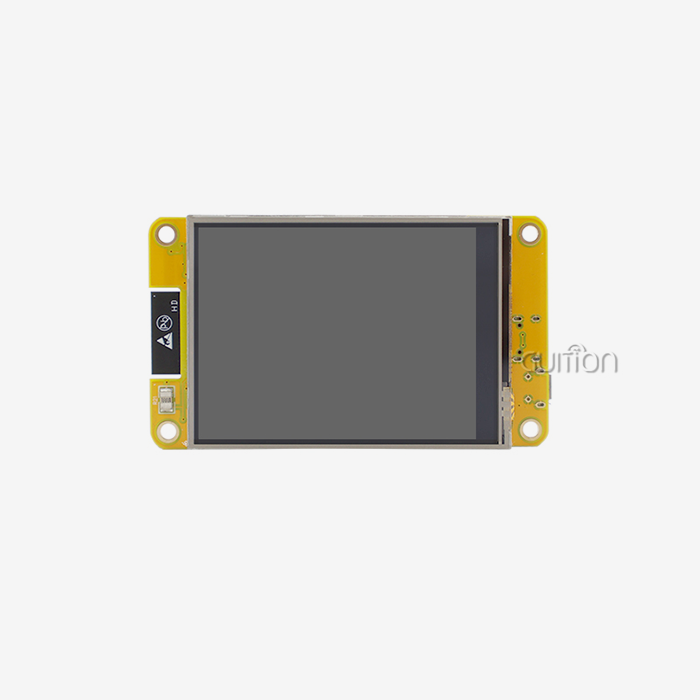
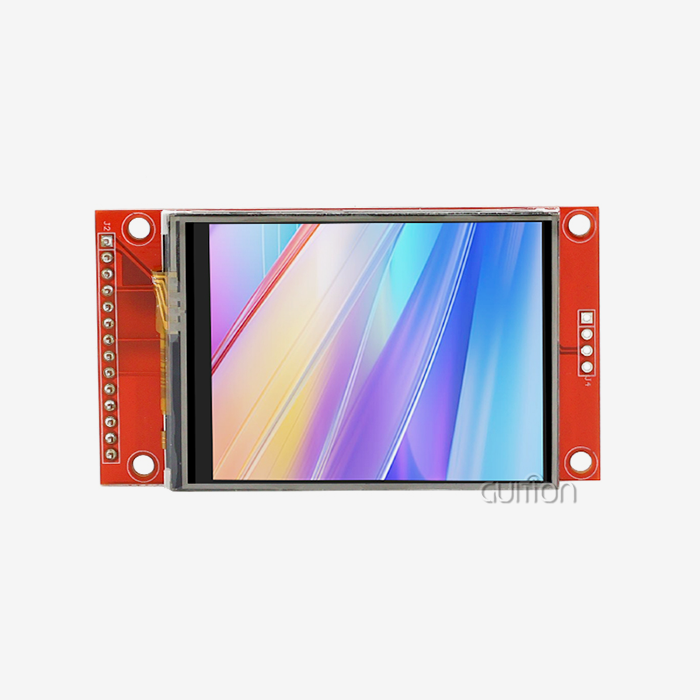
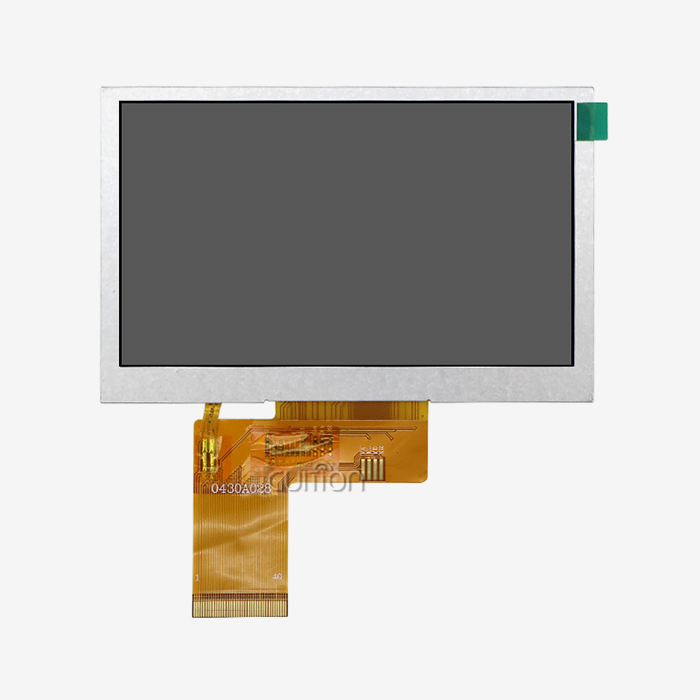
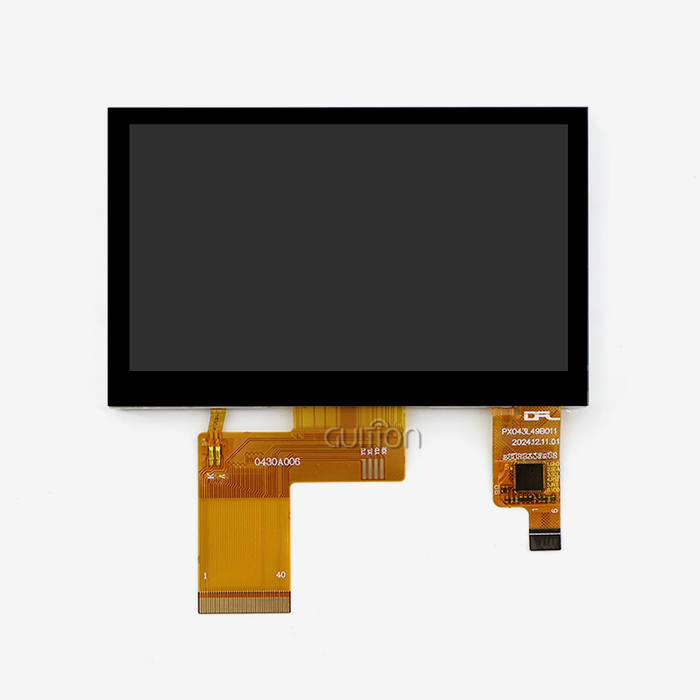
The characteristics of your application should guide your choice of technology. LCD panel modules last longer and are more cost-effective when your interface needs to be always on and show static menus, like on 3D printer control panels or charging station information screens. OLED is more expensive and needs more care, but projects that need very thin profiles or high contrast for dark environments might be worth it. The JC4827Q043N_I from Guition is an example of LCD panel module technology that works well in industrial HMI settings. The 4.3-inch form factor strikes a good mix between screen space and small mounting space. The 16.7M color capability supports complex user interface designs that make operators more productive. The ST3401A driver makes sure that performance stays the same across the entire operating temperature range. This means that there are no color shifts or response delays that hurt the user experience.
How to Test and Install LCD Panel Modules — Ensuring Quality and Compatibility
Pre-Installation Testing Protocols
Before putting any LCD panel module into your product, you should look at it very closely under a microscope. Show full-screen images of solid white, black, red, green, and blue to look for pixel defects. Acceptable defect levels are set by industry standards like ISO 9241-307. Class II industrial panels can usually handle up to five bright or dark sub-pixels and two full-pixel defects across the whole display area. Electrical characterization checks the performance margins and interface compatibility. Connect your module to a controller that you know works well and check how much power it uses with different display patterns. Check the real current draw against the specs on the datasheet. Deviations of more than 10% could mean that the parts were manufactured incorrectly or are fake. An oscilloscope can be used to check all of the communication pins for correct voltage levels and signal integrity. Benchmarking performance shows how well the module works with real-world data. Load the UI of your real app and check the update rates, response times, and color correctness. Pay close attention to ghosting or lagging during dynamic content changes, as these problems tend to only show up in certain ways of using an application. Write down baseline data to set standards for the quality that output units must meet.
Installation Best Practices
Stress fractures can be avoided, and long-term dependability is ensured by proper mechanical mounting. Point loads can still damage LCD glass, so use compliant gaskets or standoffs to spread the fixing pressure out equally. The JC4827Q043N_I module has mounting holes that are placed to reduce stress on the glass while still allowing a secure connection to your enclosure. Don't tighten the fixing screws too much, because that can create pressure spots that can be seen as discoloration or groups of dead pixels. It's important to keep an eye on signal purity and noise immunity when making electrical links. Switching power supplies and high-current motor drivers should be kept away from the route display interface. Keep the ground plane connected below the signal lines and add series termination resistors if your driver IC datasheet tells you to. There are fewer worries about electromagnetic compatibility because the JC4827Q043N_I uses an MCU interface instead of a high-speed differential interface. This makes integration easier.
Troubleshooting Common Issues
Environmental sealing protects the module in tough placements, keeping it safe. Industrial control panels that are washed or left outside in the weather need enclosures with an IP65 rating and the right amount of gasket compression. If your app has interactive features, put the screen behind polycarbonate or toughened glass that is visually clear and can take a hit while still being touch-sensitive. Consider putting a conformal coating on control boards to keep them from rusting in places with a lot of humidity. Backlighting that isn't even, called mura, is usually caused by mechanical stress or bad assembly. If you see spots that are bright or dark, loosen the mounting gear a bit to ease stress and then tighten it back up to the right torque specs. If the mura stays there, it means that the light guide plates are broken and the module needs to be replaced. If your backlight flickers, it could mean that your power supply isn't working right. Make sure that your supply has a stable voltage with noise below fifty millivolts. When communication fails, blank screens or damaged images show up. Make sure the input voltage levels match the output levels of your MCU. If you're connecting a 5V microcontroller to a 3.3V LCD panel module, you may need a level shifter. Check the length of the wire against the maximum length allowed; if it's too long, the signal will degrade, and you'll need to use active buffering or lower the clock speed. The software for developing Guition has diagnostic tools that find communication problems and suggest ways to fix them. Color inaccuracy or tinting indicates calibration drift or incorrect color space choices are wrong. Check that the gamma correction values in your driver's configuration registers are the same as what the module manufacturer suggests. To get certain color rendering goals or to account for viewing filter glass, some apps need to be calibrated specifically. Guition includes calibration tools in its development environment, which makes the process of making these changes easier.
A Buyer's Checklist: Procuring the Right Display Module for Your Business
Matching Specifications to Application Requirements
Start by writing down the visible needs of your program. To find the necessary resolution, divide your screen into functional zones like control buttons, status indicators, and data readouts. Then, make sure there are enough pixels per inch so that text can be read at the distance you plan to view it from. The 800x480 resolution in 4.3-inch LCD panel modules gives you about 217 pixels per inch, which is good for viewing distances of 12 inches or more, which are common in industrial settings. How bright something needs to be depends on how bright it is around it. Indoor industrial settings with fluorescent or LED lighting need displays with 300 to 400 nits of brightness. Applications near windows or outside need displays with 800 nits or more of brightness to be readable. Think about the worst lighting conditions. For example, the screen on a charging station must be readable in the middle of the afternoon sun, which means it needs either transflective LCD technology or very high brightness levels. The interface you choose affects the time it takes to develop and the MCU you choose. While parallel RGB connections are easy to use and work with many devices, they do use a lot of GPIO pins. There are fewer pins on serial devices like SPI LCD Displays, but update rates are limited. The JC4827Q043N_I's MCU interface is perfect for embedded apps because it only needs a few pins and can handle smooth UI changes for most industrial HMI uses.
Evaluating Display Module Suppliers
The long-term success of your product is closely linked to the reliability of your supplier. Look into how long each possible seller has been in business, what kinds of products they can make, and any quality certifications they have. ISO 9001 certification means that quality management systems have been in place for a while, and IATF 16949 certification for automotive suppliers shows that they can handle tough jobs. Ask for product lifespan paperwork. For industrial projects, parts need to be available for five to seven years so that they can be fixed in the field and new versions of the product can be made. The level of technical help is what sets key partners apart from commodity providers. Check that all the necessary paperwork is present, such as thorough datasheets, application notes, and reference designs. The Guition development platform is a great example of full support because it has cross-platform testing tools, large control libraries, and documents in multiple languages that make the development process go faster. Suppliers who offer responsive engineering support can help you solve integration problems more quickly, which cuts down on your time to market. Sample evaluation programs let you test the success before committing to large-scale production. You can ask for evaluation kits that come with the module, connection cables, and software for showing how it works. The Guition JC4827Q043N_I comes with example code that works with Arduino, ESP-IDF, and the Guition development environment, so you can start using it right away and see how it works. Before they are made, test models in the real situations they will be used in, such as extreme temperatures, high and low vibrations, and long burn-in times.
Cost Optimization Strategies
Talks about volume pricing have a big effect on the costs per unit for production runs. Displays are examples of common goods that can benefit from economies of scale. For example, when you double the number of displays you buy, the cost per unit drops by fifteen to twenty-five percent. Talk to your suppliers about your yearly forecasts to lock in volume prices while still being able to adapt to changes in demand. Think about consignment inventory agreements, in which sellers keep stock at their own sites. This lowers your need for working capital while still making sure that the goods are available. Beyond the purchase price, the total cost of ownership includes work to integrate, guarantee support, and upkeep over the product's lifetime. It's common for a slightly more expensive module with better documentation and development tools to lower the total cost of the project by cutting down on engineering time. The drag-and-drop interface maker in the Guition software platform cuts down on weeks of low-level graphics code. This lowers your development budget and speeds up your time to market. Logistics planning affects both the landed cost and the reliability of delivery. Combine shipments to save money on freight costs and cut down on delays in customs processing. Set your safety stock levels based on how long it takes your suppliers to deliver items and how much your production changes. For example, displays with lead times of four to six weeks need bigger buffers than modules that are stocked in-house. Work with suppliers that let you change the minimum order quantity while the product is being developed.
Conclusion
To choose the right LCD panel module, you have to weigh the technical requirements against the cost, as well as the supplier's skills in order to build a successful long-term relationship. LCD technology has been shown to work reliably in industrial settings where cost-effectiveness, consistent performance, and resistance to damage are most important. You can perfectly match modules to your application needs if you know about their core specs, such as resolution, brightness, interface compatibility, and working temperature range. The Guition JC4827Q043N_I is a carefully designed display solution that combines an 800x480 resolution, 16.7M color depth, and the ST3401A driver IC with a full set of development tools that speed up the time it takes to finish your project. You can make sure your goods do well on the market while lowering integration risks and lifecycle costs by using systematic evaluation methods and working with providers who are dedicated to providing excellent technical support for SPI LCD Display solutions.
FAQ
What distinguishes industrial-grade LCD modules from consumer displays?
Consumer displays are only allowed to work in temperatures between 0°C and +50°C, but industrial LCD panel modules can handle temperatures from -20°C to +70°C. They have better mechanical design that resists shock and pressure, longer component lifecycles that make them available for five to seven years, and strict quality screening that lowers the number of failures that happen in the field. Industrial modules also work reliably across their entire operating range, without slowing down or losing brightness when they get too hot, like most consumer displays do.
How do I calculate the viewing distance for my chosen resolution?
For easy reading, a good rule of thumb is that the viewing distance in inches should be equal to the diagonal screen size times three to four. The best size for the 4.3-inch JC4827Q043N_I is between 12 and 18 inches, which is the standard size for control screens and workplace medical devices. For smaller resolutions, you need to be farther away to see the pixels, but for higher resolutions, you can be closer.
Can I customize display modules for specific color gamuts or brightness levels?
A lot of suppliers of industrial displays let you make changes if you buy more than 1,000 units a year. You can change the brightness of the backlight, get optical filters that work with certain wavelengths, and make your own firmware that supports your own communication protocols. Guition offers extra development interfaces that let firmware be changed without having to meet a minimum order quantity. This gives specialized apps a lot of freedom that isn't usually available.
What causes display lifespan variation between similar modules?
The main thing that decides how long a display lasts is the quality of the backlight LEDs. High-end parts last over 70,000 hours, while cheaper ones stop working after 30,000 hours. Operating temperature has a big effect on how long something lasts. For example, screens that are run at 60°C age faster than those that are run at 25°C. Proper temperature control, such as using enough air or heat sinks, greatly increases the life of an item. The quality of the driver integrated circuit (IC) also has an effect on dependability. Industrial-grade parts are better at withstanding changes in temperature and electricity.
Partner with Guition for Your Display Module Needs
Guition is an expert at providing industrial display solutions that make the development process easier and guarantee reliable production. Our JC4827Q043N_I LCD panel module blends tried-and-true LCD technology with the cutting-edge ST3401A driver to provide an 800x480 resolution on a 4.3-inch screen that is ideal for charging stations, control panels, and medical devices. As a well-known LCD panel module maker, we can help you succeed by providing you with a wide range of development tools, such as our Guition software platform, which has a drag-and-drop user interface, is compatible with Arduino and ESP-IDF, and has built-in WiFi and Bluetooth connection options. We know how hard it is for embedded engineers and product managers to buy things. Our technical team is available to help you at any time during the development process, from testing the prototype to increasing the size of the production run. You can email us at david@guition.com to talk about your unique needs, ask for trial samples, or get full product specs for all of our displays, from 1.28" to 21.5". With flexible customization choices to meet specific performance requirements, we offer affordable volume prices for LCD panel module suppliers serving industrial, medical, and IoT applications.
References
1. International Organization for Standardization. (2008). ISO 9241-307: Ergonomics of Human-System Interaction—Analysis and Compliance Test Methods for Electronic Visual Displays.
2. Chen, Robert H., and Lee, Michael T. (2019). Liquid Crystal Display Technology Fundamentals: From TFT Architecture to Industrial Applications. Industrial Electronics Press.
3. Society for Information Display. (2021). Display Metrology Standards: Brightness, Contrast, and Color Measurement Protocols for Commercial Displays. SID Technical Digest, Volume 52.
4. Wang, Jennifer L., and Kim, David S. (2020). Thermal Management in Industrial Display Systems: Extending LCD Module Operational Lifespan Through Design Optimization. Journal of Electronic Cooling and Thermal Control, 10(3), 145-162.
5. European Machine Vision Association. (2022). EMVA Standard 1288: Specifications for Display Modules in Industrial Automation and Control Systems.
6. Patel, Arun K., Zhou, Wei, and Anderson, Marcus J. (2023). Comparative Analysis of Display Technologies for Embedded HMI Applications: LCD, OLED, and E-Paper Performance Metrics. IEEE Transactions on Industrial Electronics, 70(8), 8234-8247.
Learn about our latest products and discounts through SMS or email