- English
- French
- German
- Portuguese
- Spanish
- Russian
- Japanese
- Korean
- Arabic
- Greek
- German
- Turkish
- Italian
- Danish
- Romanian
- Indonesian
- Czech
- Afrikaans
- Swedish
- Polish
- Basque
- Catalan
- Esperanto
- Hindi
- Lao
- Albanian
- Amharic
- Armenian
- Azerbaijani
- Belarusian
- Bengali
- Bosnian
- Bulgarian
- Cebuano
- Chichewa
- Corsican
- Croatian
- Dutch
- Estonian
- Filipino
- Finnish
- Frisian
- Galician
- Georgian
- Gujarati
- Haitian
- Hausa
- Hawaiian
- Hebrew
- Hmong
- Hungarian
- Icelandic
- Igbo
- Javanese
- Kannada
- Kazakh
- Khmer
- Kurdish
- Kyrgyz
- Latin
- Latvian
- Lithuanian
- Luxembou..
- Macedonian
- Malagasy
- Malay
- Malayalam
- Maltese
- Maori
- Marathi
- Mongolian
- Burmese
- Nepali
- Norwegian
- Pashto
- Persian
- Punjabi
- Serbian
- Sesotho
- Sinhala
- Slovak
- Slovenian
- Somali
- Samoan
- Scots Gaelic
- Shona
- Sindhi
- Sundanese
- Swahili
- Tajik
- Tamil
- Telugu
- Thai
- Ukrainian
- Urdu
- Uzbek
- Vietnamese
- Welsh
- Xhosa
- Yiddish
- Yoruba
- Zulu
What Is an HMI interactive interface?
An HMI interactive interface — short for Human-Machine Interface — is the communication bridge between a human operator and an automated system or machine. It translates raw machine data into readable visuals, enabling operators to monitor, control, and respond to system behavior in real time. A modern human-machine interface typically combines a display screen, touch input, embedded processor, and communication protocols such as Modbus or UART. Whether deployed in an industrial control panel or a smart home device, the HMI interactive interface is the layer where human intent meets machine execution.

Understanding the HMI Interactive Interface
At its core, a human-machine interface takes complicated data like temperatures, pressures, motor speeds, and error codes and turns it into easy-to-understand graphs. Instead of decoding raw signal data, operators use touchscreens, buttons, or gestures to connect with the system. This change makes it easier to think and makes decisions faster during operations that need to be done quickly.
Core Components of an HMI System
Three useful layers make up a full HMI system. The touch sensor, display panel, and embedded controller are all part of the hardware layer. The interface layer manages the protocols for contact between the display and PLCs or microcontrollers. These protocols can be UART, CAN bus, Modbus RTU, or OPC UA. The software layer shows the graphical user interface, handles events that happen when you type, and handles alarm alerts. These layers work together to make a dynamic, two-way control system.
HMI vs. SCADA: Understanding the Difference
A lot of engineers want to know how HMI is different from SCADA. A SCADA (Supervisory Control and Data Acquisition) system collects data from many field devices spread out over large areas. It works at the supervisory level. An HMI interactive interface works locally and gives the user direct control over a certain machine or station. Both work together—for example, HMI panels are often used as the front-end interface for SCADA systems at each workstation.
Key Features and Design Principles of HMI Interactive Interfaces
A well-designed machine interface is more than just nice to look at. The main things that determine whether an HMI really helps operations or becomes a liability are its usability, ergonomics, scalability, and security. A study from 2022 by MarketsandMarkets said that the global HMI market was worth $5.2 billion and was expected to grow to $7.4 billion by 2027. This shows that there is a strong need in industries for display solutions that are reliable and capable [2].
What Makes a Display Interface Truly Effective?
Real-time data display, warning management, and role-based access control are at the heart of good HMI design. Operators need color-coded alerts that show up right away when something is wrong. Managers need trend charts from the past to make smart choices. Engineers need to be able to access setup menus without letting floor workers see the settings. All three needs can be met by a scalable HMI design that has a single input framework.
How to Choose the Right HMI Interactive Interface for Your Business?
More than just screen size should be taken into account when buying something. A basic requirement is that the system must be able to work with existing PLCs, SCADA infrastructure, or serial protocols. Long-term value is based on the total cost of ownership, which includes production time, licensing fees, and assistance after the sale.
Well-known names like Siemens, Rockwell Automation, Schneider Electric, and Honeywell serve big business deployments with certification portfolios that are very large and deep PLC integration. The price of these platforms is high, and they often need special programming environments.
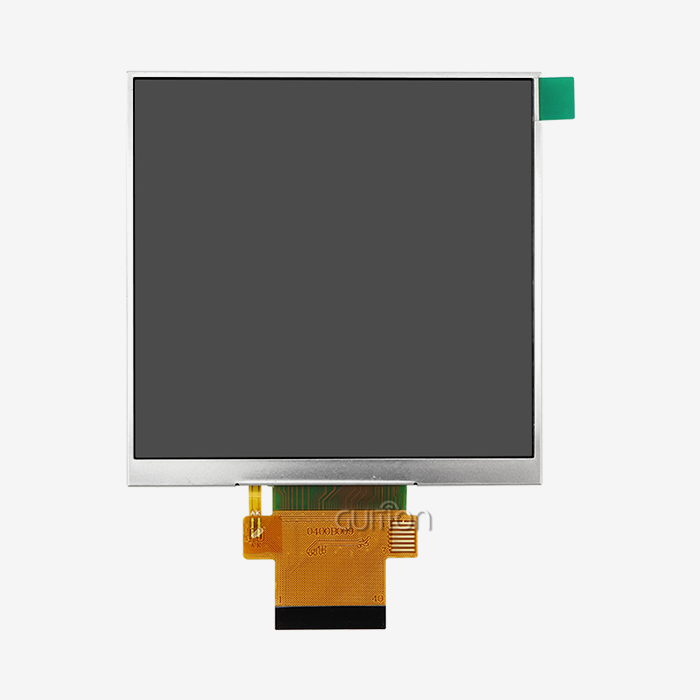
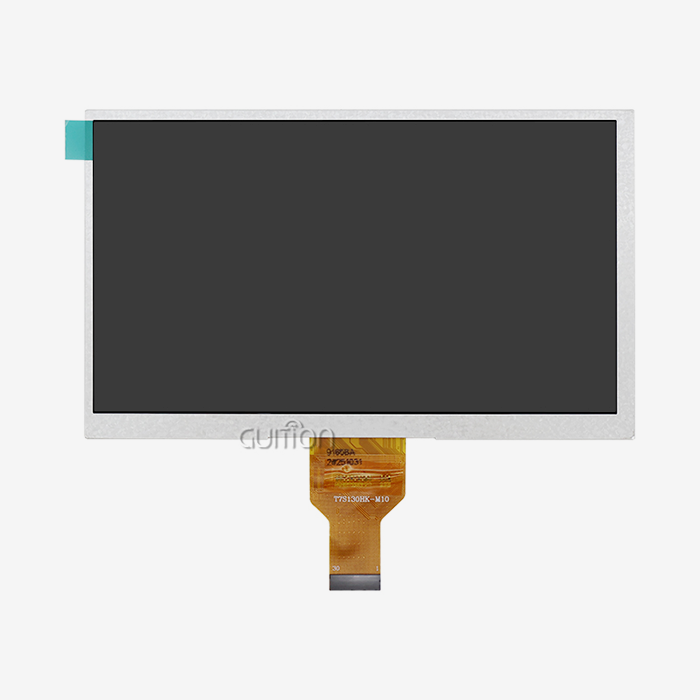
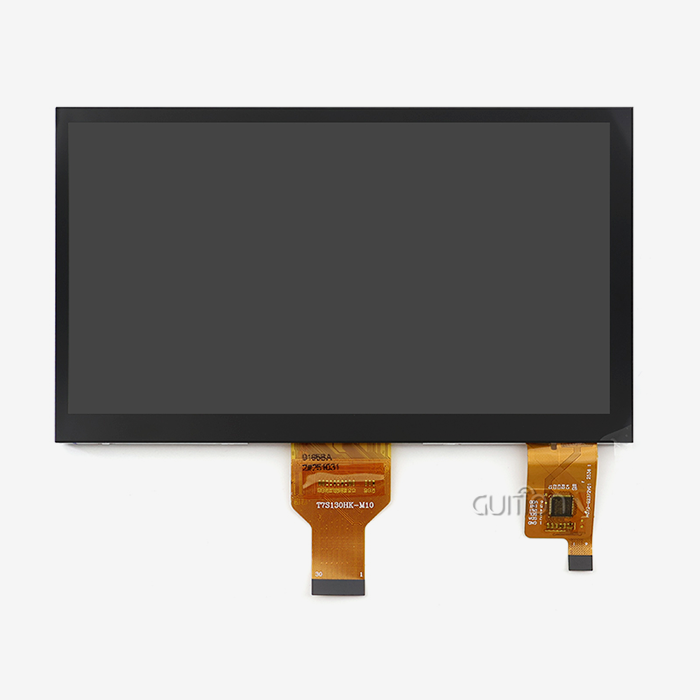
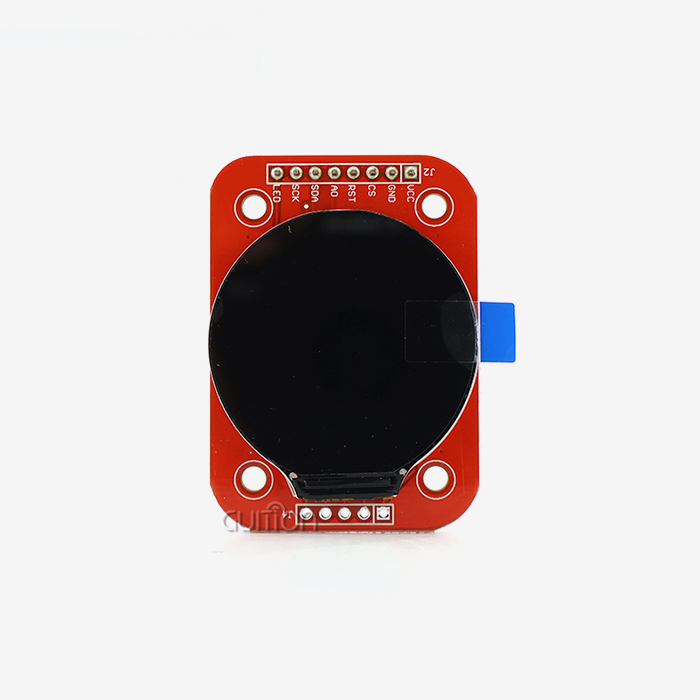
There is a more flexible option for embedded engineers, IoT developers, and product teams that are making their own devices. Guition's product line includes display units ranging from 1.28" to 21.5" and competitive hardware specs. It also comes with its own UI development software, Guition UI, which lets teams make production-ready interfaces without having to deal with enterprise-level costs.
Why the GUITION JC4827W543R_I Stands Out?
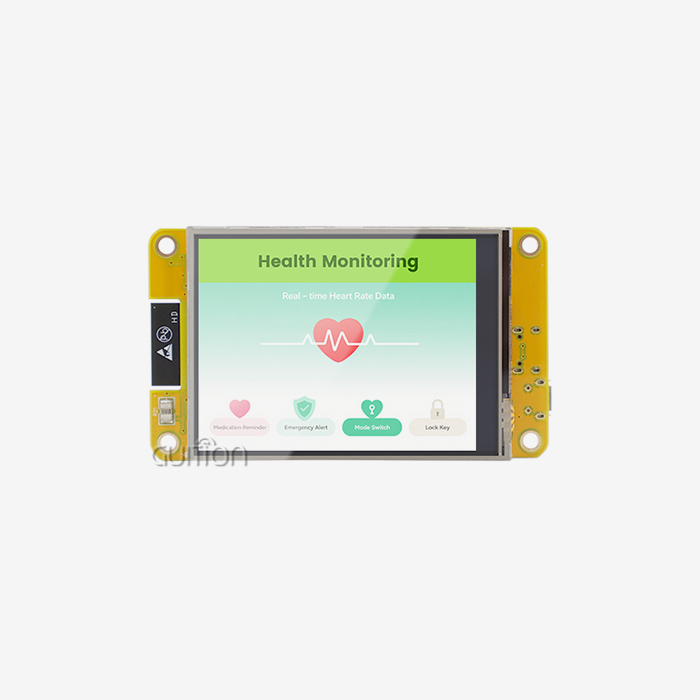
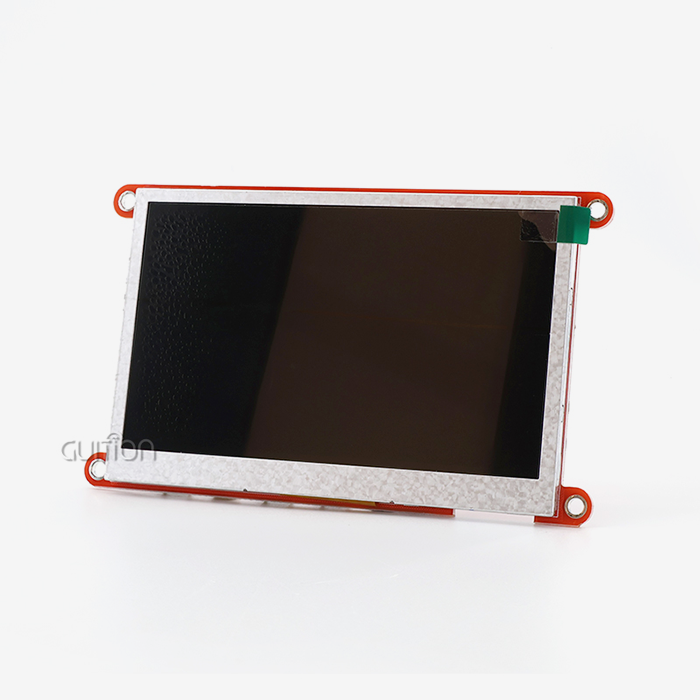
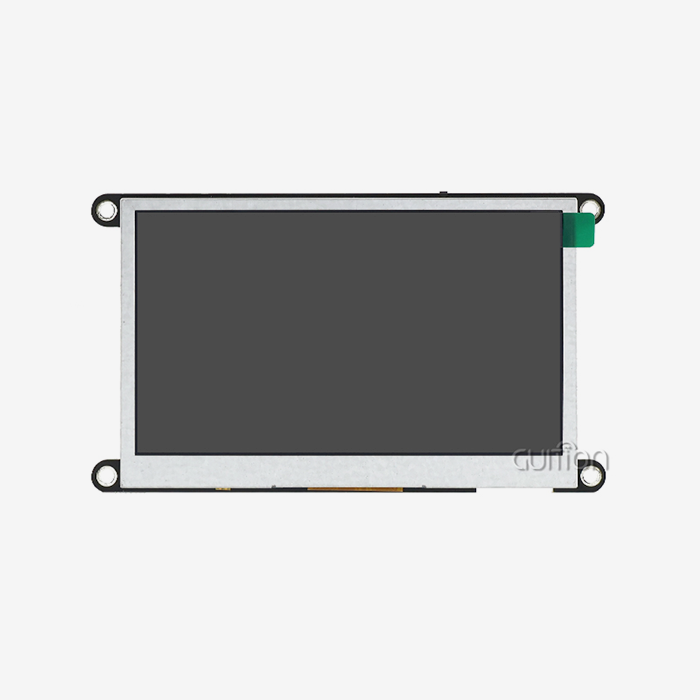
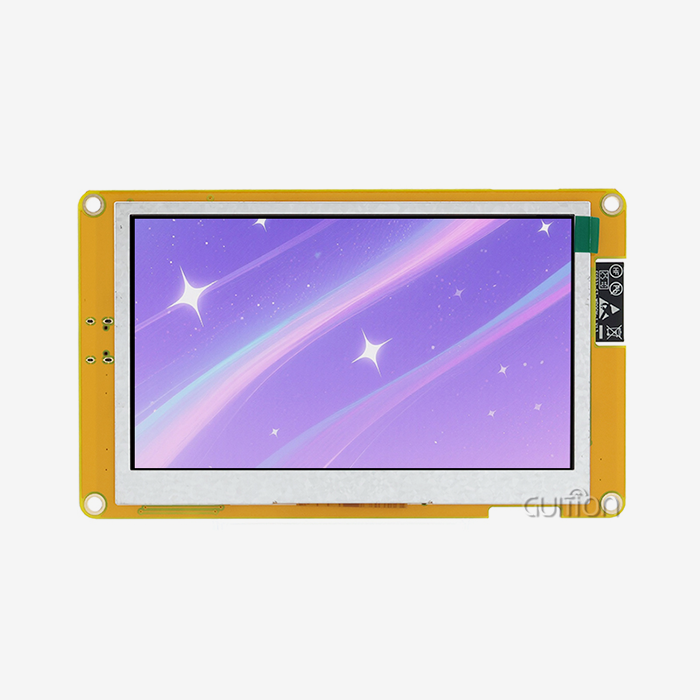
Based on the ESP32-S3R8 dual-core processor running at 240MHz, the GUITION JC4827W543R_I is a 4.3-inch sensitive touch LCD module. It has 512KB SRAM, 8MB PSRAM, 4MB Flash, and a 480×272 screen resolution. This module is really flexible because it has built-in Wi-Fi and Bluetooth connections, a TF card port for extra storage, and up to 10 available IO pins.
Here are the core technical advantages that distinguish this module from generic display panels:
- Multi-Platform Development Support: The JC4827W543R_I works with the Arduino IDE, ESP-IDF, MicroPython, and the native Guition platform. This lets engineers pick the process that works best for them without having to learn anything new.
- Drag-and-Drop GUI Tooling: Guition's own development software lets you build the user interface (UI) using visual controls like buttons, gauges, charts, and sliders, instead of writing low-level rendering code. This saves a lot of time and makes interface development much faster.
- Remote OTA Firmware Upgrades: Teams can use Wi-Fi to push firmware changes to deployed devices, which cuts down on the cost of on-site service calls and other costs that come up after the sale.
- Multi-Language and UTF-8 Encoding: Support for multiple languages is needed for global product deployments. This program can directly handle UTF-8 encoded text, which means that the interface can be localized for different languages without the need for extra hardware.
- Factory-Programmed Test Programs: Out-of-the-box test programs let you test their functionality as soon as you receive them, which speeds up the evaluation part of the purchase process.
The three biggest problems with embedded HMI interactive interface development are that it takes too long to build, it costs a lot to fix bugs, and there isn't much freedom in how it can be used. Teams that used to spend weeks making serial communication handlers and rendering pipelines from scratch can now use that time to work on logic that is specific to their products.
Practical Applications and Case Studies
There are many fields that need the GUITION JC4827W543R_I because they need solid, quick-to-respond operator interfaces. Medical device designers use it to show important parameters with images that are clear and have a lot of contrast. It is used by industrial automation teams on machine control screens that need real-time data from motors and fault alerts. It is used as a main control screen for lights, HVAC, and security features by companies that make smart home products.
A typical embedded systems team said that the drag-and-drop control library and cross-platform testing tools helped them cut their HMI interactive interface development cycle from six weeks to less than two weeks after switching to the Guition development platform. Integrators of energy management systems have used similar modules on solar inverter screens. The ability to support multiple languages and update the system remotely cut down on the cost of field service by a large amount.
Future Trends and Innovations in HMI Technology
AI inference, edge computing, and IoT connectivity are all coming together to form the next generation of machine interfaces. Industry 4.0 models require HMI panels to do more than just show data. They need to be a part of predictive maintenance pipelines, talk to cloud analytics platforms, and change how they work based on the user's job or the state of the machine.
Modules like the JC4827W543R_I that have Wi-Fi and Bluetooth built in are ready to help with this shift. With over-the-air (OTA) upgrades, the same hardware can get new firmware as connectivity methods and cloud APIs change. This protects the purchase investment over the course of a product's multiple-year lifetime. When engineers are making IoT devices today, they should focus on display modules that include wireless connectivity as a standard feature, not something that is added after the fact.
Conclusion
A good HMI interactive interface is now required for all modern automation, medical, and consumer electronics projects. It decides how quickly operators react to events in the system, how quickly engineers can make changes to the firmware, and how confidently procurement teams can commit to a long-term hardware platform. The JC4827W543R_I from Guition is a technically sound and developer-friendly option that can be used for both small-scale production and building prototypes. Guition is more of an environment than a single component. It has display sizes from 1.28" to 21.5" and software tools that are meant to shorten development processes.
FAQ
What is the difference between an HMI and a SCADA system?
An HMI works at the level of the machine and gives operators direct control over a certain station or device. SCADA collects data from many tools and locations and is usually used for close supervision. A lot of the time, HMI screens are the local interface in a larger SCADA system.
Is the GUITION JC4827W543R_I compatible with Arduino?
Yes. The module works with the Arduino IDE, ESP-IDF, MicroPython, and the Guition platform, so it can be used with a lot of different codebases and team skill sets.
Can I update firmware on deployed devices without physical access?
Over-the-Air (OTA) software changes can be done over Wi-Fi with the JC4827W543R_I. This lets maintenance and feature updates be done remotely without having to be done on-site.
Does this module support multiple display languages?
Yes, UTF-8 encoding and moving between languages are built in. This means that a world product can be used in many different regional markets.
What industries commonly use this type of display module?
Some of the main areas where it is used are industrial automation, medical tracking equipment, smart home devices, energy management systems, business kiosks, and farming automation.
Partner with Guition — Your Trusted HMI Interactive Interface Supplier
Guition offers display solutions that are good enough for engineers and come with real technical support. Guition wants to shorten development processes, lower procurement risk, and make human-machine interface designs that can be used in all global markets. The JC4827W543R_I is a sign of this determination. Get in touch with our team directly, whether you need something for a trial or a full production run. To see all of our products, email us at david@guition.com or go to https://jingcaizhineng.aixdb.cn/.
References
1. Wonderware (AVEVA). (2021). HMI vs. SCADA: What's the Difference? AVEVA Group. https://www.aveva.com/en/perspectives/blog/hmi-vs-scada/
2. MarketsandMarkets. (2022). Human Machine Interface (HMI) Market — Global Forecast to 2027. MarketsandMarkets Research. https://www.marketsandmarkets.com/Market-Reports/human-machine-interface-market-141998574.html
3. Espressif Systems. (2023). ESP32-S3 Technical Reference Manual. Espressif Systems. https://www.espressif.com/sites/default/files/documentation/esp32-s3_technical_reference_manual_en.pdf
4. Arduino. (2023). Arduino IDE 2.x Documentation and Platform Guide. Arduino Foundation. https://docs.arduino.cc/software/ide-v2
5. Siemens AG. (2022). Industry 4.0 and the Role of HMI in Smart Manufacturing. Siemens Digital Industries. https://www.siemens.com/global/en/products/automation/industry-software/automation-software/tia-portal.html
6. International Society of Automation (ISA). (2021). ANSI/ISA-101.01: Human Machine Interfaces for Process Automation Systems. ISA Standards. https://www.isa.org/products/ansi-isa-101-01-2015-human-machine-interfaces-for-p
Learn about our latest products and discounts through SMS or email