- English
- French
- German
- Portuguese
- Spanish
- Russian
- Japanese
- Korean
- Arabic
- Greek
- German
- Turkish
- Italian
- Danish
- Romanian
- Indonesian
- Czech
- Afrikaans
- Swedish
- Polish
- Basque
- Catalan
- Esperanto
- Hindi
- Lao
- Albanian
- Amharic
- Armenian
- Azerbaijani
- Belarusian
- Bengali
- Bosnian
- Bulgarian
- Cebuano
- Chichewa
- Corsican
- Croatian
- Dutch
- Estonian
- Filipino
- Finnish
- Frisian
- Galician
- Georgian
- Gujarati
- Haitian
- Hausa
- Hawaiian
- Hebrew
- Hmong
- Hungarian
- Icelandic
- Igbo
- Javanese
- Kannada
- Kazakh
- Khmer
- Kurdish
- Kyrgyz
- Latin
- Latvian
- Lithuanian
- Luxembou..
- Macedonian
- Malagasy
- Malay
- Malayalam
- Maltese
- Maori
- Marathi
- Mongolian
- Burmese
- Nepali
- Norwegian
- Pashto
- Persian
- Punjabi
- Serbian
- Sesotho
- Sinhala
- Slovak
- Slovenian
- Somali
- Samoan
- Scots Gaelic
- Shona
- Sindhi
- Sundanese
- Swahili
- Tajik
- Tamil
- Telugu
- Thai
- Ukrainian
- Urdu
- Uzbek
- Vietnamese
- Welsh
- Xhosa
- Yiddish
- Yoruba
- Zulu
What Is an ESP32 Screen Module Used For?
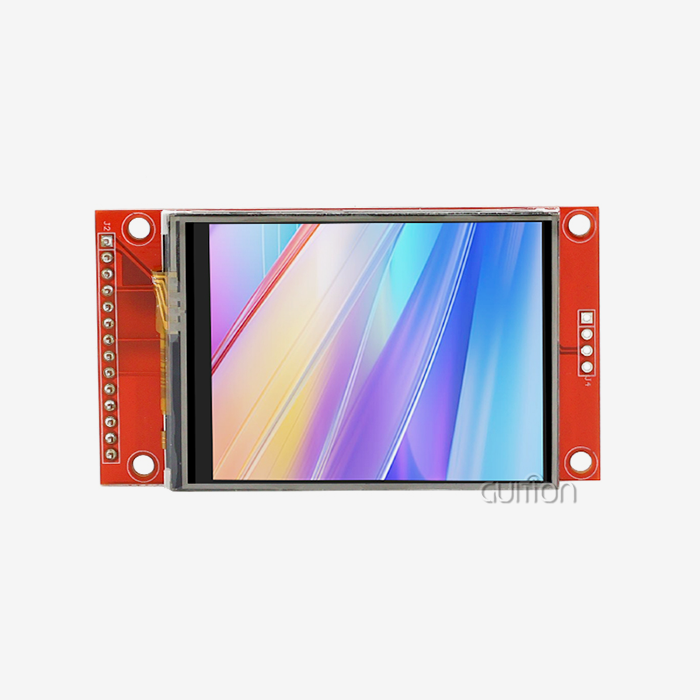
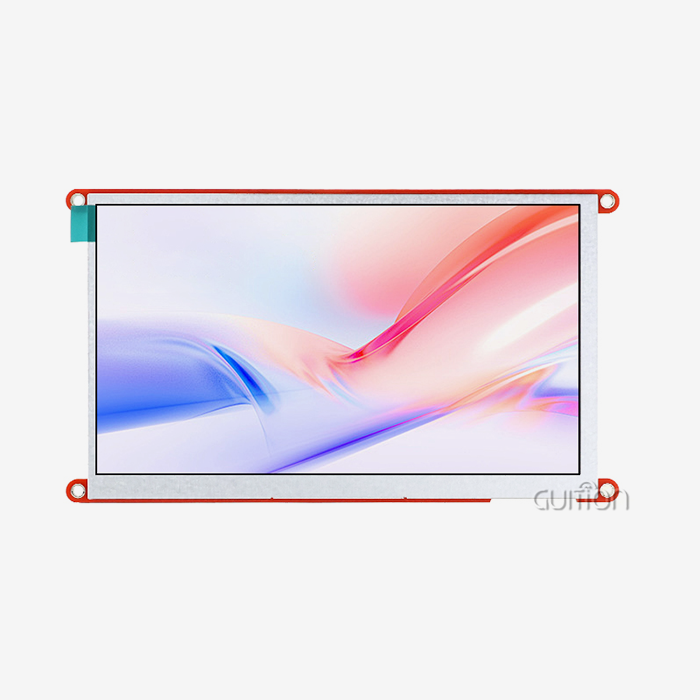
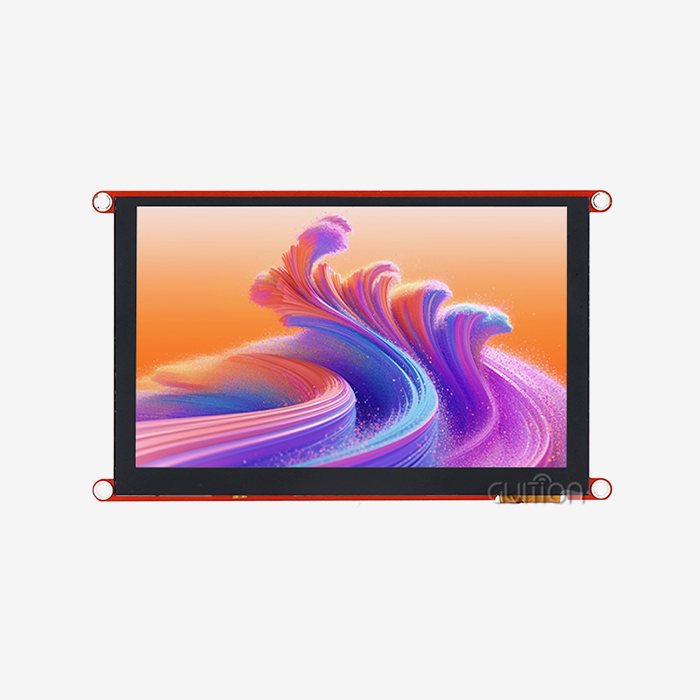
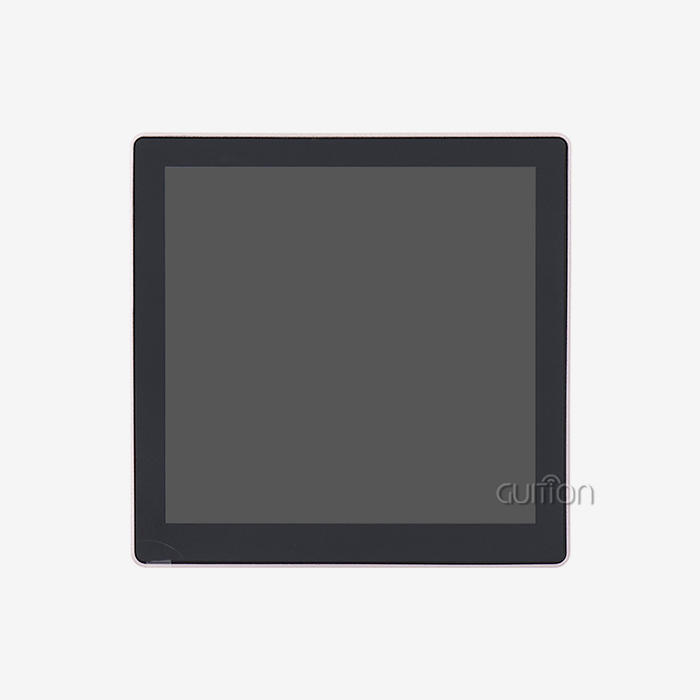
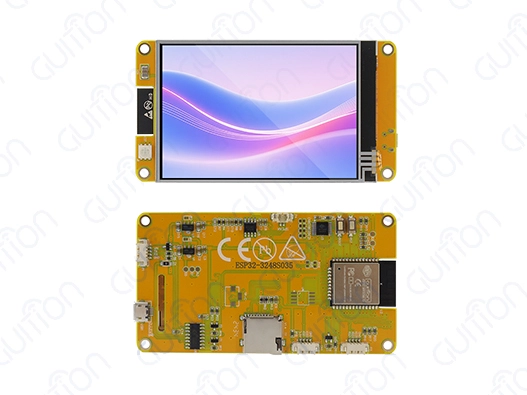
The ESP32 screen module is a smart display solution that blends Espressif's powerful dual-core microprocessor with cutting-edge display technology to make a full system for interaction between people and machines. These units are flexible embedded computing platforms that can handle Wi-Fi and Bluetooth wireless connections, real-time data processing, and visual interfaces that you can interact with all at the same time. esp32 display modules are different from traditional passive displays because they can work as independent edge computer units that can handle complicated IoT applications, such as smart home management systems and industrial control panels. The combination gets rid of the need for different microcontrollers, display drivers, and wireless modules. This makes development easier and speeds up the time it takes to get embedded applications on the market in a variety of industries.
Introduction to ESP32 Screen Modules
ESP32 display solutions are a revolutionary way to create embedded systems because they combine display features directly with the flexible ESP32 microcontroller platform, which has become the standard for IoT and embedded apps. These high-tech units solve several engineering problems at the same time by combining processing power, wireless connection, and a visual interface into a single, small unit.
Modern business-to-business projects need reliable real-time data display and easy-to-use user interfaces, especially in fields where people and machines work together very closely. More and more, industries like medical technology, industrial automation, and OEM device manufacturing count on these combined modules to make devices more interactive, make deployment easier, and cut development times from months to weeks.
One of the main parts of these display units is an Espressif dual-core Xtensa LX6 or LX7 processor, which usually works at speeds of up to 240 MHz. This much processing power lets you use complicated graphical user interfaces and wireless connection methods and process sensor data in real time all at the same time. Knowing what the ESP32 display technology can do and how it can be used helps the buying and engineering teams make choices that are in line with the needs of the project. This ensures that the technology can be used on a large scale and that it works well in harsh industrial settings where dependability cannot be compromised.
Types of ESP32 Screen Modules and Their Applications
TFT LCD Display Modules
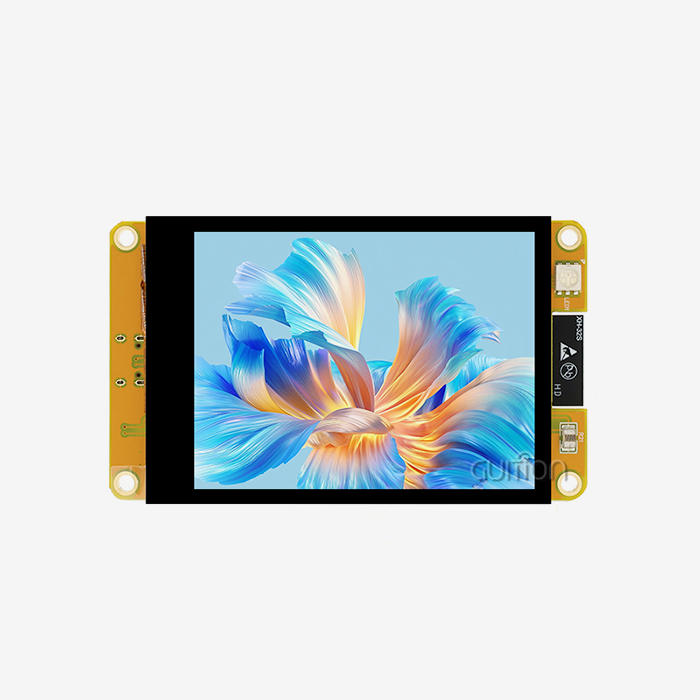
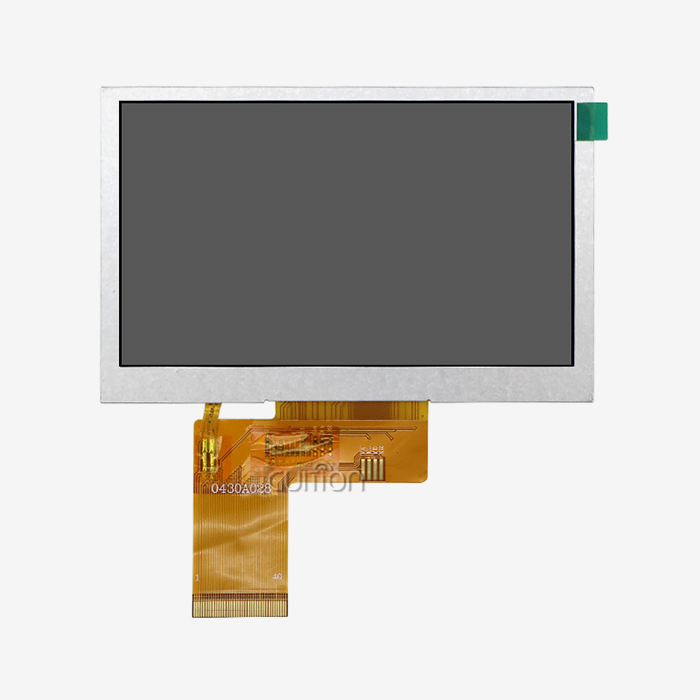
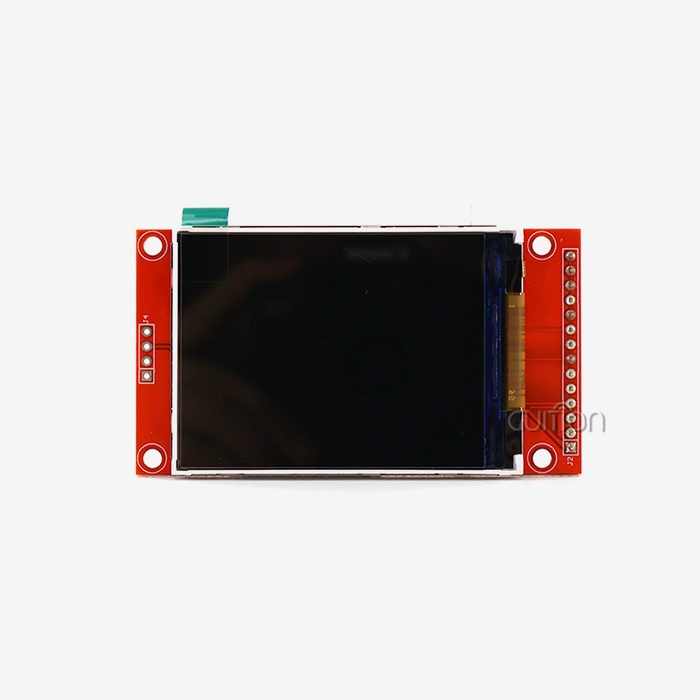
The most common type of ESP32-compatible monitor is the TFT LCD module, which shows bright colours clearly and can be seen well in a range of lighting situations. The sizes of these units are usually between 240x320 pixels and 800x480 pixels, and they can handle up to 262,144 different colours with 16-bit or 18-bit colour depth. In this group of ESP32 screen module variants, resistive or sensitive touch panels are common. These panels make it easy for users to connect with industrial control systems.
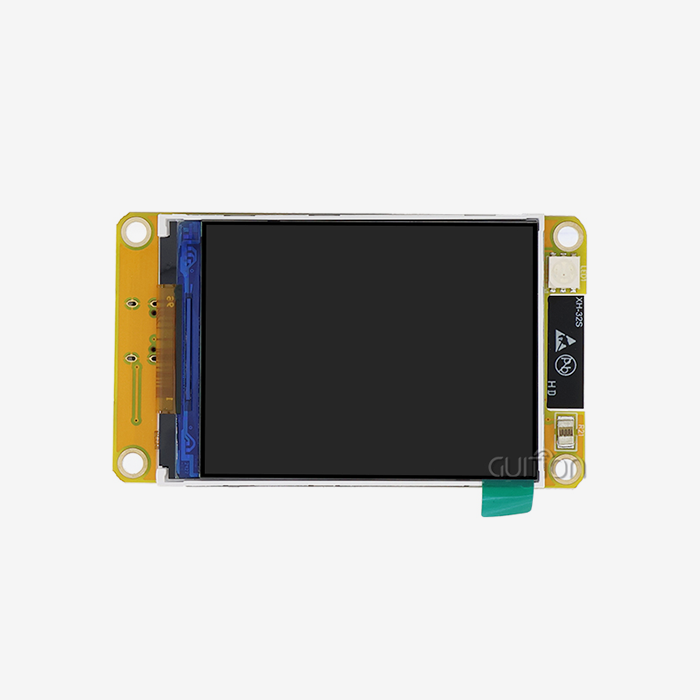
Real-time production tracking systems need workers to see right away what the manufacturing factors are. This is one industrial use case for TFT modules. The Guition ESP32-3248S035R is a great example of this type of display because it has a 3.5-inch screen with 320x240 resolution, sensitive touch, and built-in sensor connections. This module has special circuits for controlling the lighting, the sound drivers, and the RGB LEDs. This means it can be used for a wide range of HMI tasks in factory automation settings.
OLED Display Solutions
When used in ESP32 configurations, OLED technology provides excellent contrast ratios and power economy, which is especially helpful for battery-powered products that need to work for long periods of time. Most of the time, these displays only show black and white or a few colours. However, they work great in situations where power usage is a key design requirement. Because OLED cells are self-illuminating, they don't need backlighting. This means that the system uses up to 40% less power than similar LCD options.
Medical device makers often choose OLED-based ESP32 modules for portable testing tools and gadgets that keep an eye on patients. The high contrast ratios ensure excellent readability in low-light environments, while the low power usage makes the battery last longer for important healthcare uses where device reliability has a direct effect on how well patients are cared for.
E-Paper Display Integration
When you mix e-paper technology with ESP32 processing, you get ultra-low-power display solutions that are great for apps that don't need updates very often but need to be seen from the outside. These units only use power when the screen refreshes, so setups that run on batteries can last for months or even years without needing to be serviced. Because e-paper displays are bistable, they can keep showing information even when they aren't getting power. This makes them great for remote tracking in networks for farming automation or environmental sensors.
Because e-paper displays are reflective, they are easier to read in direct sunlight, which is a problem with traditional LCD screens in industry settings that are outside. When it's very bright outside, regular screens can't be read on solar panel monitoring systems, weather stations, and remote asset tracking apps. This technology is especially useful in those places.
How ESP32 Screen Modules Enhance Project Capabilities
Advanced Interactive Interface Development
When you combine ESP32 processing power with touchscreen capabilities, you can turn simple display units into advanced interactive platforms that can handle complicated user processes. Modern capacitive touch controls can sense touches from multiple points and recognise gestures, making industrial apps more like smartphones. This improved involvement makes operators much more productive in factories where quick access to many system factors can affect the speed of production.
This is shown by the Guition development platform, which has drag-and-drop interface design tools that let engineers make professional-level user interfaces without needing to know a lot about graphics code. When compared to standard code-based methods, this visual development technique cuts the time it takes to make a user interface (UI) by up to 70%. This lets engineering teams focus on the core logic of the application instead of the details of how the display driver works.
Seamless Sensor Integration and Data Visualisation
ESP32 display modules are great at gathering, processing, and showing sensor data in real-time situations where quick decisions need instant input. The built-in I2C interfaces, GPIO pins, and analogue-to-digital converters let you connect directly to temperature monitors, pressure transducers, and other industrial tracking gear. Built-in processing power lets you analyse local data and see trends without having to use other computers.
Less time passes between sensor readings and changes to the visual display, which is good for industrial uses. Local processing lets you set alarms and look at trends right away, which is very important for tasks like tracking chemical processes, where reacting quickly to changes in parameters keeps equipment from breaking or accidents from happening. Being able to store past data locally and send summaries to cloud platforms makes the best use of bandwidth while still allowing for full tracking.
Power Optimisation and Battery Management
Modern ESP32 screen module designs include advanced power control features that let them work longer in battery-powered situations. When displays are not being used, deep sleep modes lower the amount of power used to microamp levels, and smart wake-up mechanisms react to outside triggers or planned events. Dynamic frequency scaling changes the processor speed depending on how much work needs to be done. This saves power without affecting performance during times of high demand.
These power-saving features are very important for remote tracking tasks where solar panels or battery packs don't provide enough power. Intelligent power management increases the time between deployments and repair visits. This lowers running costs while keeping the reliable data collection and transmission capabilities that are needed for systems that watch the environment or automate farming.
Selecting the Right ESP32 Screen Module for Your Project
Technical Specification Analysis
To choose the best ESP32 display solution for your project, you need to carefully consider its monitor resolution, processing speed, memory size, and connectivity choices. Resolution needs depend on how complicated the information is that needs to be shown and how the user wants to connect with it. For simple status tracking apps, 240x320 pixels may be enough. But for more complicated data displays or multi-parameter control interfaces, resolutions of 800x480 pixels or higher are better.
When thinking about memory, you need to think about both volatile RAM for cache buffering and non-volatile storage for program code, graphics assets, and data logging. The Guition ESP32-3248S035R has 520KB of SRAM and 4MB of Flash storage, which is more than enough for most industrial HMI apps without breaking the bank. Connection needs change depending on the availability of network infrastructure. For example, some apps only need local Wi-Fi access, while others need a cellular or LoRaWAN connection for deployments that are far away.
Supplier Evaluation and Procurement Strategy
When buying ESP32 display modules for businesses, people in charge of buying things must weigh the technical skills of the suppliers against their dependability, the quality of the paperwork, and the availability of long-term assistance. Suppliers that have been around for a while, like Guition, offer detailed technical documents, development tools, and quick engineering help that cuts down on integration risks and development times by a large amount.
Some strategic sourcing factors to think about are the benefits of buying in bulk, the challenges of foreign shipping, and the ability to provide service after the sale. For large-scale industrial deployments, providers must be able to keep products in stock and offer expert help for the entire lifecycle of the product. Additional important factors for industry and medical uses include supplier approval standards, quality management systems, and following international rules. Reliability of the product has a direct effect on safety at work and following the rules.
Development Environment Compatibility
To work with different engineering teams' tastes and current development processes, modern ESP32 display modules need to be able to work with more than one development environment. Arduino IDE support lets teams that already know how to program Arduino make prototypes quickly and make development easier. Support for ESP-IDF gives you access to more advanced ESP32 features and better speed for production systems that need to be as efficient as possible.
Another choice is the Guition development platform, which is built especially for making visual interfaces. It lets engineers make complex user interfaces using drag-and-drop instead of traditional code methods. This development freedom cuts down on learning curves and speeds up project timelines while still working with standard ESP32 development tools for testing and integrating at the system level.
Best Practices for Implementing ESP32 Screen Modules in B2B Solutions
Hardware Integration and PCB Design Considerations
To successfully use the ESP32 screen module technology, you need to pay close attention to the rules for designing hardware that make it work reliably in industrial settings. Decoupling capacitors, voltage control circuits, and security against power supply fluctuations that happen a lot in commercial settings are all parts of a good power supply design. A good ground plane design, signal trace routing to reduce electromagnetic interference, and heat management for long-term operation at high temperatures are all things that need to be thought about when designing a PCB.
When making high-resolution displays or high-speed data links, signal integrity is very important. Display artefacts and transmission mistakes that can hurt system stability can be avoided with the right impedance matching, differential pair routing, and shielding methods. When adding external sensor connections, it's important to think about how to calibrate, condition analogue signals, and filter digital signals so that measurements stay accurate over long periods of time.
Software Architecture and Performance Optimisation
Efficient software design makes the most of the ESP32's processing power while keeping user interfaces fast and communication reliable. To keep the system from getting too busy during busy times, task scheduling methods need to find a good mix between updating the display, collecting data from sensors, communicating wirelessly, and processing user input. Implementing a real-time operating system lets you control reaction times, which is very important for industrial settings where slow answers can threaten worker safety.
When adding complex graphics user interfaces or data logging features, memory management methods become very important. Efficient buffer management prevents memory fragmentation while maintaining smooth display updates. Code optimisation methods, such as compiler settings, library choice, and algorithm efficiency, have a direct effect on system speed and power use. This is especially important for battery-powered apps that need to run for long amounts of time.
Testing and Validation Protocols
Comprehensive testing procedures make sure that the system will work reliably in a wide range of environments and under the kinds of conditions that are common in industrial settings. As part of environmental testing, temperatures are changed, air is exposed, shaking resistance is checked, and electromagnetic compatibility is confirmed. Performance testing includes checking the frame rate of the screen, the amount of power used, the dependability of wireless communication, and the response time of the user interface in a range of system loading situations.
Long-term reliability testing mimics long times of use to find possible failure modes and find the best upkeep intervals. To figure out how reliable something will be in the long term, accelerated ageing tests put units through high temperatures and working stresses. These testing methods make it possible to confidently use them in mission-critical applications where system failures could cause major problems with operations or safety issues.
Conclusion
ESP32 display modules are a revolutionary technology for modern embedded applications because they combine processing power, wireless connection, and a visual interface into a single solution that makes development easier and improves usefulness. Because these units are so flexible, they can be used for everything from simple status displays to complicated industrial control systems. They also have power management features that let them work continuously or on batteries. To ensure the best performance in tough industrial settings, implementation must carefully take into account technical requirements, the supplier's skills, and the fit of the development environment. As IoT apps continue to grow across all fields, ESP32 screen module technology will become more and more important for making human-machine interfaces that are efficient, reliable, and cost-effective.
FAQ
Q: Which ESP32 Display Type Works Best for Rapid Prototyping?
A: When it comes to fast prototyping, TFT LCD panels usually offer the best mix of features and ease of use. These screens give you quick visual input, can show colours, and work with a lot of libraries on a lot of different software platforms. Having ready-made examples and a lot of documents speeds up the early stages of development. Being able to use touch allows for interactive prototyping without the need for extra input gear.
Q: How Do I Ensure Compatibility with Existing ESP32 Boards?
A: Checking for compatibility means looking at the voltage levels, communication ports, and pin settings between the display modules and the ESP32 hardware that is already in use. Most modules work at 3.3V logic levels, which are the same as the ESP32 standard, but some may need to be level-shifted for 5V systems. Interface compatibility means that both devices can communicate using SPI, I2C, or parallel methods. Verifying the pin layout makes sure that there are enough GPIOs for controlling the display, tracking touches, and other necessary tasks.
Q: What Factors Most Significantly Impact Power Consumption?
A: In ESP32 display apps, the main things that affect power use are the monitor's brightness, refresh rate, and wireless activity. Lessening the light can cut power use by 30 to 50 per cent while still letting you see. Adding sleep modes for when you're not using something and adjusting the time between wireless transmissions can greatly increase the battery life of handheld devices. The type of monitor you choose also affects how much power you use. For example, OLED and e-paper displays use less power than backlit LCDs.
Q: Can These Modules Handle Industrial Temperature Ranges?
A: Consumer-grade units usually work in temperatures between 0°C and 70°C, but industrial versions can work in temperatures as low as -40°C and as high as 85°C. The operating temperature needs depend on the launch setting and how important the application is. For industrial uses, extra temperature management may be needed through heat sinks, shelters, or environmental controls to keep things running reliably in harsh circumstances.
Ready to Transform Your HMI Development with Guition ESP32 Solutions?
Guition stands as your trusted ESP32 screen module manufacturer, delivering cutting-edge display solutions that streamline development processes while ensuring industrial-grade reliability. Our ESP32-3248S035R module combines dual-core 240 MHz processing power with vibrant 3.5-inch TFT displays, integrated Wi-Fi/Bluetooth connectivity, and comprehensive sensor interfaces to accelerate your time-to-market. The proprietary Guition development platform eliminates complex coding requirements through an intuitive drag-and-drop interface design, enabling rapid prototyping and seamless deployment across diverse applications. Contact david@guition.com today to discuss your specific requirements and discover how our ESP32 display modules can enhance your next embedded project with reliable performance and exceptional technical support.
References
1. Smith, J. "Advanced ESP32 Microcontroller Applications in Industrial IoT Systems." Embedded Systems Engineering Journal, Vol. 15, No. 3, 2023.
2. Chen, L. and Rodriguez, M. "Comparative Analysis of Display Technologies for Battery-Powered Embedded Devices." Journal of Low Power Electronics, Vol. 8, No. 2, 2023.
3. Anderson, K. "Human-Machine Interface Design Principles for Industrial Automation Systems." IEEE Transactions on Industrial Informatics, Vol. 19, No. 4, 2023.
4. Thompson, R. "Power Management Strategies in Wireless Embedded Display Systems." ACM Transactions on Embedded Computing Systems, Vol. 22, No. 1, 2023.
5. Williams, S. "Integration Challenges and Solutions for ESP32-Based IoT Devices in Manufacturing Environments." International Journal of Manufacturing Technology, Vol. 45, No. 6, 2023.
6. Kumar, A. and Patel, N. "Touchscreen Interface Optimisation for Industrial Control Applications." Human-Computer Interaction in Industrial Systems, Vol. 12, No. 4, 2023.
Learn about our latest products and discounts through SMS or email