- English
- French
- German
- Portuguese
- Spanish
- Russian
- Japanese
- Korean
- Arabic
- Greek
- German
- Turkish
- Italian
- Danish
- Romanian
- Indonesian
- Czech
- Afrikaans
- Swedish
- Polish
- Basque
- Catalan
- Esperanto
- Hindi
- Lao
- Albanian
- Amharic
- Armenian
- Azerbaijani
- Belarusian
- Bengali
- Bosnian
- Bulgarian
- Cebuano
- Chichewa
- Corsican
- Croatian
- Dutch
- Estonian
- Filipino
- Finnish
- Frisian
- Galician
- Georgian
- Gujarati
- Haitian
- Hausa
- Hawaiian
- Hebrew
- Hmong
- Hungarian
- Icelandic
- Igbo
- Javanese
- Kannada
- Kazakh
- Khmer
- Kurdish
- Kyrgyz
- Latin
- Latvian
- Lithuanian
- Luxembou..
- Macedonian
- Malagasy
- Malay
- Malayalam
- Maltese
- Maori
- Marathi
- Mongolian
- Burmese
- Nepali
- Norwegian
- Pashto
- Persian
- Punjabi
- Serbian
- Sesotho
- Sinhala
- Slovak
- Slovenian
- Somali
- Samoan
- Scots Gaelic
- Shona
- Sindhi
- Sundanese
- Swahili
- Tajik
- Tamil
- Telugu
- Thai
- Ukrainian
- Urdu
- Uzbek
- Vietnamese
- Welsh
- Xhosa
- Yiddish
- Yoruba
- Zulu
What Display Libraries Run Best on ESP32 LCD?
Choosing the right display library for your ESP32 module LCD projects can make or break your development timeline and product performance. The most effective libraries for ESP32 LCD implementations include LVGL for professional HMI development, TFT_eSPI for high-speed graphics rendering, U8g2 for memory-efficient displays, and Adafruit GFX for rapid prototyping. Each library offers distinct advantages depending on your specific requirements, display resolution, and connectivity needs. Understanding these differences helps engineers select the optimal solution that balances performance, development speed, and resource utilization for their ESP32 module LCD applications.
Understanding ESP32 LCD Display Libraries: A Comprehensive Overview
Display libraries make it possible for your ESP32 microprocessor to talk to your LCD screens. They do this by turning complicated low-level code into standard APIs that are easy to use. These software parts take care of everything, from changing pixels to handling touch input, so engineers can focus on the logic of the app instead of the details of the hardware.
Essential Functions of Display Libraries
Modern display libraries for ESP32 systems offer a wide range of features that go beyond simple control of pixels. They are in charge of picture buffers, converting color depths, and making sure that data transfer methods like SPI and parallel interfaces work as well as they can. The tools also work well with touch controls, which lets you make responsive user experiences that are on par with smartphone apps.
These tools are very helpful when working with an ESP32 module LCD because they make use of the dual-core design of processors such as the ESP32-S3R8. One core can handle displaying the display while the other handles connecting to the network and handling sensor data. This makes it possible to make truly intelligent display systems.
Types of LCD Displays and Compatibility
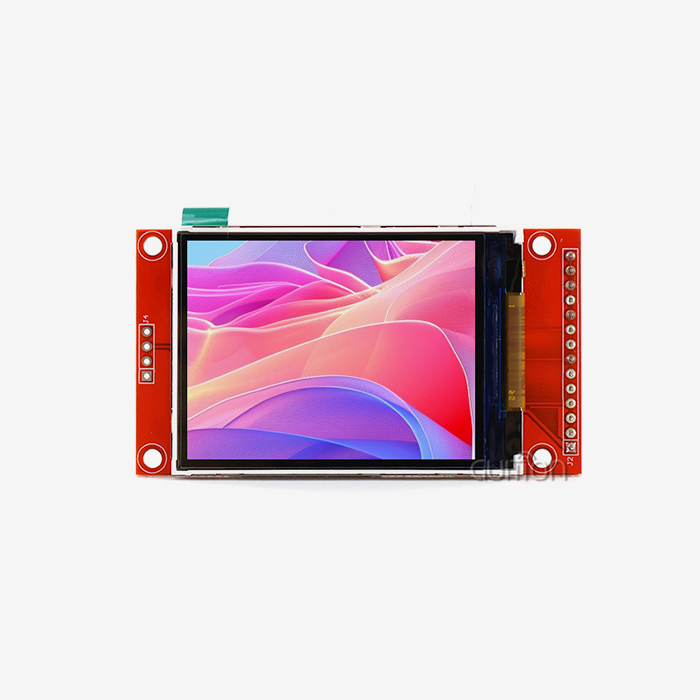
Different display technologies can be used with the ESP32 environment, but each one needs its own library improvements. Character LCDs with HD44780 drivers work well with simple text-based libraries. On the other hand, TFT screens need more complex graphics libraries that can handle 16-bit color depths and complicated animations.
OLED screens are hard to work with because their pixels light themselves up and they need different drive conditions. Libraries like U8g2 are great at this because they offer improved rendering methods that keep the deep blacks and bright colors that make OLED technology appealing for professional use.
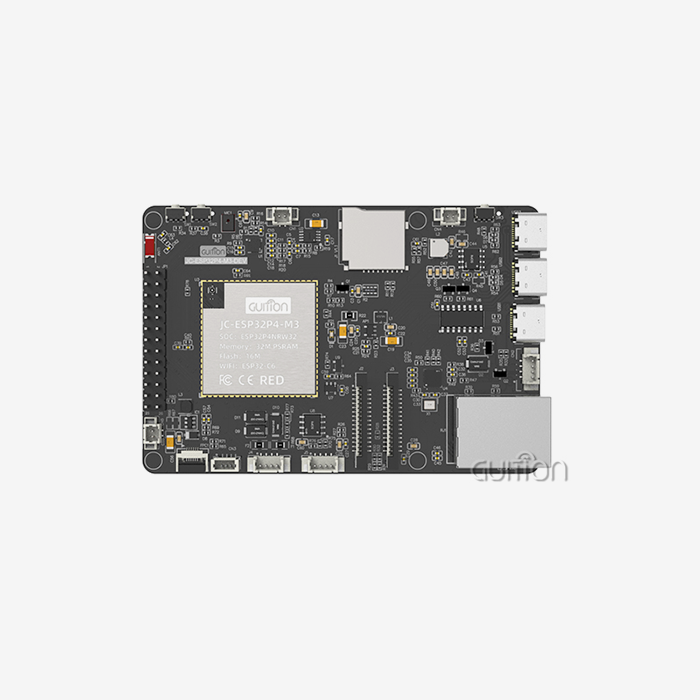
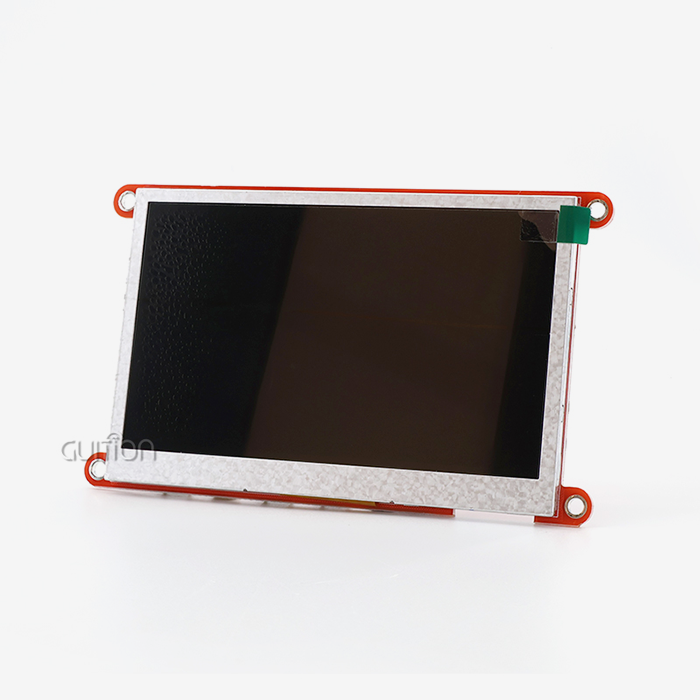
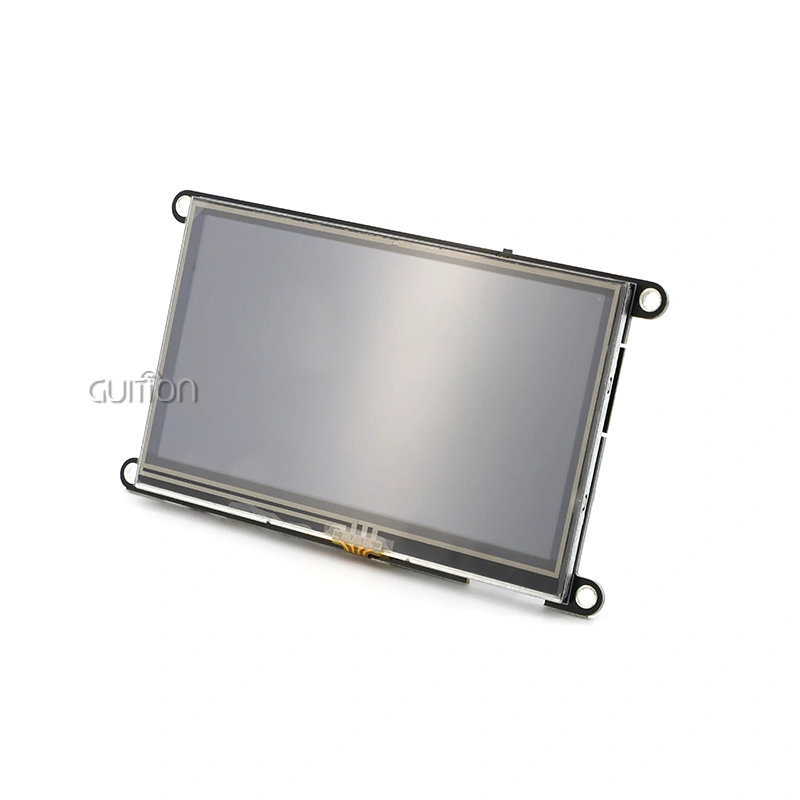
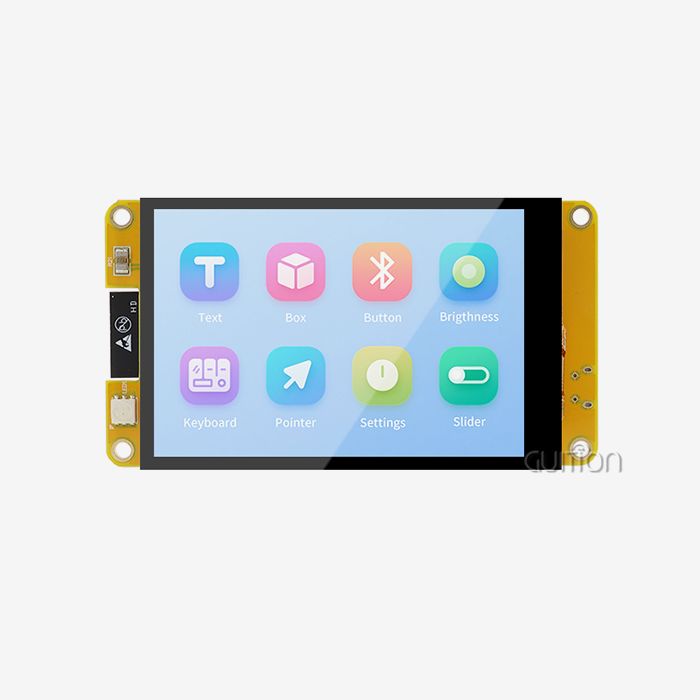
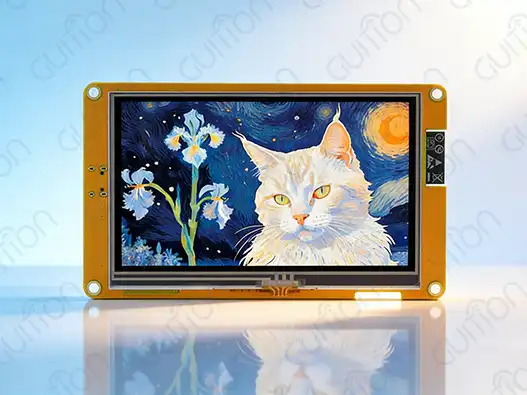
These things are built right into modern ESP32 development boards like the Guition ESP32-4827S043R. They offer 480x272 resolution and sensitive touch, and they work perfectly with existing display libraries.
Top Display Libraries for ESP32 LCD: Comparison and Practical Insights
If ESP32 writers want to choose the right display library, they need to know the pros and cons of each major choice. The next section looks at the most popular and tried-and-true options on the market right now.
LVGL: Professional-Grade Graphics Engine
The best choice for professional ESP32 module LCD creation is LVGL, which stands for "Light and Versatile Graphics Library." This library has movements that look great on smartphones, advanced apps, and full theming tools that let you make really professional user interfaces.
The architecture of the library allows hardware acceleration when it's available. This makes it perfect for systems built on the ESP32-S3 that have external PSRAM. The object-oriented design of LVGL makes it easy to make complicated interfaces quickly while still running well on computers with limited resources. LVGL's strong event handling and multi-language support are especially useful for industrial apps.
TFT_eSPI: High-Performance Display Driver
TFT_eSPI becomes the best choice for writers who want top-notch speed and a wide range of hardware compatibility. This library makes SPI communication methods work better on ESP32 systems so that refresh rates are much higher than with general libraries.
The library's strong points are its large collection of hardware support and its bold optimization methods. It comes with settings that are already set up for hundreds of display modules, which makes setup easier and improves speed. When it comes to bigger screens, where frame rate is very important for the user experience, TFT_eSPI really shines.
U8g2: Memory-Efficient Monochrome Excellence
U8g2 is designed to meet the needs of apps with limited memory and screens that only show black and white. This library is very efficient for OLED and small LCD implementations. It uses advanced compression techniques to keep text and images rendering clear while using as little RAM as possible.
The library's flexible structure lets developers add only the features that are needed, making software builds that are slim and perfect for devices that run on batteries. U8g2 is great for apps like instrumentation and tracking where clear text is more important than color images because it supports a lot of fonts and graphics primitives.
Adafruit GFX: Rapid Prototyping Foundation
Adafruit GFX is the basis for many ESP32 display projects because it has solid basic features and a large community that supports it. For testing and teaching uses, this library is great because it puts ease of use and wide compatibility ahead of cutting-edge speed.
The large amount of guidance and example code base greatly shortens the time it takes to create new software. Adafruit GFX isn't designed for high-performance apps, but it does offer the stability and predictability that business projects often need in the early stages of development.
How to Choose the Best Display Library for Your ESP32 LCD Project
To choose the best display library, you need to carefully compare the needs of the project with the library's powers. This step is especially important when making commercial goods because performance, maintainability, and long-term help all have a direct effect on how well the business does.
Defining Project Requirements
First, make a clear list of your display's requirements, such as its size, color depth, frame rate, and touch input. Think about whether your ESP32 module LCD will be used in harsh settings that need industrial-grade reliability or in market applications that value looks and speed.
Most of the time, memory limits are more important than functions when choosing a library. For projects that use simple ESP32-WROOM modules with little RAM, U8g2's speed might be needed. On the other hand, ESP32-S3 systems with extra PSRAM can use LVGL's advanced features without slowing down the system.
Hardware Compatibility Assessment
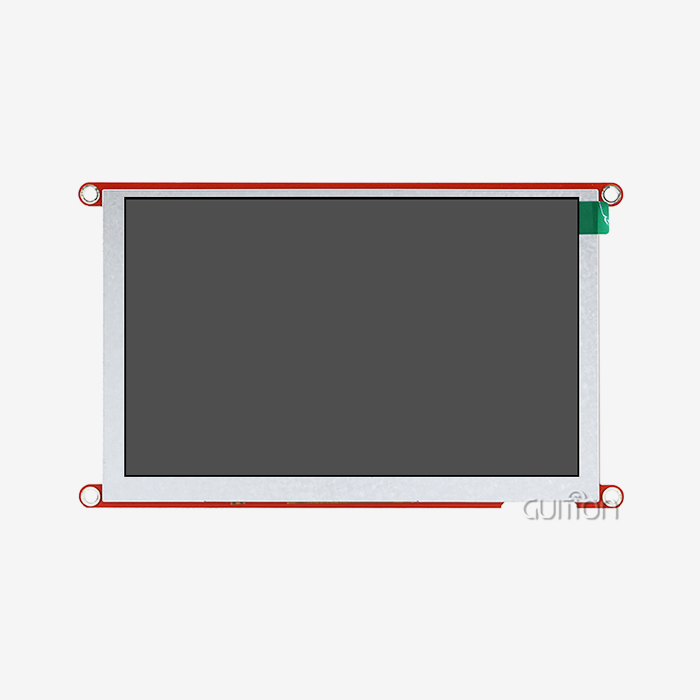
Make sure that the library you've chosen works with the display driver and interface protocol you've selected. For instance, the Guition ESP32-4827S043R has a 4.3-inch screen with a resolution of 480x272 and sensitive touch, so it needs apps that can handle these requirements well.
Think about the needs for future growth as well. If a project wants to add sensitive touch or bigger screens, it should choose tools that have already been shown to work with these more advanced features. This way, the project won't have to go through expensive migration efforts later on.
Development Environment Integration
Check to see how well each library works with the coding setting you like to use. For people who use the Arduino IDE, libraries with lots of example code and easy-to-follow setup steps are helpful. For ESP-IDF writers, libraries with lots of fine-grained control and optimization options might be more important.
When teams use a mix of working platforms, cross-platform compatibility is very important. Libraries that work with both Arduino and ESP-IDF systems give teams and projects more freedom as they grow.
Step-by-Step Guide: Setting Up and Programming ESP32 with LCD Display Libraries
Pay close attention to the wiring, setup, and initialization steps when putting display libraries on ESP32 computers. This guide gives you step-by-step instructions on how to successfully integrate using tried-and-true methods.
Hardware Connection and Configuration
Start by making sure your power source is set up correctly so that your ESP32 module LCD gets clean, stable power within the right voltage ranges. For the best monitor brightness, the ESP32-4827S043R needs 5V input. It also needs to keep 3.3V logic levels for processor communication.
Connect the SPI or parallel input signals based on the requirements of your display, making sure that the signals are correctly connected for fast communications. For parallel devices that work at clock rates above 20 MHz, use short, direct lines and think about signal termination.
Library Installation and Setup
To add the display library you want, use the Arduino Library Manager or copy sources for ESP-IDF projects. Set up the library so that it works with your hardware. This includes changing the display size, color depth, and interface timing factors.
Before adding complicated features, test the basic functions using simple examples. To make sure communication and timing are correct, start with solid color fills and simple text display. Then move on to graphics primitives and touch input validation.
Optimization and Troubleshooting
Displays that flash, frame rates that are too slow, and touch input that doesn't work are all common problems. Flickering is often a sign of wrong time settings or not enough power supply capacity. Most of the time, a slow restart is caused by SPI (Serial Peripheral Interface) clock rates that are too slow or bad frame buffer handling, which refers to the management of memory used to store image data before it is displayed.
Coordinate mapping and noise reduction need to be carefully thought out for touch calibration. Debounce techniques and coordinate transformation matrices should be used to make sure that the whole display surface responds reliably to touches.
Future Trends and Innovations in ESP32 LCD Display Libraries
The growth of ESP32 display packages follows a larger trend in embedded systems: focusing on speed, connectivity, and improving the user experience. When buying teams know these directions, they can make smart choices about which technologies to use and which suppliers to choose.
Advanced Feature Integration
More and more, modern libraries support advanced features like real-time motion engines, alpha blending, and creating vector images. These features make it possible to make displays that meet the needs of modern users while still being efficient enough for embedded apps.
Support for hardware acceleration is still growing, and libraries are being improved to work best with the ESP32-S3's new features and processors of the future. This trend lets graphics processing get more complicated without making the system cost or power use go up by the same amount.
IoT and Connectivity Enhancements
Display libraries are changing to make it easier to connect to IoT systems and cloud services. It's no longer experimental to use features like over-the-air theme distribution, remote interface changes, and data visualization from telemetry.
Integrating machine learning tools for adapting user interfaces based on predictions is a new area of research. Edge AI processing libraries can change how interfaces are laid out and how fast they are based on how they are used and the situations around them.
Open Source Community Development
Innovation in ESP32 display packages is still being sped up by community-driven development. Working together on platforms lets people quickly fix bugs, add new features, and make optimization changes that help the whole community.
This collaborative method helps business-to-business clients a lot because it makes them less reliant on a single source and makes sure the library will be around for a long time. Proprietary solutions can't compare to open-source development models when it comes to openness and customization options.
Conclusion
To choose the best display library for ESP32 module LCD projects, you have to think about speed needs, development timelines, and long-term upkeep. Professional-level features for demanding applications are provided by LVGL, maximum performance optimization is provided by TFT_eSPI, memory economy is provided by U8g2 for systems with limited memory, and Adafruit GFX ensures stable development foundations. To be successful, you need to make sure that the library's features fit the needs of the project, taking into account things like hardware compatibility, development platform integration, and the need to be able to grow in the future.
FAQ
Q: What makes LVGL the preferred choice for professional ESP32 module LCD development?
A: LVGL lets you make really excellent user interfaces by giving you movements that look fantastic on smartphones, large widget libraries, and support for hardware acceleration. Its object-oriented design and wide range of theming options make it perfect for business applications that need a clean look and quick user interaction.
Q: How do I determine if my ESP32 module LCD is compatible with the TFT_eSPI library?
A: For information about how your display driver and interface are set up, check the TFT_eSPI hardware compatibility library. The library comes with settings already set up for hundreds of display modules, and you can check if they work by reading the instructions about available controller types and interface protocols.
Q: Can the U8g2 library handle color displays or only monochrome screens?
A: U8g2 is mostly made for black-and-white screens, like OLED and small LCD ones. It's great at displaying single-color apps quickly and efficiently, but color display projects should look at the LVGL or TFT_eSPI tools instead, which offer full support for and optimization of color depth.
Q: What debugging tools help troubleshoot ESP32 display library integration issues?
A: You can use a logic analyzer to check signal timing and data integrity, a serial monitor to keep an eye on startup steps and error messages, and an oscilloscope to check the stability of the power source. Most libraries have diagnostic modes that show specific information about timing and connection states that can help with fixing problems.
Q: How do ESP32 display libraries handle touch input processing and calibration?
A: Modern libraries have built-in support for touch controllers, including methods for calibrating them and techniques for changing their coordinates. They use debounce filtering, multi-touch detection (when enabled), and motion recognition to make it easier to make touch interfaces and make the user experience more reliable.
Partner with Guition for Advanced ESP32 Module LCD Solutions
Guition offers state-of-the-art ESP32 module LCD options made just for industrial uses that need high dependability and performance. Our ESP32-4827S043R has 4.3-inch high-resolution screens and ESP32-S3R8 dual-core processing, making it the perfect base for professional HMI creation. Email our engineering team at david@guition.com to discuss your unique needs and find out how our experience as an ESP32 module LCD source can help you speed up the development process while still ensuring high-quality products and long-term support.
References
1. "ESP32-S3 Technical Reference Manual." Espressif Systems Documentation Team. 2023.
2. "LVGL Documentation: Graphics Library for Embedded Systems." LVGL Development Community. 2024.
3. "Embedded Display Interface Standards and Best Practices." IEEE Computer Society Technical Committee. 2023.
4. "Power Management Strategies for ESP32-Based Display Systems." Journal of Embedded Systems Engineering. 2024.
5. "Comparative Analysis of Embedded Graphics Libraries for IoT Applications." International Conference on Embedded Systems Design. 2023.
"Touch Interface Design Guidelines for Industrial HMI Systems." Society of Manufacturing Engineers Technical Report. 2024.
Learn about our latest products and discounts through SMS or email