- English
- French
- German
- Portuguese
- Spanish
- Russian
- Japanese
- Korean
- Arabic
- Greek
- German
- Turkish
- Italian
- Danish
- Romanian
- Indonesian
- Czech
- Afrikaans
- Swedish
- Polish
- Basque
- Catalan
- Esperanto
- Hindi
- Lao
- Albanian
- Amharic
- Armenian
- Azerbaijani
- Belarusian
- Bengali
- Bosnian
- Bulgarian
- Cebuano
- Chichewa
- Corsican
- Croatian
- Dutch
- Estonian
- Filipino
- Finnish
- Frisian
- Galician
- Georgian
- Gujarati
- Haitian
- Hausa
- Hawaiian
- Hebrew
- Hmong
- Hungarian
- Icelandic
- Igbo
- Javanese
- Kannada
- Kazakh
- Khmer
- Kurdish
- Kyrgyz
- Latin
- Latvian
- Lithuanian
- Luxembou..
- Macedonian
- Malagasy
- Malay
- Malayalam
- Maltese
- Maori
- Marathi
- Mongolian
- Burmese
- Nepali
- Norwegian
- Pashto
- Persian
- Punjabi
- Serbian
- Sesotho
- Sinhala
- Slovak
- Slovenian
- Somali
- Samoan
- Scots Gaelic
- Shona
- Sindhi
- Sundanese
- Swahili
- Tajik
- Tamil
- Telugu
- Thai
- Ukrainian
- Urdu
- Uzbek
- Vietnamese
- Welsh
- Xhosa
- Yiddish
- Yoruba
- Zulu
Top HMI Display Modules for Smart Machines & Factories
In today's rapidly evolving industrial landscape, hmi display module technology serves as the backbone of modern workplace automation and smart manufacturing systems in a world where industries are changing quickly. These advanced interface solutions close the important gap between people who operate complicated machines and those who watch and display data on them. This makes control, monitoring, and data presentation possible in a wide range of industrial settings. In smart workplaces around the world, the right HMI Display Module can make operations much more efficient, cut down on downtime, and speed up the debugging process.
Understanding HMI Display Modules: Features, Types, and Applications
Modern industrial automation demands reliable and intuitive human-machine interfaces that can withstand harsh manufacturing environments while delivering exceptional performance. You need to know the basic features of these display options to make smart purchasing decisions that meet your business needs.
Core Functionality and Integration Capabilities
An HMI Display Module is a complex combination of monitor technology, touch sensors, and built-in processing power that is made for use in industrial settings. Unlike regular consumer displays, these units are built to last in harsh factory settings thanks to their extended temperature ranges, ruggedized design, and unique communication methods. A high-resolution LCD or OLED screen and either resistive or sensitive touch technology are usually part of the design. When people wear gloves or have wet hands, resistive touchscreens work best. Capacitive touchscreens, on the other hand, are more sensitive and can recognize multiple touches, which lets you use advanced motion control.
Communication Protocols and Connectivity Options
These days, modern HMIs work with many types of connection methods, such as UART, RS485, CAN bus, and Ethernet. Programmable logic controllers (PLCs), distributed control systems (DCS), and supervisory control and data acquisition (SCADA) networks can all be easily connected to these connections. Wireless connection through Wi-Fi and Bluetooth makes deployment more flexible and allows for tracking and repair from afar.
Environmental Durability and Safety Standards
The designs of industrial HMI Display Module products must adhere to strict environmental standards, including IP65 grades for resistance to dust and water, a wide working temperature range from -20°C to +70°C, and electromagnetic compatibility (EMC). These requirements make sure that the product always works the same way in production settings that have vibrations, electromagnetic radiation, chemicals, or water.
Top HMI Display Modules of 2024: Comparing Leading Brands and Models
When it comes to industrial display options, there are both well-known makers and new tech companies, such as HMI Display Module, that are making next-generation interface products. When weighing these choices, it's important to think carefully about the technical details, program features, and long-term support promises.
Market-Leading Solutions and Technical Specifications
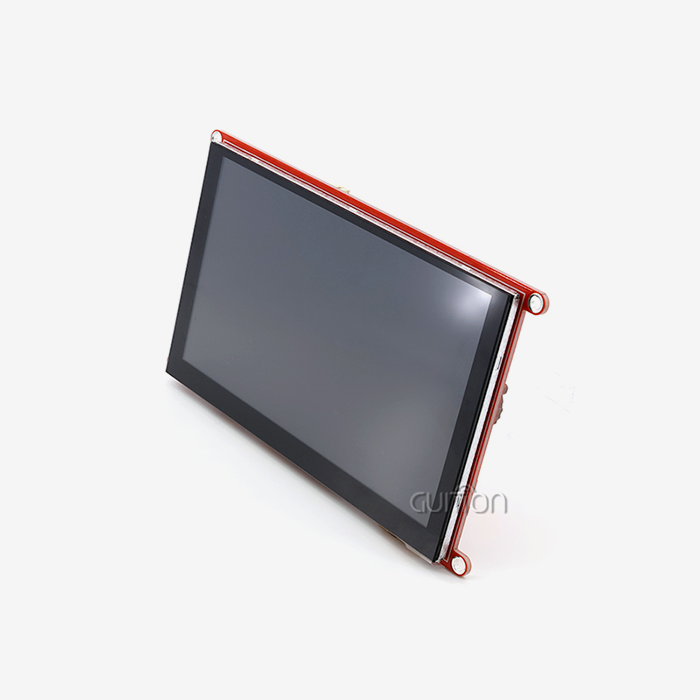
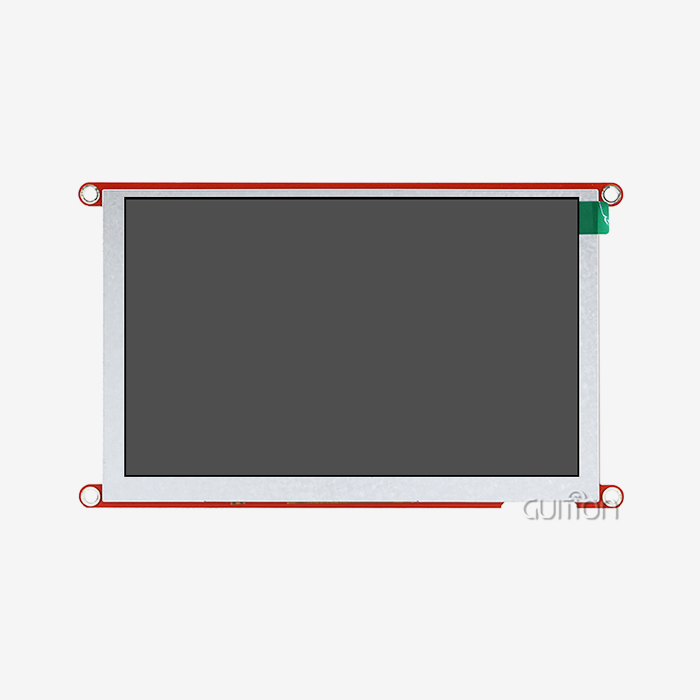
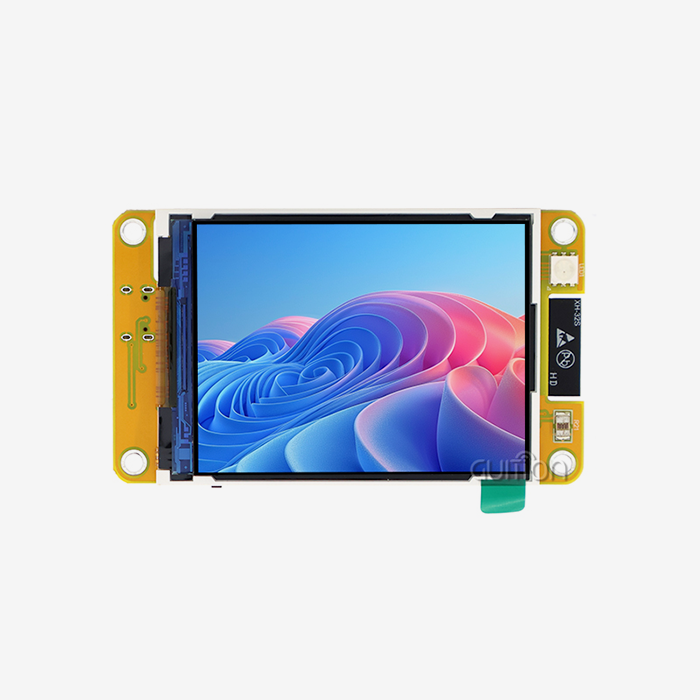
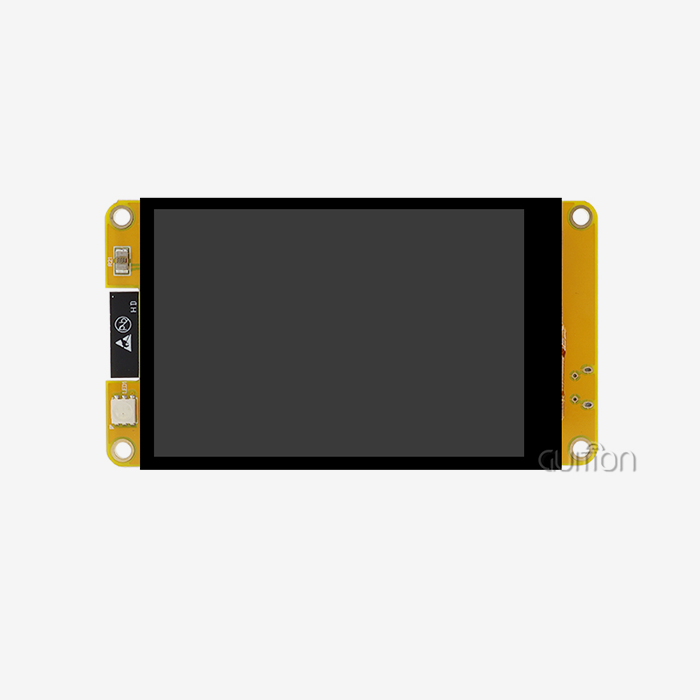
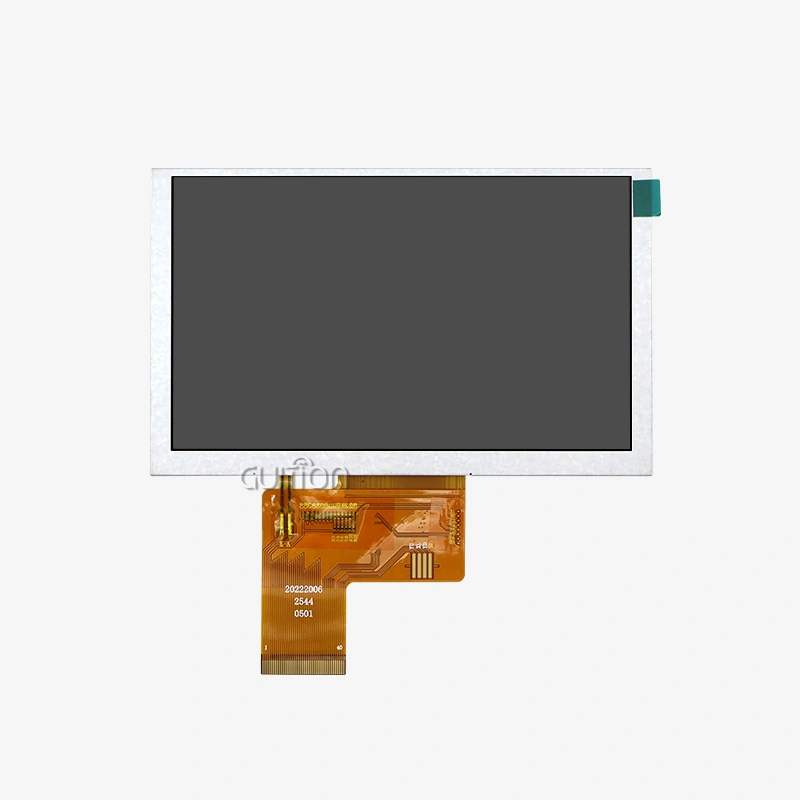
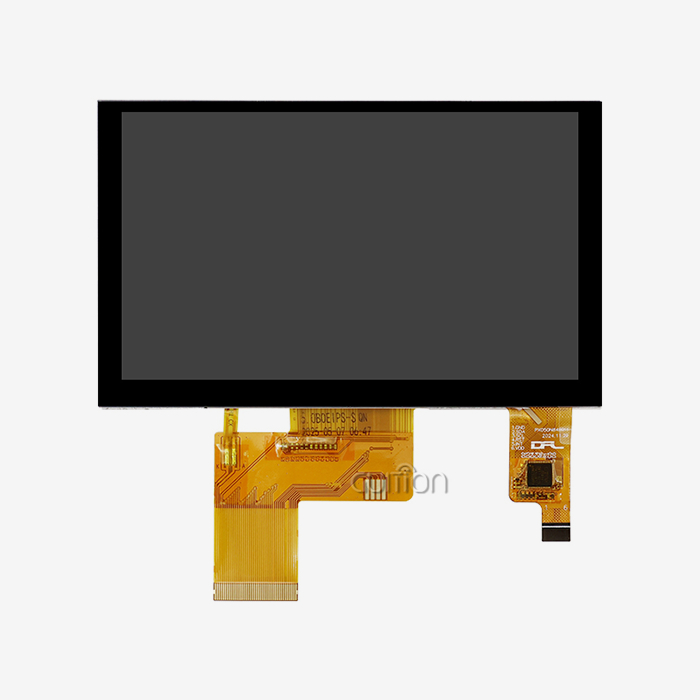
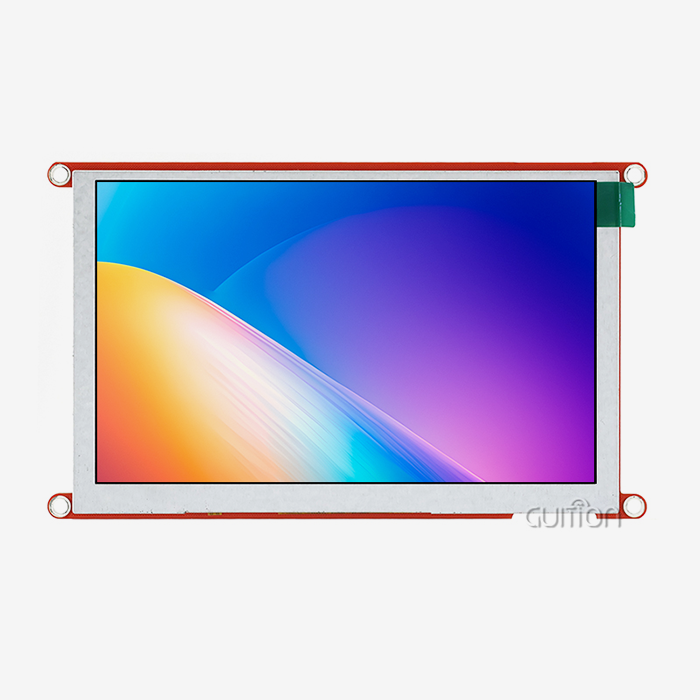
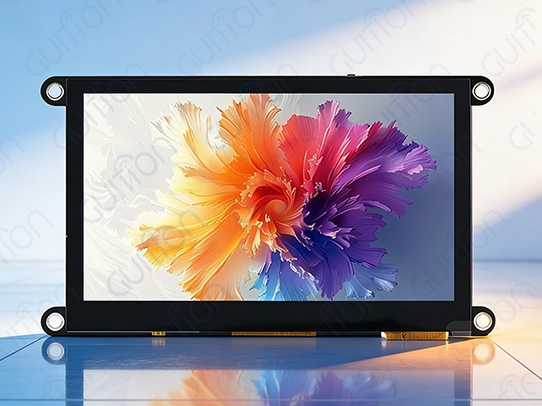
Siemens, Rockwell Automation, and Schneider Electric are well-known industrial automation companies that offer complete HMI packages with a lot of software environments and a track record of dependability. Most of the time, these solutions have strong mechanical construction, high-brightness displays that are best for workplace lights, and full certification compliance. New technology companies are coming up with new ways to do things that question old ways of thinking about design. This trend is shown by the Guition JC4827W543C_I, which has an ESP32-S3R8 dual-core processor running at 240MHz and built-in Wi-Fi and Bluetooth connections. The resistive touchscreen input on this 4.3-inch display module gives you a resolution of 480x272. It also works with several development platforms, such as the Arduino IDE, ESP-IDF, MicroPython, and the company's own Guition development platform.
Performance Metrics and Evaluation Criteria
Key performance indicators to look at when considering HMI Display Module choices are the display luminance (measured in nits), the touch response latency, the power usage, and the communication throughput. Luminance levels of high-performance modules usually go above 400 nits for indoor use and up to 1000 nits for outdoor use or places with a lot of natural light. Processing power has a big effect on how well users feel things and how quickly systems respond. Dual-core architectures with dedicated graphics acceleration make it possible to run complicated data visualizations, animations, and background processing jobs at the same time. Memory choices, such as RAM, flash storage, and expandable storage, limit the types of complicated and large apps that can be run.
Software Development Ecosystems
Having access to complete development tools has a direct effect on how long projects take and how much they can be customized. Integrated development environments (IDEs) from top makers include drag-and-drop interface builders, large sets of components, and simulation tools that speed up the design process. Guition's method stresses development flexibility by allowing multiple programming platforms and giving you specific tools for making quick prototypes and putting them into use. This ability to work on multiple platforms makes it easier for working teams with a range of technical skills to learn while still preserving professional-level features.
How to Choose the Best HMI Display Module for Your Smart Factory
To choose the best display options, you need to carefully consider your production environment's working needs, environmental conditions, and integration limitations. There are expert assessments, vendor assessments, and long-term strategy factors in this decision-making process.
Operational Requirements Assessment
Start by writing down specific practical requirements, such as the screen size, quality, HMI Display Module, and touch patterns you want to use. Think about whether your app needs single-touch operation, multi-touch movements, or special input methods like pen support or the ability to work with gloves on. Needs for connectivity are very important in deciding how to integrate systems. Check the communication systems that are already in place and decide if wired methods like RS485 or Ethernet are enough or if wireless features are needed for flexible rollout and remote access.
Environmental and Mechanical Considerations
There are special problems that come up in manufacturing settings that affect the choice of the display module. Check the lighting in the room to find out what the minimum brightness needs to be and how to treat shadows. Environmental safety guidelines are based on things like high temperatures, humidity levels, and the chance of being exposed to chemicals or particles. Form factor selection is affected by mounting needs and available room. Think about whether panel-mount, desk-mount, or VESA-compatible mounting choices will work best for your installation needs. Long-term repair efficiency is also affected by how well cables are organized and how easy it is to get to connectors.
Vendor Evaluation and Support Services
Supplier dependability is a broad term that includes things like the quality of the products made, how quickly technical help is responded to, and how long the products are available. Check the vendor's credentials, quality control methods, and track record in the business you're in. Having the right technical help skills is very important during the integration and ongoing operation stages. Check the quality of the documentation, the training materials, and the professional help services that are available in your area. Think about how quickly the seller is to requests for customization and how willing they are to make changes that are specific to the application.
Maximizing Performance and Reliability of HMI Display Modules in Smart Machines
To get the most out of your HMI purchase, you need to pay attention to the right way to set it, how to optimize the software, and how to do preventative maintenance. These methods make sure that the product works the same way every time and gets the best return on investment over its entire lifecycle.
Installation Best Practices and System Integration
The first step in a proper installation is to prepare the surroundings by making sure there is enough air flow, vibration separation, and, if needed, electromagnetic protection. Make sure that the power source meets the needs of the module, and use the right surge safety and filtering to keep the electricity from going out. Where cables go and which connectors to use have a big effect on how reliable a system is. For transmission lines, use shielded, high-quality wires and keep the power and data conductors well apart. Put in place strain relief and service loops to allow for thermal growth and easy access for regular repair.
Software Optimization and User Interface Design
The best HMI software design combines features HMI Display Module with ease of use while making the best use of system resources. Use hierarchical menu structures to make it easy to get to functions that are used often while keeping complex tasks organized in a way that makes sense. Graphics optimization methods, such as choosing the right color depth, compressing images efficiently, and using animations strategically, help keep quick speed while keeping the look of the site. Software changes and security fixes that are applied on a regular basis keep programs compatible and protect them from new threats.
Maintenance Procedures and Troubleshooting
Setting up regular repair plans keeps products working longer and stops them from breaking down without warning. Touch sensitivity and display sharpness are kept safe by cleaning regularly with the right tools. Keep an eye on the system logs for trends of errors and signs of speed degradation that could mean problems are starting to form. Create thorough repair steps that let you quickly figure out what's wrong with common issues like communication issues, touch calibration drift, and strange behavior on the screen. Keep backup setups and extra parts on hand to cut down on downtime during system recovery or replacement of parts.
Future Trends and Innovations in HMI Display Modules for Industry 4.0
As part of Industry 4.0, people want smarter, more connected, and more flexible interfaces. This is speeding up the development of industrial display technology. Knowing about new trends can help you make smart decisions about what to buy and how to plan your technology roadmap.
IoT Integration and Edge Computing Capabilities
Edge computing features are being added to more and more next-generation HMI Display Module designs. These features allow for local data processing, machine learning apps, and the ability to make decisions on its own. These changes cut down on delay, make things more reliable, and let you do complex analytics without always being connected to the cloud. Embedded sensors, such as those that sense ambient light, closeness, and weather tracking, give the module more functions than just showing information and taking input. This sensor integration makes it possible for flexible user interfaces that change based on the situation and give useful, practical data.
Enhanced Security and Cybersecurity Features
More people are worried about hacking, so more advanced security features are being added, such as safe boot processes, encrypted communication protocols, and hardware-based authentication methods. These features keep people from getting in without permission and make sure that workplace security standards are met. As industrial systems talk to each other more, regular security changes and managing vulnerabilities become more important. Manufacturers are putting in place over-the-air update systems that let security patches be applied remotely without stopping production.
Artificial Intelligence and Predictive Maintenance
AI-powered interfaces are a big step forward in HMI technology because HMI Display Module they can do predictive analytics, automatically find faults, and help users in smart ways. These features help workers find problems before they affect production and give them context-based help for complicated processes. Machine learning programs look at how systems are used and how well they work to find the best layouts for interfaces, guess how much care will be needed, and suggest ways to make processes better. This information makes operations more efficient while also cutting down on the time new workers need to be trained.
Conclusion
To choose the right HMI Display Module, you need to carefully look at the technical requirements, the needs of the surroundings, and your long-term strategy goals. The Guition JC4827W543C_I shows how modern solutions blend powerful processing power with adaptable development choices to handle a wide range of business needs. To be successful, you need to carefully look at what you need, put it correctly, and keep working on improving it so that it works better and lasts longer throughout its lifecycle. As Industry 4.0 projects change, investing in interface solutions that can be changed and are ready for the future will help companies stay competitive in factory settings that are always changing.
FAQ
1. What distinguishes an HMI Display Module from a standard touchscreen?
Specialized hardware and software made just for industrial uses are built into an HMI Display Module. These modules are different from consumer touchscreens because they are built to last in harsh settings and can handle higher temperatures. They also have industrial communication protocols and processing power built in, making it easier to connect them to factory equipment and making sure they work properly.
2. How do I determine the appropriate screen size for my application?
The size of the screen you choose relies on how far away you want to see it, how much information you need, and how much mounting room you have. Applications that need to show a lot of data or have complicated control panels usually do better with bigger screens, but setups with limited room may need smaller ones. To improve accessibility, think about how operators work and how to make things more comfortable for them.
3. What communication protocols should I prioritize for future compatibility?
For fast data transfer, modern setups should favor Ethernet-based protocols like EtherNet/IP and Profinet. They should still support legacy protocols like RS485 for connecting old equipment. Wi-Fi and Bluetooth are two types of wireless technologies that allow for flexible rollout and remote access, which is important for Industry 4.0 efforts.
4. How important is the development environment for project success?
The working environment has a big effect on how long a project takes, how customizable it is, and how well it can be maintained in the long run. Comprehensive IDEs with visual design tools, large sets of components, and modeling features speed up development and cut down on the time needed for debugging. Multiple platform support takes into account the skills and tastes of a diverse tech team.
5. What warranty and support considerations are most critical?
Check the warranty's replacement policies, service times, and the availability of advance replacement units to keep downtime to a minimum. During the integration and continuing operation phases, how quickly technical help responds, how well documentation is written, and how well local service works become very important. Think about how stable the seller is and how long they promise to keep the goods available.
Partner with Guition for Advanced HMI Display Module Solutions
Through innovative design and full development support, Guition provides cutting-edge human-machine interface technology HMI Display Module, that changes the possibilities of industrial automation. Our JC4827W543C_I HMI Display Module blends powerful ESP32-S3R8 processing with a variety of connectivity choices and cross-platform software support to help you finish your projects faster and with better performance.
Our technical team helps with all aspects of integration, from the original meeting to deployment and ongoing upkeep. You can trust Guition as your HMI Display Module source for a wide range of industrial uses because they have a lot of paperwork, quick customer service, and low prices for large orders. Email david@guition.com right away to talk about your unique needs and find out how our solutions can help your smart business run better.
References
1. Industrial Automation and Control Systems: Fundamentals and Applications, IEEE Press, 2023.
2. Human-Machine Interface Design Guidelines for Industrial Applications, ISA Standards Committee, 2024.
3. Smart Manufacturing Technology Integration Handbook, Society of Manufacturing Engineers, 2023.
4. Cybersecurity Framework for Industrial Control Systems, National Institute of Standards and Technology, 2024.
5. Industry 4.0 Implementation Strategies for Small and Medium Enterprises, Manufacturing Technology Review, 2023.
6. Ergonomic Design Principles for Industrial User Interfaces, International Ergonomics Association, 2024.
Learn about our latest products and discounts through SMS or email