- English
- French
- German
- Portuguese
- Spanish
- Russian
- Japanese
- Korean
- Arabic
- Greek
- German
- Turkish
- Italian
- Danish
- Romanian
- Indonesian
- Czech
- Afrikaans
- Swedish
- Polish
- Basque
- Catalan
- Esperanto
- Hindi
- Lao
- Albanian
- Amharic
- Armenian
- Azerbaijani
- Belarusian
- Bengali
- Bosnian
- Bulgarian
- Cebuano
- Chichewa
- Corsican
- Croatian
- Dutch
- Estonian
- Filipino
- Finnish
- Frisian
- Galician
- Georgian
- Gujarati
- Haitian
- Hausa
- Hawaiian
- Hebrew
- Hmong
- Hungarian
- Icelandic
- Igbo
- Javanese
- Kannada
- Kazakh
- Khmer
- Kurdish
- Kyrgyz
- Latin
- Latvian
- Lithuanian
- Luxembou..
- Macedonian
- Malagasy
- Malay
- Malayalam
- Maltese
- Maori
- Marathi
- Mongolian
- Burmese
- Nepali
- Norwegian
- Pashto
- Persian
- Punjabi
- Serbian
- Sesotho
- Sinhala
- Slovak
- Slovenian
- Somali
- Samoan
- Scots Gaelic
- Shona
- Sindhi
- Sundanese
- Swahili
- Tajik
- Tamil
- Telugu
- Thai
- Ukrainian
- Urdu
- Uzbek
- Vietnamese
- Welsh
- Xhosa
- Yiddish
- Yoruba
- Zulu
What Can You Build with an ESP32P4 Display?
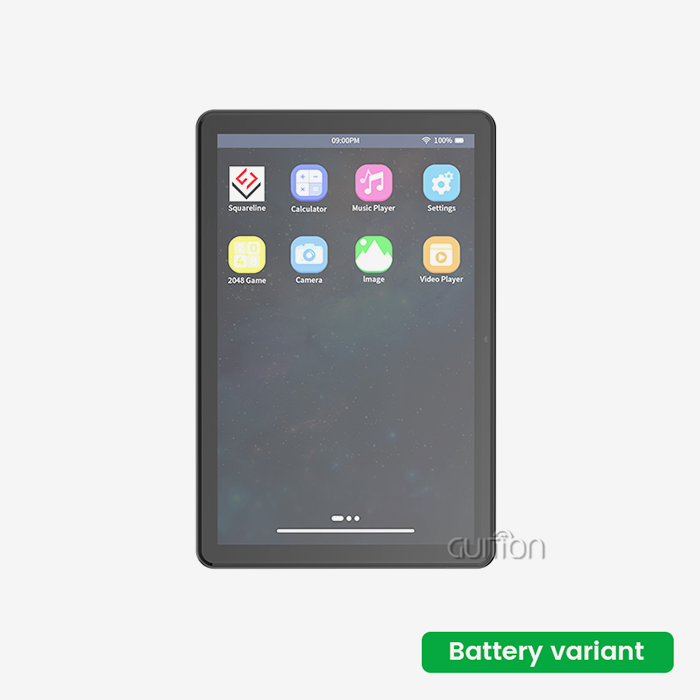
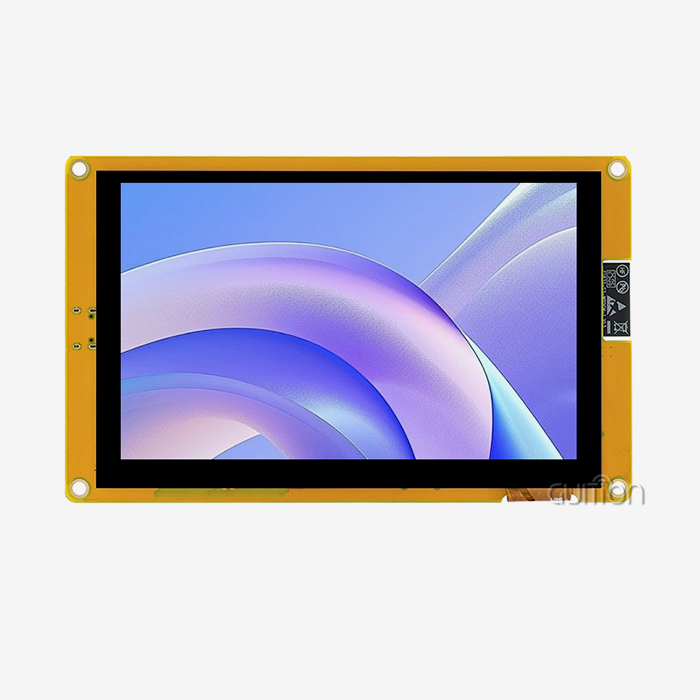
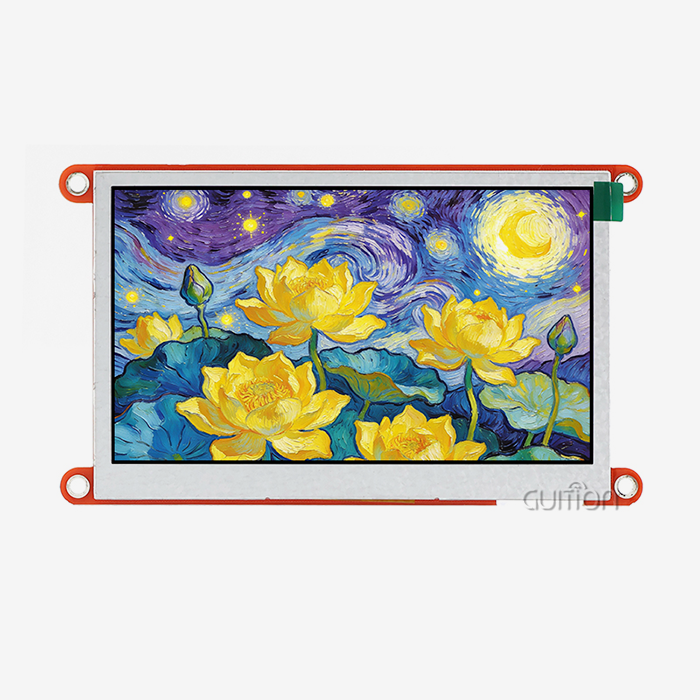
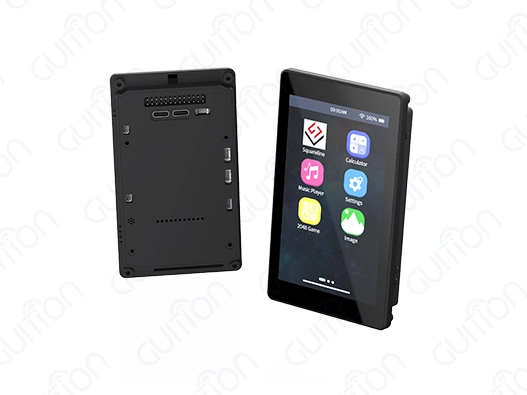
The ESP32P4 display opens up a world of possibilities for developers and engineers looking to create sophisticated embedded systems with stunning visual interfaces. From industrial control panels to smart home devices, this powerful combination of Espressif's dual-core ESP32-P4 MCU and high-resolution display technology enables you to build everything from IoT dashboards and medical monitoring equipment to interactive gaming consoles and automation systems. With its 480×800 capacitive touchscreen, integrated Wi-Fi and Bluetooth connectivity, and support for multiple development environments including Arduino IDE, ESP-IDF, and Guition, you can transform your innovative ideas into reality faster than ever before.
Understanding ESP32P4 Displays: Features and Compatibility
The ESP32-P4 is a big step forward in embedded display technology. It gives creators new features in a small, energy-efficient package that they have never had before. This high-tech microcontroller has a dual-core architecture that runs at 360MHz and a lot of memory resources, such as 768KB HP L2MEM, 32KB LP SRAM, and 128KB HP ROM. It also has 32MB PSRAM and 16MB Flash storage, which are more than enough for complex applications and rich multimedia content.
Advanced Interface Options and Connectivity
The module can talk to other devices in a lot more ways than just SPI and I2C. The built-in MIPI-DSI interface lets you send data to screens quickly, and the parallel RGB interface lets you use different color depths. This makes it possible for engineers to pick the best connection way based on their unique power and performance needs.
With built-in Wi-Fi and Bluetooth, you don't need any extra parts, which simplifies your design and makes the system less complicated overall. Because it's wireless, it can easily connect to IoT environments and work with remote tracking apps and over-the-air update features.
Display Resolution and Touch Capabilities
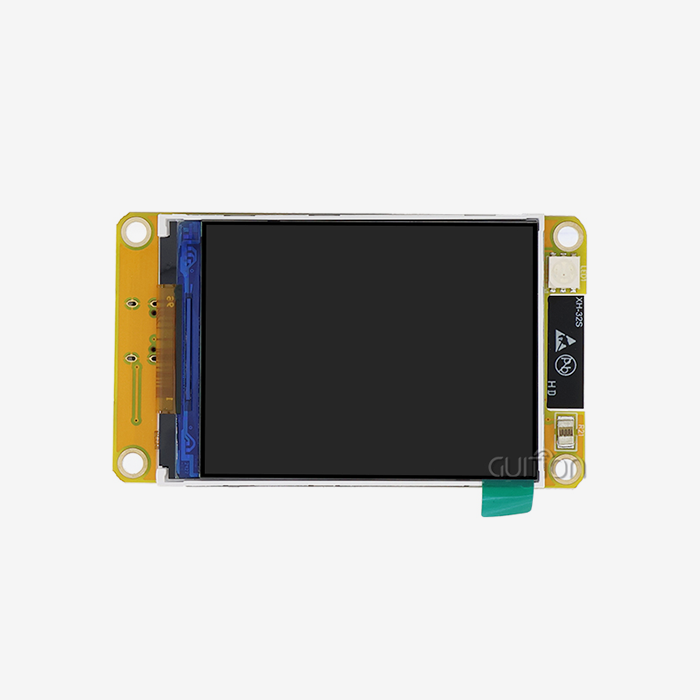
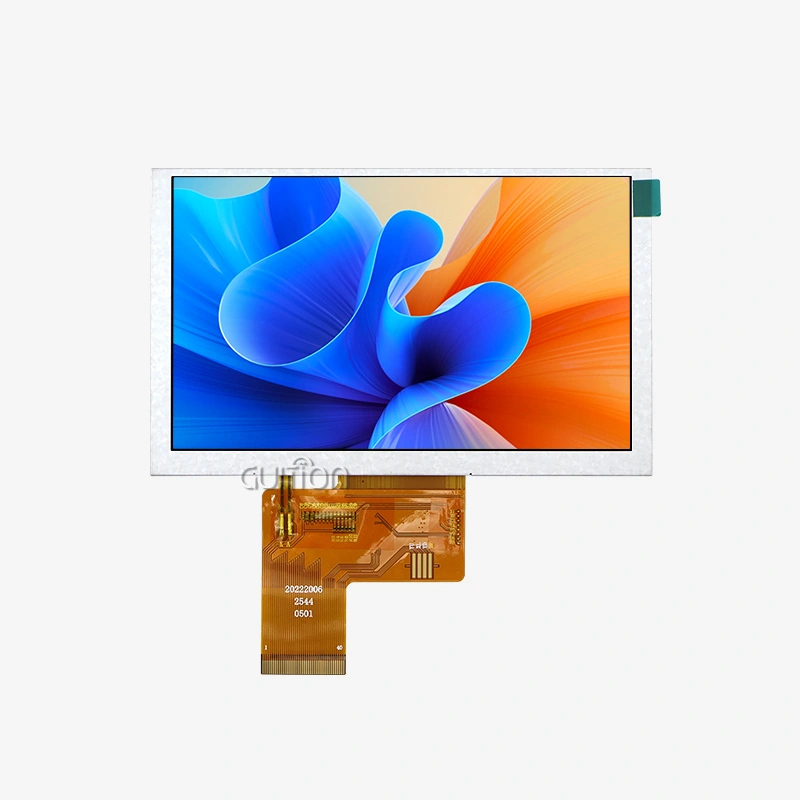
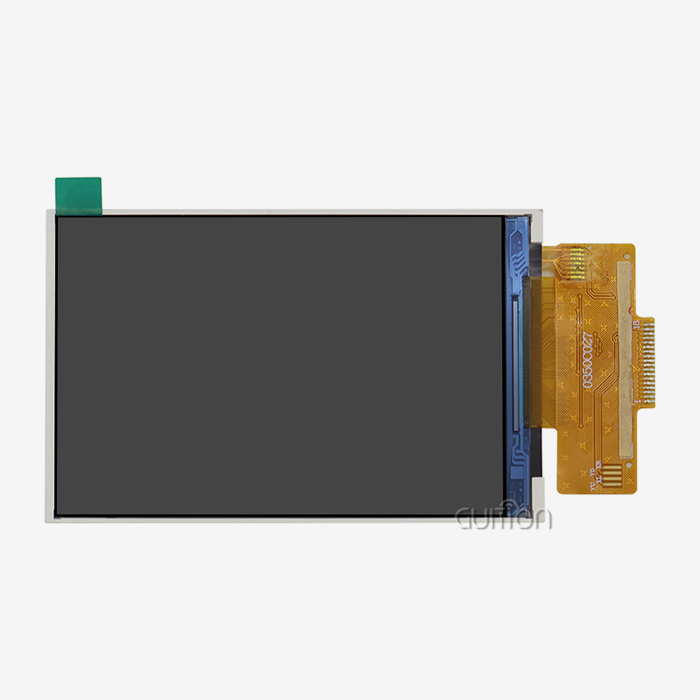
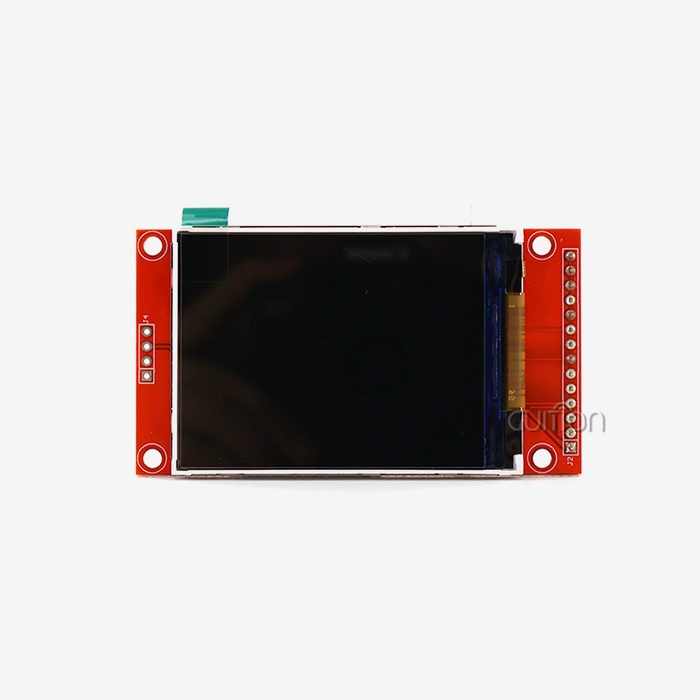
The 4.3-inch LCD screen has a clear 480x800 resolution and sensitive touch capabilities, letting you interact with it in a way similar to how smartphones work today. The esp32p4 display module has full touch screen control circuits and backlight management, which makes sure that viewing conditions are always ideal, no matter the location.
There are reserved interfaces for TF card growth and general-purpose IO ports that give custom applications even more freedom. Developers can use these expansion choices to add extra storage for multimedia files, sensor connectivity, or talking to other devices.
Top Applications and What You Can Build with an ESP32P4 Display
The versatility of the ESP32P4 display makes it ideal for numerous applications across industries. Knowing these use cases helps engineers and buying teams see how the technology could be put to use and confirms its possible return on investment.
Industrial Control and Automation Systems
For controlling machines and keeping an eye on the process, manufacturing settings need tools that are reliable and quick to respond. The ESP32P4 display works great in these tough situations because it can show real-time info and has a high update rate. The wide temperature range (-20°C to 70°C) makes sure stable performance even in harsh industrial settings.
Industrial HMI apps benefit from the module's ability to handle complex graphics rendering while still allowing responsive touch input. Operators can keep an eye on several factors at once, change the settings for the controls, and get visual feedback right away on the state of the system. Differential signaling is good for plant areas with heavy machinery because it blocks electromagnetic interference.
Smart Home and Building Automation
These days' smart houses need a main control panel that can handle the lights, air conditioning, security, and video systems. Because Wi-Fi and Bluetooth are built in, you can easily connect and talk to other smart devices in your home. On a single, easy-to-use interface, users can make their own screens that show environmental controls, energy use, and security video feeds.
Support for H.264 encoding lets you add live video feeds from security cameras or video doorbells on top of control screens without slowing them down. With this feature, a simple panel can be turned into a full home control system.
Medical and Healthcare Equipment
Applications in healthcare need to be very reliable and show info correctly. The ESP32P4 display has the processing power for tracking vital signs in real time while also using very little power, which is important for portable medical equipment. Waveforms, medical data, and patient details can all be seen clearly on the high-resolution screen.
Secure boot and flash encryption are useful for medical equipment makers because they protect patient data and make sure they follow the rules. The stable performance meets strict standards for medical devices and gives doctors the freedom they need for a variety of testing uses.
Comparing ESP32P4 Display Options: Choosing the Best Fit
To choose the best display option, you need to know what the pros and cons of each technology and setup are. There are a lot of different choices in the ESP32P4 display environment to meet the needs of different applications and budgets.
Performance Advantages Over Previous Generations
The ESP32-P4 design is a big step forward in terms of speed compared to earlier versions of the ESP32. The dual-core RISC-V design gives you more processing power while still using less power. The Pixel Processing Accelerator takes care of graphics jobs instead of the main CPU, so frame rates stay high even when creating complicated scenes.
Memory speed improvements make it possible to handle the bigger frame buffers that high-resolution screens need. The large amount of PSRAM allows for complex user interfaces with many levels, animations, and real-time data displays that don't slow down the system.
Display Technology Considerations
The ESP32P4 module's LCD technology has great brightness levels and color clarity that work well in a range of lighting situations. The ESP32P4 display features an IPS screen with wide viewing angles and accurate color reproduction, which is important for places with a lot of people or uses where viewing angles change.
Capacitive touch technology delivers responsive, multi-point touch detection with excellent durability. This technology surpasses resistive alternatives in sensitivity and longevity, particularly important for industrial applications with frequent user interaction.
Development Environment Compatibility
The ESP32P4 display supports multiple development environments, so it can be used with a range of engineering styles and project needs. The Arduino IDE makes development easy and familiar for quick prototyping. For apps that need to work well, ESP-IDF gives you full freedom. The exclusive Guition software adds visual interface design features that let you make a drag-and-drop user interface (UI) without needing to know a lot about code.
This gives teams the freedom to use their current knowledge while also trying out new ways to develop as projects change. Cross-platform testing speeds up development and makes it easier to find problems in a variety of settings.
How to Connect and Program Your ESP32P4 Display
For implementation to go well, you need to know the right way to join and the best way to write. The ESP32P4 display module makes merging easier with its well-documented interfaces and full development support.
Hardware Setup and Connection Guidelines
The module comes factory-programmed with sample programs that let you see its powers right away. Standard connection steps include setting up the power source, choosing an interface, and attaching any available peripherals. The special TF card interface lets you add more space for fonts, pictures, and application data.
Sensors, actuators, or transmission units can be expanded with the help of IO port interfaces. Stable operation is ensured by proper grounding and power source separation. This is especially important in industrial settings with a lot of electrical noise.
Programming and Development Strategies
At different stages of a project, each supported working setting has its own benefits. The Arduino IDE makes it easy to quickly test ideas and make prototypes. ESP-IDF gives you access to low-level hardware for additional functions and optimization. Visual design tools and automatic code creation in Guition software speed up UI development.
Sample code tools show the best ways to set up the display, handle touch events, and render images. These tools make it easier to learn and speed up project timelines, which is especially helpful for teams that are new to ESP32 programming.
Performance Optimization Techniques
To get the best speed, you need to know how to handle memory, optimize the refresh rate, and keep an eye on how much power you're using when working with an ESP32P4 display. The two-core design lets changes to the user interface and background tasks run at the same time. When tasks are spread out correctly, screen lag is avoided, and the system stays fast.
Some methods for optimizing graphics are double buffering, selective screen changes, and handling sprites efficiently. These methods reduce the amount of data and power used while keeping the picture performance smooth.
Procuring ESP32P4 Display Modules: What B2B Buyers Need to Know
When buying things for industry, you need to carefully consider the providers, technical requirements, and ability to provide long-term help. Knowing about these things will help you choose the right product and work well with your suppliers.
Supplier Evaluation and Quality Assurance
Reliable makers offer detailed technical information, examples of how to use their products, and expert support. Quality certificates and following foreign standards show that you are committed to delivering products reliably. Testing for temperature, checking for electromagnetic compatibility, and collecting long-term stability data all help to build trust in a supplier's abilities.
For goods that last a long time, supply chain stability is becoming more and more important. Established makers usually let customers know ahead of time about changes to designs, plans for when a product will no longer be made, and suggestions for other products. These methods keep ongoing plans for product development and production as stable as possible.
Customization and OEM Opportunities
Customized settings, such as changing screen sizes, creating unique user interfaces, or pre-loading application software, are helpful for many applications. Experienced ESP32P4 display makers offer technical teamwork for unique solutions, which lets products stand out and speeds up the time it takes to get them to market.
Companies can put their own logo on display units through private labeling, which lets them use tried-and-true hardware designs. This method lowers the risk of growth while keeping the benefits of market positioning.
Volume Pricing and Logistics Considerations
For large-scale deployments, price, shipping plans, and inventory control need to be carefully thought out. Volume pricing usually saves a lot of money, and flexible shipping terms can work with different production plans. Knowing the minimum order amounts and wait times helps you plan projects correctly and make the best use of your inventory.
When sending goods internationally, you need to think about things like customs processes, compliance paperwork, and regional certification requirements. Expert providers can help with these transportation issues, making sure that products are delivered smoothly and that regulations are followed.
Conclusion
The ESP32P4 display represents a powerful convergence of processing capability, display technology, and connectivity features that addresses diverse application requirements across industries. Its combination of dual-core performance, high-resolution graphics, and comprehensive development support enables engineers to create sophisticated embedded systems efficiently. Whether targeting industrial automation, smart home applications, or medical devices, this technology platform provides the foundation for innovative product development. The extensive compatibility with popular development environments, coupled with visual design tools like Guition, significantly reduces development complexity while maintaining professional-grade capabilities.
FAQ
Q: What development environments support the ESP32P4 display module?
A: The module works with the Arduino IDE for quick development, the ESP-IDF library for full hardware control, MicroPython for easy coding, and Guition for designing user interfaces visually. This makes it possible for different development styles and project needs to be met.
Q: How does the touch screen performance compare to smartphone interfaces?
A: The capacitive touch technology lets you sense touches from multiple points, just like current smartphones. The 480x800 resolution makes the images clear, and the special graphics processing makes sure that animations run smoothly and the screen responds quickly.
Q: What connectivity options are available for IoT integration?
A: Built-in Wi-Fi and Bluetooth make it easy for IoT devices to join without the need for extra units. The wireless features allow for tracking from afar, changes over-the-air, and connection to local or cloud networks.
Q: Can the module operate in industrial temperature ranges?
A: In fact, the ESP32P4 display works consistently in temperatures ranging from -20°C to 70°C. This means it can be used in harsh industrial settings and still perform well.
Partner with Guition for Your ESP32P4 Display Solutions
Jingcaizhineng stands ready to support your embedded display projects with our comprehensive ESP32P4 display solutions and expert engineering guidance. Our method is based on technology, and it blends tried-and-true hardware designs with new software tools like Guition. This lets us make development go faster and give users better experiences. We are a reliable ESP32P4 display manufacturer that provides full technical support, customization services, and bulk prices for commercial uses. Get in touch with our engineering team at david@guition.com to talk about your unique needs and find out how our display units can help you make your product faster while also making the project easier and cheaper.
References
1. Espressif Systems. "ESP32-P4 High Performance MCU Technical Reference Manual." Espressif Documentation Series, 2024.
2. Johnson, Mark R. "Advanced Embedded Display Technologies for Industrial Applications." IEEE Transactions on Industrial Electronics, Vol. 71, No. 3, 2024.
3. Chen, Li Wei, and Rodriguez, Carlos. "Comparative Analysis of MCU-Based HMI Solutions in Smart Manufacturing." Journal of Embedded Systems Engineering, Vol. 15, No. 2, 2024.
4. Williams, Sarah J. "Touch Interface Design Principles for Industrial Control Systems." International Conference on Human-Machine Interfaces, Proceedings 2024.
5. Thompson, David, and Kumar, Raj. "IoT Display Integration Strategies for Smart Building Applications." Smart Cities Technology Review, Vol. 8, No. 4, 2024.
6. Martinez, Elena and Park, Jin-Ho. "Power Management Optimization in High-Resolution Embedded Displays." Embedded Systems Design Magazine, Issue 127, 2024.
Learn about our latest products and discounts through SMS or email