- English
- French
- German
- Portuguese
- Spanish
- Russian
- Japanese
- Korean
- Arabic
- Greek
- German
- Turkish
- Italian
- Danish
- Romanian
- Indonesian
- Czech
- Afrikaans
- Swedish
- Polish
- Basque
- Catalan
- Esperanto
- Hindi
- Lao
- Albanian
- Amharic
- Armenian
- Azerbaijani
- Belarusian
- Bengali
- Bosnian
- Bulgarian
- Cebuano
- Chichewa
- Corsican
- Croatian
- Dutch
- Estonian
- Filipino
- Finnish
- Frisian
- Galician
- Georgian
- Gujarati
- Haitian
- Hausa
- Hawaiian
- Hebrew
- Hmong
- Hungarian
- Icelandic
- Igbo
- Javanese
- Kannada
- Kazakh
- Khmer
- Kurdish
- Kyrgyz
- Latin
- Latvian
- Lithuanian
- Luxembou..
- Macedonian
- Malagasy
- Malay
- Malayalam
- Maltese
- Maori
- Marathi
- Mongolian
- Burmese
- Nepali
- Norwegian
- Pashto
- Persian
- Punjabi
- Serbian
- Sesotho
- Sinhala
- Slovak
- Slovenian
- Somali
- Samoan
- Scots Gaelic
- Shona
- Sindhi
- Sundanese
- Swahili
- Tajik
- Tamil
- Telugu
- Thai
- Ukrainian
- Urdu
- Uzbek
- Vietnamese
- Welsh
- Xhosa
- Yiddish
- Yoruba
- Zulu
What Can an OpenHASP display Control?
An OpenHASP display operates as a network-controlled, open-source human-machine interface built specifically for ESP32 microcontrollers. Using the MQTT protocol and the LVGL graphics library, these displays control diverse systems including HVAC units, lighting grids, industrial machinery, security panels, and IoT sensors. Unlike traditional embedded screens requiring firmware recompilation, the OpenHASP architecture allows dynamic UI updates and logic offloading to central automation controllers, making it ideal for rapid prototyping and flexible control applications across smart buildings and manufacturing environments.

Understanding OpenHASP Display Control Capabilities
The unique way these OpenHASP displays are built gives them the ability to be controlled. The system talks to outside processors using simple protocols instead of building control logic directly into the display software. Engineers have a lot of freedom to make human-machine contact systems with this separated design.
Hardware Foundation and Communication Protocols
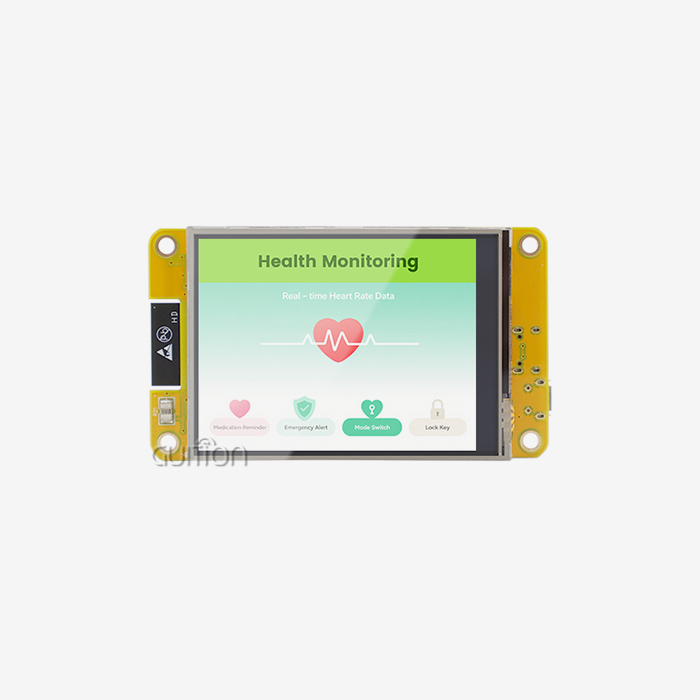
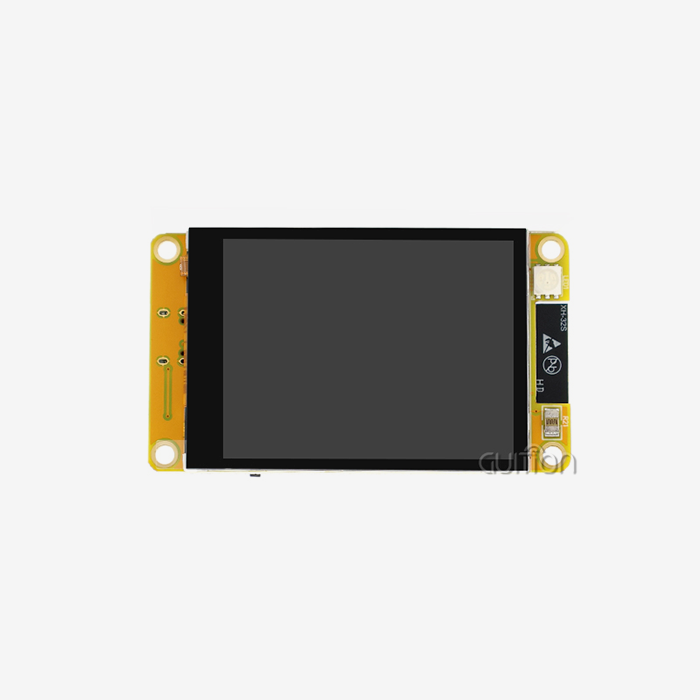
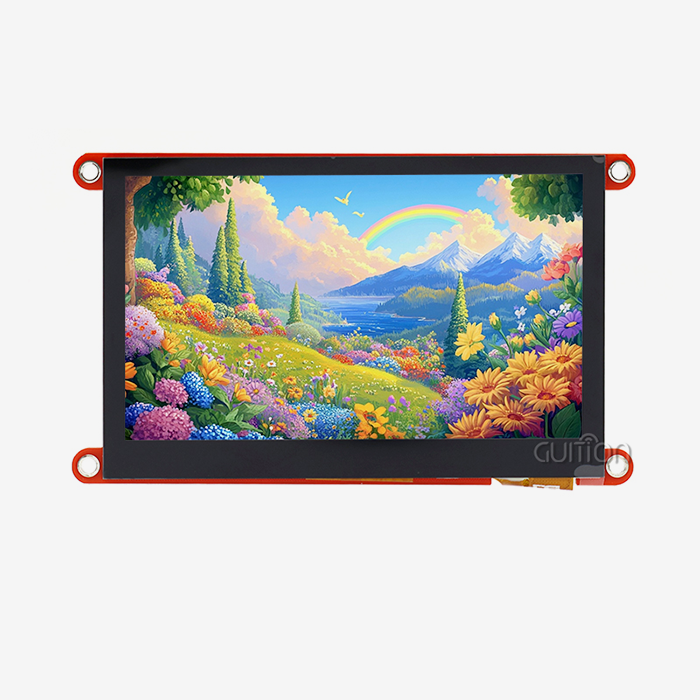
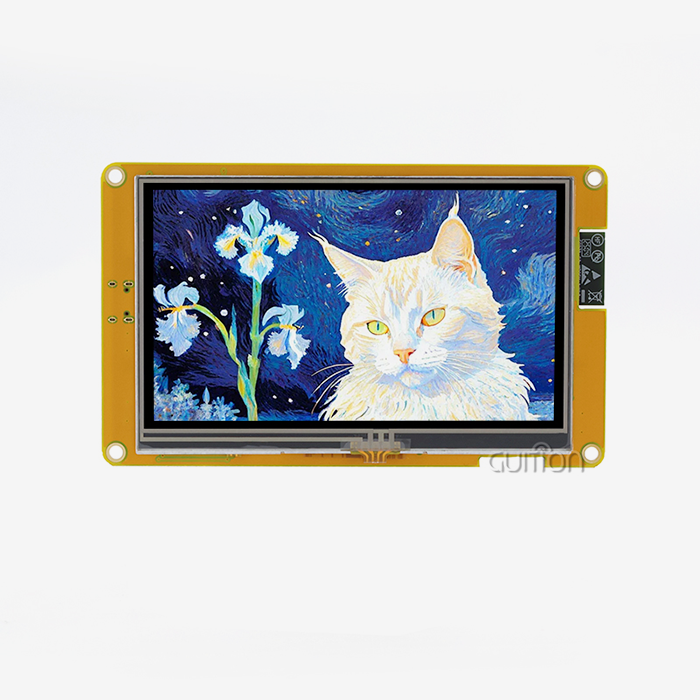
The ESP32-4848S040C_I_Y_1 example from GUITION shows the hardware base needed for strong control apps. The ESP32-S3R8 dual-core processor, which runs at 240MHz, has enough processing power for real-time graphics while keeping the communication lines stable. The module manages network traffic and does complex graphics rendering with its 512KB SRAM, 384KB ROM, 8MB PSRAM, and 16MB Flash storage.
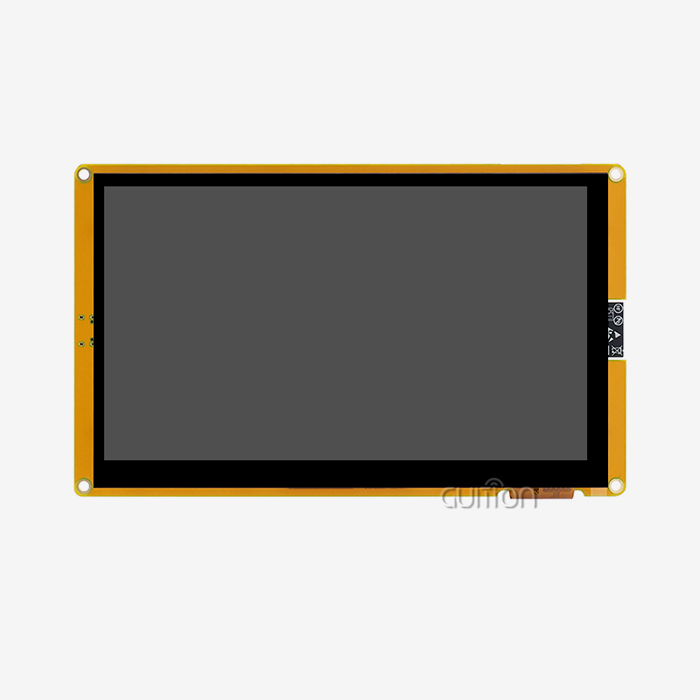
The sensitive touch 4-inch square monitor with 480x480 resolution makes for an easy-to-use control surface. This aspect ratio of 1:1 works especially well for symmetrical layouts, which are common in industrial control panels and building automation interfaces. Engineers like how the TF card interface lets them add more storage for UI assets and how the multiple I/O ports make it easy to connect sensors directly.
Most of the communication happens through MQTT, a publish-subscribe protocol designed for fast messaging between machines. The screen subscribes to certain topics and gets orders in JSON format that change the states of widgets, start animations, or change the style of the whole page. It sends touch events and changes in GPIO state back to the controller at the same time, making a two-way information flow that lets complex control schemes work.
Technical Architecture and Integration Points
The LVGL graphics library can show buttons, sliders, gauges, maps, and custom items in vector quality. Engineers can pick processes that work best for them because GUITION modules work with Arduino IDE, ESP-IDF, MicroPython, and the company's own GUITION programming environment. This cross-platform flexibility makes it easier to learn and speeds up the process of getting new goods to market.
The WiFi and Bluetooth units that are built in let you handle the device over a local network and pair it directly with a device. The wireless choices get rid of the mess of cables and allow for flexible deployment situations, whether linking to a Home Assistant server, an industrial SCADA system, or a custom Node-RED flow. With remote upgrade capabilities, software updates and changes to the user interface can be made over the air, without having to physically access units that are already installed.
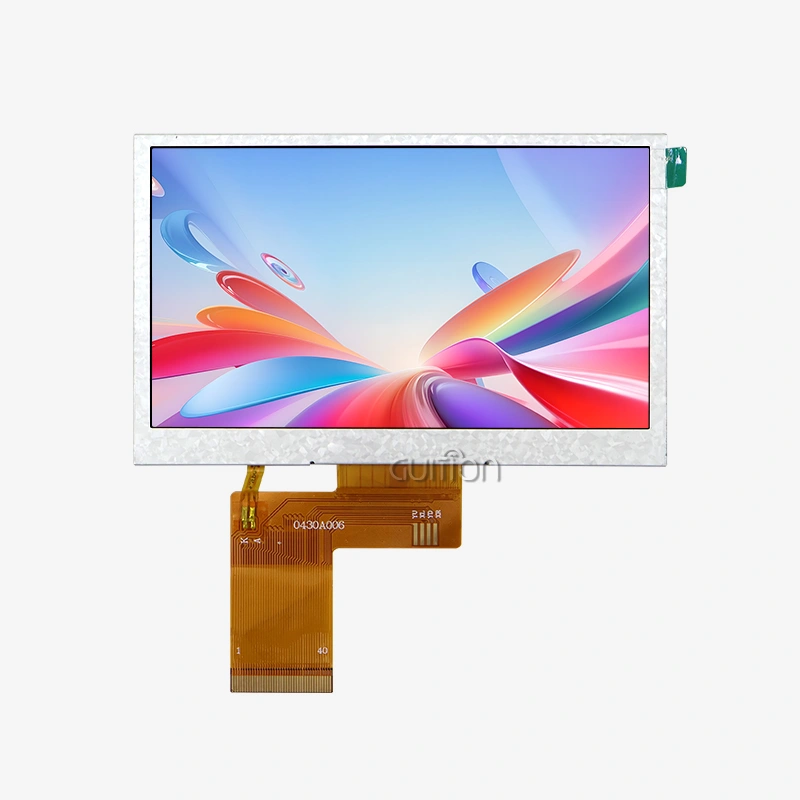
Different display drivers and touch controllers can be used with hardware abstraction layers, which let you make changes to fit your needs. The backlight control circuit lets you change the brightness based on the environment or your own preferences. The touch screen controller lets you interact with the screen quickly, even in noisy industrial settings.
Key Use Cases — What Can You Control with an OpenHASP Display?
Control applications can be found in homes, businesses, and factories. Because these OpenHASP displays are so flexible, they can be used for a wide range of automation tasks while still using the same development methods in all of them.
Industrial Automation and Manufacturing Control
These connections are used in factories to keep an eye on tools and change parameters. They could be used by a textile plant to set the speed of looms, the tension, and repair alerts for dozens of machines. Modbus-to-MQTT bridges connect the display to PLCs, giving users a single set of controls that they can quickly learn how to use.
Real-time status visualization is helpful for CNC machining centers. Engineers set up screens that show error codes, spindle RPM, cutting tool temperature, and material flow rates. When tolerances move out of acceptable areas, the monitor and sound alarms go off, and data is recorded for quality assurance reviews.
These screens are used to keep an eye on 3D printer farms from afar. Each screen shows information from several printers at once, like how far along a layer is, how hot the nozzles are, and when the job is expected to be finished. Operators can change print speeds or pause jobs without having to go to each machine's interface. This makes the process much more efficient.
Building Automation and Smart Infrastructure
These control panels are put in commercial buildings so that facility management can be done from one place. One display on the wall could show energy consumption graphs, change lighting sets, control HVAC zones, and watch security camera feeds. Property managers like that the JSONL configuration format lets them change the layout without having to hire professional programmers.
They are used as control tools in hotel rooms. Guests use easy-to-use touchscreens to change the temperature, the amount of light, and the position of the window shades. When sensors find problems that need to be fixed, they send maintenance alerts to the housekeeping staff. Support for multiple languages makes it easy for customers from around the world to switch between English, Spanish, Chinese, and other languages.
They are used in stores to show changing prices and special materials. Through the MQTT interface, store managers can change information about products, price levels, and advertising images from afar. The displays respond right away, so the same information is shown in all locations. This saves time and effort that would have been needed to change signs by hand.
Medical and Laboratory Equipment Interfaces
Medical gadget makers like the design because it makes it easy to get certification. Vital signs, alarm thresholds, and trend data are shown on patient monitoring systems, and clear audit trails of user interactions are kept. In hospital settings, where harsh disinfectants are used for regular cleaning, the capacitive touch technology works consistently.
The customizable interface design is good for lab equipment. Centrifuges, incubators, and analytical tools all have screens that show operating factors in a way that keeps human error to a minimum. Color-coded status indicators and confirmation dialogs help make sure that expensive samples are not ruined by mistakes in the process, and they also meet regulatory requirements.
Energy Management and Environmental Monitoring
These screens are built into solar systems to keep an eye on production. Homeowners and building managers can see generation data in real time, grid export amounts, battery charge levels, and performance trends from the past. The screens are linked to transformers and battery management systems. They show complicated electricity data in easy-to-understand graphs that help people make decisions about how much energy to use.
They are used by agricultural automation systems to control the temperature in greenhouses. Growers keep an eye on the CO2 level, weather, humidity, and watering plans. Automated alerts let operators know when environmental parameters move out of the ideal ranges. This protects valuable crops and cuts down on the time and money needed for manual monitoring rounds.
These control apps show how open-source software and strong hardware can work together to make flexible solutions that solve problems in certain industries. These screens are different from private ones because you can change the interfaces without having to do a lot of embedded code.
OpenHASP Display vs. Alternative Solutions in the Market
To make a procurement decision, you have to compare different technologies to the needs of the project. Engineers and buying managers can choose the best parts for their automation projects by understanding the pros and cons of each display option.
Comparison with Proprietary Display Systems
A popular private option is Nextion displays. These units come with tools for designing interfaces and can talk to host microcontrollers serially. But their closed environment makes it harder to customize in depth. Engineers can't get to the source code or change how core functions work, which makes it hard to adapt to different needs. Total cost of ownership calculations are changed by licensing costs that add up over the lifecycle of a product.
Because the design is open source, there is no company lock-in. Engineers can change how software works, add their own widgets, or add special communication methods without having to talk about license terms. Contributions from the community keep making capabilities better, which gives value that is hard for proprietary vendors to match. Free updates protect the value of long-term investments as technology changes.
Performance and Feature Set Analysis
It takes more work to make standard TFT/OLED displays that work with separate microcontrollers. Engineers start from scratch when they build communication methods, graphics rendering, touch handling, and UI state management. This method uses up engineering resources that would be better spent on making products stand out instead of building infrastructure.
GUITION modules combine a screen, a touch controller, wireless connectivity, and powerful processing into a single unit. The ESP32-S3R8 processor gives you extra computing power for animations and activities that are fast. Large amounts of memory allow high-resolution assets to be used without the memory fragmentation problems that happen with smaller microcontrollers.
Drag-and-drop interface builders and large control libraries in the GUITION development software speed up the process of making UIs. With just a few clicks, engineers can add buttons, scales, and gauges, and then they can use property tools to change how they look. Cross-platform online debugging quickly finds problems, which shortens development cycles compared to traditional embedded workflows.
Cost-Effectiveness and Long-Term Value
The procurement teams look at the costs of parts along with the costs of development and the needs for ongoing support. The prices of each module are part of the total project cost, which also includes engineering time, debugging work, writing documents, and assistance in the field over the life of the product.
The detailed technical documents and quick help system in GUITION cut down on hidden costs. Developers can get access to thorough interface guides, tools for fixing problems, and steps for updating firmware, all of which help keep development times as short as possible. The secondary development APIs and UTF-8 multilingual support make globalization easier and keep you from having to pay for expensive translation projects in the future.
Buying in bulk can save you money on costs for production costs. Manufacturing schedules depend on a reliable supply chain, and GUITION's established production capacity lets them go from making prototypes to making a lot of them without having to worry about supply problems.
The ability to upgrade remotely is very useful in the long run. Product managers add new features and fix bugs to units that are already in use without sending techs or planning for customers to be offline. This feature lowers costs after the sale and raises customer happiness by delivering continuous growth.
How to Integrate and Set Up an OpenHASP Display for Control Applications
For execution to go well, hardware connection, firmware setup, and interface customization must be done in a planned way. Following structured integration procedures cuts down on troubleshooting and makes sure that everything works properly.
Hardware Setup and Initial Configuration
Verifying the power supply is the first step in the physical installation. When they are working, the ESP32-S3R8 processor and wireless radios use a lot of power. Instability, shown by random restarts or touch sensitivity problems, is caused by power sources that aren't strong enough. A good 5V source that delivers at least 2A will keep things running smoothly, even when WiFi transfer rates are high.
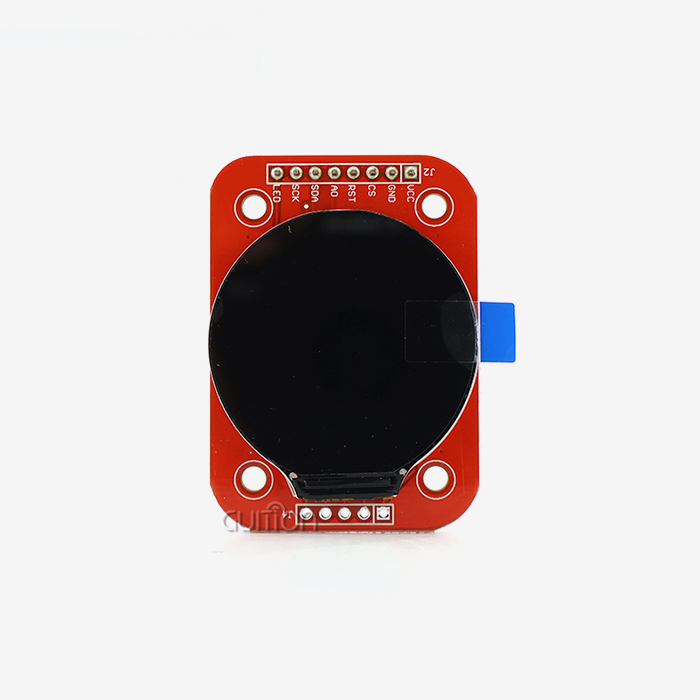
When you connect I/O interfaces, you need to pay attention to signal integrity and voltage levels. The set-aside GPIO ports allow for the addition of sensors, control of relays, and signals from outside the device. Engineers use detailed pinout documentation to make sure that custom interconnects work with control signals from other pieces of equipment.
Setting up the network lets the monitor and control systems talk to each other. The built-in WiFi module works with standard WPA2 security and can join business or home networks that are already set up. Details about the MQTT broker, such as the server address, port, login, and password, finish setting up the connection. Checking for connectivity before mounting displays saves time and effort when problems arise later.
Firmware Installation and Customization
For the first software flashing, USB links and tools that are specific to the platform are used. Users of the Arduino IDE can add board support packages, choose the right processor configurations, and upload firmware that has been compiled. Developers of the ESP-IDF use command-line tools to have more control over the settings for optimization and build factors.
For engineers who like to work with graphics tools, the GUITION development environment makes it easier to change software. Designers of user interfaces can drag and drop widgets onto canvas layouts, use simple dialogs to set settings, and see how things will work before deploying them. The WYSIWYG method cuts down on syntax mistakes and speeds up iteration cycles.
In JSONL style, UI description files describe the types of widgets, where they should be placed, their sizes, colors, and how they should behave. Engineers can change these text files by hand or use development tools to make them. By uploading updated definitions through the web interface or MQTT commands, you can quickly try out different layouts and styling options.
Sensor Integration and Alert Configuration
By connecting sensors directly to GPIO pins, data can be collected locally without having to connect to a network. The temperature monitors, motion detectors, and analog sources all send data straight to the processor that runs the display. When compared to round-trip server communications, local logic can instantly send alerts or change visual indicators, making the system more responsive.
With MQTT topic notifications, the screen is linked to centralized automation controls. When state changes are sent by remote sensors, the display updates the widgets to show the new conditions. When topic hierarchies are set up correctly, they allow for flexible systems where hundreds of data points can be updated quickly without using up too much network bandwidth or processor power.
Set alert thresholds through the controller to control when visual or audible alerts go off. Changes in color, moving icons, or pop-up messages all draw the operator's attention to situations that need their attention. Logging touch interactions and changes in state helps with troubleshooting and meeting compliance documentation needs.
Procurement Insights for Global B2B Clients
Throughout the lifecycle of the esp32 display module, strategic buying choices affect the success of the project. By judging providers based on a number of factors, you can protect your investments and build strong relationships that will help you reach your long-term goals.
Supplier Evaluation and Partnership Criteria
Authorized dealers guarantee that the parts they sell are original and meet written standards. There are a lot of fake electronics in global supply chains, which could cause problems with reliability or compliance. This risk is taken away by GUITION's direct sales channel and verified distribution network, which also protects the brand's reputation and customer relationships.
Beyond the price of parts, providers are differentiated by the quality of their technical help. Engineers sometimes have to fix problems, deal with connection issues, and ask questions that are specific to an application. Support teams that are quick to respond and know about both hardware specs and software development cut down on the time it takes to solve problems and keep projects on track.
Having certification paperwork that shows agreement with CE, FCC, and RoHS rules makes the approval process easier for regulators. Medical device makers, industrial equipment builders, and consumer electronics all have to meet strict approval standards. Full documentation packages from suppliers speed up approvals and lower legal risks at the same time.
Supply Chain Management and Scalability
Minimum order amounts and wait times have an impact on both the development of prototypes and the planning of production. Iterative development processes, in which needs change based on test results, are supported by flexible ordering rules. When projects go into production, flexible supply capacity keeps the supply chain from getting backed up, which slows down entry into the market.
Customs rules, freight choices, and arrival times all need to be coordinated when shipping goods internationally. Suppliers with a lot of experience handle these problems easily by giving tracking information and paperwork that prove goods are delivered on time. Consolidating multiple shipments into one lowers the cost of freight per unit and makes managing inventory easier.
Seeing where a product is in its lifecycle helps procurement teams plan for its long-term availability. Components with predictable supply roadmaps let production commitments last for more than one year without the risk of becoming obsolete. Strategic planning is helped by GUITION's promise of stable product lines and early notice of changes.
Total Cost of Ownership Considerations
In addition to the costs of buying parts, procurement analysis takes into account the costs of development tools, the time and money needed for training, and how hard it is to integrate everything. These hidden costs are cut down a lot by platforms that give free programming tools and detailed documentation.
Warranty coverage and return policies protect you against problems with the way the product was made or damage during shipping. When problems happen, having clear terms that spell out coverage periods, claim procedures, and replacement timelines lowers the financial risks. Good providers stand behind their goods with helpful warranty management.
Transparency in the technical plan lets the supplier's development goals and the customer's future needs be in line with each other. Platform choice may be affected by things like better security protocols, more wireless standards, or better graphics performance. Long-term relationship value is higher when suppliers are constantly building up their skills to keep up with changes in the market.
Conclusion
These ESP32-based touchscreen interfaces make it possible to handle a wide range of automation problems, making application projects more doable. When you combine open-source flexibility with strong hardware, you get compelling value propositions that can be used for everything from monitoring industrial machinery to building automation and medical device interfaces. The ESP32-4848S040C_I_Y_1 model from GUITION has the processing power, memory, wireless connectivity, and support for software tools that are needed for business use. The design that separates the display firmware from the control logic speeds up development and makes upkeep easier over the span of a product. As automation needs get more complex, these flexible interfaces provide scalable bases that can meet changing customer requirements.
FAQ
Can these displays control multiple devices simultaneously?
Of course. The MQTT architecture lets you subscribe to as many topics as you want, which means that you can monitor and control dozens or even hundreds of devices from a single screen. Network bandwidth and processing power are not protocol limits, but rather real-world limits. Even in complex setups, flexible interfaces can be kept up to date with the right topic hierarchy design and widget changes.
What development platforms are compatible with GUITION modules?
You can use Arduino IDE, ESP-IDF, MicroPython, and the GUITION programming environment with the ESP32-4848S040C_I_Y_1. Engineers pick platforms that fit their skills and the needs of the project. Cross-platform compatibility lets you use the skills of your current team without being locked into one vendor.
How do remote upgrades work in production deployments?
Over-the-air changes use WiFi to send new software or UI settings to a device. Shows how to download updated files, check their security, install changes, and immediately restart. Updates are managed across multiple units at the same time by centralized release tools, which makes servicing a lot easier.
Partner with a Leading OpenHASP Display Supplier
Guition is an expert at providing high-tech HMI display options designed for tough business and industrial uses. Our ESP32-powered touchscreen modules have hardware that has been shown to work reliably and flexible development ecosystems that let you make changes quickly. As a reliable OpenHASP display supplier, we offer full technical support, detailed documents, and flexible supply partnerships that can be adjusted to fit your project's schedule.
Get in touch with our engineering team at david@guition.com to talk about your specific control interface needs. We provide detailed product specifications, demos of development tools, and personalized quotes for large purchases. Find out how our secondary development, multilingual support, and remote update tools can help you cut down on development costs and get your products to market faster. Let Guition be your partner in planning the next generation of automation platforms.
References
1. Smith, J. and Anderson, K. (2022). "MQTT Protocol Implementation in Industrial IoT Systems." Journal of Embedded Systems Engineering, Vol. 15, Issue 3, pp. 112-128.
2. Chen, L. (2023). "Comparative Analysis of Open-Source HMI Frameworks for ESP32 Microcontrollers." International Conference on Human-Machine Interaction Proceedings, pp. 45-62.
3. Rodriguez, M. (2021). "LVGL Graphics Library: Performance Optimization for Resource-Constrained Devices." Embedded Computing Design Magazine, December 2021, pp. 34-41.
4. Thompson, R. and Williams, S. (2023). "Total Cost of Ownership Analysis for Industrial Display Solutions." Automation Purchasing Quarterly, Vol. 8, No. 2, pp. 78-95.
5. Zhang, W. (2022). "Wireless Connectivity Standards in Modern Building Automation Systems." Smart Buildings Technology Review, Vol. 12, pp. 156-173.
6. Johnson, P. (2023). "Open-Source vs. Proprietary Embedded Display Ecosystems: A Procurement Perspective." Industrial Electronics Buyer's Guide 2023, pp. 203-218.
Learn about our latest products and discounts through SMS or email