- English
- French
- German
- Portuguese
- Spanish
- Russian
- Japanese
- Korean
- Arabic
- Greek
- German
- Turkish
- Italian
- Danish
- Romanian
- Indonesian
- Czech
- Afrikaans
- Swedish
- Polish
- Basque
- Catalan
- Esperanto
- Hindi
- Lao
- Albanian
- Amharic
- Armenian
- Azerbaijani
- Belarusian
- Bengali
- Bosnian
- Bulgarian
- Cebuano
- Chichewa
- Corsican
- Croatian
- Dutch
- Estonian
- Filipino
- Finnish
- Frisian
- Galician
- Georgian
- Gujarati
- Haitian
- Hausa
- Hawaiian
- Hebrew
- Hmong
- Hungarian
- Icelandic
- Igbo
- Javanese
- Kannada
- Kazakh
- Khmer
- Kurdish
- Kyrgyz
- Latin
- Latvian
- Lithuanian
- Luxembou..
- Macedonian
- Malagasy
- Malay
- Malayalam
- Maltese
- Maori
- Marathi
- Mongolian
- Burmese
- Nepali
- Norwegian
- Pashto
- Persian
- Punjabi
- Serbian
- Sesotho
- Sinhala
- Slovak
- Slovenian
- Somali
- Samoan
- Scots Gaelic
- Shona
- Sindhi
- Sundanese
- Swahili
- Tajik
- Tamil
- Telugu
- Thai
- Ukrainian
- Urdu
- Uzbek
- Vietnamese
- Welsh
- Xhosa
- Yiddish
- Yoruba
- Zulu
What Are the Benefits of Industrial HMI Panels?
Industrial HMI panels change the way people in factory settings use complicated machines and automated systems. These smart input devices let people handle machines precisely while also letting them be monitored in real time, show data in a way that is easy to understand, and manage the whole system from one place. Through graphical screens, an industrial HMI panel turns raw sensor data into insights that can be used. This lets you respond more quickly to problems in production while also cutting down on operational mistakes. The benefits go beyond simple control tasks. They include higher output, less downtime, better quality control, and high cost savings from making troubleshooting and preventive maintenance easier. These days, modern options include wireless connection and remote access features. This makes industrial HMI technology an important tool in today's competitive manufacturing world.

Understanding Industrial HMI Panels and Their Core Benefits
These days, Industrial HMI panels are like the brains of modern robotic settings. Instead of old-fashioned button-and-switch panels, these specialized control devices use advanced graphical displays that show important data at a glance, making it easier for workers to talk to complicated machines.
What Makes HMI Panels Essential in Industrial Settings
These interface options are most useful when they can combine several control functions into a single, easy-to-use platform. Without having to go through complicated menus or figure out what flashing lights mean, operators can see right away what the production factors are, how the equipment is working, and if there are any alarms. When making important decisions, especially in emergencies that need quick action, this combined method makes it easier on the brain. Most of the time, these devices have powerful processors that can handle multiple transmission methods at the same time. The processing power makes sure that images look good even when dozens of data points are being refreshed several times a second. The technology behind displays has come a long way. IPS screens, for example, offer wide viewing angles and accurate colors even in factory settings with a range of lighting conditions.
Operational Advantages That Drive ROI
With real-time tracking, maintenance tactics that are reactive can become proactive. Operators look at trend data that shows slowly declining performance a long time before major failures happen. They schedule maintenance for planned breaks instead of rushing to fix breakdowns that happen out of the blue. This prediction method makes tools last longer and stops costly production interruptions before they happen. Data visualization features turn numerical readings into useful graphs, like bar charts that show tank levels, line graphs that show changes in temperature, or color-coded status signs that show how healthy the equipment is. Processing visual information is much faster than understanding numerical data. This makes it easier to find patterns and outliers. When something isn't right, customizable alarm systems send out a series of alerts, ranging from small ones that need to be looked at later to major ones that need to be dealt with right away.
Communication and Integration Capabilities
These days' interface screens are very good at translating protocols and can speak many industry languages at the same time. One device could use Modbus RTU to talk to PLCs, Profibus to talk to frequency drives, and EtherNet/IP to send production data to corporate networks. This ability to work in multiple languages gets rid of the need for multiple specialized interfaces. This makes system design easier to understand and lowers the cost of hardware.
Industrial HMI Panels vs Other Control Devices: Making the Right Choice
Knowing the differences between the different control technologies helps procurement workers make smart investments in Industrial HMI panels that meet business needs and stay within budget.
HMI Panels Compared to Standalone PLCs
Programmable Logic Controllers are great at running control logic with reliable I/O and set timing. However, PLCs don't have any built-in user interface features other than simple keypads and LED displays. An Industrial HMI panel works with a PLC to give workers the visual and interactive tools they need to run the system well. The "thinking" is done by PLCs through logic execution, and the "communicating" is done by interface panels with their LCD screens and touch controls. This connection between the two technologies works better than either one working by itself. No matter what the HMI state is, the PLC stays in charge and makes sure that important safety interlocks and process steps always run correctly. The interface device is only responsible for showing information and letting the user deal with it. It does not make control choices. This clear separation of duties makes the system more reliable overall.
Touch Panels versus Traditional Operator Interfaces
Older interface technology includes basic operator panels with set button layouts and seven-segment screens. These devices aren't very flexible—adding new features involves changing the hardware and redesigning the panel. Touch-enabled graphical user interfaces are flexible because new screens and buttons appear when the software is updated instead of when the hardware is changed. As production needs change, the benefit of being able to respond becomes even more important. Without replacing hardware, manufacturers can change the layout of displays, add tracking pages for new equipment, or change alarm levels. This software-defined method lowers the costs of ownership over time and makes interface investments last longer, even as business needs change.
Integration with SCADA Systems
Supervisory Control and Data Acquisition systems collect data from many production cells and keep an eye on the whole building. They work at a higher level than individual machine connections. It is the job of local interface panels to gather data and send it to SCADA systems, while also letting you handle things locally. This distributed design keeps operations going—if the network to the central SCADA system goes down, local panels will still be able to watch and run machines. Local interfaces and centralized SCADA systems are connected in a structured way that makes them redundant and gives operators more options. Operators at specific machines mostly use local screens to communicate, while managers who are in charge of multiple processes use SCADA computers. This tiered method matches the interface's features to the jobs and responsibilities of each user. This makes the system easier to use and improves the flow of information throughout the company.
Types of Industrial HMI Panels and Their Application Benefits
To choose the right Industrial HMI panel technology, you need to know how the different types of panels deal with different operating problems and weather situations.
Resistive versus Capacitive Touch Technologies
Touchscreens that are resistive respond to physical pressure. They work reliably even when users are wearing heavy gloves or when the screen surface is dirty. This tech works well in harsh manufacturing settings where touching something with your bare fingers wouldn't be realistic. Physically depressing the screen gives you proof that your actions were received correctly, which cuts down on the number of times you have to touch the screen again because you weren't sure what to do. Capacitive technology provides better visual clarity and supports multiple touch motions, letting you pinch to zoom and swipe to move around. These screens work really well in controlled settings where workers can talk to each other without wearing a lot of safety gear. The glass surface doesn't get scratched as easily as sensitive screen membranes do, so the quality of the display stays high for a longer time. But most capacitive screens need to be used with bare fingers or special electrical gloves, which makes them less useful in some workplace settings.
Size Selection Based on Application Requirements
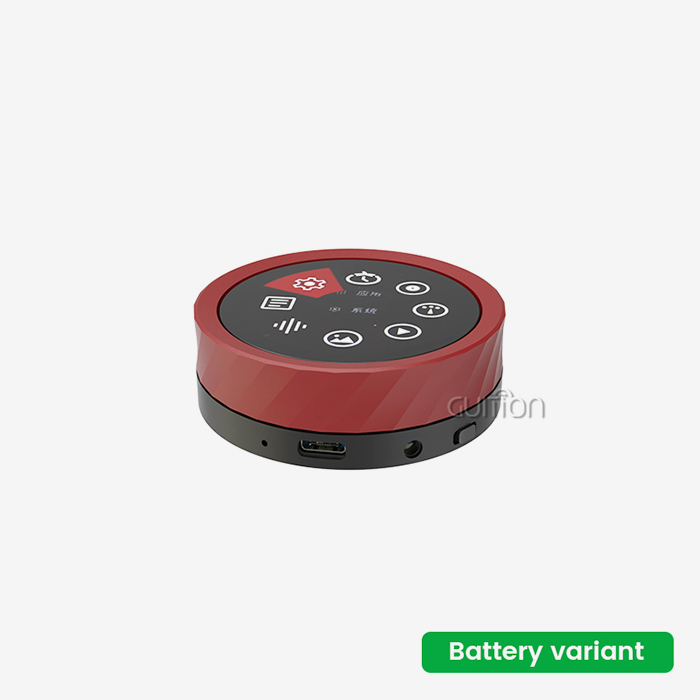
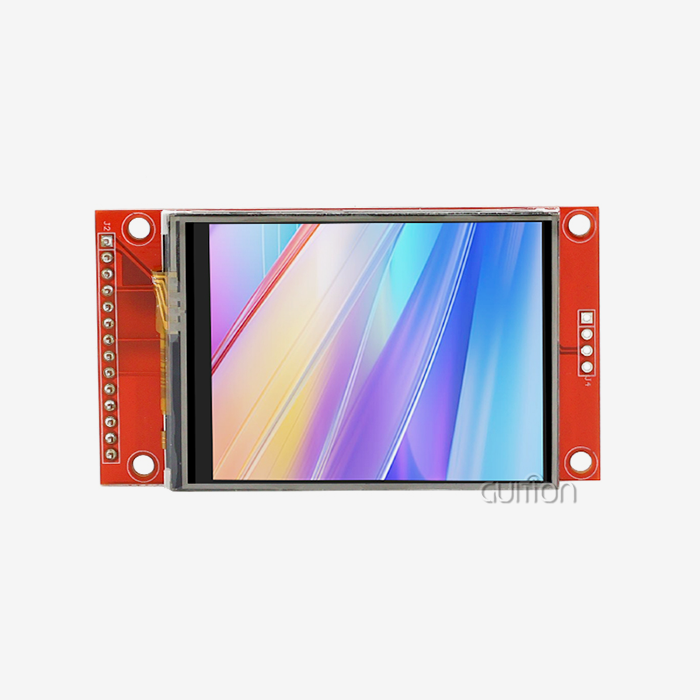
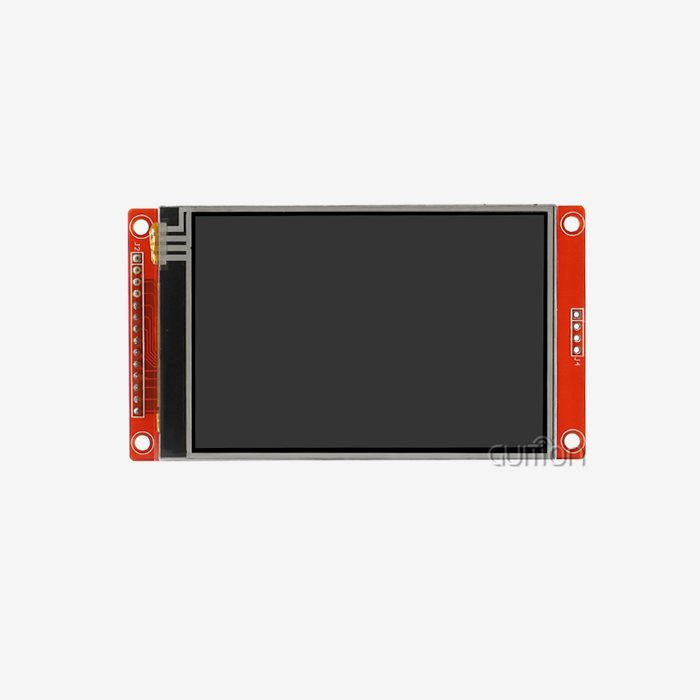
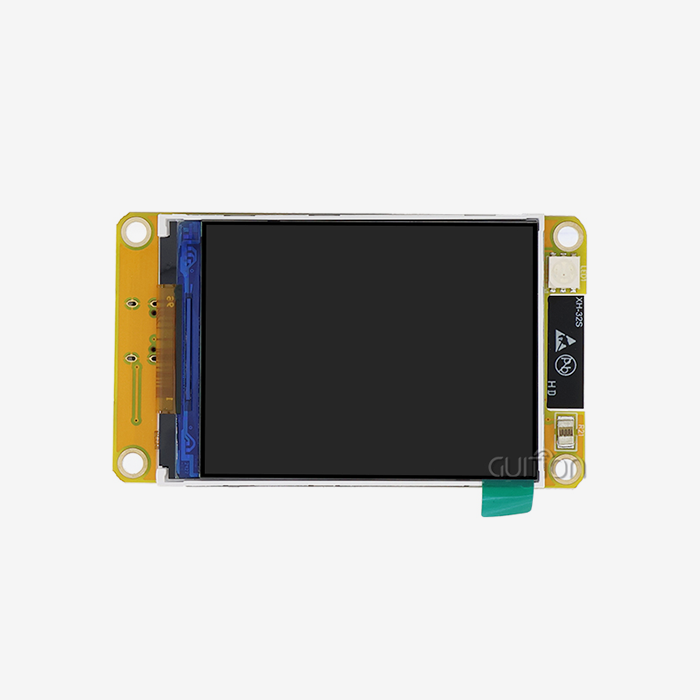
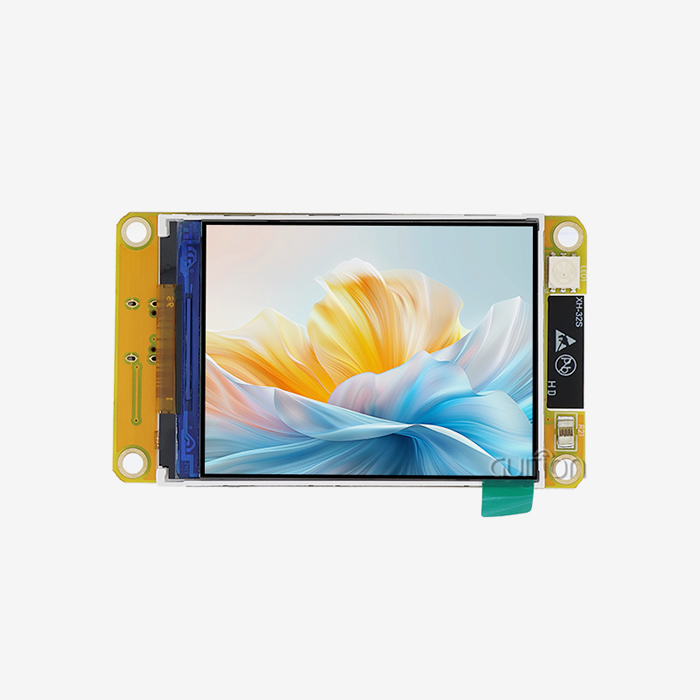
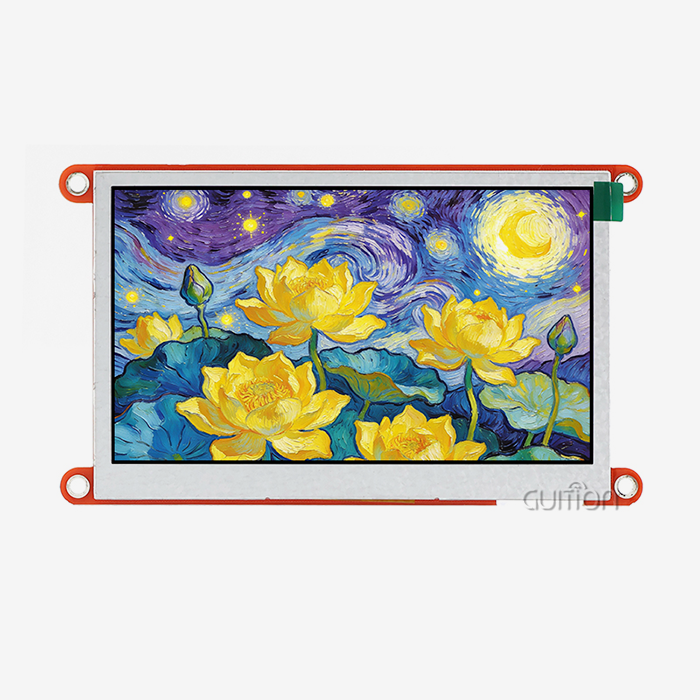
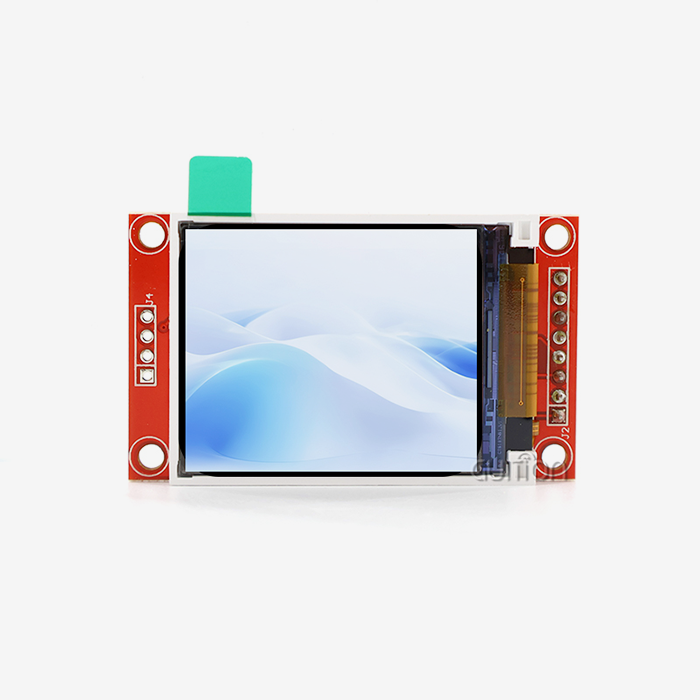
Small displays (1.28 to 5 inches) are good for installations with limited room and uses that only need to show basic state information and control functions. These smaller panels work well in equipment control boxes and mobile machines that don't have a lot of room for mounting. The Guition JC8048Q350N_I is in this group. It has a 5-inch IPS monitor with an 800x480 resolution that gives you clear images without taking up too much panel room. The Artinchip D121BBV single-core MCU running at 400MHz has enough processing power to handle fast interface operation, as well as changes to graphics and communication tasks. Medium-sized screens (7 to 10 inches) are a good compromise between viewing and hanging space needs. This range of sizes works well for machine-level interfaces where workers need to see detailed pictures of the process and be able to reach many control screens. With more screen space, there is more information to see without having to switch between pages too often, which makes multi-step processes faster and easier for operators.
Advanced Features Enhancing Operational Flexibility
Large panels bigger than 15 inches are used as the main control points for complicated processes that need to keep an eye on a lot of factors at once. A lot of the time, these screens have picture-in-picture features that let you see both detailed equipment data and bigger picture views of the process. When multiple workers are looking at the same display in a control room or when teachers are showing groups of trainees how to do something, the larger viewing area is very helpful. With wireless connectivity, standard control units that stay in one place can be turned into flexible tracking systems that can be accessed from many places. Operators with tablets linked via Wi-Fi can check on the state of processes while going around the production floors and fixing problems without having to go back to their set control stations. Bluetooth connection lets portable tools and sensors be added, which grows the data environment without requiring a lot of wiring.
How Industrial HMI Panels Improve Process Efficiency and Problem Solving
By addressing common production problems in a number of ways, using advanced Industrial HMI panel technology leads to measured gains in operational performance.
Accelerating Troubleshooting and Reducing Downtime
When equipment breaks down, a quick evaluation tells us how long the downtime will be in minutes or hours. In traditional ways of troubleshooting, you look at paper literature, try to figure out what error numbers mean, and test each component one at a time. Today's interface panels change this reflexive process by showing troubleshooting information directly on the screen that is relevant to the situation. Instead of asking operators to read numerical fault signs, error messages include plain-language explanations of what went wrong and what they should do to fix it. Guided repair processes built into the interface walk workers through a set of steps for finding problems. Step-by-step instructions make it easy to do specific checks, like making sure the sensor connections are correct, that the parameters are set correctly, and that the actuator responds correctly.
Enhancing Integration with Industrial Systems
Information flows smoothly through the manufacturing organization when interface screens are connected to upstream systems without any problems. Manufacturing Execution Systems keep track of the whole facility's output by using production counts collected at the machine level. Locally watched quality factors are in sync with business quality management platforms. The ability to handle recipes is a good example of a useful connectivity benefit. Product details and process parameters are stored in central databases and can be easily downloaded to local interface panels using simple selection commands. When operators switch between different production runs, they don't have to change dozens of individual factors by hand; instead, they just pick the right recipe from a menu. This technology cuts down on setup time and gets rid of the typing mistakes that happen when workers read or enter specification values incorrectly, which lowers the quality of the product.
Real-World Performance Improvements
A medium-sized company that makes parts for cars put graphical user interface panels on fifteen machining centers instead of stacks of warning lights and mechanical selection switches. After the installation, the average time it took to fix things dropped by 23% over the next six months. Technicians said the difference was due to better diagnostic information and built-in fixing instructions that cut down on the time needed to find the root causes. Fewer operator mistakes and faster switching times led to higher production efficiency. The new interfaces had built-in setup routines that walked workers through changing tools and adjusting parameters. This cut the average time it took to change over from 47 minutes to 31 minutes.
Procurement Considerations: Choosing the Right Industrial HMI Panel
To make good buying choices, you need to think about both short-term functional needs and long-term factors that affect the total cost of ownership and operating flexibility when picking the right Industrial HMI panel.
Evaluating Essential Specifications
The way a display works has a big effect on how well it works in different settings. Resolution affects how much information is displayed and how easily the text can be read. Higher resolutions allow for more detailed images and smaller sizes without making the text less readable. IPS technology offers wide viewing angles that keep color clarity and contrast the same, no matter where the user is sitting. This is especially helpful in collaborative settings where multiple people are looking at hmi display module screens at the same time. Brightness values in nits show how well something can be seen in different types of lighting. For example, 400–500 nits are good for indoor settings, while 1000+ nits are needed for outdoor or high-ambient-light settings. Processing power determines how fast a system is and how many tasks can be done at once. Faster processors can handle complicated graphics, run control logic, handle multiple communication lines, and store data all at the same time without slowing down. The 400MHz single-core MCU in products like the Guition JC8048Q350N_I gives balanced performance for common industrial uses, allowing for smooth screen changes and fast touch input without the high cost and power use of processors that are over-specified.
Software Development Environment Considerations
The development platform decides how quickly and easily tech teams can make custom user interfaces and keep them up to date. Traditional ways of programming that involve writing a lot of code in C or a similar language require a lot of specific knowledge and take a long time to create. Modern drag-and-drop development platforms, such as the online GUI tool Guition, make making interfaces much faster. This means that engineers can make screens that work in hours instead of days or weeks. Cross-platform compatibility is especially useful for businesses that are deciding to stick to a certain software environment. Support for Arduino development platforms is useful for testing and smaller projects, where engineers can use tools they are already familiar with. Companies that build systems around Espressif microcontrollers can use ESP-IDF compatibility. Support for multiple development modes speeds up the learning process and lets teams work in the settings they prefer instead of being forced to use toolchains they aren't familiar with.
Supplier Reliability and Support Infrastructure
Long-term ties with suppliers are just as important as the original product specifications. Established makers make sure that their products are always available, so new parts and models that work with older technology can be found for decades. Unexpected obsolescence that forces early equipment replacement when interface screens break, and suitable replacements are no longer available can be avoided by keeping the supply chain stable. How well execution and troubleshooting go depends on how good the technical help is. Documentation that includes thorough specs, application notes, and integration examples makes it possible for users to solve common problems on their own. When dealing with tricky integration issues or odd application needs, responsive technical support methods that give you access to experienced engineers are very helpful. Sample code, reference designs, and tutorials make development go faster and cut down on the time spent trying things out and seeing what works and what doesn't.
Conclusion
In conclusion, Industrial HMI panels have huge benefits that go beyond simple control functions. They completely change how people work with automatic systems. The practical benefits—better integration, faster troubleshooting, more flexible connections, and better visualization—directly lead to measured business results like less downtime, higher productivity, and lower labor costs. It's important to think carefully about display features, processing power, software development settings, and supplier dependability when choosing the right interface technology. These factors affect both the total cost of ownership and long-term happiness. Modern solutions like the Guition JC8048Q350N_I show how careful engineering combines powerful hardware with easy-to-use software tools to make it possible to quickly install customized interfaces that meet specific operational needs. Companies that spend wisely in these technologies can stay competitive by making their operations more efficient and their manufacturing more flexible.
FAQ
How do industrial HMI panels differ from consumer touchscreens?
These specialized devices have ruggedized parts that can withstand higher temperatures, vibrations, and electric fields, which is more than what is required for market products. Industrial screens keep working well from -20°C to 70°C, can run continuously without slowing down as consumer devices do, and can handle power changes and electrical noise that are common in factories. Communication links work with industrial standards instead of consumer-level ways to join.
Can non-programmers develop functional interfaces?
Visual programming techniques that require less code are emphasized by modern development tools. Drag-and-drop tools let you build interfaces by letting you place pre-made controls like buttons, scales, gauges, and graphs and set their values through forms instead of writing code. This method makes interface development possible for technicians and engineers who don't know a lot about code. However, for more complicated features, users may still benefit from the standard programming tools that come with most platforms.
Do these panels integrate easily with existing PLCs and SCADA systems?
Compatibility depends on the actual interfaces and the protocols that can be used. Most new panels can work with several different industrial protocols, such as Modbus RTU/TCP, Profinet, EtherNet/IP, and forms that are only available from certain PLC makers. Instead of doing a lot of unique code, integration usually just means setting up connection parameters and mapping data tags between devices. Some panels have gateway functionality that lets you translate protocols and talk to systems that don't work with each other.
Partner with Guition for Advanced Industrial HMI Solutions
Guition is your partner for advanced Industrial HMI panel solutions for industry. In order to provide complete human-machine interface solutions, Guition combines high-performance display hardware with easy-to-use developer tools made especially for industrial use. Our USART-HMI display modules, which range in size from 1.28 inches to 21.5 inches, give you a lot of choices for a wide range of practical needs, from small equipment interfaces to large-format control stations. With its drag-and-drop interface, the proprietary Guition online development tool gets rid of the difficulty of traditional code. This greatly speeds up the time it takes to get custom apps to market and lowers the cost of development. We help with secondary development by providing well-documented APIs, allowing cross-platform debugging, and offering a wide range of expert resources to ensure a smooth application. Our experienced team is ready to help you with your projects, whether you're an industrial HMI panel maker looking for reliable parts or a system developer needing flexible interface solutions. Email david@guition.com to talk about your particular needs and find out how our technology-driven method can make your automation systems better.
References
1. Smith, J. and Anderson, R. (2021). Industrial Automation Interface Design: Principles and Practice. Manufacturing Technology Press.
2. Chen, L. (2022). Human-Machine Interface Optimization in Modern Manufacturing. Industrial Engineering Journal, 45(3), 128-147.
3. Patel, K. and Williams, M. (2020). Comparative Analysis of Touch Technologies for Industrial Applications. Automation Research Quarterly, 38(2), 76-94.
4. Thompson, D. (2023). Integration Strategies for Industrial Control Systems. Control Systems Engineering, 51(1), 34-58.
5. Rodriguez, A. and Kim, S. (2022). ROI Analysis of Industrial HMI Modernization Projects. Manufacturing Economics Review, 29(4), 201-219.
6. Johnson, E. (2021). Wireless Connectivity in Industrial Automation: Benefits and Implementation Considerations. Industrial Communications Technology, 17(3), 88-106.
Learn about our latest products and discounts through SMS or email