- English
- French
- German
- Portuguese
- Spanish
- Russian
- Japanese
- Korean
- Arabic
- Greek
- German
- Turkish
- Italian
- Danish
- Romanian
- Indonesian
- Czech
- Afrikaans
- Swedish
- Polish
- Basque
- Catalan
- Esperanto
- Hindi
- Lao
- Albanian
- Amharic
- Armenian
- Azerbaijani
- Belarusian
- Bengali
- Bosnian
- Bulgarian
- Cebuano
- Chichewa
- Corsican
- Croatian
- Dutch
- Estonian
- Filipino
- Finnish
- Frisian
- Galician
- Georgian
- Gujarati
- Haitian
- Hausa
- Hawaiian
- Hebrew
- Hmong
- Hungarian
- Icelandic
- Igbo
- Javanese
- Kannada
- Kazakh
- Khmer
- Kurdish
- Kyrgyz
- Latin
- Latvian
- Lithuanian
- Luxembou..
- Macedonian
- Malagasy
- Malay
- Malayalam
- Maltese
- Maori
- Marathi
- Mongolian
- Burmese
- Nepali
- Norwegian
- Pashto
- Persian
- Punjabi
- Serbian
- Sesotho
- Sinhala
- Slovak
- Slovenian
- Somali
- Samoan
- Scots Gaelic
- Shona
- Sindhi
- Sundanese
- Swahili
- Tajik
- Tamil
- Telugu
- Thai
- Ukrainian
- Urdu
- Uzbek
- Vietnamese
- Welsh
- Xhosa
- Yiddish
- Yoruba
- Zulu
Top Benefits of 10.1 Inch ESP32P4 Display Modules
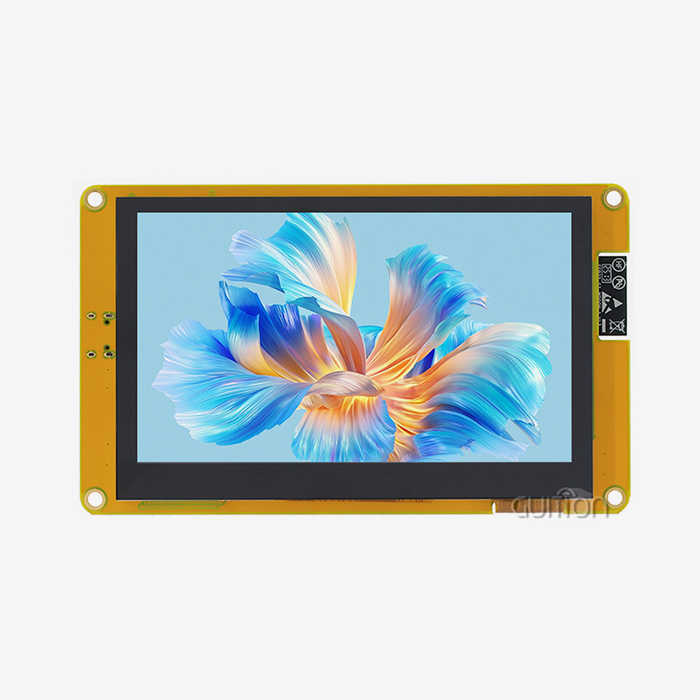
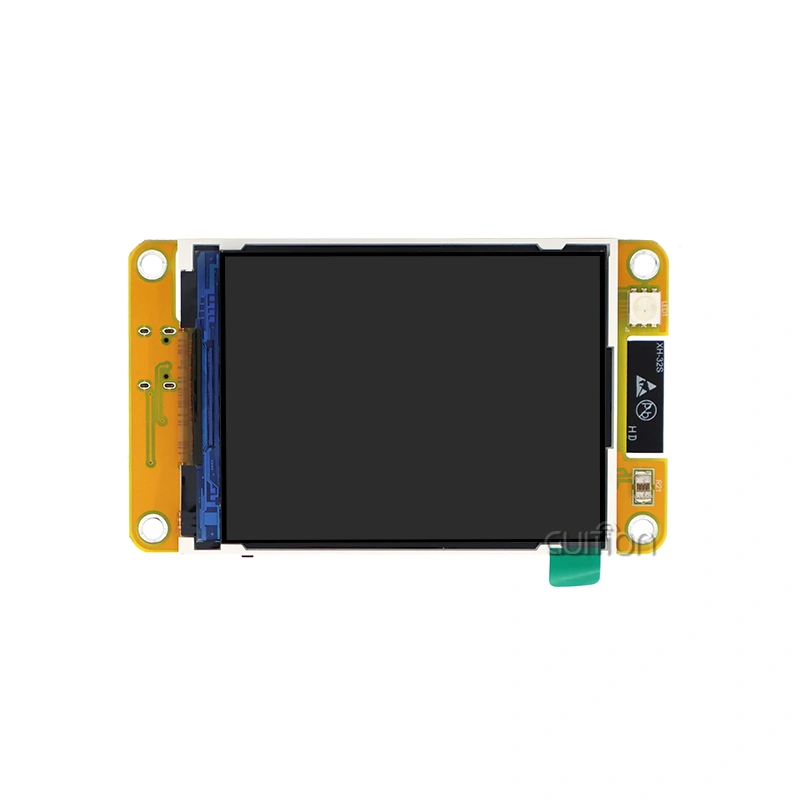
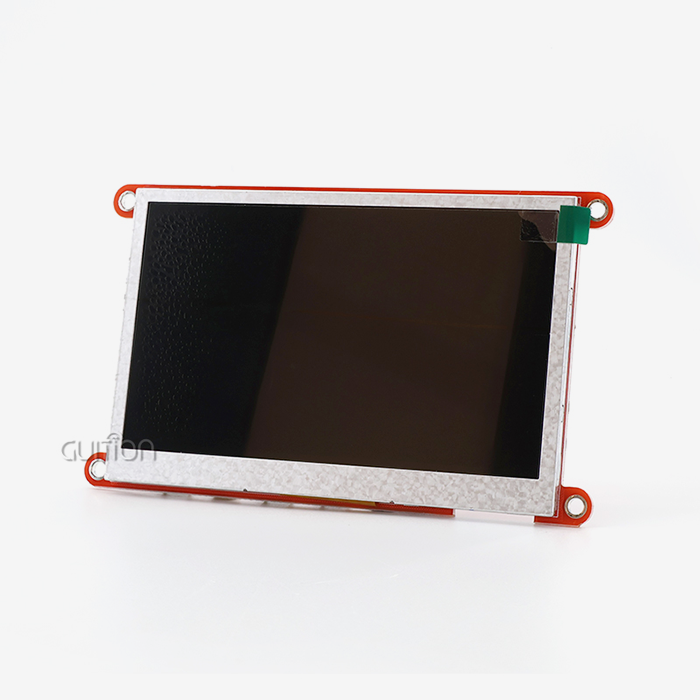
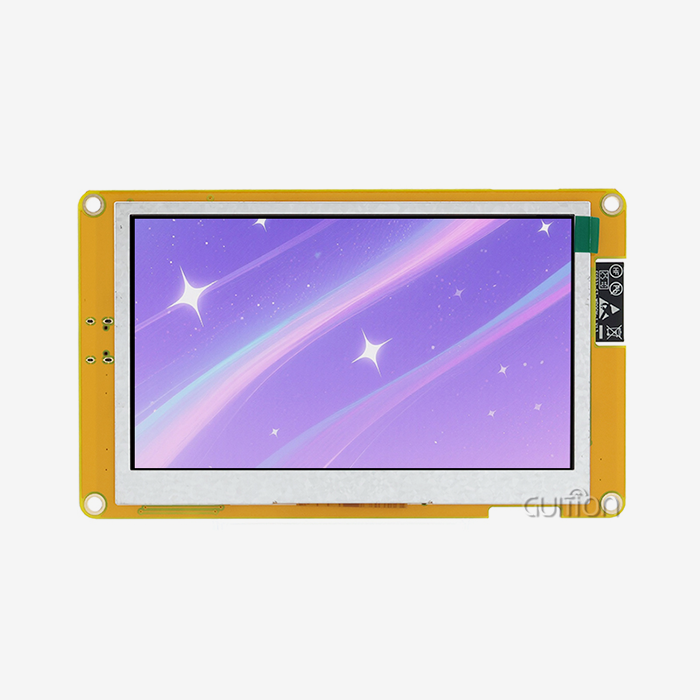
ESP32-P4-powered display modules are game-changers in today's embedded systems world when you're looking for a reliable human-machine interface option that strikes a good balance between power, flexibility, and ease of integration. The Espressif ESP32-P4 microcontroller and these high-tech HMI modules with beautiful screens are just what embedded engineers, product managers, and system builders need for complex industrial and Internet of Things (IoT) apps. The 10.1 inch esp32p4 display module has a great mix of processing power, bright graphics, WiFi connection, and developer-friendly tools that make the process of making a product faster and cheaper. This display solution gives you the performance and flexibility you need to make your vision come to life, whether you're making industrial control panels, medical monitoring equipment, smart home devices, or commercial terminals. It does all of this without the steep learning curve or integration problems that come with traditional HMI systems.

Exceptional Display Performance and Technical Specifications
High-Resolution Visual Excellence
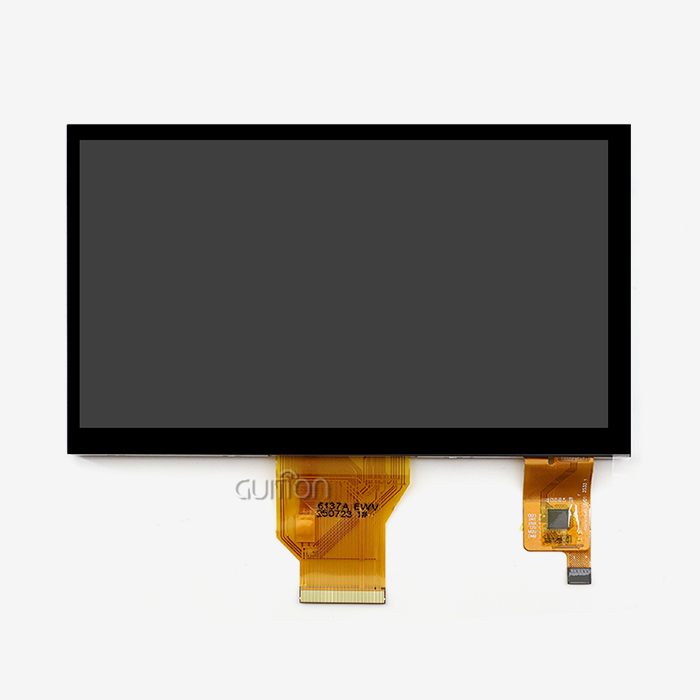
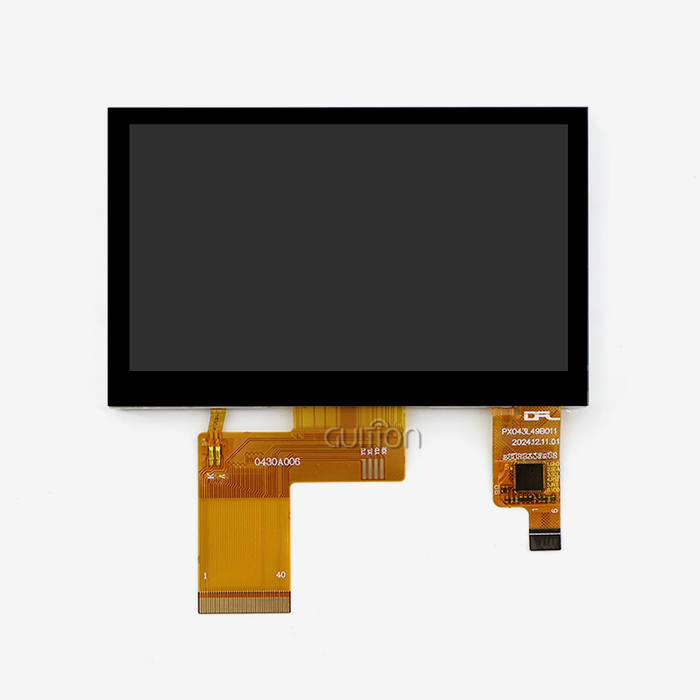
With a 800×1280 resolution, our JC8012P4A1CIWY display module gives people clear, bright images that change the way they use your products. The IPS LCD technology provides wide viewing angles, so workers can see clearly from almost any position. This is a huge benefit in industrial settings where equipment needs to be viewed from different angles. Your screen shows complex images, charts, and data visualizations very clearly thanks to its 24-bit RGB color depth that supports 16.7 million colors. This graphic performance helps cut down on operator mistakes and speeds up decision-making in time-sensitive settings like process control systems or medical tests.
Powerful Dual-Core Processing Architecture
The ESP32-P4 dual-core MCU running at 360MHz is at the heart of this ESP32-P4 HMI display. It has a lot of computing power for difficult tasks. There is 768KB HP L2MEM, 32KB LP SRAM, 128KB HP ROM, and 32MB PSRAM in the design. This is a lot of memory for complex user interface frameworks and data processing jobs. You can store your application code, graphics images, fonts, and setup files on the 16MB flash storage. With this much processing power, graphics run smoothly, touch interactions work smoothly, and the chip can handle multiple tasks at once, such as managing sensor data, updating displays, and keeping wireless connections strong, without experiencing the slowdowns that happen with less powerful microcontrollers.
Flexible Touch Interface Options
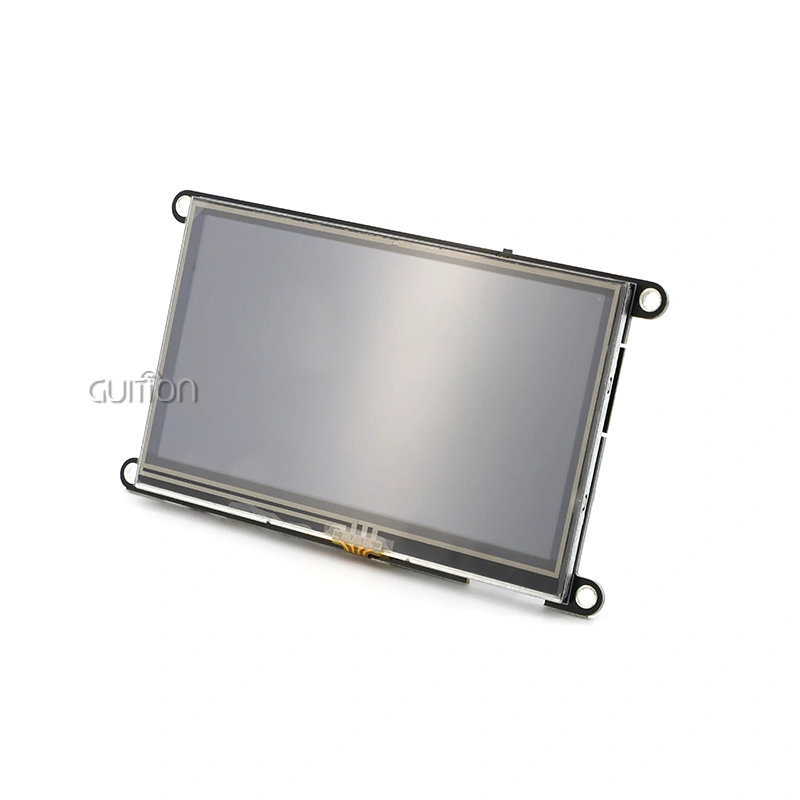
Understanding that different uses need various ways of contact, this module can be set up with or without sensitive touch features. Capacitive touch versions give users a modern, smartphone-like experience that operators today expect. They support multi-touch motions for easy access through complicated menus and settings. The touch control circuit works with the screen without any problems, detecting input correctly and following user orders. This gives procurement managers the freedom to choose the exact standard that fits their application needs and budget, so they don't have to pay for features that aren't needed and the interface works the way users expect it to.
Comprehensive Development Platform Support
This 10.1 inch ESP32P4 display module really stands out because it works so well with so many different development platforms. Engineers can use the Arduino IDE to make quick prototypes, the ESP-IDF to add advanced features, MicroPython to write quick scripts, or Guition to create a visual user interface. This multi-platform method doesn't force you to use tools you're not familiar with; instead, it builds on the skills and workflow habits of your team. The module comes pre-programmed with demonstration code, so you can test its usefulness as soon as it arrives and get a sense of its possibilities before spending a lot of time developing it. This careful method greatly shortens the time it takes to get your product to market and lowers the chance that compatibility problems will delay your project.
Versatility for Diverse IoT and Embedded Applications
Integrated Wireless Connectivity
Since WiFi and Bluetooth are built in, you don't need to buy separate transmission units. This makes designing the hardware easier and lowers the cost of the bill of materials. Your device can easily connect to neighborhood networks for exchanging data, watching from afar, and integrating with the cloud. Support for Bluetooth lets you connect to mobile devices, wireless sensors, and other accessories. This makes system designs fluid enough to change as needs do. Modern connected products need features like remote diagnostics, over-the-air software updates, and real-time data synchronization. This wireless communication base turns static display screens into dynamic hubs within larger IoT ecosystems.Because it's wireless, the features work especially well in smart home control panels, where the screen coordinates many connected devices, or in factories, where machines send information about their work to central tracking systems. Engineers like that these connectivity choices work right out of the box with well-documented APIs and example code. This saves them time and effort that would have been needed to integrate different parts from different providers.
Expandable Storage and Interface Options
The special TF card interface lets you add more storage for programs that need it for things like large graphics libraries, data logging, or storing firmware updates. The onboard flash memory doesn't have to be used to store large images, custom fonts for multilingual support, past trend data, or backups of the setup. The IO port interface makes it easier to connect to more things. It works with sensors, motors, industrial standards like RS-485 or CAN bus (with the right transceivers), and older devices that use discrete signals. This makes sure that the display module fits into your whole system layout, rather than limiting your design to what the display can do.
Real-World Application Versatility
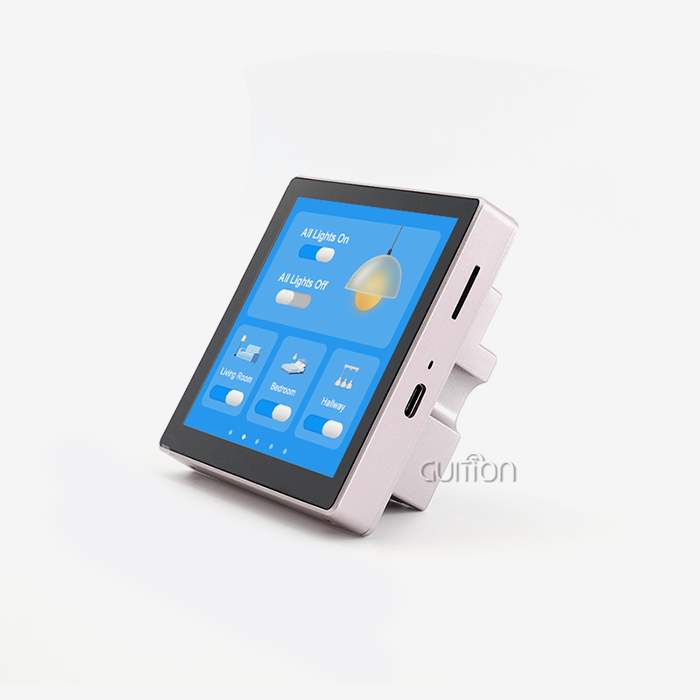
This show option is very flexible and works well in a wide range of situations. In 3D printer apps, it gives easy-to-use control panels for seeing how prints are going, changing settings, and handling job queues, along with temperature graphs and status lights that show changes in real time. The high-resolution screen is used by companies that make medical tools to show diagnostic data, patient tracking waveforms, and imaging results clearly for doctors and nurses. Smart home systems use the large screen space to show floor plans, security camera feeds, and multi-room control tools that let you handle lighting, climate, and entertainment systems from a single point of contact.These units are used as HMI terminals for manufacturing equipment in industrial automation applications. They show workers how the process is going, how to handle alarms, and how much production is being made. EV charging stations use them to show the state of the charge, payment options, and user directions with pictures that help people who are doing it for the first time. This display module's performance, connectivity, and development freedom make it perfect for a wide range of applications, including business kitchen equipment, security systems, audio gear, and aftermarket parts for cars. The module's strong design and flexible architecture are shown by how well it works in a wide range of B2B industries.
Cost-Effectiveness and Procurement Advantages
Attractive Price-to-Performance Ratio
When buying managers look at HMI options, they always have to find the best balance between cost and performance and long-term dependability. The ESP32-P4 display module directly solves this problem by offering great features at a price that makes sense for both making prototypes and making a lot of them. This module is a much better deal in terms of money than competing options that use more expensive application processors or private systems that need pricey development tools and licensing fees. Having built-in wireless connectivity, a lot of memory, and development tools would make this option much more expensive if they had to be bought separately, but they're all included as normal.
Supplier Selection and Procurement Strategy
Finding dependable sellers is a key purchasing choice that affects the quality of the product, the dependability of delivery, and the support provided after the sale. When looking for ESP32-P4 display modules, you should make sure that the companies that make them have clear warranty policies, thorough technical documentation, fast engineering support, and quality assurance methods that have been tested and proven. Authorized wholesalers and direct makers, such as Guition, offer benefits that generic resellers can't match, such as legitimate parts, uniform quality across production batches, access to the latest firmware updates, and expert support. These modules are cost-effective for large-scale deployments because they can be bought in bulk and have volume pricing. Many 10.1 inch ESP32P4 display module providers offer flexible minimum order numbers that can be used for both initial development and later production ramp-ups. This lets you test designs with small quantities before committing to large purchases. This buying freedom lowers financial risk and stocking costs while keeping the supply chain going strong throughout the lifecycle of your product.
Simplified Troubleshooting and Support Resources
Common Challenges and Solutions
Even well-designed parts can have problems integrating, which needs to be fixed in a planned way. Most of the time, problems with connectivity are caused by mistakes in the WiFi passwords, network security settings, or antenna links, not by problems with the hardware itself. Power fluctuations are usually caused by the supply source not being able to provide enough power. This is especially true when the backlight is being driven at full brightness while wireless links are still being kept. Most of the time, problems with resolution displays are caused by wrong setup steps or timing settings in the code that runs the display. When engineers know these familiar trends, they can quickly figure out what's wrong without having to do a lot of trial-and-error debugging.The detailed datasheets that come with these modules include electrical specs, timing needs, command protocols, and startup routines that give engineers the tools they need to do in-depth diagnostics. Example code sources show how to do basic jobs like showing images, handling touch input, controlling wireless connections, and making graphical user interfaces work correctly. When compared to modules with few expert tools, this level of instruction greatly speeds up the learning curve and troubleshooting time.
Vendor Support and Community Resources
Professional-grade display panels are different from consumer-grade goods because they come with strong vendor support. Technical help from experienced application engineers who know both what the hardware can do and how to deal with common implementation problems is very helpful when you have complicated interface questions. Firmware changes that fix problems found, add new features, or make the product run better increase its value long after the buyer has bought it. A knowledge ecosystem is made up of active online groups where coders share code examples, talk about coding strategies, and write down answers to problems they've run into. This ecosystem is good for everyone. When looking at possible providers for your 10.1 inch ESP32P4 display module, you should see how committed they are to ongoing support by looking at things like the quality of their documentation, how quickly they respond to technical questions, how often they update their firmware, and how visible their user groups are. These support factors are often more useful than small price differences, especially for projects with tight deadlines or teams that don't have a lot of experience with embedded systems.
Future-Proofing Your Projects with Advanced Features
Remote Upgrade and Maintenance Capabilities
The over-the-air update feature in this module changes how you handle goods that are already in use throughout their entire operational lifecycle. You can directly push firmware updates, security patches, and feature upgrades to all connected devices, so you don't have to pay for expensive field service calls or have customers start manual update processes. This feature cuts down on repair costs by a huge amount and makes sure that your deployed fleet always has the newest features. Product managers really like this feature because it lets them quickly fix problems as they come up, add new features that make the product more useful, and keep security levels high as threats change.
Multi-Language and Global Deployment Support
Full UTF-8 encoding support lets developers make applications in almost any language, which opens up global markets without having to make different versions of a product for each area. You can set up instant language selection so that users can pick the language they want to use for the display, or you can set up devices for specific markets before they are made. This translation skill is very important for businesses that work with foreign corporations, sell consumer goods in many different markets, or build platforms that are used all over the world. Displaying complex scripts like Chinese, Arabic, Cyrillic, and others with correct character rendering gets rid of barriers to entry that can't be handled with easier display methods.
Guition Software Development Advantage
The exclusive Guition development environment gives the company a big edge over its competitors because it speeds up UI development while lowering the level of code skill needed. Its drag-and-drop interface maker lets creators put together screens visually by dragging and dropping pre-made controls like buttons, sliders, gauges, charts, and more onto the canvas. Property tools let you change how things look, how they behave, and how they handle events without having to write repetitive code. Compared to standard code-centric GUI development, this visual development method cuts the time from idea to working prototype by a huge amount. Cross-platform online debugging tools let you try and improve your code on a variety of hardware systems. This way, you can find problems early on, when they're still cheap to fix, instead of after production starts. Engineers who are moving on from traditional embedded development like this new approach to tools because it moves their focus from low-level display driver details to application logic and user experience improvement, which is where their subject knowledge is most useful. You don't have to create and build custom tools from scratch because the rich control library gives you interface elements that look professional right away. Teams that don't have a lot of experience with graphical user interfaces can still make interfaces that look good and work well and meet modern user standards.
Conclusion
When you combine 10.1 inch ESP32P4 display module' strong dual-core processing, high-resolution displays, built-in wireless connectivity, and full development tool support, you get a great choice for demanding embedded apps. Engineers get the extra processing power and memory they need for complex connections, and purchasing managers like how cost-effective and reliable the supply is. The module's ability to work with medical devices, smart home systems, industrial automation, and business equipment shows how well-thought-out and strong its layout is. Time-to-market and technical risk are lowered by the development freedom that comes from supporting multiple platforms, using visual GUI tools, and providing a lot of documentation. Remote updates and support for multiple languages make sure that goods stay useful and supported for longer periods of time. This protects your development investment while keeping up with changing market needs.
FAQ
What makes the ESP32P4 better for show apps than earlier ESP32 versions?
The ESP32-P4 architecture has a dual-core 360MHz MCU that is specially designed for human-machine interface jobs and gives it a lot more working power. The P4 version of the ESP32 has a lot more memory than earlier generations. It has 32MB of PSRAM and 16MB of flash storage, which lets it run more complicated graphical interfaces and data-heavy programs. The new design works better with high-resolution screens like the 800×1280 one, keeping frame rates steady even when graphics are very demanding. With built-in WiFi and Bluetooth and a lot of computing power, it's perfect for connected apps that need to do both local processing and network contact.
Can I make apps even though I don't have a lot of practice writing embedded systems?
Of course. This problem is solved by the Guition visual development environment, which has drag-and-drop tools for designing user interfaces that don't need advanced computer knowledge. Positioning pre-built controls, setting their features in graphical editors, and describing interactions clearly let you make user interfaces that work. The platform instantly makes the code that runs on top of it, so designers and product managers don't have to rely on embedded software coders to help with interface development. Programming skills are needed for more complex adaptation, but teams that don't know much about coding can still use simple functional interfaces.
Which fields can use these show units the most?
For machine control screens and process tracking terminals, these units work great for companies that make industrial equipment. The display sharpness is good for diagnostic tools and patient tracking systems, which is good for the people who make medical devices. Companies that automate smart homes and buildings use them as main control points. They are reliable in harsh environments, which is good for agricultural technology. Their connectivity and visual clarity are used in commercial uses like point-of-sale systems, kiosks, and information screens. The module's flexibility comes from its well-balanced mix of display performance, processing power, and connection choices that meet the needs of a wide range of industries.
Partner with Guition for Your Display Module Needs
Guition is a reliable 10.1 inch ESP32P4 display module maker that is dedicated to technology-driven innovation and customer success. They are ready to help you with your HMI development journey. Our JC8012P4A1CIWY module blends the proven processing power of the ESP32-P4 with great looks and features that make it easy for developers to work with. This speeds up the development of your product. We offer detailed technical documentation, quick response engineering help, and our own Guition software, which turns interface development from a coding problem into a visual design process. Our team knows what you need and can offer solutions that balance speed, reliability, and cost-effectiveness, whether you're making smart consumer goods, medical devices, or industrial control systems. Get in touch with david@guition.com right away to talk about your unique application needs, get full technical specifications, or set up sample evaluation units that show how our display modules can make your product better.
References
1. Chen, W., & Liu, H. (2023). Embedded System Design with ESP32 Microcontrollers: Architecture, Programming, and Applications. Technical Publishing House.
2. Johnson, M. R. (2024). "Cost-Effective HMI Solutions for Industrial Automation: A Comparative Analysis." Journal of Manufacturing Systems Integration, 42(3), 156-174.
3. Anderson, K., & Thompson, D. (2023). IoT Display Technologies: Selection, Integration, and Deployment Strategies for Connected Devices. Industrial Press.
4. Rodriguez, P. (2024). "Evaluating Microcontroller-Based Display Modules for Medical Device Applications." Biomedical Engineering Technology Review, 18(2), 89-107.
5. Williams, S., & Zhang, L. (2023). Human-Machine Interface Design for Smart Manufacturing: Principles, Tools, and Case Studies. Engineering Academic Publishers.
6. Mitchell, G. (2024). "Wireless Connectivity in Industrial HMI Systems: Implementation Considerations and Best Practices." Automation Technology Quarterly, 31(1), 44-62.
Learn about our latest products and discounts through SMS or email