- English
- French
- German
- Portuguese
- Spanish
- Russian
- Japanese
- Korean
- Arabic
- Greek
- German
- Turkish
- Italian
- Danish
- Romanian
- Indonesian
- Czech
- Afrikaans
- Swedish
- Polish
- Basque
- Catalan
- Esperanto
- Hindi
- Lao
- Albanian
- Amharic
- Armenian
- Azerbaijani
- Belarusian
- Bengali
- Bosnian
- Bulgarian
- Cebuano
- Chichewa
- Corsican
- Croatian
- Dutch
- Estonian
- Filipino
- Finnish
- Frisian
- Galician
- Georgian
- Gujarati
- Haitian
- Hausa
- Hawaiian
- Hebrew
- Hmong
- Hungarian
- Icelandic
- Igbo
- Javanese
- Kannada
- Kazakh
- Khmer
- Kurdish
- Kyrgyz
- Latin
- Latvian
- Lithuanian
- Luxembou..
- Macedonian
- Malagasy
- Malay
- Malayalam
- Maltese
- Maori
- Marathi
- Mongolian
- Burmese
- Nepali
- Norwegian
- Pashto
- Persian
- Punjabi
- Serbian
- Sesotho
- Sinhala
- Slovak
- Slovenian
- Somali
- Samoan
- Scots Gaelic
- Shona
- Sindhi
- Sundanese
- Swahili
- Tajik
- Tamil
- Telugu
- Thai
- Ukrainian
- Urdu
- Uzbek
- Vietnamese
- Welsh
- Xhosa
- Yiddish
- Yoruba
- Zulu
SPI LCD Display Applications in Embedded Projects
It doesn't matter if you're making an industrial controller, a medical monitor, or a smart home hub—the display you choose can make or break your project timeline and budget. SPI LCD Display modules are now the best choice for engineers who need to quickly integrate new parts, use as few pins as possible, and make sure the modules work reliably in harsh conditions. An SPI LCD Display works well with only 3 to 4 data lines, while a parallel link can use up to 16 GPIO pins. This lets the microcontroller's resources be used for other important tasks. This simplified communication protocol gives current embedded apps the speed and ease of use they need, from small IoT devices to full-featured industrial control panels.

Understanding SPI LCD Displays – Core Concepts and Technical Insights
What Makes the SPI Interface Different
The Serial Peripheral Interface is unique because it lets your microcontroller and the display driver IC talk to each other in real time, both ways. A lot of the experts we've worked with like how SPI strikes a good mix between speed and ease of use. The common signal lines are SCK (clock), MOSI (master out, slave in), CS (chip select), and a DC (data/command) pin that can be added if needed. When compared to 8080 or 6800 parallel buses, which need more complicated trace layouts and tighter impedance control, this setup makes PCB routing a lot easier.
Key Technical Parameters You Should Know
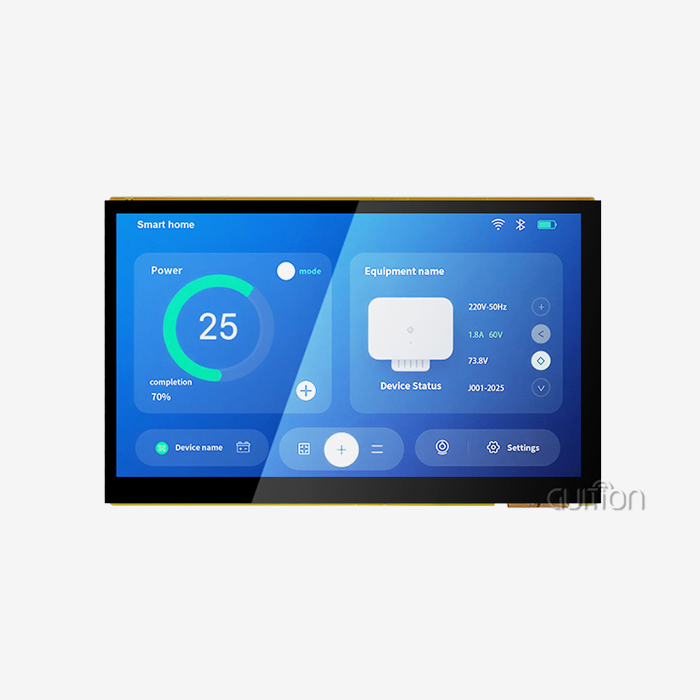
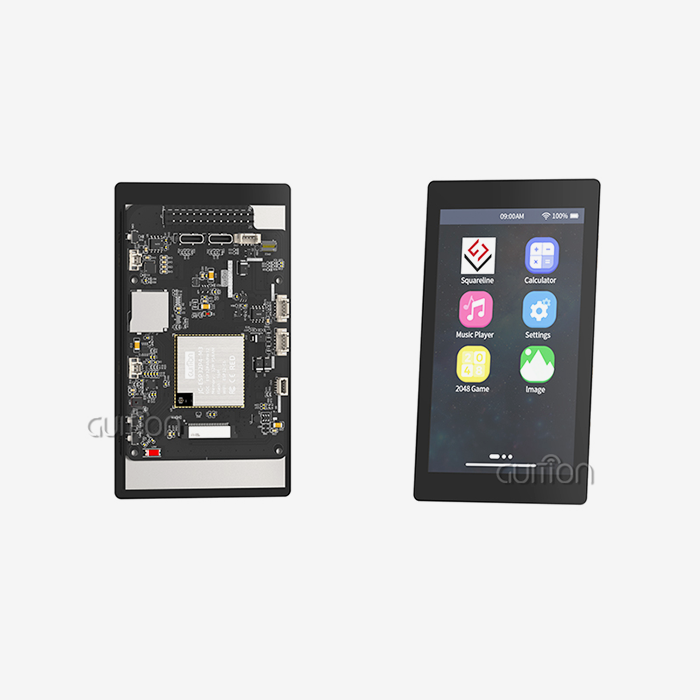
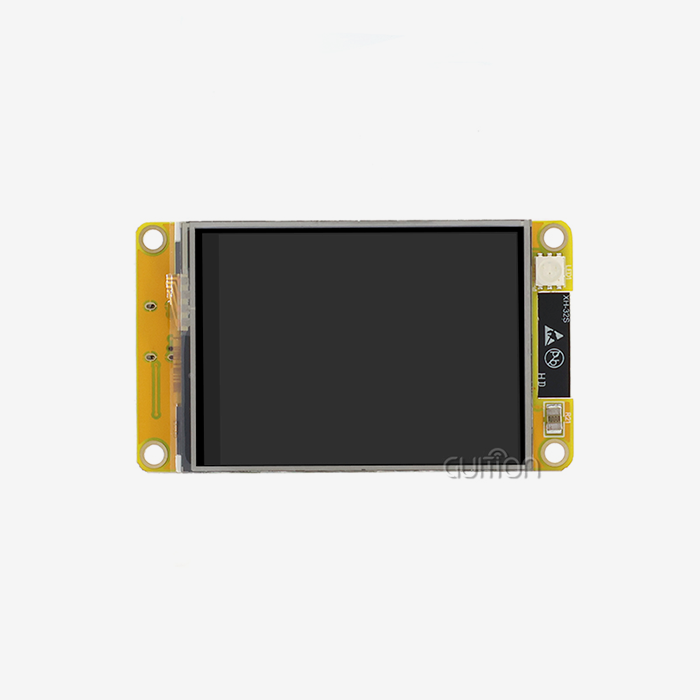
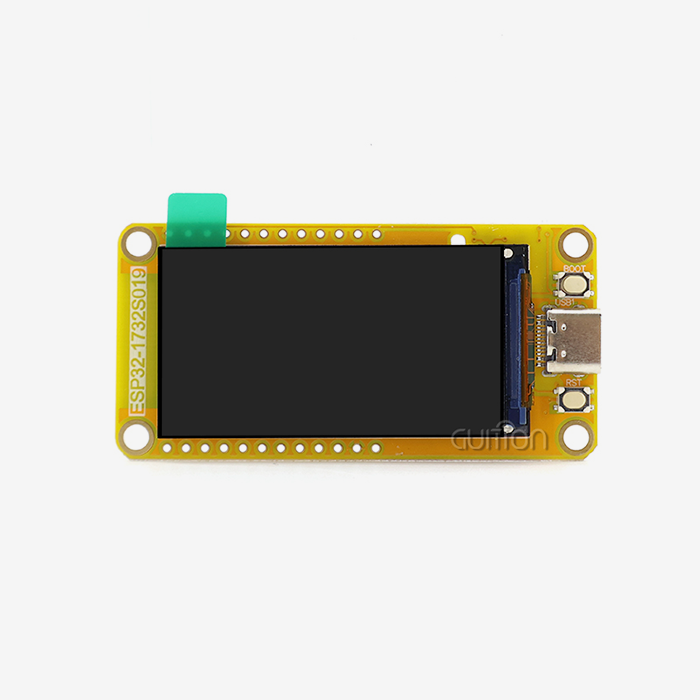
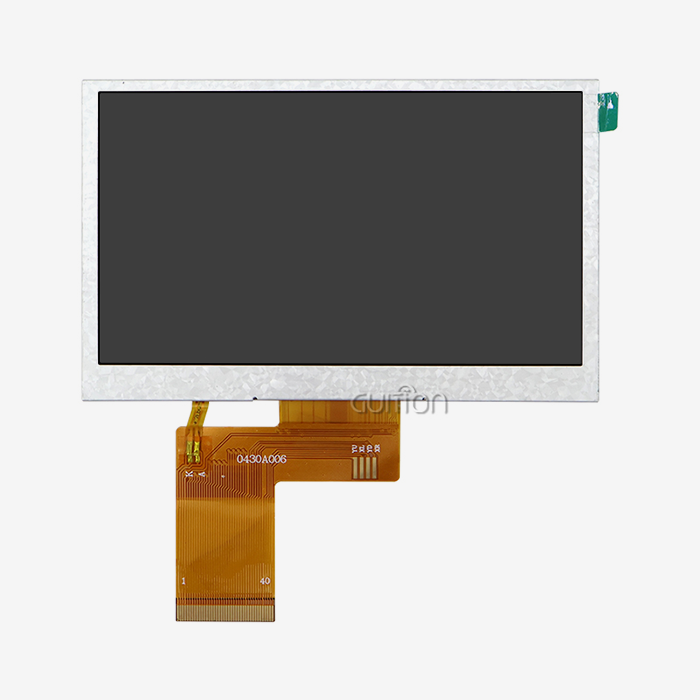
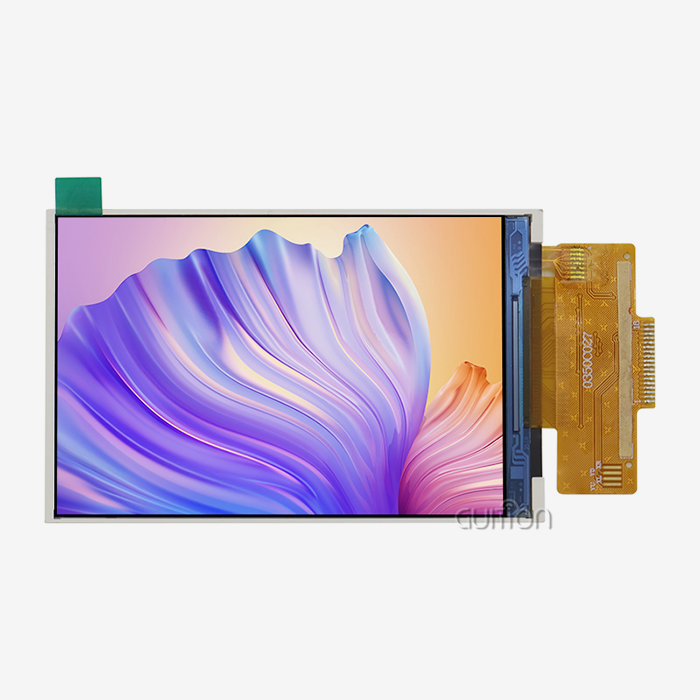
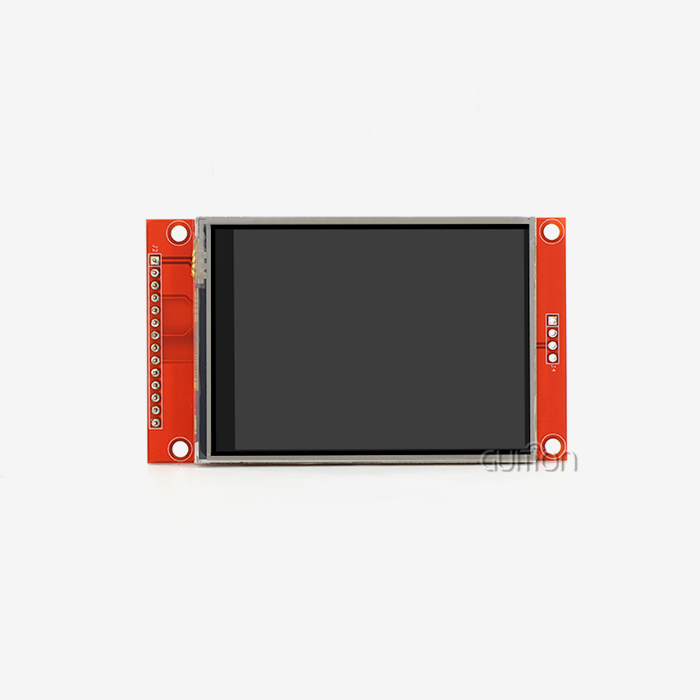
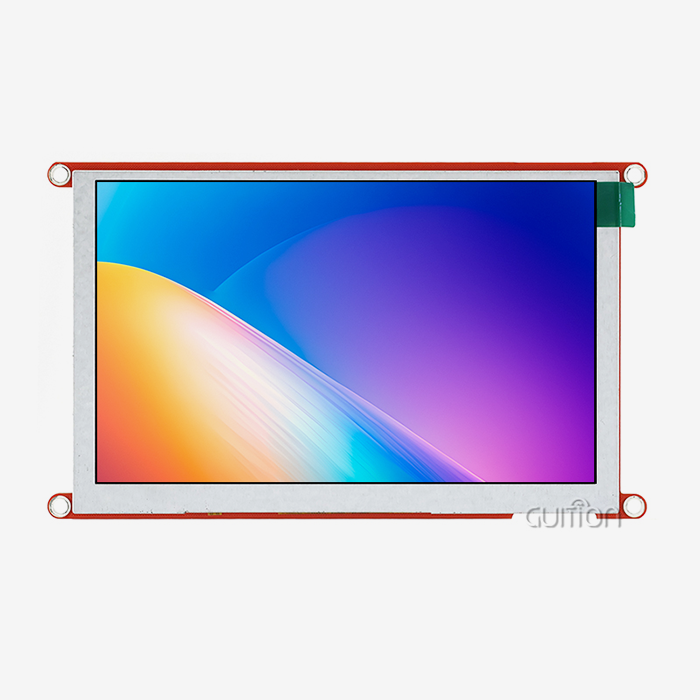
Resolution, refresh rate, and working voltage are all important specs that you must look at when choosing an SPI LCD Display for your integrated project. Just look at the GUITION JC3248A035C model. It has a 3.5-inch screen with a resolution of 320x480 and is powered by the ST7796 chip. It's perfect that this resolution lets you see detailed images without taxing your MCU's working power. The 65K color depth makes sure that the images are bright and true to life, which improves the user experience in a wide range of settings, from 3D printer interfaces to medical beauty equipment. These modules can work with most current microcontrollers, such as ESP32, STM32, and Arduino systems, as long as they have a voltage range of 3.3V to 5V. In datasheets, timing graphs show important setup and hold times, which are factors that have a direct effect on signal integrity and display speed. If you know these things, you can avoid distortion, data loss, and other problems with integration.
Why SPI Outperforms I2C and Parallel Interfaces
Serial device connection really shines when it comes to speed. In fast mode, I2C works at 400 kHz, but SPI clock speeds often go over 10 MHz, which makes it possible for animations to run smoothly and screens to update quickly, which is important for real-time factory tracking. Parallel connections give you more bandwidth, but they also cause problems with EMI and running out of GPIO. By moving from parallel to serial designs, engineers have been able to cut their development time by 40%. This is because fewer pins mean easier PCB layouts and less work to do when bugs are found. In industrial settings, where electrical noise can mess up data, SPI communication needs to be reliable. The dedicated clock line makes sure that everything stays in sync even when things get tricky.
Practical Applications and Wiring of SPI LCD Displays in Embedded Systems
Hardware Setup and Connection Guidelines
Wiring your embedded system correctly is the first step in integrating an SPI LCD Display. Before you connect anything, you should check the datasheet for your microcontroller to see which GPIO pins the SPI signals are assigned to. This is because different boards may map these signals to different GPIO pins. For the JC3248A035C, you need to link the power (VCC) and ground (GND) lines, as well as the SCK, MOSI, CS, and DC lines. If your module supports sensitive touch, you will need to add more interrupt and reset lines.
Here are practical considerations that prevent common integration mistakes:
Power Supply Stability: Make sure that your 3.3V or 5V rail can provide enough current, especially when the six LED backlights are turned on and using their full power. We've found that many "ghost" problems were caused by not disconnecting the power properly. Near the power pins on the monitor, put at least one 10µF capacitor and one 100nF capacitor.
Signal Integrity Protection: Try to keep the length of SPI traces below 10 cm. For longer links, series termination resistors (22–33Ω) on the SCK and MOSI lines help cut down on echoes. Because industrial modules like the JC3248A035C can work in a wide temperature range (-20℃ to 70℃), you need to think about how thermal expansion will affect the stability of your solder joints and connectors when you're designing them.
Level Shifting Considerations: Bidirectional level shifters keep damage from happening and make sure that communication works well when a 3.3V microcontroller is connected to a 5V display module. A lot of engineers don't pay attention to this point until testing shows strange behavior that they can't explain.
These basic pieces of hardware make it possible to successfully integrate an integrated display, which lowers the risk of failure in the field and the cost of assistance.
Programming and Initialization Best Practices
After making sure the hardware links are correct, the software initialization checks to see if your monitor works correctly. To wake up from sleep mode, set the color depth, and turn on the lights, the ST7796 driver chip in the GUITION module needs to be told a certain set of commands. Most makers give you examples of setup code, but knowing how the commands work at the core helps you get the best performance for your application.
The clock polarity, phase, and frequency should be set in your setup code for the SPI bus. Start with low settings like 2 MHz while you're developing, and then raise them to 10–20 MHz once you know they work reliably. Different libraries use different ways to move data around, but the best ones use Direct Memory Access (DMA) to take care of pixel data movements outside of the main program loop. This way, animations stay smooth even when processing jobs get really busy.
Comparing SPI LCD Displays with Other Display Technologies in Embedded Projects
Performance Trade-offs Across Display Types
When deciding between SPI LCD, OLED, and standard TFT technologies, you have to weigh the cost, power use, and picture quality. OLED screens are good for consumer gadgets because they have better contrast ratios and viewing angles. But because they are more likely to burn in and cost more per unit, SPI LCD panels are the best choice for commercial uses where durability and cost-effectiveness are most important.
Energy Efficiency in Battery-Powered Devices
When it comes to IoT and portable medical gadgets, power usage is something that needs extra attention. During continuous use, an SPI LCD Display usually consumes 30 to 80 mA, with backlight intensity being the main driver. The GUITION JC3248A035C has six LED backlights that can be managed by PWM. This lets the brightness change dynamically, which saves power and keeps the text visible. We've seen power savings of 60% or more in outdoor settings where ambient light sensors lower the brightness of the lighting when it's bright outside.
Visual Quality and Refresh Rate Considerations
Most serial port screens have a 65K color palette, which is enough color depth for industrial HMI, medical tracking, and business terminals. This doesn't have as many colors as 24-bit displays can show (16.7 million), but at the small screen sizes (1.28" to 3.5") that are popular in embedded projects, it's hard for the human eye to tell the difference. Refresh rates between 60 and 80 Hz get rid of noticeable flicker, so you can watch for long periods of time without getting tired, even during long shifts at work or medical treatments.
Procurement Guide for SPI LCD Displays – Sourcing the Best Modules and Suppliers
Identifying Reputable Distribution Channels
To find good serial port display units, you need to work with suppliers who know what an embedded system needs. Authorized wholesalers, such as Mouser and Digi-Key, keep high standards for quality and only sell original parts that come with maker guarantees. With these platforms' thorough parametric search tools, you can narrow your search by screen size, resolution, interface type, and working temperature range, which will save you hours of time when making your choice.
Strategic Considerations for Bulk Orders
When your project moves from the pilot stage to production, it's important to negotiate good prices and delivery terms. We suggest getting official quotes for different levels of volume (100, 500, 1,000+ units) to see how prices change. Specialized industrial screens can have lead times of 8 to 12 weeks, so planning for extra supplies helps keep production from being held up. Make sure everyone knows what the packaging needs to be—moisture sensitivity levels (MSL scores) are important for displays that will be stored in a building before they are put together.
Supplier Selection Criteria That Protect Your Investment
Besides price, there are a number of other things that set great display sellers apart from average ones. Quality standards like ISO 9001 and product-specific compliance (RoHS, REACH) show that a company is dedicated to making the best products possible. When you have responsive after-sales help, technology questions are answered within hours, not days. We've kept working with sources like Jingcai Intelligence (the company behind GUITION) for a long time because they give us detailed development instructions, sample code for many platforms, and honest advice on how to customize the software.
Since recent world shortages of parts, supply chain dependability has become very important. If your suppliers keep enough extra stock and you work with a variety of manufacturers, you can keep your promises to customers even when the industry as a whole is having trouble allocating resources. When looking at an SPI LCD Display maker, find out how they get their parts and if they keep driver ICs and other parts that take a long time to get in stock.
Case Studies and Industry Use-Cases of SPI LCD Displays in Embedded Projects
Industrial Control Panel Modernization
A medium-sized business that makes industrial equipment came to us because they needed to update old control panels with character displays that were getting old. Their workers had a hard time figuring out what the confusing status codes meant, which caused mistakes in production and made fixing take longer. By adding the GUITION JC3248A035C display module with capacitive touch, they turned their interface into an easy-to-use graphic system that shows process factors, alarm conditions, and maintenance plans in real time.
The adoption had measured effects: the time it took to train operators dropped by 55%, and downtime caused by mistakes dropped by 40%. The module's ability to work in a wide range of temperatures was very important in their plant, where temperatures change from -15°C to 65°C throughout the year. The sensitive capacitive touch interface took the place of mechanical buttons that could get dirty from dust and cutting fluids. This cut down on the number of repair visits and increased the equipment's life.
Medical Device Interface Enhancement
Medical tracking equipment that can be taken with you needs screens that are clear, reliable, and small. A medical device company that was making a handheld diagnostic tool chose an SPI LCD Display because it had few pins. This gave them more GPIOs to use for sensor connections and wireless connectivity. The ST7796 driver's built-in command set made it easier to set up grayscale waveforms and color-coded alerts that are important for making clinical decisions.
Regulatory compliance presented unique problems; medical devices need a lot of proof that the interface works reliably in a wide range of temperatures and electric fields. When paired with detailed scientific information from GUITION, the display module's track record in industrial settings sped up the FDA submission process. In clinical tests, the bright LED lights made it easy to see even in the brightest operating room lighting, and capacitive touch got rid of the risk of infection that comes with hidden buttons that trap germs.
Smart Home and IoT Integration Success
A company that makes smart home thermostats needed a way to show their products that was both aesthetically pleasing and energy-efficient. In their old design, they used a basic segment LCD that made users unhappy because it didn't show enough information at once. When they switched to a 320x480 resolution SPI LCD Display, they were able to add rich graphical user interfaces that showed energy usage trends, weather forecasts, and personalized plans. These features set their product apart in a crowded market.
The module's built-in WiFi support (found in GUITION's expanded product line) got rid of the need for different wireless modules, which made PCB planning easier and cut the bill of materials (BOM) by $3.50 per unit. The company said that the better interface led to a 28% rise in customer happiness and became a major selling point in retail channels. With remote update, they can add new features and fix bugs without the customer having to do anything. This cuts down on support costs by a huge amount and makes customers more loyal to the brand.
Conclusion
Serial peripheral interface display technology has grown up to become the best choice for embedded engineers who have to work with tight budgets, tight development plans, and strict reliability standards. These modules are great for industrial control, medical devices, and smart IoT apps because they only use a few pins, have strong communication standards, and look great. Using the tried-and-true ST7796 driver along with sensitive touch and a wide temperature range in products like the GUITION JC3248A035C shows that careful engineering can produce useful solutions that work well in real life. When working on integrated projects, it's important to choose parts that work well together, don't break down, and can last for a long time without worrying about becoming obsolete.
FAQ
Why Choose SPI Over I2C for Display Applications?
The biggest benefits are speed and volume. SPI transmission uses clock speeds higher than 10 MHz, which makes it possible for animations to run smoothly and screens to update quickly, which are necessary for responsive user interfaces. In fast mode, I2C usually stops working at 400 kHz, which slows down the transfer of big files needed for graphics screens. In serial port designs, the dedicated clock line also makes sure that everything stays in sync in noisy industrial settings where I2C's shared bus can get messed up.
How Do I Interpret Technical Datasheets for Procurement?
Pay attention to the resolution, input voltage, working temperature range, and driver chip specs. How much information you can show is based on the resolution, which in this case is 320x480. Voltage compatibility makes sure that your MCUs can talk to each other without needing level changers. Temperature ranges are very important. For industrial use, screens need to be approved for -20°C to 70°C or higher. The paperwork for driver chips lists the color levels, refresh rates, and command sets that can be used. These things affect how hard it is to program.
What Causes Non-Responsive Displays and How to Fix Them?
Power source problems are the main ones to blame. Make sure that your power rail gives you a stable output when it's loaded, especially when the backlight is on. Check all of the ground wires. Bad grounds cause voltage differences that mess up SPI messages. Make sure that your startup code matches what the driver chip needs. For example, the ST7796 needs different command patterns than other controllers. Lastly, briefly lower the SPI clock frequency to rule out problems with signal integrity that could be caused by long lines or not enough decoupling.
Partner with GUITION for Your Next Embedded Display Project
Every display panel that Jingcai Intelligence makes is backed by more than ten years of experience in HMI development. Our GUITION JC3248A035C is the result of a lot of testing in the field in business, medical, and industrial settings. It gives your projects the stability they need. We know how hard it is for embedded engineers to meet tight goals, work with limited funds, and make sure that users have perfect experiences. That's why we offer full support, including sample code for Arduino and ESP-IDF, the easy-to-use Guition UI development tool for quick interface prototyping, and quick technical help when questions come up about integration.
Whether you're looking for an SPI LCD Display provider for a few prototypes or for production numbers that will go over 10,000 units per year, our team can help you find the right answer. We keep a backup stock of important parts to make sure we always have enough, even when the industry as a whole is experiencing shortages. Are you ready to cut down on merging risks and speed up the development process? Email our engineering team at david@guition.com to talk about your display needs and get unique product suggestions backed by our dedication to quality and new ideas.
References
1. Smith, J. & Anderson, K. (2021). Embedded Display Technologies: A Comprehensive Guide to Interface Selection and Integration. Technical Publishing Group.
2. Williams, R. (2022). Serial Peripheral Interface Protocol: Optimization Techniques for High-Speed Data Transfer in Embedded Systems. Journal of Embedded Computing, 18(3), 245-267.
3. Chen, L., Park, S., & Mueller, T. (2020). Industrial HMI Design Principles: Creating Intuitive Interfaces for Manufacturing Environments. Engineering Press International.
4. Zhang, W. (2023). Comparative Analysis of Display Technologies in Medical Device Applications: Performance, Reliability, and Regulatory Considerations. Medical Electronics Quarterly, 31(2), 112-134.
5. Thompson, D. & Garcia, M. (2022). IoT Device Development: Hardware Selection Strategies for Connected Products. Smart Systems Publishing.
6. Johnson, P., Lee, H., & Patel, N. (2021). Supply Chain Risk Management in Electronics Procurement: Strategies for Component Availability and Cost Optimization. International Journal of Manufacturing Systems, 44(4), 567-589.
Learn about our latest products and discounts through SMS or email