- English
- French
- German
- Portuguese
- Spanish
- Russian
- Japanese
- Korean
- Arabic
- Greek
- German
- Turkish
- Italian
- Danish
- Romanian
- Indonesian
- Czech
- Afrikaans
- Swedish
- Polish
- Basque
- Catalan
- Esperanto
- Hindi
- Lao
- Albanian
- Amharic
- Armenian
- Azerbaijani
- Belarusian
- Bengali
- Bosnian
- Bulgarian
- Cebuano
- Chichewa
- Corsican
- Croatian
- Dutch
- Estonian
- Filipino
- Finnish
- Frisian
- Galician
- Georgian
- Gujarati
- Haitian
- Hausa
- Hawaiian
- Hebrew
- Hmong
- Hungarian
- Icelandic
- Igbo
- Javanese
- Kannada
- Kazakh
- Khmer
- Kurdish
- Kyrgyz
- Latin
- Latvian
- Lithuanian
- Luxembou..
- Macedonian
- Malagasy
- Malay
- Malayalam
- Maltese
- Maori
- Marathi
- Mongolian
- Burmese
- Nepali
- Norwegian
- Pashto
- Persian
- Punjabi
- Serbian
- Sesotho
- Sinhala
- Slovak
- Slovenian
- Somali
- Samoan
- Scots Gaelic
- Shona
- Sindhi
- Sundanese
- Swahili
- Tajik
- Tamil
- Telugu
- Thai
- Ukrainian
- Urdu
- Uzbek
- Vietnamese
- Welsh
- Xhosa
- Yiddish
- Yoruba
- Zulu
Round LCD Display Arduino vs Square TFT: Which Fits Your Device?
When you're selecting a display for your next embedded project, the choice between a round LCD display Arduino module and a square TFT screen carries real consequences for your product's usability, form factor, and development timeline. Demand for circular and rectangular display modules has surged across industrial, medical, and smart home sectors. The right choice depends on your device geometry, UI requirements, and ecosystem compatibility. This guide walks you through both options with technical clarity, helping engineers and product teams make confident, informed decisions backed by evidence.

Understanding Round LCD Displays and Square TFTs for Arduino
What Makes a Round LCD Display Different?
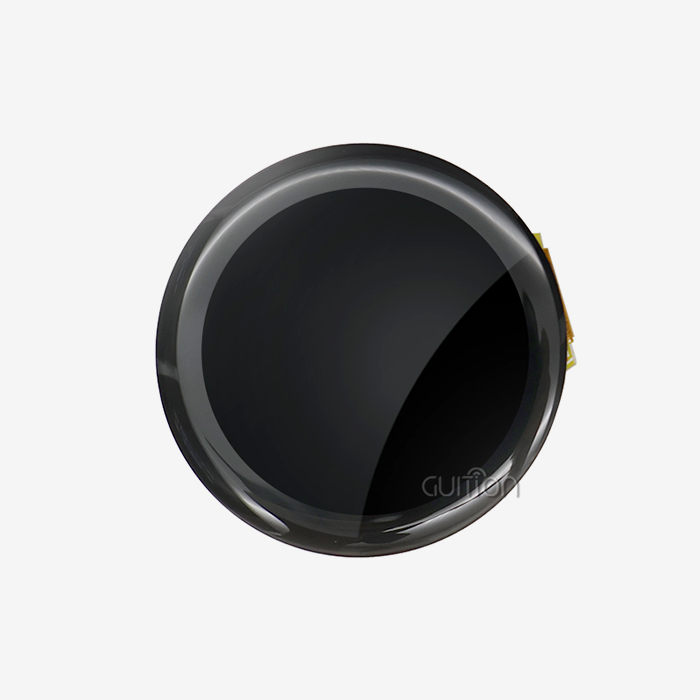
Instead of using a square frame buffer, a round LCD display Arduino module shows graphics on a circle of pixels. The driver IC, which is usually the GC9A01, takes care of corner clipping and coordinate mapping on the inside. This means that even though your Arduino writes to a 240x240 square coordinate space, the actual output stays round. This design gets rid of the need for software masking in most tools, which makes development a lot easier.
This group is shown by the GUITION JC2424S012N_I. The screen is a 1.28-inch IPS circular one with a resolution of 240x240 pixels and works with a 4-wire SPI interface at 3.3V logic. When used with an ESP32 or STM32 board and DMA, its GC9A01 driver IC can handle refresh rates above 30 FPS. The module has backlight control circuitry and an optional capacitive touch screen. It can work in temperatures from -20°C to +70°C, which means it can be used in real industrial settings.
How Square TFTs Differ in Practice
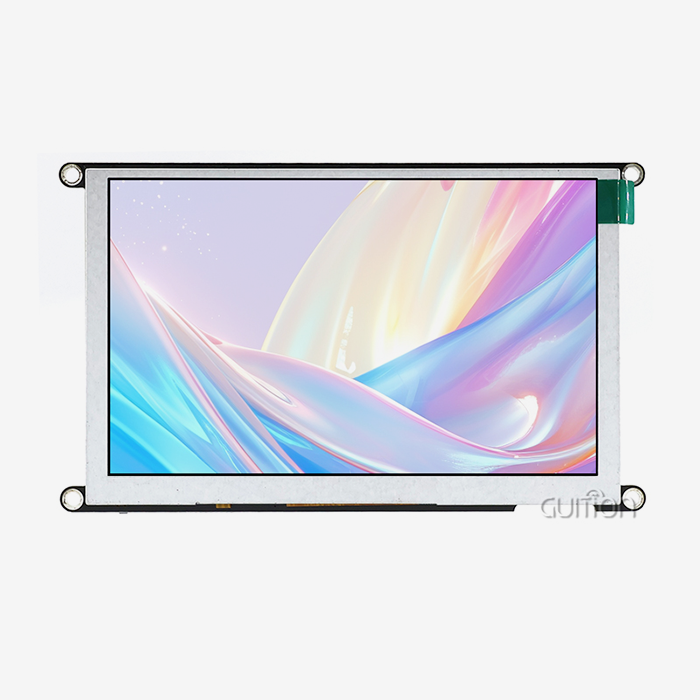
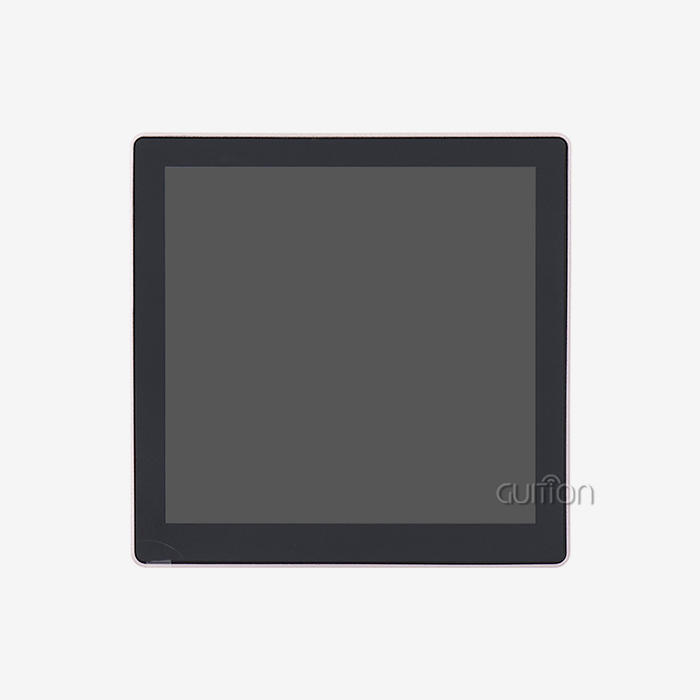
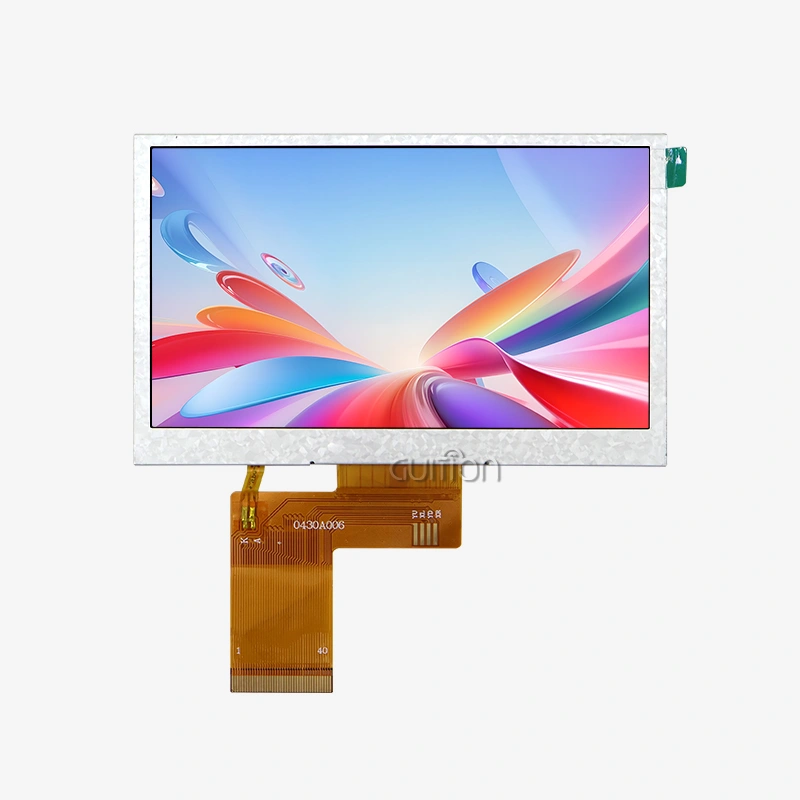
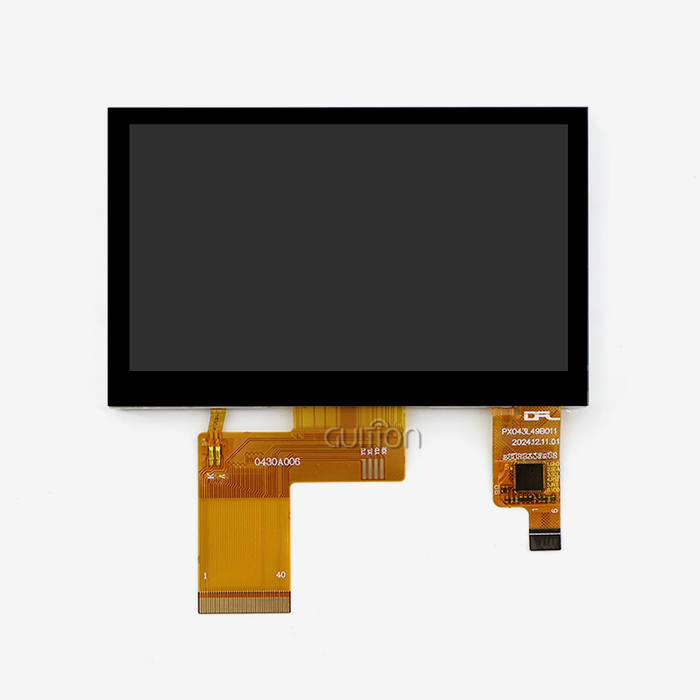
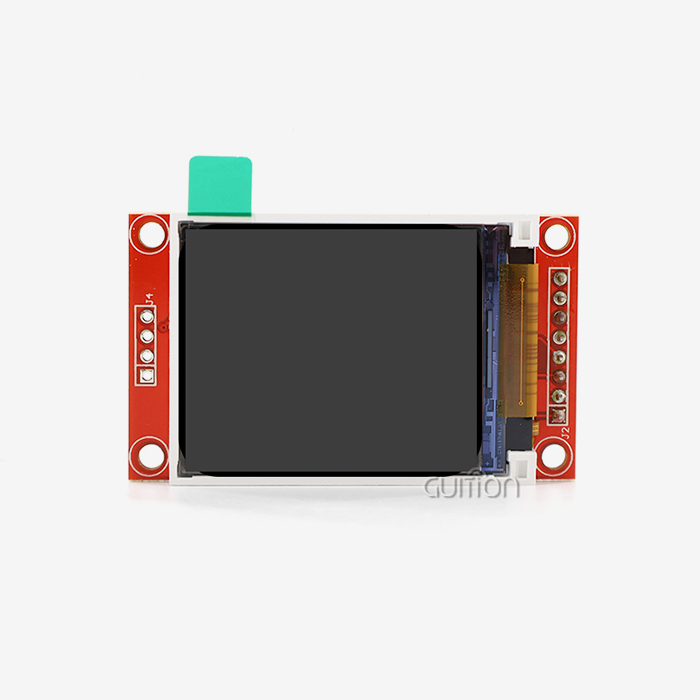
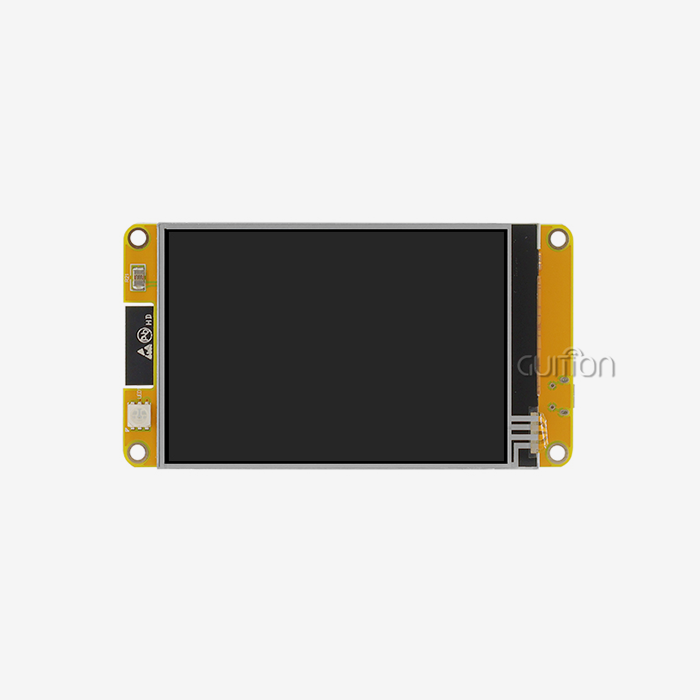
Frame buffers for square TFT screens are rectangular, which fits in with normal UI layout rules. They usually have more resolution choices, ranging from 128x160 to 480x320 and even higher, and they can use a wider range of libraries on Arduino devices. Most of the driver ICs in this market are ILI9341 and ST7789. When horizontal and vertical grid structures are important, square TFTs work great in dashboards, data tables, and multi-widget layouts. On the other hand, they might not look right when put in oval or dial-style housings.
Criteria to Consider When Choosing Between Round LCD and Square TFT
The form of a display isn't just a matter of taste; it affects the design of the case, the routing of the PCB, and how the user interacts with the display. Rotary knobs, smartwatch bezels, gauge tools, and medical gadgets can all benefit from adding a round LCD display Arduino module. Square TFTs work better on devices that have tabular data, text with multiple lines, or choices with multiple levels.
Here are the core technical and procurement criteria worth evaluating before committing to either format:
- Form Factor Fit: In round enclosures, circular SPI display modules lower the cost of mechanical masking. To avoid visual dead zones in housings that aren't square, square TFTs need custom bezels or mounting without bezels.
- Color Depth and Brightness: In terms of color depth and brightness, both types can usually handle 16-bit (65K) color. IPS-based round LCDs like the GUITION JC2424S012N_I have brightness levels above 350 nits, which makes them easy to read in fairly lit workplace settings.
- Touch Capability: Most square TFTs come with either resistive or capacitive touch built in. The GUITION JC2424S012N_I specifies that round LCD display Arduino modules with touch screens must be specially ordered and have a glued CTP layer.
- Power Efficiency: Smaller circular units use less electricity, which makes them better for wearable tech that runs on batteries or small medical gear that doesn't have a lot of power.
- Procurement Reliability: Before placing large orders, B2B buyers should look at how long modules last, how easy it is to get spare parts, and how detailed the technical paperwork is from the seller.
Technical Deep Dive: Wiring, Libraries, and Code for Arduino Integration
Wiring the Round LCD Display Arduino Module
Five core SPI lines are needed to connect the GUITION JC2424S012N_I to an Arduino-compatible board. These are VCC, GND, SCL (clock), SDA (MOSI), RES (reset), DC (data/command), and CS (chip select). Most ESP32 and STM32 boards can do this on their own at 3.3V. Older 5V AVR boards, like the Arduino Uno, need a logic level changer on all data lines to keep the GC9A01 driver IC from getting damaged. A white screen during startup almost always means that the DC or CS pin assignments are wrong.
Recommended Libraries
For both round LCD display Arduino projects and square TFT modules, the TFT_eSPI library by Bodmer is the best choice. It works with hardware SPI and DMA on ESP32, which lets you get frame rates that let you make animations that look good. For rotating UI design, LVGL (Light and Versatile Graphics Library) works great with round screens. The Adafruit_ILI9341 library is a good place to start for square TFTs that use ILI9341. It comes with a lot of information on how to use it.
Comparative Analysis: Pros and Cons of Round LCD Displays vs Square TFTs
Depending on the project scale and application setting, each type of display has its own benefits. In consumer-facing products, where circular aesthetics convey sophistication, such as smartwatch faces, audio spectrum visualizers, or dial-style industrial gauges, round LCD display Arduino modules have an inherent design advantage. The GUITION JC2424S012N_I does this with a small 1.28-inch footprint that fits easily into the housings of wearable tech devices without any mechanical changes.
On the other hand, square TFTs have a larger environment of tools, tutorials, and community resources that work with them. Because their frame buffer is rectangular, it matches standard UI layout logic. This makes them easier for engineers who already know how to use grid-based interface design to work with.
On both sides, there are real trade-offs. For radial layouts, you need to plan your visual assets more carefully than for round screens. When used in non-rectangular cases, square TFTs need bezel engineering. When you buy a lot of them, 1.28-inch round LCD panels are priced fairly, but 2.4-inch and bigger square TFTs have more pixels per dollar.
Procurement and Supplier Guide for Round LCD and Square TFT Displays
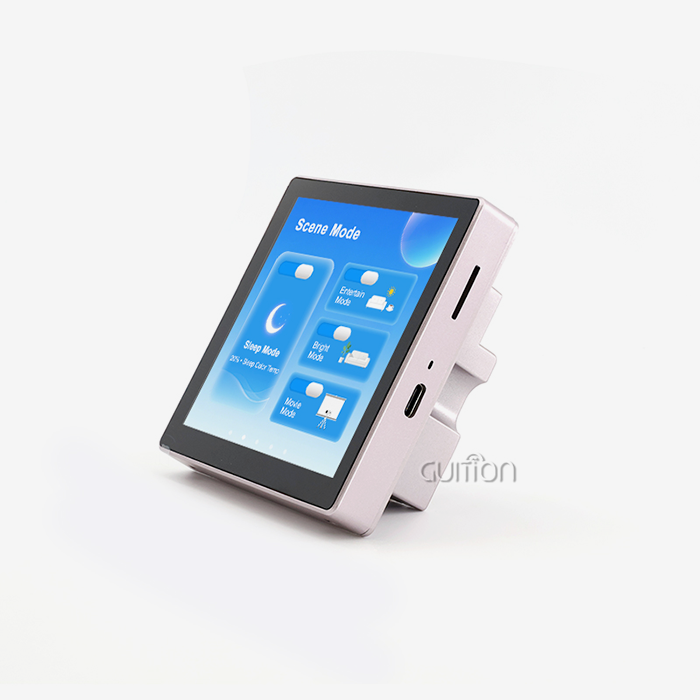
When engineering teams need to buy a lot of spi display modules, choosing the right supplier is about more than just price. It's also about how long the product will work. GUITION is a tech-focused company that does all of its research and development, production, and sales in one place. It has HMI modules that are 1.28 inches to 21.5 inches wide and in both round and square shapes. Low-level coding bottlenecks are gone thanks to the independently developed Guition UI software. This lets you design fast WYSIWYG interfaces with drag-and-drop controls and debug across Arduino, IDF, and Guition development modes.
In addition to hardware, GUITION modules have built-in WiFi and Bluetooth, UTF-8 encoding for multiple languages, over-the-air (OTA) updates, and secondary development interfaces with full technical documentation. These features make GUITION a strong choice for businesses that want to make scalable, widely available HMI products, not just trials.
Conclusion
The actual case of your device, your UI design language, and your development environment are the three main considerations when deciding between a round LCD display Arduino module and a Square TFT. With its GC9A01 driver, 240x240 resolution, and industrial-grade working range, the GUITION JC2424S012N_I circular display gives wearables, gauges, and dial-style interfaces the most precise look possible. Square TFTs are still the most practical choice for panels with a lot of data, text, or more than one widget. You should give GUITION a closer look if you need a round LCD display Arduino solution that comes with real documentation, professional support, and reliability that can withstand heavy use.
FAQ
1. Can one Arduino library work for both round and square displays?
Not every library does a good job of covering all driver ICs. TFT_eSPI works with both GC9A01 (round) and ILI9341/ST7789 (square), which makes it the most flexible choice. Still, changes need to be made to the configuration for each driver IC.
2. What round LCD size suits most Arduino projects?
The 1.28-inch size works well for watches, knobs, and small gauges, like the GUITION JC2424S012N_I. If your project needs more screen space, you might want to look into 2.1-inch round modules with a resolution of 480x480.
3. Why does refresh rate matter?
The refresh rate controls how smooth an animation is. Motion artifacts can be seen at less than 10 FPS. Aim for at least 30 FPS for fast HMI screens. It takes an ESP32 or STM32 with native SPI and DMA support to accomplish this on a round LCD display Arduino setup.
4. Does the GUITION JC2424S012N\_I support touch input?
Touch is an extra feature that can be added. The base module only has a screen. For the optional capacitive touch panel to talk over I2C, it needs its own SDA, SCL, and INT pins to be wired.
5. Is 3.3V logic required for all round LCD modules?
3.3V logic is used by most current circular screens, including units based on the GC9A01. Don't connect the driver IC directly to a 5V AVR Arduino board without a level shifter. This will damage the IC.
Partner With Guition for Your Round LCD Display Arduino Solution
Guition sells engineered hmi display modules instead of regular screens. Every module is backed by full driver documentation, development libraries, and quick expert help from GUITION, a reputable round LCD display Arduino maker. Email our team at david@guition.com to see the full range of products, ask for samples, or talk about volume pricing that fits your production timeline.
References
1. Monk, Simon. Programming Arduino: Getting Started with Sketches. McGraw-Hill Education, 2016.
2. Horowitz, Paul, and Winfield Hill. The Art of Electronics. Cambridge University Press, 2015.
3. Margolis, Michael. Arduino Cookbook. O'Reilly Media, 2020.
4. Spence, Robert. Information Visualization: An Introduction. Springer, 2014.
5. Ganssle, Jack G. The Art of Designing Embedded Systems. Newnes, 2008.
6. IEC 61131-2. Programmable Controllers — Part 2: Equipment Requirements and Tests. International Electrotechnical Commission, 2017.
Learn about our latest products and discounts through SMS or email