- English
- French
- German
- Portuguese
- Spanish
- Russian
- Japanese
- Korean
- Arabic
- Greek
- German
- Turkish
- Italian
- Danish
- Romanian
- Indonesian
- Czech
- Afrikaans
- Swedish
- Polish
- Basque
- Catalan
- Esperanto
- Hindi
- Lao
- Albanian
- Amharic
- Armenian
- Azerbaijani
- Belarusian
- Bengali
- Bosnian
- Bulgarian
- Cebuano
- Chichewa
- Corsican
- Croatian
- Dutch
- Estonian
- Filipino
- Finnish
- Frisian
- Galician
- Georgian
- Gujarati
- Haitian
- Hausa
- Hawaiian
- Hebrew
- Hmong
- Hungarian
- Icelandic
- Igbo
- Javanese
- Kannada
- Kazakh
- Khmer
- Kurdish
- Kyrgyz
- Latin
- Latvian
- Lithuanian
- Luxembou..
- Macedonian
- Malagasy
- Malay
- Malayalam
- Maltese
- Maori
- Marathi
- Mongolian
- Burmese
- Nepali
- Norwegian
- Pashto
- Persian
- Punjabi
- Serbian
- Sesotho
- Sinhala
- Slovak
- Slovenian
- Somali
- Samoan
- Scots Gaelic
- Shona
- Sindhi
- Sundanese
- Swahili
- Tajik
- Tamil
- Telugu
- Thai
- Ukrainian
- Urdu
- Uzbek
- Vietnamese
- Welsh
- Xhosa
- Yiddish
- Yoruba
- Zulu
Resistive touch display module Buying Guide for OEM Projects
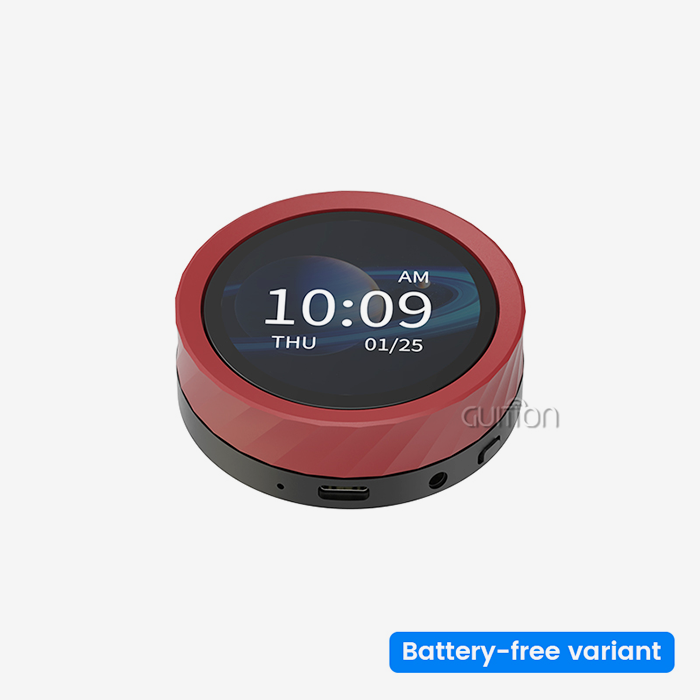
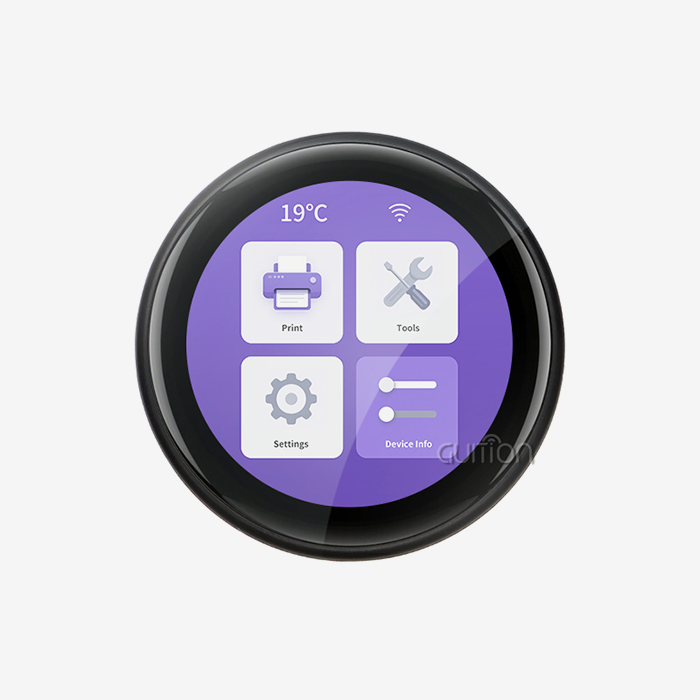
Choosing the right resistive touch display module for an OEM project can determine whether your product ships on schedule or gets stuck in costly redesign loops. A resistive touch display module works by detecting physical pressure between two conductive ITO layers, making it immune to liquids, dust, and gloved input—conditions that routinely defeat capacitive screens. This guide walks embedded engineers, R&D managers, and product leads through every decision point: technology selection, sourcing criteria, quality benchmarks, and long-term maintenance. We also spotlight the GUITION JC2432S028R as a concrete, well-documented reference design for teams that need a proven starting point.

Key Criteria to Consider When Buying Resistive Touch Display Modules
A standard that tells the difference between regular resistive touch screens and professional-grade modules is a touch uniformity error below 1.5%. High linearity means that the logged coordinate matches the actual touch point across the whole active area, not just the middle. This is very important for entering data accurately on small screens.
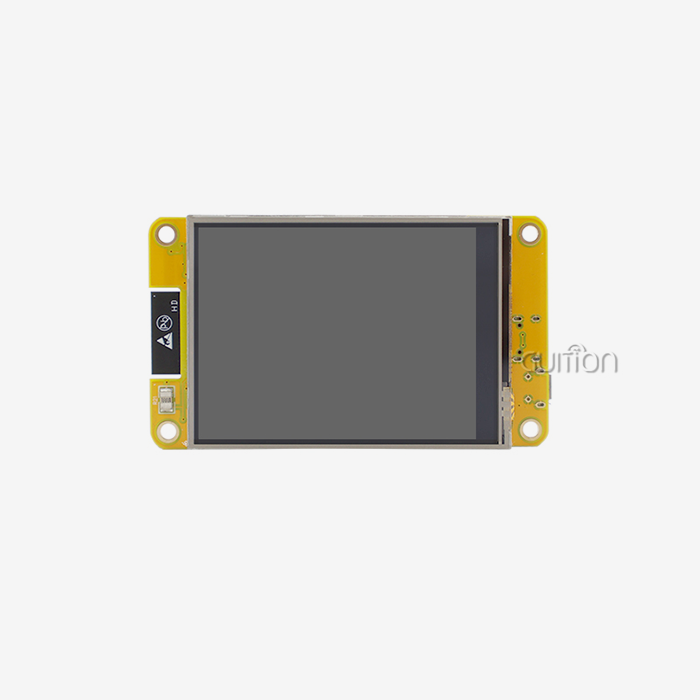
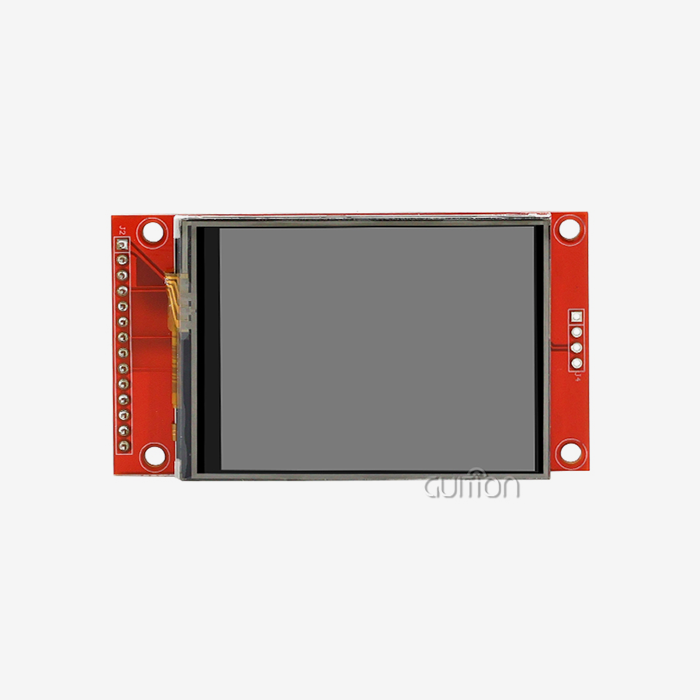
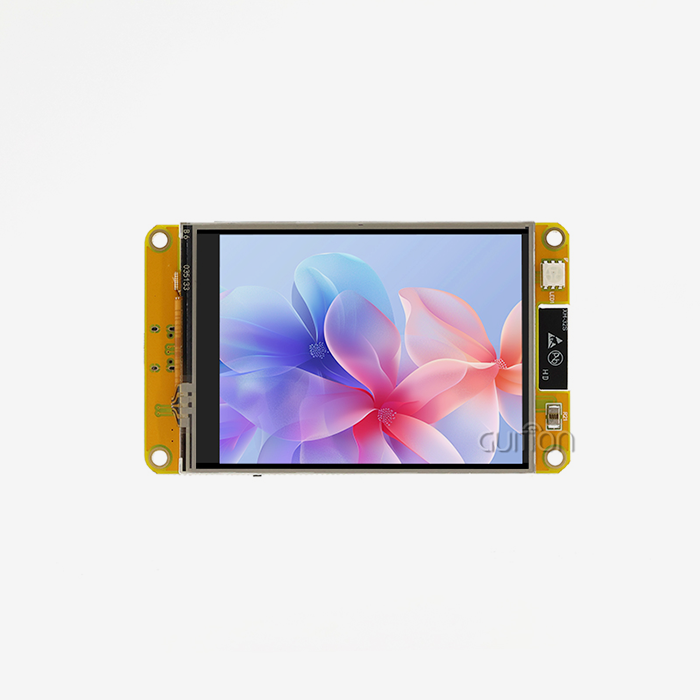
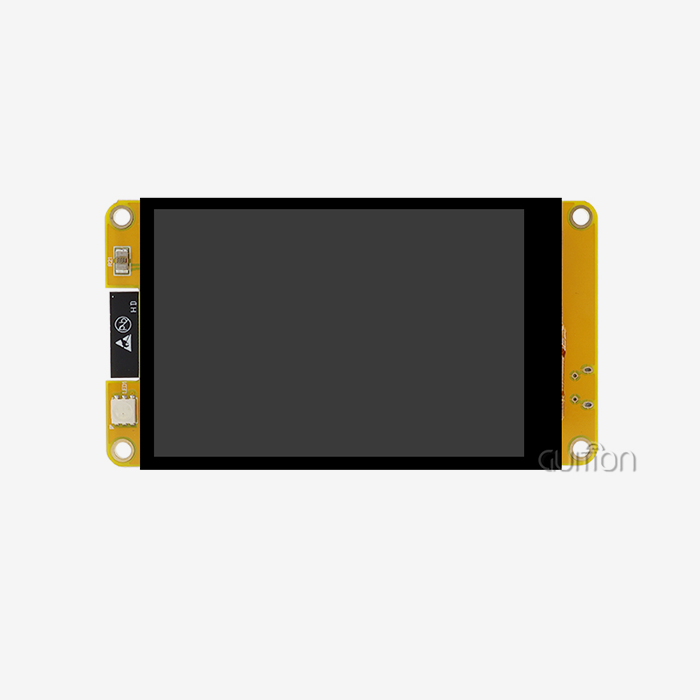
Readability is affected by more than just uniformity. In the GUITION JC2432S028R, there is a 2.8-inch TFT-LCD screen with a resolution of 240x320 pixels that is driven by the ILI9341 IC over 4-wire SPI. That combo gives you clear UI elements while keeping the number of IO pins to a minimum. This is helpful when the microcontroller's resources are already being used by communication stacks and sensor arrays.
Before committing to large orders, OEM teams should make sure they meet these sourcing criteria:
- Activation force range: Good Resistive touch SPI Display Modules can be set off by 20 g to 100 g. Too light lets in false data, and too heavy makes workers tired after long shifts.
- Environmental stress screening: Make sure the seller stores the modules at 60 °C and 90% RH for at least 240 hours to check the stability of the ITO layer and the adhesive bonding.
- FPC bond strength: The flexible printed circuit tail must be able to handle repeated vibrations without losing signal, which is a common way for mobile industrial equipment to break down.
- Anti-Newton ring treatment: Good panels stop the interference pattern that shows up when the top film touches the bottom glass while it's still, which blurs the picture.
Validating these metrics before placing a purchase order eliminates the most common root causes of field returns and after-sales cost escalation.
Resistive vs. Capacitive and Other Touch Technologies: Which One Is Right for Your OEM Project?
Consumer gadgets mostly use projective capacitive (PCAP) screens, which are great for smartphones because they can handle multiple touches and have clear images. But in a medical or industrial setting, the fact that PCAP is sensitive to water drops, conductive contaminants, and rubber gloves stops being a benefit. Because it only reacts to mechanical pressure that is applied on purpose, a Resistive touch display module is immune to these triggers.
Infrared touch overlays completely get rid of physical wear, but they make the screen sensitive to light interference and require a clear optical path around the edge, which makes designing a ruggedized enclosure more difficult. A Resistive touch display module regularly provides more reliable input at a lower bill-of-materials cost than either option for OEM projects working in temperature ranges of -20 °C to +70 °C, dusty manufacturing floors, or wet food-processing environments.
Procurement Guide: How to Source High-Quality Resistive Touch Display Modules
Vertical integration is the first step toward reliable procurement. Resistive touch spi display module manufacturers can respond to design change requests more quickly and maintain consistent component sourcing, both of which lower the risk to OEM programs' schedules.
This type is shown by GUITION, which was made by Shenzhen Jingcai Intelligent Co., Ltd. The business works with screens ranging from 1.28 inches to 21.5 inches, has its own research and development team that focuses on HMI solutions, and offers the Guition UI creation software as a package deal. Engineers can make visual prototypes of interfaces by adding controls with a click and moving them around with drag-and-drop. This is possible without having to write low-level graphics code. The software has development modes for Arduino, ESP-IDF, and native Guition, so teams can use the workflow that works best for them instead of having to learn everything from scratch.
For example, the JC2432S028R has an SD card slot for storing files, sample code libraries for quick start-up, and WiFi and Bluetooth support built right in. With remote over-the-air (OTA) upgrades, installed units can get better user interfaces without having to be visited in the field. This cuts down on the cost of ongoing support. When looking into a Resistive touch display module seller, you should also check their minimum order numbers, normal wait times, datasheet accuracy, and whether they offer technical help before the sale as well as after a problem arises.
Troubleshooting and Maintenance Tips for Resistive Touch Display Modules
Most long-term problems with 4-wire Resistive touch display modules are caused by calibration drift. It happens when temperature cycling causes ITO layers to expand or contract, which moves the voltage gradient a little away from the factory standard. These days, controllers hold calibration factors in EEPROM, which lets software recalibrate without having to touch the hardware. Putting a routine for recalibration into the firmware that runs at startup or after a certain number of operating hours makes sure that the touch accuracy stays within the specs for the whole life of the product.
Preventive maintenance is more than just checking the balance. Protective layers keep the top film from wearing away too quickly, and sealed casings keep oils and particles that speed up ITO degradation from getting in. Cleaning with pH-neutral, non-abrasive solutions keeps the surface hard and lets light pass through. If a module is used in an assembly that shakes a lot, check the FPC tail solder joints at regular service times to find intermittent connectivity issues early on, before they become a field complaint.
Conclusion
When choosing a resistive touch display module for an OEM project, you need to make sure that the pressure-sensitive input technology works in your setting, that the quality factors can be measured, and that you can work with a supplier who can support the whole product lifecycle. The GUITION JC2432S028R comes with a documented and field-tested starting point: a 240x320 resolution driven by the ILI9341, a 4-wire SPI interface, an onboard SD card, and a software ecosystem that shortens the time it takes to develop a user interface. When teams follow the buying and maintenance rules in this guide, they always get their products to market faster and spend less on upkeep after the sale.
FAQ
1. What is the main difference between 4-wire and 5-wire resistive touch display modules?
When there are 4 wires, the X and Y electrodes are spread out between the top film and the bottom glass. The film's ITO layer can only handle about one million touches per spot before it breaks. All of the active electrodes on a 5-wire Resistive touch display module are on the bottom glass. The top film only works as a voltage probe, so it can withstand more than 10 million touches and is better for high-cycle industrial screens.
2. Can a resistive touch display module work in direct sunlight?
The multiple film layers lower the transmissivity to 75% to 86%, which can make it harder to read outside. High-brightness backlights (above 1,000 nits) and optical connection between the display and touch screen reduce internal reflection, which raises the contrast when the room is bright.
3. How do I prevent false touches from vibration in industrial equipment?
Adding more force to the triggering level in the touch controller firmware blocks vibrations with low force. Using vibration-dampening seals to mount the module lowers the mechanical noise that gets to the touch area even more.
4. Is the GUITION JC2432S028R compatible with Arduino?
Yes. The module works with development modes for Arduino, ESP-IDF, and Guition. GUITION gives you ready-to-use sample code to speed up the initial setup on all three platforms.
Partner with Guition for Your Next Resistive Touch Display Module Project
Guition offers Resistive touch display modules that are ready for production, backed by a team that works together on both research and production. The JC2432S028R is one of a line of products that range from 1.28 inches to 21.5 inches and are all backed by the Guition UI software and quick technical help. Contact our resistive touch display module manufacturer team at david@guition.com to get a consultation and competitive quote right away, no matter how many units you need for OEM supply or just one for testing.
References
1. Bhalla, M. R., & Bhalla, A. V. — Comparative Study of Various Touchscreen Technologies, International Journal of Computer Applications, 2010.
2. Castellanos, G., & Pérez, A. — Human-Machine Interface Design for Industrial Automation Systems, IEEE Transactions on Industrial Informatics, 2018.
3. Harper, R. — Inside Human-Computer Interaction: A Design Perspective, MIT Press, 2008.
4. ILI Technology Corp. — ILI9341 TFT LCD Single Chip Driver Datasheet, ILI Technology Corp., 2012.
5. Planar Systems — Touch Technology Comparison: Resistive, Capacitive, and Infrared, Planar Systems Technical White Paper, 2015.
6. Shneiderman, B., & Plaisant, C. — Designing the User Interface: Strategies for Effective Human-Computer Interaction, Pearson Education, 2010.
Learn about our latest products and discounts through SMS or email