- English
- French
- German
- Portuguese
- Spanish
- Russian
- Japanese
- Korean
- Arabic
- Greek
- German
- Turkish
- Italian
- Danish
- Romanian
- Indonesian
- Czech
- Afrikaans
- Swedish
- Polish
- Basque
- Catalan
- Esperanto
- Hindi
- Lao
- Albanian
- Amharic
- Armenian
- Azerbaijani
- Belarusian
- Bengali
- Bosnian
- Bulgarian
- Cebuano
- Chichewa
- Corsican
- Croatian
- Dutch
- Estonian
- Filipino
- Finnish
- Frisian
- Galician
- Georgian
- Gujarati
- Haitian
- Hausa
- Hawaiian
- Hebrew
- Hmong
- Hungarian
- Icelandic
- Igbo
- Javanese
- Kannada
- Kazakh
- Khmer
- Kurdish
- Kyrgyz
- Latin
- Latvian
- Lithuanian
- Luxembou..
- Macedonian
- Malagasy
- Malay
- Malayalam
- Maltese
- Maori
- Marathi
- Mongolian
- Burmese
- Nepali
- Norwegian
- Pashto
- Persian
- Punjabi
- Serbian
- Sesotho
- Sinhala
- Slovak
- Slovenian
- Somali
- Samoan
- Scots Gaelic
- Shona
- Sindhi
- Sundanese
- Swahili
- Tajik
- Tamil
- Telugu
- Thai
- Ukrainian
- Urdu
- Uzbek
- Vietnamese
- Welsh
- Xhosa
- Yiddish
- Yoruba
- Zulu
Raspberry pi display module Solutions for IoT and Automation
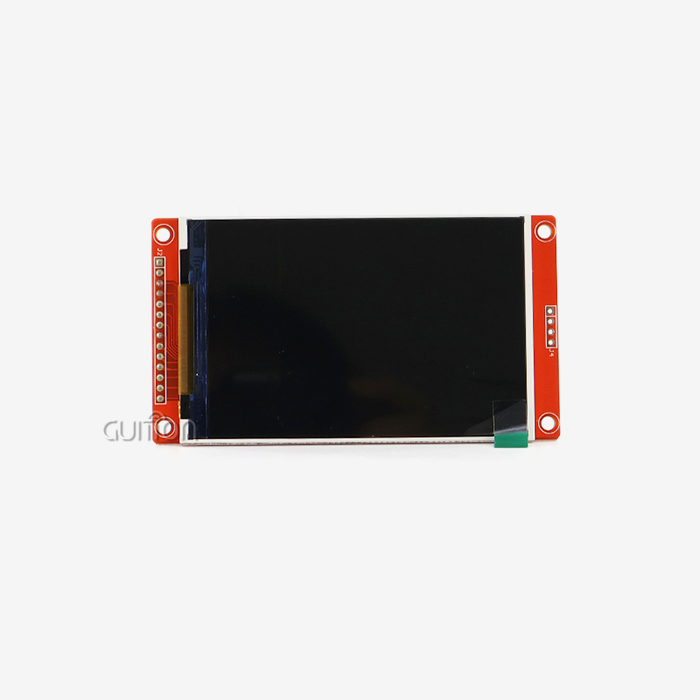
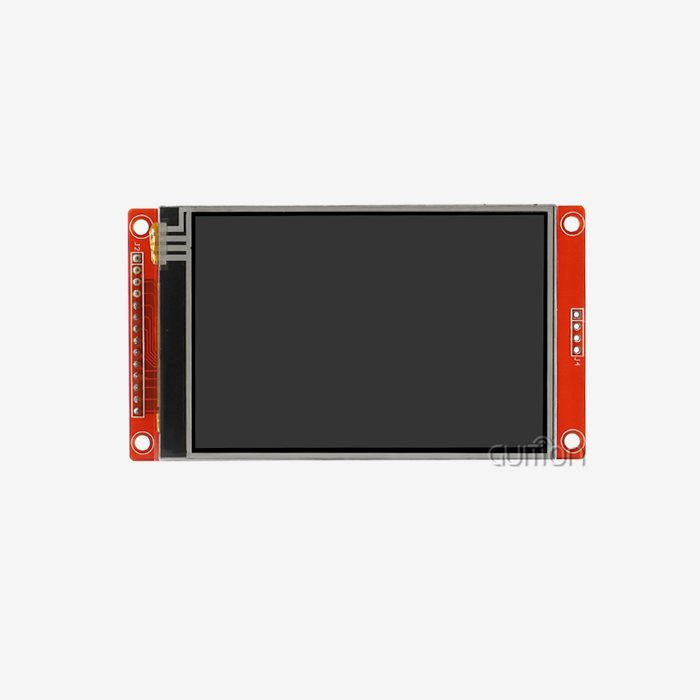
Raspberry Pi display modules have become popular as powerful yet affordable components for industrial automation and Internet of Things (IoT) projects. These specialized display devices work well with microcontrollers and embedded systems, giving engineers many options for building control panels, data visualization dashboards, and touchscreens that you can interact with. These modules are different from regular monitors because they have display screens that are built in with controller ICs and communication methods that work best in embedded settings. They solve important problems like small size, low power use, and making it easier to integrate drivers. These are all traits that are needed for industrial applications where limited space and energy efficiency have a direct effect on prices and system reliability.

Understanding Raspberry Pi Display Modules for IoT and Automation
Modern robotic systems need easy-to-use platforms that can turn complicated sensor data into insights that can be used. Embedded platform display units fill this gap by mixing hardware efficiency with software adaptability.
Core Technologies and Display Types
Different panel technologies are useful in industrial settings, and each one meets a different set of operating needs. LCD screens are still very popular because they offer good value for money and stable images at temperatures ranging from -20°C to +70°C. OLED versions have better contrast ratios (more than 1000:1) and faster reaction times (less than 1ms), which makes them perfect for uses that need to change data quickly. E-ink screens are very easy to read outside in direct sunlight and use very little power when they're showing static material, which is a big plus for battery-powered field devices.
Interface Protocols and Connectivity
How display units and host processors talk to each other determines how well the system works and how hard it is to integrate. MIPI-DSI connections send high-bandwidth video streams straight from graphics processors, which cuts CPU work by up to 60% compared to rendering methods that are controlled by software. SPI links are easy to use for programs that need sizes lower than 480x320 pixels, and most microcontrollers have standard GPIO pins that can be used for this. Plug-and-play functions are possible with a USB connection, but it adds latency that could affect real-time control apps. Engineers have to weigh these trade-offs against the needs of the project, like the frame rate, sharpness, and processor resources that are available.
Key Specifications for Industrial Deployment
Making choices about what to buy depends on knowing the technical factors that have a direct effect on long-term dependability. The operating temperature range tells you what kind of climate the module can work in. Commercial-grade modules can work between 0°C and +50°C, while industrial-grade modules can handle rougher circumstances. Outdoor visibility is based on brightness levels, which are measured in nits. Standard modules provide 250–350 nits, while high-brightness models provide 800+ nits for use in full sunlight. The type of touch technology you choose affects how well you can interact with the device. For example, projected capacitive systems let you use multiple touches while wearing gloves, while resistive versions allow for fine single-point input and work with styluses.
How to Select the Best Raspberry Pi Display Module for Your Automated IoT Project
To pick the right display hardware, you need to carefully weigh the technical needs against the practical limitations. This process strikes a balance between performance standards, price constraints, and the dependability of the supplier.
Environmental and Functional Requirements Analysis
Extreme temperatures in factories and outdoor sites have a direct effect on the choice of Raspberry Pi display module components. Modules used in HVAC control systems have to be able to work at high temperatures for a long time without losing their pixels. Vibration resistance is very important in transportation applications where constant mechanical stress can damage solder joints and ribbon wire connections. When chemicals are used in farm machinery, sealed bezels with IP65 ratings are needed to keep out water and dust.
Display Technology Comparison
Touchscreen-enabled units make it easier for users to connect, but they cost 20–40% more than display-only versions. This investment is worth it when workers need to change parameters often without using external input devices. When showing mostly dark screens, OLED panels use 30% less power than similar LCD modules. However, they last less long when they are constantly turned on to full brightness. E-ink technology works great for apps that need to show static information with little power usage, but it can't show changing content at refresh rates below 1Hz.
Supplier Evaluation and Procurement Metrics
Authorized makers have strict quality control standards that have a direct effect on the number of failures and guarantee claims. International industry standards are met when ISO 9001 approval and RoHS compliance are checked. Lead times that range from 4 to 12 weeks can slow down projects, especially when they need to be customized with specific technical specs or interface changes. Total cost of ownership is affected by the minimum order quantity. Sales below 100 units usually cost 15–25% more than production-scale sales. The length of the warranty and how quickly technical help responds show how committed the provider is to long-term partnerships rather than transactional relationships.
Introducing the GUITION JC-ESP32P4-M3-DEV: Advanced HMI Solution
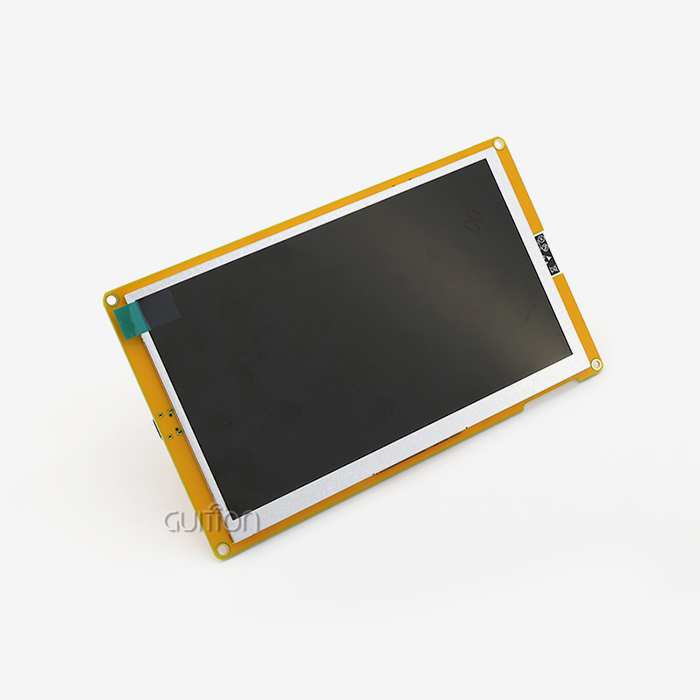
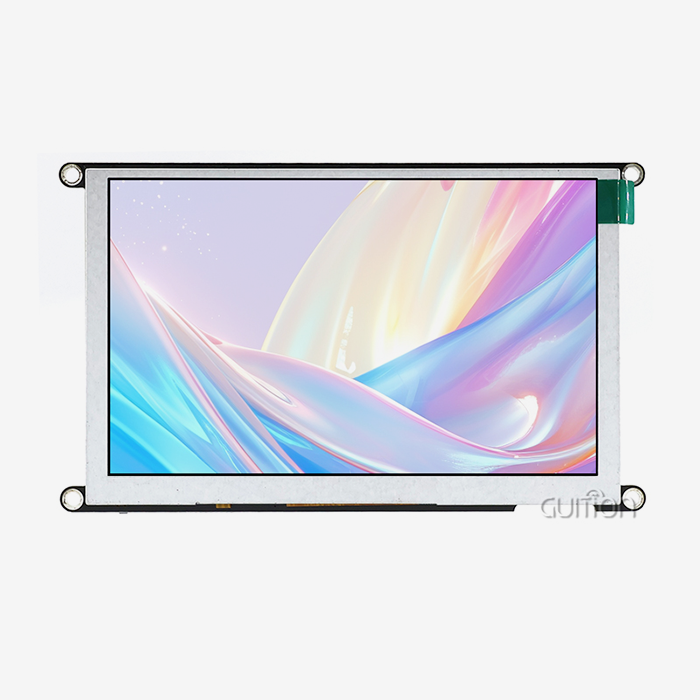
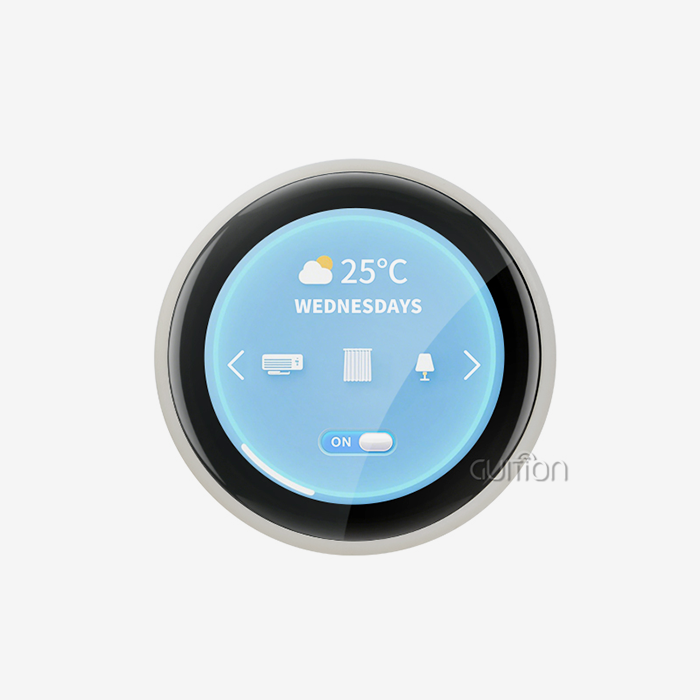
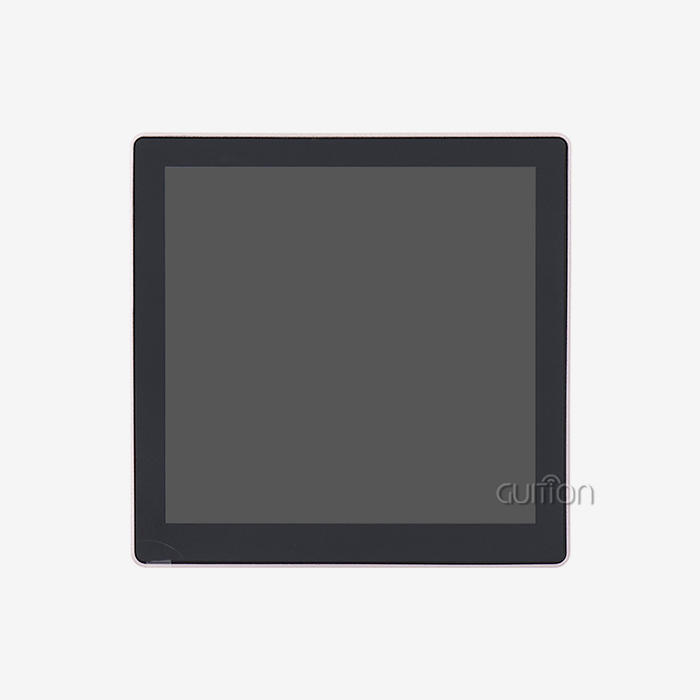
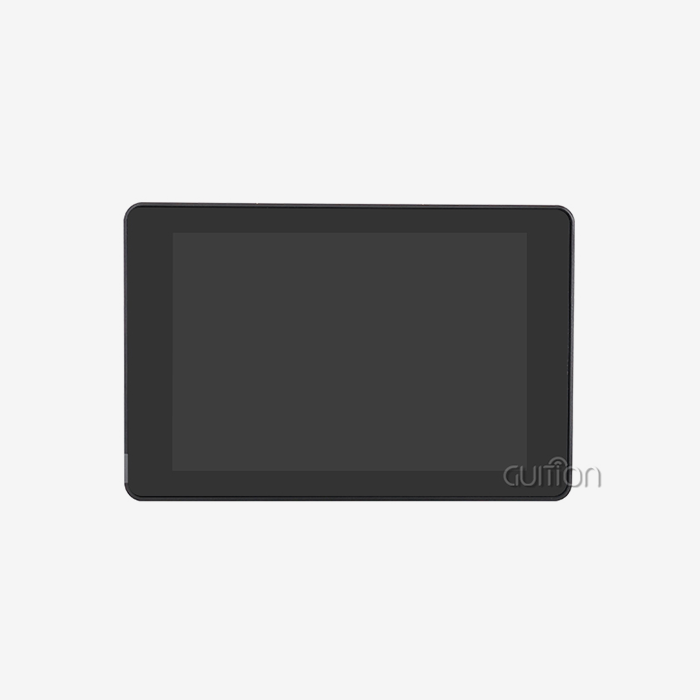
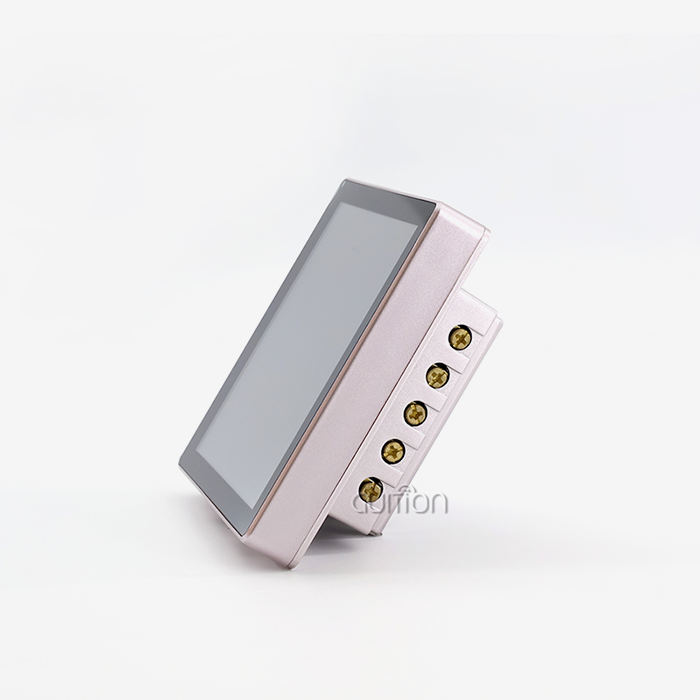
Guition designed the JC-ESP32P4-M3-DEV to meet strict industry standards and get around the problems with regular display modules. This programming platform has a dual-chip architecture that combines ESP32-P4 and ESP32-C6 processors. This gives it features that go beyond standard display interface options.
Dual-Core Processing Architecture
The ESP32-P4 has a 400MHz dual-core RISC-V processor design that can handle multiple jobs at once without slowing down the device. This setup lets you run UI rendering, sensor data processing, and connection protocol handling all at the same time. Engineers can use up to 32MB of PSRAM, which lets them make complicated graphical user interfaces with real-time video sources and layered animations. The built-in Image Signal Processor handles MIPI-CSI camera feeds, so machine vision apps don't need any extra video processing hardware.
Comprehensive Interface Ecosystem
Hardware is flexible because it has a lot of external support for a wide range of connection needs. The MIPI-DSI output can power high-resolution screens with up to 1280x720 pixels and 60Hz refresh rates, which are good for industrial panels with lots of information. High-speed USB OTG 2.0 ports make it possible to change firmware using regular flash drives, without the need for special programming tools. Multiple UART channels let PLCs, motor controls, and sensor networks talk to each other at the same time, which is a typical setup in industrial automation. ADC inputs with a precision of 12 bits allow for accurate tracking of analog signals in process control applications.
Security Features for Industrial Environments
Through built-in cryptographic peripherals, data integrity and practical security get specialized hardware support. During boot processes, the digital signature module checks the validity of the firmware. This stops illegal code execution that could damage the system's functionality. A separate key management unit stores encryption keys and login information safely, meeting the needs for medical device compliance and financial terminal deployments. These security layers work without the help of application code, so safety is still there even if software bugs show up.
Development Advantages That Accelerate Time-to-Market
Usually, making an embedded display requires a lot of low-level computer understanding and a lot of time spent debugging. With its easy-to-use tools and large libraries, Guition's integrated software environment changes this process.
Simplified UI Creation with Guition Software
The exclusive Guition development environment for Raspberry Pi display module gets rid of complicated code for managing framebuffers and displaying images. Drag-and-drop, positioning buttons, gauges, and data fields are some of the ways that engineers create interfaces. They don't use coordinate formulas. There is a large library of pre-built controls that includes basic tools like trend charts, alarm indicators, and number displays that can have their formatting changed. Adding controls with just one click cuts the time it takes to make an interface prototype from days to hours, so changes can be made quickly based on what users say.
Multiple Development Framework Support
Instead of learning how to use private toolchains, project teams work in settings they already know. Integrating Arduino into an IDE gives engineers access to a large collection of community tools and example code, which speeds up the learning process for engineers moving from amateur platforms. Support for the ESP-IDF framework lets you directly access FreeRTOS features and the advanced peripheral setups that are needed for complicated industrial apps. This allows people with different levels of skill to work together on projects; junior engineers can help by using simpler Arduino methods, while senior developers can improve speed by directly accessing registers.
Cross-Platform Debugging Capabilities
Online testing works on multiple host operating systems, so there are no problems with setting up the software for each location. Without actual debugger hardware, engineers can keep an eye on external registers, communication methods, and variable states in real time. Breakpoints and step-through processing make it easier to figure out what's wrong when there are a lot of complicated timing exchanges between sensor samples and display updates. This feature comes in handy when working together remotely, because it lets people on different teams look into problems without having to physically access test hardware.
Remote Maintenance and Upgrade Infrastructure
Deployed systems get software changes through wireless connections, so service technicians don't have to go out into the field. This ability to upgrade remotely cuts down on repair costs by 40 to 60 percent for spread-out systems like smart city infrastructure or networks that watch farms. Over-the-air (OTA) update methods have rollback features that automatically go back to older versions of firmware if an update fails. This is necessary to keep important apps running. With UTF-8 encoding and support for multiple languages, a single firmware image can be used for global operations. This makes product management easier and cuts down on the cost of translation.
Real-World Applications Across Industries
The flexibility of Guition's display systems can be seen in a wide range of industries, each with its own set of technical hurdles and operational needs.
Industrial Automation and Process Control
These units are put into HMI screens that handle conveyor systems, robotic work cells, and quality checking stations in factories. Real-time production measures shown on screens that can be customized let workers find bottlenecks and change parameters without stopping work in progress. The tough design can handle electromagnetic interference from variable frequency drives and welding tools, so the display stays intact in places with a lot of electrical noise. Multitouch lets multiple operators enter information at the same time during joint manual processes. This makes setup and changeover faster and easier.
Medical Device Interfaces
Diagnostic equipment makers put these units in portable ultrasound systems and gadgets that keep an eye on patients. High-resolution displays show correct color reproduction of anatomical pictures that are needed for clinical analysis. Low electromagnetic radiation meets strict standards for medical devices and keeps sensitive testing equipment from being harmed. In hospital settings, antimicrobial surface treatments stop the spread of pathogens, which helps with infection control. Through careful power control, battery-powered operation lasts longer than 8 hours, allowing full-shift use in emergencies.
Smart Building and Energy Management
Building automation systems use these connections to run the HVAC system, manage the lights, and keep an eye on how much energy is being used. Wall-mounted screens look good with current building styles and let you control the temperature with a touchscreen. Real-time representation of energy use lets building managers find unusual patterns in energy use and take steps to improve efficiency. Integration with BACnet and Modbus protocols makes it possible to communicate easily with building control systems that are already in place, which saves money by avoiding the need to buy new systems.
EV Charging Infrastructure
These units are used by charging stations for electric vehicles to let users make payments, keep track of their sessions, and see what the service state is. High-brightness screens can be read even in full sunlight, so they can be used during the day. Electronics are kept safe from rain, dust, and temperature changes that can happen in outdoor placements by strong weatherproof casings. Bluetooth makes it easier to connect mobile apps, which lets drivers start charging sessions and get updates through their smartphones.
Comparing Display Module Solutions
The products on the market now have a range of features and prices that affect purchasing choices. Knowing these differences helps you make a smart choice that fits the needs of the job.
Performance Metrics and Trade-offs
Displays in esp32p4 display module with resolutions ranging from simple 320x240 pixels, good for tracking parameters, to full HD 1920x1080 panels that can handle complex graphical user interfaces are all possible. Higher resolutions need more memory, speed, and processing power, which limits the battery life of handheld devices. Most industrial visualizations can work with refresh rates between 30Hz and 60Hz, but apps that need to see a lot of motion, like video security, need steady 60Hz performance to avoid judder artifacts.
Power Consumption varies significantly across technologies
Different technologies use very different amounts of power. When they're working, reflective LCD screens use only 0.8 to 1.2W, which means that field equipment can run on batteries for longer periods of time. When showing standard industrial connections with a range of brightness settings, OLED panels use 1.5 to 2.5W. When showing static information, e-ink devices use less than 50mW of power. However, when the whole screen is refreshed, they need 400–600mW of power for a short time.
Cost-Benefit Analysis for Volume Procurement
Unit price shows economies of scale: when you buy more than 500 units, the costs usually go down by 25 to 35 percent compared to the prototype numbers. For bigger deployments, longer payment terms and volume savings help cover the original cost of cash. But having too much stuff can make things useless as display technologies change. Strategic buyers weigh the benefits of instant volume savings against the chance of component changes within the 18–24 month product lifecycles.
Procurement Best Practices for Display Module Selection
To source components successfully, you need to find a balance between technical requirements, relationships with suppliers, and risk-reduction strategies that keep project schedules and budgets safe.
Supplier Verification and Quality Assurance
Authorized distributors have direct ties with makers, so they can make sure that the parts they sell are real and not fakes that are common on the gray market. Ask for badges of conformity that show you meet safety standards like RoHS, REACH, and others. Check the quality certifications of the seller, such as ISO 9001 for manufacturing methods and ISO 13485 for medical device parts if they apply. Established providers offer detailed component tracking, which lets you quickly fix quality problems by identifying problems at the batch level.
Strategic Bulk Ordering Considerations
To get the best balance between order amounts and inventory holding costs, you need to predict demand across the lifecycles of products. Safety stock levels should be 15-20% above what is expected to be used, so that they can account for changes in wait times and possible supply outages. Framework deals that set prices and delivery times for repeat sales will help you stick to your budget while still allowing for changes in volume. Putting custom tooling costs in escrow protects intellectual property investments in case supply relationships end too soon.
After-Sales Support and Technical Resources
Check the commitment of the provider by looking at the quality and ease of access of the documents. Detailed datasheets that include electrical specs, mechanical measurements, and interaction standards make the integration process go faster. Reference designs and example code speed up development by giving you tested places to start. Technical problems can be solved quickly through email, the phone, and online groups. This keeps the job on schedule. Long-term promises to the availability of parts (usually 5–10 years) allow for longer product lifecycles that are common in industrial settings. This keeps expensive redesigns from having to be done because parts are no longer available.
Conclusion
To choose the right display options for IoT and automation projects, you need to carefully look at their technical skills, how reliable their suppliers are, and the total cost of ownership. The GUITION JC-ESP32P4-M3-DEV is a complete solution that solves common problems by including built-in hardware, adaptable programming tools, and a lot of different ways to join. This platform's dual-core processing design, strong security features, and support for multiple frameworks make it a good base for industrial HMI apps. Engineers can speed up the development process with cross-platform debugging and easy-to-use UI design tools. Procurement workers can feel more confident with quality standards that have been set and quick technical help. Strategically choosing parts that meet the needs of a particular project is what determines the success of rollout and the long-term efficiency of operations.
FAQ
What compatibility considerations exist between display modules and different microcontroller platforms?
Support for interface protocols determines the range of compatibility. Higher-end microcontrollers are the only ones that can connect to MIPI-DSI because they need processors with special display drivers. SPI connections make it easier to use Arduino, STM32, and ESP32 devices together, but they limit the resolution and refresh rate that can be used. USB connection makes everything work with each other, but it adds latency that makes it unsuitable for real-time control apps. Check to see if the driver is available in the development settings you want to use. Some private display controllers may not have open-source software support, which means you will have to work hard to make your own driver.
How can touchscreen responsiveness issues be diagnosed and resolved?
Most of the time, noise in the power source or electromagnetic radiation causes ghost touches. Put low-ESR capacitors close to touch controller ICs to do specialized power filtering. Keep touch sensor wires away from communication buses and switching circuits that handle a lot of power. For resistive touch calibration, you need to use tools given by the manufacturer to access multi-point alignment processes. Capacitive touch intensity settings can be changed to account for different overlay thicknesses and user contact situations, like when gloves are worn. Firmware changes can sometimes fix controller IC bugs that make it hard to accurately use a touchscreen. Before doing a lot of hardware fixing, check with the maker to see if the latest version is available.
What advantages do e-ink displays provide for specific IoT applications?
E-ink technology works great for battery-powered apps that don't need to be updated very often because it only uses power when the content changes and not when it's running all the time. Outdoor viewing in direct sunlight is better than LCD and OLED options, and it doesn't need backlighting that is very bright, which drains batteries. Passive display retention keeps content visible when the power goes out, which is useful for emergency signs and important state indicators. However, slow update rates make it less suitable for moving content, and monochrome versions make it harder to build than full-color versions. Because temperature sensitivity changes performance below 0°C, cold-weather deployments need to be done in warm shelters.
Partner with Guition for Your Industrial Display Solutions
Guition offers complete Raspberry Pi display module HMI display options designed to work with industrial systems and the Internet of Things. Our JC-ESP32P4-M3-DEV module has strong dual-core processing, flexible connections, and easy-to-use development tools that will speed up the time it takes to make your products. As a maker with a lot of knowledge, we offer full secondary development help, cross-platform debugging, and remote upgrade features that lower your long-term maintenance costs. Email our engineering team at david@guition.com to talk about custom configurations, bulk prices, and technical specs that are made to fit the needs of your project. We help you buy in bulk at reasonable prices and keep a large inventory to meet tight shipping dates. Find out how our Guition UI development tools make it easier to make interfaces with drag-and-drop features and support for multiple languages, so they can be quickly deployed in markets around the world.
References
1. Johnson, M. & Peterson, K. (2023). Embedded Display Technologies for Industrial Automation Systems. Industrial Electronics Press.
2. Chen, L. (2024). HMI Design Principles for IoT Applications: Engineering Best Practices. Automation Technology Publishers.
3. International Society of Automation (2023). Technical Standards for Industrial Display Interfaces: ANSI/ISA-101 Guidelines.
4. Williams, R. & Thompson, D. (2024). Wireless Connectivity in Industrial IoT: Wi-Fi 6 and Bluetooth 5 Implementation Strategies. Embedded Systems Journal.
5. Anderson, P. (2023). Security Architectures for Connected Embedded Devices: Cryptographic Hardware Integration. IEEE Industrial Electronics Transactions.
6. Martinez, S. & Kumar, A. (2024). Cost-Benefit Analysis of Display Technologies in Manufacturing Environments. Journal of Industrial Engineering Applications.
Learn about our latest products and discounts through SMS or email