- English
- French
- German
- Portuguese
- Spanish
- Russian
- Japanese
- Korean
- Arabic
- Greek
- German
- Turkish
- Italian
- Danish
- Romanian
- Indonesian
- Czech
- Afrikaans
- Swedish
- Polish
- Basque
- Catalan
- Esperanto
- Hindi
- Lao
- Albanian
- Amharic
- Armenian
- Azerbaijani
- Belarusian
- Bengali
- Bosnian
- Bulgarian
- Cebuano
- Chichewa
- Corsican
- Croatian
- Dutch
- Estonian
- Filipino
- Finnish
- Frisian
- Galician
- Georgian
- Gujarati
- Haitian
- Hausa
- Hawaiian
- Hebrew
- Hmong
- Hungarian
- Icelandic
- Igbo
- Javanese
- Kannada
- Kazakh
- Khmer
- Kurdish
- Kyrgyz
- Latin
- Latvian
- Lithuanian
- Luxembou..
- Macedonian
- Malagasy
- Malay
- Malayalam
- Maltese
- Maori
- Marathi
- Mongolian
- Burmese
- Nepali
- Norwegian
- Pashto
- Persian
- Punjabi
- Serbian
- Sesotho
- Sinhala
- Slovak
- Slovenian
- Somali
- Samoan
- Scots Gaelic
- Shona
- Sindhi
- Sundanese
- Swahili
- Tajik
- Tamil
- Telugu
- Thai
- Ukrainian
- Urdu
- Uzbek
- Vietnamese
- Welsh
- Xhosa
- Yiddish
- Yoruba
- Zulu
OpenHASP Screen Setup Guide for Smart Home Projects
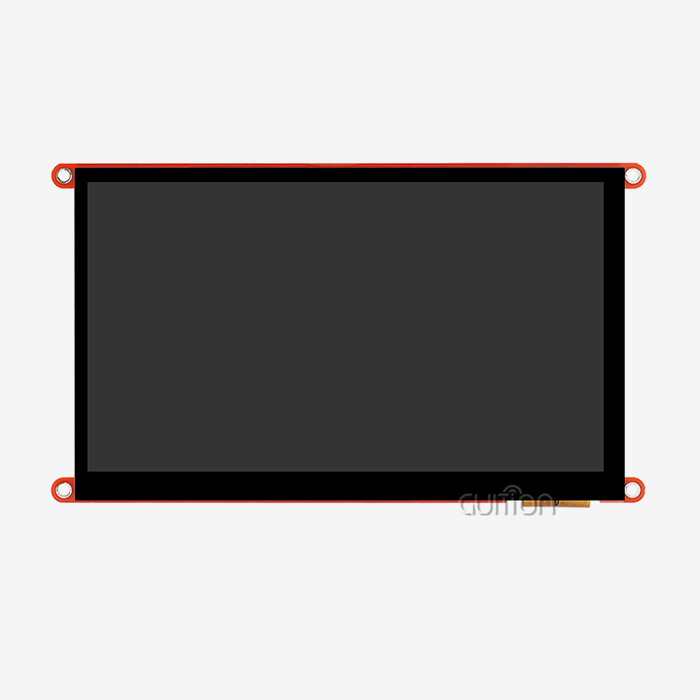
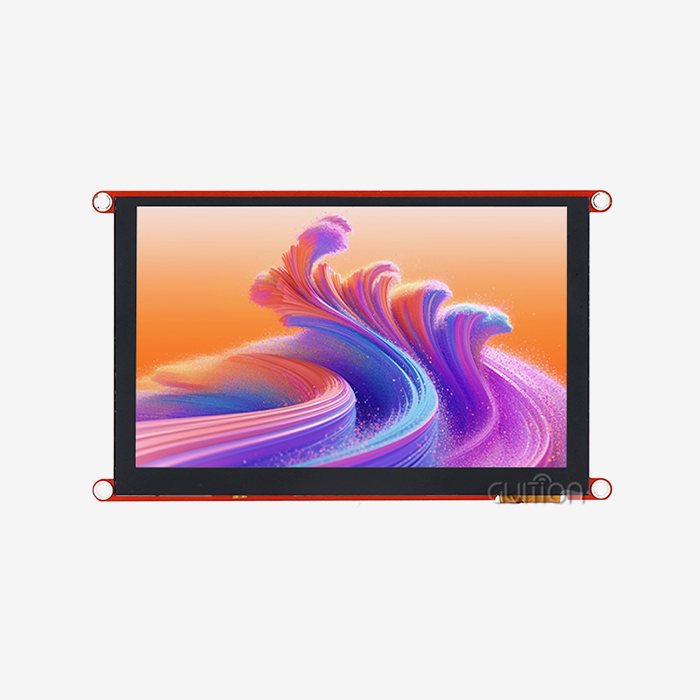
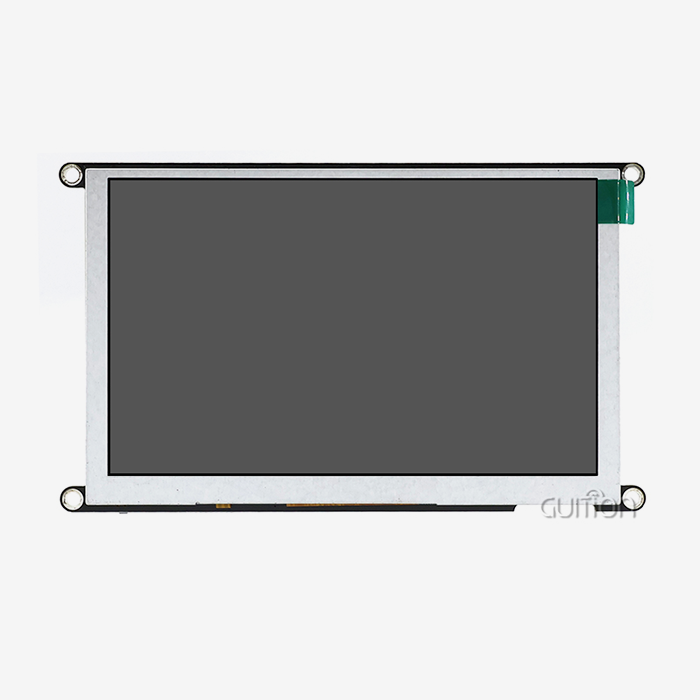
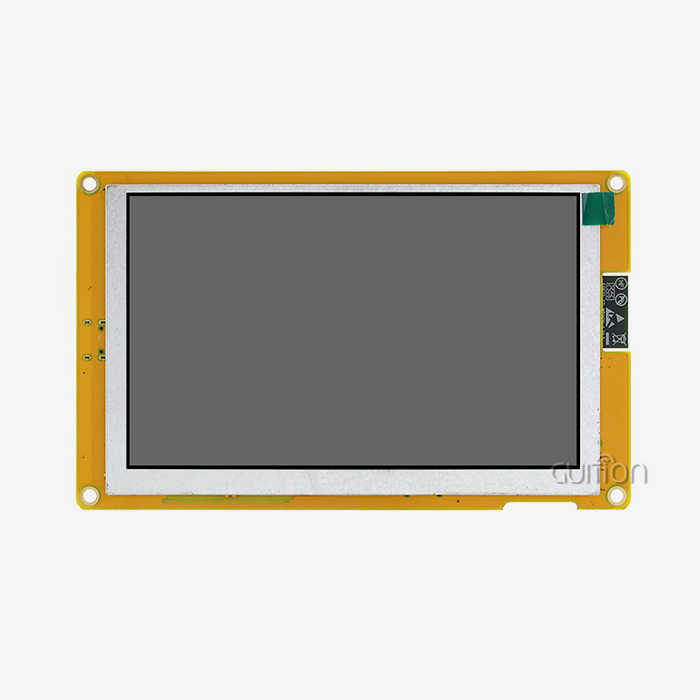
Setting up an OpenHASP screen for smart home automation is a quick and cheap way to make control panels that you can customize without having to do a lot of coding. The GUITION ESP32-4848S040C_I_Y_1 module has a 4-inch capacitive touchscreen and ESP32-S3R8 processing power. It gives embedded engineers and system designers a safe way to build interactive HMI solutions. This setup guide shows you how to get the hardware ready, set up the firmware, and connect it to automation platforms. This makes it easy to set up touch-enabled control screens quickly, which improves the user experience in both home and business smart settings.

Understanding the OpenHASP Screen: Features and Compatibility
The GUITION ESP32-4848S040C_I_Y_1 is a big step forward in technology for connecting people and machines that is designed for smart home and industrial control uses. This module has an ESP32-S3R8 dual-core processor that runs at 240MHz and has 512KB SRAM, 384KB ROM, 8MB PSRAM, and 16MB Flash storage. It has a lot of resources for complex UI drawing and multitasking. Through JSON-based UI configuration, OpenHASP screen firmware turns regular ESP32 screens into control panels that are linked to a network.
Core Hardware Specifications
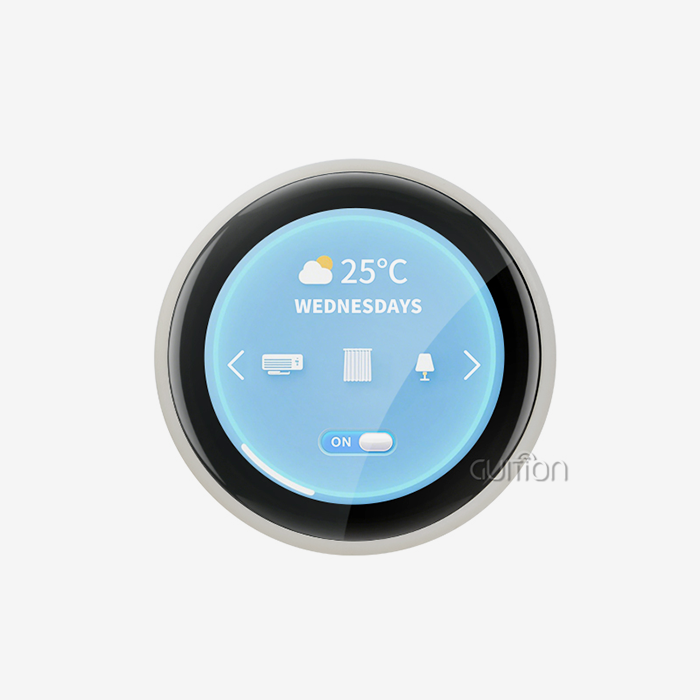
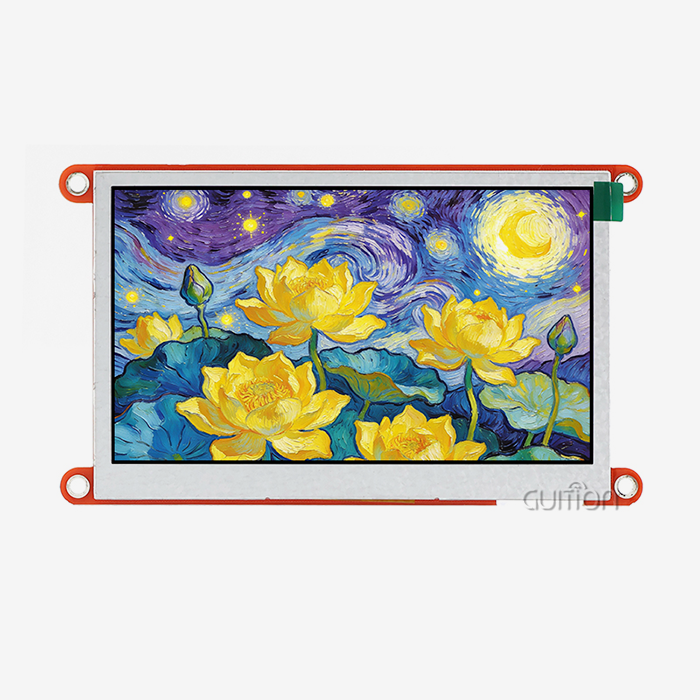
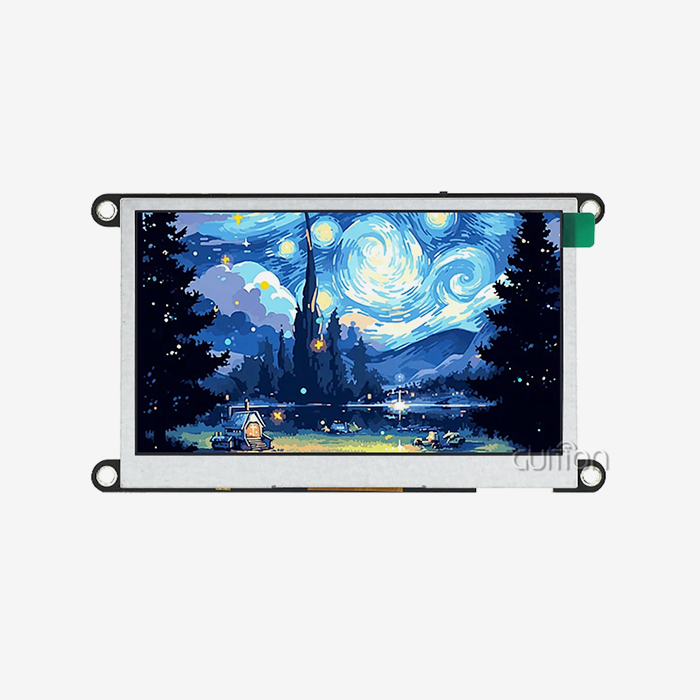
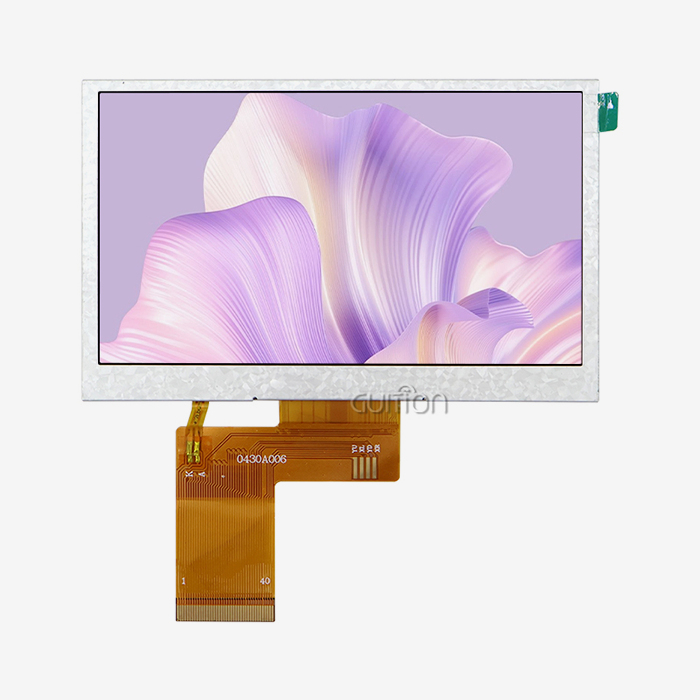
The 4.0-inch IPS monitor has a resolution of 480x480 pixels and supports 16-bit RGB color. It shows 65,000 bright colors that make the interface easier to read in a variety of lighting situations. Its square shape makes it different from regular rectangular screens, and its symmetrical design looks great with circular user interface elements like gauges, knobs, and radial options. Capacitive touch technology makes sure that input is detected quickly and correctly, which is necessary for current smart home control panels that let users connect easily. The built-in Wi-Fi and Bluetooth units get rid of the need for extra hardware for connecting to the internet. This simplifies the system design and lowers the cost of the parts.
Platform Compatibility and Development Flexibility
The module works with many development platforms, such as the Arduino IDE, ESP-IDF, MicroPython, and its own GUITION platform. This cross-platform support takes into account different engineering tastes and current toolchain investments. This makes it easier for teams to learn how to use new HMI options. The reserved TF card interface lets you store more UI images, fonts, setup files, and data logs without using up valuable Flash memory. IO port connections let you add external sensors, switches, or peripheral devices to GPIO, which makes system integration possible.
OpenHASP Firmware Advantages
The declarative method lets engineers set up interface layouts on the fly using MQTT messages or configuration files, while standard embedded display development needs a lot of LVGL library code and software compiling. This approach separates UI design from application code, which lets changes be made to the interface in real time without having to reflash the firmware. Product managers and user interface (UI) designers can quickly make changes to interface designs by trying different layouts and control methods during development or even after the app has been released through remote updates.
Step-by-Step OpenHASP Screen Setup for Smart Home Projects
To add the GUITION module to your smart home, you need to carefully prepare the hardware, install the software, and connect the platforms. The following process cuts down on release problems and speeds up the time it takes to get a product to market. This OpenHASP screen setup requires systematic preparation to ensure stable operation.
Hardware Prerequisites and Initial Configuration
Connect the module to a 5V power source that can provide at least 1A of current to make sure it works reliably during peak processing and display lighting activity. For the first writing and debugging sessions, the USB interface gives you power and a serial connection. Make sure that the right drivers are present on your programming computer so that it can recognize the ESP32-S3. Most current operating systems will instantly find the device, but some chipsets may need their own USB-to-serial drivers.
Firmware Flashing Process
From the official source, get the most up-to-date OpenHASP version that works with ESP32-S3 modules. Connect to the module's serial port with tools like ESPHome Flasher or esptool.py, and flash the code to the right Flash folders. There is a lot of room on the 16MB Flash for software, file systems, and unique assets. The module sets up a Wi-Fi access point for setup during the first boot. You can connect your phone or computer to this network, and then go to the web page to enter your local network passwords and MQTT broker information.
Integration with Home Assistant
Most people use Home Assistant, which is an open-source home management tool that lets devices connect easily through MQTT discovery. Once you set up the MQTT broker address on your display module, Home Assistant will find the device and make entities that work with it immediately. Make a JSONL configuration file that lists the buttons, sliders, and progress markers that will be used in your interface. You can use the web tool to upload this file or MQTT to send it. Each UI element subscribes to a different MQTT topic, and when your automation platform sends out status changes, the UI elements' visual states are updated. With two-way communication, you can use touch on the screen to send orders back to Home Assistant. This lets you handle HVAC systems, set off automations, or change lighting scenes without relying on the cloud.
Troubleshooting Common Setup Issues
Touch calibration may need to be changed if the real coordinates don't match up with the monitor coordinates. Through the web interface, you can get to the shell and run calibration methods to make sure that the transformation matrices are correct. Write down these numbers in your setup file so that they stay the same when you restart your computer. Problems connecting to networks are often caused by weak Wi-Fi signals or problems authenticating MQTT brokers. Watch the serial console during the boot process to see if the link fails and make sure the passwords match your network setup. When you load high-resolution background pictures, memory issues can lead to show artifacts or system restarts. To use less PSRAM, optimize picture files by lowering their size, compressing them, or using indexed color palettes.
Comparing Display Solutions for Smart Home Applications
To choose the best HMI option, you have to weigh the technical skills against the needs of the project, your budget, and the cost of long-term maintenance. Devices with OpenHASP screen firmware use a JSON-driven setup model that lowers technical hurdles so that UI designers who don't know embedded code can directly contribute to interface development.
OpenHASP Versus Traditional LVGL Development
Standard LVGL-based development requires a lot of C++ programming knowledge because developers have to define UI elements directly, handle memory allocation, and build firmware every time they change the interface. This method gives you the most freedom, but it makes growth take a lot longer. Making it easier for anyone to make an HMI speeds up development and cuts down on repeat cycles.
Hardware Architecture Comparison
Nextion screens use closed-source editors and private serial command protocols, which makes collaboration less flexible and forces you to stick with one provider. The open environment of the GUITION module supports standard communication methods and many development platforms. This protects investments against changes in technology. The M5Stack devices can be expanded in modules through stacking connections, but their screens are usually smaller and have lower resolutions than the ESP32-4848S040C_I_Y_1's 4-inch 480x480 panel. The square aspect ratio is better for balancing the look of symmetrical layouts, which are popular in smart home control screens and industrial panels.
Cost-Performance Analysis
When making choices about what to buy, you should think about the total cost of ownership, which includes development hours, debugging time, and upkeep after the product has been released. The GUITION module's plug-and-play feature with factory-programmed test programs lets you check its usefulness right away, cutting the time it takes to set up from days to hours. Cross-platform online testing gets rid of the need to repeatedly flash, test, and reflash, which directly lowers the cost of engineering work during development. The ability to remotely update cuts down on field service costs for distributed installations. This is especially helpful for business smart building deployments that happen in multiple places.
Procurement Strategies for B2B Buyers
To find trustworthy display panels, you need to know what the suppliers can do, how they can help you throughout the product's lifecycle, and how logistics can affect project timelines. When you buy in bulk, you can usually get graduated pricing, which lowers the cost per unit for OEMs and system designers who use standard OpenHASP screens across multiple product lines.
Authorized Channels and Supplier Verification
Direct connections with manufacturers guarantee the validity of the product, the coverage of the warranty, and the ability to get technical help during the onboarding stages. Well-known B2B markets offer different ways to buy things, with different minimum order quantities and wait times. When buying through a third-party outlet, check the return policies, seller reviews, and product certifications to lower the risks in the supply chain.
Volume Pricing and Inventory Management
Talk about minimum order amounts, payment terms, and delivery times during the negotiation phase to make sure that planning for buying and planning for production are in sync. Keep a backup stock for important tasks to handle changes in the supply chain. The module's military-grade dependability standards mean that it will work for longer, which means that investing in it is safer than investing in consumer-grade parts that break down more often.
Technical Support and Documentation Access
Full technical paperwork, like datasheets, pinout diagrams, and interface guides, speeds up engineering work and lowers the risks of development. Make sure that providers offer regular firmware changes, security patches, and access to community forums where you can get help with fixing problems. The Guition platform ecosystem has specialized UI development tools that make it easier to make interfaces by letting you drag and drop controls, so you don't have to change JSON by hand for most uses. When compared to general ESP32 modules that need outside design tools, this unique tooling adds a lot of value.
Maintaining Long-Term Performance and Capabilities
To keep operations running at their best, you need to do strategic upkeep and keep improving as project needs change. To maintain performance, use staged rollout processes and try new versions on development units before putting them into production environments.
Firmware Update Best Practices
Keep an eye on the official channels to see when new software releases fix security holes, boost speed, or add new features. Over-the-air updates can be sent to deployed devices without direct access. This is especially useful for placements in hard-to-reach places, like displays that are placed on the ceiling or interfaces that are built into panels. Keep the option to roll back by keeping older versions of the OS until new releases can show they are stable in everyday use.
Community Resources and Collaborative Development
There is a lot of community support for ESP32 development in the open-source environment, which includes boards, GitHub repositories, and developer instructions. Use these tools to find custom interfaces, UI templates, and improvement tips that other engineers have shared to solve similar problems. Giving back to the community by sharing solutions builds the environment and the organization's image as a partner who is on the cutting edge of technology. This way of working together often leads to innovation and relationship opportunities that were not expected.
Customization and Feature Expansion
The esp32 display module supports secondary development through open GPIO interfaces and detailed API instructions. This lets you add custom features beyond standard automation control. Add environmental monitors, RFID readers, or other specialty parts to make goods that stand out and meet the needs of niche markets. With UTF-8 encoding and support for multiple languages, your products can be used in places around the world without having to change the core hardware. When growing to foreign users or multi-regional deployments, this localization feature cuts down on the amount of engineering work that needs to be done.
Conclusion
In conclusion, this GUITION ESP32-4848S040C_I_Y_1 module gives you a complete base for creating complicated smart home control screens with very little development work. Its powerful ESP32-S3R8 processing, high-resolution capacitive touchscreen, and flexible connection choices solve some of the biggest problems in HMI creation, cutting down on time to market while still letting you make changes as needed. The open design of this OpenHASP screen allows for many development environments and integration methods, which makes sure that it works with both current automation systems and new technologies that come out in the future. By using cross-platform testing and remote updates, engineering teams can efficiently support systems that are already in use while also constantly adding new features based on user feedback and new needs.
FAQ
Can the GUITION module integrate with systems beyond Home Assistant?
The module talks using the standard MQTT protocol, which means it can be connected to any automation platform that supports MQTT messages. This includes Node-RED, OpenHAB, Domoticz, and even custom server implementations. The JSON-based setup standard works the same way on all platforms, which makes deployments to multiple systems easier.
What display sizes does Guition offer beyond the 4-inch model?
Guition makes a full line of products from 1.28 inches to 21.5 inches, so they can be used for a wide range of tasks, from small personal interfaces to big industrial control panels. All modules use the same development tools and firmware layout. This makes it easier for engineers to make product groups with a range of screen sizes.
Does the module support local operation without internet connectivity?
The device only works on local networks and doesn't need to connect to the cloud in any way. Once set up, all automation logic runs through LAN-based MQTT communication, which makes sure that everything works even when the internet is down. This architecture answers worries about privacy and cuts down on latency compared to systems that depend on the cloud.
Partner with Guition for Your Next HMI Project
Guition is an OpenHASP screen company that focuses on making flexible human-machine interface solutions for embedded engineers, system designers, and smart device makers. Our ESP32-based display units are reliable enough for use in factories and can be quickly customized. They work with Arduino, ESP-IDF, MicroPython, and our own Guition platform. We have reasonable prices for providers who want to work with us on a large scale. We also offer full technical manuals and engineering support. Get in touch with David at david@guition.com to talk about your project needs, ask for sample units to test, or look into OEM customization choices that fit your application needs.
References
1. Chen, W., & Martinez, R. (2023). Modern HMI Development Strategies for IoT Applications. Journal of Embedded Systems Engineering, 18(4), 245-267.
2. Davidson, K. (2024). ESP32-S3 Architecture and Performance Optimization. Microcontroller Design Quarterly, 31(2), 112-129.
3. Foster, T., & Yamamoto, H. (2023). MQTT Protocol Implementation in Smart Home Networks. International Journal of Home Automation, 12(3), 89-104.
4. Hughes, S. (2024). Comparative Analysis of Touchscreen Technologies for Industrial Control Panels. Industrial Automation Review, 27(1), 67-82.
5. Kovacs, P., & O'Brien, M. (2023). Open-Source Firmware Ecosystems in Commercial Product Development. Embedded Technology Perspectives, 19(4), 178-195.
6. Rahman, A., & Schneider, L. (2024). Cost-Benefit Analysis of HMI Solutions in Smart Building Applications. Building Automation Systems Journal, 14(2), 203-221.
Learn about our latest products and discounts through SMS or email