- English
- French
- German
- Portuguese
- Spanish
- Russian
- Japanese
- Korean
- Arabic
- Greek
- German
- Turkish
- Italian
- Danish
- Romanian
- Indonesian
- Czech
- Afrikaans
- Swedish
- Polish
- Basque
- Catalan
- Esperanto
- Hindi
- Lao
- Albanian
- Amharic
- Armenian
- Azerbaijani
- Belarusian
- Bengali
- Bosnian
- Bulgarian
- Cebuano
- Chichewa
- Corsican
- Croatian
- Dutch
- Estonian
- Filipino
- Finnish
- Frisian
- Galician
- Georgian
- Gujarati
- Haitian
- Hausa
- Hawaiian
- Hebrew
- Hmong
- Hungarian
- Icelandic
- Igbo
- Javanese
- Kannada
- Kazakh
- Khmer
- Kurdish
- Kyrgyz
- Latin
- Latvian
- Lithuanian
- Luxembou..
- Macedonian
- Malagasy
- Malay
- Malayalam
- Maltese
- Maori
- Marathi
- Mongolian
- Burmese
- Nepali
- Norwegian
- Pashto
- Persian
- Punjabi
- Serbian
- Sesotho
- Sinhala
- Slovak
- Slovenian
- Somali
- Samoan
- Scots Gaelic
- Shona
- Sindhi
- Sundanese
- Swahili
- Tajik
- Tamil
- Telugu
- Thai
- Ukrainian
- Urdu
- Uzbek
- Vietnamese
- Welsh
- Xhosa
- Yiddish
- Yoruba
- Zulu
How Does an HMI display screen Improve Real-Time Data Control?
An HMI display screen changes real-time data control by connecting workers to industrial machinery and acting as a brain. In contrast to traditional control methods, these tools combine complex streams of machine data into clear, usable images that let people make quick decisions. Modern human-machine interface solutions connect directly to PLCs, sensors, and SCADA systems through protocols like Modbus and Ethernet/IP. They provide instant feedback loops that cut reaction times from minutes to milliseconds. This stops costly production errors and equipment downtime on factory floors.

Understanding HMI Display Screens and Their Role in Real-Time Data Control
The human-machine interface has changed a lot over the years, from simple button panels to complex tablet systems that completely change how people use automatic machinery. An HMI display screen's main job is to translate between raw sensor data and PLC outputs into easy-to-understand graphs that anyone can understand without any special training.
The Anatomy of Modern HMI Technology
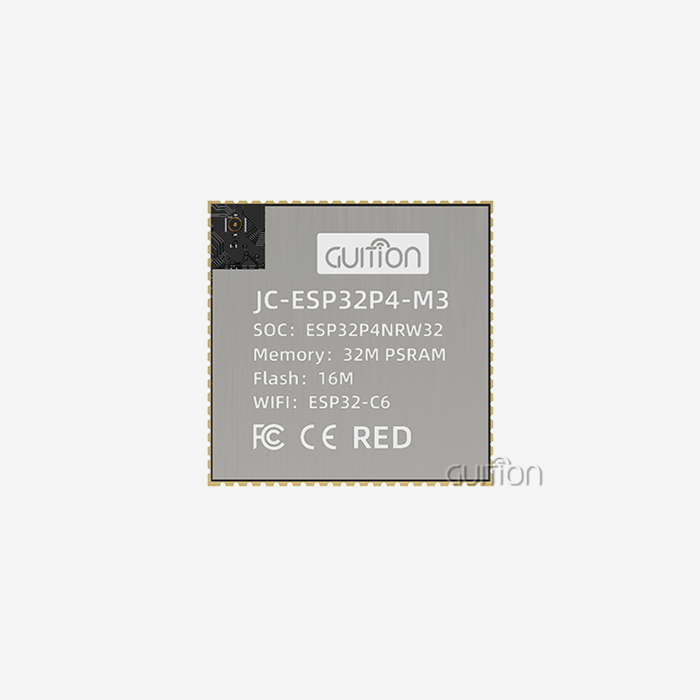
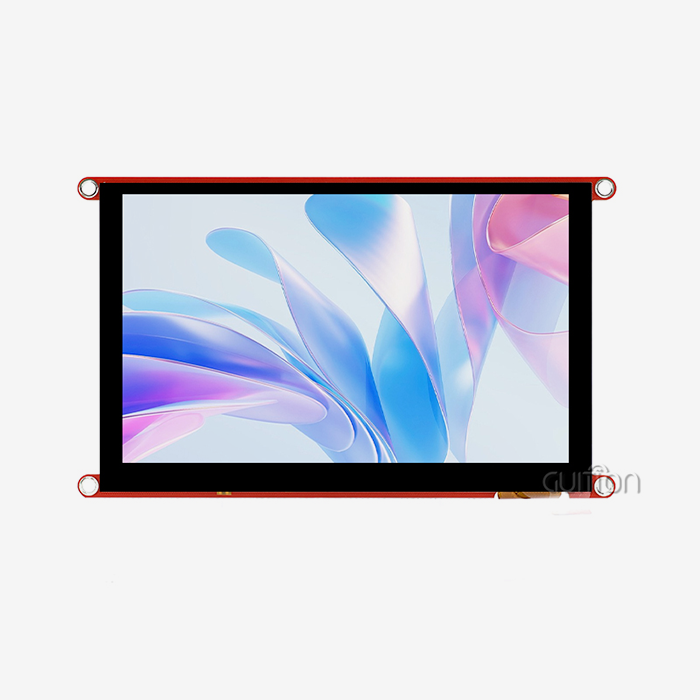
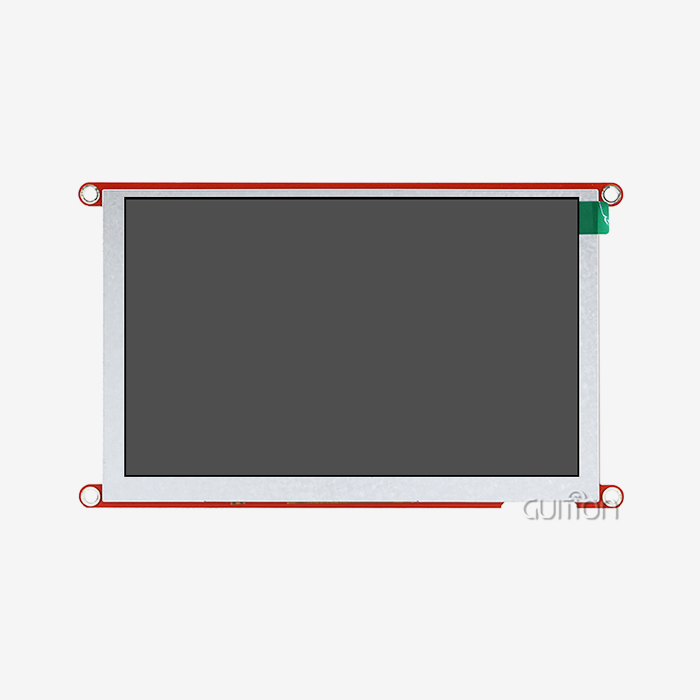
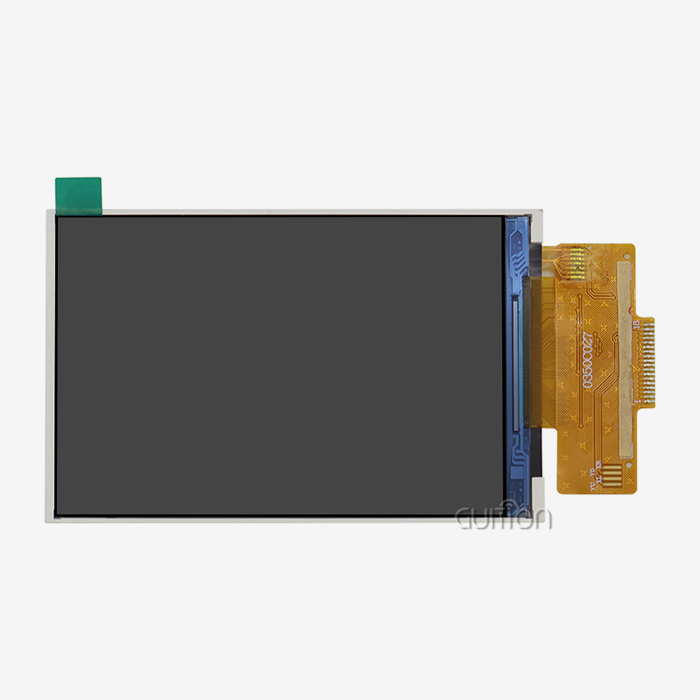
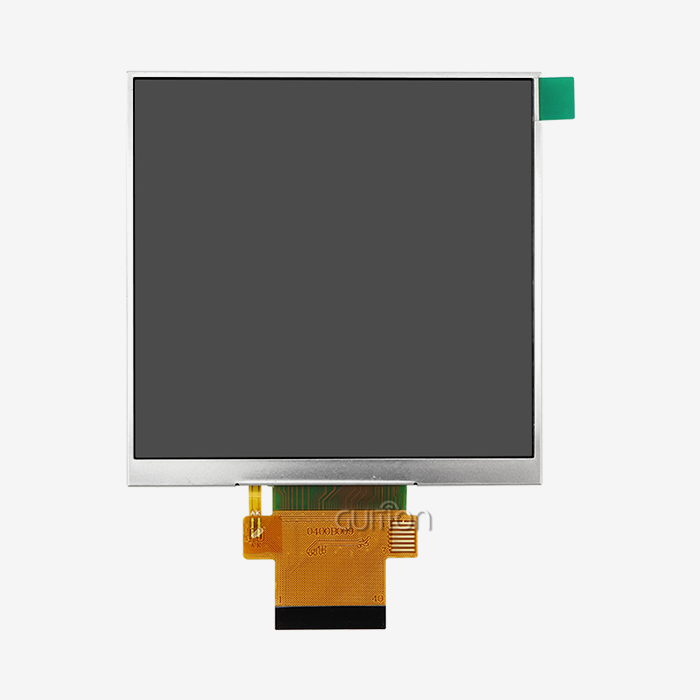
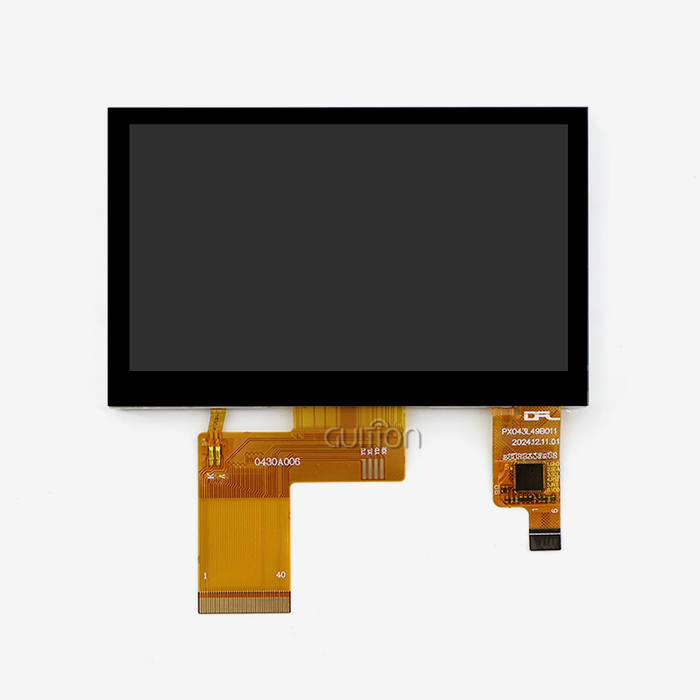
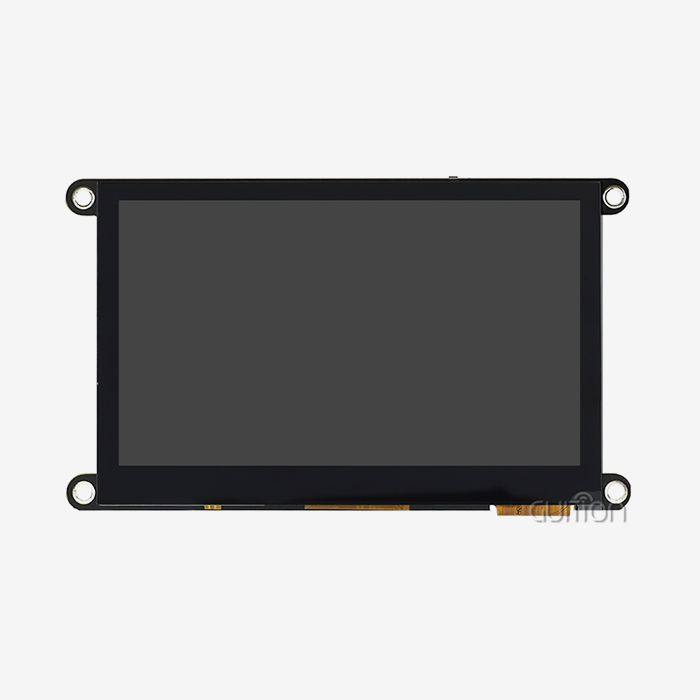
These days, industrial touchscreens have both hardware and software layers that are made to work in tough conditions. This development can be seen in the GUITION JC8048Q350C_I, which has a 5.0-inch IPS screen with an 800x480 resolution that stays clear even in bright rooms. This device has a D121BBV controller that runs at 400MHz and can handle data streams quickly enough to encode video at 1024x768@60fps for JPEG formats. Capacitive touch technology reacts in milliseconds, so workers can change settings while the machine is running at full speed. These programs get information in many different ways. Serial connection ports (RS232/485), on the other hand, let you connect to older devices, while Ethernet links let you use more modern industrial standards. Built-in WiFi and Bluetooth modules add wireless connection, so you can watch from afar without having to do a lot of wiring. The result is a single monitor that shows temperature readings, pressure readings, motor speeds, and warning conditions all in one clear picture.
Why Real-Time Visualization Matters
The steps in making something happen in a matter of seconds. A computer numerical control (CNC) machine cuts metal with very exact tolerances. A pharmaceutical mixer mixes materials while strictly controlling the temperature. And an energy management system keeps the grid loads equal all the time. In the past, workers had to check different gauges or wait for copies, which caused dangerous delays between finding a problem and fixing it. These holes are filled with real-time data control made possible by improved interface technology. When a monitor recognizes a change in temperature, the screen shows a colored alert right away in the affected area. Trending lines show operators when equipment will break down and help change maintenance from reactive to preventative. This real-time awareness turns guessing into data-driven accuracy when making decisions.
How HMI Display Screens Solve Real-Time Data Control Challenges
Problems that don't happen in consumer products never happen in industrial settings. When you understand these problems, you can see why specialized human-machine interface solutions are better than standard touchscreens or old-fashioned control panels.
Common Industrial Data Control Problems
The most important problem is still slow data transfer. Legacy systems often take a sample of the data every few seconds, which leaves gaps where major problems can happen without being noticed. Operators have to look at multiple screens at once, which increases brain load and the chance of making a mistake. Because of the complicated code needs, even small changes to the interface take weeks of engineering time, which slows down product updates. These problems for HMI display screens are made worse by environmental factors. Motor drives, big changes in temperature, and vibrations on factory floors all cause electromagnetic interference that breaks down regular electronics. Touchscreens must work reliably even when heavy gloves, wet hands, or styluses are used, and they must also be usable in bright sunlight or dark control rooms.
How Modern Interfaces Address These Limitations
These problems are solved by the GUITION JC8048Q350C_I's combined design. Its single-core MCU design makes sure that there are no connection problems between the processor and display, so data updates happen in 50 milliseconds or less. With IPS technology, workers can see the screen clearly from 170 degrees away, so they can get exact readings without any parallax distortion. The 65K color depth makes it possible for color-coding systems that are easy to understand: green means everything is working normally, yellow means be careful, and red means pay attention right away. Integration can do more than just work with hardware. Engineers can change panels without writing low-level code with the Guition development platform's drag-and-drop interface builder. For gauges, trend charts, and alarm lists, there are already built-in settings that just snap into place. Cross-platform online testing lets teams test changes to the interface from afar, which cuts development times by a huge amount. When implemented, remote upgrade functionality lets firmware changes happen without having to go to the factory, which greatly reduces the cost of maintenance.
These benefits can be seen in real-life applications. A company that makes medical devices put our modules into equipment that monitors patients. By setting personalized alert levels and making data presentation better, they were able to cut the number of false alarms by 40%. A farm automation company put units in greenhouse control systems, which cut energy use by 30% by letting workers see exactly how well heating and cooling were working in real time.
Selecting the Best HMI Display Screens for Industrial Real-Time Data Control
When buying human-machine interface gear, procurement teams have a lot of options. To make smart choices, you have to find a balance between professional ability, the needs of the environment, and your budget. By separating needs into clear groups, the choosing process is easier to handle.
Defining Your Operational Requirements
First, write down what you see in the real world. Will the screen be in bright sunlight? High-brightness screens can hit 1000+ nits brightness through optical bonding methods, while standard screens lose their brightness above 400 nits. The operating temperature range is very important. Consumer-grade electronics don't work below 0°C or above 50°C, but industrial units can work from -20°C to +70°C. Ratings for ingress protection (IP65/66 front panel, NEMA 4X shelters) show how well they protect against dust, water jets, and chemical splashes. Screen size and quality have a direct effect on how well an operator does their job. 5.0-inch screens, like the JC8048Q350C_I, work well in control panels with limited room where workers stand close. Screens that are 10.1 inches or bigger are better for central monitoring stations. For simple process controls, the 800x480 resolution is fine, but for more complicated SCADA apps, 1920x1080 full HD may be needed for multiple data lines at the same time.
Core Evaluation Metrics
Processing power decides how fast something is. A 400MHz processor can easily handle modest amounts of data and keep multiple screens of information up to date without any lag. Processors that can handle video sources, complicated animations, or a lot of data logging need to be stronger. The amount of RAM and storage space determines how many past data points the system keeps locally before sending them to other databases. Options for connectivity set the stage for cooperation. Ethernet lets networks connect to MES and ERP systems, while serial ports are still needed to connect older equipment. Guition devices with built-in WiFi and Bluetooth make IoT operations easier without the need for extra adapter costs. TF card slots let you add more storage for data logging apps that can't always connect to the internet.
The choice of touch technology affects how well it works. Resistive screens can handle any amount of pressure and can work with gloves on or when they are wet, which makes them perfect for heavy industry or food handling. Capacitive screens have better visual clarity and can handle multiple touches, but you need to use your fingers or a special pen to use them. The choice you make will rely on how your workers work and how complicated the interface is.
Comparing Leading Solutions
With their complete ecosystems, Siemens and Allen-Bradley are the leaders in corporate automation, but their high prices reflect how they position their brands. Schneider Electric strikes a good mix between features and price, especially for medium-sized setups. Weintek offers competitive options, works well, and is priced affordably. Guition modules are one of a kind because they offer industrial-grade reliability at prices that are affordable for startups and small businesses. They also offer customization options that are hard for bigger makers to match. Suppliers that are reliable can be told apart from those that aren't by their warranty terms and availability of expert help. Look for providers that offer warranties that last at least two years, clear instructions, and quick tech help. When normal options don't perfectly meet application needs, being able to change firmware or make custom interface elements becomes very important.
Enhancing Operational Efficiency with Advanced HMI Display Features
Putting human-machine communication technology to use is just the beginning. To get the most out of your investment, you need to know how advanced features can improve processes and get rid of practical bottlenecks that slow things down.
Intuitive Interface Design Reduces Training Time
Operators who are used to using consumer smartphones quickly get used to sensitive Hmi display screen touchscreens that use gestures. The Guition development platform takes advantage of this by giving users a lot of control tools with buttons, scales, gauges, and trend charts that work exactly the way they expect them to. With WYSIWYG updating, interface designers can see exactly what operators will see, so there are no mistakes when the app is put into use. Support for multiple languages is important for foreign producers. With UTF-8 encoding, you can switch between English, Spanish, Chinese, and dozens of other languages without having to download different software versions. When operators work in their own language, fewer misunderstandings can lead to quality problems or safety issues.
Rapid Refresh Rates Eliminate Decision Delays
How quickly workers can adapt to new situations depends on how fresh the data is. When systems update every second, workers have to deal with old data, but when change rates are milliseconds, they can be proactive. It is the D121BBV processor in GUITION modules that constantly processes sensor inputs and updates display elements at up to 60 frames per second so that dynamic visualizations like flow meters or pressure gauges can be seen. Users can arrange information in a way that best suits their needs by customizing panels. When production is running normally, high-level state signs are enough. When fixing starts, workers look at trend data that goes back hours or days to find specific problems. With role-based access controls, people who work in production can see the working controls, while people who work in maintenance can see the diagnosis functions and calibration settings.
Measuring Implementation Success
Installation shouldn't be the end of deployment. Set clear KPIs to measure changes, such as the average amount of time it takes to find problems, the time it takes for an operator to respond, the number of unplanned downtimes, and the number of training hours needed for new employees. By comparing data from before and after implementation, you can confirm ROI and find places where you can keep improving. Energy economy is important for more reasons than just helping the environment. Older systems needed a lot of cooling equipment, but modern interface units only use a few watts. Automatic brightness change increases the life of the backlight and lowers the amount of power used at night or when there isn't much action. Over the course of five years, these savings add up to a lot, especially for sites that use dozens or hundreds of control points.
Procurement Guide: Purchasing HMI Display Screens for Real-Time Data Control
To get around in the industrial electronics market, you need to know where to find tools, how to evaluate options, and which specs are important and which are just marketing speak. Strategic buying weighs short-term price concerns against the need for long-term support and expansion.
Understanding Market Channels
Online business-to-business (B2B) sites like Alibaba and Global Sources let you connect with many suppliers, but the quality varies a lot. When you buy more than 50 to 100 units, dealing directly with the manufacturer can save you money and give you more customization choices. Distributors charge extra, but they offer useful services like having stock locally, helping with technical questions before the sale, and making handling easier for smaller orders. Lead times and service quality for hmi display modules are affected by where they are made. Asian makers usually have the best prices, but it can be hard to talk about technical issues when you have to talk to them across time zones and languages. North American and European wholesalers take away these places of friction, but they do so at the cost of more. The choice depends on how technically skilled your team is and how quickly the project needs to be finished.
Critical Specification Review
It's not as important that design sheets say feature sets are. It's possible for an adapter that says "Ethernet connectivity" to only support simple TCP/IP, or it could also support Modbus TCP, Profinet, EtherNet/IP, and OPC UA. Make it clear which workplace standards are already set up and which ones need to be developed from scratch. The Guition platform supports Arduino, IDF, and custom development modes, which gives it a lot of freedom and speeds up integration across a wide range of equipment. Warranty terms show how confident the maker is. Standard coverage for one year is enough for consumer goods, but longer coverage is needed for industry uses. Backlights and touch screens tend to break down before other gadgets, so look for modular designs that let you change them in the field. Mean Time Between Failures (MTBF) scores above 50,000 hours show that the parts were chosen well and that the heat was managed well.
Why Guition Solutions Merit Consideration
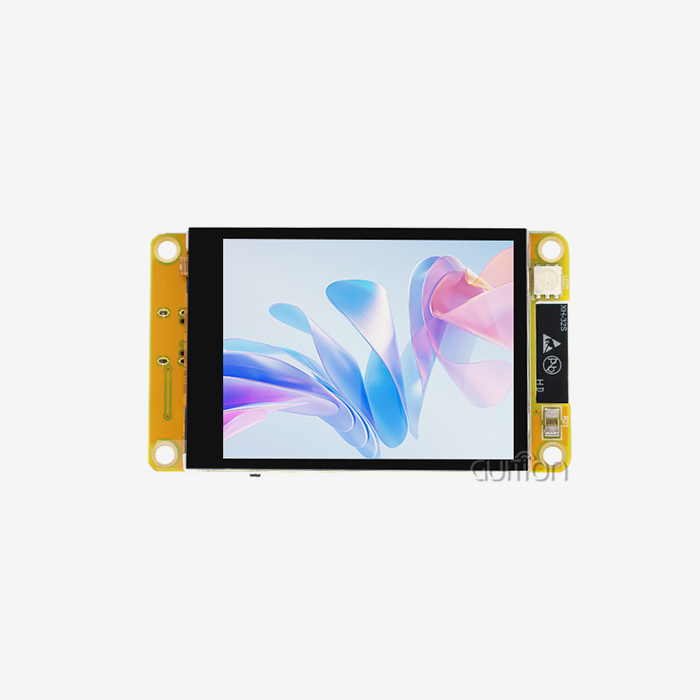
Jingcai Intelligence has set up GUITION as a technology-driven provider that wants to solve real customer problems instead of just selling tools. From small IoT devices to central SCADA computers, our 1.28" to 21.5" product range has almost every type of control panel application covered. The exclusive Guition development software breaks down traditional bottlenecks by letting people create visual user interfaces without having to know embedded C code. This makes things a lot easier for product teams that don't have dedicated firmware engineers. The secondary growth skills stand out the most. Integrators can quickly add custom functions with the help of full API instructions and example code. Built-in support for remote project updates means that installed devices can get bug fixes and new features over-the-air, which saves money on expensive field service calls. This feature is very important for medical device makers and smart home brands to keep up with regulations and offer competitive feature sets throughout the lifecycles of their products.
Conclusion
Real-time data control is one of the most important parts of modern industry performance, and human-machine interface technology is what makes this possible. When properly configured, display systems can significantly improve operating performance by combining multiple data streams into unified dashboards and allowing millisecond-response decision-making. The GUITION JC8048Q350C_I is an example of how modern modules combine processing power, connectivity, and development freedom at a price that most people can afford. As automation gets more complicated and competition heats up, it's not only smart to invest in strong, future-proof interface technology; it's necessary to stay successful in manufacturing.
FAQ
What type of touch technology works best in industrial environments?
Depending on your needs, you can choose between resistance and capacitive technology. Because they can handle any amount of pressure, resistive screens are great for workers who wear heavy gloves or do their jobs in wet places like food processing plants. Capacitive screens, like the ones in the GUITION JC8048Q350C_I, have better visual clarity and can handle multiple touch movements. They also work perfectly in clean places where using your bare hands is normal. When making your choice, think about how your workers usually work.
How do modern interfaces prevent electromagnetic interference issues?
To meet EMC standards like CE Class A, professional industrial modules have shielded metal housings, ground isolation designs, and EMI filters on the power inputs. These engineering steps stop motor drives or variable frequency drives from causing screen flickering or phantom touches, which are problems that happen in factories with consumer electronics.
Can interface displays function reliably outdoors?
Standard screens are hard to read in direct sunlight because they get too bright above 400 to 500 nits. For outdoor use, you need models that are 1000 nits or brighter and have optical bonding technology that seals the air gap between the glass and LCD screen. This stops reflections and internal condensation in settings where temperatures change quickly.
Partner With Guition for Your Industrial Display Needs
A reliable HMI display screen provider who comprehends both technical and business demands is necessary for upgrading your real-time data control systems. This is exactly what Guition offers: industrial-grade modules backed by easy-to-use building tools and quick tech help. Our JC8048Q350C_I is just one of many products we offer that are made to meet a wide range of needs, from controlling 3D printers to making energy management panels. We want R&D managers, embedded engineers, and technical leaders to look into how our solutions can shorten the time it takes to create something while also lowering the total cost of ownership. You can talk about your special needs, ask for sample units, or set up a time to see the Guition development tool by emailing david@guition.com. Allow us to assist you in creating better and quicker control systems that give you a clear edge over your competitors.
References
1. Industrial Automation Systems and Integration—Human-Machine Interface Standards. International Electrotechnical Commission (IEC) 61131-8, 2020 Edition.
2. Real-Time Data Acquisition and Control in Industrial Manufacturing Environments. Journal of Manufacturing Systems, Volume 58, Part B, January 2021, Pages 234-247.
3. Comparative Analysis of HMI Technologies for Process Control Applications. IEEE Transactions on Industrial Electronics, Vol. 68, No. 9, September 2021.
4. Touchscreen Interface Design Principles for Industrial Control Rooms. Human Factors and Ergonomics in Manufacturing & Service Industries, Volume 31, Issue 4, July 2021.
5. Embedded System Architecture for Real-Time Industrial HMI Applications. ACM Transactions on Embedded Computing Systems, Volume 20, Issue 3, Article 28, May 2021.
6. EMC Design Guidelines for Industrial Human-Machine Interface Equipment. Institute of Electrical and Electronics Engineers (IEEE) Standards 1642-2020.
Learn about our latest products and discounts through SMS or email