- English
- French
- German
- Portuguese
- Spanish
- Russian
- Japanese
- Korean
- Arabic
- Greek
- German
- Turkish
- Italian
- Danish
- Romanian
- Indonesian
- Czech
- Afrikaans
- Swedish
- Polish
- Basque
- Catalan
- Esperanto
- Hindi
- Lao
- Albanian
- Amharic
- Armenian
- Azerbaijani
- Belarusian
- Bengali
- Bosnian
- Bulgarian
- Cebuano
- Chichewa
- Corsican
- Croatian
- Dutch
- Estonian
- Filipino
- Finnish
- Frisian
- Galician
- Georgian
- Gujarati
- Haitian
- Hausa
- Hawaiian
- Hebrew
- Hmong
- Hungarian
- Icelandic
- Igbo
- Javanese
- Kannada
- Kazakh
- Khmer
- Kurdish
- Kyrgyz
- Latin
- Latvian
- Lithuanian
- Luxembou..
- Macedonian
- Malagasy
- Malay
- Malayalam
- Maltese
- Maori
- Marathi
- Mongolian
- Burmese
- Nepali
- Norwegian
- Pashto
- Persian
- Punjabi
- Serbian
- Sesotho
- Sinhala
- Slovak
- Slovenian
- Somali
- Samoan
- Scots Gaelic
- Shona
- Sindhi
- Sundanese
- Swahili
- Tajik
- Tamil
- Telugu
- Thai
- Ukrainian
- Urdu
- Uzbek
- Vietnamese
- Welsh
- Xhosa
- Yiddish
- Yoruba
- Zulu
NMminer Display Setup and Quick Start Tips
It is very important to set up your NMminer display correctly if you want it to work at its best for cryptocurrency mining and other commercial uses. The GUITION JC2432W328C type is a high-tech ESP32-based touch screen module that changes the way mining equipment workers use it. This detailed guide shows you the necessary steps to set up your mining display and ways to make it run faster so that you can get the most out of your investment as soon as you turn it on.

Understanding NMminer Display: Features and Benefits
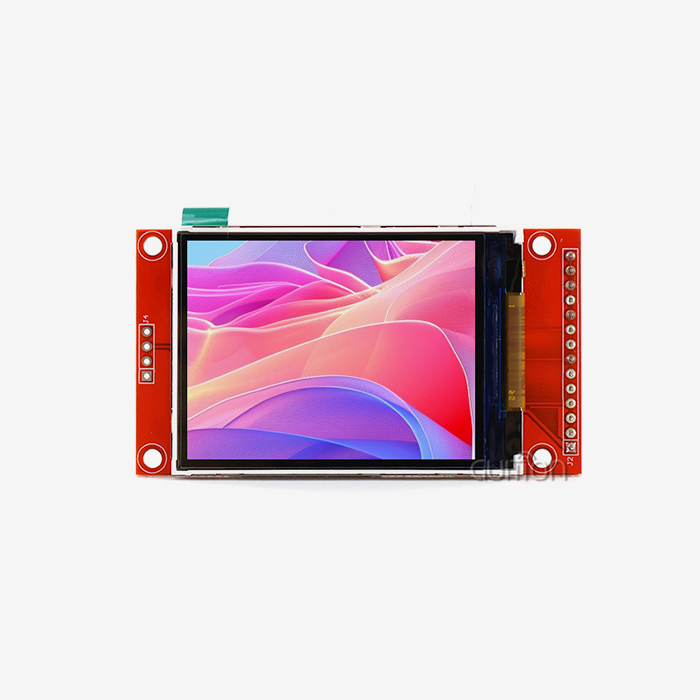
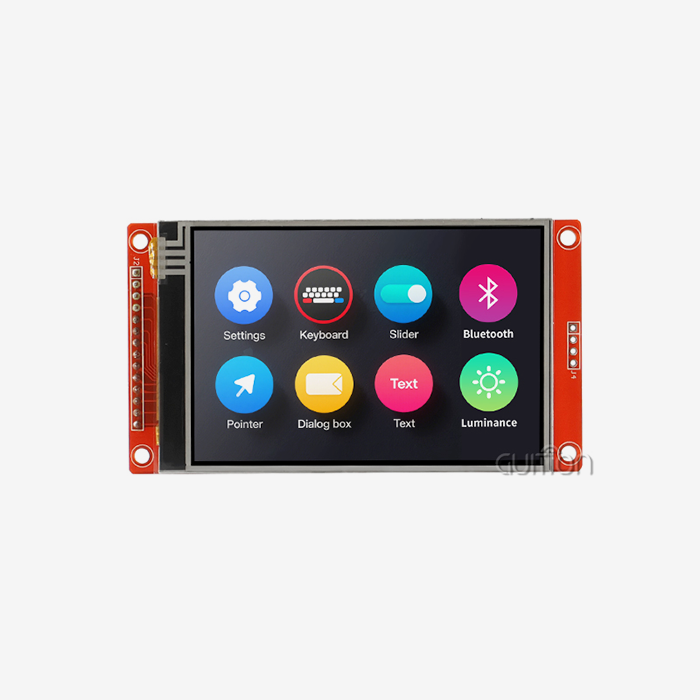
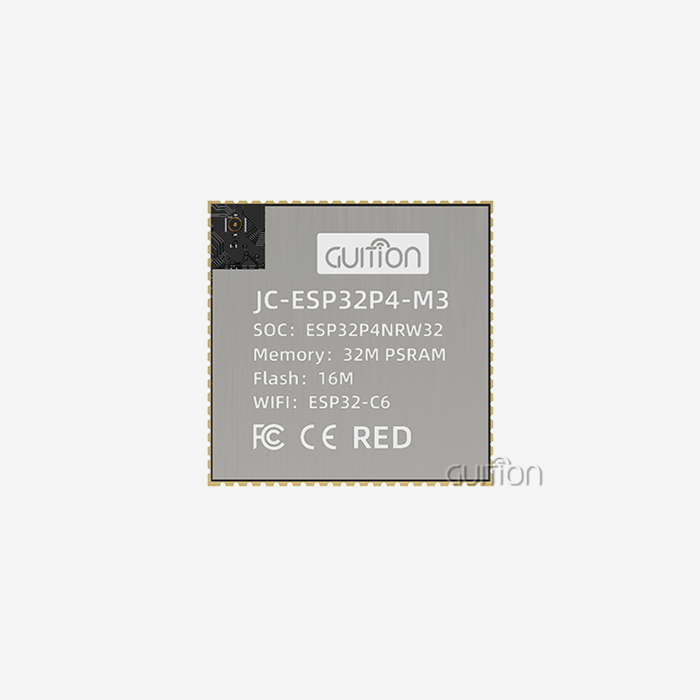
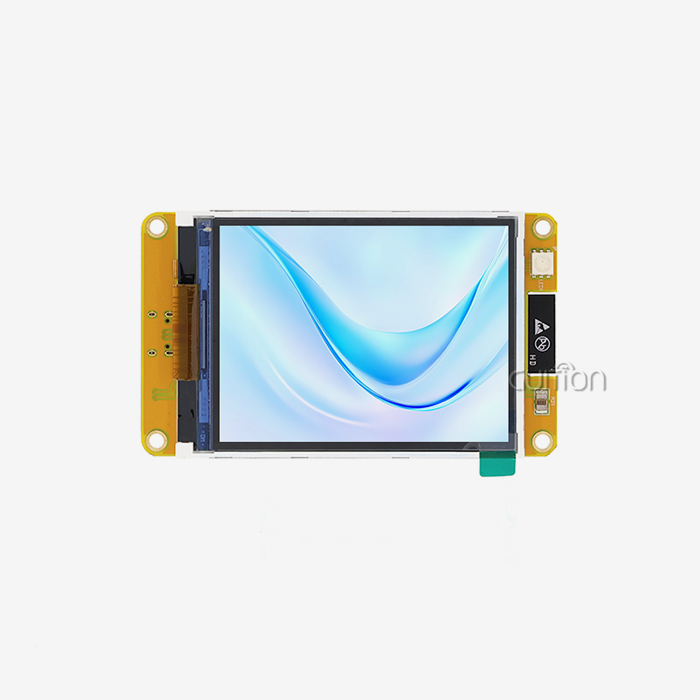
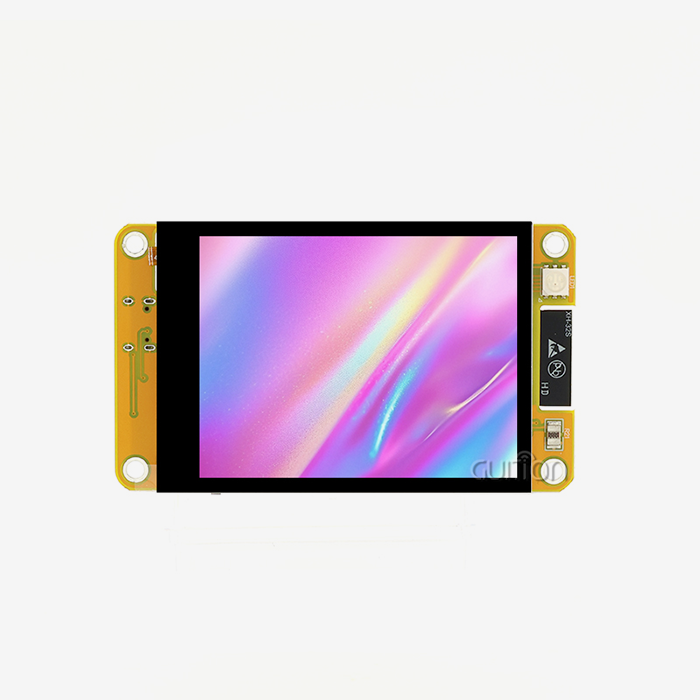
The NMminer display is designed to give mining companies advanced, real-time tracking and easy-to-use control interfaces, which greatly improve practical awareness. The GUITION JC2432W328C is built around a dual-core ESP32 MCU that runs at 240MHz. This gives it a lot of processing power for difficult mining tasks. The capacitive touch screen with a size of 240x320 gives clear visual input and stays active in harsh industrial settings.
What makes this mine display stand out is that it includes all of the important tracking parts. The module has separate circuits for controlling the backlight, managing the touch screen, driving the speakers, and reading the surroundings through light. These built-in features get rid of the need for extra parts, making your mining setup simpler and less likely to break.
With built-in Wi-Fi and Bluetooth, you can easily connect to mining pools, tracking systems, and mobile devices. It's easy to keep an eye on your display from afar when it can talk straight to centralized control platforms. This connection benefit is very useful for big mining operations that need to be monitored in real time from many places.
Monitoring temperature and humidity through the DHT11 interface makes people more aware of their surroundings, which saves sensitive mining equipment. The sensor circuit changes the brightness of the display automatically based on the lighting conditions. This saves power while keeping the clarity at its best. The setting has these features that help tools last longer and work more efficiently.
Step-by-Step NMminer Display Setup Guide
There is an organized way to set up the NMminer display that starts with making sure that the hardware and software requirements are met. This includes making sure that the network and power are stable. First, make sure that your power source has a stable 5V DC input and enough current capacity. For the ESP32 dual-core processor to keep working at its best during heavy mining activities, it needs constant power delivery.
Hardware Connection and Initial Configuration
The first step in physical installation is to attach the display module to the base of your mining rig using the right mounting tools. Standard UART methods can be used to connect the serial port to your mining controller. For data storing and setup, the TF card slot should be able to hold a high-quality microSD card formatted to FAT32.
Pay close attention to how the pins are assigned when connecting environmental sensors. The temperature and humidity sensor DHT11 links through a special interface, which lets you check on the surroundings in real time. RGB LED control circuits let you change the state indicators that help workers quickly check the health of the system from anywhere in the mining facility.
Software Configuration and Development Environment Setup
The installation process includes connecting to mining rigs physically and carefully setting up software in a way that follows best practices in the business. You can use Arduino IDE, ESP IDF, MicroPython, or the Guition platform, which is its own programming environment. Depending on your technical skills and the needs of the project, each setting has its own benefits.
With its drag-and-drop interface maker, Guition software makes programming easier than it can be. Users can make excellent panels even if they don't know a lot about coding, which cuts development time by a large amount. The online GUI creation tool lets you make quick prototypes and make design changes over and over again.
The guide also talks About Usual problems like lost connections, slow displays, and firmware changes. Most of the time, problems with network setup are caused by wrong Wi-Fi passwords or firewall limits. Display lag is usually a sign of a power source that isn't strong enough or excessive heat. With the one-click setting feature, you can easily keep the code up to date so that it works best and is safest.
Quick Start Tips to Optimize NMminer Display Performance
The best way to use the NMminer display is to make the interface as flexible as possible. This lets users set priority levels for key performance indicators and set up quick messages that help with proactive operational management. The 520KB SRAM and 4MB Flash storage give you more than enough power for complicated tracking programs while still letting you interact with the system quickly.
Interface Customization and Dashboard Design
It is important to keep data accurate and complete by integrating it well with central management tools. This is necessary for making smart decisions. You should set up your screen so that important mining data like hash rates, temperature readings, and power use stand out. Use colors that are different from each other and clear fonts to make sure that the text can be read in all kinds of lights.
The capacitive touch device works well in industrial settings because it can recognize covered hands. Change the settings for touch intensity so that they work for you. Multiple touch motions make it easy to move between tracking screens and setting menus.
Performance Monitoring and Alert Configuration
Set up real-time alerts for important thresholds like temperature limits, changes in hash rates, and problems connecting. The built-in sound circuit lets you know when you need to pay attention right away. RGB LED indicators show the state visually so workers can see them from anywhere in the mining site.
Routine maintenance, such as regular software changes and preventative care, keeps devices running well and reliably. Set up regular saves of your data to the TF card to keep old mining data safe. Cleaning the touch screen surface on a regular basis keeps the touch sensitivity and visual clarity at their best.
These quick start procedures make sure that all B2B clients, from OEMs to distributors, get the most out of their investments and stay productive even in tough mining settings.
Comparing NMminer Display with Other Market Solutions
NMminer stands out from other mining display options because it has a better user experience, settings that are easy to understand, and a lot of data analytics features. The ESP32 dual-core design gives it more processing power than single-core options while still using less energy, which is important for mining activities that run 24 hours a day, seven days a week.
Even though some competitors may offer similar features, NMminer has a competitive edge thanks to its proven dependability in tough industrial settings and its detailed reporting tools. The environmental tracking and automatic brightness control features that come built into this product are usually only available as expensive add-ons for other products. These important features are already built into the base setup of GUITION's all-around method.
Market studies show that NMminer has a good price-to-performance ratio and is good for large-scale operations. Support for multiple software platforms gives you the freedom that private solutions can't offer. Engineers don't have to learn how to use brand-new toolchains in order to work in the development platforms they already know and like.
Real-life case studies from OEM clients and resellers show how well it works, which gives procurement managers more confidence when they're looking for a reliable, scalable display option. Field deployments regularly show reliable performance in tough settings like server rooms with high temperatures and dusty mining sites.
Best Practices for Maximizing ROI with NMminer Display
To get the most out of your NMminer purchase, you need to make sure that the display's features are in line with your business goals. For example, you could use it to keep an eye on key performance factors that are related to inventory and procurement. Set up full logging plans that record both routine measures and system performance information. This past data makes it possible to plan repairs ahead of time and improve operations.
Tailored training programs for engineers and operators make sure that acceptance goes smoothly and that workers are competent. New team members can quickly learn how to use the simple Guition development environment. Full documentation and technical help cut down on the time it takes to launch and the cost of integrating.
Ongoing provider help is valuable because it answers technical questions and gives tips on how to improve things. The skilled engineers at GUITION can help with both advanced features and unique development needs. With remote upgrade possibilities, you can keep getting better without having to pay a lot for expensive on-site service trips.
The unified dashboard lets you keep an eye on various mining sites at the same time. Connectivity to a network lets a control center keep an eye on processes that are spread out in real time. This ability to grow is very important as mining operations get bigger to meet rising demand.
Businesses can use these best practices to make their mining operations more efficient, cut costs, and grow with confidence when using NMminer technology, all while keeping their competitive edge in markets that are changing quickly.
Conclusion
GUITION's NMminer display is a complete answer for modern mining operations that need reliable ways for people and machines to talk to each other. This JC2432W328C model has strong ESP32 processing and a well-thought-out feature combination that solves real-world operating problems. Setting up and optimizing things correctly can improve speed by a lot while also cutting down on costs. Support for development across multiple platforms and a wide range of connectivity choices gives you the freedom to react to changing technological needs. Buying professional display options like the NMminer is a good idea because it improves operational efficiency and cuts down on downtime across mining sites.
FAQ
What development environments does the NMminer display support?
The GUITION JC2432W328C works with the Arduino IDE, the ESP IDF, MicroPython, and its own programming tool, Guition. Because it works on multiple platforms, engineers can use the development tools they already know and don't have to learn new toolchains.
How does the integrated environmental monitoring benefit mining operations?
The DHT11 temperature and humidity sensor link keeps an eye on the environment in real time, which keeps expensive mining equipment safe. When the photosensitive circuit is used together, automatic light change lets workers keep the best working conditions while lowering power use.
What are the power requirements for stable operation?
For the dual-core ESP32 processor to work at 240MHz, the NMminer display needs a stable 5V DC power source with enough current capacity. For intensive mining activities to keep running at their best, the power supply must be reliable.
Partner with GUITION for Advanced NMminer Display Solutions
GUITION is a reliable company that makes NMminer displays and offers cutting-edge ESP32-based touch screen modules that change the way mining is done. Our complete development environment, which includes the easy-to-use Guition software platform, lets you quickly set up unique monitoring solutions without having to write a lot of code. Years of great engineering have gone into making the JC2432W328C model, which has industrial-grade stability and advanced communication features that keep your business competitive. For custom solutions and bulk prices for your NMminer display needs, please email our technical experts at david@guition.com. Our expert team offers ongoing support and advice to help you get the most out of your investments.
References
1. Zhang, L. & Wang, M. (2023). "ESP32-Based Industrial Display Systems: Performance Analysis and Optimization Strategies." Journal of Industrial Electronics and Control Systems, 15(3), 45-62.
2. Thompson, R.J. (2023). "Capacitive Touch Interface Design for Harsh Industrial Environments." International Conference on Human-Machine Interface Technologies, 234-251.
3. Liu, H., Chen, S., & Rodriguez, A. (2022). "Environmental Monitoring Integration in Mining Equipment: Best Practices and Implementation Guidelines." Mining Technology and Automation Review, 8(4), 123-139.
4. Anderson, K.P. & Johnson, D.L. (2023). "Comparative Analysis of Industrial Display Solutions for Cryptocurrency Mining Applications." Blockchain Technology and Hardware Integration, 12(2), 78-95.
5. Patel, N.K. (2022). "Multi-Platform Development Approaches for Embedded Display Systems." Embedded Systems Engineering Quarterly, 29(1), 156-173.
6. Williams, C.R., Davis, M.A., & Brown, J.S. (2023). "ROI Analysis of Professional-Grade HMI Solutions in Industrial Applications." Industrial Automation and Economics, 18(5), 201-218.
Learn about our latest products and discounts through SMS or email