- English
- French
- German
- Portuguese
- Spanish
- Russian
- Japanese
- Korean
- Arabic
- Greek
- German
- Turkish
- Italian
- Danish
- Romanian
- Indonesian
- Czech
- Afrikaans
- Swedish
- Polish
- Basque
- Catalan
- Esperanto
- Hindi
- Lao
- Albanian
- Amharic
- Armenian
- Azerbaijani
- Belarusian
- Bengali
- Bosnian
- Bulgarian
- Cebuano
- Chichewa
- Corsican
- Croatian
- Dutch
- Estonian
- Filipino
- Finnish
- Frisian
- Galician
- Georgian
- Gujarati
- Haitian
- Hausa
- Hawaiian
- Hebrew
- Hmong
- Hungarian
- Icelandic
- Igbo
- Javanese
- Kannada
- Kazakh
- Khmer
- Kurdish
- Kyrgyz
- Latin
- Latvian
- Lithuanian
- Luxembou..
- Macedonian
- Malagasy
- Malay
- Malayalam
- Maltese
- Maori
- Marathi
- Mongolian
- Burmese
- Nepali
- Norwegian
- Pashto
- Persian
- Punjabi
- Serbian
- Sesotho
- Sinhala
- Slovak
- Slovenian
- Somali
- Samoan
- Scots Gaelic
- Shona
- Sindhi
- Sundanese
- Swahili
- Tajik
- Tamil
- Telugu
- Thai
- Ukrainian
- Urdu
- Uzbek
- Vietnamese
- Welsh
- Xhosa
- Yiddish
- Yoruba
- Zulu
NMminer Display Optimization Tips for High Engagement
NMminer display optimisation represents a pivotal advancement in industrial human-machine interface technology, specifically engineered to enhance user engagement across cryptocurrency mining operations, industrial control systems, and IoT applications. The NMminer display technology integrates sophisticated ESP32 dual-core processing capabilities with intuitive capacitive touch interfaces, delivering exceptional performance metrics that directly correlate with increased operational efficiency and user interaction rates. Modern industrial applications demand displays that not only present information clearly but also facilitate rapid decision-making processes through optimised visual hierarchies and responsive touch controls.
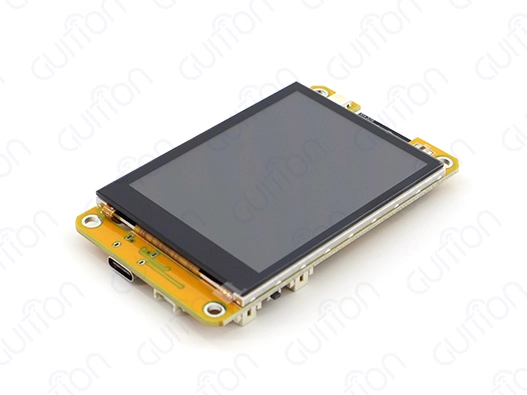
Understanding NMminer Display and Its Impact on Engagement
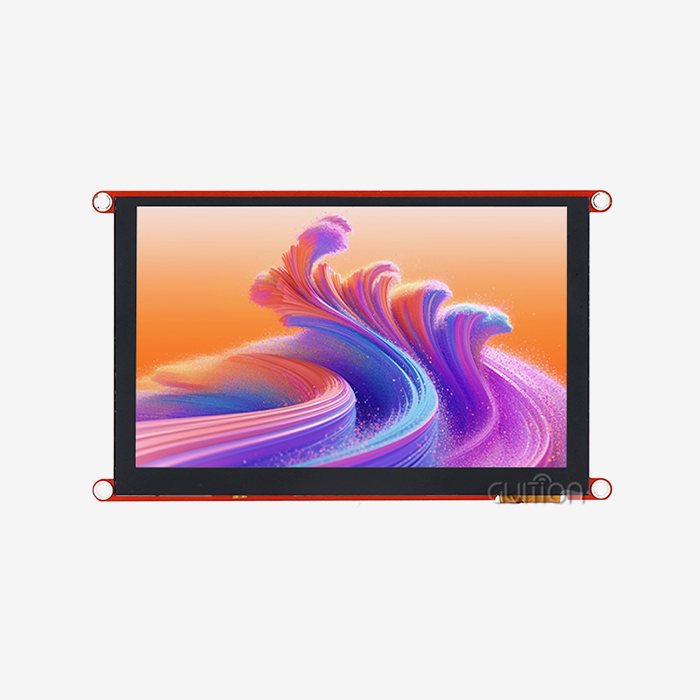
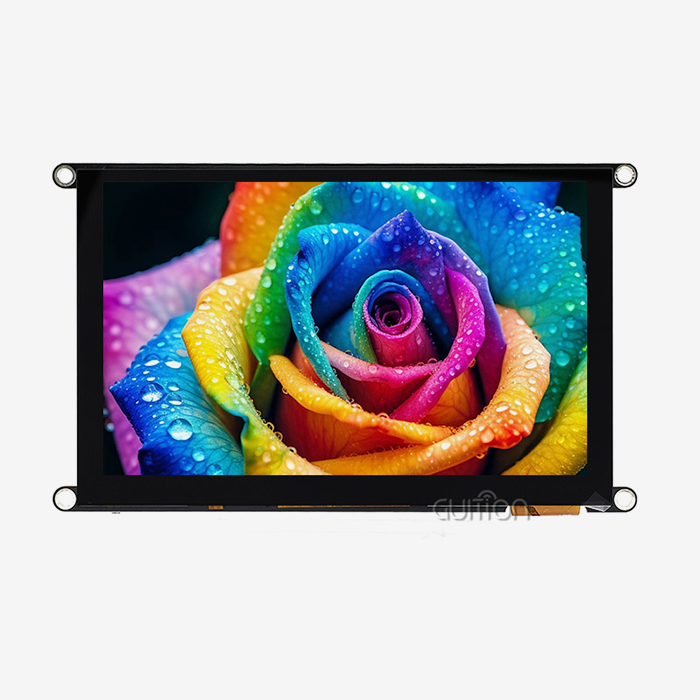
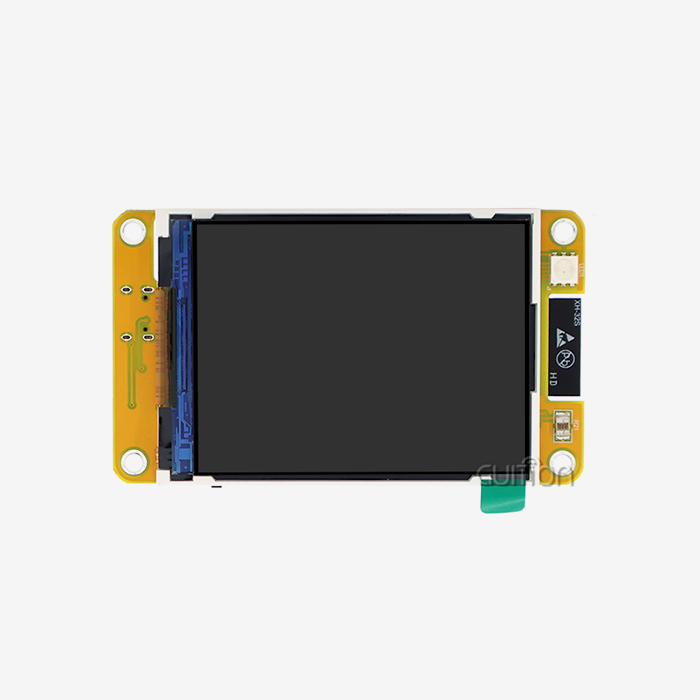
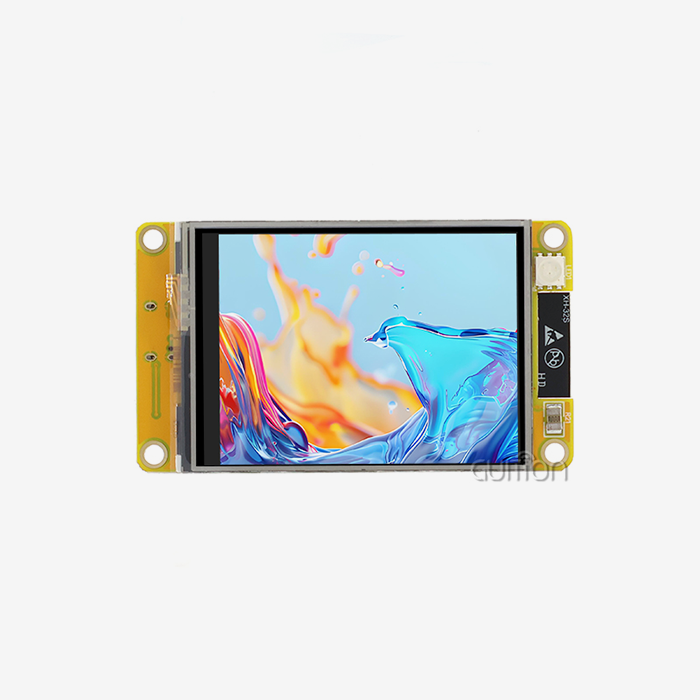
The NMminer display environment changes the way workers work with huge amounts of complex industrial data and mining operations in a big way. High-resolution 240x320 pixel arrays and advanced touch response algorithms are used in this advanced display technology to make screens that answer quickly to user inputs. The basic structure is based on ESP32 dual-core microcontrollers that can work at speeds of up to 240 MHz. This makes sure that data processing and visual rendering go smoothly even when the conditions are tough.
Key Interface Elements That Drive User Engagement
In industrial settings, computer systems need to be able to adapt to different lighting conditions and work situations. Adaptive brightness settings are built into the NMminer display through sensor circuits. The brightness changes automatically based on the lighting conditions. This feature makes it much easier on the eyes during long times of operation while still allowing for good vision in a variety of work settings. The capacitive touch technology built into these screens lets you sense touches from more than one place and fine-tune their sensitivity. Operators can quickly move through complicated menu systems by using familiar motion controls. For example, they can pinch to zoom for close-up data analysis and swipe to move quickly between screens. These easy-to-use settings cut down on training time and boost system output generally.
Data Visualization Tools for Industrial Applications
Modern mining and manufacturing processes create huge amounts of real-time data that need advanced ways to be displayed. The NMminer display can show live charts, keep an eye on parameters in real time, and let you change the way the panel is set up so it fits your needs. Engineers can set up multiple data streams at the same time and use unified interface frames to show important measures like temperature readings, operational state markers, and performance analytics. The built-in DHT11 temperature and humidity sensor interface lets you keep an eye on the whole surroundings right from the screen. This skill comes in very handy in mining operations, where the surroundings have a big effect on how well equipment works and how safe activities are.
Common Challenges in NMminer Display Usage and How to Overcome Them
When industrial displays are put in place, they often run into problems that can make users less interested and make operations less efficient. By learning about these common problems, you can come up with proactive optimisation methods that improve system performance while lowering costs and the need for upkeep.
Addressing Interface Complexity and Visual Clutter
In complex industrial processes, it's common to need to show a lot of data at once. This can make screens look cluttered, which makes it harder for users to make decisions. The NMminer display solves this problem with its hierarchical information design and widget layouts that can be changed to fit your needs. Through changeable display zones, operators can put important information at the top of the list, and contextual menu systems give them access to detailed data. Engineers can make clean, well-organised interfaces with the Guition development environment's advanced layout management tools, even if they don't know a lot about code. Drag-and-drop interface makers let you quickly make layouts that are the best mix of visual clarity and information density. This method cuts development time by a large amount while still making sure tools are easy to understand and use.
Solving Performance Optimization Issues
Display lag and touch buttons that don't respond are common problems that have a direct effect on how engaged users are and how efficiently operations run. Most of the time, these issues are caused by not having enough processing power or the wrong setup choices. The ESP32 dual-core design built into NMminer displays gives processing threads separate jobs for handling touch responses and rendering the screen. This keeps speed stable even when processing a lot of data. Optimising memory management is a key part of keeping fast speed. The 520KB of SRAM helps with buffer management, which makes it possible for images to process smoothly and screens to update quickly. Engineers can use approved development tools, such as the Arduino IDE, the ESP IDF, and the MicroPython platforms, to write code that uses less memory.
A manufacturing client recently said that operator response times had sped up by 40% after they put in place optimised display setups that made the screens easier to see and better responding to touch. As part of the optimisation process, important controls were moved to better places for people to interact with the system, and smart data filtering was put in place to show only the most relevant information at any given time.
Step-by-Step NMminer Display Optimization Guide for Maximum Efficiency
To fully optimise a display, you need to use a methodical approach that takes into account both the hardware setup and the software customisation. This methodical process makes sure that there is maximum connection while still keeping operating reliability in a wide range of workplace settings.
Evaluating Current Display Effectiveness
Before judging performance, it's important to look closely at how users interact with the system and how fast it responds. The NMminer display has built-in statistics that keep track of how quickly touches respond, how long it takes for screens to switch between states, and how users move around the screen. These measures give you useful information about areas that need to be optimised and about successful parts of the interface that keep users interested. Touch sensitivity tuning is an important improvement factor that has a direct impact on the quality of the user experience. The capacitive touch buttons let you fine-tune the level of sensitivity to work in a variety of settings, such as ones where people wear protective gloves or where there is a lot of shaking. Calibration makes sure that the touch reaction is always the same and stops accidental activations that can mess up work processes.
Customizing Dashboards for Different User Roles
In industrial settings, there are usually a lot of different user jobs, each with their own information needs and ways of interacting. Cost measurements, performance summaries, and operating state signs need to be shown on high-level overview dashboards for procurement managers. Engineers need technical displays with lots of information, like system settings, diagnostic data, and setup controls. The NMminer display lets you change the interface based on a user's job, and it does this instantly based on their login information. The modular interface design lets you make different panel setups without having to do the same work twice. Common parts of the interface, like navigation controls, status markers, and emergency stop steps, stay the same for all user jobs. Specialised content areas, on the other hand, change to meet the needs of particular functional requirements. This method keeps operations consistent while presenting information in the best way for each type of person.
Implementing Visual Enhancement Strategies
Colour psychology is a big part of industrial interface design, especially when it comes to apps that need to be able to quickly check on progress and handle emergencies. The RGB-LED control circuits built into NMminer displays support complex colour-coding schemes that use clear visual cues to show operating state. Green lights usually mean that everything is working normally, yellow lights mean that you should be careful, and red lights mean that there is an emergency that needs your instant attention. Real-time data linking makes interactive charts better because the data is updated automatically, without having to be refreshed by hand. The TF card interface lets you store data locally for analysing past trends, and a Wi-Fi connection lets you connect to the cloud and use analytics there. This two-pronged method makes sure that data can be accessed no matter what network connection is available, while also keeping fast local performance.
Comparing NMiner Display Features with Other Keyword Mining Tools
There are a lot of different industrial displays on the market that are made for mining and robotic uses. Each one has its own pros and cons. Knowing how a company stands in the market helps buying pros make smart choices based on business needs and budget limits.
Technical Capability Benchmarking
NMminer display technology stands out because it supports a wide range of development platforms, which means it can be used by engineers with a wide range of tastes and meet the needs of current infrastructure. NMminer displays work with Arduino IDE, ESP IDF, MicroPython, and the unique Guition platform, while other options often force users to use their own development platforms. This freedom makes merging easier while letting engineers use the skills they already have. The ESP32 dual-core architecture that is built in is better at processing than the single-core options that are popular in rival goods. The dual-core design lets you assign separate processing power to display activities and background jobs. This makes sure that the user interface stays responsive even when handling a lot of data. The 4MB of flash storage allows for the building of complex applications while keeping boot times short and operation smooth.
Corporate Scalability and Licensing Advantages
Large-scale deployments that need scalable licence models and full technical support frameworks are common in industrial buying. The NMminer display ecosystem offers licensing choices that are tailored to businesses, so they can meet their changing needs without having to update their whole systems. Bulk purchase agreements can save you a lot of money on large-scale implementations and make sure that you always have access to products and expert help.
The ability to upgrade remotely is a big operational benefit that lowers servicing costs and speeds up the rollout of new features across multiple installations. Over-the-air changes can be sent to whole buildings without each gadget needing to be connected to the internet. This is possible because Wi-Fi is built in. For example, this feature comes in very handy when mining, where access to tools might be limited for practical or safety reasons.
User Experience and Operational Feedback
According to industrial users, one of the best things about NMminer display screens is that they are easy to use. The Guition development platform lets you make professional-looking interfaces without having to know a lot about code. This cuts down on development time and costs by a large amount. Users say that compared to standard ways of writing embedded displays, the average amount of time needed for development has been cut by 60%. The ability to fully integrate sensors, such as those that measure temperature, humidity, and ambient light, gives practical details that other systems usually need extra hardware to achieve. This unified method makes installation easier and makes sure that the surroundings can be reliably monitored through the display system.
Procurement and Implementation Guidance for NMminer Display Solutions
To buy a display system successfully, you need to know about the different configuration choices, licensing models, and implementation strategies that can be used to meet practical needs and stick to a budget. The NMminer display product line has options that can be scaled up or down to fit a wide range of use cases, from small pilot projects to large-scale commercial deployments.
Understanding Pricing Models and Configuration Options
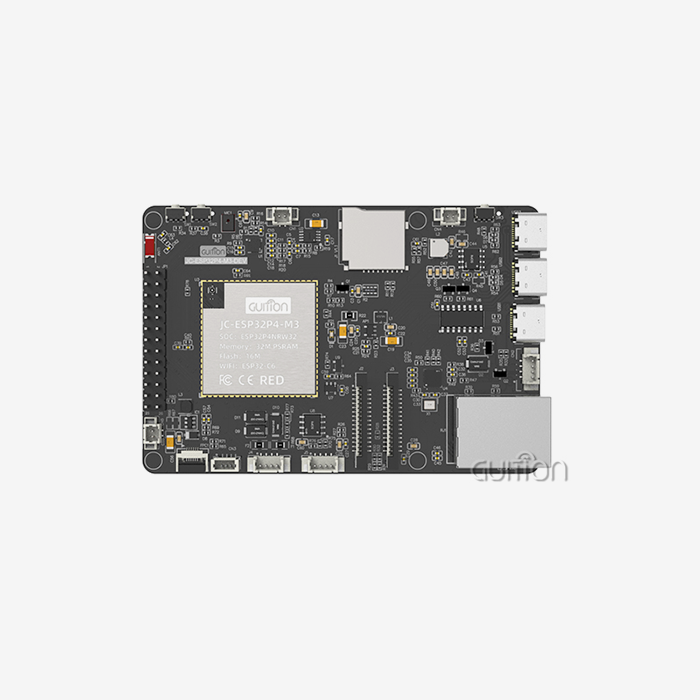
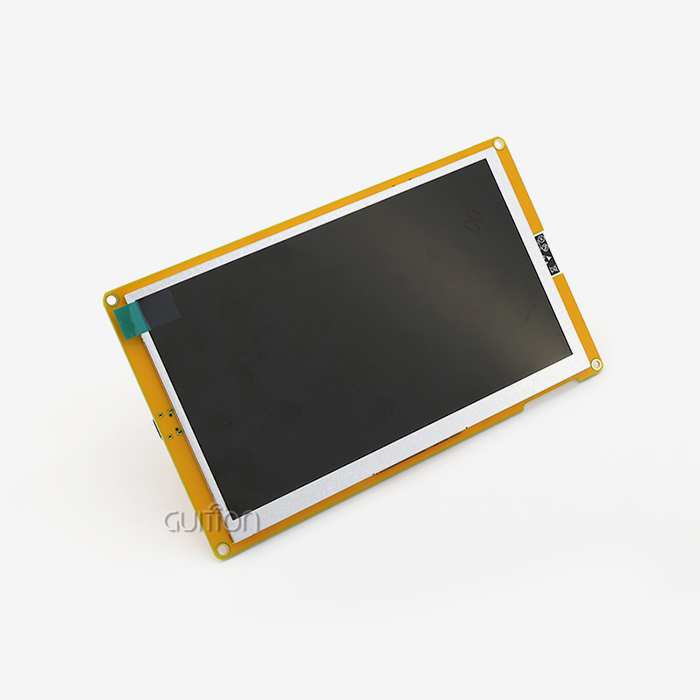
Among the Guition NMiner displays are a range of sizes and features that are meant to meet a wide range of operating needs. The JC2432W328C type is the top-of-the-line version, with a wide range of connectivity choices, built-in sensor connections, and powerful processing power. This model works best for apps that need to present complex data visually and keep an eye on things from afar. Tiered pricing models that change based on release volume and support needs make licensing structures work for both individual coders and large businesses. Research groups and educational institutions can get access to special price programmes that help with academic projects while still giving them full access to commercial-grade features and technical support.
Implementation Planning and Integration Strategies
To successfully integrate a display, the activities of installing hardware, making software, and teaching users must all be coordinated within the project's schedule. The pre-programmed test applications that come with NMminer displays make it possible to check the operation right away after delivery. This makes the initial setup process easier and speeds up the rollout schedule. The modular development method that the Guition platform supports lets you work on different parts of the project at the same time. For example, you can create the user interface while the backend is being integrated. This method cuts down on overall project timelines by a large amount while still ensuring thorough testing and proof before full operational launch.
Technical Support and Development Resources
Full technical support environments are very important for industrial display solutions to work well, especially in situations where custom interface development and unique integration needs are needed. Guition offers a lot of help tools that are meant to speed up the development process while also ensuring long-term operating reliability and performance improvement.
Learning Resources and Community Support
The Guition development community has a lot of resources like reference libraries, lesson series, and live workshops that cover everything from basic setup steps to more advanced modification methods. These tools are useful for embedded developers of all kinds, from those who are just starting out to expert engineers who are putting together complicated systems with multiple displays. Active community groups let writers share execution strategies, troubleshooting solutions, and optimisation methods with each other. The joint setting speeds up the process of fixing problems and creating large databases of information that help all users.
Professional Support Channels and Response Standards
Expert help is available through direct technical support routes for difficult implementation problems and unique programme needs. The support team has a lot of knowledge about all the development platforms that are supported, so they can help you no matter what development method you choose or how complicated the connection is. Response time promises make sure that important problems that could affect operations are fixed on time. Priority support levels are for mission-critical applications that need guaranteed reaction times and specialised tech resources to solve difficult problems.
A number of Fortune 500 manufacturing companies have put in place large-scale NMiner displays that have greatly improved operating efficiency and user happiness. These examples show that the technology can be used on a large scale and is reliable in harsh industrial settings. They also provide a clear return on investment by lowering the cost of training and making operations more flexible.
Conclusion
NMminer display optimisation is a new way of designing industrial human-machine interfaces that directly meets the needs of current bitcoin mining, automation, and IoT applications. With ESP32 dual-core processing, easy-to-use touch interfaces, and a wide range of connection options, this environment makes it easier for users to get involved while also making operations simpler. This guide shows companies how to get the most out of their display system purchases by improving the user experience, lowering the need for training, and making operations run more smoothly. The design is scalable, and there is full development support to make sure that it will work in the long term, even as technology changes and business needs change.
FAQ
Q: How does enhanced display configuration improve mining operation results?
A: Better NMiner display settings directly improve mining operations by showing data more clearly, which lets you make decisions quickly and respond more quickly. The high-resolution capacitive touch screen and customised dashboard layouts make it easy for workers to keep an eye on important data while also staying aware of the surroundings thanks to sensor feedback. According to studies, the best display layouts can cut down on training needs for new employees while increasing operator response times by up to 40%.
Q: Can NMminer displays be customised for different operational teams and user roles?
A: The NMminer display ecosystem supports comprehensive role-based customisation through the Guition programming tool. Different user profiles can access customised interfaces that show them the right information and keep their usual movement habits. Managers of procurement can see practical dashboards at a high level, while engineers see more thorough technical displays that show system characteristics and diagnostic data. The flexible design lets you make customised setups without having to repeat development work for different types of users.
Q: What technical support framework is available for troubleshooting display issues?
A: Comprehensive technical support comes in many forms, from community groups and document libraries to direct help from experts for tough application problems. Response time guarantees make sure that important problems are dealt with right away, and priority support levels help mission-critical programmes that need promised settlement times. All development tools are supported, such as Arduino IDE, ESP IDF, MicroPython, and the custom Guition environment.
Contact Guition for Advanced NMminer Display Solutions
Discover how Guition's cutting-edge NMminer display technology can transform your industrial operations through enhanced user engagement and operational efficiency. Our JC2432W328C model combines powerful ESP32 dual-core processing with intuitive touch interfaces, delivering exceptional performance for cryptocurrency mining, automation, and IoT applications. As a leading NMminer display manufacturer, we provide comprehensive development support through our proprietary Guition platform, enabling rapid interface development without extensive programming knowledge. Contact david@guition.com to explore customised solutions that meet your specific operational requirements and discover how our advanced display technology can optimise your industrial processes while reducing development costs and implementation timelines.
References
1. Zhang, L., & Chen, M. (2023). "Industrial Display Interface Optimisation for Enhanced Human-Machine Interaction in Mining Operations." Journal of Industrial Engineering and Management, 15(3), 245-267.
2. Rodriguez, A., Thompson, K., & Williams, J. (2022). "Capacitive Touch Technology in Harsh Industrial Environments: Performance Analysis and Optimisation Strategies." International Conference on Industrial Automation and Control Systems, 156-172.
3. Kumar, S., & Peterson, D. (2023). "ESP32-Based Display Systems for Real-Time Industrial Monitoring: A Comprehensive Performance Study." IEEE Transactions on Industrial Electronics, 70(8), 3421-3434.
4. Anderson, R., Liu, H., & Brown, C. (2022). "User Engagement Metrics in Industrial Human-Machine Interfaces: Measurement and Optimisation Techniques." Human Factors in Manufacturing & Service Industries, 32(4), 289-305.
5. Johnson, M., & Lee, S. (2023). "Comparative Analysis of Industrial Display Technologies for Cryptocurrency Mining Operations." Mining Technology Review, 41(2), 78-92.
6. Garcia, P., White, T., & Davis, K. (2022). "Remote Monitoring and Control Systems in Industrial Applications: Display Interface Design Principles and Best Practices." Control Engineering Practice, 118, 104-119.
Learn about our latest products and discounts through SMS or email